Designing a User Profile Page That Supports Onboarding, Personalization, and Product Growth helps product and design teams turn the profile into an engagement hub that drives activation, profile completion, feature adoption, and upgrade moments through clear structure and state-based UX.
What is the Designing a User Profile Page That Supports Onboarding, Personalization, and Product Growth for product managers and UI/UX designers?
A 90-minute workshop to define purpose, content rules, user states, and a scalable layout
A shared process to align behavior goals, UX patterns, and feasibility early
A way to connect onboarding milestones to personalization and growth triggers
What problem does it solve?
Profiles that act like static settings, not product value surfaces
Low completion rates that weaken personalization and downstream nudges
Missed moments to guide next steps (invite, integrate, upgrade, secure account)
How to use
Write the profile’s purpose statement tied to user jobs and product outcomes
Inventory content into: editable fields, static info, behavioral nudges/CTAs
Define key user states (new, team admin, near limit, paid) and what changes
Wireframe layout (tabs or scroll) with completion tracker and “next step” card
Add rules: visibility by role/plan, validation, empty states, success feedback
Common pitfalls
Packing every setting into one screen with no hierarchy
One-size layout that ignores user state and role
Growth CTAs that feel random or interrupt core tasks
Ways to avoid mistakes
Group into clear modules (identity, progress, plan, prefs, security, integrations)
Use state-based panels (onboarding progress, usage, role permissions)
Tie CTAs to context (incomplete setup, missing integration, nearing limits)
FAQ
Q: Who can benefit from this template? A: PMs and UI/UX designers building onboarding flows, personalization systems, or product-led growth surfaces.
Q: What should never be buried in the profile? A: Plan visibility, security actions, and the user’s next best action tied to activation.
Q: How do we measure success? A: Profile completion rate, onboarding completion, feature adoption from “next step” clicks, and upgrade conversion from profile CTAs.
Miro Features Used
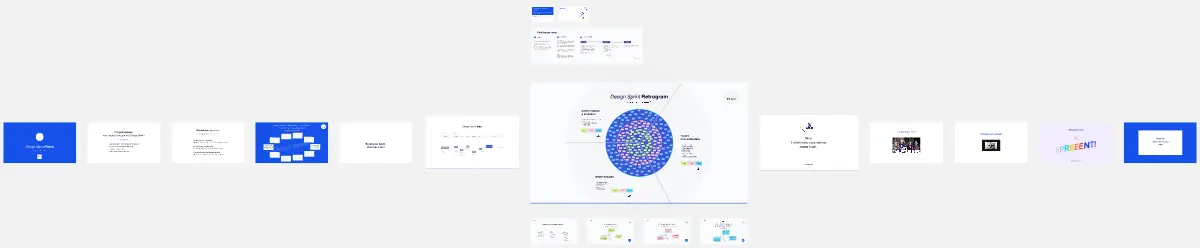
Frames for each agenda step, Sticky notes for field inventory and user states, Voting to pick top sections and dynamic elements, Sections for editable vs static vs nudges, and simple shapes/cards for the lo-fi wireframe.