
377 likes
2.2K uses
Transform your 5-day design sprint into an automated, AI-powered workflow. This Miro Flow collection connects internal knowledge search, web research, and AI generation to take you from initial questions to working prototypes—automatically.
The AI Design Sprint Flow is a series of 6 connected automations that handle the heavy lifting of design sprint facilitation:
Research & Answer - Searches your internal knowledge base (via Glean) to answer team questions with structured Q&A documents
Generate HMWs - Extracts "How Might We" statements from insights to frame opportunities
Vote & Organize - Consolidates team votes, merges duplicates, and groups HMWs by theme
Find Inspiration - Web searches for tools and products solving similar problems
Create Presentation - Generates stakeholder-ready slides from sketches and research
Build Prototype - Turns hand-drawn sketches into functional, testable prototypes
Traditional design sprint prep: 12-16 hours of manual workWith AI Design Sprint Flow: ~30 minutes of automated processing
Research & documentation: 3 hours → 2 minutes
HMW generation & synthesis: 1 hour → 30 seconds
Vote counting & grouping: 45 minutes → 15 seconds
Competitive research: 2-3 hours → 1 minute
Presentation creation: 2-4 hours → 45 seconds
Prototype development: 4-8 hours → 2 minutes
Product teams running design sprints
UX researchers synthesizing insights
Design leaders facilitating workshops
Product managers driving innovation
Cross-functional teams solving complex problems
Miro board with Flows enabled
Glean integration (for internal knowledge search)
Team questions, sketches, or ideas to start with
✅ Feature ideation and validation ✅ Problem space exploration ✅ User experience improvements ✅ Product strategy workshops ✅ Innovation challenges ✅ Stakeholder alignment sessions
Input: Your team's questions, challenges, or opportunity areas
Process: Six automated flows that search, analyze, synthesize, and generate
Output: Complete design sprint deliverables ready for testing and decision-making
🚀 Speed - Complete sprint prep work in minutes instead of days 🎯 Quality - AI searches thousands of sources for comprehensive insights 🤝 Collaboration - Keep everyone aligned with structured outputs 📊 Data-driven - Base decisions on real research and validated patterns 💡 Focus - Spend time on creative thinking, not administrative tasks 🔄 Reproducible - Use the same high-quality process every time
Unlike traditional design sprint tools that just organize information, AI Design Sprint Flow actively generates insights, conducts research, and creates deliverables. It's like having an expert design sprint facilitator, researcher, and designer working alongside your team 24/7.
Open your Miro board
Add your team's question or challenge as a sticky note
Click on the note and select "AI Design Sprint Flow"
Choose which flow to run (or run them all in sequence)
Watch as your design sprint artifacts are generated automatically
Adding video widgets to collaboration tools
Improving mobile app onboarding flows
Streamlining internal review processes
Redesigning pricing page experiences
Building new feature concepts from scratch
Miro account with Flows access
Connected integrations: Glean (internal search), Web Search
Basic design sprint knowledge (helpful but not required)
Ready to transform your design sprints?
Try AI Design Sprint Flow today and experience the future of collaborative product design.
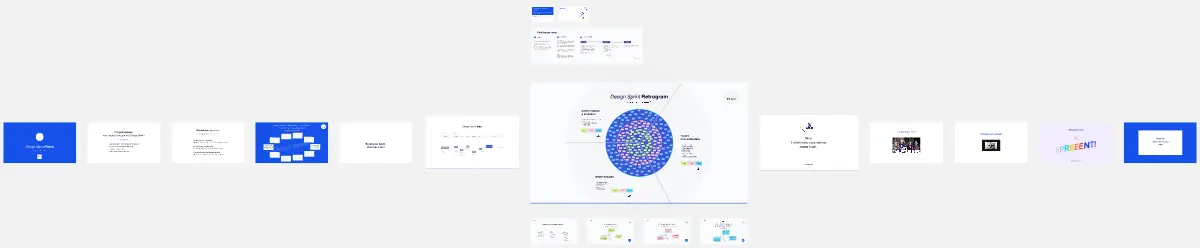
Design Sprint Retrogram
The Design Sprint Retrogram template facilitates retrospective sessions for Design Sprint teams to reflect on their experiences and identify improvement opportunities. It provides a structured framework for reviewing sprint outcomes, discussing what worked well, what didn't, and generating actionable insights. This template fosters a culture of continuous learning and refinement, empowering teams to enhance their sprint process and deliver better outcomes in subsequent sprints.
Design Sprint Retrogram
The Design Sprint Retrogram template facilitates retrospective sessions for Design Sprint teams to reflect on their experiences and identify improvement opportunities. It provides a structured framework for reviewing sprint outcomes, discussing what worked well, what didn't, and generating actionable insights. This template fosters a culture of continuous learning and refinement, empowering teams to enhance their sprint process and deliver better outcomes in subsequent sprints.