From screenshot to prototype, in seconds
Miro's screenshot editor turns any image into a clickable, collaborative prototype your whole team can act on right away.


From one screenshot to a shared prototype
Here's how teams go from a rough visual idea to something everyone can click, comment on, and build from. All in Miro's screenshot editor.
Upload any screenshot, be it a competitor UI, an existing product flow, a design you found online, or a rough sketch.
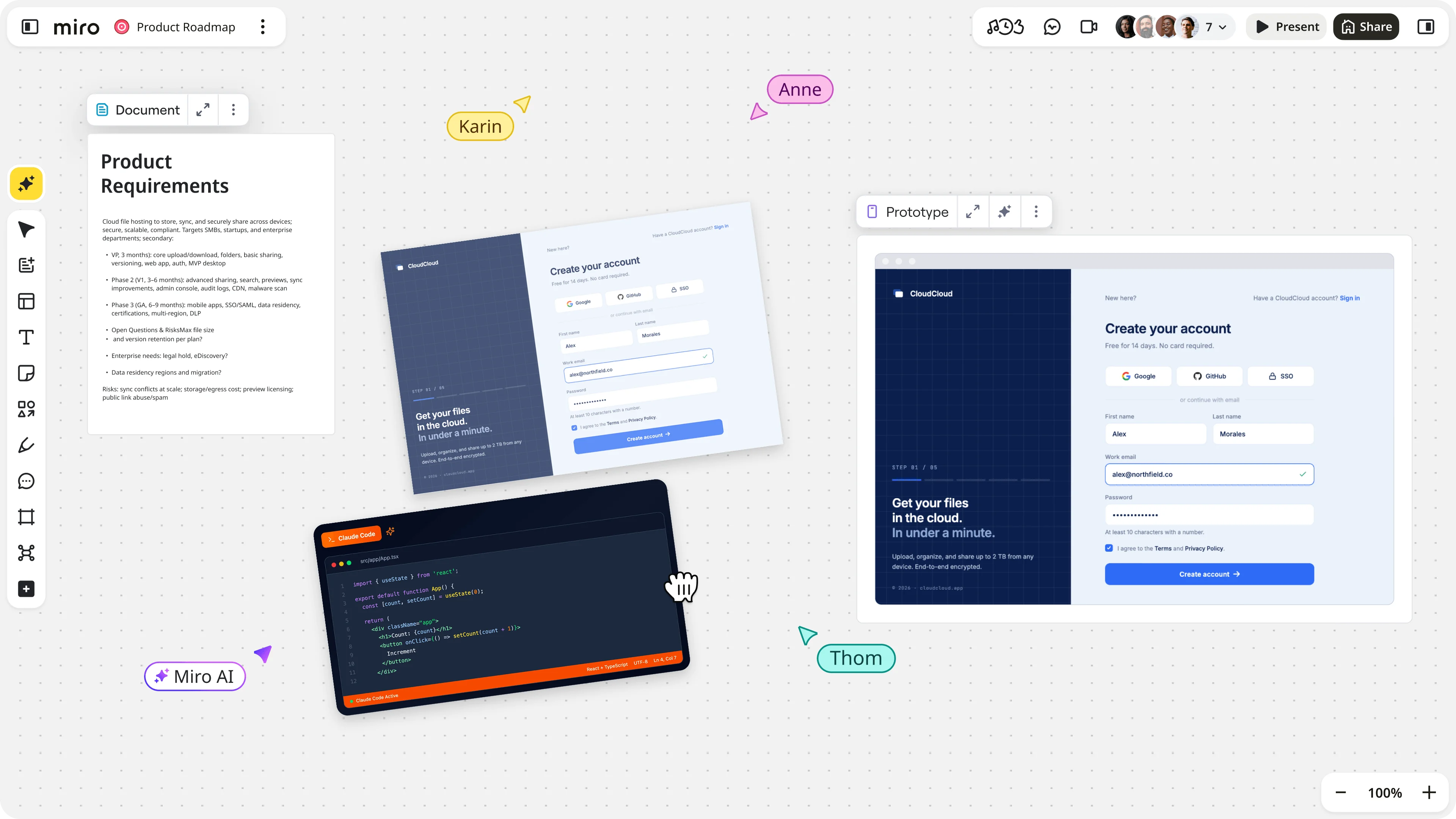
Everything your team needs, from screenshot to sign-off
Miro's screenshot editor turns any image into a clickable, collaborative prototype your whole team can act on right away.
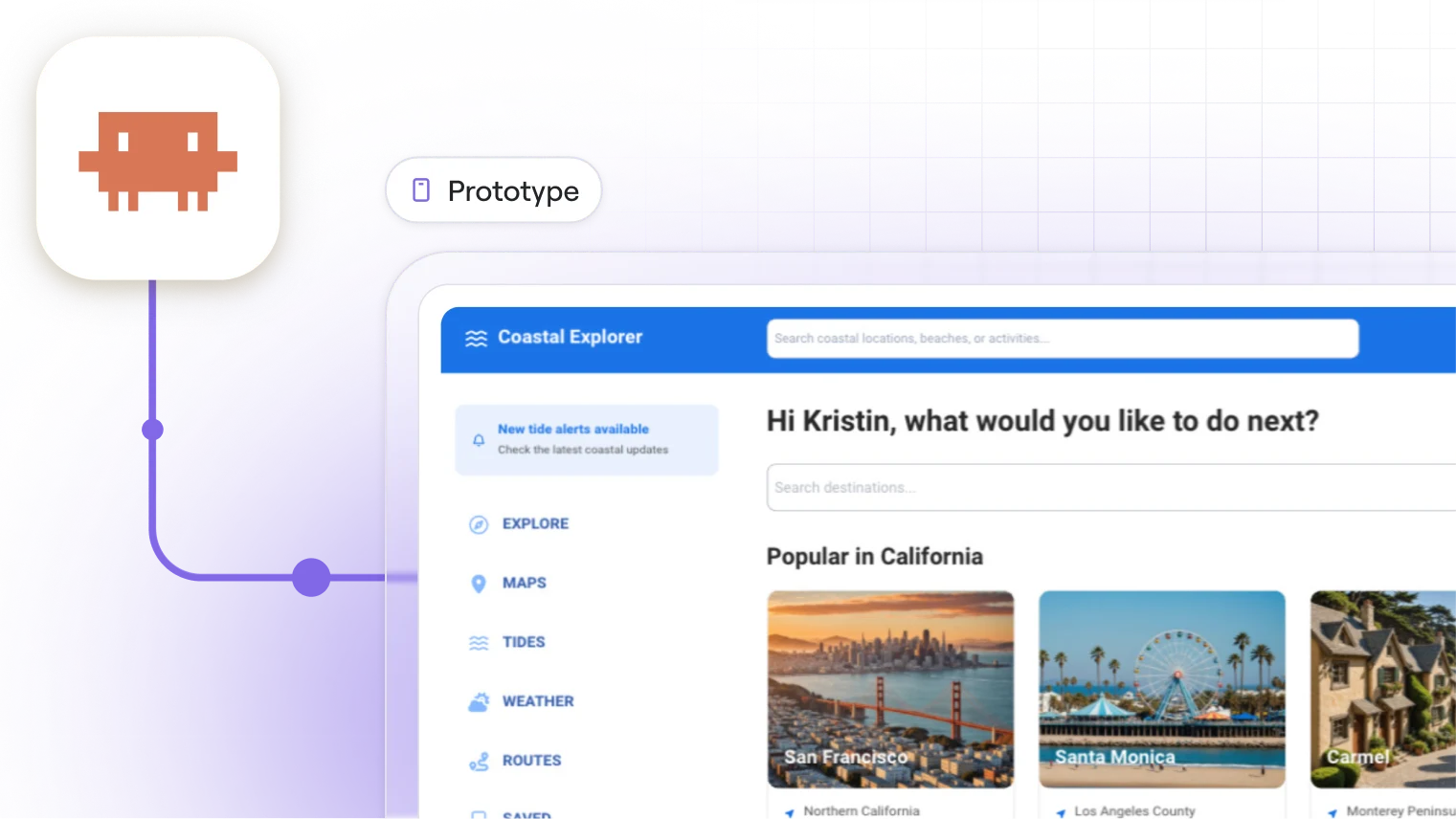
Edit on the canvas
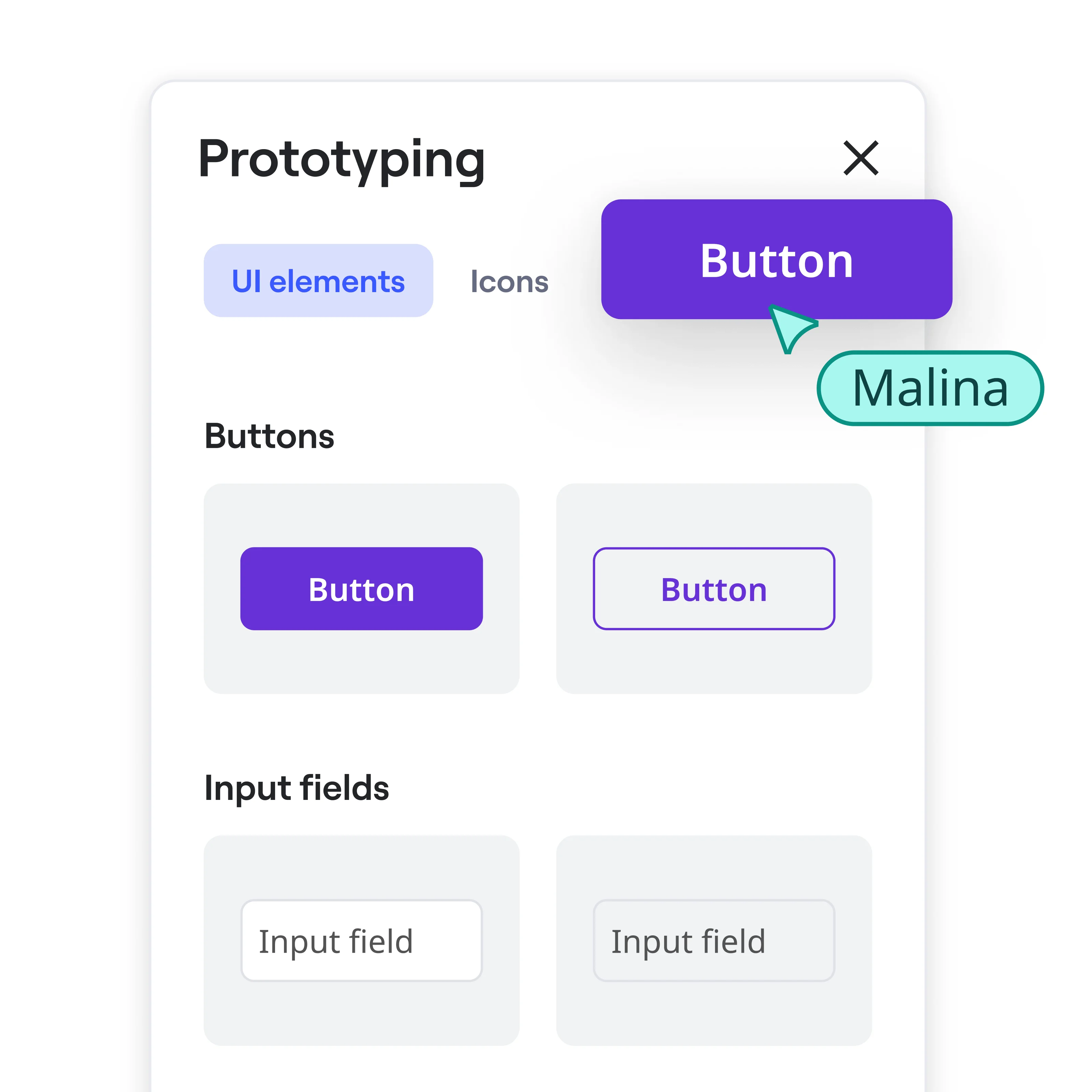
Make changes directly to your prototype: adjust flows, swap elements, and update copy without leaving Miro's screenshot editor. Drag, drop, and edit any part of your converted prototype right on the board, with no separate design tool needed.
Collect feedback in context
Stakeholders comment directly on the prototype. The feedback stays connected to the right part of the design.
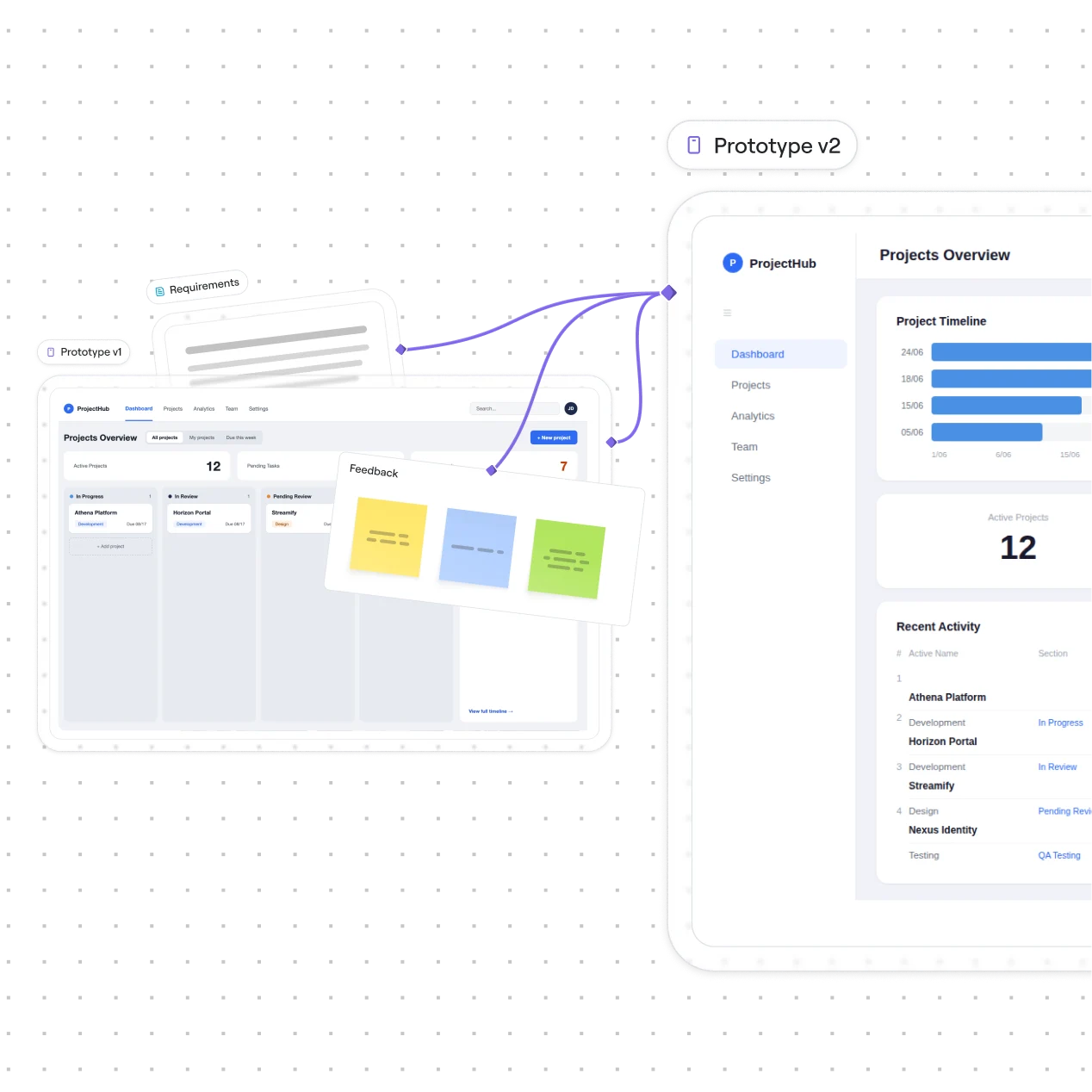
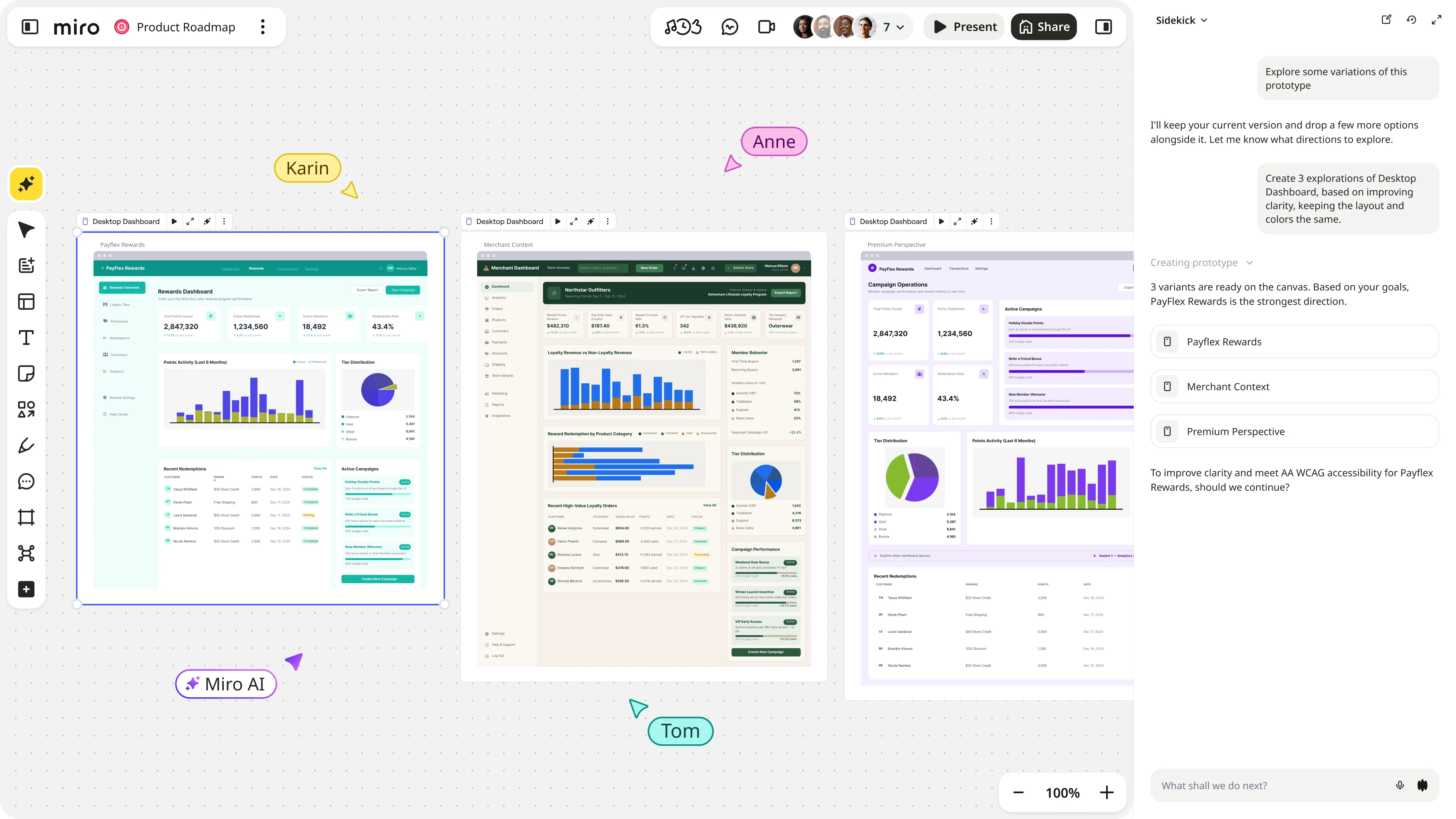
Explore more than one direction
Spin up multiple prototype versions from the same screenshot and test which direction resonates. Validate ideas early.
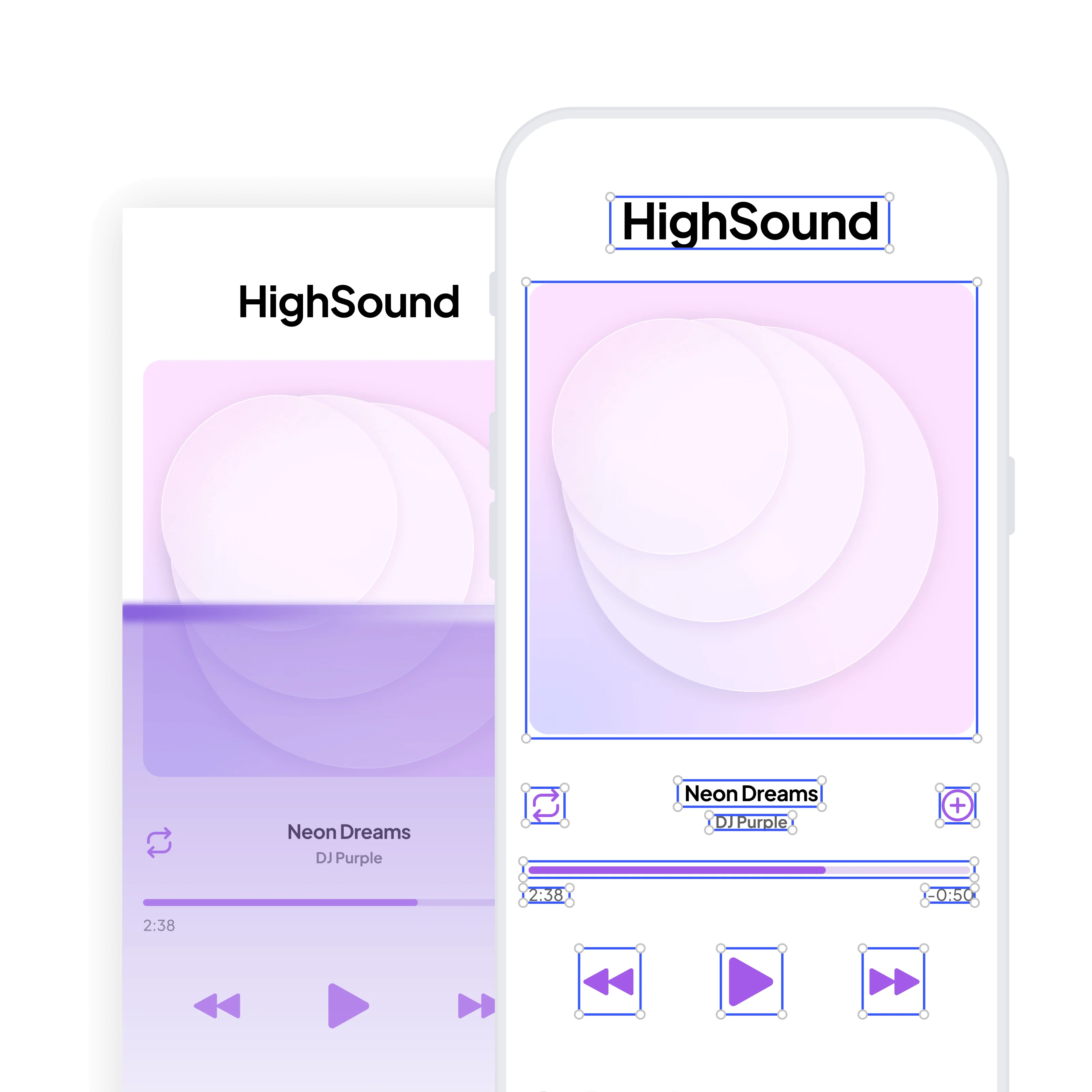
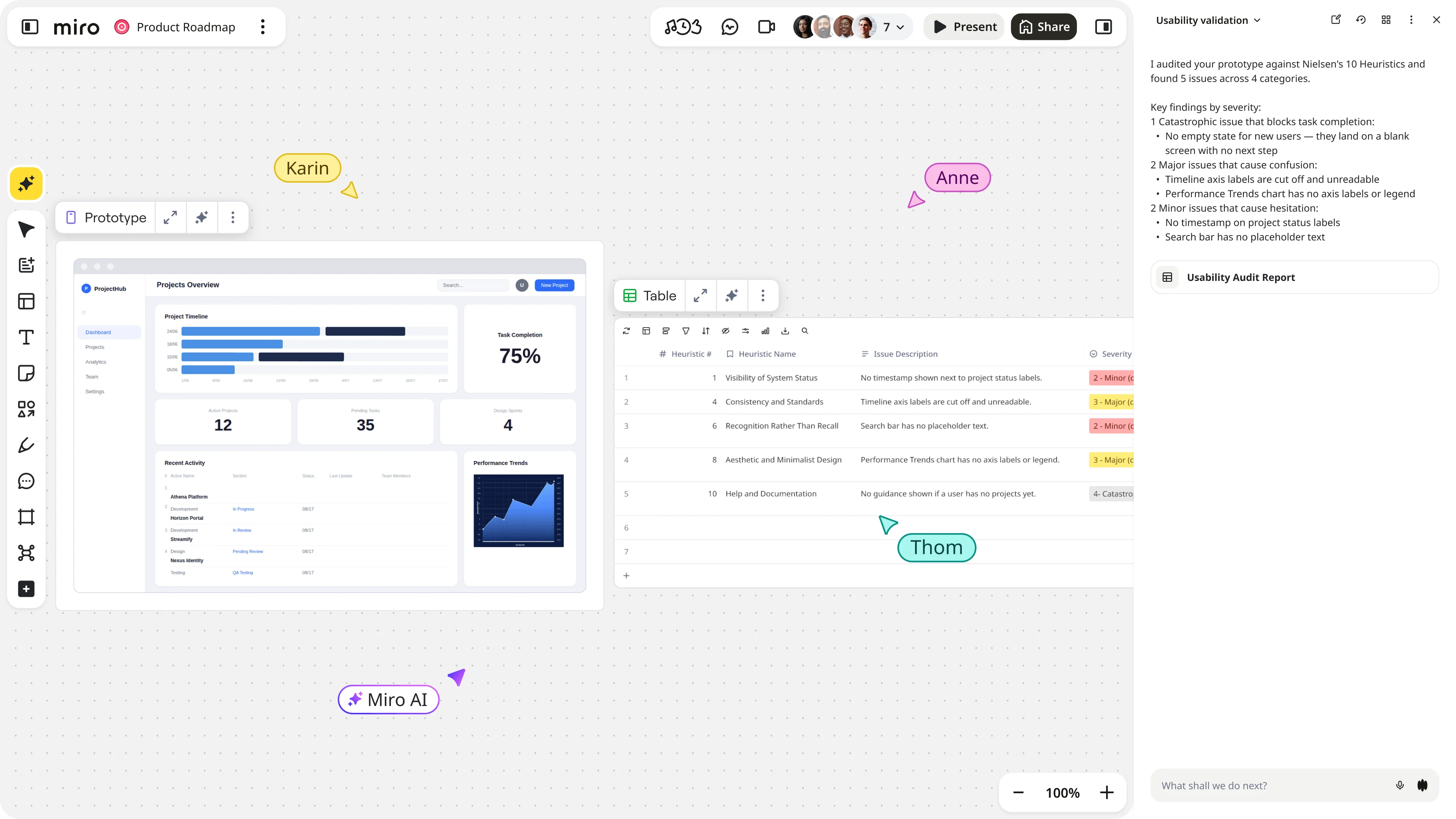
Test with AI
Ask Miro AI to review your prototype for usability issues and surface suggestions right when you need them.
Why choose Miro for turning screenshots into prototypes
"I love the tool! It cut my ideation time in half. While it is great to get your ideas out quickly onto the board, it does not replace the need for the human touch. Very helpful though to get your noggin rolling on some concepts and direction, given you use the tool effectively."

Toni H.
Senior Digital Strategist at Throughline

"Miro Prototypes provides me with something where I can change what I want to and not be stuck with the initial output. Sometimes, when you see something, it sparks a new idea that you want to explore. And I love that Miro Prototypes gives me that."
Rike Plaputta
Product Coach at Spark Networks
"Miro has become one of my favorite tools after trying their Prototyping and AI capabilities."

Nigel Wilcocks
Product Design Lead at Nedbank
"I’ve been able to prototype so fast and accurately with Miro. I can't imagine my day-to-day work without it."

Mariana Carril
Director of Product Management at EPAM Systems
"I did a competitive benchmark in 30 minutes with Miro Prototyping, which would have taken me 2 hours."
Victoria Lamppa
Design Lead, Design Team Management at Scandinavian Airlines
Your next prototype is one screenshot away
Grab any image that captures your idea and turn it into something your team can actually click through. Explore different prototypes.
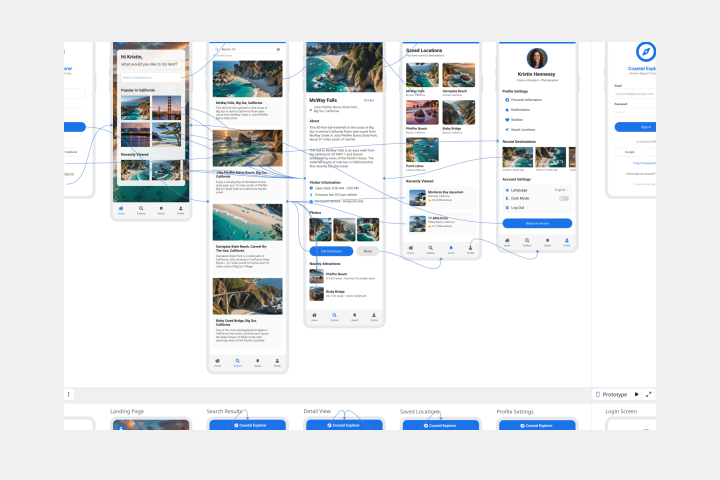
AI Prototype Template
Create product prototypes, conduct usability testing, and gather stakeholder feedback.
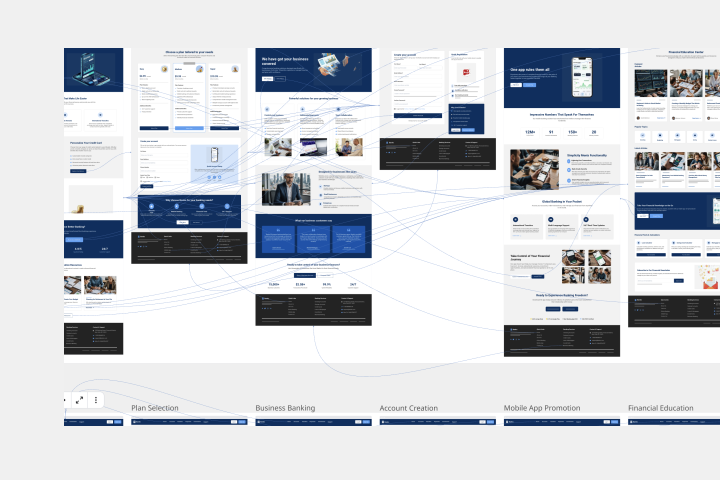
Website Prototype Template
Visualize and iterate website designs using the latest AI capabilities for improved prototyping. Start off with our website prototype template.
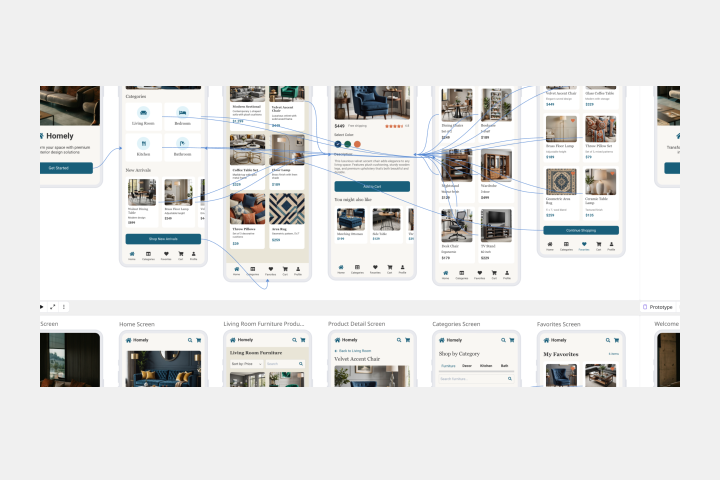
Mobile App Prototype AI Template
Streamline the creation and refinement of mobile app designs with the mobile app prototype template. Have a structured yet flexible framework that allows teams to quickly sketch, iterate, and perfect their app concepts.
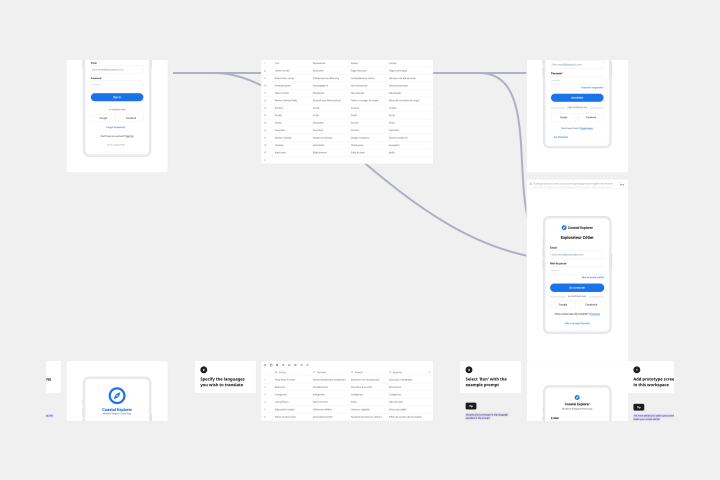
Localise Prototypes
Instantly visualize your UI designs in multiple languages.
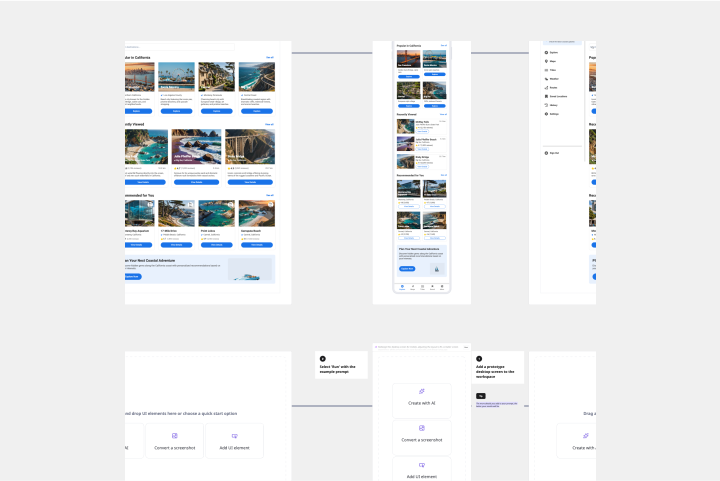
Responsive Mockups from Desktop to Mobile
Transform desktop designs into mobile-friendly layouts with just a few clicks.
Find the right plan for your team
Get access to Miro's screenshot editor and start turning ideas into prototypes your whole team can experience and build on.