





Andrey
See collaborative AI in action — straight from the Canvas 26 keynote.
Jeff

Process mapping for real estate operations teams

Map your vendor onboarding, lease approval, and compliance workflows in one shared canvas. No more static PDFs that nobody updates.

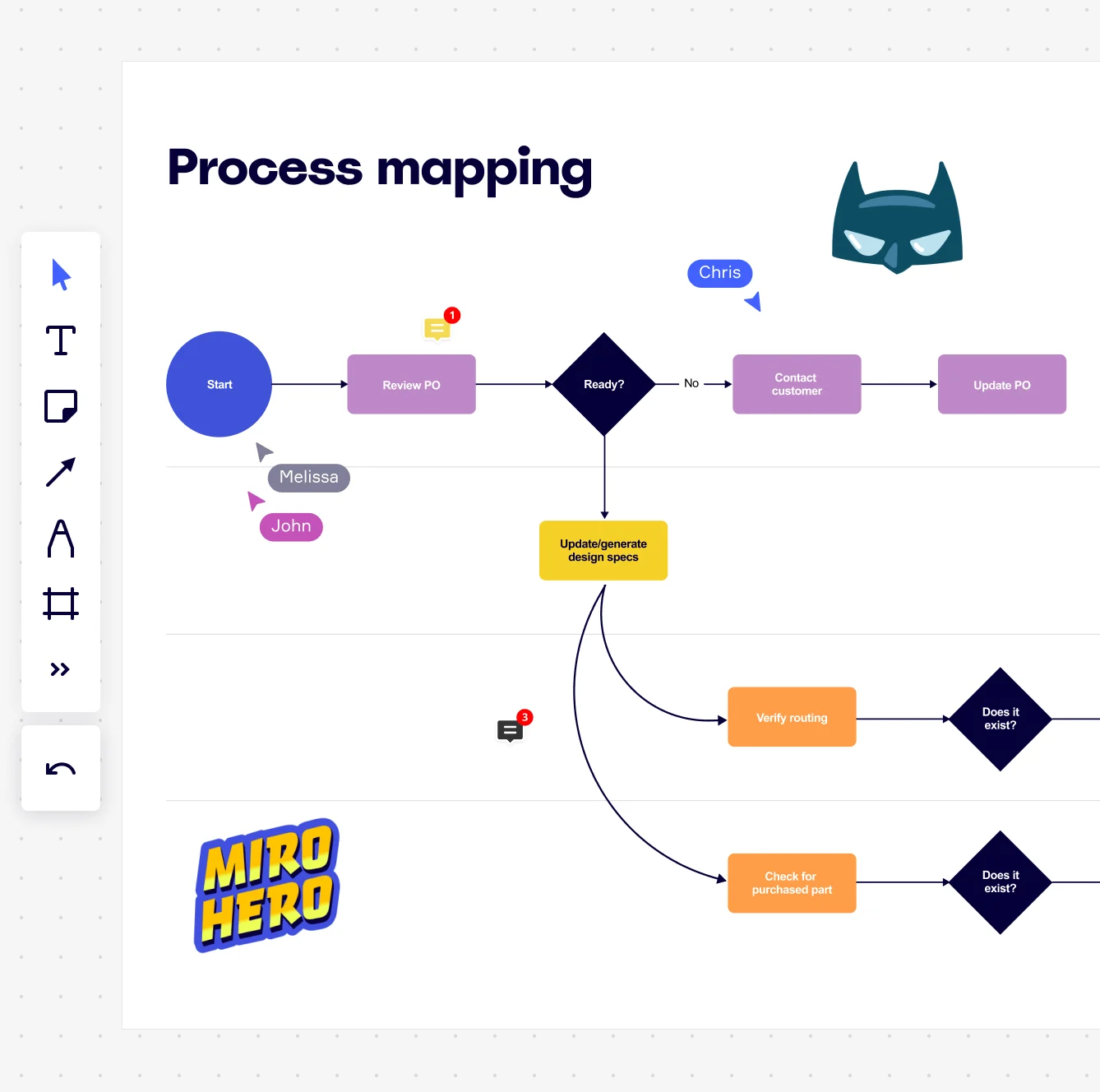
Miro board displaying a process mapping flowchart with labeled nodes including Start, Review PO, a Ready decision diamond, Contact Customer, Update PO, Update/generate design specs, Verify routing, and Check for purchased part, with collaborative cursors (Chris, Melissa, John), comment badges, and decorative Batman and Miro Hero stickers.

The research on process mapping

  • 30-50%

    Business Process Management (including process mapping) delivers 30-50% productivity gains

    Source: Forrester

  • 50%

    Process mapping facilitated reducing paperwork by 50%

    Source: Hospital Material Management Quarterly (Savory & Olson)

See process mapping in action

Related templates for real estate operations teams

We have 88 templates in our library for Process Mapping.

Why real estate operations teams love mapping processes in Miro

  • When your lease approval touches four departments and nobody agrees on the steps

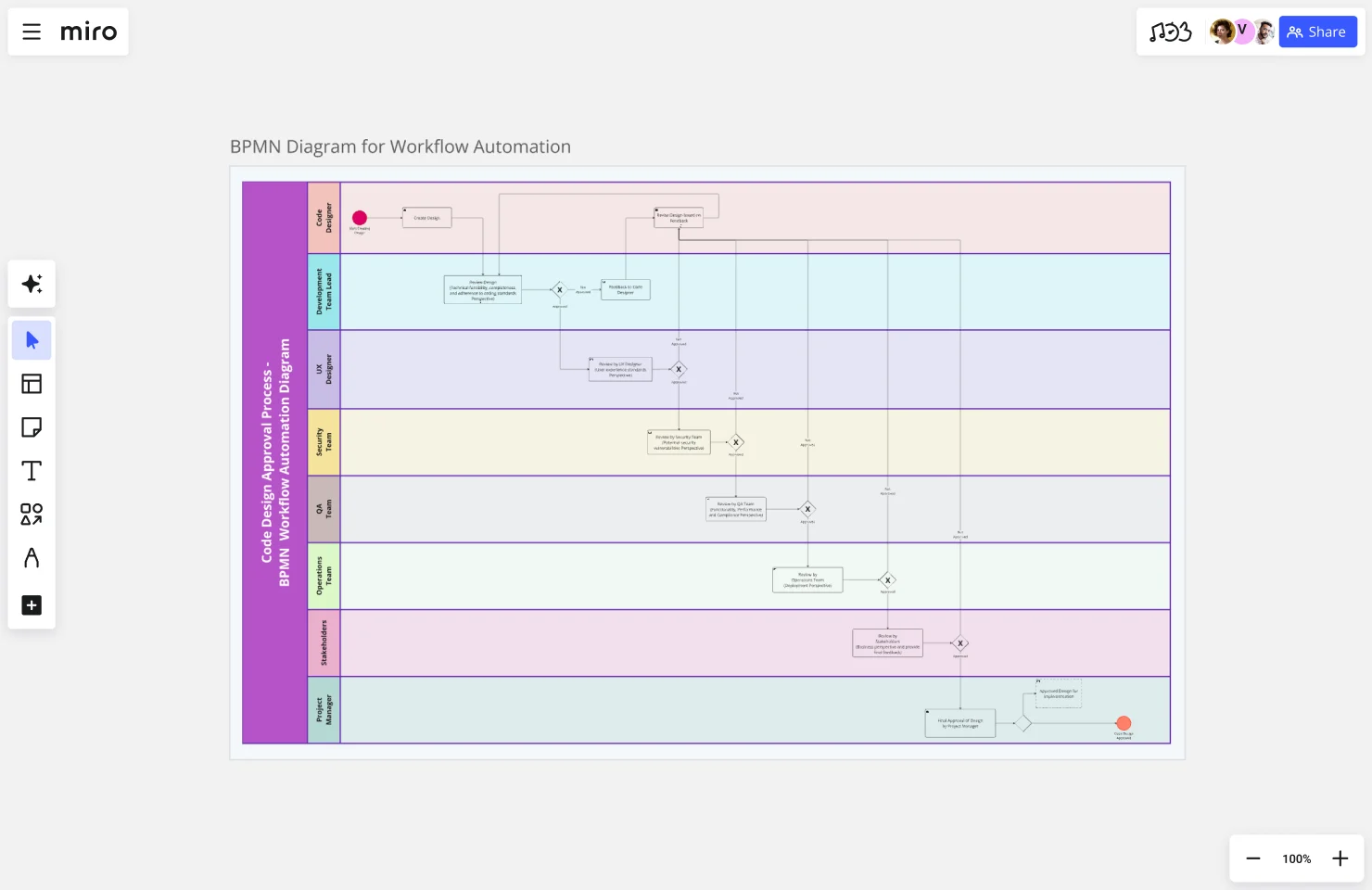
    Lease approvals move through property management, legal, finance, and facilities - and every team has a slightly different version of the truth. Map the full handoff sequence in swimlanes so each team owns their lane, and property managers and controllers can see exactly where sign-off stalls.
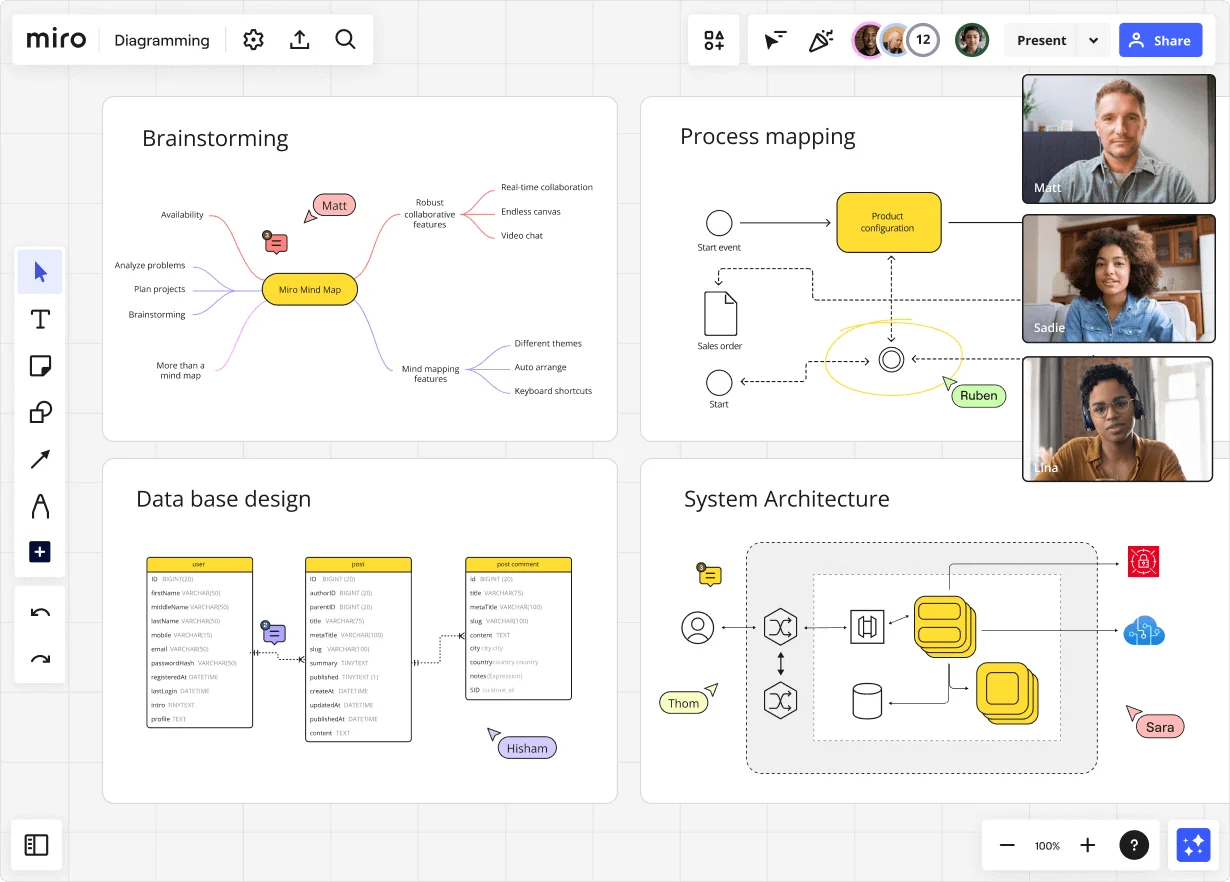
    Miro diagramming board showing four active workspaces: a mind map centered on 'Miro Mind Map' with feature branches, a BPMN-style process mapping flowchart with 'Product configuration' decision node, a database ER diagram with three related tables (user, post, post comment), and a system architecture diagram with interconnected components — all with visible collaborator cursors (Matt, Sadie, Ruben, Lina in video panel, plus Hisham, Thom, Sara as cursor labels).
  • Your vendor onboarding process, documented once and used every time

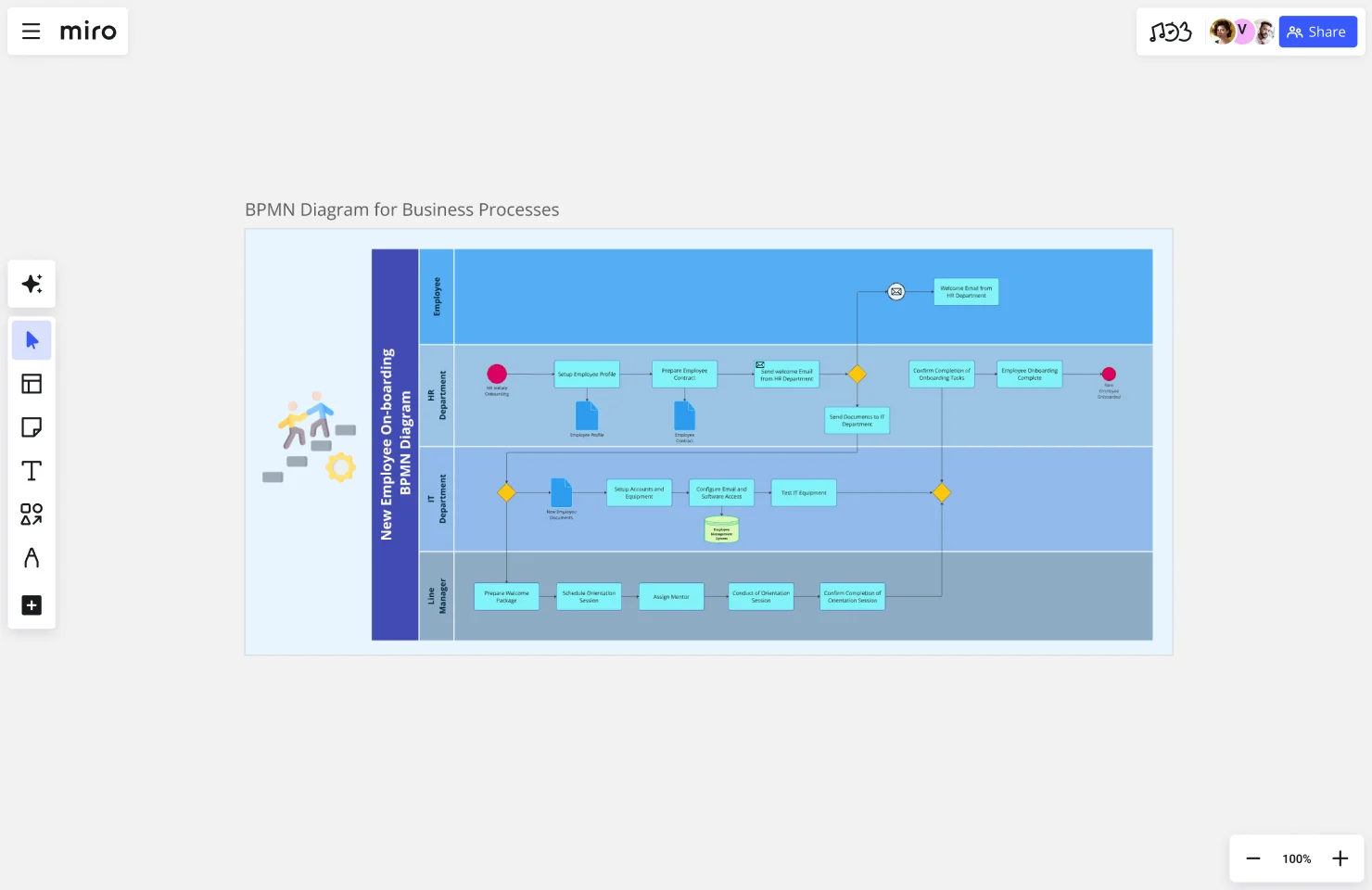
    Onboarding a new contractor shouldn't mean rebuilding the same checklist from memory each quarter. Start from a SIPOC or swimlane template, map the intake, vetting, contract execution, and access provisioning steps once, then embed that living map in Confluence so every property manager pulls from the same source.

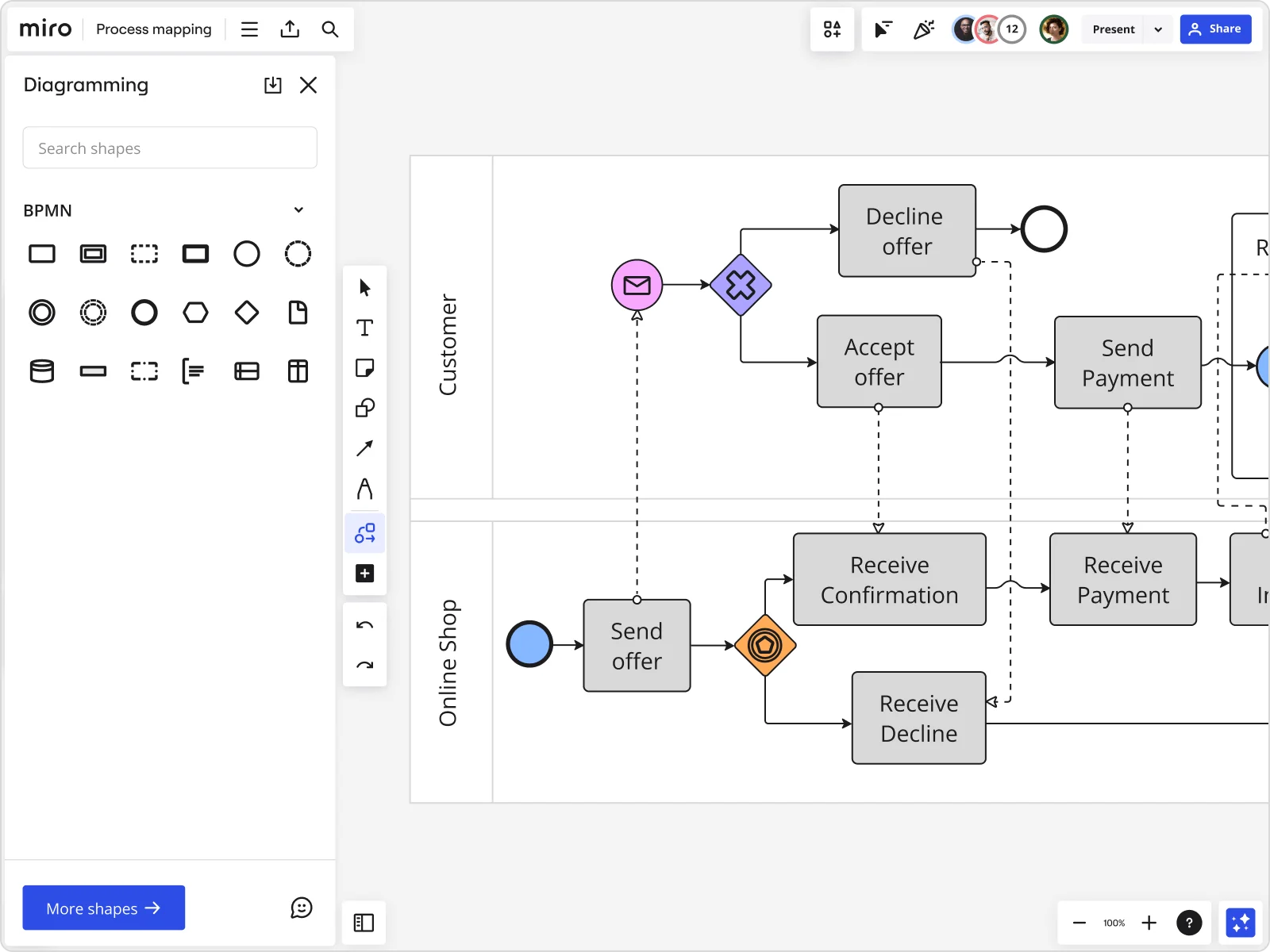
    Miro board displaying a BPMN process mapping diagram with two swimlanes (Customer and Online Shop), showing decision gateways, message events, and task boxes for an order/offer workflow including 'Send offer', 'Accept offer', 'Decline offer', 'Send Payment', 'Receive Confirmation', and 'Receive Decline' steps, with the BPMN shapes panel open on the left.
  • From a Visio file nobody touches to a process map your whole org actually follows

    Whether you're a three-person boutique firm with processes living in a shared drive or a 500-person portfolio operator standardizing across regions, import your existing Visio or Lucidchart diagrams directly into Miro - shapes, connectors, and layout intact. From there, the whole operations team edits simultaneously instead of emailing v14_final.vsdx around.

    Miro board displaying a process mapping flowchart with labeled nodes including Start, Review PO, a Ready decision diamond, Contact Customer, Update PO, Update/generate design specs, Verify routing, and Check for purchased part, with collaborative cursors (Chris, Melissa, John), comment badges, and decorative Batman and Miro Hero stickers.
  • Are your compliance and certification workflows ready for the next audit?

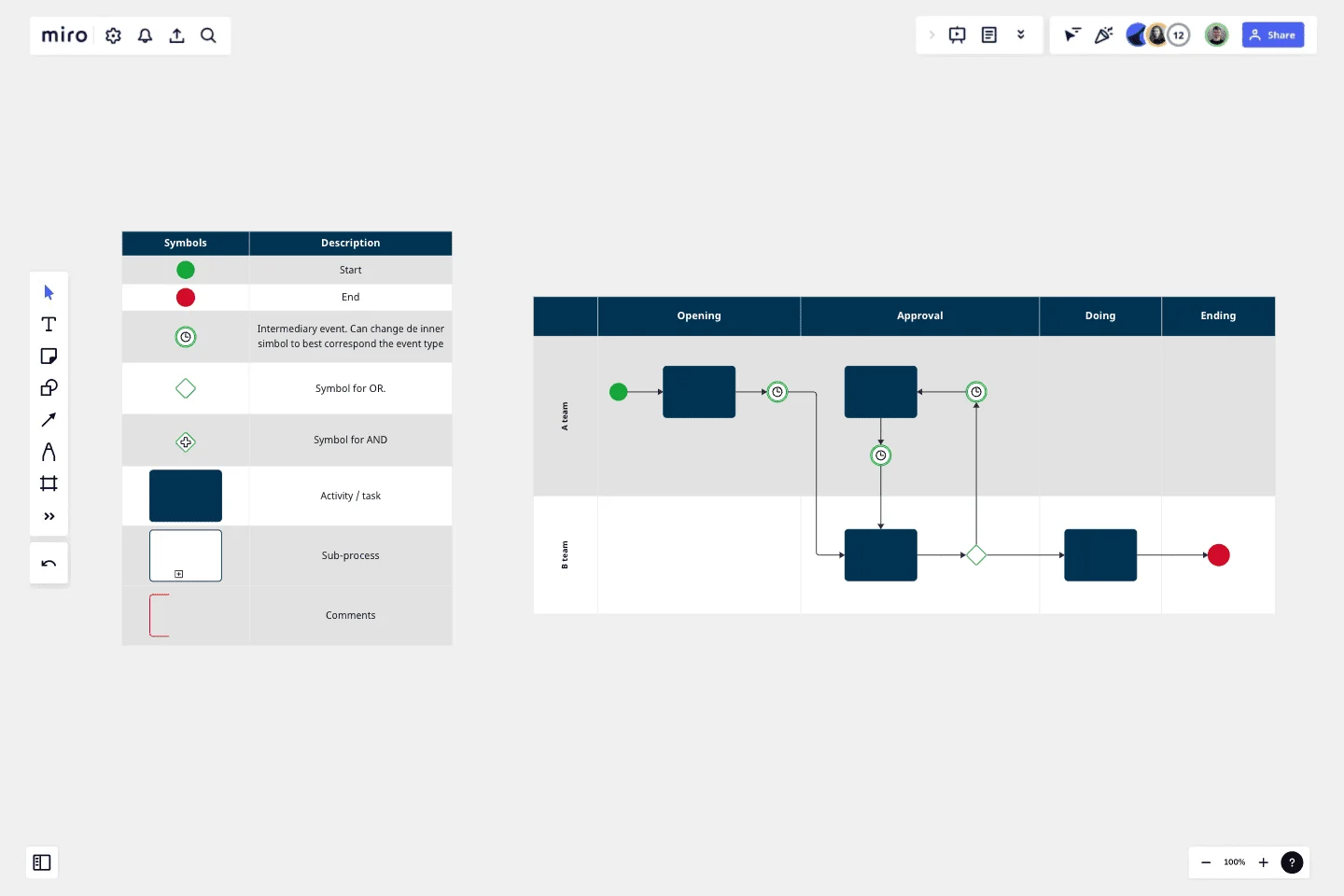
    ISO or regulatory audits require airtight documentation - but most operations teams are still copy-pasting Word SOPs into a folder two weeks before the deadline. Use Miro's BPMN shape pack and Status Labels (Draft / In Review / Published) to build audit-ready process maps, then export directly to PDF or push to your documentation wiki with a single embed.

    Miro process mapping board displaying a cross-functional flowchart with circular process nodes (Process 1.0, 1.1, 2.0), decision paths (Yes/No branches leading to 'Accept offer' and 'Decline offer'), and rectangular action steps including 'Send payment', 'Receive Confirmation', 'Receive Decline', and 'Process', connected by solid and dashed arrows.
  • Cut the time it takes to build your first process draft

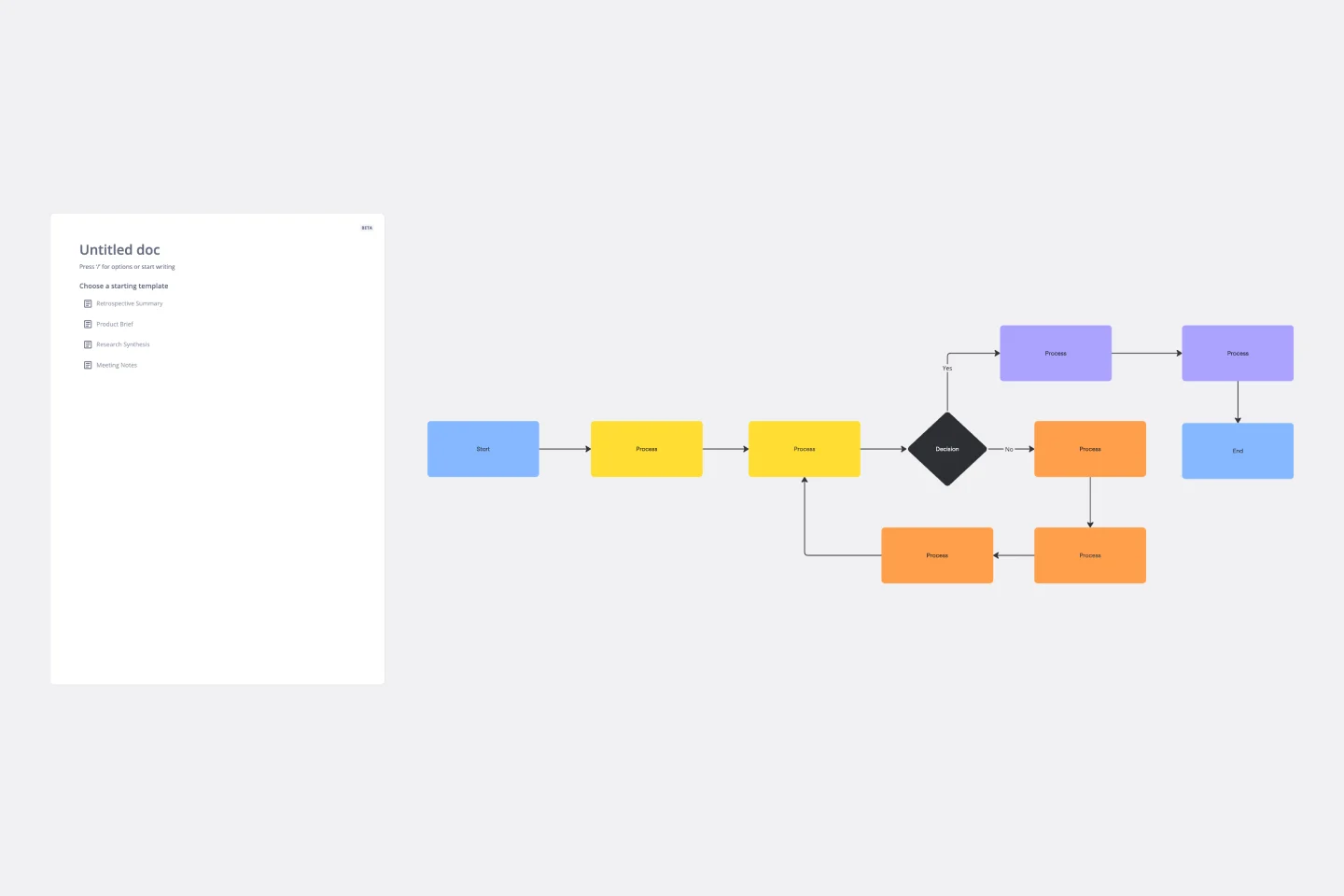
    A new ERP rollout or facilities handoff process shouldn't start with a blank canvas and a two-hour whiteboard session. Describe the workflow in plain language and Miro's AI generates a structured flowchart or swimlane diagram in seconds - giving your operations leads something concrete to refine, not build from scratch.

    Miro board displaying a BPMN process mapping diagram with two swimlanes (Customer and Online Shop), showing decision gateways, message events, and task boxes including 'Send offer', 'Accept offer', 'Decline offer', 'Send Payment', 'Receive Confirmation', 'Receive Payment', and 'Receive Decline', alongside the BPMN diagramming shapes panel on the left.

How real state operations teams get started with Process Mapping in Miro

  • Map your first property transaction workflow

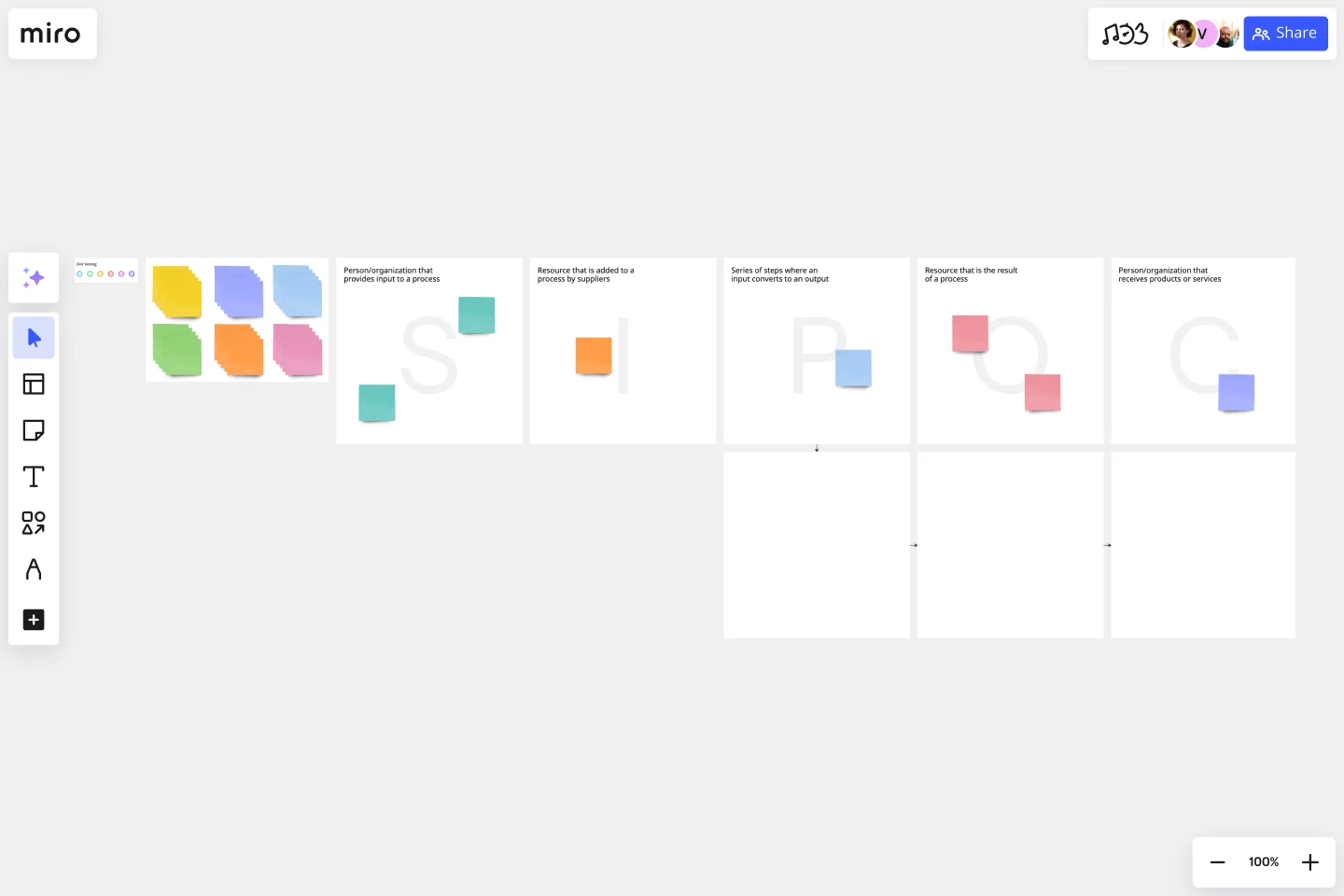
    Open a SIPOC Template from Miro's Template Library and sketch the end-to-end flow for one high-volume operation - lease renewals, tenant onboarding, or property handoffs - so your ops team sees the full process before drilling into details.

  • Build your cross-functional swimlane

    In Diagramming Mode, drag a Swimlane Template onto your canvas and assign each lane to a real estate function - acquisitions, property management, compliance, or facilities - so every handoff point between departments is visible at a glance.

  • Flag bottlenecks where they live

    Use Sticky Notes with color coding directly on your process diagram to mark where approval delays, compliance sign-offs, or manual data re-entry slow transactions down, then run Presentation Mode with live Voting to let your ops leads prioritize which bottlenecks to fix first.

  • Connect process gaps to action items

    Link each flagged improvement on your map to a Jira Card so every stalled handoff or compliance gap gets an owner and a deadline - not just a sticky note nobody revisits.

  • Start with one recurring, high-friction process (lease renewals are a strong first pick) rather than trying to document your entire property portfolio operations on day one.

  • Use Status Labels (Draft / In Review / Published) on your diagrams so property managers and compliance leads always know whether they're reading a validated process or a work-in-progress.

  • For teams managing properties across multiple regions, use Frames to separate market-specific process variants and link them back to a master overview map - so local nuance doesn't clutter the global workflow.

Understand how real state operations teams transform their work

  • Best collaborative tool for business process mapping

    Verified User

    G2
  • Can easily and quickly map out current business processes and ideal future states.

    James Nicholls

    G2

Process Mapping essential guide for real state operations teams

CategoryKey insights
  • Common mistakes to avoid

    The biggest trap for real estate ops teams is mapping the process as it's supposed to work, not as it actually does. Your lease approval flow probably has three unofficial workarounds that never made it into the policy doc, and those are exactly the gaps that cause deals to stall. Whether you're a lean two-person team or a large property management org, set a clear start and end point before you draw a single shape, and always build the map with the people who live the process, not just the manager who owns it.

  • Key integrations for real estate operations teams

    Connect Miro to Jira or Asana to link each process improvement directly to the task that fixes it, so nothing gets mapped and then forgotten. Ops managers working across multiple tools can import existing Visio, Lucidchart, or Draw.io diagrams straight into Miro without rebuilding from scratch. For larger property or facilities teams already running on Smartsheet or Confluence, those integrations keep your process documentation and project tracking in sync.

  • When to use it

    Reach for process mapping in Miro when a recurring ops breakdown, like a slow lease renewal cycle or a vendor approval that bounces between inboxes, finally demands a shared visual everyone can rally around. A mid-size operations team, for example, might map a multi-department onboarding workflow using a BPMN template in real time, spot the exact handoff where requests go dark, and redesign the flow to cut turnaround time nearly in half. It's also the right tool before any compliance audit that requires formal process documentation, giving your team a single source of truth instead of a folder full of conflicting SOPs.

  • Security & Compliance

    Miro is SOC 2 Type II certified, which covers the baseline audit-readiness that most real estate and facilities operations teams need when sharing process documentation across departments or with external partners. For larger organizations handling sensitive tenant, vendor, or financial data, Miro's data residency controls and granular sharing permissions let IT and legal set boundaries on who sees what. Enterprise ops teams can also use Private Mode during confidential process sessions, keeping sensitive workflows off-limits until leadership is ready to share them.

Frequently asked questions for real estate operations teams

Last updated: Tuesday, June 16, 2026