






Andrey
See collaborative AI in action — straight from the Canvas 26 keynote.
Jeff

Process mapping for manufacturing plant managers

Document production workflows before ISO audits catch you off guard. Map every line, handoff, and exception in one shared workspace.

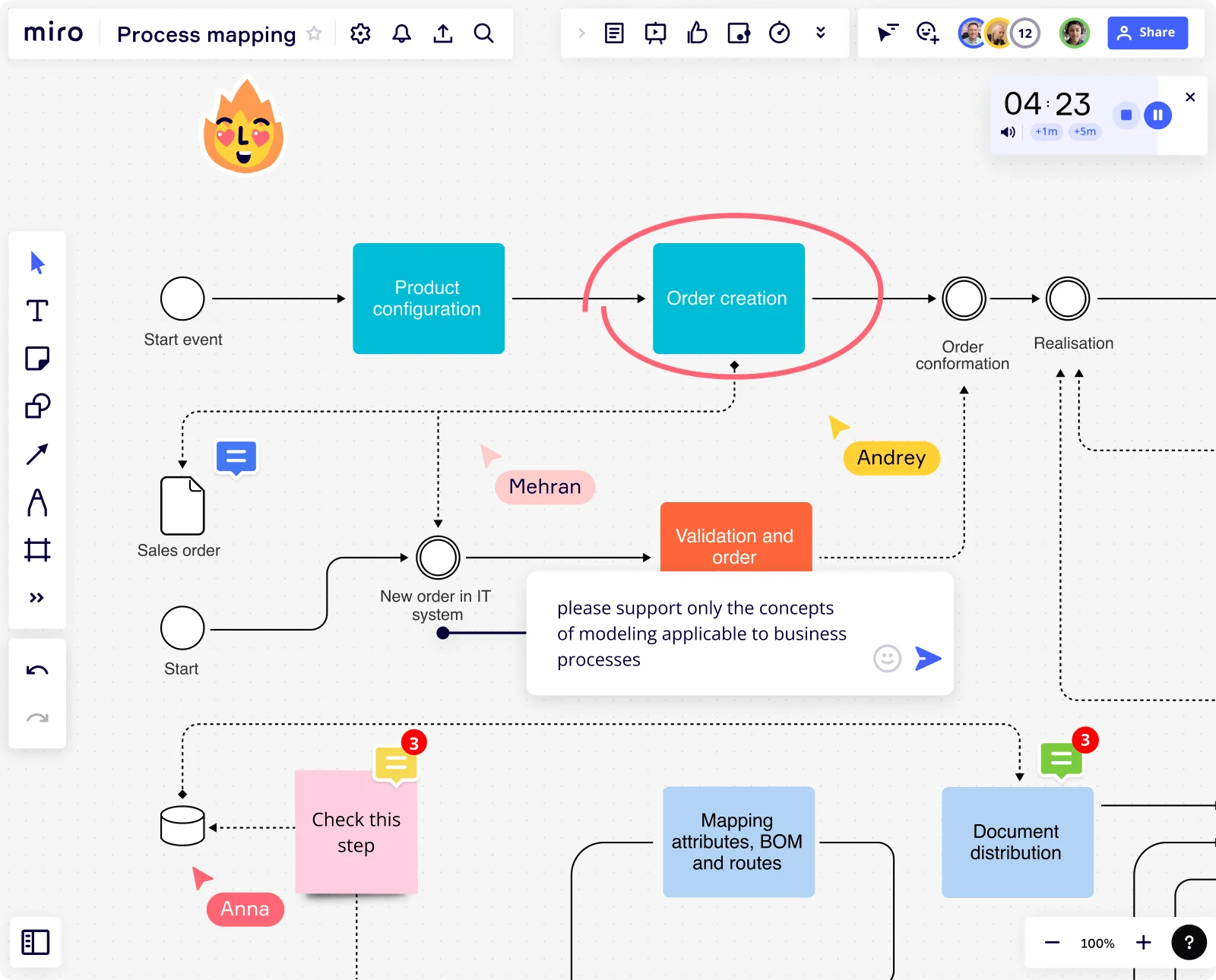
Miro board displaying a business process flowchart with labeled steps including Product Configuration, Order Creation, Validation and Order, Document Distribution, and Mapping Attributes/BOM, with active collaboration indicators showing three users (Mehran, Andrey, Anna), sticky note comments, a running timer at 04:23, and a chat message requesting business process modeling concepts.

What experts say

  • Developing a process map, or a visual depiction of a process, can help clarify workflow, identify bottlenecks and outline dependencies.

    National Learning Consortium

    Health IT implementation knowledge network · HealthIT.gov

    Industry Expert
  • Process mapping shows what is actually happening, who is involved, where information, data, and materials are flowing, and most importantly, handoffs between processes, departments, and supply chains.

    iSixSigma

    Lean Six Sigma education publisher · iSixSigma

    Industry Expert

The research on process mapping

  • 30%

    Automotive manufacturer improved throughput by 30% and reduced work-in-process inventory by 20% via process mapping

    Source: Systems and Teams

  • 30%

    Process mapping in Lean Six Sigma yielded 30% reduction in order processing time

    Source: Systems and Teams

See process mapping in action

Related templates for manufacturing plant managers

We have 168 templates in our library for Process Mapping.

Why manufacturing plant directors love mapping processes in Miro

  • From shift handover chaos to a documented production flow

    Three shifts, six departments, nobody agrees on who owns the changeover checklist. Pull your production supervisors, quality leads, and maintenance coordinators into one Miro board and map the real workflow together. Swimlane layouts make every handoff between shifts visible and every owner accountable.
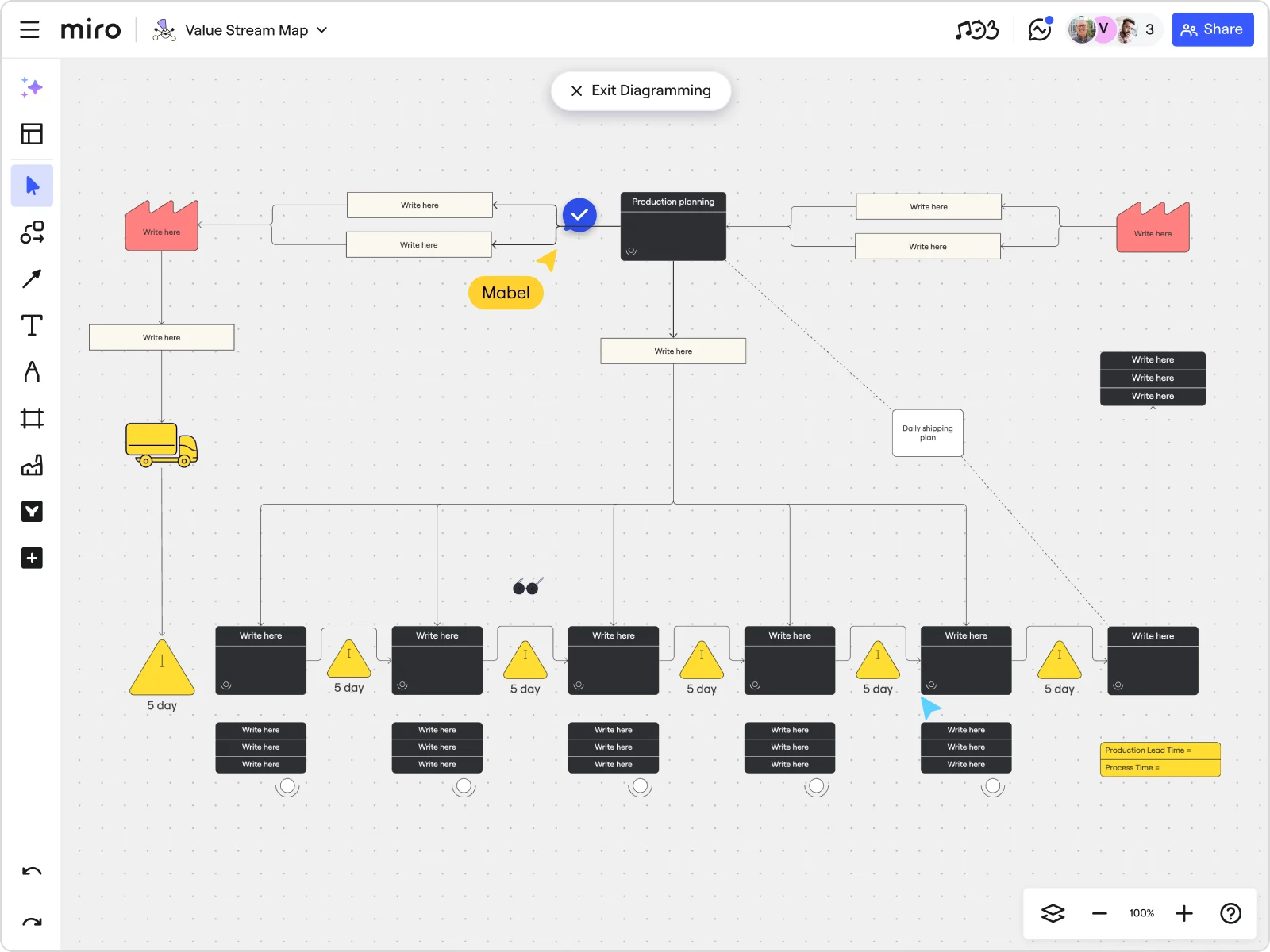
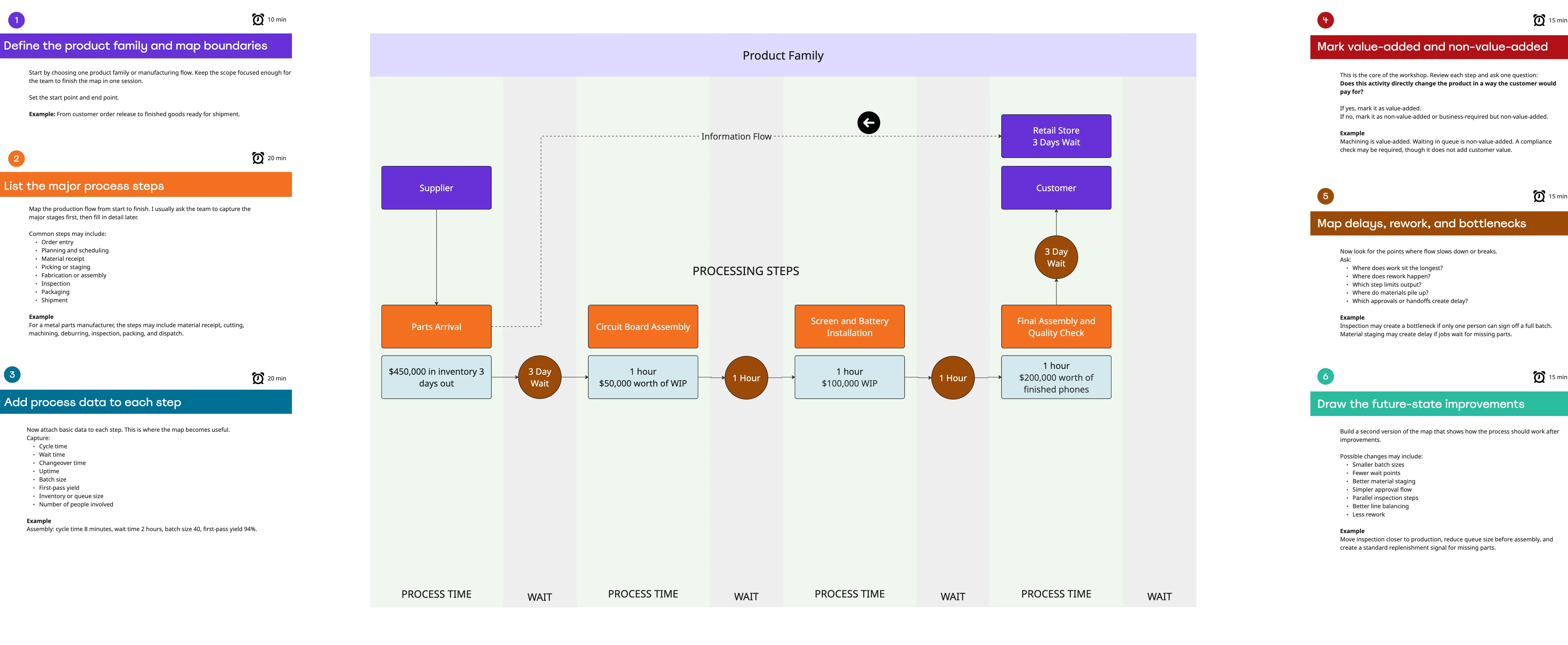
    Miro board displaying a Value Stream Map with factory supplier/customer icons, a Production Planning node, delivery truck, six process steps with 5-day inventory triangles, data boxes, and a timeline row at the bottom, with an 'Exit Diagramming' button visible at the top and a collaborator cursor labeled 'Mabel'.
  • ISO 9001 audit prep without starting from scratch

    Every certification cycle, plant managers re-document the same flows from scattered SOPs and shared drives. Miro's BPMN and Value Stream Mapping shape packs build notation-correct process maps your auditor can read. Embed them into Confluence once and they stay current automatically.

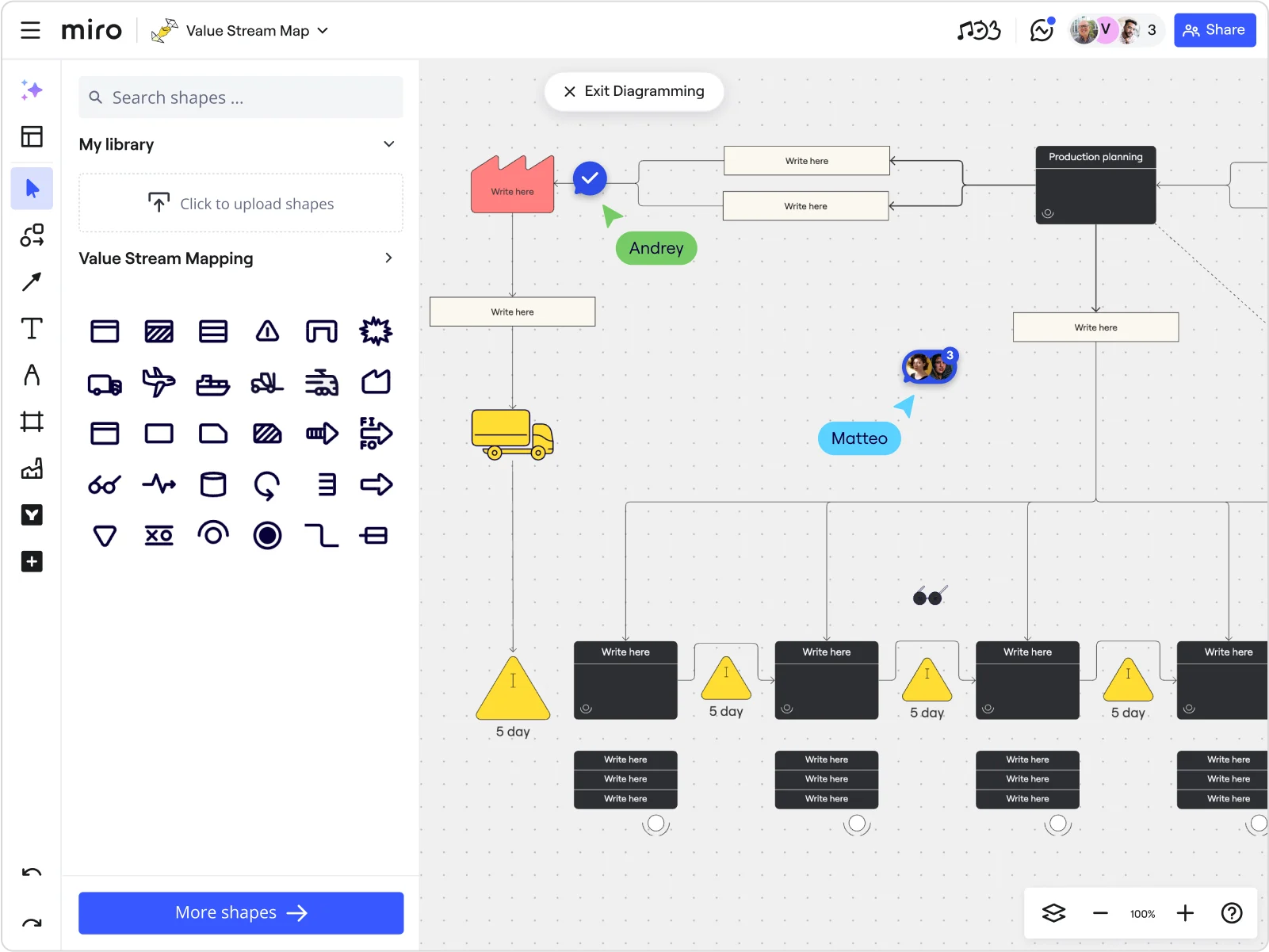
    Miro board in diagramming mode showing a Value Stream Map with a Value Stream Mapping shape library panel on the left, featuring a process flow with a yellow truck icon, production planning black box, inventory warning triangles labeled '5 day', process step boxes with 'Write here' placeholders, and two collaborator cursors labeled 'Andrey' and 'Matteo'.
  • When a line change rewrites your standard operating procedures

    A new product spec lands and your assembly sequence, quality checkpoints, and reject-handling flow all need updating. Describe the change in plain language and Miro's AI generates a first-draft process map in seconds. Process engineers refine it together in real time instead of trading Visio files over email.

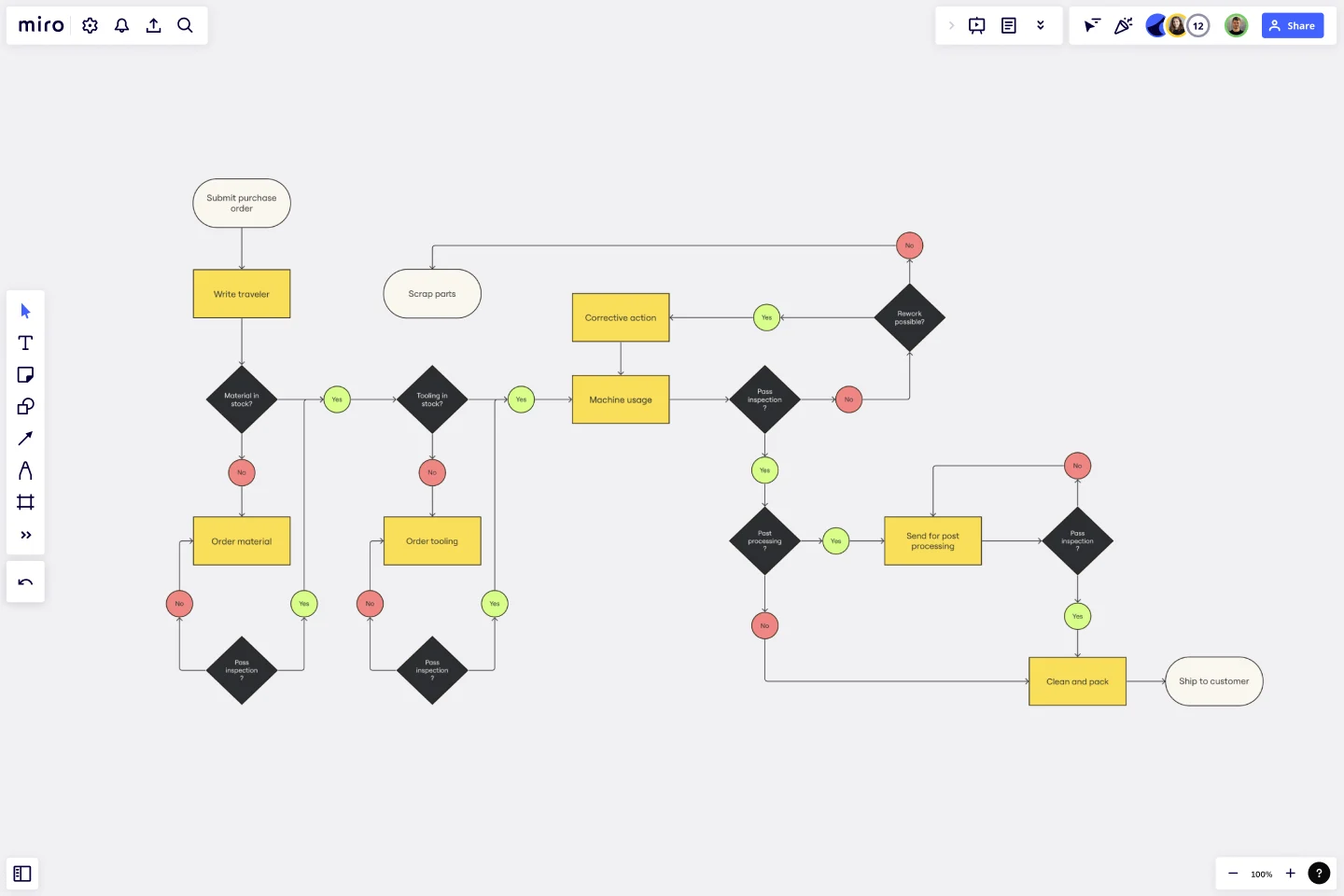
    A Miro board displaying a manufacturing production flowchart with multiple decision diamonds (yellow-outlined black diamonds), process steps in yellow rectangles, and branching logic using green (Yes) and red (No) circle connectors, covering steps from 'Submit purchase order' through material/tooling checks, machine usage, inspections, post-processing, and final 'Ship to customer' endpoint.
  • Stop rebuilding the same board for every improvement project

    Rebuilding your SIPOC, current-state, and future-state boards from scratch every kaizen cycle wastes hours. Miro's Process Documentation Blueprint pre-wires the full mapping workflow as a reusable Space. Each new project starts with the right structure already in place.

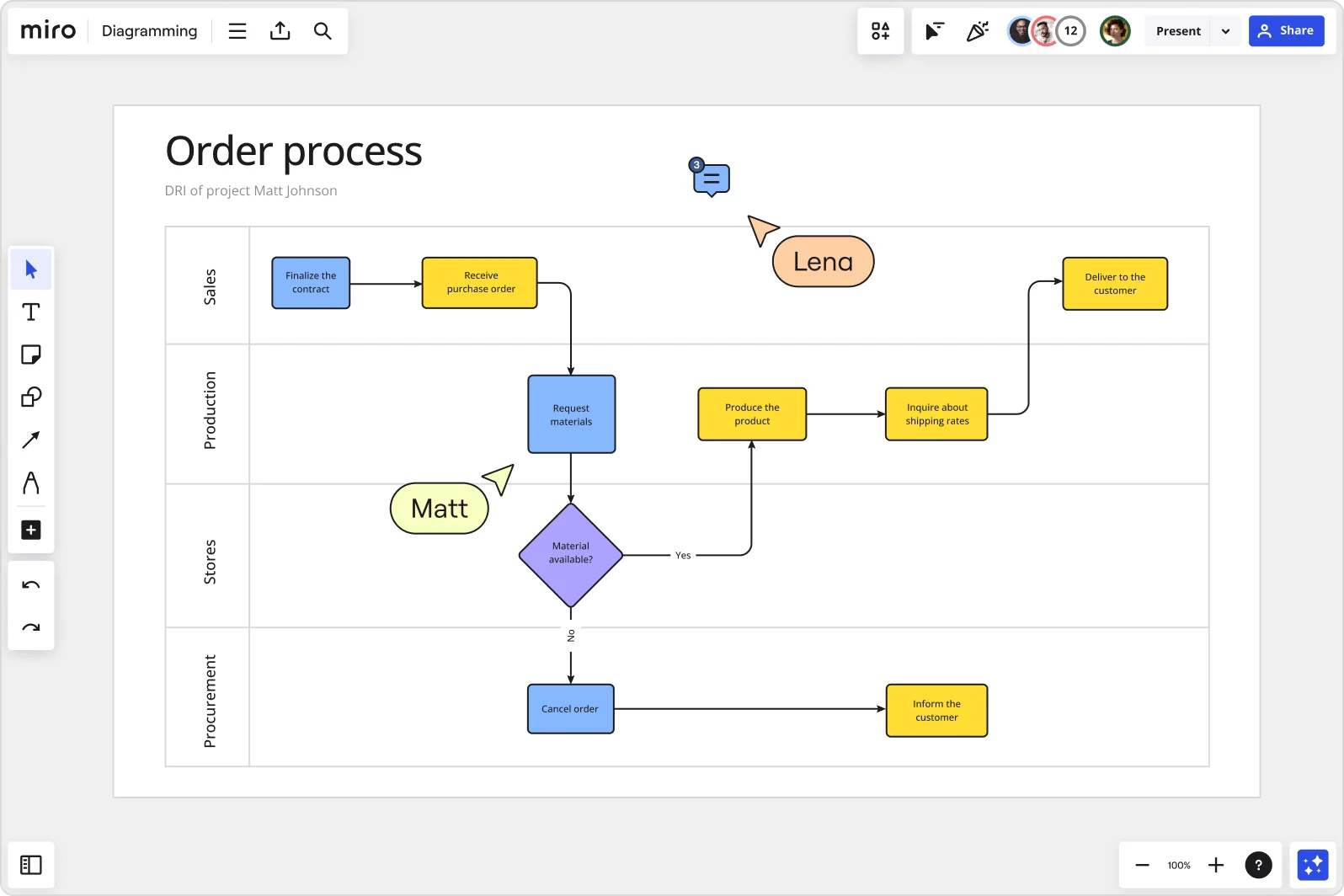
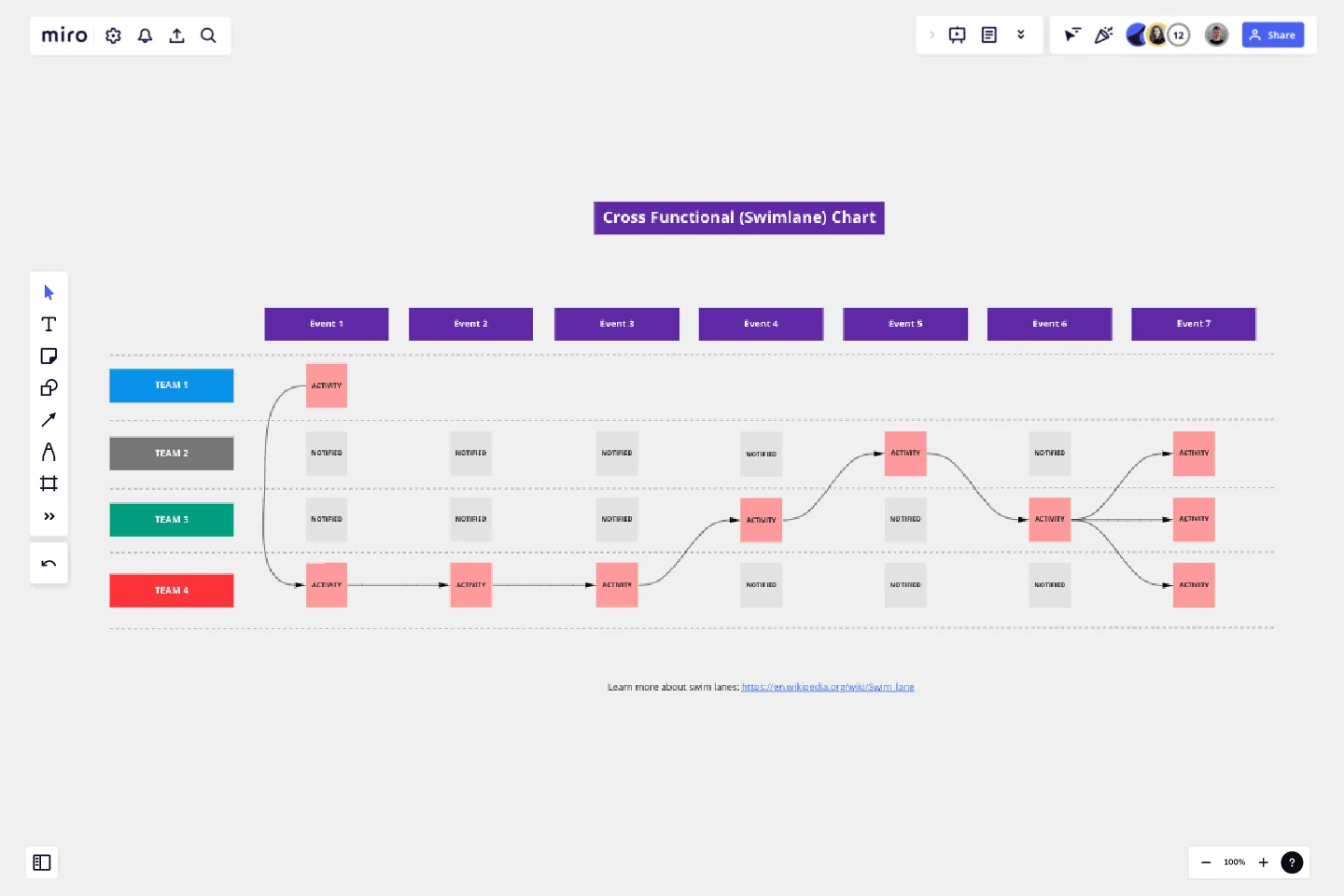
    Miro Diagramming board displaying a cross-functional order process flowchart with four swimlanes (Sales, Production, Stores, Procurement), featuring blue and yellow process boxes, a diamond decision node for material availability, and two collaborators' cursors (Lena and Matt) visible on the canvas.
  • Connect bottlenecks on the map to owners on the floor

    A bottleneck at the press station means nothing without a tracked fix. Link improvement steps directly to Jira tickets from the process map so your maintenance leads and line supervisors own a deadline, not just a sticky note.

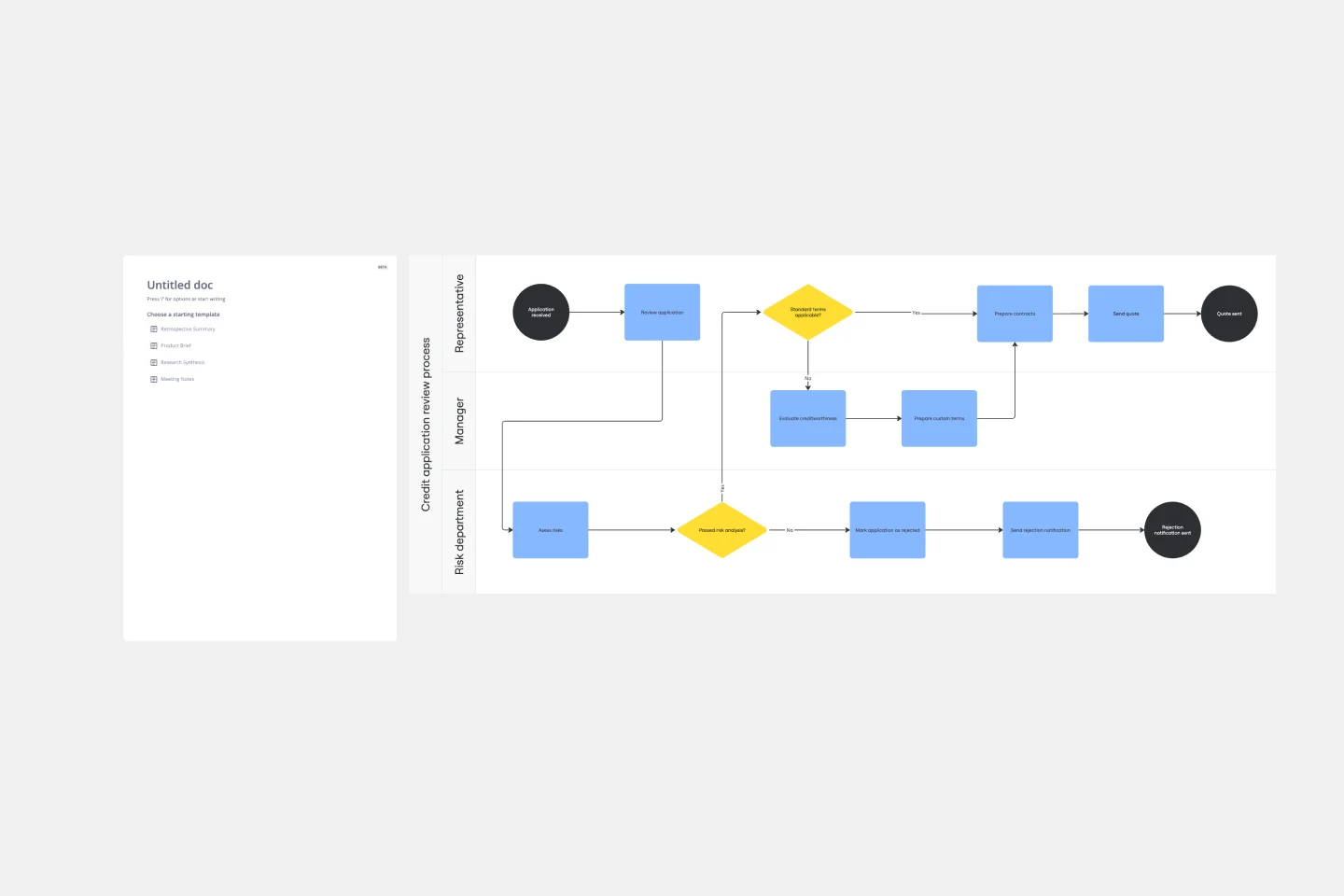
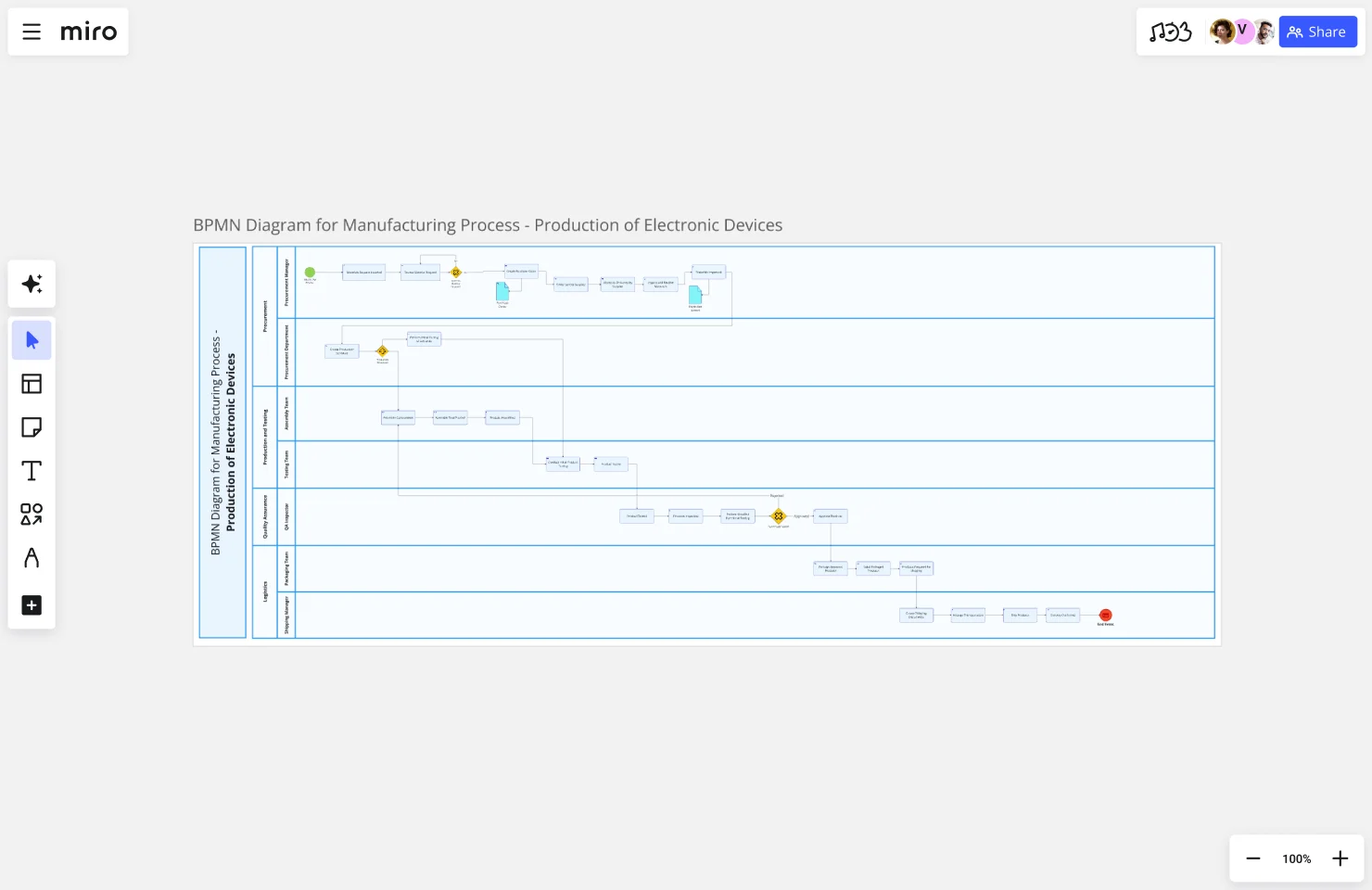
    A Miro board showing a credit application review process map with three swimlanes (Representative, Manager, Risk department) containing a BPMN-style flowchart with blue process rectangles, yellow decision diamonds, and dark terminal circles, alongside a partially visible document template panel on the left.

How manufacturing ops teams get started with Process Mapping in Miro

  • Map your line from trigger to output

    Open a new Miro board, drop in the SIPOC Template, and fill in the suppliers, inputs, and outputs for one production line before inviting anyone else - this 10-minute exercise stops scope creep before your first collaborative session even starts.

  • Build your current-state map in swimlanes

    In Diagramming Mode, select the Value Stream Mapping or Process Engineering Shape Pack, then drag process steps into swimlanes for each shift, station, or department so handoffs between the floor and quality control are visually explicit the moment they're drawn.

  • Flag bottlenecks where they actually live

    Have operators and line supervisors add Sticky Notes directly onto the steps they own - color-code by type (red for rework loops, yellow for wait time, green for value-add) so waste on the production floor shows up on the map, not just in a post-meeting debrief.

  • Turn improvement findings into tracked actions

    Use Presentation Mode to walk the validated map through your operations review, then convert every flagged bottleneck into a Jira Card with an owner and deadline so improvement work moves from the whiteboard to the work queue without a follow-up meeting.

Process Mapping tips for manufacturing plant managers

  • Start with one process - machine setup, shift changeover, or goods receipt - rather than mapping the entire plant floor at once; plant managers who go too broad on day one end up with a map no operator will trust or use.

  • Use Status Labels (Draft / In Review / Published) on each map so floor supervisors always know whether they're reading an approved SOP or a work-in-progress, especially when multiple lines are being documented in parallel.

  • For larger facilities with multiple sites, use Synced Copies to push the master process map to each site's board - when you update the canonical version, every location sees the change within seconds instead of chasing down which team is running last quarter's process.

Understand how manufacturing plant managers transform their work

  • Miro--excellent value for process mapping!

    Verified User

    G2
  • Business process mapping with clear implementation flow documentation.

    Verified User

    G2

Process Mapping essential guide for manufacturing plant managers

CategoryKey insights
  • Common mistakes to avoid

    The biggest trap plant managers fall into is mapping the process as it looks on paper, not as it actually runs on the floor. Shift supervisors and line operators know every workaround, informal handoff, and exception that never made it into the SOP, so build the map with them in the room, not after the fact. For larger facilities juggling multiple production lines, agree on your start and end points before anyone draws a single shape - without a clear scope, the map will keep growing until it's too cluttered to share with your maintenance leads or QA team.

  • Key integrations for manufacturing plant managers

    Smartsheet connects directly to Miro for plant managers who track corrective actions and work orders in a spreadsheet-style view, keeping improvement tasks and process maps in sync. Jira is worth adding when your engineering or continuous-improvement team logs defects and change requests, so every process step can link directly to the ticket that fixes it. If your facility or corporate team already has process diagrams in Visio or Lucidchart, Miro's import tools bring those files straight onto the canvas so you're not starting over.

  • When to use it

    Reach for process mapping in Miro when a recurring downtime event, quality escape, or throughput bottleneck has everyone pointing fingers at a different stage of the line. It's the right tool when your production, maintenance, and quality leads need to sit in the same (virtual or physical) room, trace the process from raw material intake to finished goods, and agree on exactly where the breakdown happens. If you're preparing for an ISO audit or a lean kaizen event and need swimlane diagrams that show role ownership across shifts and departments, a BPMN template in Miro gives you a structured starting point without the setup time.

  • Security & compliance

    Miro is SOC 2 Type II certified, which covers the baseline audit trail requirements most plant managers face when submitting process documentation to corporate or an external certifying body. For enterprise manufacturers with data-residency obligations - think multinational facilities handling proprietary production data - Miro's data residency controls and granular sharing permissions let your IT team decide exactly where data lives and who can access it. Smaller facilities get practical protection too: Private Mode lets you run a sensitive process-review session without participants seeing each other's input until you're ready, which keeps internal audits honest.

Frequently asked questions for manufacturing plant managers

Last updated: Thursday, June 25, 2026