AI mind map maker for connected thinking



















Push past the blank branch
You hit a wall mid-brainstorm, staring at a blank branch with nothing left to add. Miro AI helps you push past it. Describe your central idea, and it generates a multi-branch mind map with related themes and connections you hadn't thought of yet. Works whether you're going solo or building it out live with your team.
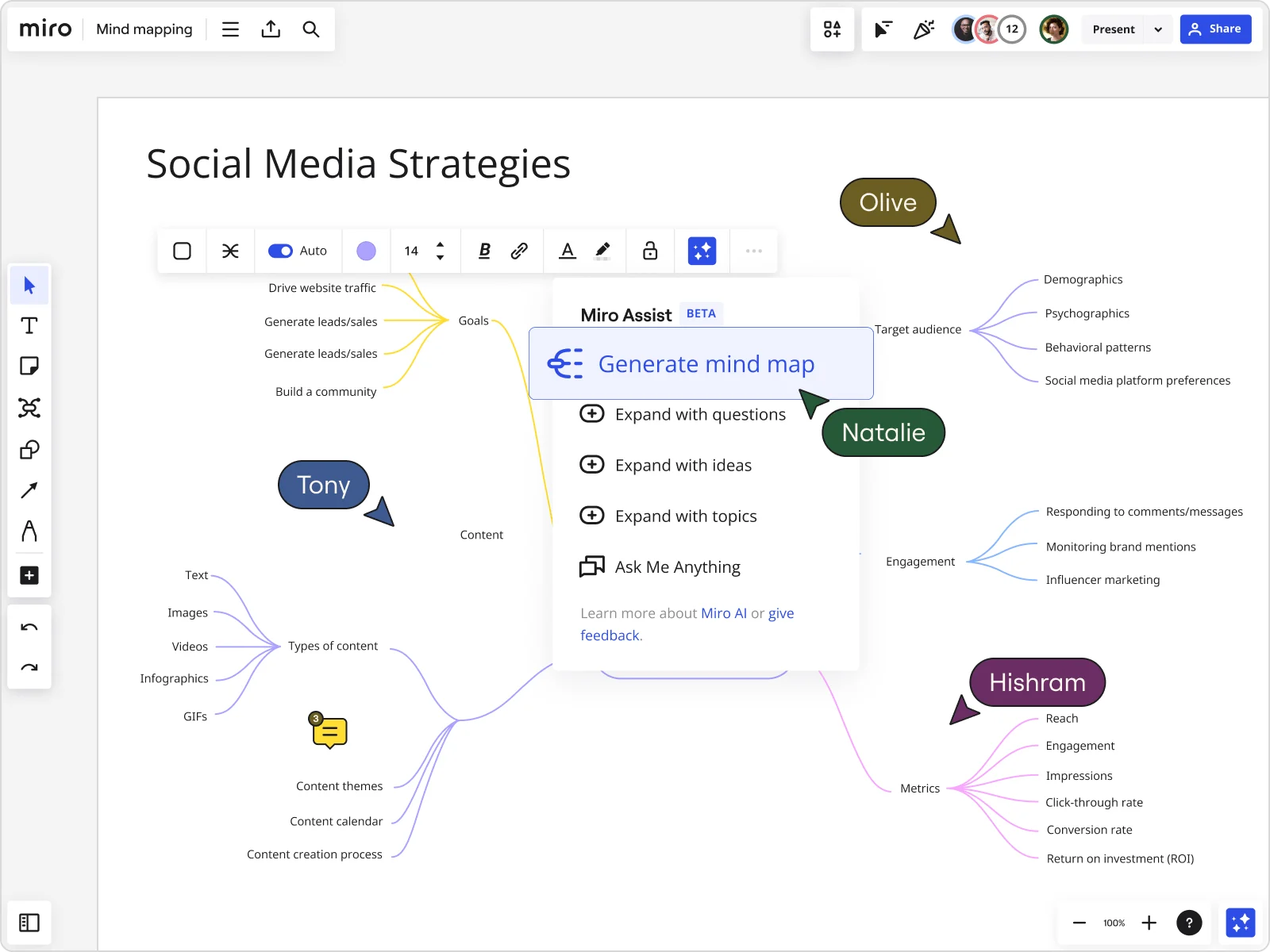
Map out a problem until it clicks
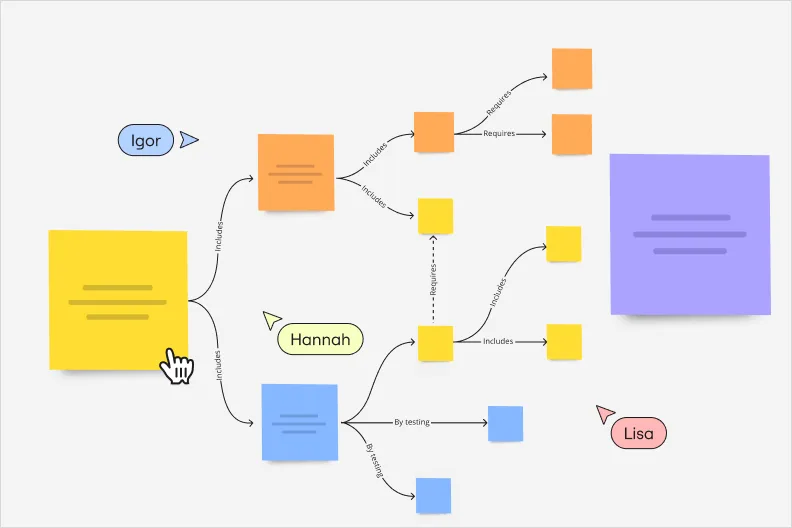
Some problems don't make sense until you see all their moving parts. With Miro's mind mapping tool, break any problem into a branch for each cause, factor, or next step, then drag and rearrange nodes until the structure actually clicks. Group related ideas, map how they relate to each other, and work through it together, in real time.
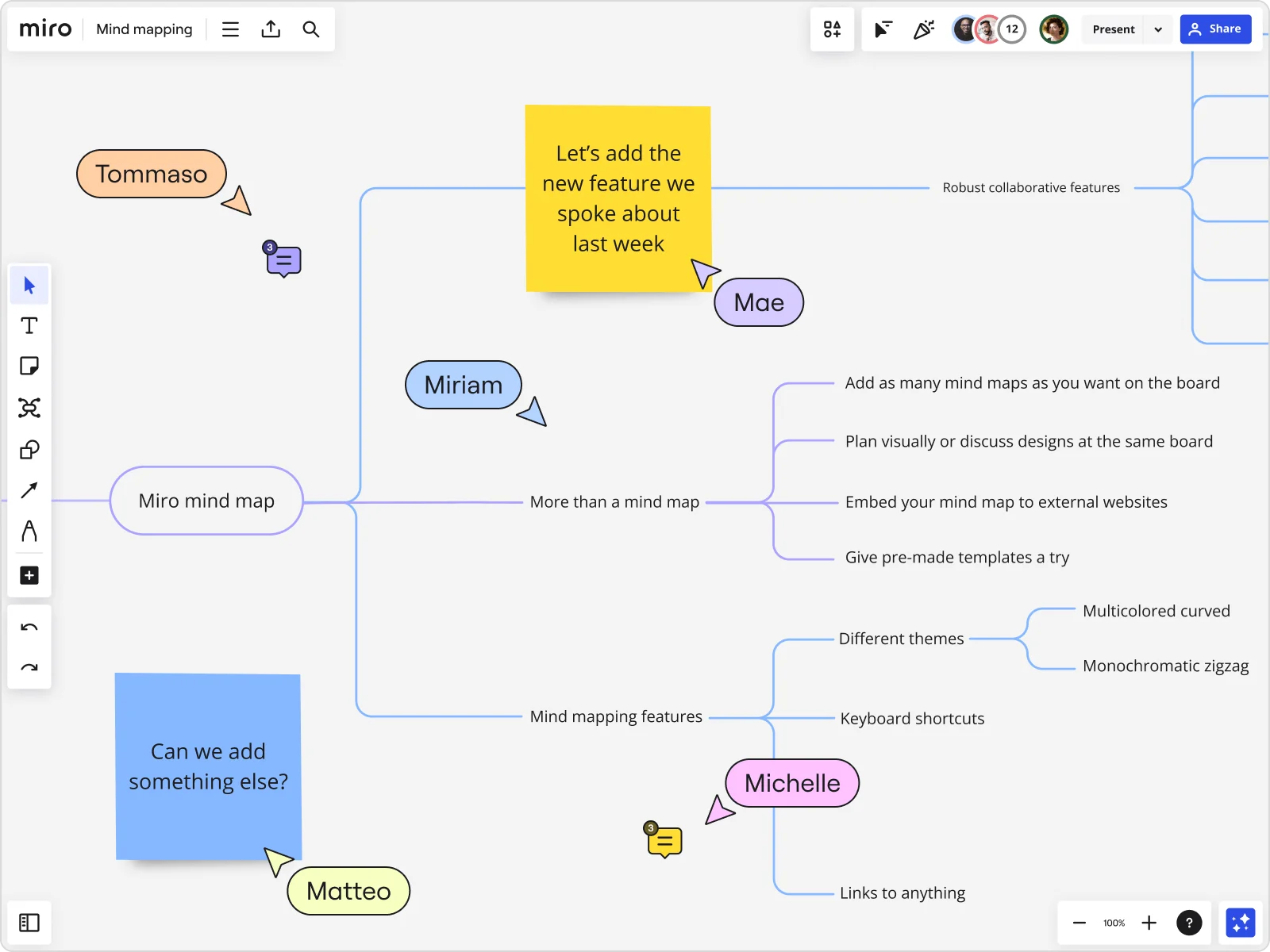
Your mind map is the start, not the finish
A mind map maker in Miro doesn't stop at the picture. Send it into Miro AI Workflows and Sidekicks turn it into a strategy doc or a set of OKRs, pulling real context from Slack and Jira along the way. That's what real mind mapping tools should do: help your team decide, faster.
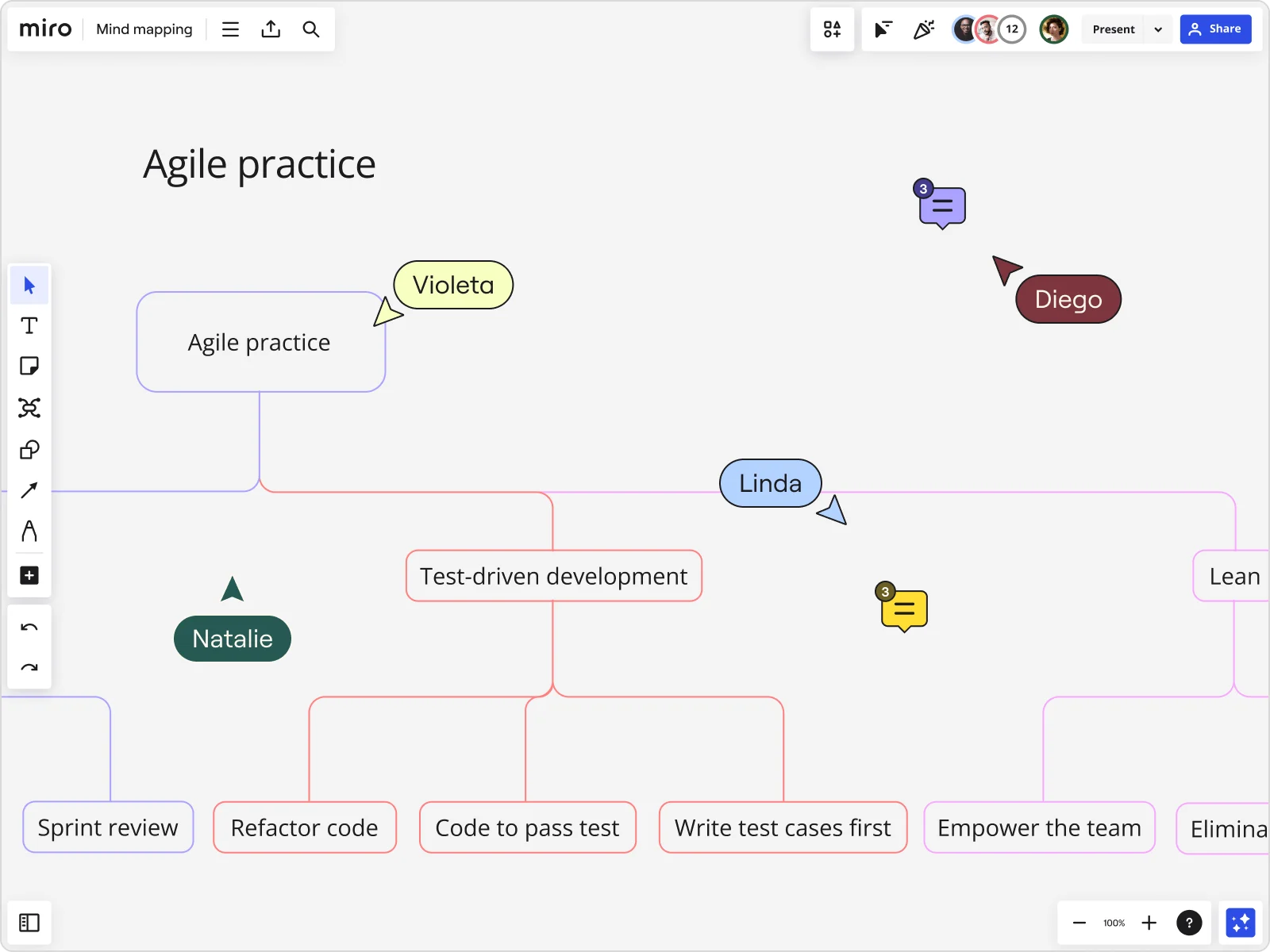
Why use Miro's mind mapping tool?
Presentation mode and Talktrack
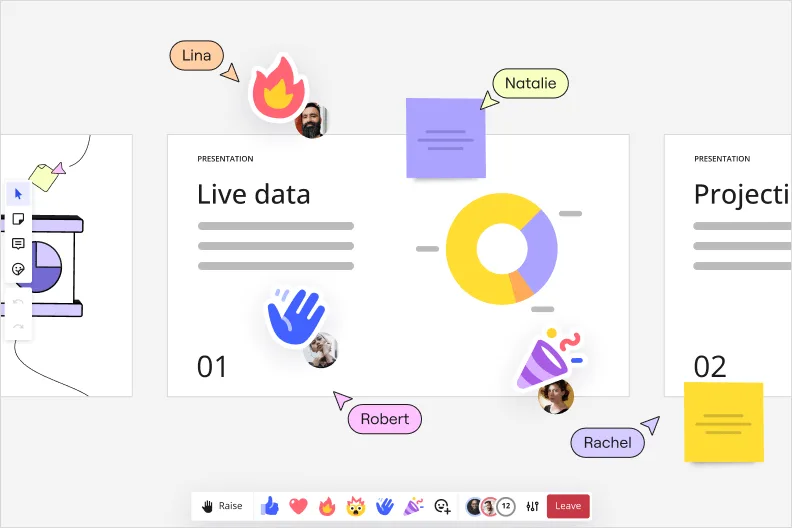
Ever tried presenting a mind map and watched it fall flat as a screenshot? Static slides flatten the flow and lose the story mind maps are built to tell. Toggle into presentation mode to walk through your map section by section, or record a Talktrack so your voice and cursor guide viewers through it, even when you're not in the room. You can even record an interactive video for anyone catching up later.
Easily share
Sharing shouldn't mean hunting through email attachments for the latest version. Export your mind map as a PDF or image, send a link to invite collaborators, or embed it directly into Confluence, Notion, or Teams so it lives where your team already works.
Real-time and async collaboration
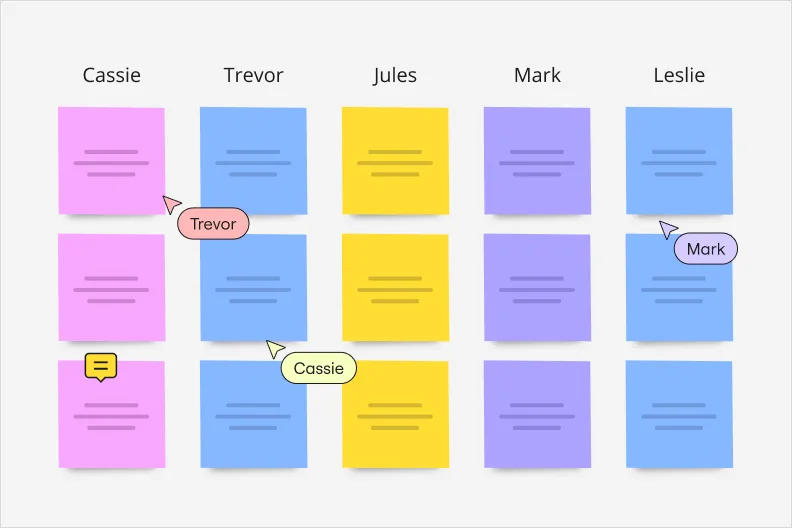
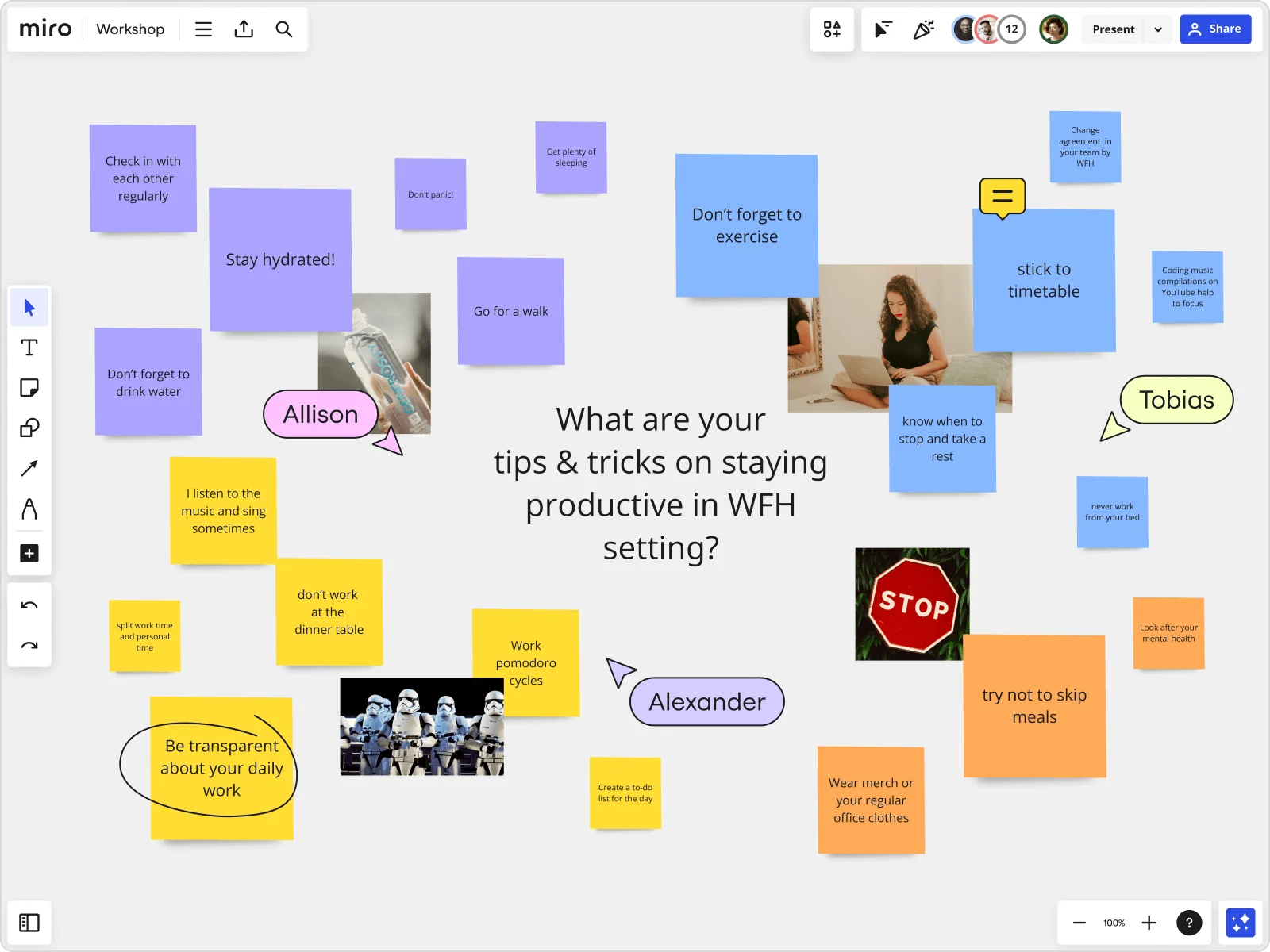
Distributed teams lose ideas when conversations happen in five different places at once. Miro keeps everyone in one space, whether you're mapping live together or adding your input hours later. Co-create with teammates in real time, tag each other in comments to dig into a point, or drop ideas onto sticky notes so nothing gets lost between time zones.
Infinite canvas and ind maps
Most mind mapping tools force you to trim ideas to fit the page. Miro's canvas doesn't have edges. Start with one central idea and branch out as far as the problem needs. No resizing, no starting a second file. Drop in spreadsheets, PDFs, or images right next to your map when the context matters.
AI features
Different problems need different shapes of thinking. Miro AI includes built-in structures for common mind map types: concept exploration, user needs, problem analysis, and strategic planning. Pick the one that matches your problem, and build from a structure designed for it, not a one-size-fits-all layout.
Team alignment
Mind maps only help if everyone reads them the same way. As your team adds to it, Miro AI keeps the structure organized, so the group ends up looking at one clear picture instead of five different interpretations. That's what turns a brainstorm into actual alignment on strategy, priorities, and next steps.
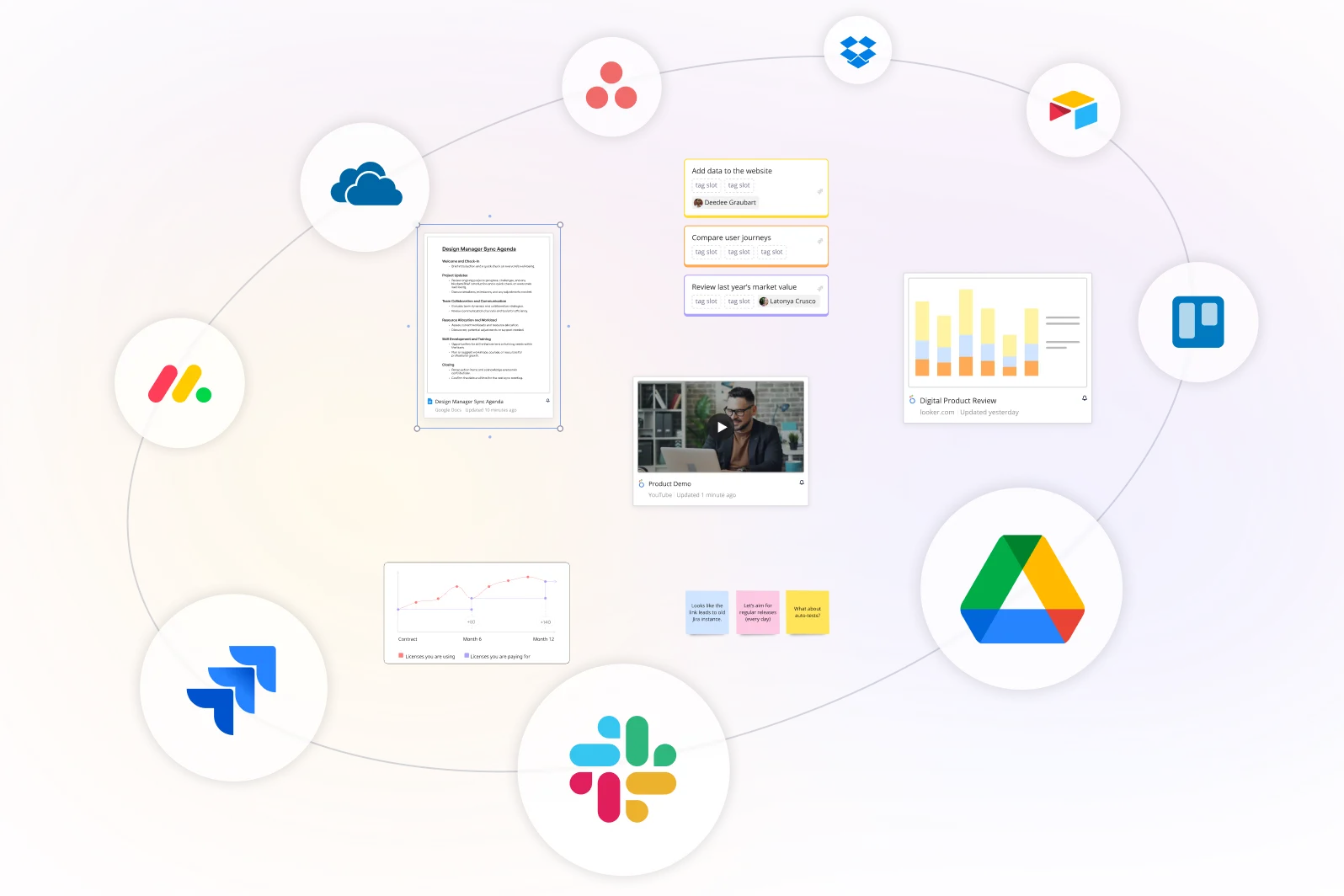
Integrated with your favorite tools
Related pages
Related templates

What is a mind map, and how do AI-generated mind maps work?
How to create a mind map with Miro
Click the plus icon (+) on either side of your node to create child nodes. These represent supporting ideas, subtopics, or related tasks. You can keep branching out to form multiple levels or hierarchy, building a detailed structure around your central concept. Stuck? Ask Miro AI to expand a branch or suggest related ideas, and it builds on what you've already got.
Personalize your mind map with our color palette and apply different colors to your branches or nodes. You can use color categorization to represent categories, urgency, ownership, status, or anything you choose.
Resize nodes, change text styles, or add icons and emojis to make it even more engaging.


The world's most innovative companies are collaborating in Miro, everyday
“With Miro, we went from project brief to in-market launch in 10 months. That usually takes 3 years at PepsiCo.”
Caroline de Diego
Senior Manager, Global Design & Marketing Innovation at PepsiCo


“Bringing everyone together to plan in Miro means the most impactful initiatives will happen at the right time.”
Lucy Starling
Product Operations Lead at Asos


“The team onboarded in 10 minutes to use Miro for workshops. Getting our organization to adopt this product was a no-brainer.”
Konrad Grzegory
Agile Transformation Lead at CD PROJEKT RED


“Miro templates helped us go from scratch to a full-fledged plan where we mapped activities, ideas, and dependencies.”
Marc Zukerman
Senior Director of Project Management at Hearst


“Miro allows all our teams to align themselves with certain tools and models: they work independently and create products that really meet our customers' needs.”
Luke Pittar
Sustainability Innovation & Design Coach at The Warehouse Group


“To be truly innovative, everyone needs to have a voice, and everyone needs to be able to iterate on each other’s ideas. Miro has made that possible for us.”
Brian Chiccotelli
Learning Experience Designer at HP


Users love Miro for end-to-end innovation. We're the G2 leader in visual collaboration platforms and are rated in the top 50 enterprise tools. Miro helps large companies get meaningful work done.
Top 50 Products for Enterprise
G2 reviews


Pricing plans
Starter
Business
Enterprise
Custom price — from 30 members
Mind map FAQs
What about Miro’s AI mind map generator? Does the capability come with a free plan?
Yes, Miro free plan allows you to explore AI capabilities such as generating diagrams, tables, summaries, and try AI workflows. Explore all Miro’s pricing plans to choose the best one for your goals.
How can I use Miro to generate a mind map using AI?
Open a Miro board, turn on Miro AI from the creation toolbar, and enter a prompt describing your topic or problem. Miro will generate a structured mind map with branches and sub-branches that you can immediately edit, expand, or connect to other content on the canvas. The AI output is fully editable and integrated with Miro's collaboration features.
Can Miro AI turn text into a mind map?
Yes. With Miro AI, you can go from text to mind map in one step. Turn on Miro AI, type in a description, idea, or a block of pasted text, and Miro builds it into a structured mind map. From there, you can edit, expand, or rearrange anything to fit your project.
When should I use a mind map tool?
Mind maps help you organize ideas, thoughts, or concepts and see how they’re connected. They are especially useful for running brainstorming sessions, problem-solving workshops, or note-taking.
Can I start a mind map from a template?
Yes. Pick one of Miro's ready-made mind map templates and customize it with your own ideas. They're built for beginners too: the drag-and-drop interface makes it easy to get started, and auto-layout keeps everything organized as you go. You can also browse templates shared by the wider Miro community, or publish your own once you're done.
Can I share my mind map with my team?
Yes. As the board owner, you decide who gets in and what they can do (view only, comment, or full edit access) right from the Share button on your board. You also choose which Space your mind map lives in, so it stays organized with the rest of your team's work instead of floating on its own.
What integrations are available for mind mapping workflows in Miro?
Miro integrates with major tools in your stack, including Slack, Microsoft Teams, Google Drive, Trello, Jira, and many others. To make it easier, you can embed boards, import/export content, and even use APIs for custom workflows.
How do I know my team’s mind maps and ideas are secure in Miro?
We built Miro with enterprise-grade security: data encryption, compliance certifications, and access controls that meet enterprise standards. Board owners decide exactly who can view, comment on, or edit each mind map, and admin controls give your team visibility into who has access across every board.
How is Miro different from other mind mapping tools?
Most mind mapping tools give you nodes and branches, then stop. Miro adds two things most don't: AI that builds and expands your map for you, and real collaboration, not just sharing. It's also not a standalone mind map tool. Your mind map lives on the same board where you can turn it into a project plan, pull in other Miro capabilities, or connect it to 250+ apps your team already uses.