






Brainstorming for workshop facilitators

Run sessions that end with decisions, not just sticky notes. From five-person sprints to enterprise offsites, your canvas is ready.

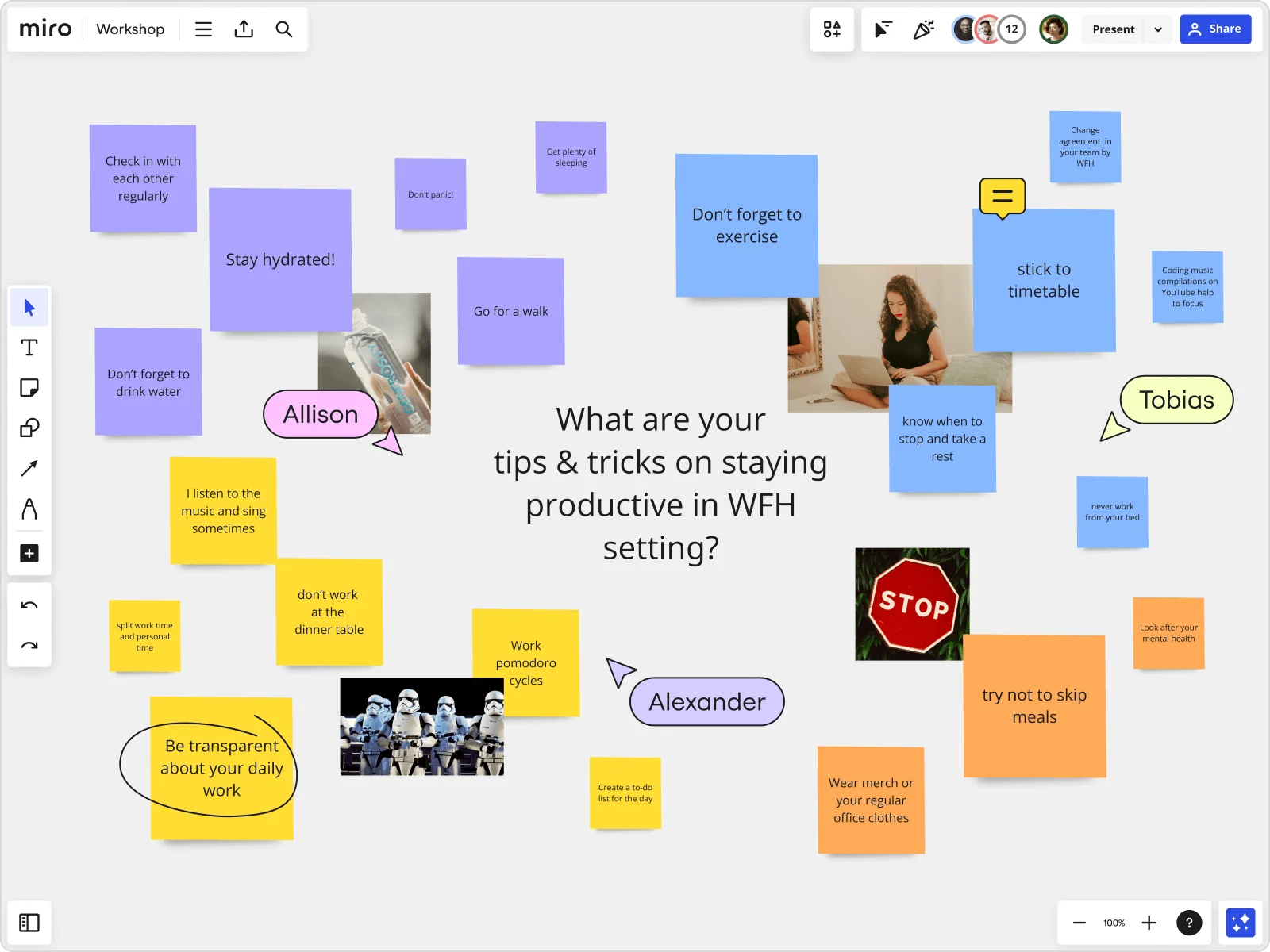
Miro collaborative board showing a brainstorming session where multiple participants (Allison, Alexander, Tobias) have added colorful sticky notes in purple, yellow, blue, and orange answering the central question 'What are your tips & tricks on staying productive in WFH setting?', with tips like 'Stay hydrated', 'Go for a walk', 'Work pomodoro cycles', and 'Stick to timetable', along with photos and collaboration cursors.

What experts say

  • A workshop is a container for transformation. It provides a safe and supportive environment where people can explore new ideas and ways of being.

    Ken Nelson

    Author and Workshop Facilitator · MotivationStuff.com

    Industry Analyst
  • Icebreakers get teams in the "mood to share" and are a brilliant way to start off a workshop where you need to drive participation.

    Alice Jakins

    Owner · Alice Jakins

    Practitioner

The research on brainstorming

  • 5x

    Facilitator-led brainstorming groups produced 5x more ideas than unfacilitated groups across nine procedure variants

    Source: Creative Problem Solving Group - Buffalo (Isaksen & Gaulin)

  • 28%

    Facilitated workshops improved idea generation by 28% compared to unstructured meetings among 750 IT leaders

    Source: Gartner

See brainstorming in action

Related templates for workshop facilitators

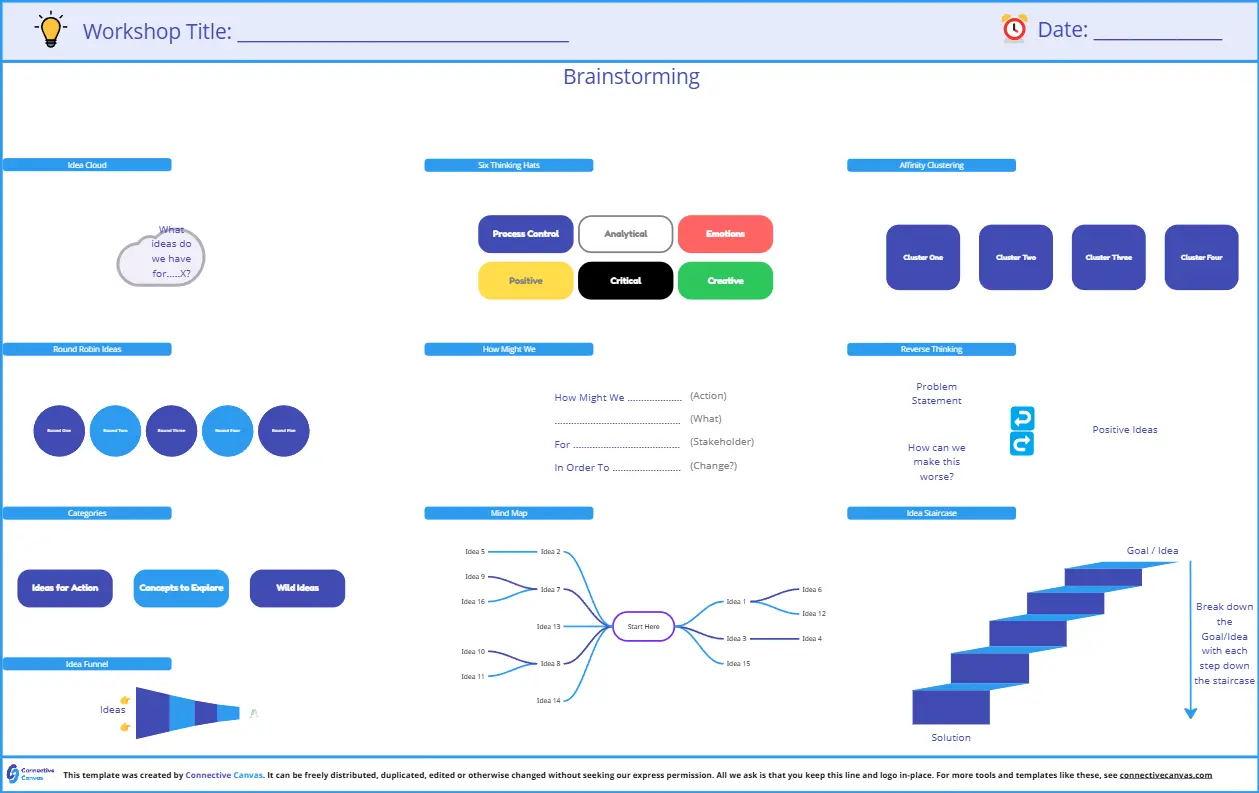
We have 193 templates in our library for Brainstorming.

Why workshop facilitators love brainstorming in Miro

  • Stop your session from dying at the blank canvas

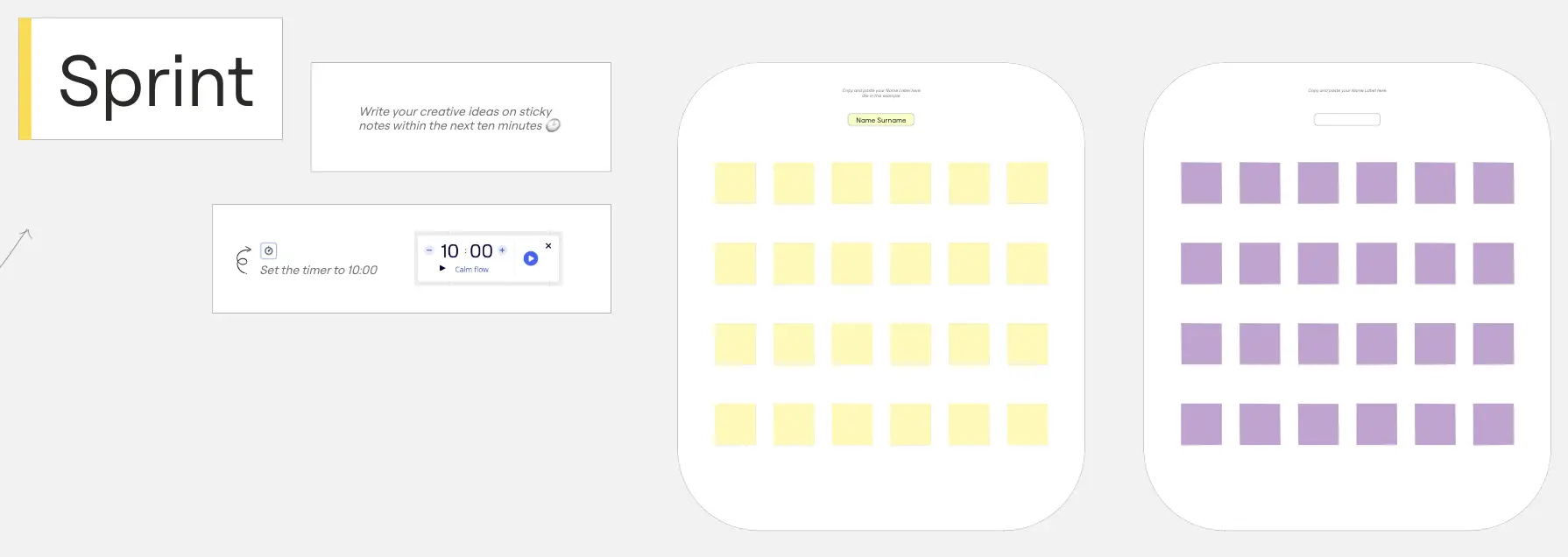
    The hardest moment of any facilitated session is the first one - participants stare at an empty board and wait for someone else to go first. Miro's AI seeds the board with starter ideas from a single prompt, giving every participant something to react to, build on, or challenge before the timer even starts.
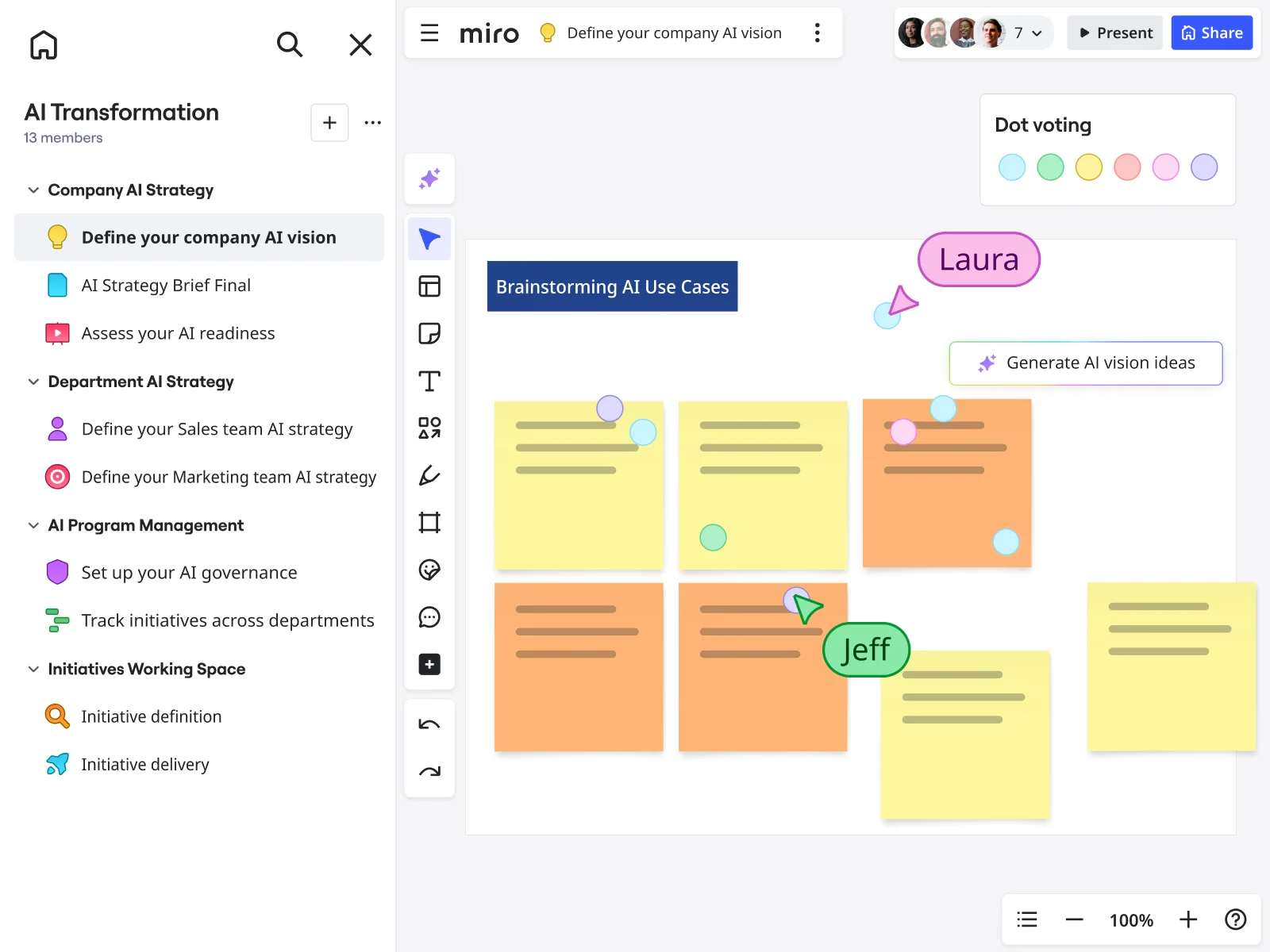
    Miro board showing a 'Brainstorming AI Use Cases' session with multiple yellow and orange sticky notes arranged in a grid, featuring dot voting dots in various colors, two visible collaborator cursors (Laura and Jeff), and a 'Generate AI vision ideas' AI button, within an AI Transformation workspace that has a structured left-panel navigation covering Company AI Strategy, Department AI Strategy, AI Program Management, and Initiatives Working Space sections.
  • From 200 sticky notes to three priorities your exec sponsor will sign off on

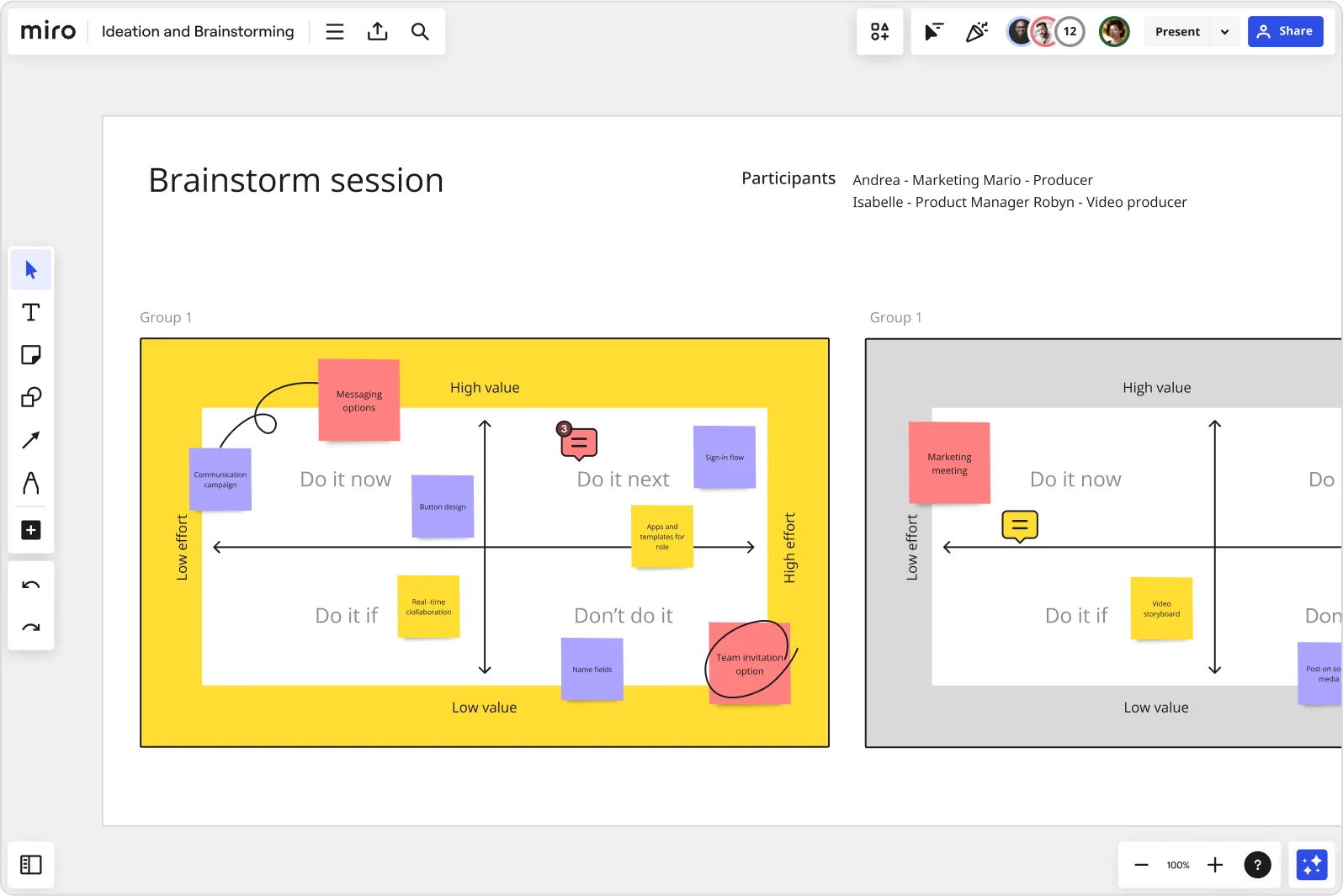
    After a full ideation round, you're staring at a wall of 150+ sticky notes with no clear signal on what matters. Miro's Clustering automatically groups related notes by theme, keyword, or sentiment - then Dot Voting with a fixed vote count forces genuine prioritization, so you walk out of the session with a ranked shortlist, not a pile of ideas nobody owns.

    Miro brainstorm session board displaying an impact-effort matrix divided into four quadrants (Do it now, Do it next, Do it if, Don't do it) populated with color-coded sticky notes for features like messaging options, sign-in flow, button design, and team invitation option, with two group views visible side by side.
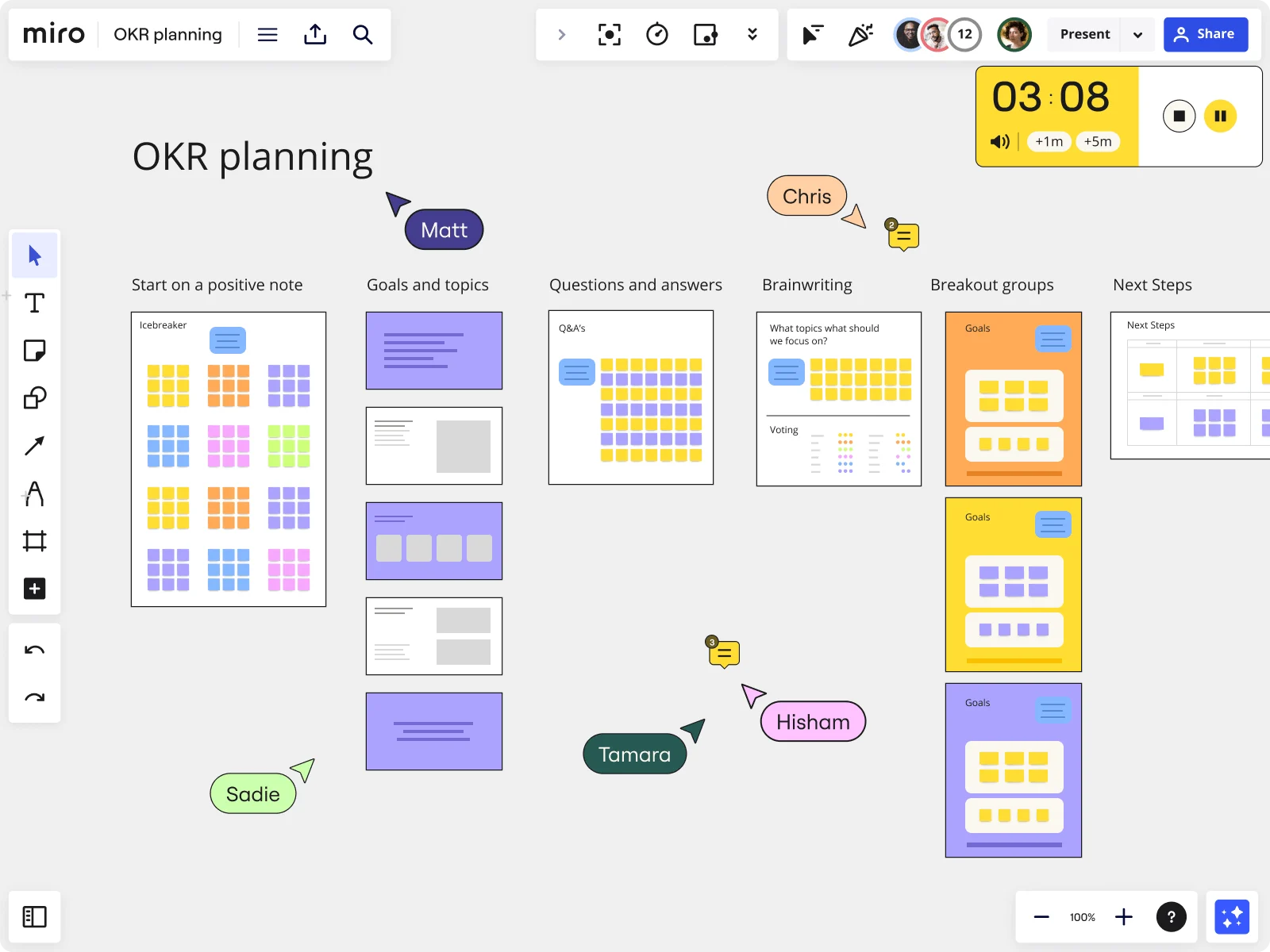
  • When your breakout groups need to work in parallel, not in sequence

    For sessions with 15 or more participants, a single shared canvas turns into chaos - one group dominates while others wait. Breakout Frames give each sub-group their own dedicated canvas area to ideate simultaneously, then merge their best concepts back into the main board for group prioritization.

    Miro OKR planning board showing a structured workshop template with six columns — Start on a positive note (icebreaker with colorful sticky notes), Goals and topics, Questions and answers, Brainwriting, Breakout groups, and Next Steps — with an active countdown timer showing 3:08, and five named collaborators (Matt, Chris, Sadie, Tamara, Hisham) visible as cursors on the board.
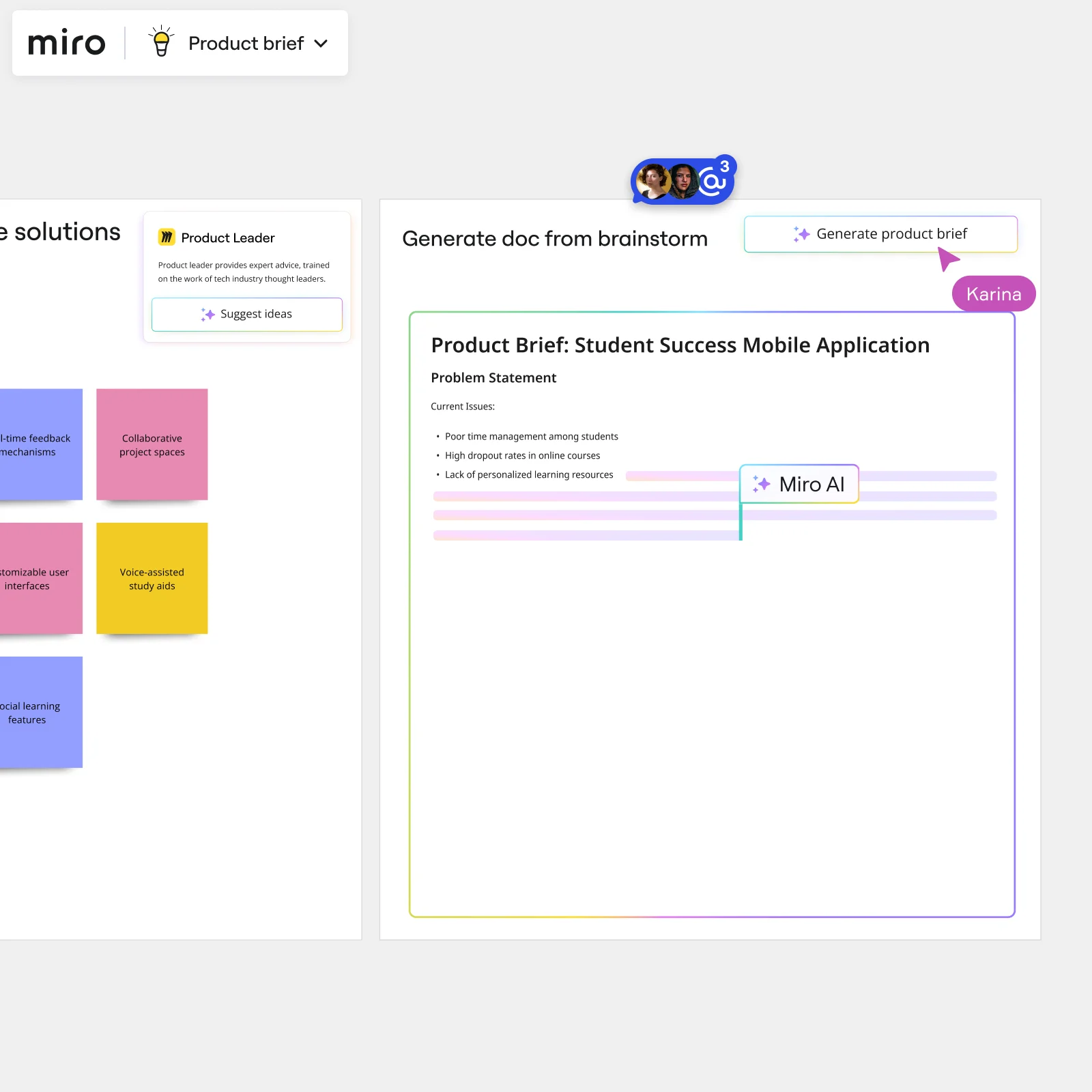
  • Your session recap, ready for the leadership pack before you close your laptop

    After the readout, facilitators spend hours rebuilding outputs into a deck for sponsors who weren't in the room. Generate the leadership readout directly from your finalized brainstorm frames using AI Slides - apply your Brand Center colors, prompt it for four slides covering themes and prioritized ideas, and edit slide by slide before committing.

    Miro board showing AI-powered document generation from a brainstorming session, with a Product Leader AI sidekick panel on the left, colorful sticky notes listing solution ideas (collaborative project spaces, voice-assisted study aids, social learning features), and an AI-generated Product Brief document for a Student Success Mobile Application being created in real time by Miro AI.
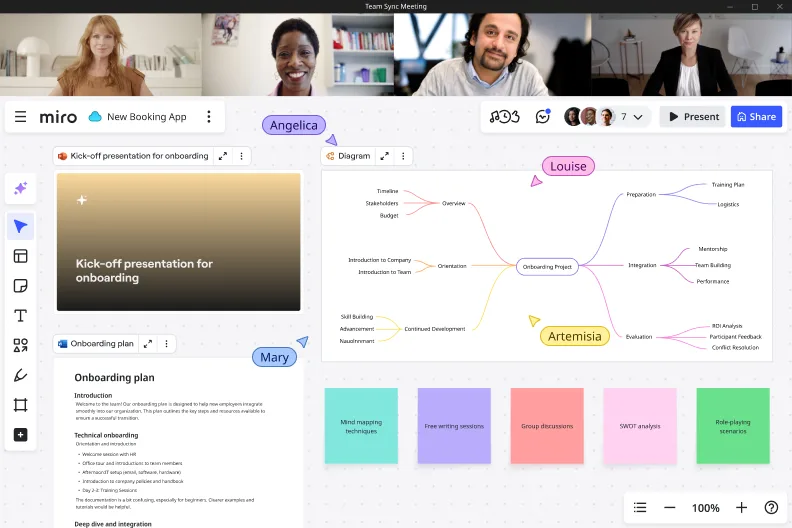
  • How to keep remote participants as active as the people in the room

    Distributed participants join hybrid sessions from any device by scanning a QR code - no Miro account required. Miro Engage's Word Cloud, Ranking, and Multiple Choice activities replace ad-hoc dot voting with structured participation that captures genuine opinion distribution, not just the loudest voice in the call.

    Miro board shown during a video call with four participants, featuring a mind map centered on 'Onboarding Project' with branches covering Preparation, Integration, Evaluation, Orientation, and Continued Development, alongside an onboarding plan document and a kick-off presentation slide, with colored activity cards at the bottom including mind mapping techniques, free writing sessions, group discussions, SWOT analysis, and role-playing scenarios.

How workshop facilitators get started with Brainstorming in Miro

  • Pick your session template

    Open Miro's Template Library, search "brainstorming," and choose a structure that matches your session design - brainwriting grid for silent generation, mind map for structured divergence, or an open canvas you'll frame yourself - then use Frames to carve out distinct zones for ideation, clustering, voting, and action items before a single participant joins.

  • Build your facilitation spine

    Set a Timer for each activity phase (5–7 minutes per ideation round is the sweet spot), drop Facilitation Widgets like a Spinner Wheel for pitch order or Flip Cards for your warm-up icebreaker, and configure Sticky Notes with a color-coding scheme that maps to your round structure so participants know at a glance whether they're in divergent or convergent mode.

  • Design the prioritization sequence

    Replace freeform dot scattering with a deliberate sequence: run a Miro Engage Word Cloud first so dominant themes surface visually, then use Multiple Choice for opportunity-area selection, then Ranking for final prioritization - and if your client group is joining from multiple locations, share the QR code so remote participants are in the room on equal footing.

  • Deliver a client-ready output artifact

    Trigger the Workshop Planner Sidekick's Action Shortcuts to cluster and summarize the board in one click, then pull the prioritized shortlist into a Miro Doc using the Meeting Notes template - lock the Default View so your client sponsor opens the recap, not the raw working canvas, and export to PDF for the leadership pack that has to exist before you leave the building.

Brainstorming tips for workshop facilitators

  • Before you lock the board for the live session, toggle on anonymous mode in Voting and Miro Engage - psychological safety is the whole job, and participants generate bolder ideas when their names aren't attached to the first draft.

  • If your group is larger than eight, assign participants to Breakout Frames with identical content so sub-teams ideate in parallel; you'll get more ideas per person and sidestep the dominant-voice dynamic that kills divergent thinking.

  • After the session, use the Workshop Planner Sidekick to generate a How Might We restatement from the clustered stickies, then add a human-in-the-loop review gate before the synthesized opportunity briefs go to your client's sponsor - raw AI output landing in a stakeholder inbox without your editorial eye is the fastest way to lose credibility as the facilitator.

Understand how workshop facilitators transform their work

  • Best tool for brainstorming and workshops across teams

    Team Lead in Other at Consumer Goods

    TrustRadius
    TrustRadius
    Verified user
    Read review
  • The Most Powerful Tool For Organizing Brainstorming Sessions

    Manager in Information Technology at Food & Beverages

    TrustRadius
    TrustRadius
    Verified user
    Read review

Brainstorming essential guide for workshop facilitators

CategoryKey insights
  • Common mistakes to avoid

    Skipping a warm-up and jumping straight into ideation is the fastest way to a quiet canvas and a room full of people waiting for someone else to go first. For small teams and large orgs alike, skipping time-boxed rounds and post-session Clustering turns a wall of sticky notes into a wall of noise where the best ideas disappear. Lock your board objects before the session starts and cap dot votes intentionally so prioritization actually surfaces winners instead of spreading thin across everything.

  • Key integrations for workshop facilitators

    Zoom and Google Meet keep the virtual room connected during live sessions, while Slack lets facilitators share boards and async prompts before participants ever show up. At larger organizations, Confluence and Jira close the loop between session output and the planning cycles that actually matter to the sponsoring stakeholder.

  • When to use it

    Reach for Miro Brainstorming when a client brief lands and you have a few days to design the session constraints, not just the agenda. It's the right fit when you need structured rounds of silent ideation, Dot Voting, and Clustering to produce a prioritized artifact the client team can carry into their next planning cycle without you in the room. It also works when the session was in-person or hybrid and you need to digitize physical sticky notes and share organized results with decision-makers who weren't there.

  • Security & Compliance

    Miro is SOC 2 Type II certified and HIPAA compliant, which covers most of the client contexts facilitators work in across healthcare, fintech, and enterprise organizations. For larger clients with stricter data governance requirements, data residency controls and granular sharing permissions let IT and legal stay comfortable with sensitive session content. Private Mode adds another layer when confidentiality matters during the session itself, keeping individual contributions hidden until you're ready to reveal them.

Frequently asked questions for workshop facilitators

Last updated: Friday, September 04, 2026