How to use Miro Agent for Microsoft Copilot to turn meeting talk into decisions
Watch it first: This article walks through the workflow shown in the video below, a five-minute demo of a real brainstorming session using Miro Agent for Microsoft Copilot in Microsoft Teams. Everything below is drawn directly from that walkthrough, with more context from me on the thinking behind it.
I'm a solutions engineer on Miro's sales team, and I hear the same pattern from clients constantly: meetings in Microsoft Teams are often ineffective, not because people aren't engaged, but because someone always ends up pulling away from the discussion to take notes. That breaks the creative flow. Then it takes hours of post-meeting work just to turn those notes into something usable.
Miro Agent for Microsoft Copilot removes that manual work. It turns your live discussion into actionable content as the conversation happens, so the team can stay focused on brainstorming and decision-making instead of documentation. This is what that looks like in practice.
Collaborative AI Workflows
Join thousands of teams using Miro to build the right thing, faster.
Walking through a real brainstorming session
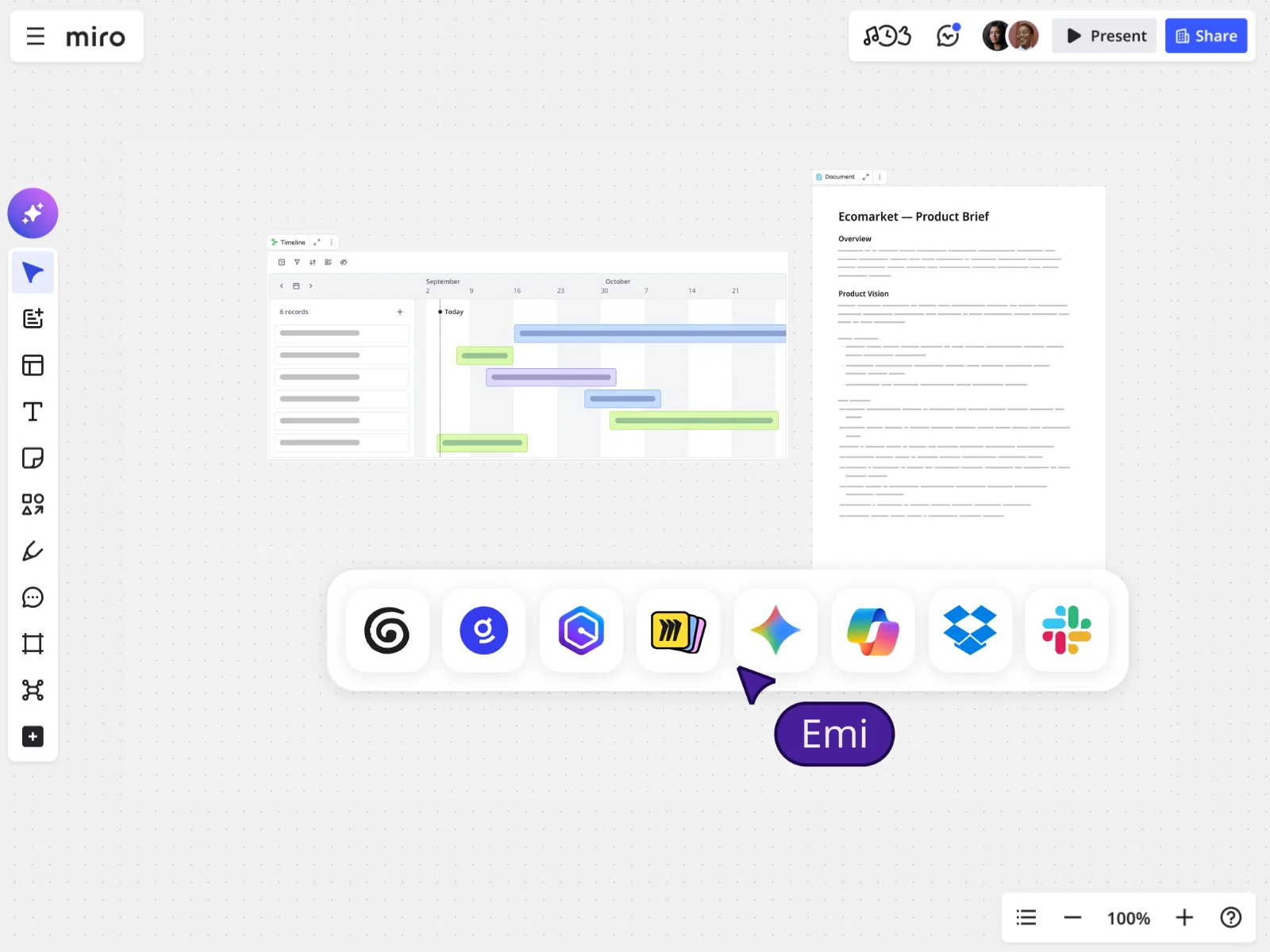
Picture a team in a Teams meeting, brainstorming a fix for a clunky registration flow. They've got a Miro board connected to the call, so everyone can follow along and interact with it directly from Teams. Copilot is listening in.
Here's the workflow, step by step:
- Partway through the discussion, someone asks Copilot to recap the ideas discussed so far. It comes back with three: adding biometric authentication, supporting social sign-in, and letting users skip the initial personalization step.
- Instead of typing those ideas out manually, the team asks the Miro agent to turn them into sticky notes in the board's brainstorm frame. The agent checks in for a quick confirmation before it posts anything.
- The team asks the Miro agent to build a flow diagram from those same ideas, so they can see how sign-in, biometric authentication, and skippable personalization actually connect.
- As the meeting continues and new ideas surface, like a suggestion to prevent duplicate accounts, the team prompts Copilot and the Miro agent again to pull in the latest thinking. New stickies get added where relevant, and the diagram gets edited to reflect the update.
- With the board already live in the meeting, the team kicks off a flow directly from Teams that generates a PR and a task list.
- Before wrapping up, the team asks Copilot and the Miro agent to build a slide deck summarizing the problem, the proposed solution, and the new user flow, ready to share with leadership.
No one had to write any of it down by hand, open a slide template, or build a diagram from scratch. It just came together as the conversation happened.
That's the difference this makes: instead of doing all of this after the meeting and then chasing people down to confirm everyone's aligned, the team walks out of the meeting with the deliverables already done. It's a real time save, and it means the team gets to spend their energy on the actual thinking, not the paperwork that usually follows it.
Going deeper: my take on AI, decisions, and where teams get it wrong
That walkthrough shows what the workflow looks like in the room, stickies appearing, a diagram updating itself, a slide deck built without anyone opening a template. But almost every time I show it to a team, the questions that follow aren't about the mechanics. They're about the thinking behind it: why alignment breaks down in the first place, where the line is between AI helping and AI taking over, and what actually goes wrong when teams try this without a plan.
The real cost of losing creative flow to note-taking
It's bigger than it seems. When a team prioritizes the conversation and defers notes, only the loudest voices tend to get remembered. The quieter, more nuanced points, often the ones worth the most, get lost entirely. When a team stops to take notes continuously instead, that breaks momentum and makes it hard to pick a brainstorm back up mid-thought. Either way, the team loses the shared visual context that lets people build on each other's ideas in real time, and they miss out on getting AI feedback or catching gaps while the conversation is still happening, not after.
Where alignment actually breaks down
Almost never because people disagree outright. It's that they don't realize they disagree until later, often in a follow-up meeting where someone says "wait, I thought we decided X." Everyone assumes they're discussing the same concept and only discover otherwise once it's too late to fix cheaply. Laying ideas out in a shared visual space creates a common language. It lets people express what they mean more clearly and spot the gaps in understanding immediately, not three days later. That's how AI tools for team decision-making earn their keep on cross-functional alignment: not by deciding for the team, but by giving everyone the same visual to react to in real time.
Summarizing a conversation versus deciding something
An AI that only summarizes is a note-taker. An AI that helps a team decide is an active partner. Summarizing is a prerequisite, but a decision-making AI goes further: it visualizes ideas in formats that spark deeper discussion, it acts like a consultant by giving feedback and flagging inconsistencies or gaps, and it helps with prioritization and drafts a first pass at the plan so the team can refine instead of starting from zero.
A framework for AI-assisted decision-making
I recommend a five-phase structure that keeps AI from introducing bias into the process it's supposed to support:
- Preparation (AI-led). Gather and centralize existing project data before the meeting so everyone starts from the same knowledge base, often through an MCP connection to whatever knowledge sources the team already has.
- Ideation (human-led). Run the initial brainstorm with people only, with AI used passively for transcription so idea generation stays unbiased.
- Visualization and alignment (AI-assisted). AI turns the human discussion into a visual summary. The team reviews it together to confirm they're actually aligned, not just assuming they are.
- Augmentation (AI as consultant). AI suggests improvements, flags gaps, and proposes directions no one raised.
- Validation and action (human-led). The team reviews every AI suggestion, makes the actual call, and turns the outcomes into real tasks, whether that's Jira through a connector or MCP, or wherever the work actually lives.
The human's job versus the AI's job
The human is the source of original ideas. They lead the creative process, critically review whatever the AI produces, and make every final decision. Keeping a human in the loop isn't optional here, it's the point. The AI's job is narrower by design: centralize information, transcribe the discussion, visualize content for clarity, and suggest ideas that enrich a conversation people are already having.
The biggest mistake teams make when they start
Underestimating how much thought a good AI-augmented workflow actually takes. Which inputs to use, whether the prompt is specific enough, what a genuinely good output looks like, it usually takes some iteration to get right. The fix is to stop rebuilding that from scratch every time. Templates and custom Sidekicks let a team do the hard part, getting the prompt right, once. Every future use benefits from that upfront work, and it also means people who aren't prompt experts can get good results without having to learn prompt engineering or risk misusing the AI along the way.
What's changed in how teams use AI in meetings
Teams are noticeably more comfortable now using AI tools like Copilot or Claude to speed up their individual work. But that comfort hasn't necessarily made collaboration better. If anything, heavy individual AI use has made work more siloed: everyone's got their own AI-generated summary, their own version of the plan, and no shared source of truth. This workflow is built specifically to avoid that trap. The AI works inside the shared meeting, not off to the side on someone's individual chat window, so the output stays something the whole team actually built together.
Bring this into your next meeting
You don't need to overhaul how your team runs meetings to try this. Connect a Miro board to your next Teams call, turn on Copilot, and ask it to recap the ideas discussed so far. Watch what it catches, and what your team does with a shared visual the moment it appears. Sign up for Miro for free and add the Microsoft Copilot integration to see it work on your own board.
Read more
Join our 100M+ users today


