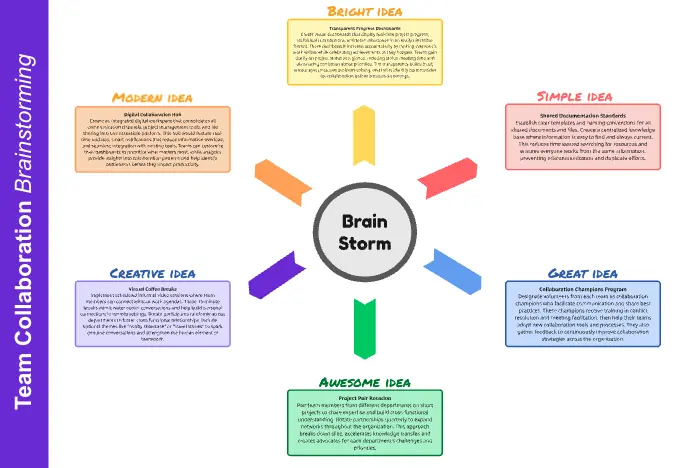
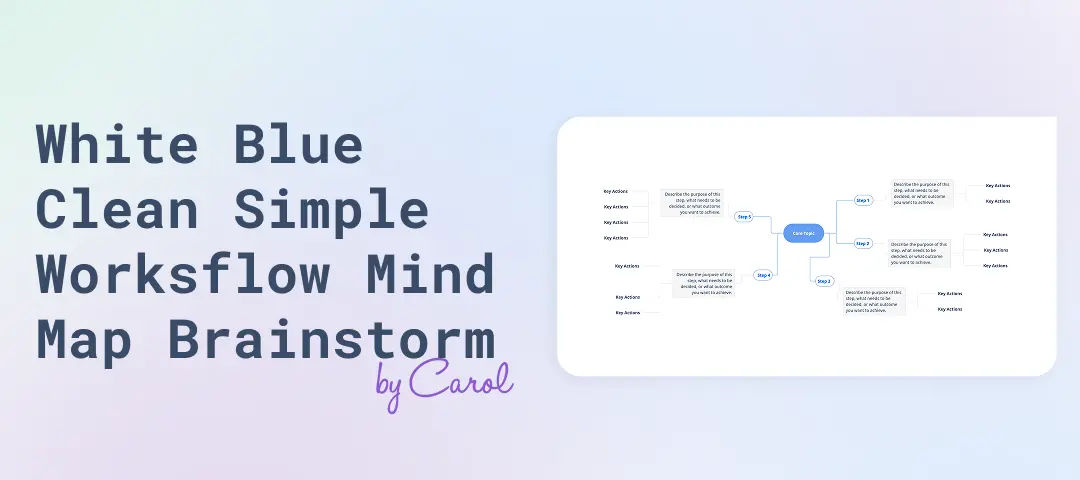
Simple Mind Map Brainstorm: Unlock Ideas Visually and Fast captures ideas around a single topic in a visual mind map, then clusters and prioritizes them into next steps. It keeps brainstorming productive by reducing over-talking, making connections visible, and turning exploration into a short list of actionable ideas.
What is it?
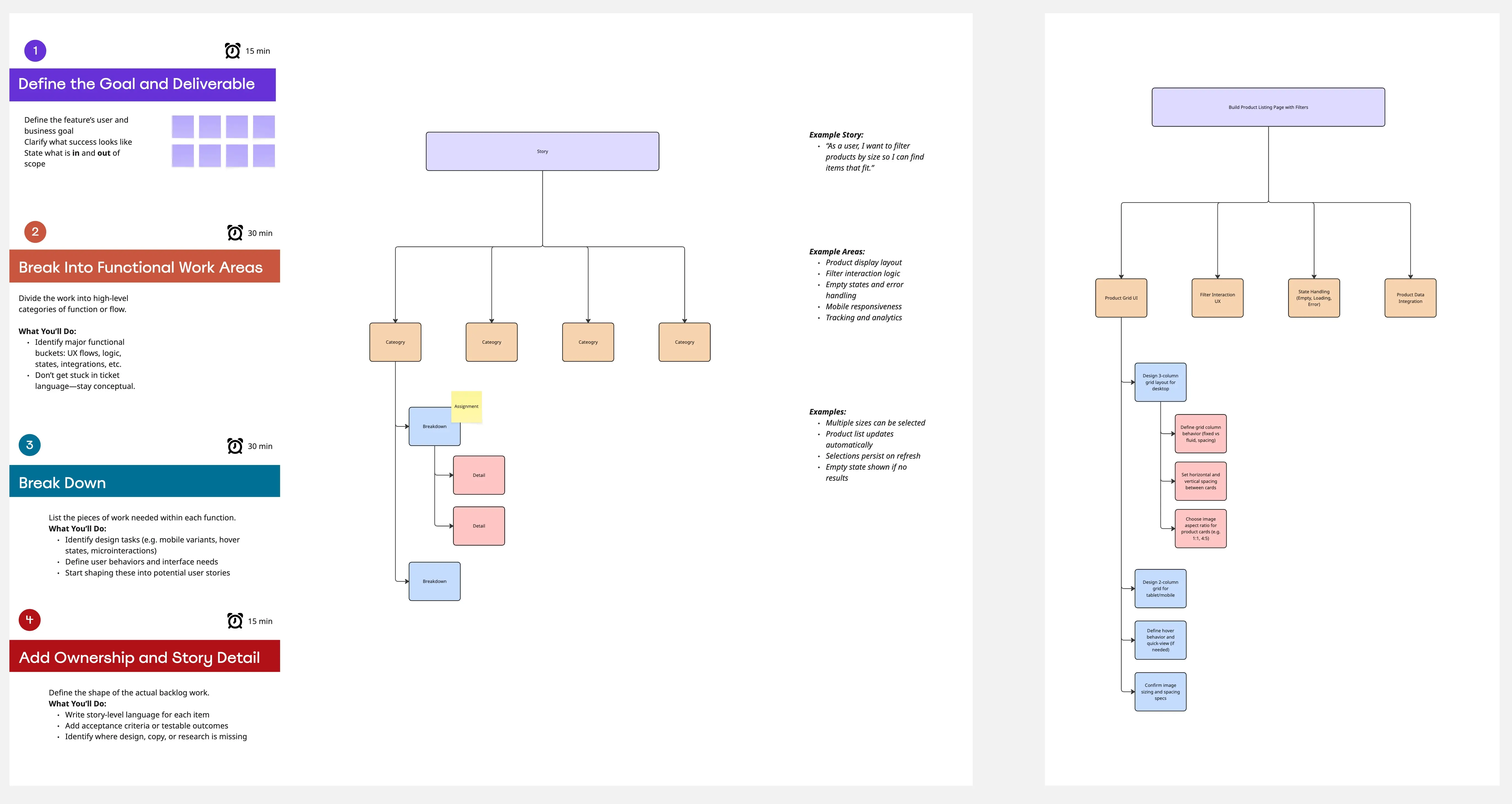
A fast workshop template for small cross-functional teams to generate, organize, and select ideas using a central topic with branching categories and sub-branches.
What problem does it solve?
Brainstorms that drift into long conversations
Ideas lost in chat logs or meeting notes
No shared structure for organizing themes
Energy fades before priorities get chosen
How to use
Write the central topic and constraints in the center
Add 4–6 primary branches as categories
Run a silent brainstorm, one idea per node
Expand promising ideas with secondary branches
Cluster overlaps and label themes
Prioritize with dot voting or an impact/effort grid and assign owners
Common pitfalls
Debating too early, categories that are too broad, skipping clustering, ending without owners.
Ways to avoid mistakes
Timebox discussion, keep nodes short and concrete, label themes after clustering, pick 3–5 ideas and assign one owner each.
Miro Features Used
Mind Map tool for branches and nodes, Sticky notes for rapid inputs, Color coding to mark clusters, Tags for themes or constraints, Voting for prioritization, Frames for stages (brainstorm, cluster, prioritize), Timer to keep pace, Comments for follow-up questions.
FAQ
Q: Who can benefit from this template?
A: Startup teams, product and marketing groups, strategy leads, ops teams, and anyone needing fast idea generation with clear follow-through.
Q: What do I leave with?
A: A completed mind map, theme clusters, and 3–5 prioritized ideas with named owners.
Q: Can this work for remote sessions?
A: Yes, silent brainstorming plus Miro voting works well for distributed teams.