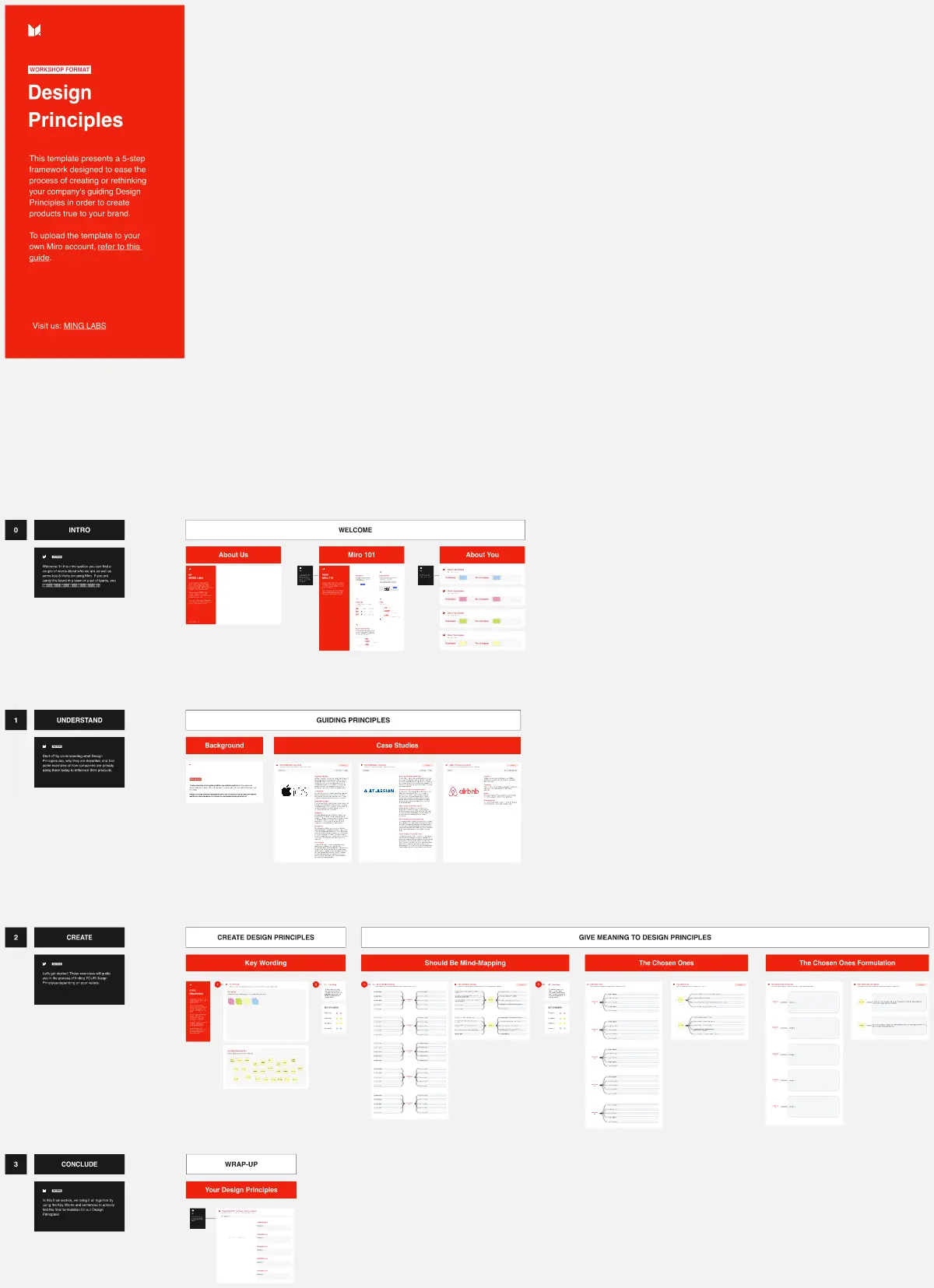
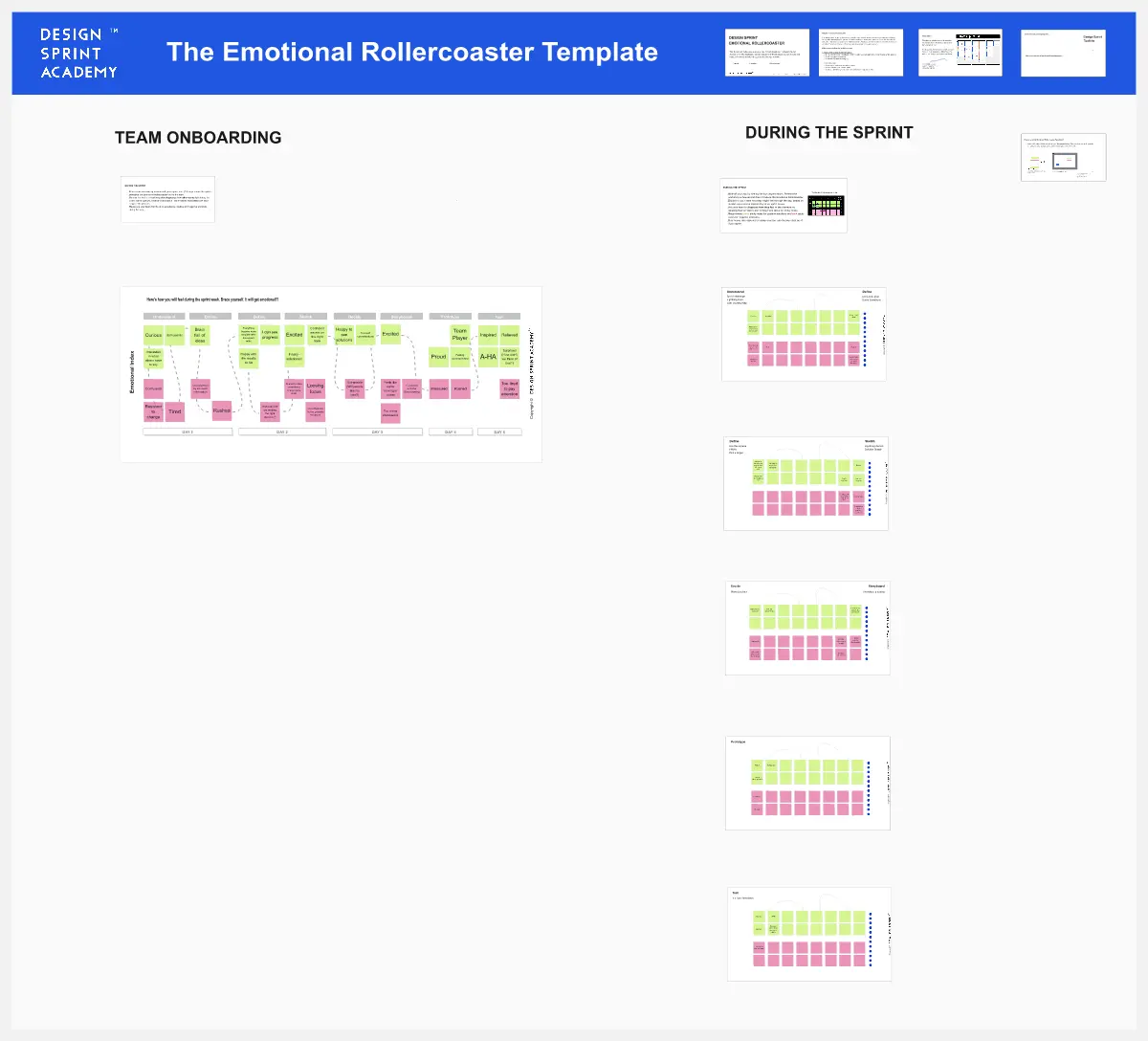
Build a Marketing-Driven FAQ Page: Turn Objections Into Confidence, and Confusion Into Conversion helps marketing teams turn high-intent questions into a conversion asset by mapping objections, structuring answers for scan-reading, and shaping content for search visibility and trust.
What is the Build a Marketing-Driven FAQ Page?
A 90-minute workshop to plan, wireframe, and draft a marketing-first FAQ page
A method to align sales objections, buyer intent, and SEO into one page structure
A practical way to reduce drop-off on key landing pages
What problem does the Build a Marketing-Driven FAQ Page solve?
Leads hesitate on pricing, security, setup effort, and fit
FAQs written for support, not conversion or discovery
Unstructured answers that are hard to scan and hard to rank
How to use the Build a Marketing-Driven FAQ Page
Map hesitation points from calls, chats, surveys; tag by funnel stage
Review competitor FAQ patterns (accordion, anchors, search, schema notes)
Wireframe page flow: title, intro promise, 3–5 themes, CTA fallback
Draft 5–7 FAQs in one section using user-language and short answers
Add links to tours, demos, pricing, security, onboarding details
Common pitfalls
Writing generic questions that don’t match real buyer language
Long answers that bury the point
No path forward when the FAQ doesn’t solve the concern
Ways to avoid mistakes
Use the exact phrasing from sales and on-site searches
Lead with the answer, then add context in 1–3 tight bullets
Add a “still unsure” CTA: book a demo, contact, or pricing page link
FAQ
Q: Who can benefit from this template? A: Marketing leaders, content teams, SEO managers, product marketers, and sales teams aiming to reduce buyer friction.
Q: What sections should we start with? A: Pricing, setup/onboarding, security, billing, and product fit.
Q: What metrics show it’s working? A: Organic entrances to the FAQ, click-through to demo/pricing, reduced repeated objections, and higher conversion on pages linked from the FAQ.
Miro Features Used
Frames for each workshop step, Sticky notes for objection mining and funnel tagging, Image uploads for competitor examples, Tables or Sections for category grouping, and Cards or Links to connect FAQs to key pages.