




Andrey
See collaborative AI in action — straight from the Canvas 26 keynote.
Jeff

Process mapping for business analysts

Document cross-functional workflows before the next requirements review eats your afternoon. Map every handoff, gap, and decision point in one shared canvas.

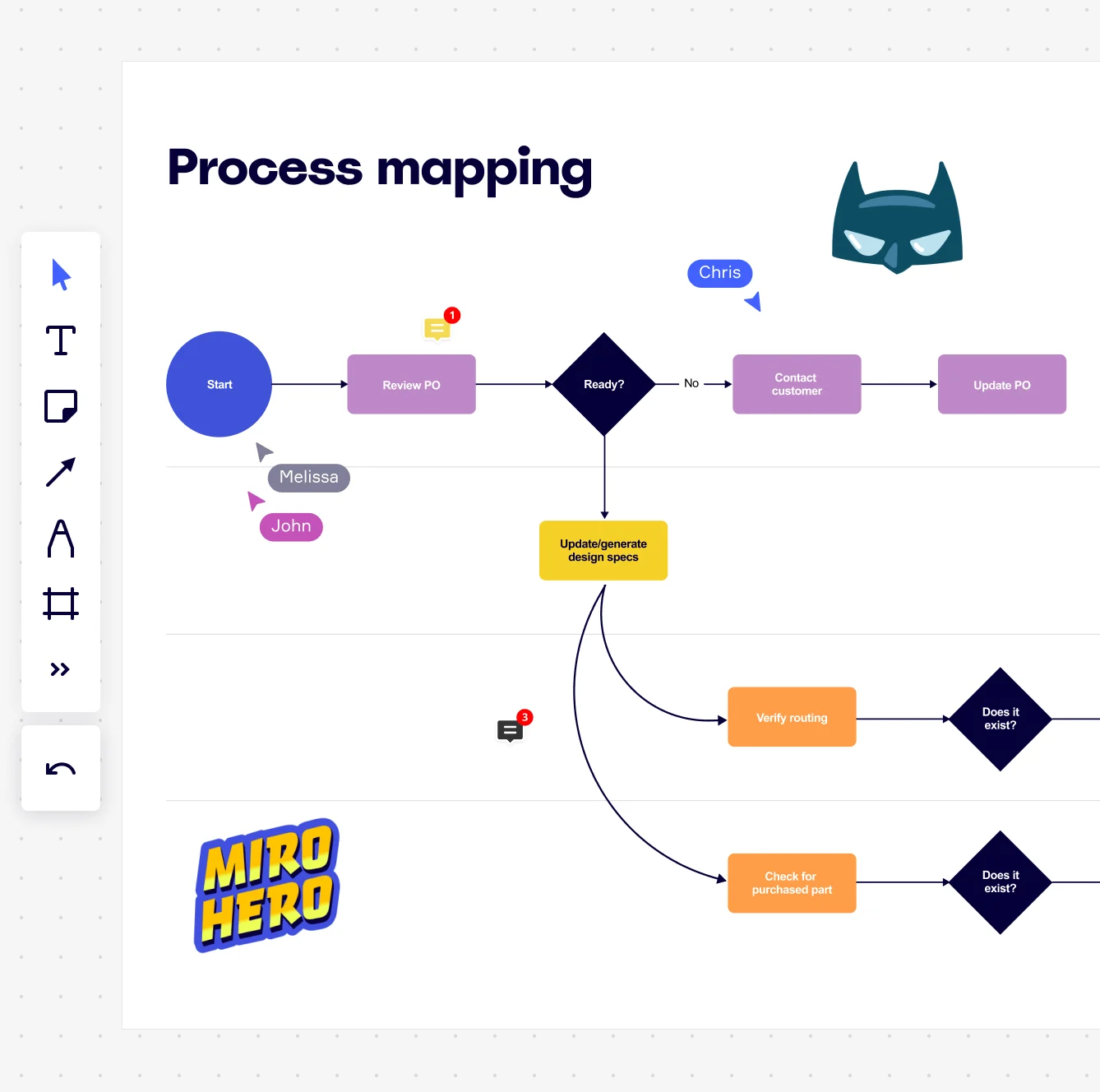
Miro board showing a process mapping flowchart with decision diamonds, process rectangles, and connecting arrows, depicting a purchase order workflow from Start through Review PO, a Ready? decision node branching to Contact Customer/Update PO or Update/generate design specs, then splitting to Verify routing and Check for purchased part steps with Does it exist? decision nodes. The board also shows collaborative features including multiple named cursors (Chris, Melissa, John), comment badges…

What experts say

  • Strategy mapping can vastly improve any strategy communication effort.

    Balanced Scorecard Institute

    President · Balanced Scorecard Institute

  • Mapped processes provide everyone in your organisation with a snapshot of how you do business today (your AS IS processes), and offers a mechanism to look at how you could do business tomorrow, more efficiently.

    Triaster Content Team

    Process Management Experts · Triaster

    Practitioner

The research on process mapping

  • 30-50%

    Business Process Management (including process mapping) delivers 30-50% productivity gains

    Source: Forrester

  • 20 percentage points

    Process improvement through function integration raised net present value of the product pipeline by 20 percentage points

    Source: McKinsey & Company

See process mapping in action

Templates for business analysts

SIPOC Process Map

SIPOC Process Map

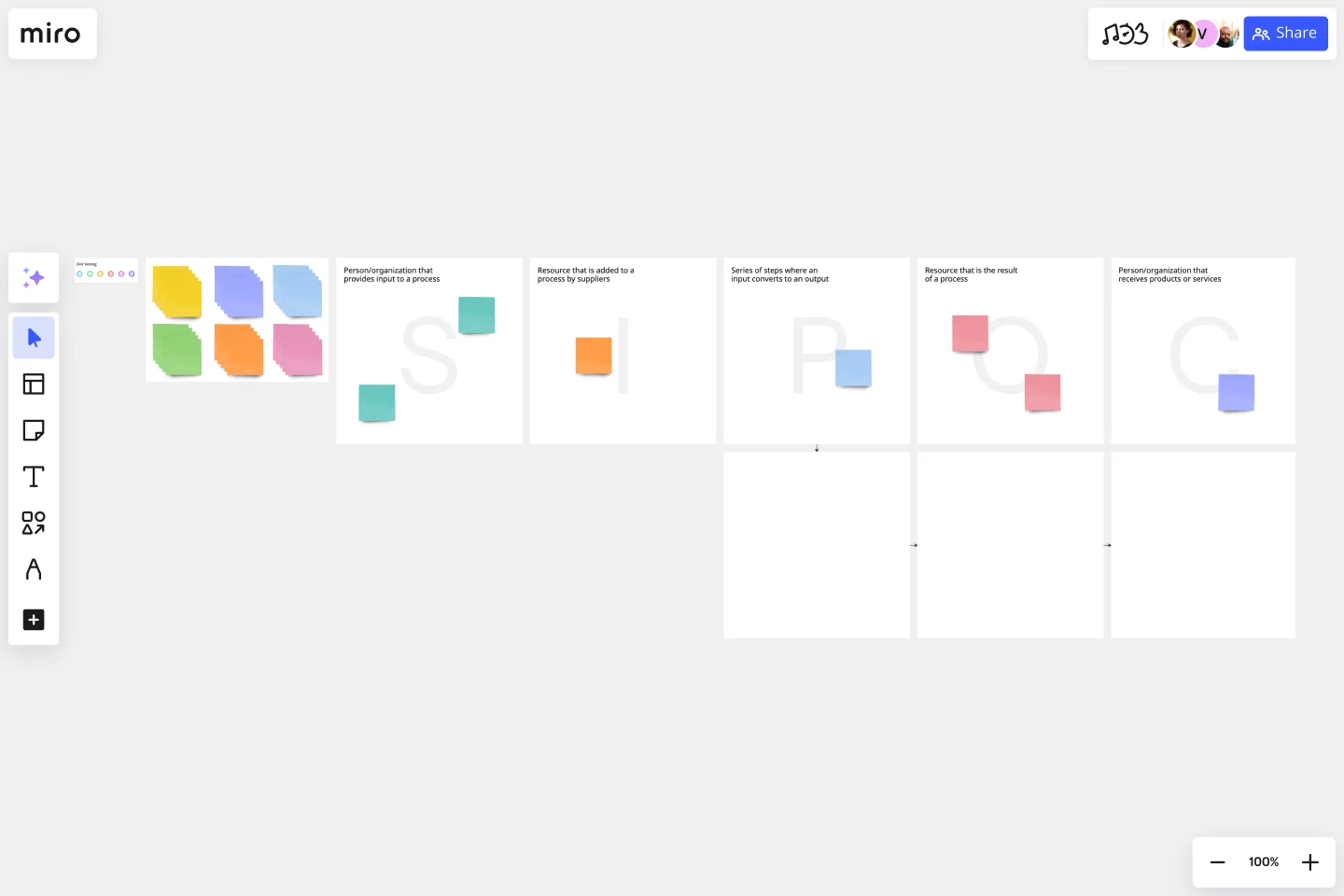
Map Suppliers, Inputs, Process steps, Outputs, and Customers before you dive into the detail. It's the scoping tool that keeps process mapping sessions from spiraling into a 6-hour rabbit hole.

Use template
Value Stream Mapping 2

AI Accelerated Value Stream Map (VSM)

See exactly where value flows and where it doesn't. VSM is the go-to for analysts running lean or continuous improvement initiatives who need to make waste visible, fast.

Use template
Swimlane Diagram (Cross-Functional Flowchart)

Swimlane Diagram (Cross-Functional Flowchart)

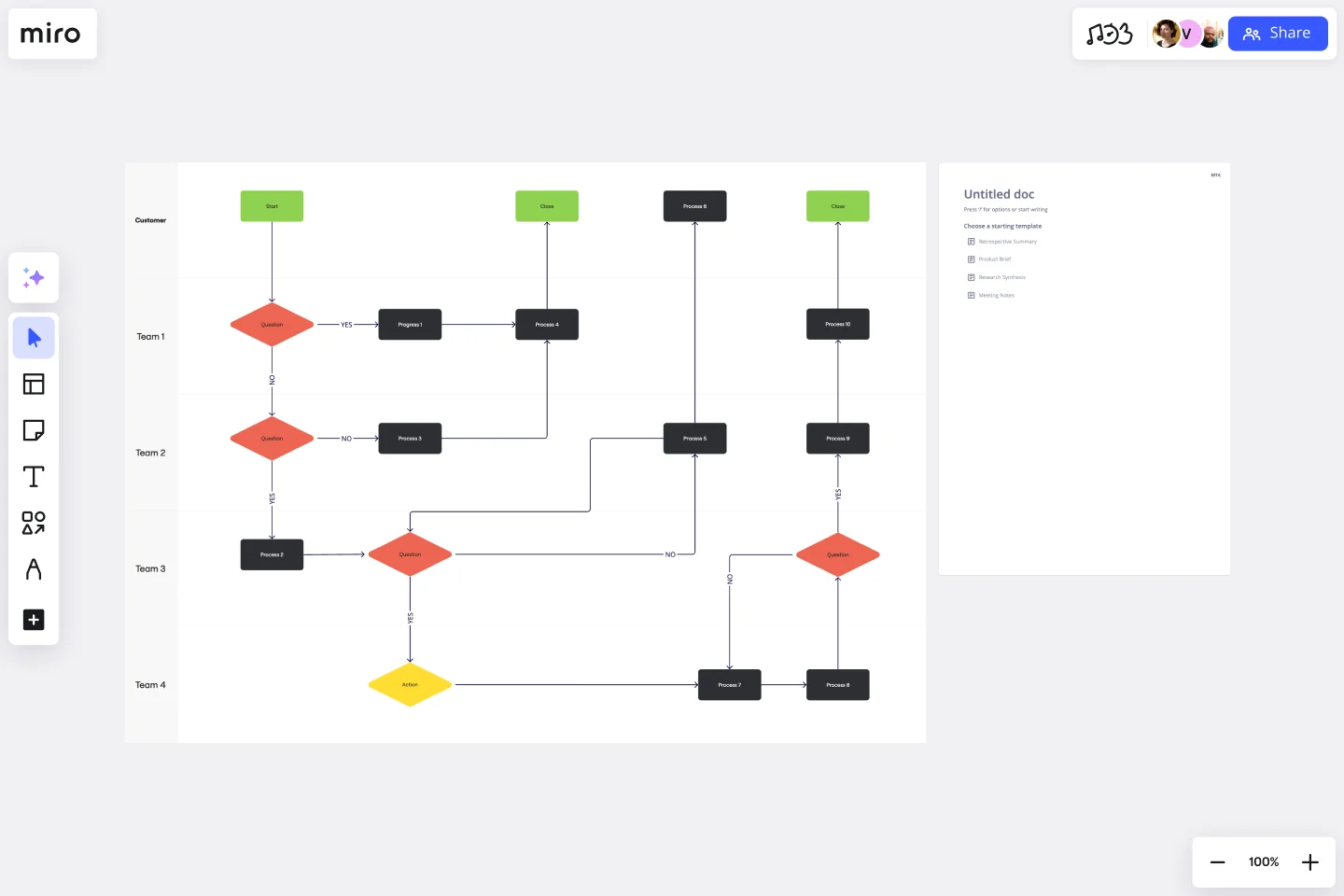
When three departments all think they own the same handoff, this is the template that settles it. Swimlanes make accountability explicit and gaps impossible to ignore.

Use template
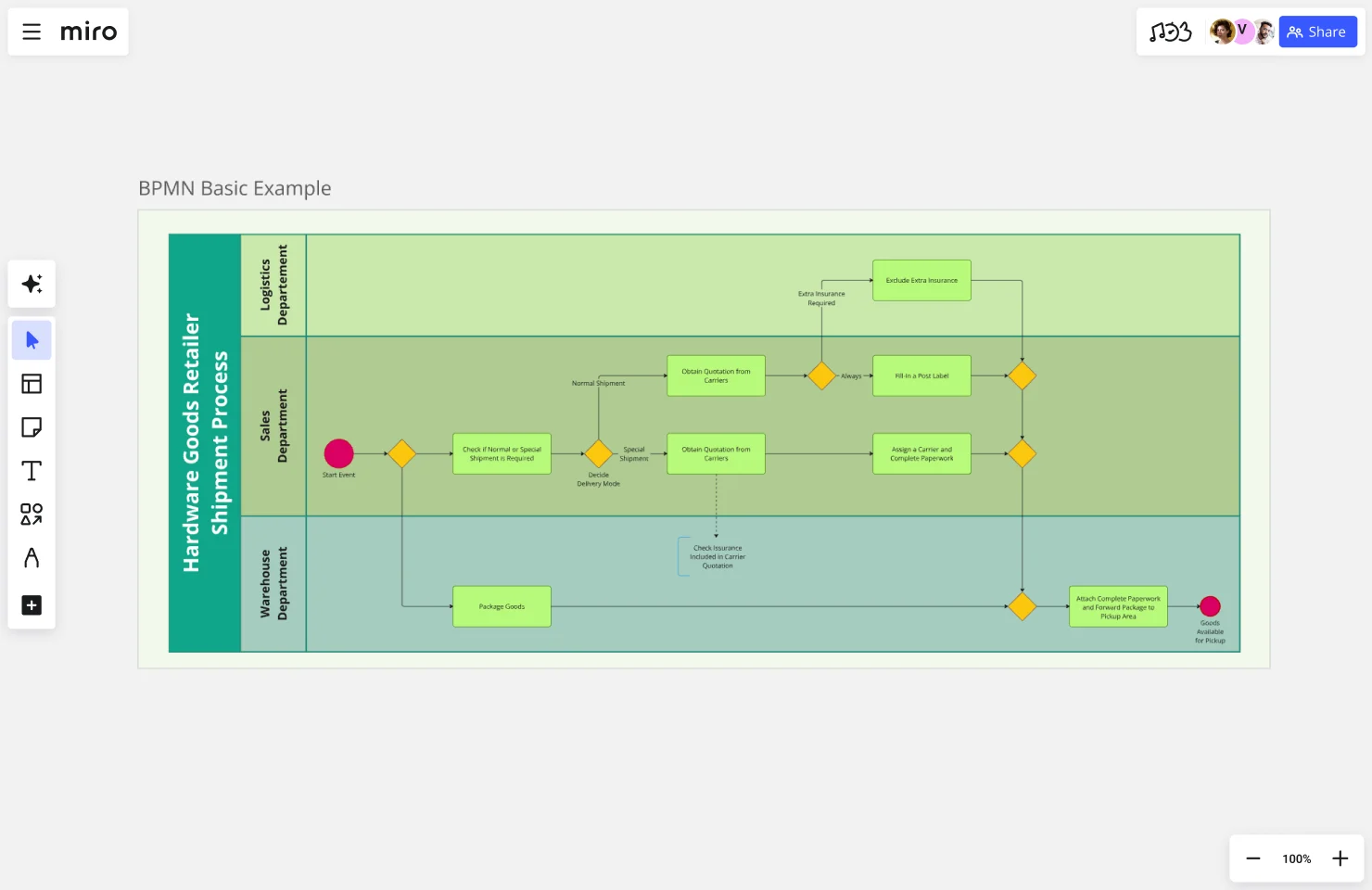
BPMN 2.0 Template

BPMN 2.0 Template

Industry-standard notation that both business and technical stakeholders can read without a decoder ring. Use it when the process needs to survive an audit or a master black belt review.

Use template
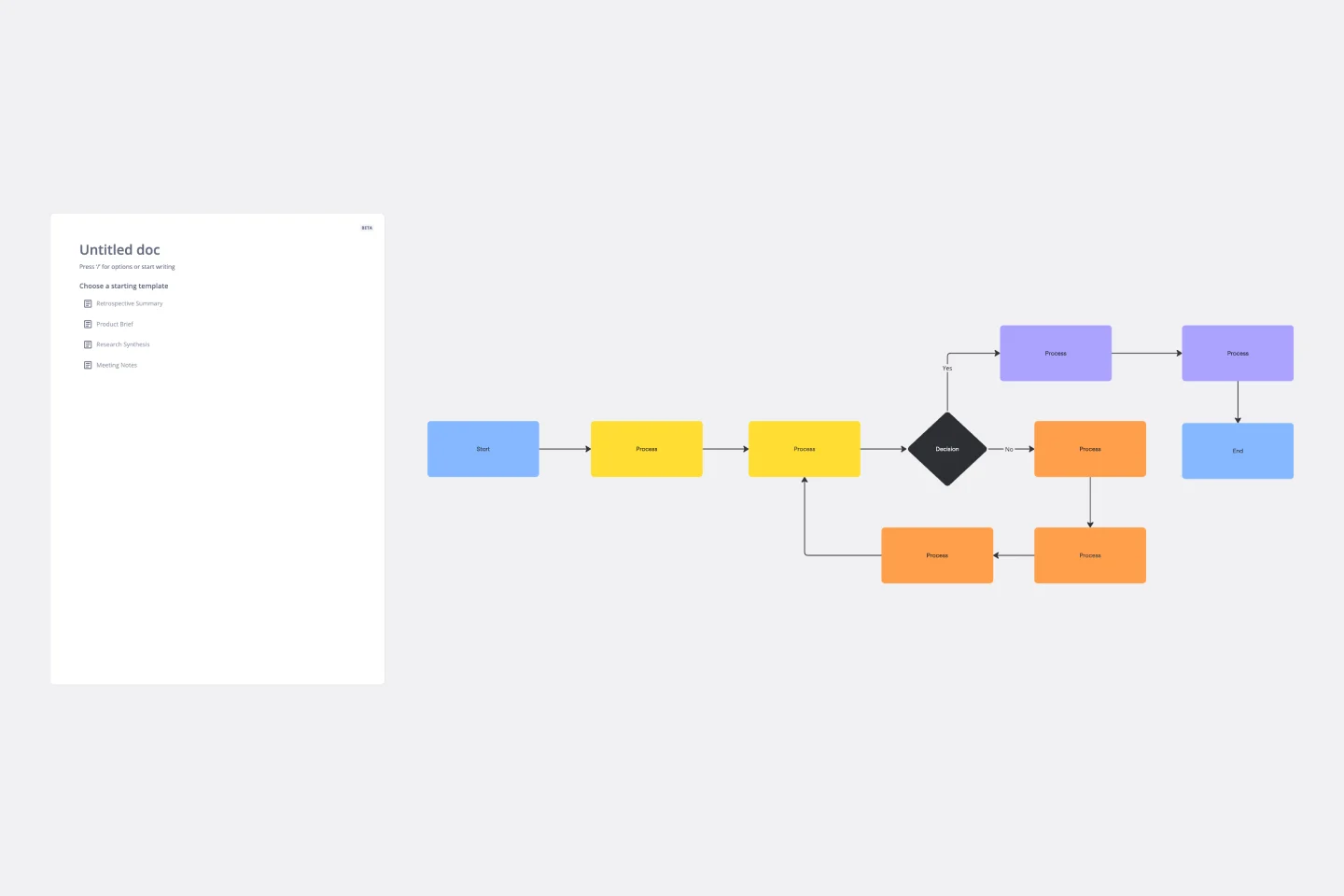
Standard Flowchart

Standard Flowchart

Sometimes you just need to get the process out of someone's head and onto a canvas. A clean flowchart does that without the overhead of formal notation.

Use template
Flowchart Template Ai

AI Flowchart

For analysts mapping processes that touch the end customer, CJM connects the internal workflow to real customer experience so process improvements land where they matter.

Use template

Why business analysts love mapping processes in Miro

  • Turn a 47-step requirements doc into a readable BPMN diagram

    Most BAs inherit a mix of legacy SOPs, Confluence runbooks, and tribal knowledge locked in a senior stakeholder's head. Pull those inputs into Miro's Diagramming Mode, pick the BPMN shape pack, and gateways, pools, and decision branches snap into place automatically. Same structured starting point whether you're a solo analyst or part of a team of 30.
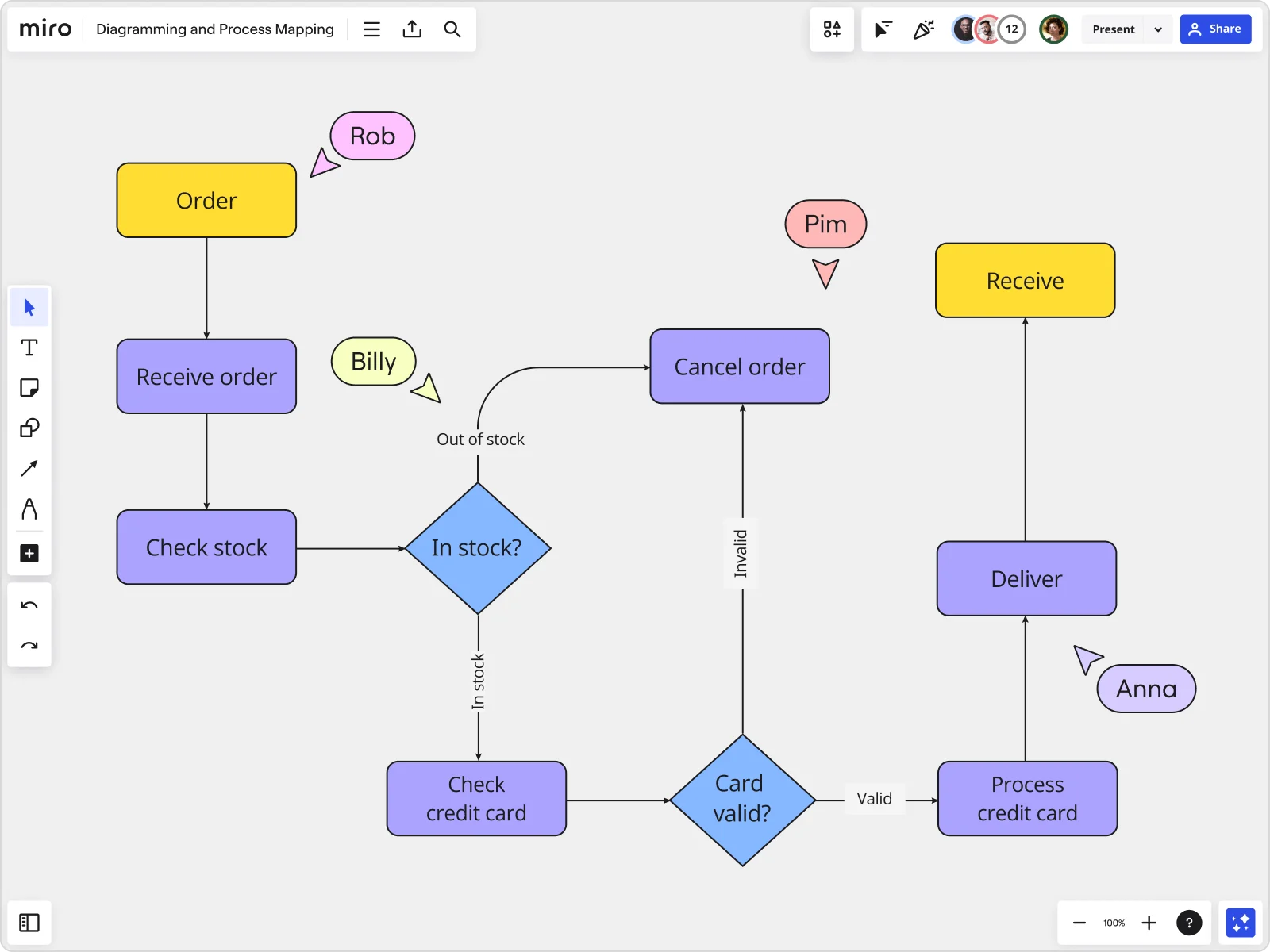
    Miro board displaying a detailed order processing flowchart with colored decision diamonds (blue) for 'In stock?' and 'Card valid?' checks, purple process blocks for steps like 'Receive order', 'Check stock', 'Check credit card', 'Process credit card', 'Deliver', and 'Cancel order', a yellow 'Order' start block and 'Receive' end block, plus named collaborator cursors (Rob, Billy, Pim, Anna) visible on the canvas.
  • Where missed handoffs become impossible to ignore

    Add swimlanes for dev, QA, and product ops, and steps without a clear owner light up instantly. Small teams fix gaps in the room. Larger orgs export findings straight to Jira and track remediation across sprints.

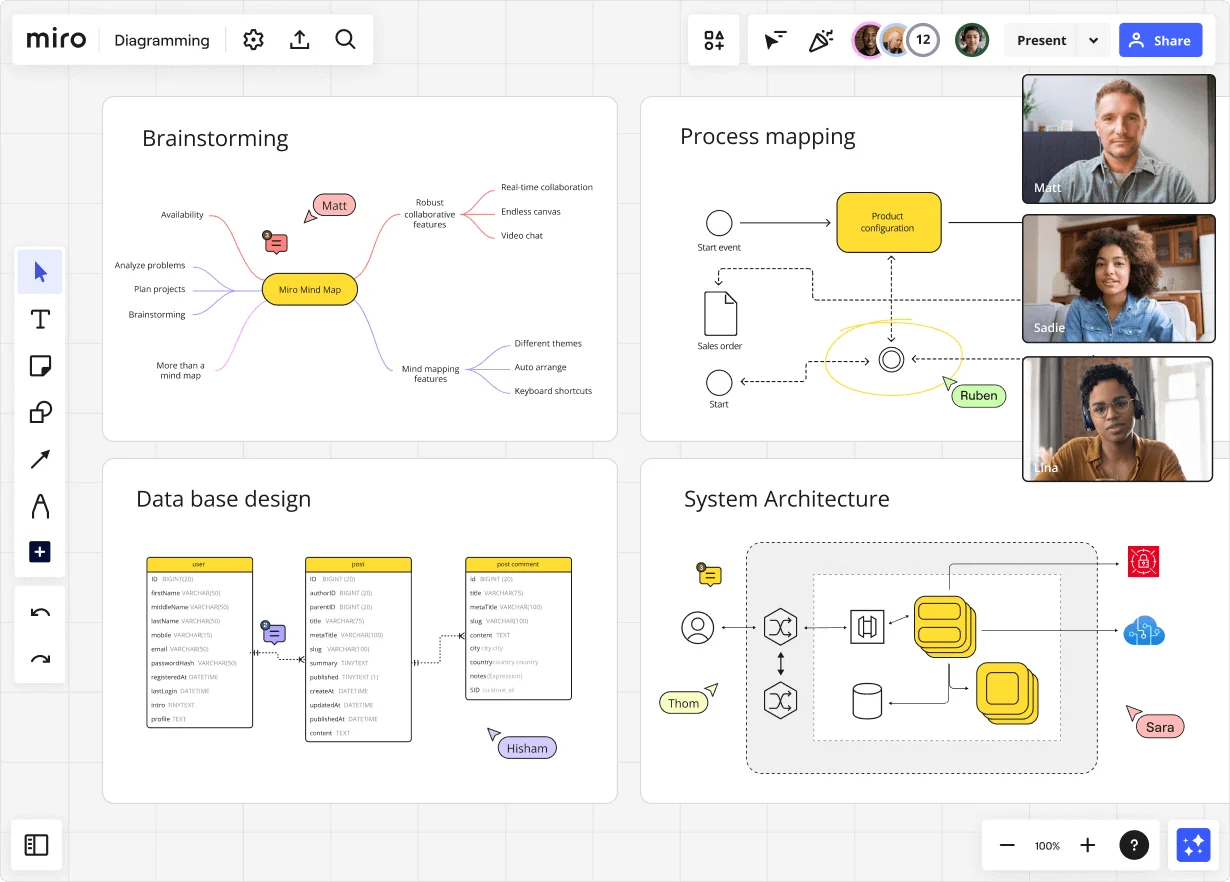
    Miro diagramming board showing four active workspaces: a mind map centered on 'Miro Mind Map' with feature branches, a BPMN-style process mapping flowchart with 'Product configuration' decision node, a database ER diagram with three related tables (user, post, post comment), and a system architecture diagram with interconnected components — all with visible collaborator cursors (Matt, Sadie, Ruben, Lina in video panel, plus Hisham, Thom, Sara as cursor labels).
  • Stop rewriting the same SOP every time a process changes

    Attach a Miro Doc directly alongside the diagram, drag in a synced copy of the process map, and use inline AI actions to rewrite steps or shift tone for an executive audience. One edit on the master propagates to every downstream board in seconds.

    Miro board displaying a BPMN process mapping diagram with two swimlanes (Customer and Online Shop), showing decision gateways, message events, and task boxes for an order/offer workflow including 'Send offer', 'Accept offer', 'Decline offer', 'Send Payment', 'Receive Confirmation', and 'Receive Decline' steps, with the BPMN shapes panel open on the left.
  • Bring your Visio files. Leave the chaos behind.

    Import Visio and Lucidchart files directly, preserving shapes, connectors, and layout. Then walk stakeholders through the validated process in Presentation Mode with live voting and a timer built in.

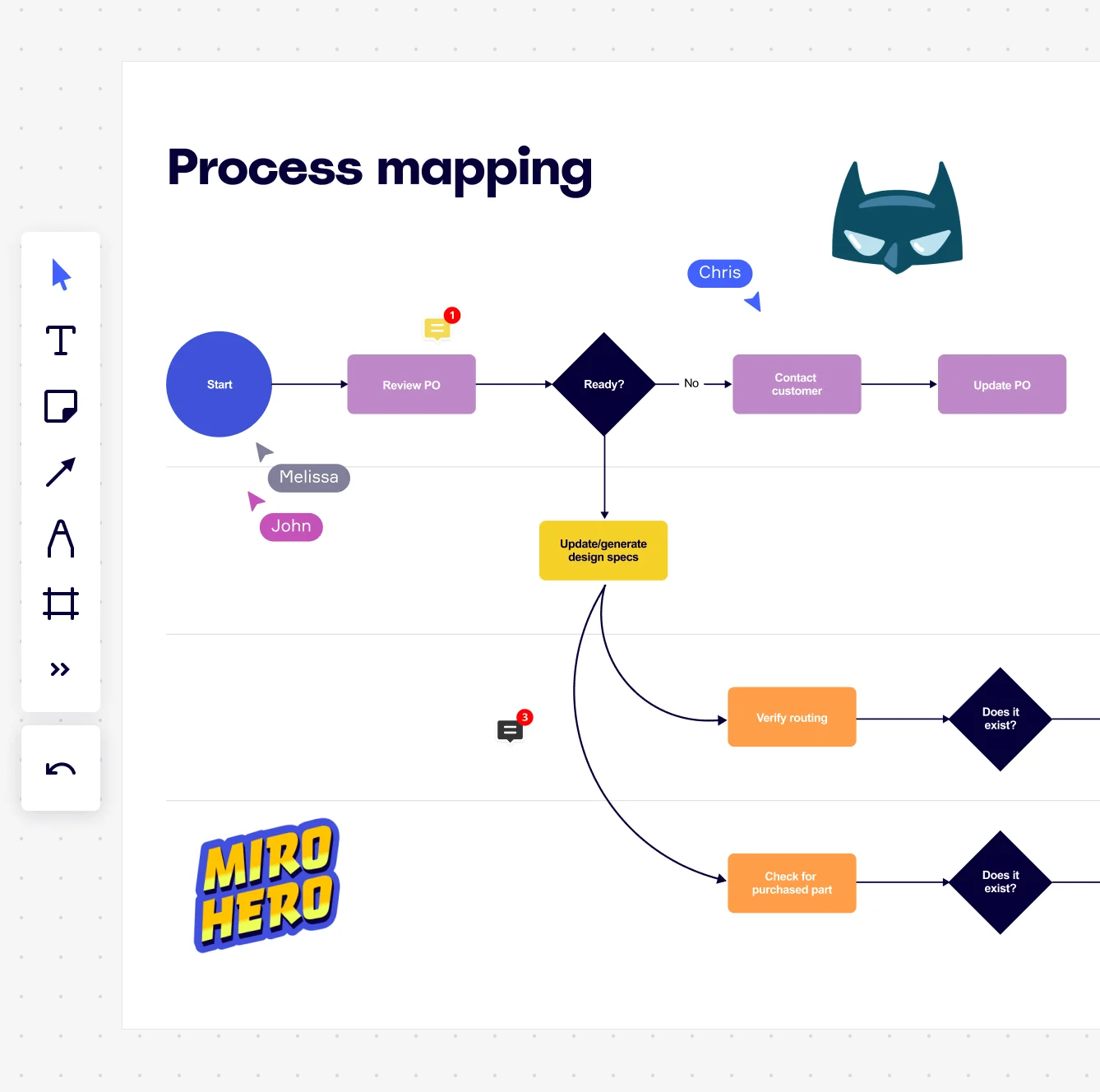
    Miro board displaying a process mapping flowchart with labeled nodes including Start, Review PO, a Ready decision diamond, Contact Customer, Update PO, Update/generate design specs, Verify routing, and Check for purchased part, with collaborative cursors (Chris, Melissa, John), comment badges, and decorative Batman and Miro Hero stickers.
  • Catch requirements gaps before the sprint review

    Trigger Miro's AI-powered diagram review and it flags orphan steps, missing decision branches, and undocumented exception paths as sticky notes pinned to the offending shapes. A five-person team catches gaps in minutes. A 500-person org runs the same check across every process board without manual QA overhead.

    Miro process mapping board displaying a cross-functional flowchart with circular process nodes (Process 1.0, 1.1, 2.0), decision paths (Yes/No branches leading to 'Accept offer' and 'Decline offer'), and rectangular action steps including 'Send payment', 'Receive Confirmation', 'Receive Decline', and 'Process', connected by solid and dashed arrows.

How business analysts get started with Process Mapping in Miro

  • Grab a SIPOC template, not a blank canvas

    Open Miro's SIPOC Template to define your process scope in the first five minutes - pin the suppliers, inputs, outputs, and customers before a single flowchart shape gets drawn, so your current-state mapping session stays focused instead of sprawling.

  • Build your current-state map in Diagramming Mode

    Switch into Diagramming Mode, pick the BPMN or Swimlane Shape Pack that matches your notation standard, and invite the process owners to map their own steps simultaneously - the analysts who do the work daily will surface the workarounds and exception paths that no SOP ever captured.

  • Turn bottleneck findings into tracked improvements

    Tag pain points directly on the diagram using Comments, then fire a Jira Card from each flagged step so every identified improvement lands in the backlog with an owner and a deadline - not on a sticky note that disappears after the workshop.

  • Ship the SOP without leaving the canvas

    Build the runbook inside a Miro Doc alongside the process map, drag your finalized Diagram and Tables straight into it, use AI Actions to tighten the language for an executive or auditor audience, then export to Markdown for the wiki or PDF for the sign-off packet.

Process mapping tips for business analysts

  • If you're migrating a library of Visio or Lucidchart files, use Bulk Import to bring all existing diagrams across at once rather than rebuilding notation-correct maps from scratch.

  • Use Status Labels (Draft / In Review / Published) inside Diagramming Mode so every reviewer knows exactly which lifecycle stage a map is at - especially useful when you're managing current-state and future-state versions side by side.

  • Before your validation walkthrough, run Presentation Mode with live Voting built into the present surface so process owners can prioritize improvement candidates in real time, rather than circling back for a separate prioritization meeting.

Understand how business analysts transform their work

  • Miro has quickly become an essential tool in my daily workflow over the past three months. I'm amazed by its versatility – I've effortlessly used it for mind mapping, process mapping, and brainstorming sessions, and it's been fantastic for each. What's really surprising is how intuitive and simple it is to use; I jumped right in without any setup or excesive implementation effort.

    Verified User

    G2
  • There are so many ways to engage with the platform - from mindmapping and prototyping, to process working, to collaboration.

    Verified User

    G2

Process Mapping essential guide for business analysts

CategoryKey insights
  • Common mistakes to avoid

    The most common trap BAs fall into is mapping the process as it's written in policy, not as it actually runs on the floor. Pull in the people doing the work, not just the documentation, or you'll miss every workaround and informal handoff that causes real delays. For larger orgs especially, agree on your start and end points before you touch a single shape, and pick one notation standard (BPMN or flowchart, not both) then stick to it across every map your practice produces.

  • Key integrations for business analysts

    Link your process maps directly to Jira so every improvement you identify in Miro becomes a trackable ticket, not a forgotten sticky note. Analysts working in Confluence can embed live Miro boards so documentation stays current without copy-pasting diagrams into pages that go stale. If your organization already runs workflows in Asana or Smartsheet, or has an existing library of Visio or Lucidchart diagrams, Miro's import tools mean you don't have to start from scratch.

  • When to use it

    Reach for Process Mapping in Miro when you're about to kick off a process improvement initiative and need the whole cross-functional group looking at the same picture. It's the right fit for a BA leading a healthcare or operations team through audit prep, where standardized BPMN notation and formal documentation of handoffs aren't optional. It's equally valuable during new system rollouts, when you need to document current-state and future-state workflows side by side and tie every identified gap directly to an implementation backlog.

  • Security & Compliance

    For analysts working in regulated industries, Miro is SOC 2 Type II certified and HIPAA compliant, so you can map sensitive workflows without moving data outside your compliance boundary. Enterprise organizations get data residency controls and granular sharing permissions, which matter when a process map touches confidential operational or financial data that can't be visible org-wide. Use Private Mode during live sessions to gather honest input on sensitive processes without worrying about who else might be watching.

Frequently asked questions for business analysts

Last updated: Thursday, June 25, 2026