



Andrey
See collaborative AI in action — straight from the Canvas 26 keynote.
Jeff

Presentations and slides for startup founders

Turn your pitch canvas into a polished deck in minutes. Build, present, and iterate without rebuilding in PowerPoint.

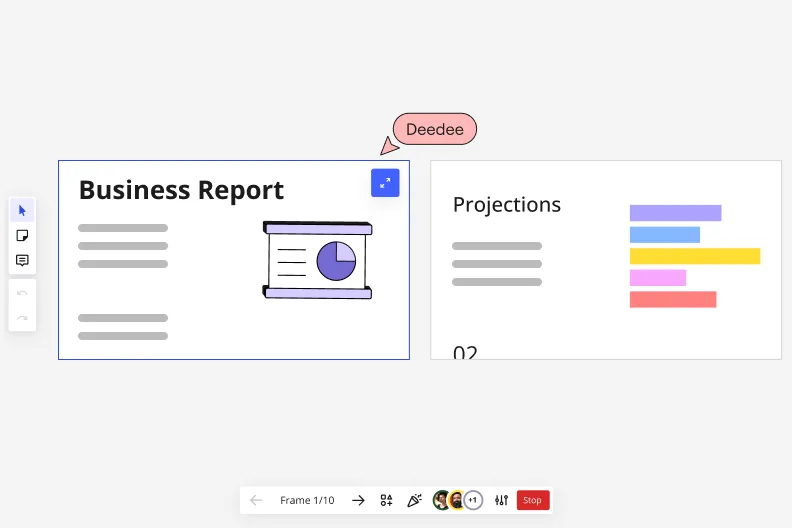
Miro's presentation mode showing Frame 1/10 with a 'Business Report' slide featuring a pie chart illustration on the left, and a 'Projections' slide with a horizontal bar chart on the right, with a collaborative cursor labeled 'Deedee' and playback navigation controls at the bottom.

What experts say

  • The way we present information and tell stories using slides has a massive impact on how well our ideas are understood and remembered.

    Nancy Duarte

    Speaker and CEO · Duarte

    Industry Expert
  • Pitch decks should be simple: problem, solution, market size, business model, traction, ask.

    Sequoia Capital

    Speaker's title and organization: Venture Capital Partner · Sequoia Capital

    Practitioner

The research on presentations and slides

  • 66%

    Visual presentations with graphs and diagrams increased audience conviction from 50% (verbal only) to over 66%, demonstrating the persuasive power of diagramming in consulting presentations

    Source: Cornell University / Wharton School of Business

  • Business strategies presented with visual diagrams received higher attention, agreement, and recall compared to text-based presentations, benefiting consulting deliverables

    Source: University of Lugano / SIOP-SHRM

See presentations and slides in action

Related templates for startup founders

We have 22 templates in our library for Presentations and Slides.

Why startup founders love creating presentations with Miro Slides

  • From demo day canvas to investor-ready deck

    You've got sticky notes, metrics, and roadmap sketches scattered across your board - and a pitch meeting in 48 hours. Use Miro's AI slide generation to turn your existing board content into a structured deck. Describe the narrative you need, pick a layout, and iterate slide by slide before committing.
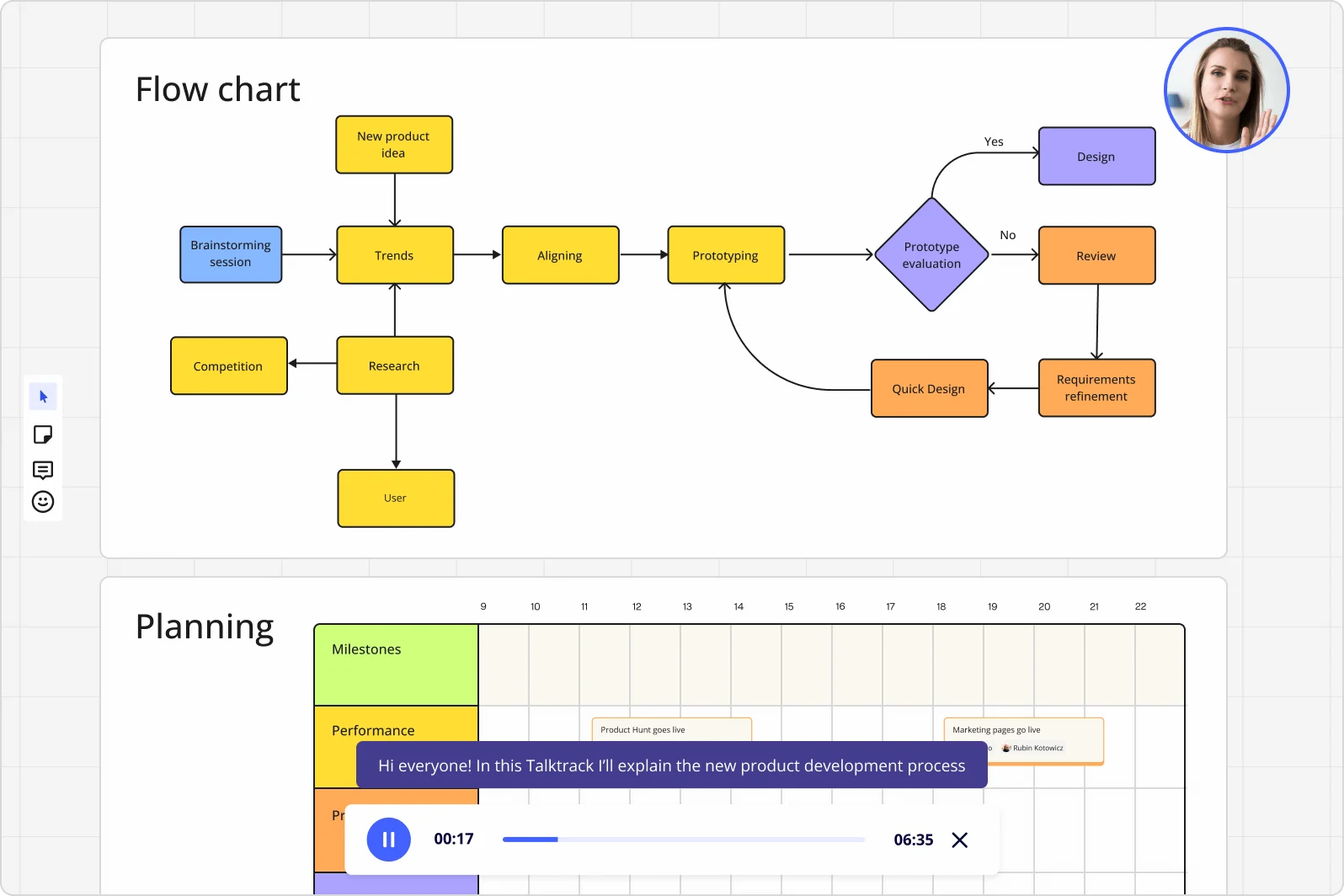
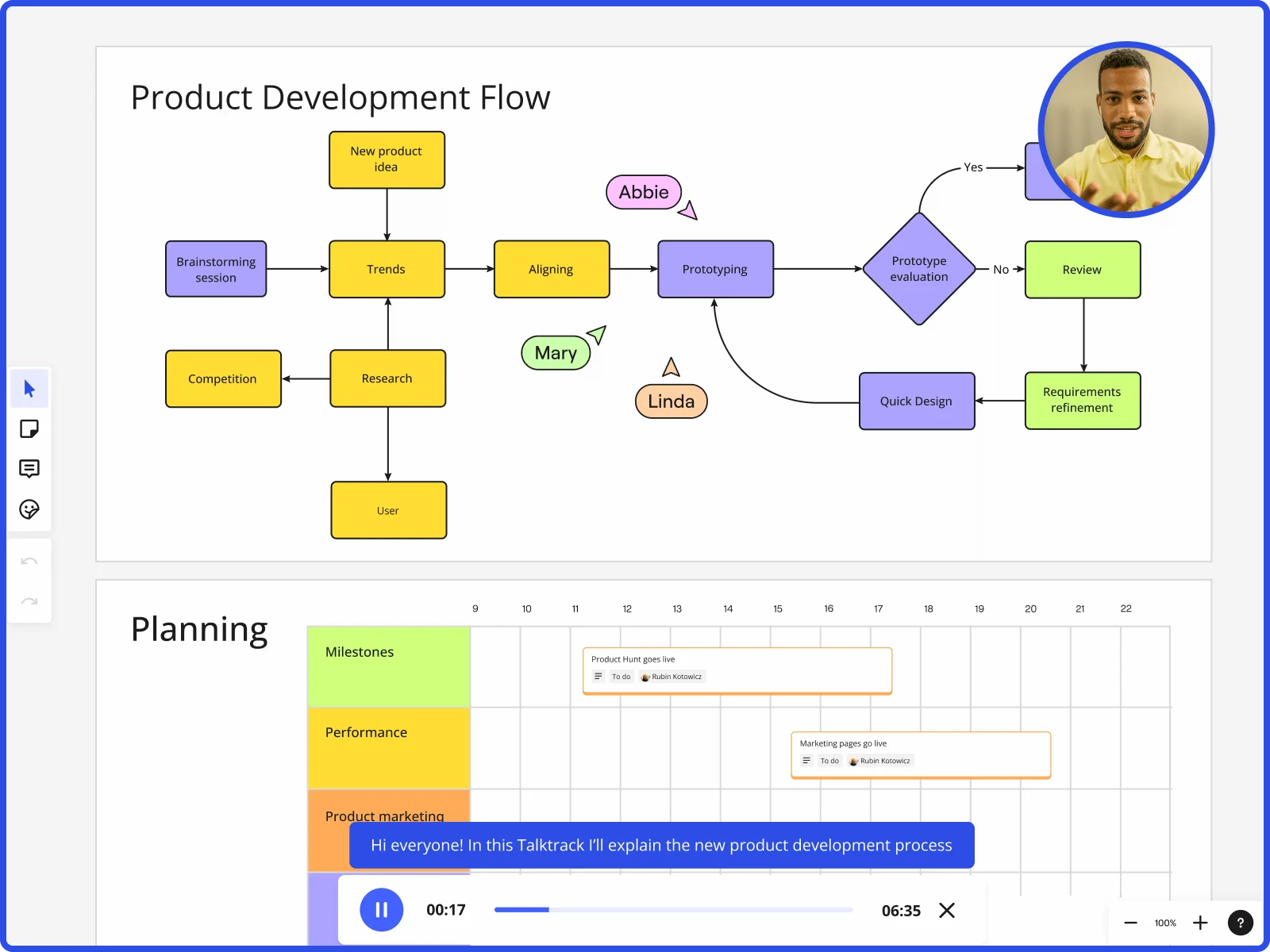
    Miro board displaying a product development flowchart with color-coded nodes (yellow process steps, orange review/design steps, purple decision diamond) showing the full workflow from brainstorming to prototype evaluation, alongside a Talktrack audio narration feature playing at 00:17 of a 6:35 recording with a presenter visible in the top-right corner.
  • When your co-founder is in a different time zone

    Not every advisor, angel, or early hire can make the live call. Record a Talktrack walkthrough - narrate through each frame with synchronized audio and board navigation - so anyone can replay the full pitch on their schedule, context intact.

    Miro board showing product development flow with brainstorming, research, prototyping stages and planning timeline with Talktrack presentation
  • Your recurring cadence, without the weekly rebuild

    Whether you're running a 3-person sprint review or a 30-person all-hands, Presentation Blueprints package your standing deck structure - agenda frames, Engage activity slots, review gates - so you reopen the same setup each cycle instead of starting over.

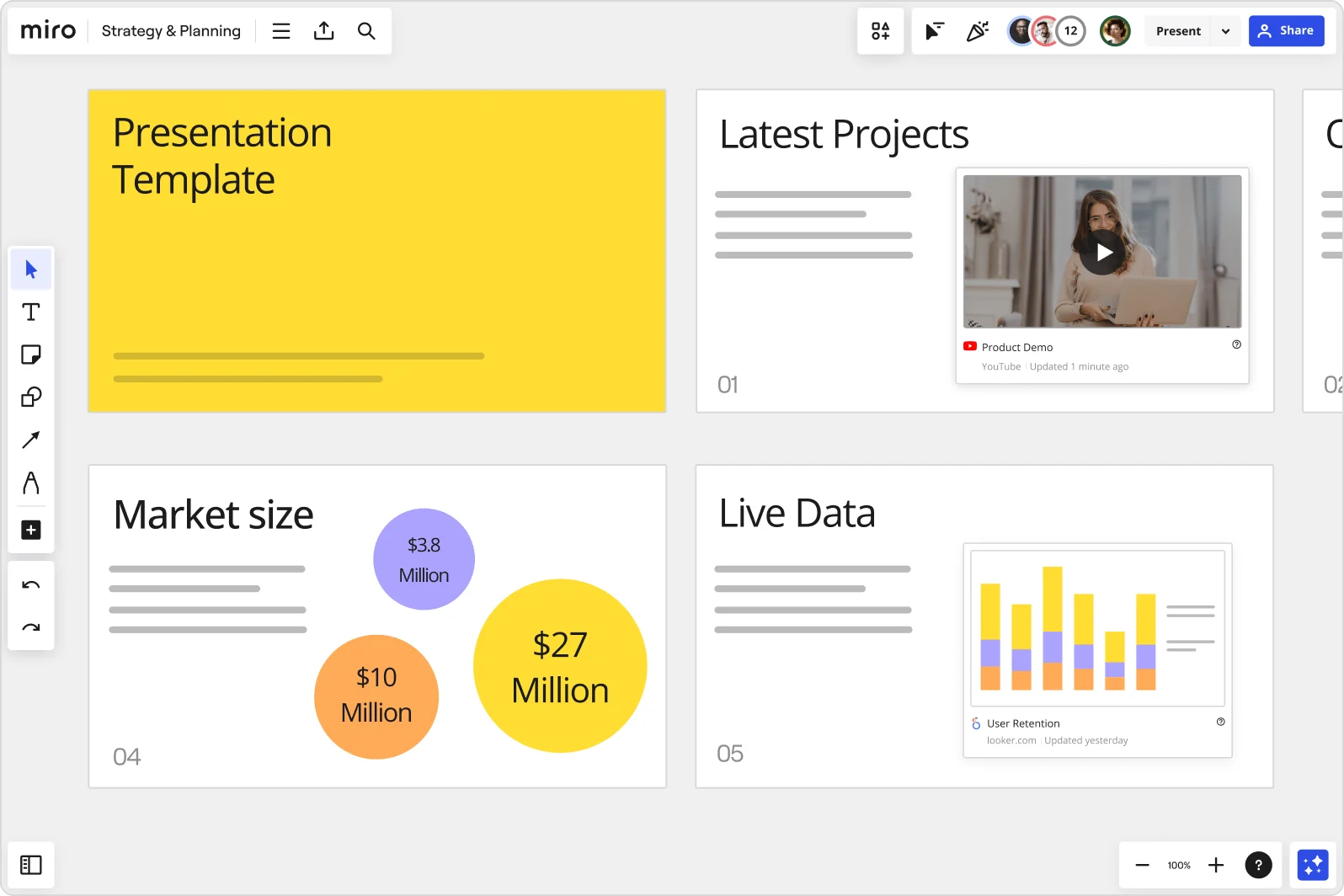
    Miro board showing a Strategy & Planning presentation workspace with four slides visible: a yellow title slide labeled 'Presentation Template', a 'Latest Projects' slide with an embedded YouTube Product Demo video, a 'Market size' slide with bubble charts showing $3.8M, $10M, and $27M values, and a 'Live Data' slide featuring an embedded Looker.com User Retention bar chart.
  • Stop switching tabs mid-pitch to prove your numbers

    Founders live in Figma, Notion, and Google Slides simultaneously. Embed live charts, design frames, and reference docs directly onto slide frames using External Embeds, so your pitch pulls current data at present time without a single tab switch.

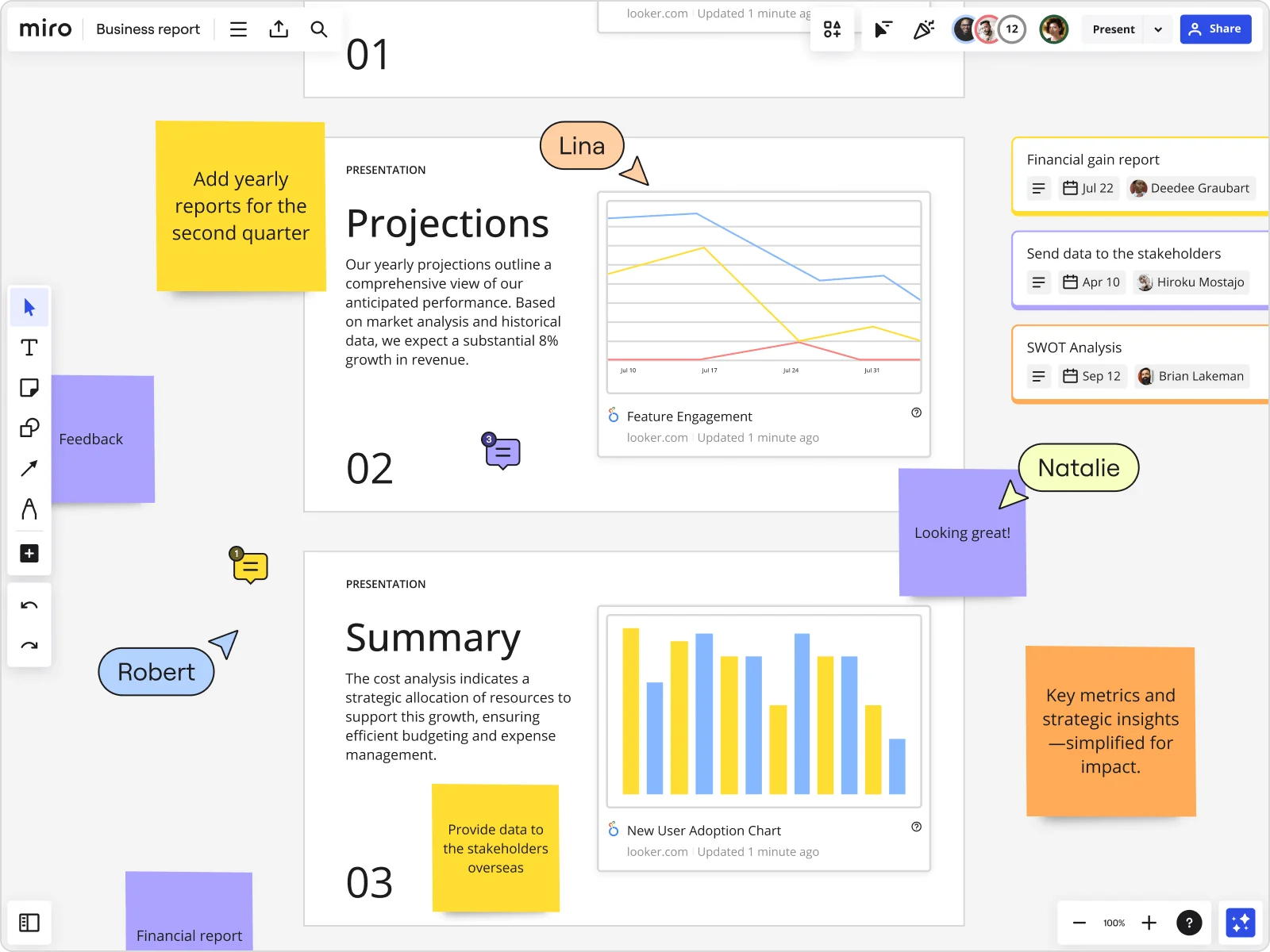
    Miro board showing a Business Report with two presentation slides (Projections and Summary) containing embedded Looker charts for Feature Engagement and New User Adoption, alongside sticky notes with tasks, three task cards for Financial gain report, Send data to stakeholders, and SWOT Analysis, and collaborative cursors from users named Lina, Natalie, and Robert.
  • Interactive Q&A that captures every voice in the room

    Verbally fielding questions from a mixed investor-and-advisor audience buries quieter voices. Drop Miro Engage's Multiple Choice, Word Cloud, or Open-Ended Q&A directly into your deck. Attendees join via QR code on their phones - no Miro account needed - and responses export straight to sticky notes on your board for follow-up.

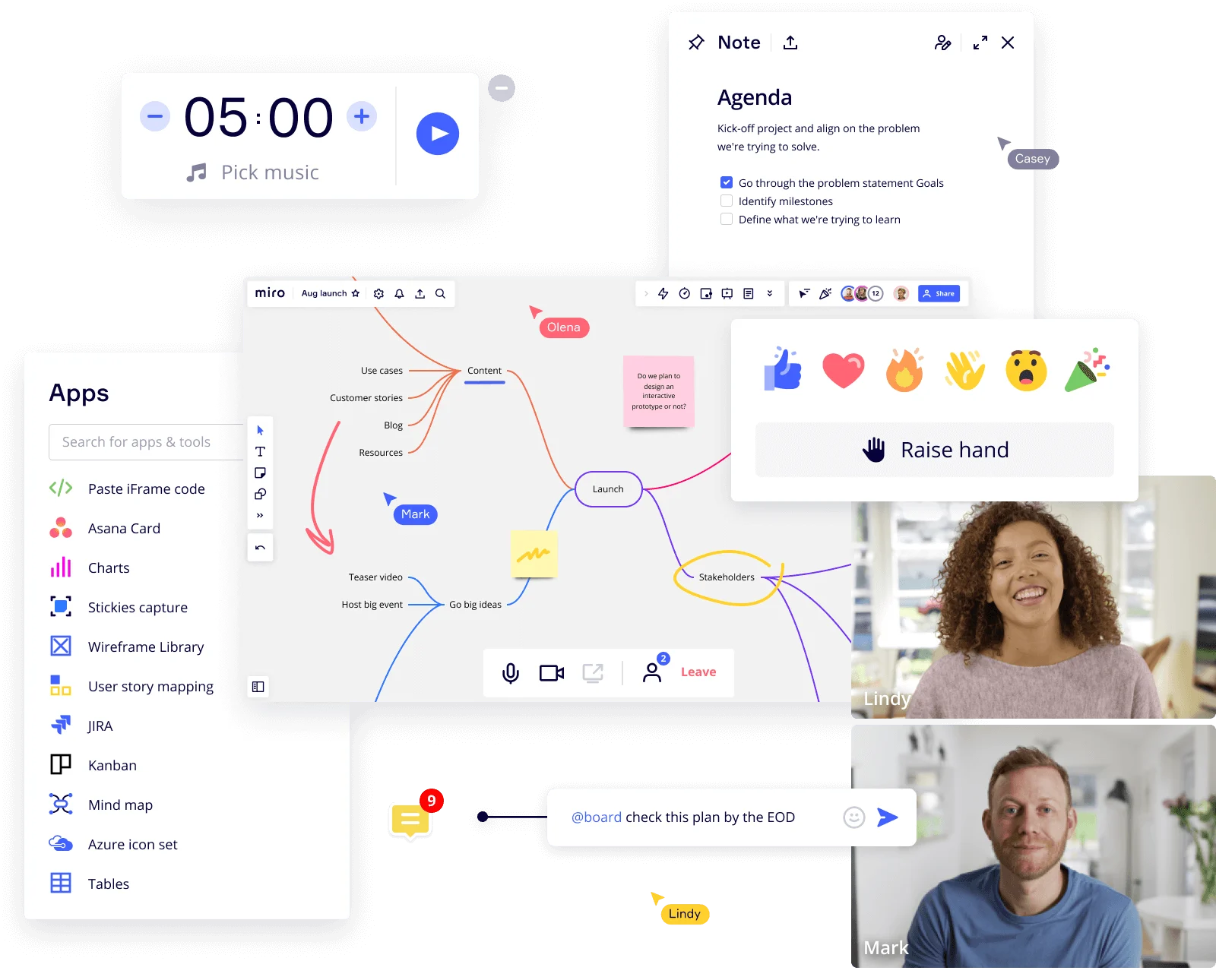
    Composite screenshot of Miro's online whiteboard platform showing a mind map with nodes for Content, Launch, and Stakeholders on a collaborative board, alongside overlapping UI panels including a 5-minute countdown timer, an agenda note with checklist items, an apps sidebar with integrations (Asana, JIRA, Kanban, Charts, etc.), emoji reaction toolbar, raise hand feature, and a video call panel with two participants named Lindy and Mark.

How startup founders get started with Miro Slides

  • Draft your pitch from existing context

    Open a new Miro board, paste in your ARR snapshot, MoM growth chart, and runway assumptions, then trigger AI Generate Slides from selected content so your fundraising narrative builds from real numbers rather than a blank slide.

  • Sharpen the story, slide by slide

    Prompt the Product Marketer Sidekick on individual frames to flag weak transitions or overloaded slides before the partner meeting, so you fix the deck's narrative arc - problem to traction to ask - while you still have time.

  • Send the deck before the room fills

    Record a Talktrack walkthrough that narrates your burn rate defense and CAC payback logic so the lead investor can replay it asynchronously before the live meeting, and skeptical board members can revisit your runway assumptions after the call.

  • Templatize for the next 90-day cycle

    Save your board pack structure as a Blueprint so each quarterly update inherits the same frame order, embedded live data from Sheets and Stripe via External Embeds, and Miro Engage poll slots for real-time investor sentiment - without rebuilding from last quarter's deck.

Presentations and Slides tips for startup founders

  • During a live board meeting, drop an Miro Engage Scales activity on your burn rate slide so directors register confidence anonymously by QR code before the debate starts - you get honest signal instead of polite nodding.

  • Use Synced Copies for your master deck content when preparing audience-specific versions (seed lead vs. strategic investor vs. co-investor follow-up), so a traction update in one place propagates everywhere instead of silently drifting across five copied boards.

  • Name every Frame with the metric it defends ("Net revenue retention - 118%", "Runway - 14 months") so your presentation sidebar doubles as a cheat sheet when a partner skips straight to the slide that concerns them most.

Understand how startup founders transform their work

  • Currently, I'm working on a presentation. I was asked to put it in PowerPoint, but I insisted that I put it in Miro. PowerPoint only has so much room. With Miro, I can go on forever and all I have to do is zoom in and out to show the big picture and to show the details

    Verified User

    G2
  • Infinite canvas is one of the big things to prevent you from being stressed about the upfront organization of your work. Frames are the second preferred thing, combined with presentation mode, which allows you to break out of your PowerPoint world and be fully transparent and collaborative.

    Verified User

    G2

Presentations and slides essential guide for startup founders

CategoryKey insights
  • Common mistakes to avoid

    The biggest trap founders fall into is treating each frame like a slide deck page in Google Slides, cramming in ARR charts, retention curves, and runway assumptions until the story disappears under the data. Before your next investor meeting or board update, reorder your frames intentionally in Miro's sidebar so the narrative arc runs problem to traction to ask, not in the order you built it. And if you're still exporting to PowerPoint for the "final" version, you're adding an hour of reformatting you don't have when a partner wants a meeting in 72 hours.

  • Key integrations for startup founders

    Google Slides and Microsoft PowerPoint let you move between Miro and the formats your board members or lead investors will inevitably request. Zoom and Microsoft Teams keep your live pitch or board session connected directly to the canvas, so you're not screen-sharing a static export while the real work lives elsewhere. For founders at scaling companies whose product evidence lives in Jira and whose narrative context lives in Confluence, both integrate directly so you're not stitching together screenshots at midnight before a demo day.

  • When to use it

    Use this when a warm intro just landed and you have 72 hours to turn your Stripe numbers, Mixpanel retention data, and roadmap evidence into a fundraising deck that moves a partner from curious to term sheet. It's also the right call when your board update story has shifted since last quarter and you need to rebuild the burn rate narrative fast, present it live, and then share a Talktrack recording with the board member who joined late from a different time zone. If your deck needs live participation, like a board vote on next-quarter priorities or a breakout for department leads to work through resource allocation in parallel, Interactive Presentation Mode with Voting and Breakout Frames turns a passive update into a working session.

  • Security & Compliance

    Miro is SOC 2 Type II certified, which covers the baseline question most lead investors and enterprise pilots will ask before you share a board pack containing burn rate or cap table context. For founders building in regulated verticals or closing enterprise deals with data-sensitivity requirements, Miro offers data residency controls and granular sharing permissions so the right slides reach the right people and your full canvas stays private. Private Mode keeps confidential investor materials visible only to you during a live session, which matters when you're presenting to a room that includes someone who hasn't yet signed an NDA.

Frequently asked questions for startup founders

Last updated: Friday, July 10, 2026