
Any input, any format
Turn a prompt, a doc, or your data into diagrams, tables, timelines, kanbans, docs, and slides. They all live side by side on the same canvas.
Where 

 teams and

 agents create, collaborate and decide.
Join 100M users on Miro


Prototype an end-to-end flow with key screens, interactions, decisions, and edge cases.
Damir Dizdarevic, who led the product development work, shows what he’s most excited for people to try.
Start with an idea, a prompt, a doc, a dataset, or what’s already on the board. Ask a Sidekick, or ask from your own AI chat, and Miro’s visualization engine creates it right on the canvas, in the format that fits. Then you and your team take it from there.
Turn a prompt, a doc, or your data into diagrams, tables, timelines, kanbans, docs, and slides. They all live side by side on the same canvas.
Everything that lands on the canvas can be edited manually or by agents. Move it, rewrite it, and iterate on it as a team instead of recreating from scratch.
An agent can read what’s on the canvas and change it, the same way a teammate would. That works because it’s all built on open formats like HTML, Mermaid, and Markdown.
AI works with context from across your company’s tools, and it all lands on one canvas, laid out so everyone can see it, discuss it, and work from it. Decisions are built on the latest data instead of a copy-paste from last week.


The canvas is built for collaboration, so your AI agents work alongside you, never instead of you. People bring judgment, expertise and creativity. AI brings speed and synthesis.
Native Miro AI agents that can read the board, think, plan, and build alongside your team on the canvas.
Tag Miro and external AI agents like Glean, Copilot, and Gemini in comments on the canvas to take action.
Ask from your chat window in Claude, Copilot, ChatGPT and more to build something in Miro, and it shows up on the canvas.
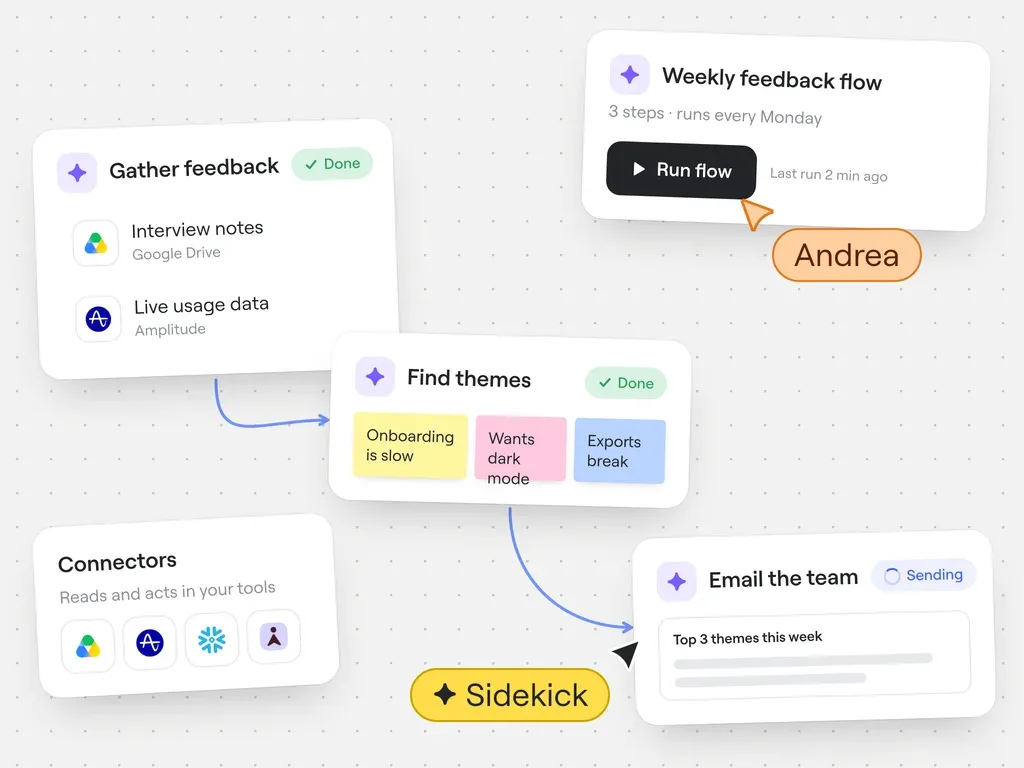
Chain multiple AI actions on the canvas into a workflow your team can run again and again. With Connectors, it can pull live context from your other tools and take action in them.
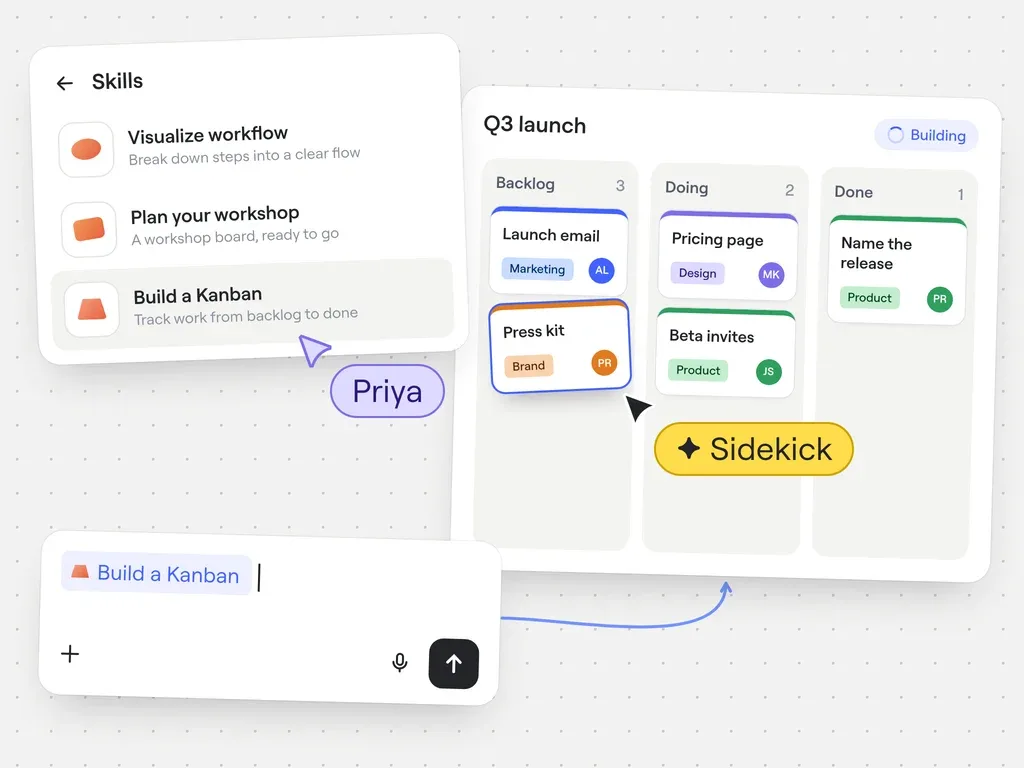
Start from an out-of-the-box Skill for what you need, a Kanban, a roadmap, a PRD. One step takes you from an empty board to a first draft your team can shape.
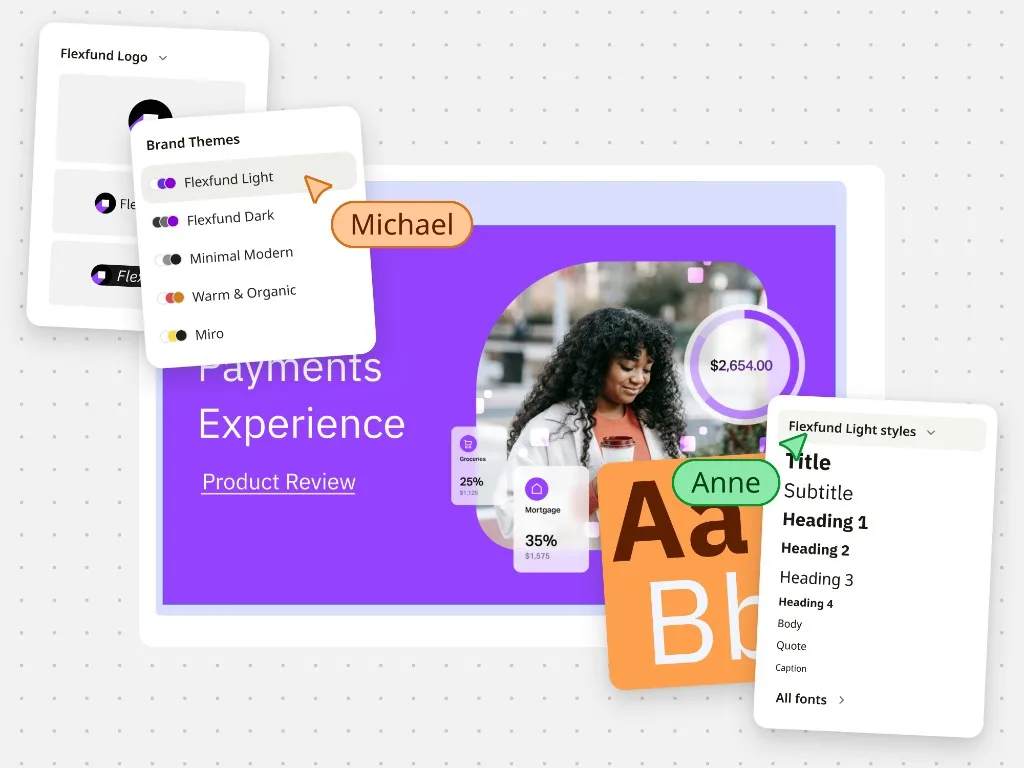
Define your brand once and everything made on the canvas follows it, whether a person or an agent made it. Boards, prototypes, and slides come out looking like your company, with the fonts and colors already right.
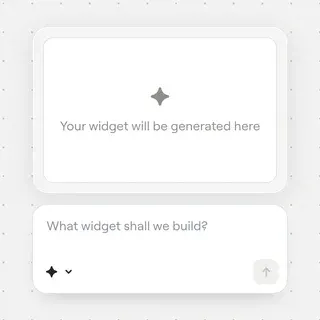
Describe what you need, a decision log, a scoring grid, a chart maker, and a working widget appears on the canvas. It runs on live data, so copy it to any board and it picks up what’s there.

React in your own style. Generate personalized stickers from a photo or a prompt, then use them anywhere on the board the way you’d use any other reaction.
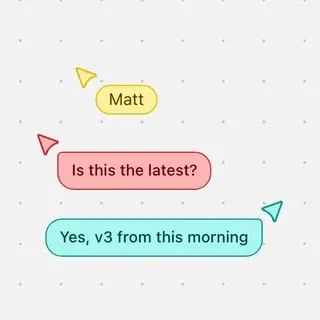
Talk while you work on the canvas. Type a message and it shows up as a speech bubble next to your cursor, so asking a quick question feels like turning to the person sitting next to you.

Record a guided tour of what you worked on and what you decided, so people can catch up whenever it suits them. Auto transcripts let AI pull out the key points and turn them into whatever comes next.
“Building all the boards, sticky notes, and headings myself would’ve taken an hour and a half to two hours. With Miro AI, it took under thirty minutes.”
“Putting a pitch board like this together used to take me about half a day. With Miro AI, it took less than half the time.”
“After AI tools advanced, we moved our client presentations over to Miro entirely. It simplified our life — one less tool in the toolbox.”
“I asked Claude to find an ideation session in Miro and pull out the key points. I got a starting point for my session already done… a real moment of delight.”
“I’m using Claude and the Miro MCP to design my boards. I can tweak the design afterwards — it’s very handy.”
“I say ‘Claude, take this idea and put it in Miro’, and it translates exactly what I want onto the board. It makes my process more efficient.”
“It gave me a workshop structure — icebreaker, frameworks, practice activities — very similar to what I’d build myself. I loved it, and I’m going to use it for my next workshop.”
Customers choose which AI features are on and what data they can reach. Everything AI does is logged, so you can see what happened and when. Your company’s data stays safe.


