Get into the flow of work with Miro Flows
Make teamwork flow faster with visual, multi-step AI workflows. It's unlike any AI you've seen before.
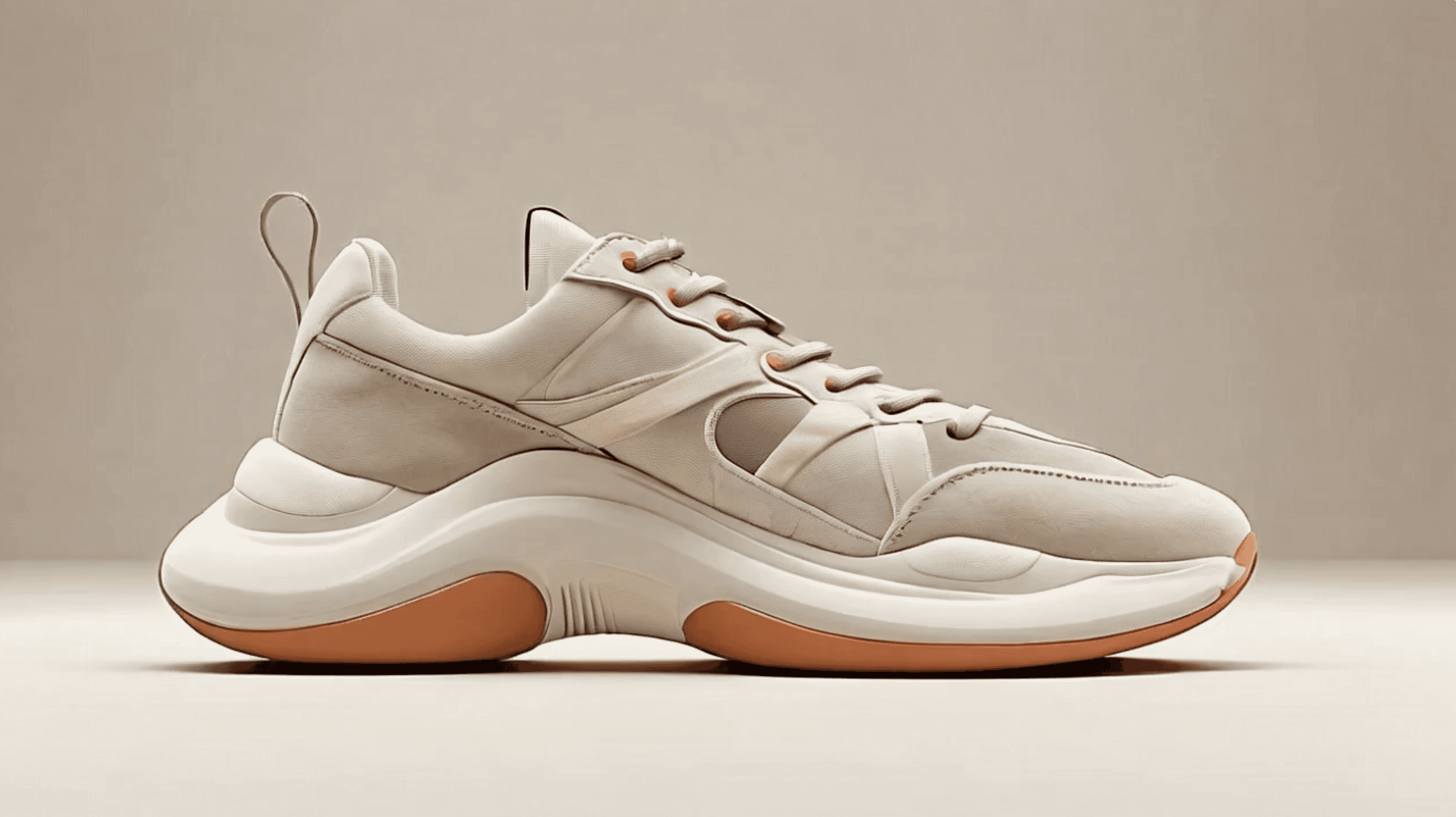
INSIGHTS
DATA TABLE

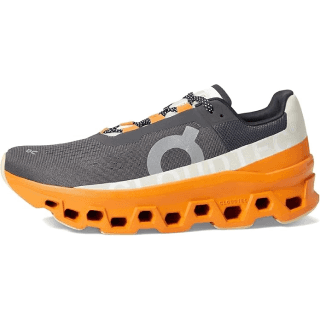
2025 Sneaker Trends

big and chunky


Comfy
sneakers

Running Trainers
Roger
Emily
Miro AI
Get into the flow of work with Miro Flows
Make teamwork flow faster with visual, multi-step AI workflows. It's unlike any AI you've seen before.
Roger
Emily
Miro AI
Get into the flow of work with Miro Flows
Make teamwork flow faster with visual, multi-step AI workflows. It's unlike any AI you've seen before.
Get into the flow of work with Miro Flows
Make teamwork flow faster with visual, multi-step AI workflows. It's unlike any AI you've seen before.
Get into the flow of work with Miro Flows
Make teamwork flow faster with visual, multi-step AI workflows. It's unlike any AI you've seen before.
INSIGHTS
DATA TABLE
2025 Sneaker Trends
big and chunky
Comfy
sneakers
Running Trainers
Roger
Emily
Miro AI
Get into the flow of work with Miro Flows
Make teamwork flow faster with visual, multi-step AI workflows. It's unlike any AI you've seen before.
INSIGHTS
DATA TABLE
2025 Sneaker Trends
big and chunky
Comfy
sneakers
Running Trainers
Roger
Emily
Miro AI
AI that joins your teams' flow
AI that augments and accelerates how you and your team think and execute. Grounded in your context.
Let the canvas do the work
Instead of starting from scratch in an empty prompt box, Flows build on the work your team has already done – on your canvas, and from across your work tools.
Build Flows together
Work with AI as a team – multiple cursors, simultaneous edits, full visibility. Anyone can tweak steps, swap models, and refine prompts, so the Flow keeps improving.
Exploration, not just execution
Explore the edges of ideas. Spin up multiple options, and build out entire frames to reach better outcomes faster – with your context intact.
AI that joins your teams' flow
AI that augments and accelerates how you and your team think and execute. Grounded in your context.
Let the canvas do the work
Instead of starting from scratch in an empty prompt box, Flows build on the work your team has already done – on your canvas, and from across your work tools.
Build Flows together
Work with AI as a team – multiple cursors, simultaneous edits, full visibility. Anyone can tweak steps, swap models, and refine prompts, so the Flow keeps improving.
Exploration, not just execution
Explore the edges of ideas. Spin up multiple options, and build out entire frames to reach better outcomes faster – with your context intact.
AI that joins your teams' flow
AI that augments and accelerates how you and your team think and execute. Grounded in your context.
Let the canvas do the work
Instead of starting from scratch in an empty prompt box, Flows build on the work your team has already done – on your canvas, and from across your work tools.
Build Flows together
Work with AI as a team – multiple cursors, simultaneous edits, full visibility. Anyone can tweak steps, swap models, and refine prompts, so the Flow keeps improving.
Exploration, not just execution
Explore the edges of ideas. Spin up multiple options, and build out entire frames to reach better outcomes faster – with your context intact.
AI that joins your teams' flow
AI that augments and accelerates how you and your team think and execute. Grounded in your context.
Let the canvas do the work
Instead of starting from scratch in an empty prompt box, Flows build on the work your team has already done – on your canvas, and from across your work tools.
Build Flows together
Work with AI as a team – multiple cursors, simultaneous edits, full visibility. Anyone can tweak steps, swap models, and refine prompts, so the Flow keeps improving.
Exploration, not just execution
Explore the edges of ideas. Spin up multiple options, and build out entire frames to reach better outcomes faster – with your context intact.
AI that joins your teams' flow
AI that augments and accelerates how you and your team think and execute. Grounded in your context.
Let the canvas do the work
Instead of starting from scratch in an empty prompt box, Flows build on the work your team has already done – on your canvas, and from across your work tools.
Build Flows together
Work with AI as a team – multiple cursors, simultaneous edits, full visibility. Anyone can tweak steps, swap models, and refine prompts, so the Flow keeps improving.
Exploration, not just execution
Explore the edges of ideas. Spin up multiple options, and build out entire frames to reach better outcomes faster – with your context intact.
Turn best practices into repeatable processes
Build visual workflows that handle multi-step processes — from creating early concepts to delivering polished products.
Jump straight into action with pre-built Flows
Start with proven templates for tasks like converting customer interviews into sprint plans, or team brainstorming into scenario planning.
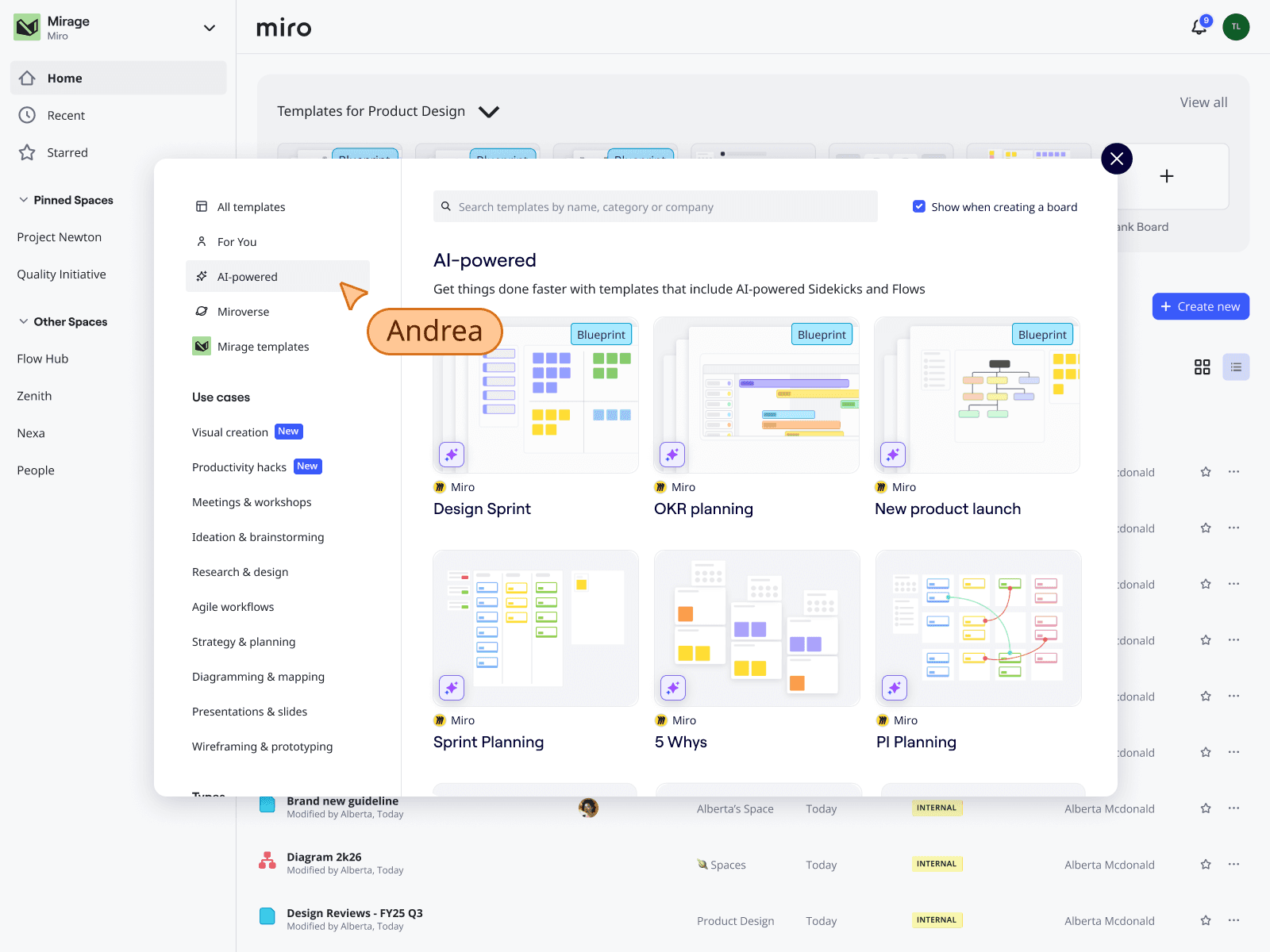
Build Flows with your team
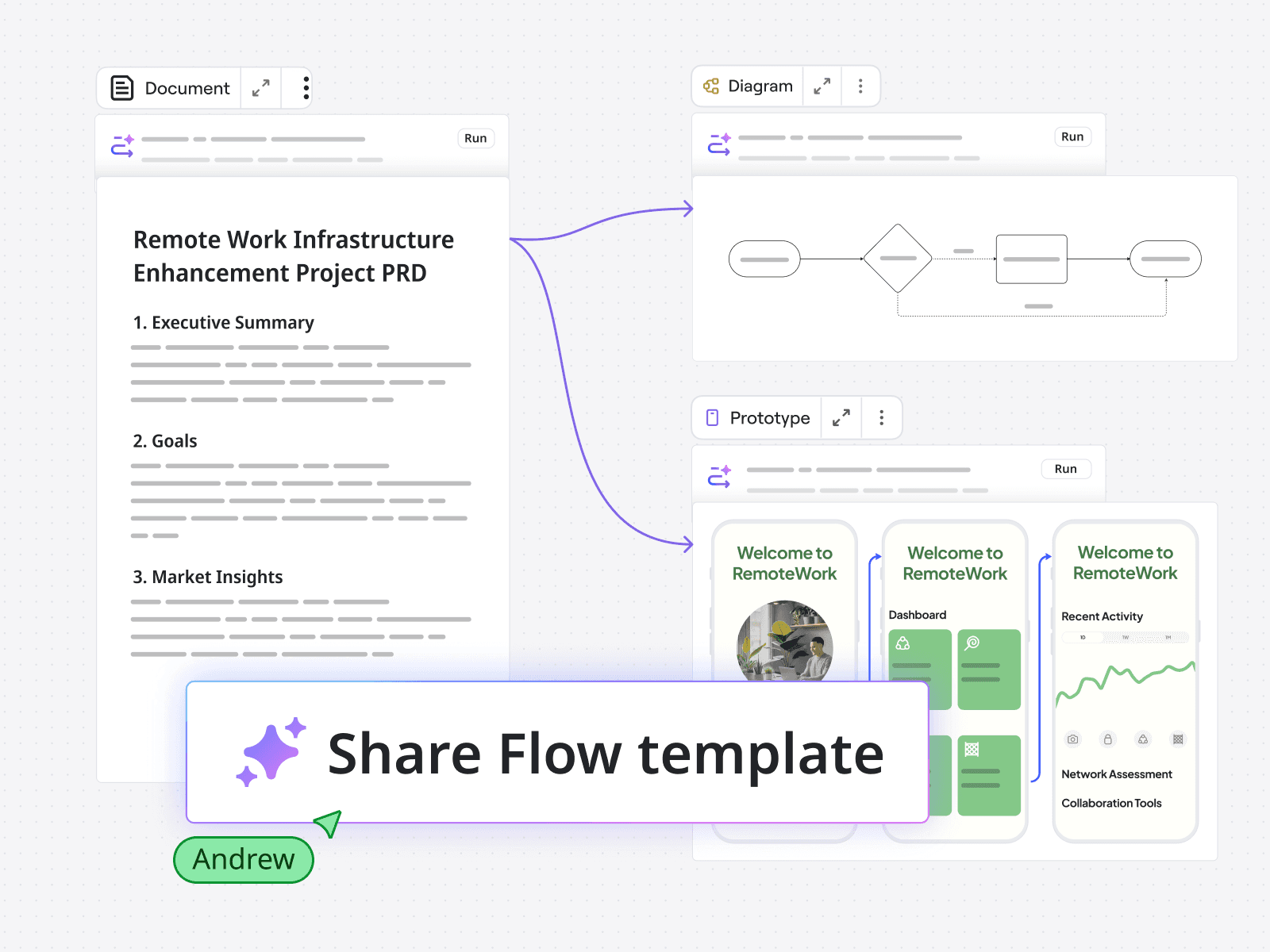
Convert perfected processes into reusable templates. You've created a Flow that turns brainstorms into PRDs in minutes not hours? Great. Share it with everyone to increase the impact.
See and adjust every step
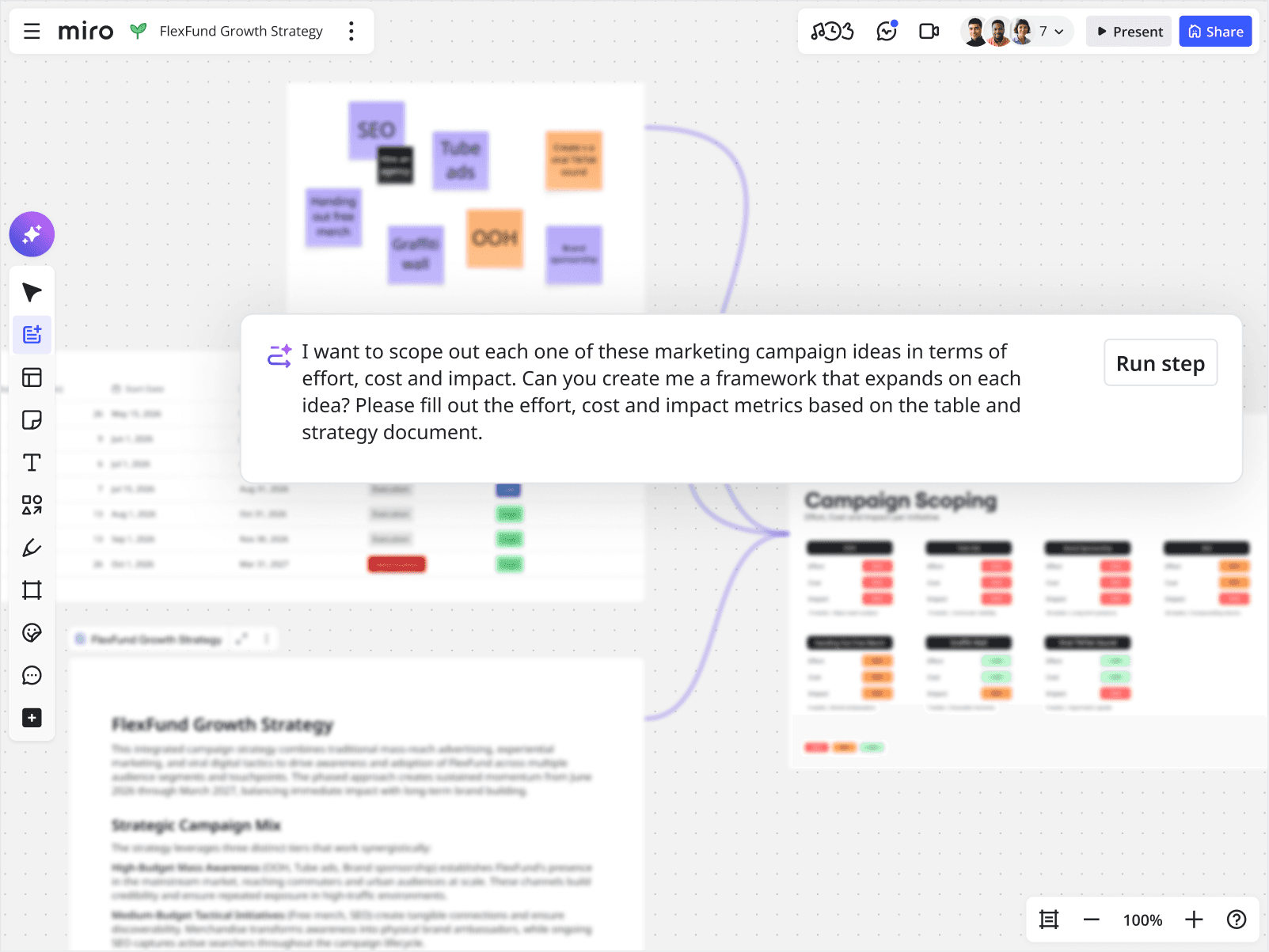
AI workflows that you can see. Jump in at any point to tweak, improve, or redirect them. You control the process so you'll understand exactly how results are generated.
Any format, any model
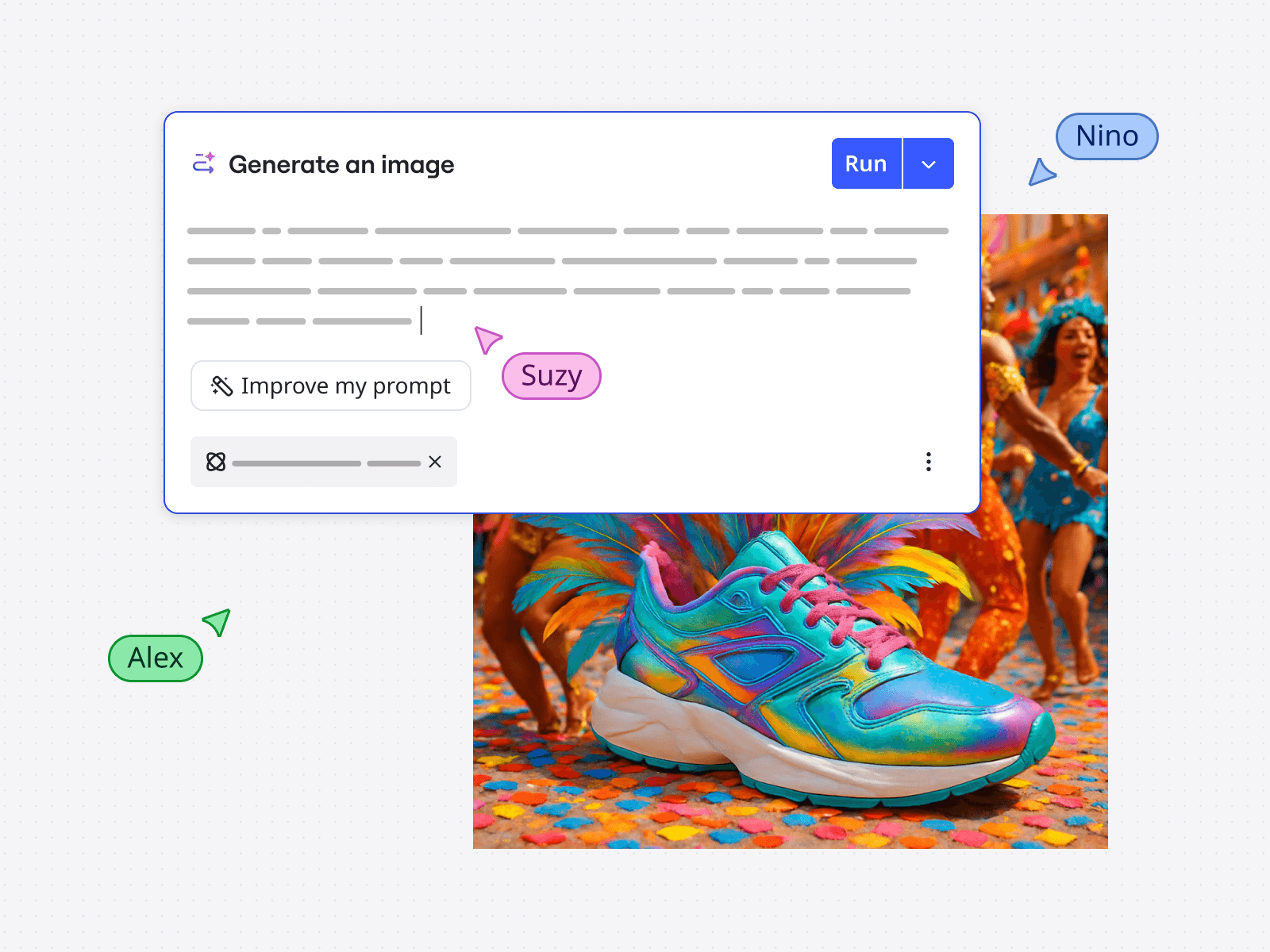
Flows can build out entire frames with every format and widget from the Miro toolkit – tables, diagrams, timelines, and more. Choose the right model for each step, and let your Flow handle the rest.
Connect your context
Flows pull context from all your tools, so they always have the full picture. Connect Miro to tools like Slack, Jira and Microsoft Copilot – or set up custom connections with your own tools. And when work needs to happen outside Miro, Flows can take action there too.
Turn best practices into repeatable processes
Build visual workflows that handle multi-step processes — from creating early concepts to delivering polished products.
Jump straight into action with pre-built Flows
Start with proven templates for tasks like converting customer interviews into sprint plans, or team brainstorming into scenario planning.
Build Flows with your team
Convert perfected processes into reusable templates. You've created a Flow that turns brainstorms into PRDs in minutes not hours? Great. Share it with everyone to increase the impact.
See and adjust every step
AI workflows that you can see. Jump in at any point to tweak, improve, or redirect them. You control the process so you'll understand exactly how results are generated.
Any format, any model
Flows can build out entire frames with every format and widget from the Miro toolkit – tables, diagrams, timelines, and more. Choose the right model for each step, and let your Flow handle the rest.
Connect your context
Flows pull context from all your tools, so they always have the full picture. Connect Miro to tools like Slack, Jira and Microsoft Copilot – or set up custom connections with your own tools. And when work needs to happen outside Miro, Flows can take action there too.
Turn best practices into repeatable processes
Build visual workflows that handle multi-step processes — from creating early concepts to delivering polished products.
Jump straight into action with pre-built Flows
Start with proven templates for tasks like converting customer interviews into sprint plans, or team brainstorming into scenario planning.
Build Flows with your team
Convert perfected processes into reusable templates. You've created a Flow that turns brainstorms into PRDs in minutes not hours? Great. Share it with everyone to increase the impact.
See and adjust every step
AI workflows that you can see. Jump in at any point to tweak, improve, or redirect them. You control the process so you'll understand exactly how results are generated.
Any format, any model
Flows can build out entire frames with every format and widget from the Miro toolkit – tables, diagrams, timelines, and more. Choose the right model for each step, and let your Flow handle the rest.
Connect your context
Flows pull context from all your tools, so they always have the full picture. Connect Miro to tools like Slack, Jira and Microsoft Copilot – or set up custom connections with your own tools. And when work needs to happen outside Miro, Flows can take action there too.
Turn best practices into repeatable processes
Build visual workflows that handle multi-step processes — from creating early concepts to delivering polished products.
Jump straight into action with pre-built Flows
Start with proven templates for tasks like converting customer interviews into sprint plans, or team brainstorming into scenario planning.
Build Flows with your team
Convert perfected processes into reusable templates. You've created a Flow that turns brainstorms into PRDs in minutes not hours? Great. Share it with everyone to increase the impact.
See and adjust every step
AI workflows that you can see. Jump in at any point to tweak, improve, or redirect them. You control the process so you'll understand exactly how results are generated.
Any format, any model
Flows can build out entire frames with every format and widget from the Miro toolkit – tables, diagrams, timelines, and more. Choose the right model for each step, and let your Flow handle the rest.
Connect your context
Flows pull context from all your tools, so they always have the full picture. Connect Miro to tools like Slack, Jira and Microsoft Copilot – or set up custom connections with your own tools. And when work needs to happen outside Miro, Flows can take action there too.
Turn best practices into repeatable processes
Build visual workflows that handle multi-step processes — from creating early concepts to delivering polished products.
Jump straight into action with pre-built Flows
Start with proven templates for tasks like converting customer interviews into sprint plans, or team brainstorming into scenario planning.
Build Flows with your team
Convert perfected processes into reusable templates. You've created a Flow that turns brainstorms into PRDs in minutes not hours? Great. Share it with everyone to increase the impact.
See and adjust every step
AI workflows that you can see. Jump in at any point to tweak, improve, or redirect them. You control the process so you'll understand exactly how results are generated.
Any format, any model
Flows can build out entire frames with every format and widget from the Miro toolkit – tables, diagrams, timelines, and more. Choose the right model for each step, and let your Flow handle the rest.
Connect your context
Flows pull context from all your tools, so they always have the full picture. Connect Miro to tools like Slack, Jira and Microsoft Copilot – or set up custom connections with your own tools. And when work needs to happen outside Miro, Flows can take action there too.
Turn best practices into repeatable processes
Build visual workflows that handle multi-step processes — from creating early concepts to delivering polished products.
Jump straight into action with pre-built Flows
Start with proven templates for tasks like converting customer interviews into sprint plans, or team brainstorming into scenario planning.
Build Flows with your team
Convert perfected processes into reusable templates. You've created a Flow that turns brainstorms into PRDs in minutes not hours? Great. Share it with everyone to increase the impact.
See and adjust every step
AI workflows that you can see. Jump in at any point to tweak, improve, or redirect them. You control the process so you'll understand exactly how results are generated.
Any format, any model
Flows can build out entire frames with every format and widget from the Miro toolkit – tables, diagrams, timelines, and more. Choose the right model for each step, and let your Flow handle the rest.
Connect your context
Flows pull context from all your tools, so they always have the full picture. Connect Miro to tools like Slack, Jira and Microsoft Copilot – or set up custom connections with your own tools. And when work needs to happen outside Miro, Flows can take action there too.
Need help getting started?
Access resources to get in the Flow in no time, get inspired or find answers to questions.
Need help getting started?
Access resources to get in the Flow in no time, get inspired or find answers to questions.
Need help getting started?
Access resources to get in the Flow in no time, get inspired or find answers to questions.
Need help getting started?
Access resources to get in the Flow in no time, get inspired or find answers to questions.
Need help getting started?
Access resources to get in the Flow in no time, get inspired or find answers to questions.
Need help getting started?
Access resources to get in the Flow in no time, get inspired or find answers to questions.