What is the Technology Concept Map Template?
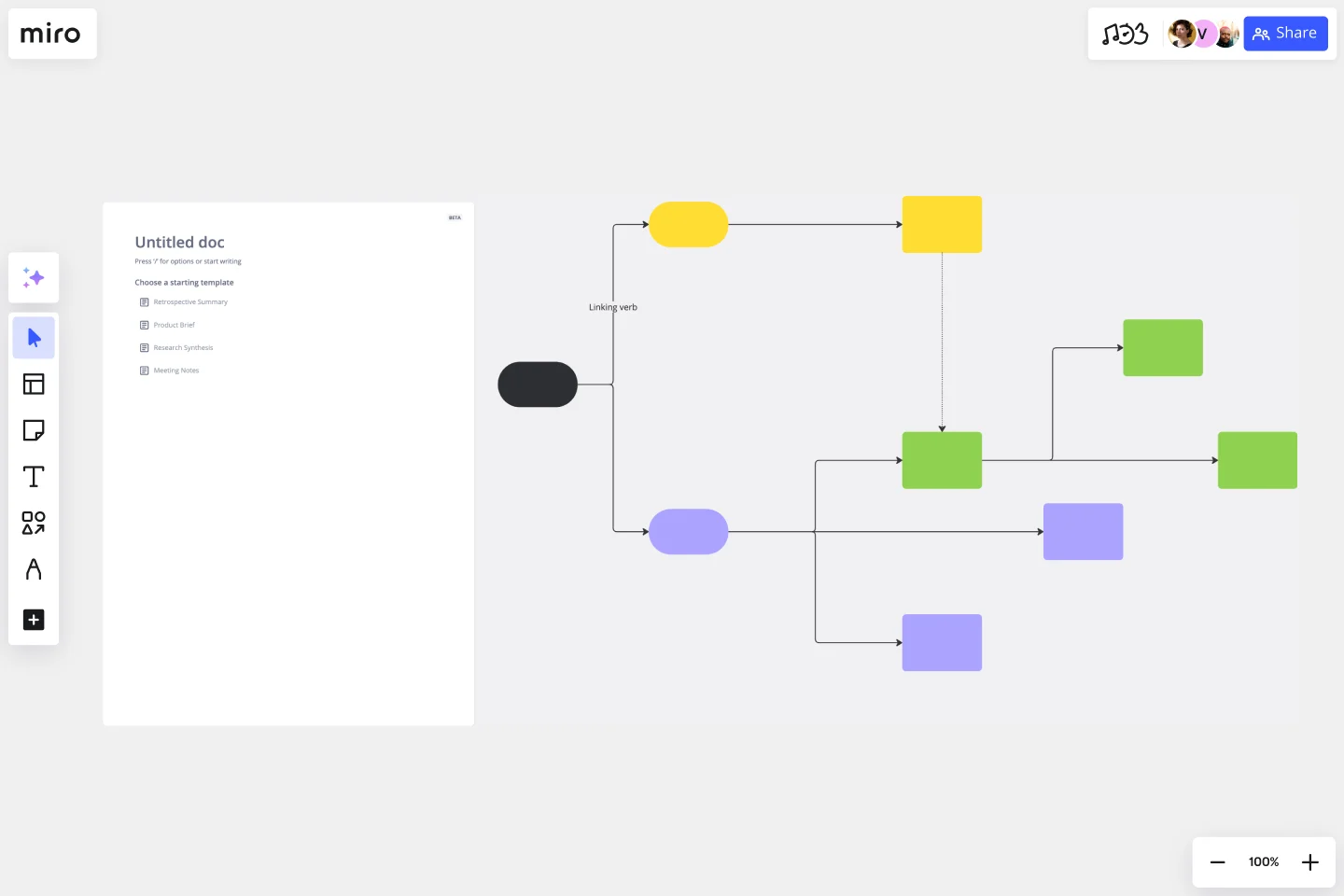
A visual mapping template that connects one central technology topic to six areas: healthcare, waste reduction, space technology, energy, communication, and healthy living. Teams can organize examples, benefits, and real-world uses in one place.
What problem does the Technology Concept Map Template solve?
Scattered technology examples
Broad topics without structure
Unclear links between technology and daily life
Study notes that are hard to review
Limited discussion of technology impacts
How to use the Technology Concept Map Template
Add the main technology topic to the center.
Create six category branches.
Add three to five examples under each category.
Connect each category to the central topic.
Review the map for repeated ideas.
Select one branch for deeper discussion.
Common Pitfalls
Adding examples without clear categories
Writing long paragraphs
Repeating the same benefit
Using categories that overlap
Skipping the final review
Ways to Avoid Mistakes
Keep each point brief.
Give every branch a distinct focus.
Use real-world examples.
Limit each category to a few points.
Review the map from the center outward.
Miro Features You Can Use
Shapes for the main topic and categories
Connectors for relationships
Text boxes for examples
Color coding for branches
Comments for research notes
Frames for presentation mode
FAQs
Q: Who can use this template?
A: Students, teachers, researchers, product teams, and workshop groups.
Q: How many categories does the map include?
A: Six categories.
Q: What topics fit this template?
A: Technology benefits, digital change, innovation, social impact, science, and future studies.
Q: How much content should each category contain?
A: Three to five short examples.
Q: What will participants leave with?
A: A completed technology concept map with six categories, practical examples, and one topic selected for deeper research.