What is the App Profile Page Design Template?
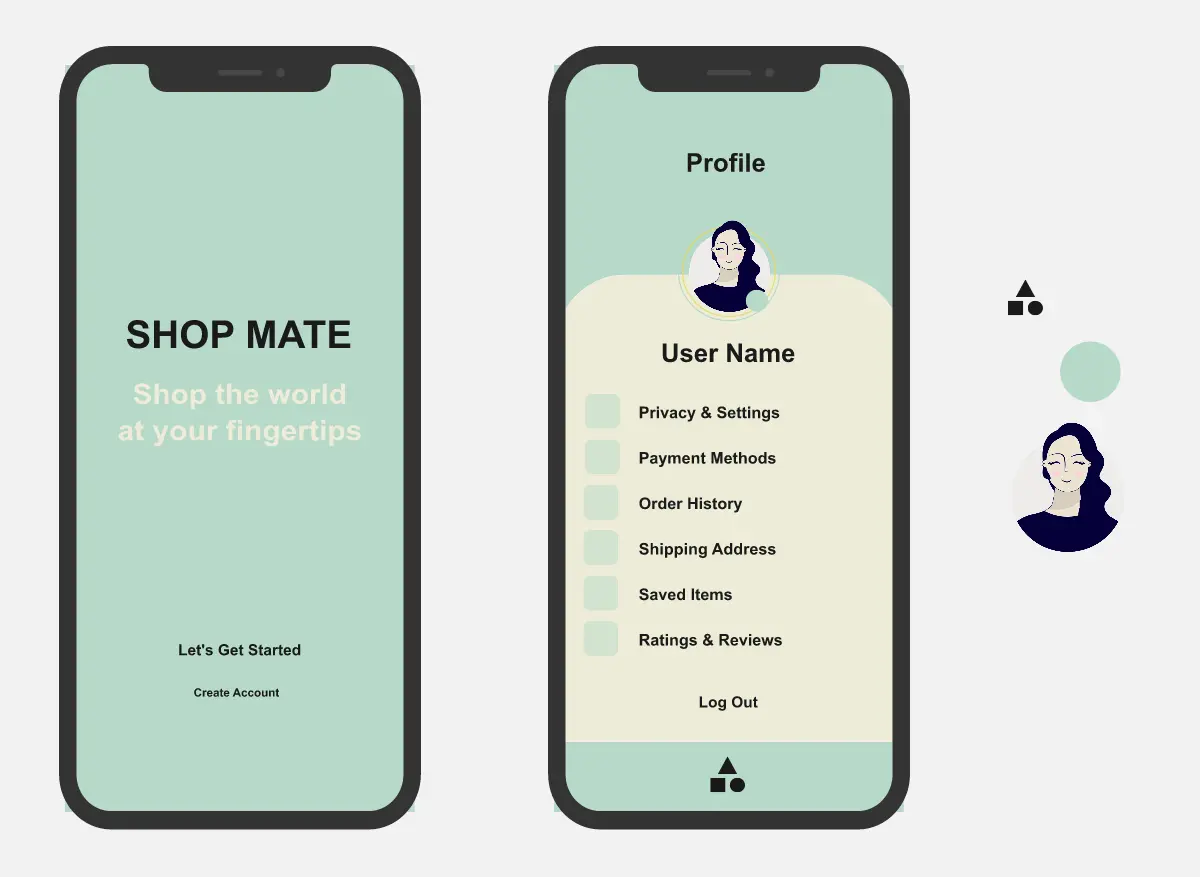
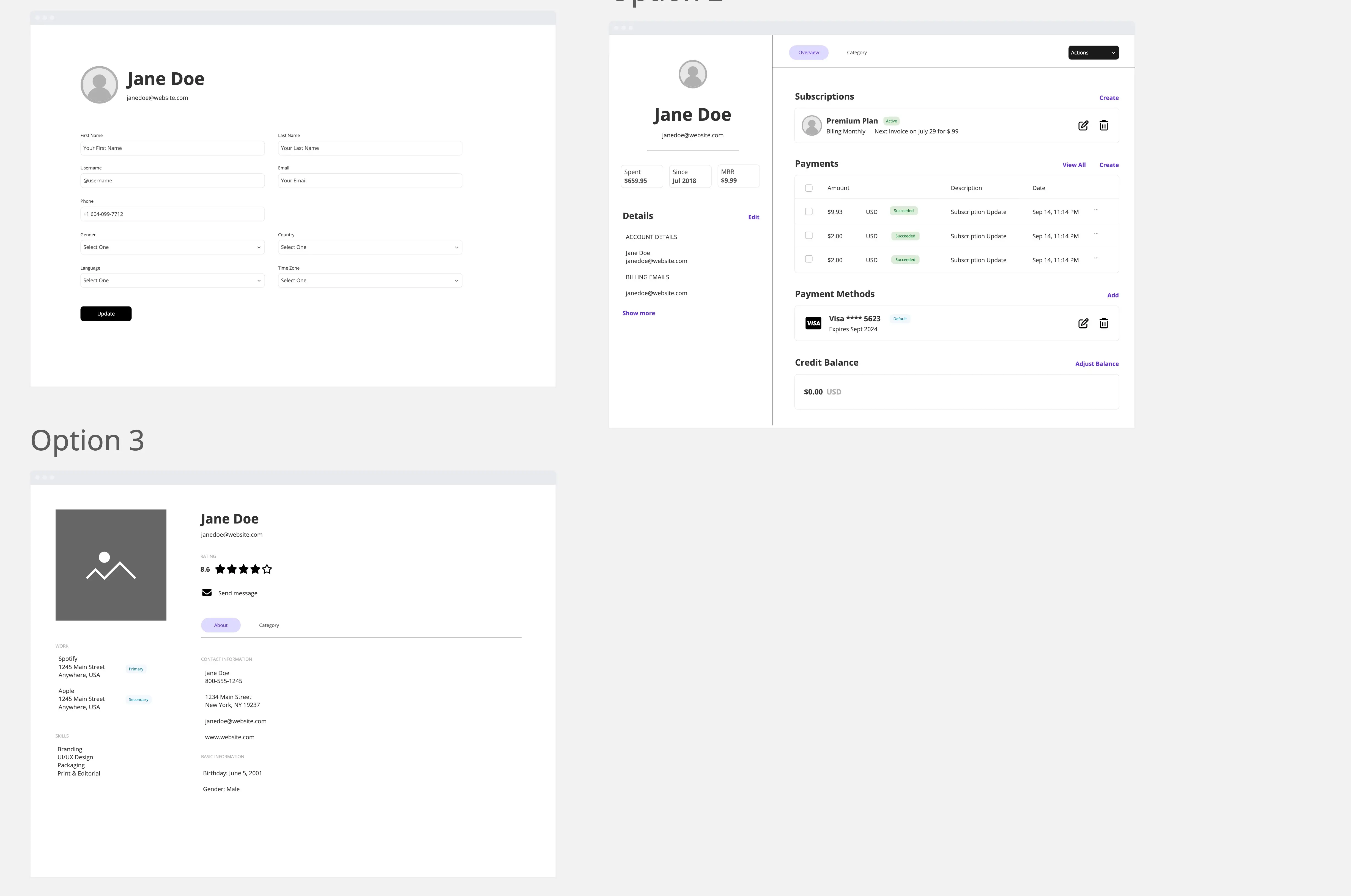
A mobile profile and settings template designed for apps that need a clean account experience with strong navigation and simple account management. The template helps teams prototype a polished profile page with editable personal details, settings groups, support pages, bottom navigation, and a full dark mode and light mode flow.
What problem does the App Profile Page Design Template solve?
Lack of structure for profile and settings pages
Weak navigation between profile, settings, and support pages
Missing dark mode and light mode switching flow
Inconsistent layout for account details and settings groups
Time spent rebuilding common profile workflows from scratch
How to use the App Profile Page Design Template
Update the avatar, name, email, and phone details.
Customize the settings rows to fit your app.
Connect each row to its matching settings page.
Add the theme selection flow for dark mode and light mode.
Link the bottom navigation to your key app sections.
Test profile editing, settings updates, and theme switching.
Gather comments and feedback in Miro.
Recommended Sections
Profile Overview
Show the user avatar, edit badge, name, email, and phone number.
Profile Information
Let users update personal details such as name, email, and phone.
Notifications
Control app reminders, alerts, and update preferences.
Language
Let users choose their preferred language.
Security
Manage password, two-factor authentication, biometric login, and login activity.
Theme Selection
Allow users to switch between light mode, dark mode, and system default.
Help & Support
Provide FAQ, support chat, app guide, and issue reporting.
Contact Us
Give users access to support contact methods and a send-message option.
Privacy Policy
Show privacy content in a readable scrollable page.
Bottom Navigation
Support movement between profile and other main app sections.
Common pitfalls
Treating the profile page as one static screen
Forgetting linked settings pages
Making theme switching unclear
Using too many accent colors
Overloading the profile page with too many options
Forgetting save, cancel, and validation states
Weak bottom navigation behavior
Ways to avoid mistakes
Keep profile as the main anchor screen
Group settings into clean card sections
Use one accent color for active states
Keep theme switching simple and visible
Add validation for profile edits
Use matching layouts across dark and light modes
Test row navigation and return paths
Miro Features You Can Use
Frames for dark mode, light mode, and settings pages
Prototype links for row navigation and tab navigation
Shapes for cards, input fields, toggles, and bottom sheets
Icons for profile, security, notifications, language, and support
Comments for team review
Sticky notes for product notes and UX feedback
Connection lines to map the workflow
FAQs
Q: Who can benefit from this template?
A: Product managers, UX designers, UI designers, mobile app teams, startup teams, and anyone building app account settings experiences.
Q: Does this template include dark mode and light mode?
A: Yes. It includes a full theme-switching flow with both profile page versions and a theme selection screen.
Q: Can this template be used for more than just profile editing?
A: Yes. It covers profile editing, notifications, language, security, support, privacy, and bottom navigation.
Q: Does it include workflow between pages?
A: Yes. The template is built around connected settings pages and clear navigation paths.
Q: What will participants leave with?
A: A complete mobile profile prototype with dark and light mode views, editable account details, connected settings pages, support flows, and bottom navigation.