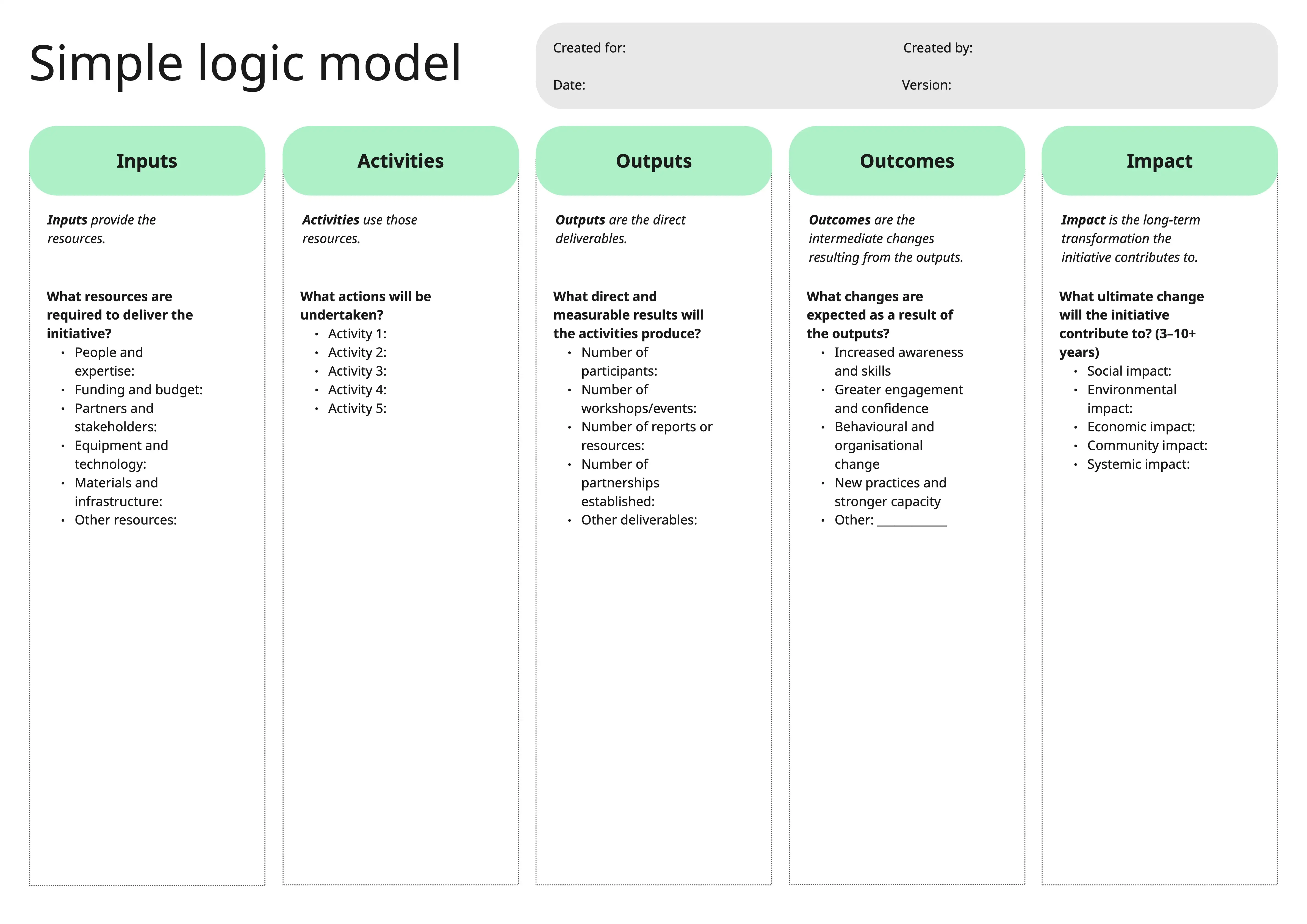
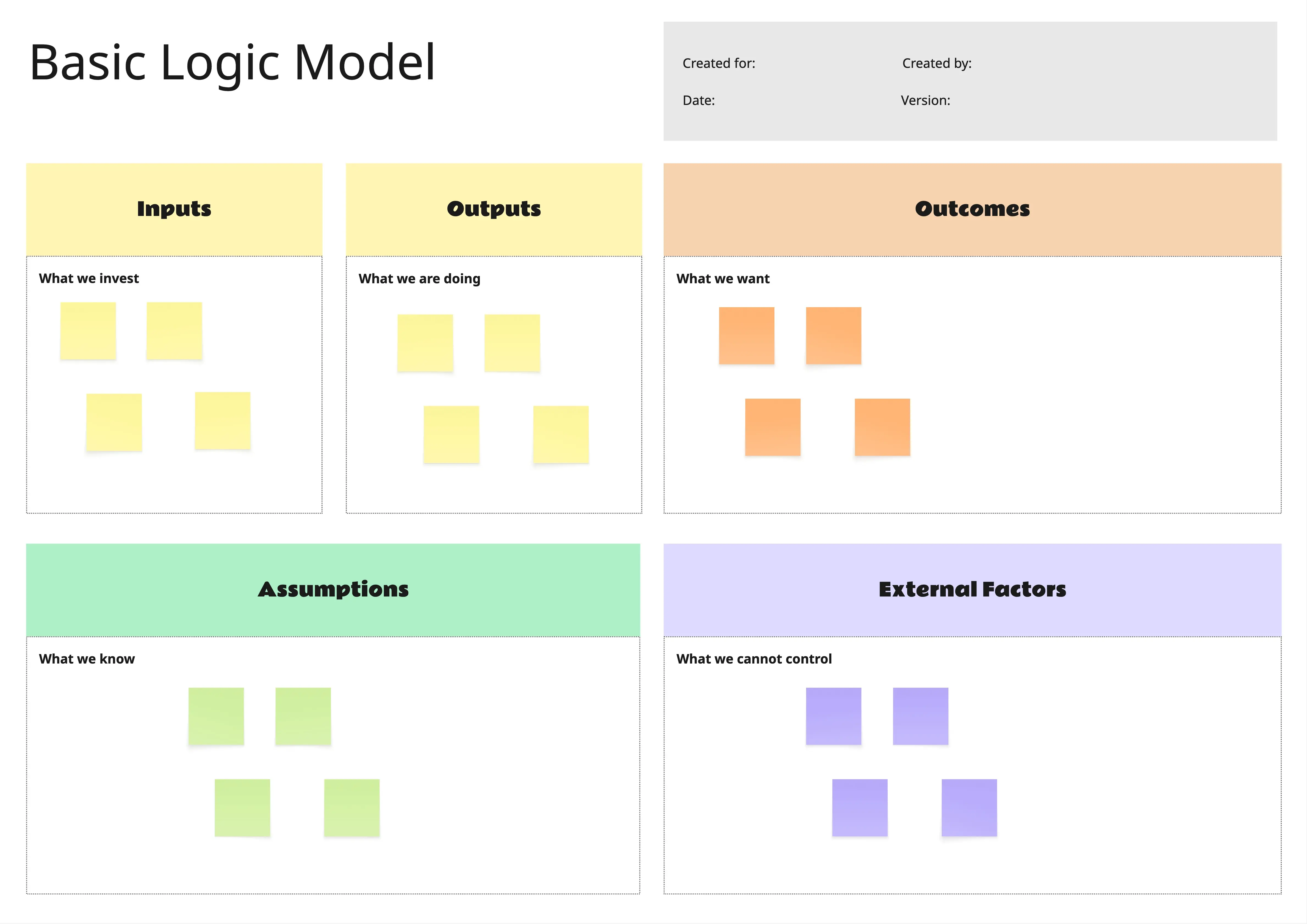
What is the Logic Model Template?
A planning template that helps teams connect a situation, priorities, inputs, outputs, outcomes, assumptions, and external factors. Teams can show how resources and activities are expected to lead to short-term, intermediate, and long-term results.
What problem does the Logic Model Template solve?
Unclear program structure
Disconnected activities and outcomes
Missing success measures
Weak alignment across teams
Unclear resource needs
Limited visibility into risks and assumptions
How to use the Logic Model Template
Define the situation, needs, and stakeholders.
List the main priorities.
Add the resources available as inputs.
Identify who the work will reach.
List the activities the team will complete.
Document the direct products or outputs.
Map short-term, intermediate, and long-term outcomes.
Add assumptions and external factors.
Review the model from left to right.
Use the final section to guide evaluation.
Common pitfalls
Listing activities without linking them to outcomes
Using vague or unmeasurable results
Confusing outputs with outcomes
Ignoring assumptions
Leaving out external factors
Adding too much detail to one section
Ways to avoid mistakes
Keep each section focused.
Use measurable language for outcomes.
Separate what the team creates from what changes.
Check that every activity supports an outcome.
Review assumptions with stakeholders.
Update the model when priorities or conditions change.
Miro Features You Can Use
Tables for inputs, outputs, and outcomes
Shapes for situation and priorities
Connectors for cause-and-effect flow
Sticky notes for assumptions and risks
Color coding for each section
Comments for team feedback
Tags for owners and measures
Frames for presentation mode
FAQs
Q: Who can benefit from this template?
A: Program teams, nonprofits, educators, product teams, consultants, project leaders, and organizations planning initiatives.
Q: What is the difference between outputs and outcomes?
A: Outputs are the activities completed or items created. Outcomes are the changes that happen after those outputs are used.
Q: What should go in the inputs section?
A: Staff time, funding, tools, materials, expertise, technology, space, and partners.
Q: What should go in the outcomes section?
A: Short-term learning, intermediate changes in action, and long-term changes in conditions.
Q: How often should a logic model be reviewed?
A: Review it during planning, before launch, at key milestones, and during evaluation.
Q: What will participants leave with?
A: A completed logic model showing the situation, priorities, resources, activities, outputs, expected outcomes, assumptions, external factors, and evaluation flow.