4likes
30uses

A visual timeline infographic designed to showcase annual plans, projects, or events across 12 months in an engaging zigzag format. The template alternates left-right positioning with distinct color coding for each month, making it ideal for presentations and strategic planning documents.
The template features a vertical zigzag layout with 12 alternating sections (6 positioned left, 6 positioned right). A central timeline spine connects all months with horizontal branches.
Each month includes:
Numbered circle indicator (1-12) with color-matched styling
Colored vertical accent bar with month name
Visual placeholder for relevant imagery or icons
Content area with 3-5 event entries per month
January: Blue (#006BFF)
February: Green (#2DC75C)
March: Purple (#8F7FEE)
April: Orange (#FE9F4D)
May: Light Blue (#659DF2)
June: Red (#FF6464)
July: Magenta (#E55CFF)
August: Yellow (#FFBF00)
September: Cyan (#82F2F6)
October: Red-Orange (#FF4B00)
November: Pink (#F74193)
December: Gray (#B0B0B0)
Top banner includes project title field and company branding area with dark background and white text.
Replace "Annual Project Timeline 2026" with your project name and relevant year. Update company name and add logo in the designated branding area.
Keep standard month names for calendar-year projects. For non-calendar periods, replace with appropriate labels (Q1 Month 1, Phase 1, Week 1-4, etc.).
Add relevant images, icons, or graphics in each month's placeholder. Use consistent image dimensions and style across all months.
For each month, add 3-5 key events or milestones. Format event titles in bold with color matching the month's theme. Include 2-3 line descriptions below each title explaining the event's purpose or key details.
Maintain the default color progression or customize to align with brand guidelines. Ensure sufficient contrast between background and text for readability.
Distribute events evenly across months. Avoid overcrowding any single month while keeping others sparse. Aim for visual consistency throughout the timeline.
Annual project roadmaps, quarterly business review schedules, fiscal year planning calendars, organizational change management timelines, strategic initiative tracking, vendor contract management schedules, budget cycle planning.
Product launch timelines, marketing campaign calendars, seasonal promotion planning, feature release roadmaps, customer engagement programs, brand refresh initiatives.
Employee onboarding schedules, training program rollouts, professional development calendars, benefits enrollment periods, performance review cycles, team building event planning, recruitment timelines.
Academic year schedules, course curriculum planning, certification program timelines, student orientation calendars, semester milestone tracking, workshop and seminar scheduling.
Corporate event planning, conference preparation timelines, facility upgrade projects, compliance training schedules, audit preparation calendars, maintenance and upgrade planning.
Long-term project milestone tracking, phase-gate project timelines, multi-quarter initiative planning, resource allocation schedules, stakeholder engagement calendars, risk management timelines.
Cheers!
Khawaja Rizwan

Rizwan Khawaja
ICT Solution Architect @ NUST
I hold master's degrees in computer science and project management along with trainings and certifications in various technologies. All this is coupled with 25+ years of industry experience.
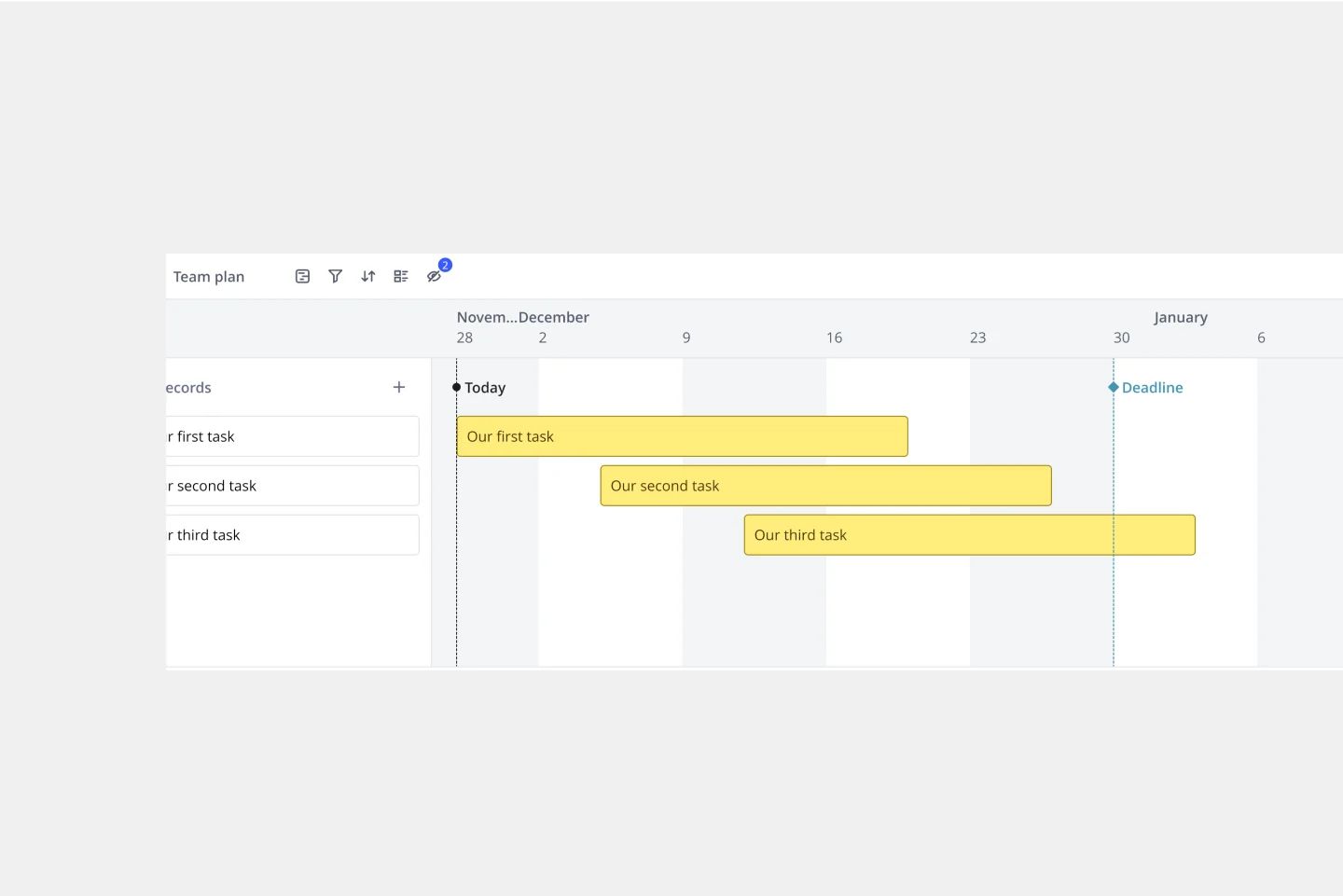
Timeline Template
A timeline displays a chronological order of important dates, and scheduled events. Timelines help product managers, project managers, and team members tell visual stories about progress and obstacles. Timelines enable teams to see at a glance what happened before, what progress is happening now, and what needs tackling in the future. Projects or products with specific purpose or deliverables should be based on a timeline to be successful. Use the timeline as a shared reference for start dates, end dates, and milestones.
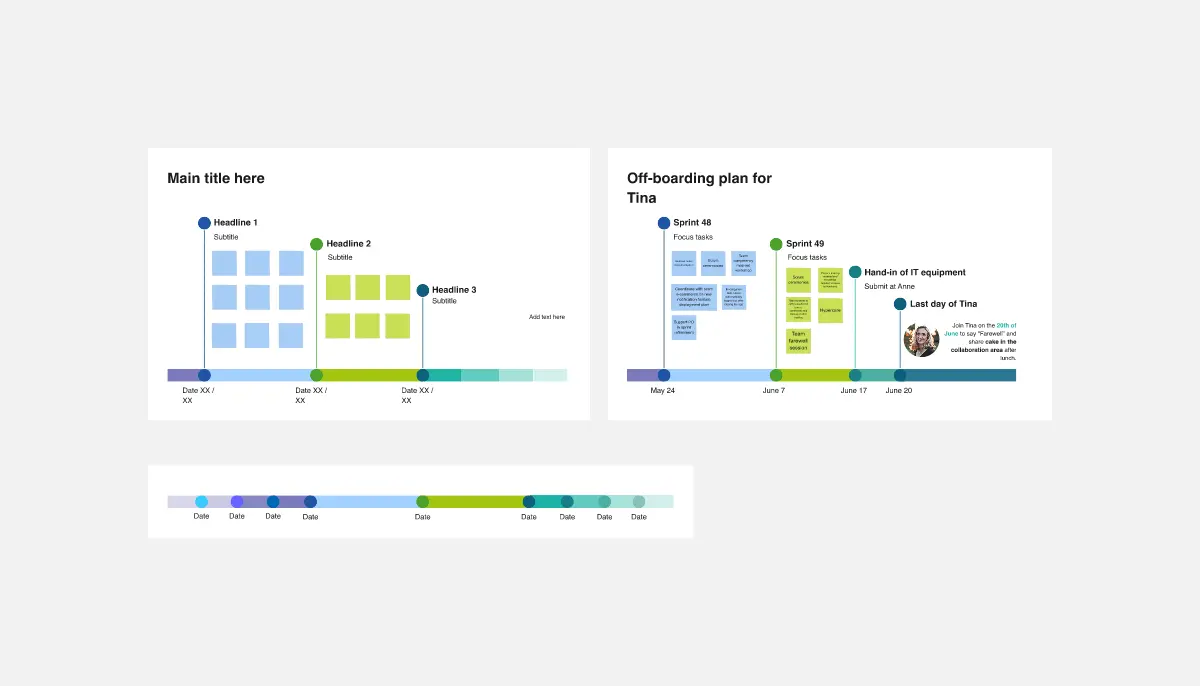
Timeline Design ⏳
The Timeline Design template is perfect for creating visually engaging timelines. It helps you showcase project milestones, deadlines, and important events in a clear and attractive format. Ideal for presentations and reports, this template ensures your timeline is both informative and visually appealing.
Timeline Template
A timeline displays a chronological order of important dates, and scheduled events. Timelines help product managers, project managers, and team members tell visual stories about progress and obstacles. Timelines enable teams to see at a glance what happened before, what progress is happening now, and what needs tackling in the future. Projects or products with specific purpose or deliverables should be based on a timeline to be successful. Use the timeline as a shared reference for start dates, end dates, and milestones.
Timeline Design ⏳
The Timeline Design template is perfect for creating visually engaging timelines. It helps you showcase project milestones, deadlines, and important events in a clear and attractive format. Ideal for presentations and reports, this template ensures your timeline is both informative and visually appealing.