Prototyping tool built for teams who move fast
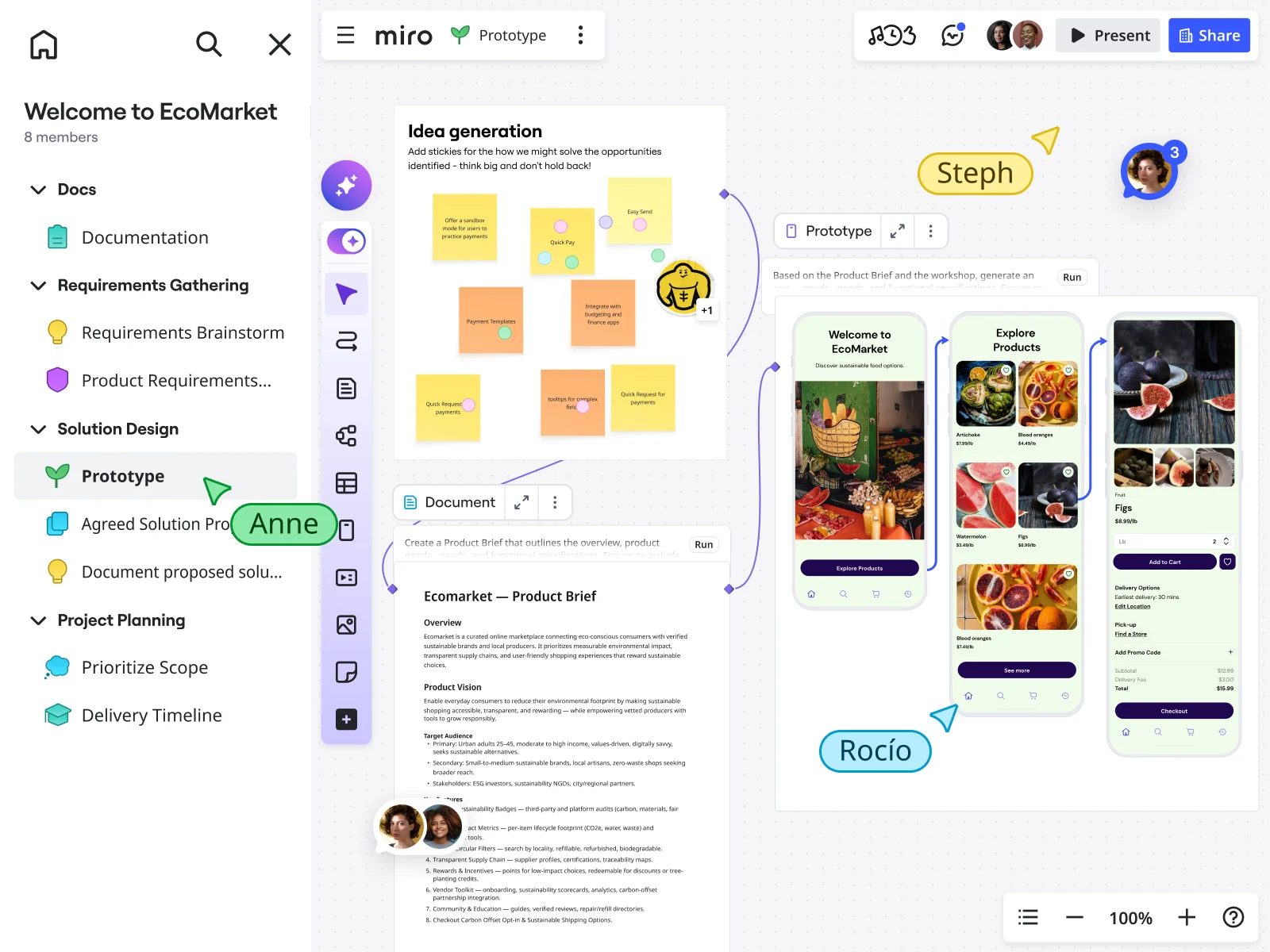


















Turn your research into prototypes instantly
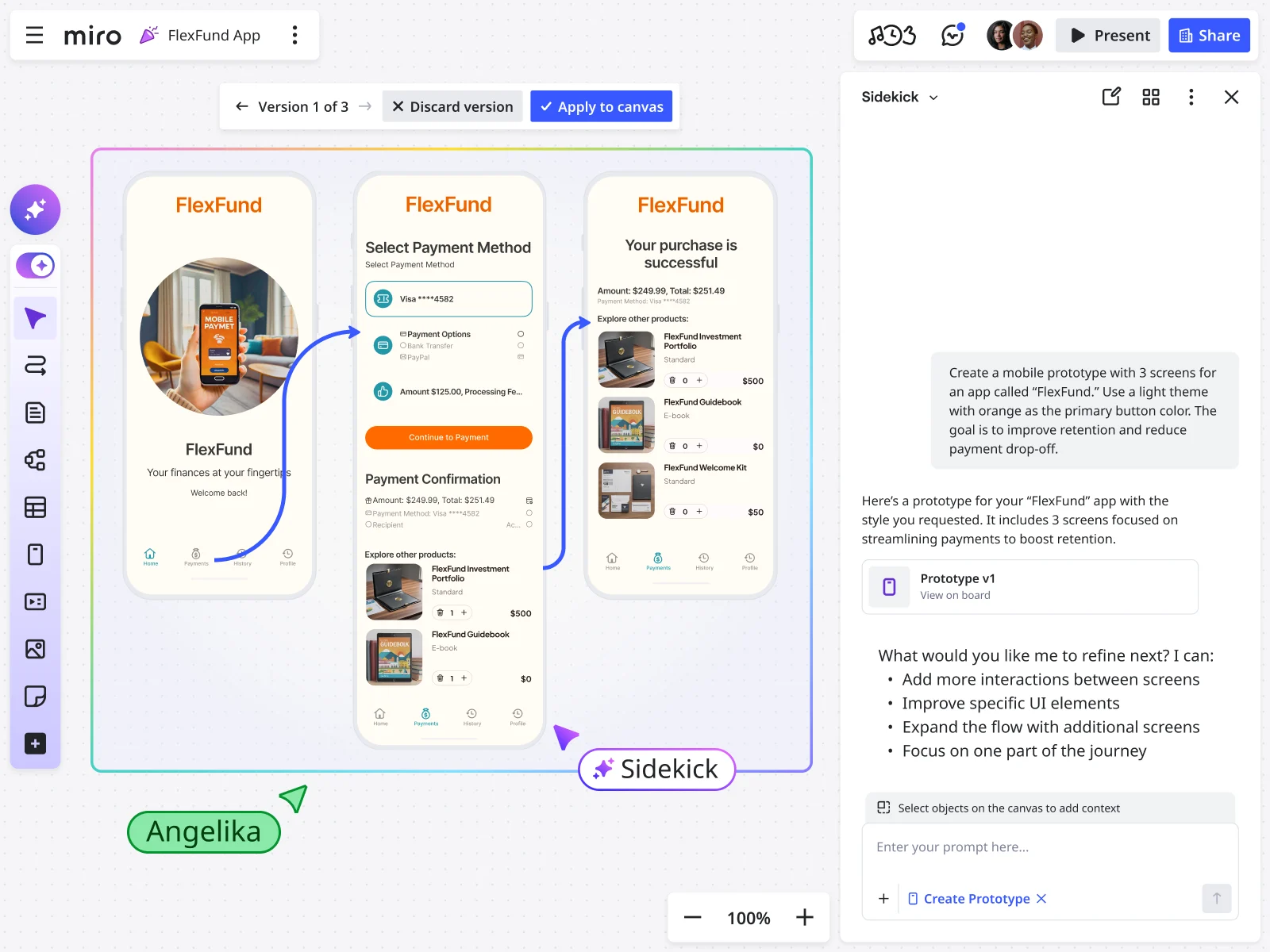
Why Miro works as your rapid prototyping tool
Keep the full story in one place
Your wireframe prototypes connect directly to the user research that inspired them. Engineers see the technical constraints discussed during planning, PMs reference business logic annotated on the canvas, and designers iterate with full context. No more "wait, why did we decide this again?" conversations.
Create clickable prototypes in minutes
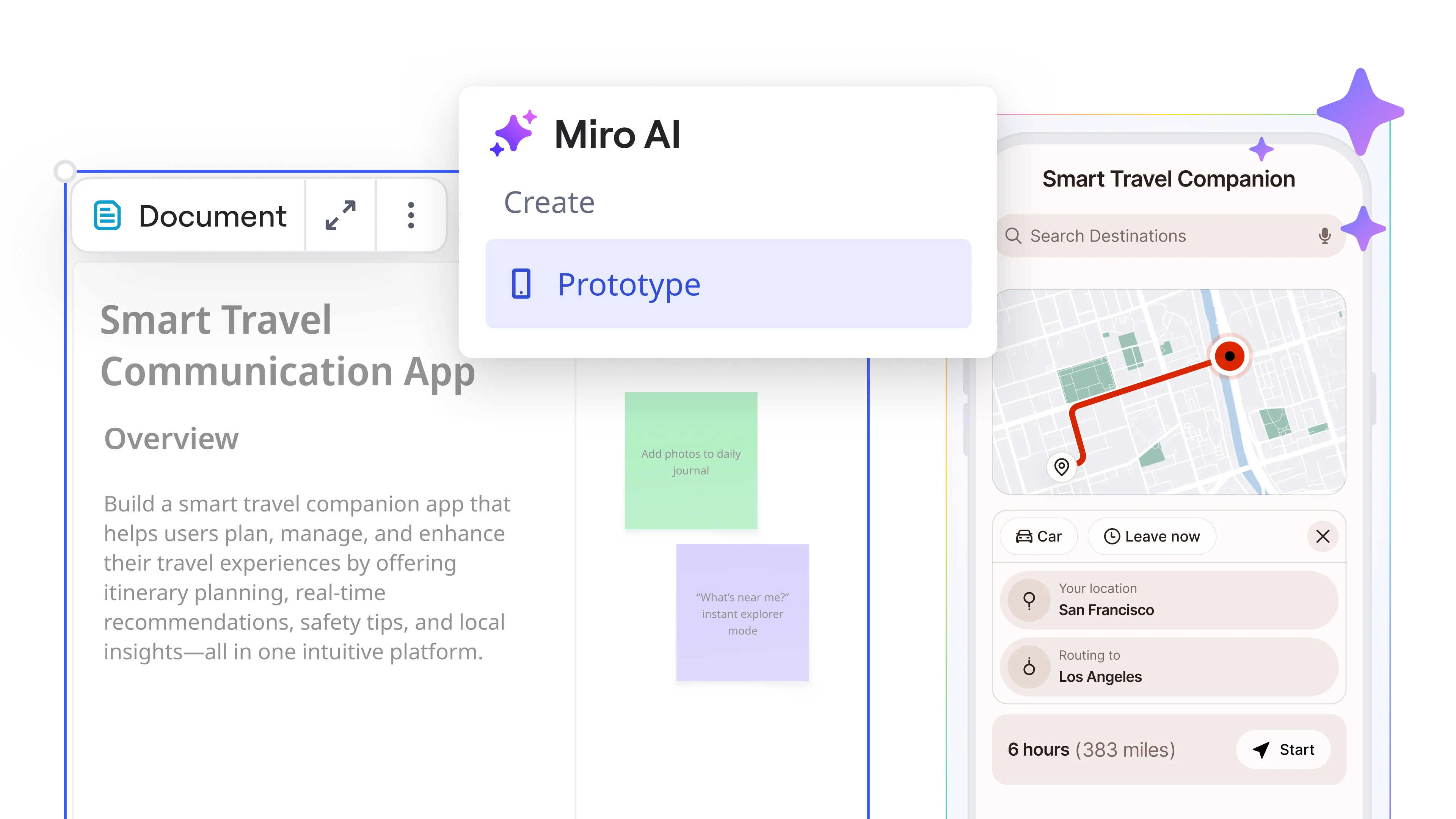
Generate app prototypes from simple text descriptions or convert screenshots into editable, clickable prototypes instantly. Test multiple concepts quickly and iterate while ideas are fresh — perfect when you need to validate assumptions before investing in detailed designs.
Built for cross-functional teams
Everyone works together on the same canvas. Engineers review technical feasibility, PMs clarify requirements, designers refine the experience. Real-time collaboration means no handoffs and no sync meeting delays.
Interactive prototypes users can actually test
Turn sketches into website prototypes and mobile app prototypes with realistic interactions. Build complete user flows that stakeholders and users can actually click through and test.
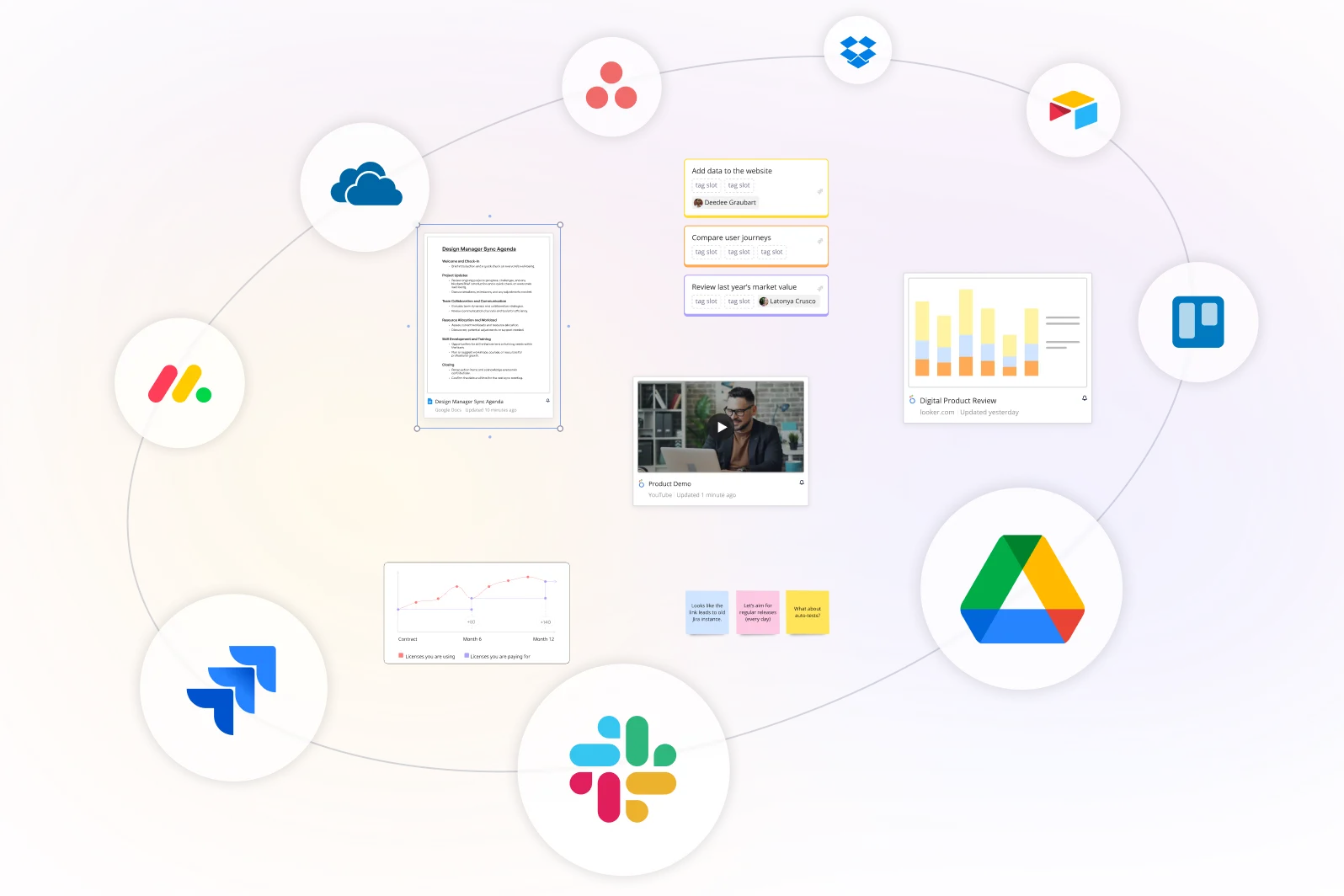
Integrated with your favorite tools
Related templates
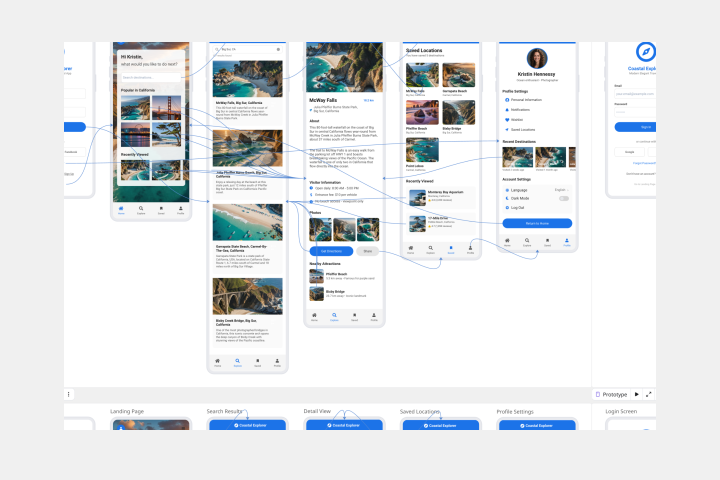
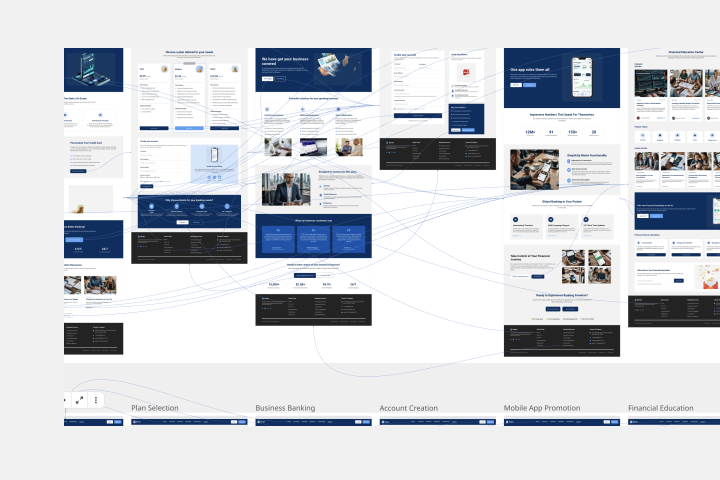
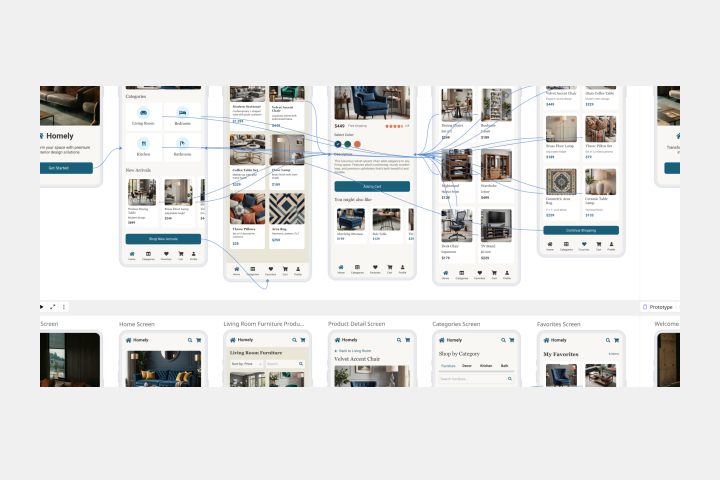
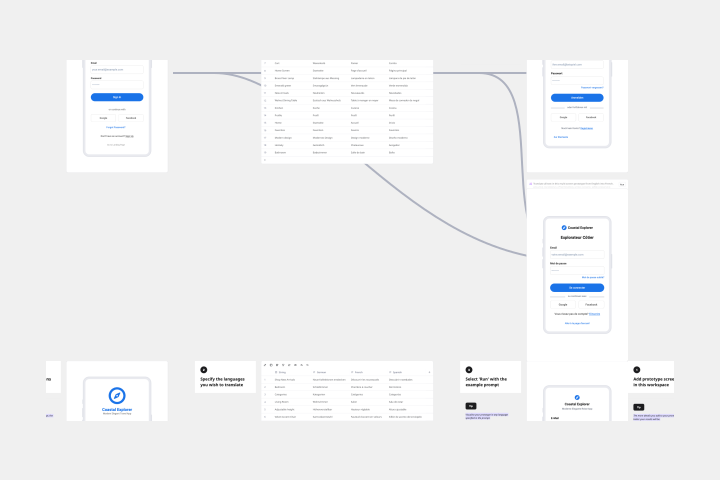
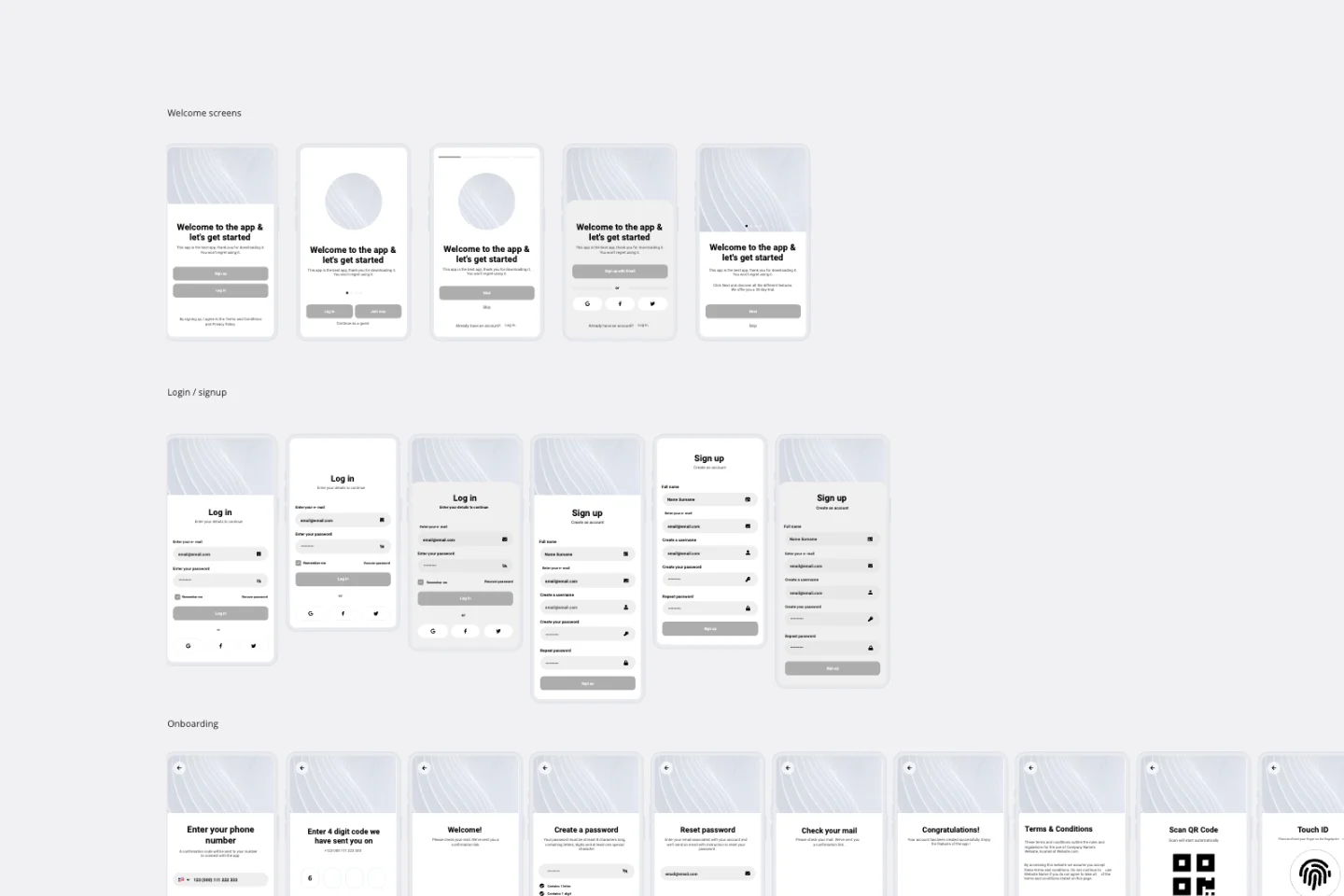
How to build a prototype with Miro
After defining the user journey, begin refining your prototype on the board. Use the help of our AI Prototype generator to go faster from idea to prototype.

The world's most innovative companies are collaborating in Miro, everyday
“With Miro, we went from project brief to in-market launch in 10 months. That usually takes 3 years at PepsiCo.”
Caroline de Diego
Senior Manager, Global Design & Marketing Innovation at PepsiCo


“Bringing everyone together to plan in Miro means the most impactful initiatives will happen at the right time.”
Lucy Starling
Product Operations Lead at Asos


“The team onboarded in 10 minutes to use Miro for workshops. Getting our organization to adopt this product was a no-brainer.”
Konrad Grzegory
Agile Transformation Lead at CD PROJEKT RED


“Miro templates helped us go from scratch to a full-fledged plan where we mapped activities, ideas, and dependencies.”
Marc Zukerman
Senior Director of Project Management at Hearst


“Miro allows all our teams to align themselves with certain tools and models: they work independently and create products that really meet our customers' needs.”
Luke Pittar
Sustainability Innovation & Design Coach at The Warehouse Group


“To be truly innovative, everyone needs to have a voice, and everyone needs to be able to iterate on each other’s ideas. Miro has made that possible for us.”
Brian Chiccotelli
Learning Experience Designer at HP


Users love Miro for end-to-end innovation. We're the G2 leader in visual collaboration platforms and are rated in the top 50 enterprise tools. Miro helps large companies get meaningful work done.
Top 50 Products for Enterprise
G2 reviews


Prototyping tool FAQs
How do prototyping tools work?
Prototyping tools allow designers to create interactive mock-ups of a software's interface that mimic functionality and design, without the need to write any code.
How do prototyping tools help in the UX/UI design process?
They allow designers to test and iterate designs quickly, facilitate collaboration, and gather user feedback, thus enhancing the overall user experience and interface design.
What makes this different from other UX prototyping tools?
Miro connects your prototype to the research and decisions behind it. Your canvas becomes the prompt, and the AI builds off your existing work instead of starting from scratch. This means prototypes that preserve strategic context and help engineers understand the reasoning behind design choices.
Can I collaborate with others using an online prototype builder?
Yes, most prototyping tools support real time collaboration, allowing multiple people to work on the same design simultaneously, like Miro.
How can I share prototypes with stakeholders or team members?
In Miro, you can share prototypes via your board link, or export the design as a PDF or image file.
Do I need design experience to use this prototyping tool?
No. PMs, engineers, and anyone on the team can create interactive prototypes using text prompts or by converting wireframes. The AI handles interface design while you focus on user experience and functionality.
Can I create both app prototypes and website prototypes?
Yes. Generate mobile app prototypes, website prototypes, landing pages, or any interface type from text descriptions. You can also convert wireframes and screenshots into clickable, editable prototypes.
Why are clickable prototypes better for user testing?
Interactive prototypes let you test realistic user flows before writing code. Share them with participants, watch how they navigate, and gather feedback on actual interactions. Incorporate changes and run another test round in hours.
How does Miro handle security for AI-powered prototyping?
Miro follows enterprise-grade security with SOC 2 Type II and ISO 27001 certification. Your data is encrypted in transit and at rest, never used to train AI models, and processed within secure infrastructure. Admins control AI access at organization or team level.