




Andrey
See collaborative AI in action — straight from the Canvas 26 keynote.
Jeff

Process mapping for startups

Document your ops, fundraising, and hiring flows before they break. Map once, share everywhere, and keep every co-founder and early hire on the same page.

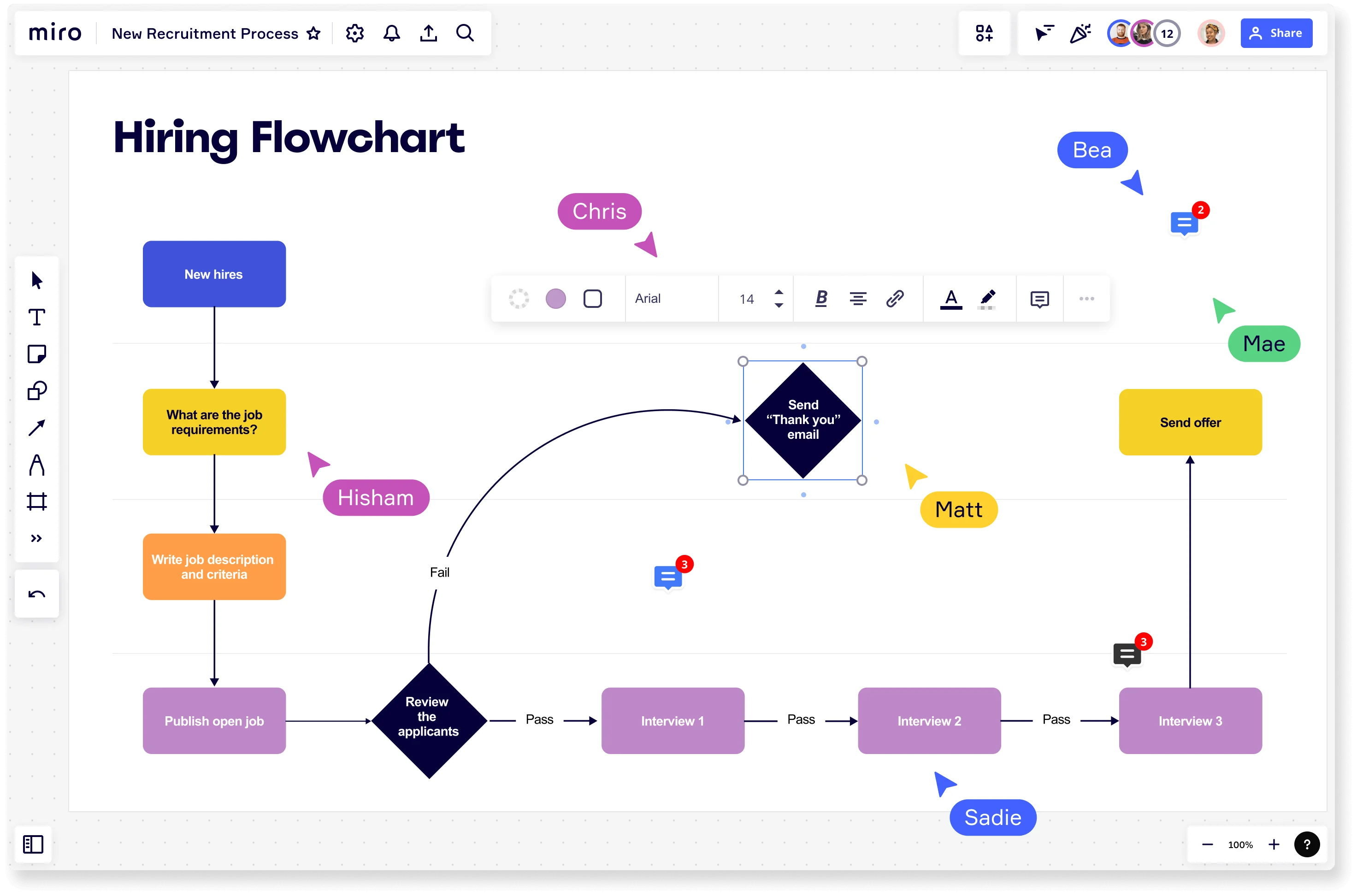
Miro board titled 'Hiring Flowchart' showing a recruitment process flowchart with decision diamonds, colored process boxes, and multiple named collaborator cursors (Chris, Hisham, Matt, Bea, Mae, Sadie) actively editing, including steps from New Hires through job requirements, applicant review with pass/fail paths, three interview rounds, and a Send Offer endpoint.

What experts say

  • Process mapping is a method that promotes a better understanding of processes and helps organizations identify areas for improvement.

    IBM

    Technology and research organization · IBM

    Keynote Speaker
  • Process mapping shows what is actually happening, who is involved, where information, data, and materials are flowing, and most importantly, handoffs between processes, departments, and supply chains.

    iSixSigma

    Lean Six Sigma education publisher · iSixSigma

    Industry Expert

The research on process mapping

  • 8 interviews

    Value Stream Mapping increases process visibility and helps teams uncover waste and develop action steps.

    Source: Elsevier

  • 35%

    Business Process Management (including process mapping) delivers 30-50% productivity gains

    Source: Forrester

See process mapping in action

Related templates for startups

We have 168 templates in our library for Process Mapping.

Why startups love mapping processes in Miro

  • Stop reinventing your fundraising process every round

    Every seed, Series A, and bridge round, you're rebuilding the same investor outreach and due diligence flow from scratch in a new Google Doc. Map it once in Miro using a BPMN or swimlane layout, assign lanes to your CFO, legal counsel, and investor relations contact, and reuse it next round without losing a step.
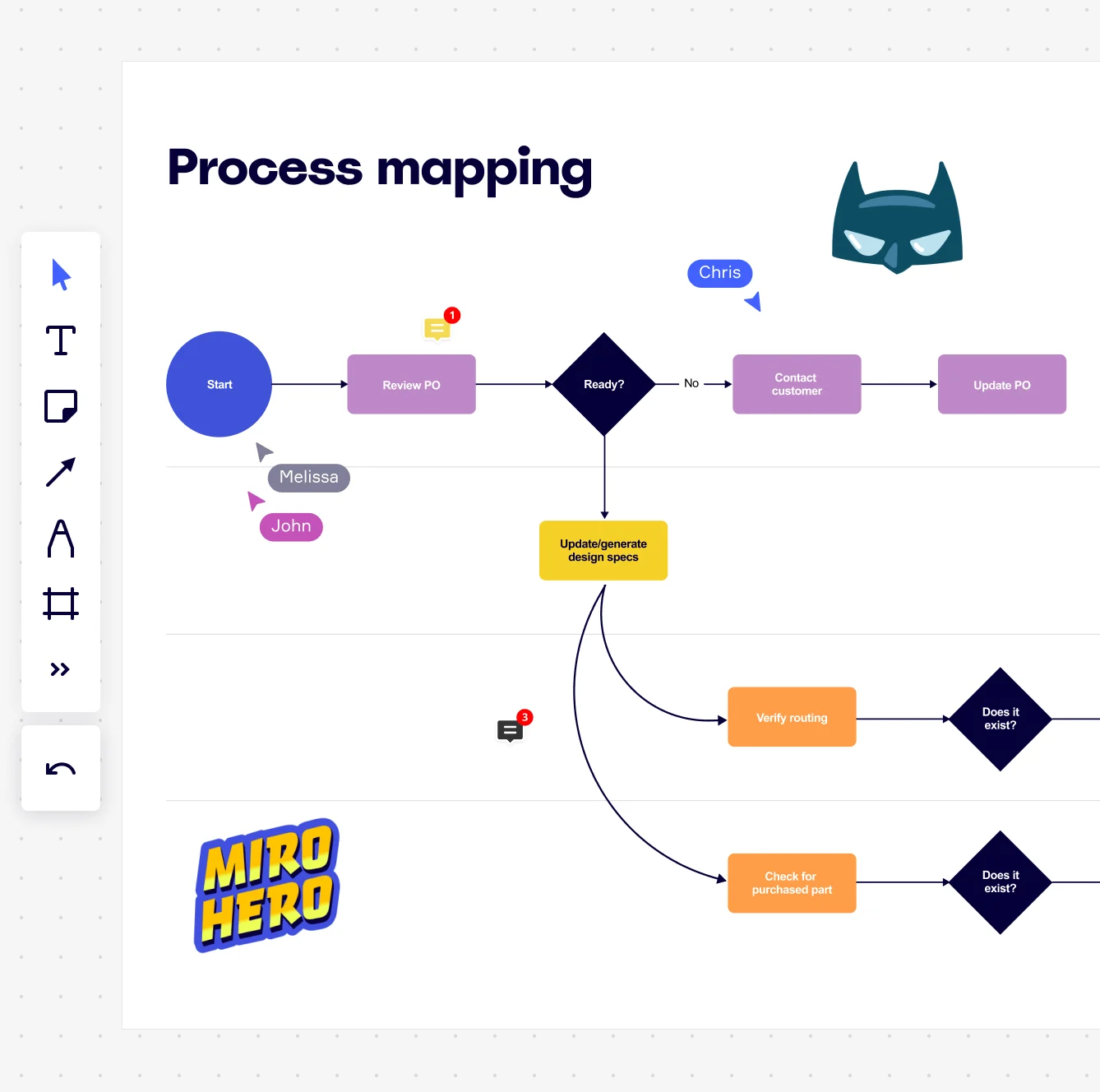
    Miro board displaying a process mapping flowchart with labeled nodes including Start, Review PO, a Ready decision diamond, Contact Customer, Update PO, Update/generate design specs, Verify routing, and Check for purchased part, with collaborative cursors (Chris, Melissa, John), comment badges, and decorative Batman and Miro Hero stickers.
  • Your onboarding workflow, visible before hire #10

    Hiring your first five people is chaotic enough without a documented process. Whether you're a two-person founding team or scaling past 50, Miro's infinite canvas lets you map every step - offer signed, tools provisioned, first-week schedule set - so each new hire's experience is consistent, not improvised.

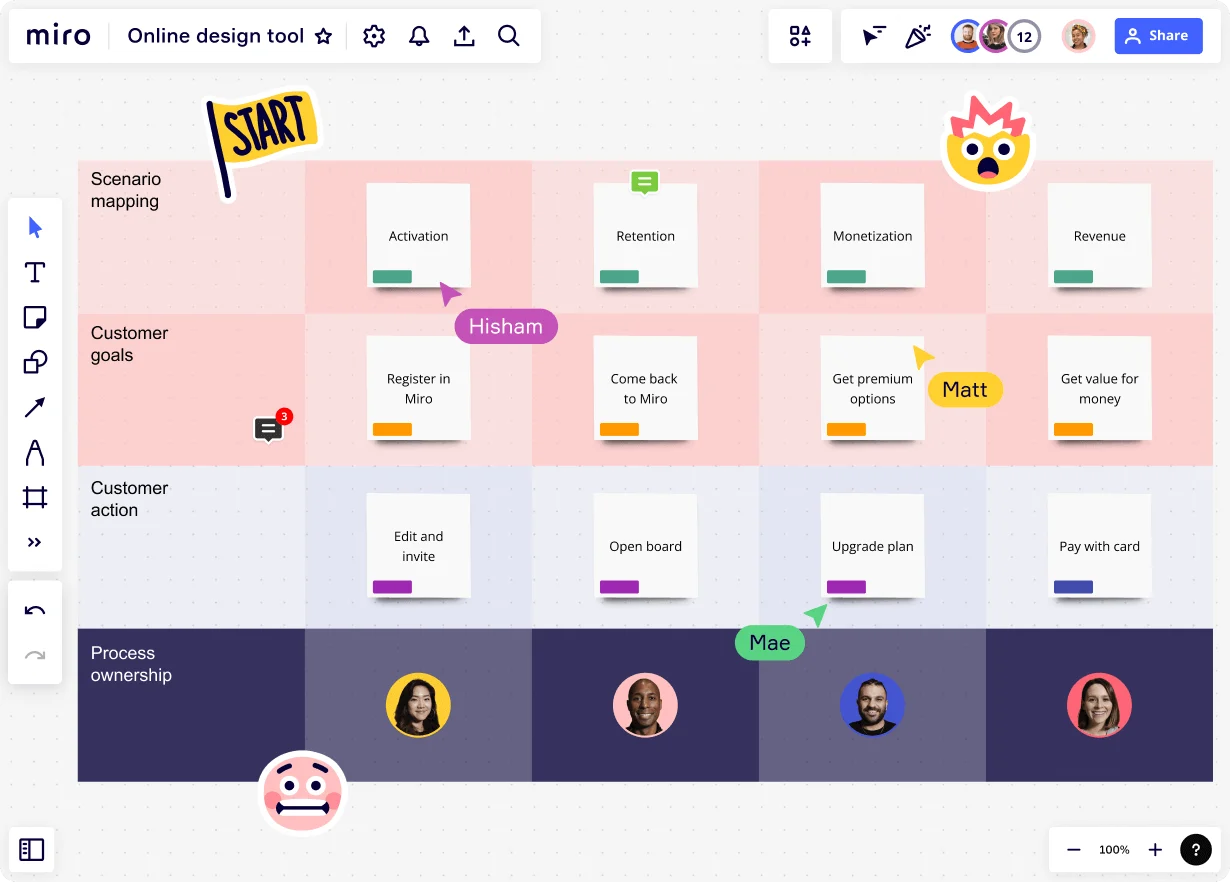
    Miro board displaying a scenario mapping framework with four swim lanes (Scenario mapping, Customer goals, Customer action, Process ownership) and four columns (Activation, Retention, Monetization, Revenue), showing sticky notes with user journey steps and team member avatars in the process ownership row, with multiple collaborators' cursors visible including Hisham, Matt, and Mae.
  • From scattered Notion pages to one audit-ready source

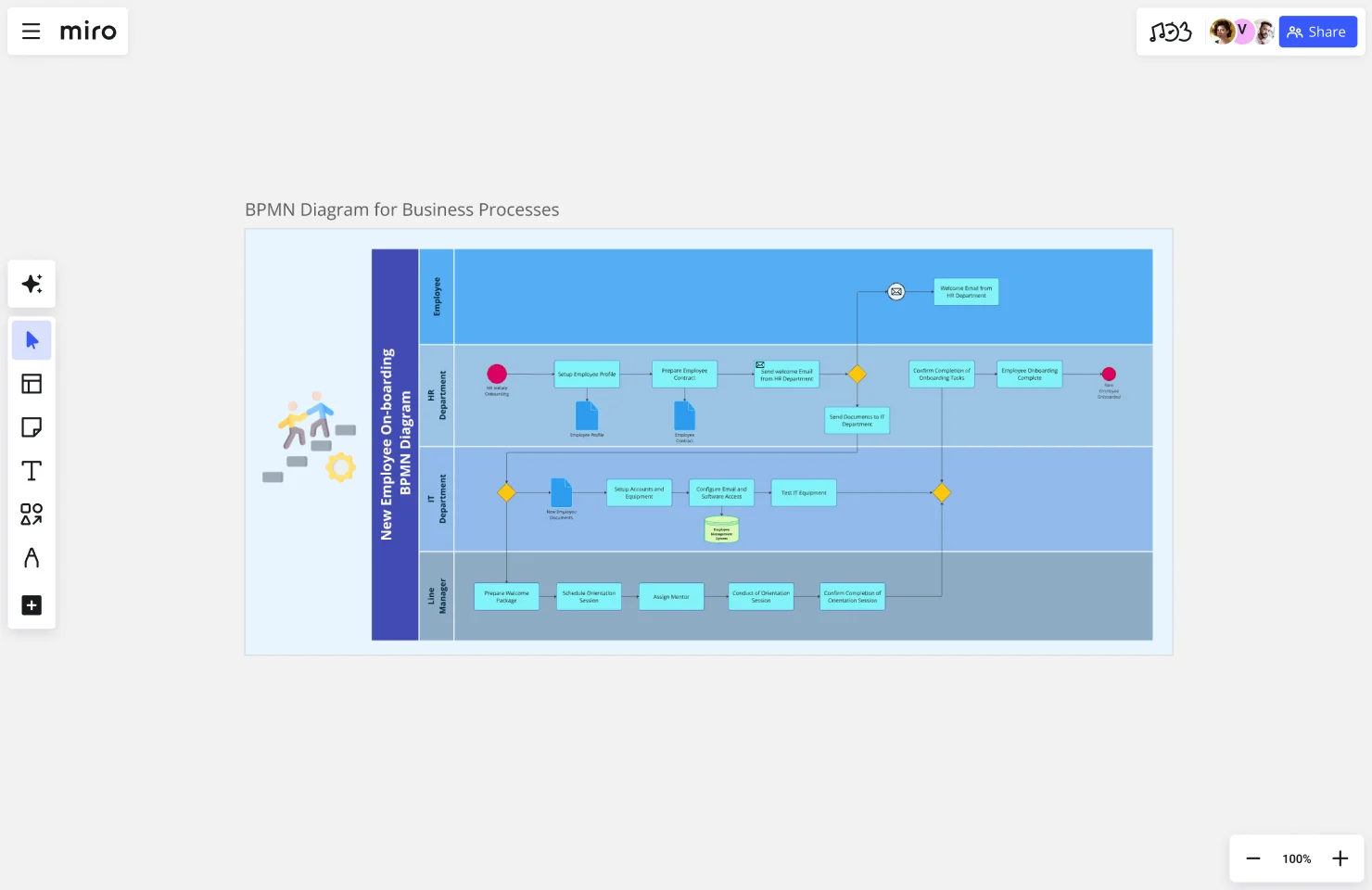
    Your SOPs live across Notion, Google Docs, and someone's Confluence space from a previous job. Miro's dedicated Diagramming Mode pulls everything onto one canvas with BPMN 2.0 notation, and you can embed the live process map straight back into Confluence or Notion via /miro so there's one source that never goes stale.

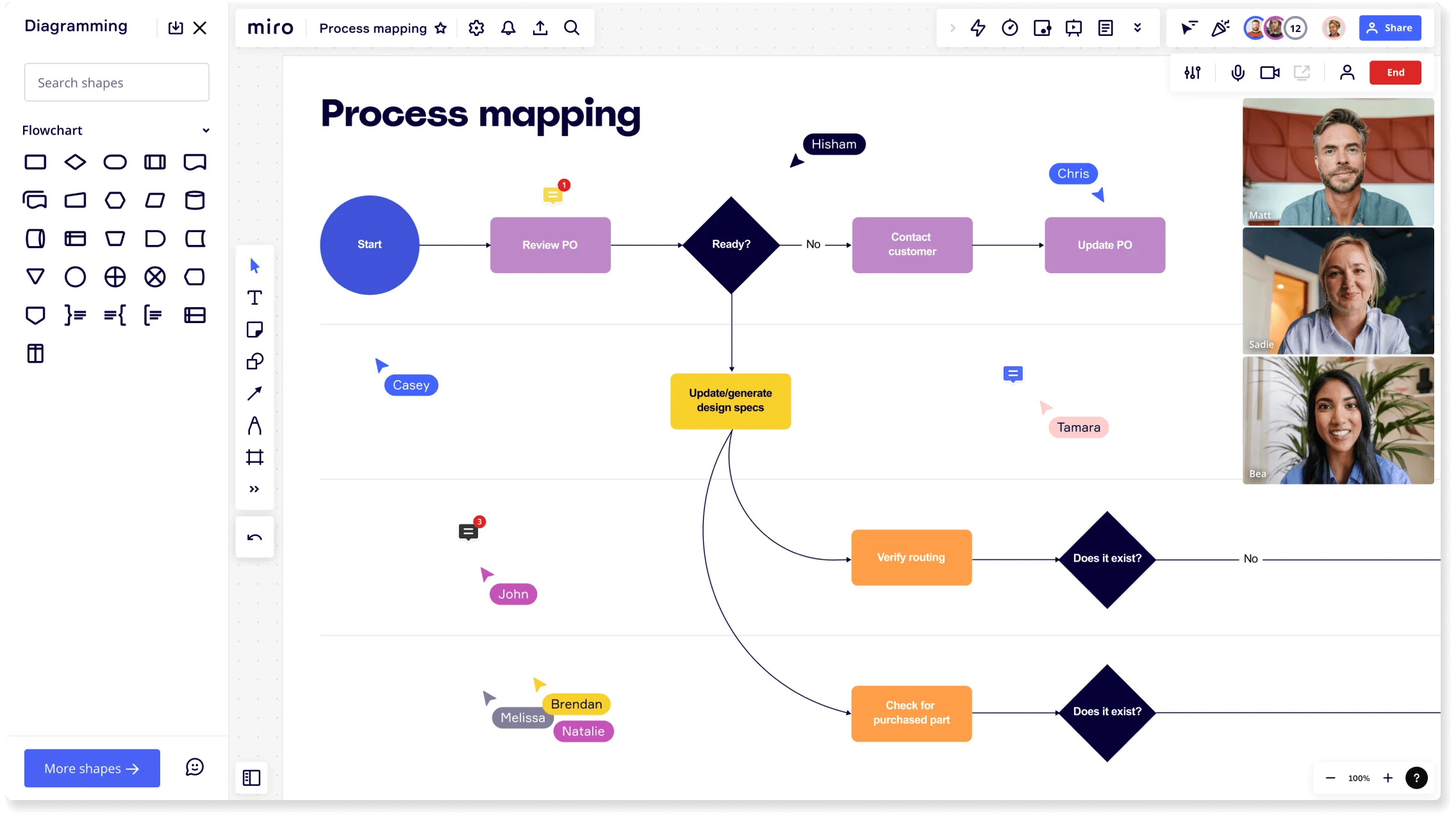
    Miro board showing a process mapping flowchart with decision diamonds, process rectangles, and branching paths covering steps like Start, Review PO, Ready decision, Contact Customer, Update PO, Update/generate design specs, Verify routing, and Check for purchased part, with the Diagramming panel open on the left showing flowchart shapes, multiple named collaborators visible as cursors on the board, and a live video call panel with four participants in the top right corner.
  • When your Series B investors ask how the product ships

    A new board member or due diligence team wants to understand your release cycle: feature intake, sprint review, QA, deploy. Map that workflow in Miro's swimlane layout, mark each step Draft, In Review, or Published with Status Labels, then run the walkthrough in Presentation Mode with your CTO and engineering leads live on the board.

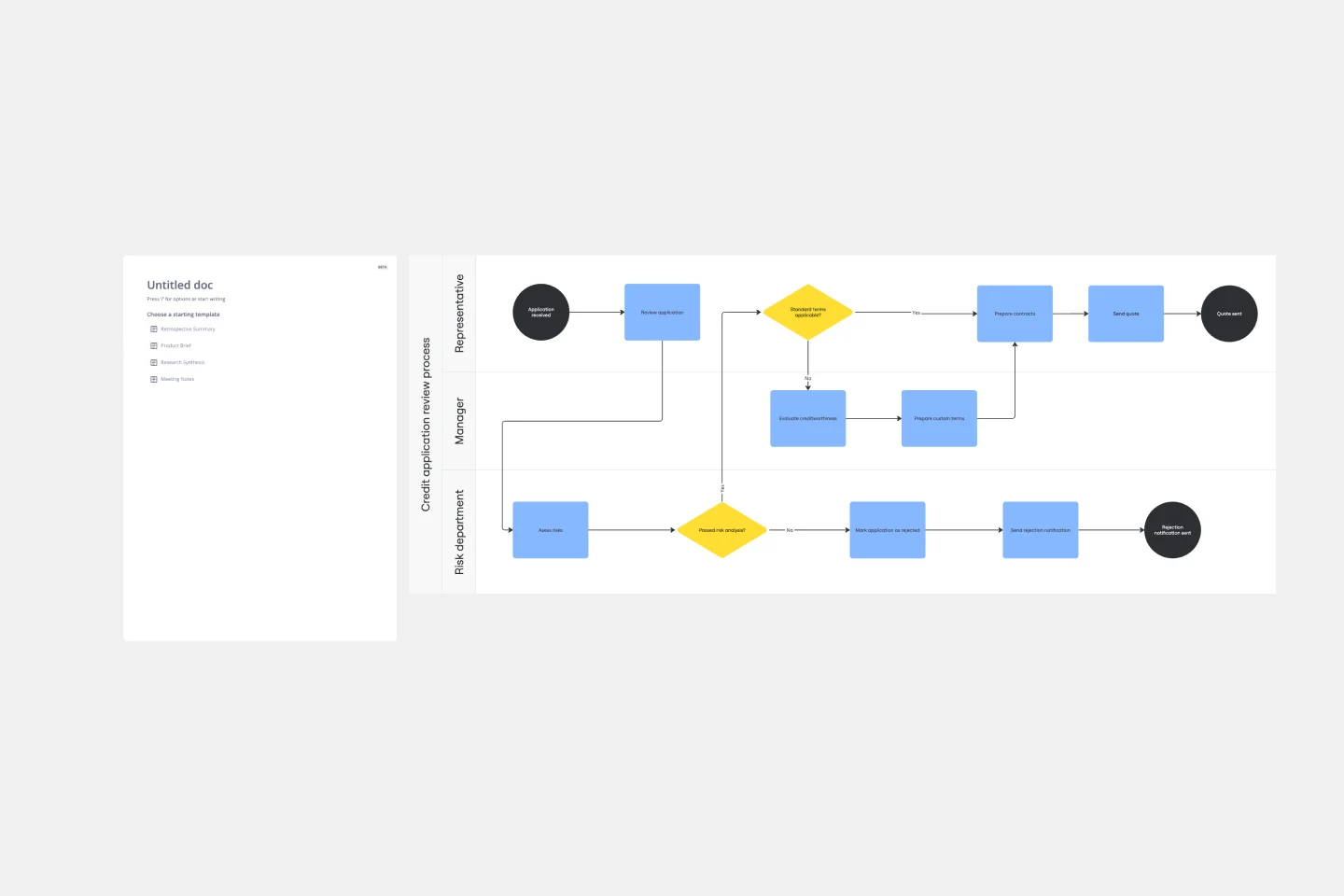
    A Miro board showing a credit application review process map with three swimlanes (Representative, Manager, Risk department) containing a BPMN-style flowchart with blue process rectangles, yellow decision diamonds, and dark terminal circles, alongside a partially visible document template panel on the left.
  • How to go from blank canvas to first BPMN draft in seconds

    Describe your order-to-cash or customer onboarding flow in plain language and Miro's AI generates a structured process map instantly. Small founding teams skip the notation learning curve. Larger ops teams use the same starting draft to run a live workshop, annotate bottlenecks with sticky notes, and push identified fixes straight to Jira tickets.

    Miro board displaying a product development flowchart with color-coded steps (yellow process boxes, red decision/assessment boxes, green launch box, black diamond decision nodes) showing a workflow from 'Analyse current market' through feasibility checks, beta testing, market testing, advertising campaign assessment, and finally 'Launch Day'.

How startup founders get started with Process Mapping in Miro

  • Map your first workflow from a Slack thread

    Type your messy hiring, onboarding, or fundraising process as a text prompt into AI Generate Diagram and get a working first-draft process map in seconds - something your co-founder can react to right away instead of staring at a blank canvas.

  • Drop swimlanes on every handoff that's broken

    Open Diagramming Mode, pull in the Swimlane Template, and drag each step into the lane that owns it - founder, first hire, or external partner - so you can see exactly where deals, candidates, or customer requests fall through the cracks.

  • Turn flagged bottlenecks into tracked fixes

    Annotate the map with sticky notes wherever a step is slow or unclear, then use Jira Integration to convert each one into a ticket with an owner and deadline, because a bottleneck with no one's name on it will still be there at your next board meeting.

  • Publish your SOP before your team doubles

    Use Miro Docs to build a living runbook alongside your process map - drag the diagram straight into the Doc, write the plain-English steps around it, and export to PDF or Markdown so every new hire you onboard next month starts from the same source of truth.

Process Mapping tips for startup founders

  • When your process is still chaotic and pre-verbal, use the SIPOC Template to force yourself to define who triggers the process and what "done" actually looks like before you map a single step.

  • For early-stage founders with a team of three to five, color-code your swimlanes by person rather than department - it surfaces who's doing everything and where you need your next hire.

  • Before your Series A due diligence, run Presentation Mode with Voting to walk investors or new ops hires through your core processes and surface gaps while there's still time to fix them.

Understand how startup founders transform their work

  • Can easily and quickly map out current business processes and ideal future states.

    Verified User

    G2
  • This tool makes it simple to map out business processes and ideas. It streamlines the process, allowing me to organize and visualize concepts for my business with ease.

    Verified User

    G2

Process mapping essential guide for startups

CategoryKey insights
  • Common mistakes to avoid

    The most common trap for founders is mapping the process they wish existed rather than the one their team actually runs. That gap between the official playbook and the real workarounds is exactly where your bottlenecks live. Whether you're a solo founder documenting processes before your first hire, or scaling past 50 people with cross-functional workflows, agree on your start and end points before you open a blank canvas - scope creep is the silent killer of process maps that never get finished.

  • Key integrations for startup founders

    Connect Miro to Jira or Asana so every process improvement you identify links directly to a ticket and actually gets built, not just documented. If you're migrating from Lucidchart, Visio, or Draw.io, Miro's import tools mean you don't lose the diagrams you've already spent hours building. For founders running lean on tools, Confluence keeps your process maps discoverable across the whole company without requiring a separate wiki.

  • When to use it

    Reach for Process Mapping in Miro when something in your operation keeps breaking and you can't agree on why. Use it the moment you're about to hire your third or fourth person and you need to replace tribal knowledge with something a new teammate can actually follow. A good trigger: if you find yourself re-explaining the same workflow in Slack every week, it's time to map it once, validate it with the people who do the work, and make it the source of truth.

  • Security & Compliance

    Miro is SOC 2 Type II certified, which covers the baseline that most investors, enterprise customers, and procurement teams will ask about first. If you're building in healthcare or handling sensitive client data, Miro's HIPAA compliance and granular sharing permissions mean you can involve external stakeholders without exposing the whole board. Larger organizations with strict data governance requirements can use data residency controls to keep information in the right region from day one.

Frequently asked questions for startup founders

Last updated: Thursday, June 25, 2026