




Andrey
See collaborative AI in action — straight from the Canvas 26 keynote.
Jeff

Process mapping for onboarding specialists

Map every handoff from day-one setup to role-ready sign-off. No more tribal knowledge gaps or broken steps hiding in email chains.

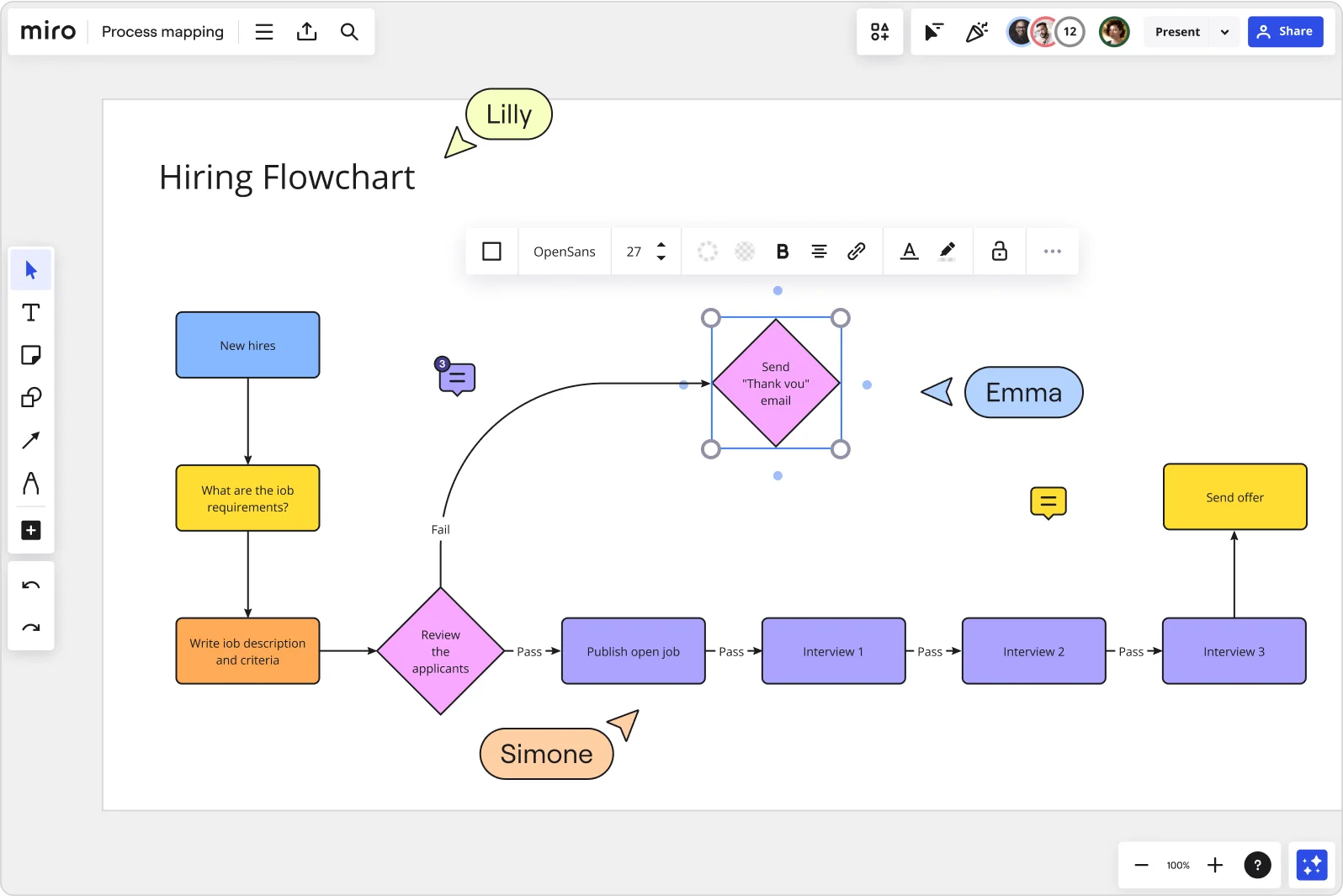
Miro board displaying a Hiring Flowchart with color-coded shapes showing a sequential process from 'New Hires' through job requirements, writing job descriptions, reviewing applicants (with Pass/Fail decision diamonds), publishing open jobs, three interview stages, sending offer, and a 'Send Thank You email' decision node — with multiple collaborators (Lilly, Emma, Simone) visible as cursors and a formatting toolbar active.

What experts say

  • Onboarding is the process of integrating a new employee into the organization by familiarizing them with relevant tools, workplace policies and the company culture.

    Hailley Griffis and Matthew Urwin

    Authors · Built In

    Industry Analyst
  • The onboarding buddy supports: Informal knowledge transfer, Cultural clarification, Psychological safety, Faster integration into internal communication channels.

    Qooper.io Team

    Practitioner

The research on process mapping

  • 70%

    Organizations with a strong onboarding process improve new hire productivity by over 70%

    Source: Brandon Hall Group

  • 50%

    Process mapping reduced employee onboarding from 10 to 5 days, a 50% reduction

    Source: Systems and Teams

See process mapping in action

Related templates for onboarding specialists

We have 168 templates in our library for Process Mapping.

Why onboarding teams love mapping processes in Miro

  • Stop rebuilding your onboarding flow every quarter

    Last quarter's workflow is buried across shared drives. Miro's Process Documentation Blueprint keeps your SIPOC, current-state, and exception-handling boards ready to reuse, so each cohort starts from a clean template, not a patchwork of copied files.
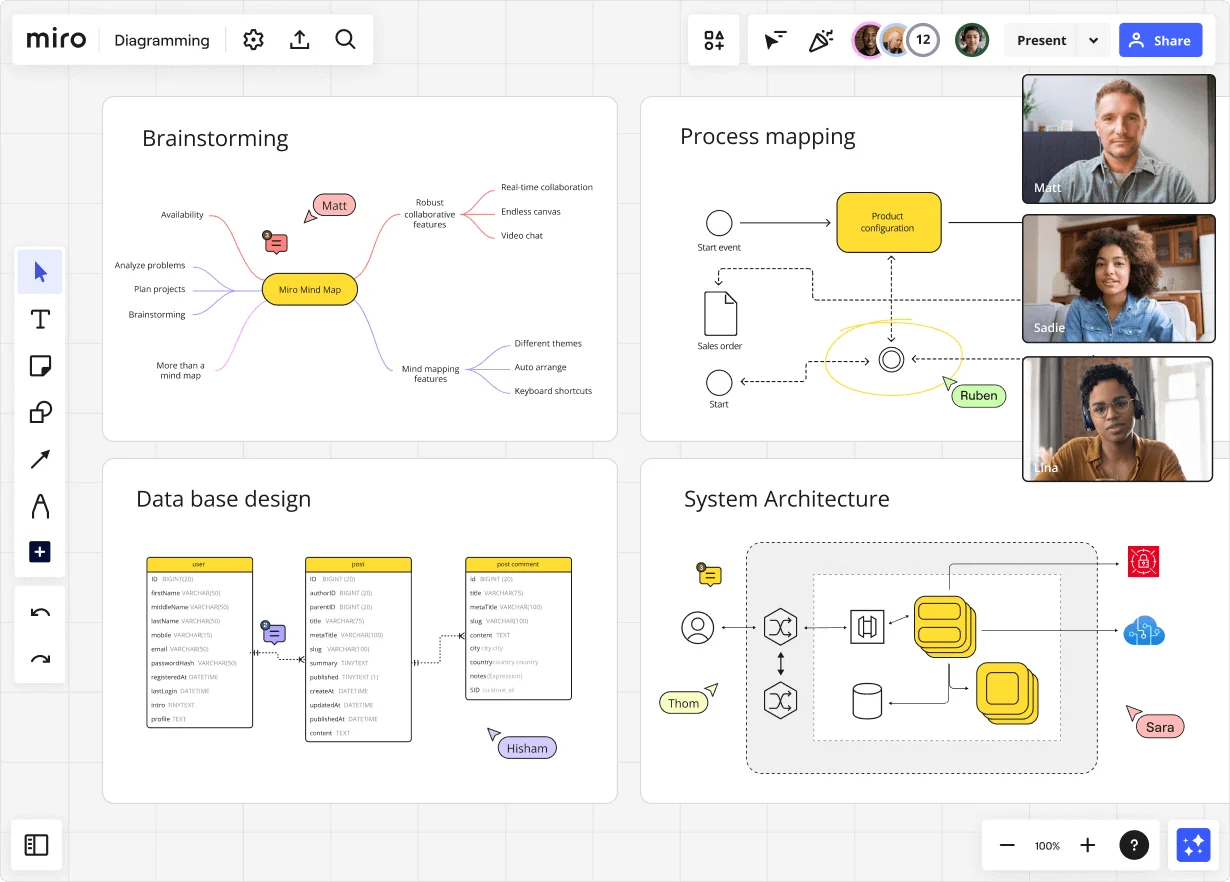
    Miro diagramming board showing four active workspaces: a mind map centered on 'Miro Mind Map' with feature branches, a BPMN-style process mapping flowchart with 'Product configuration' decision node, a database ER diagram with three related tables (user, post, post comment), and a system architecture diagram with interconnected components — all with visible collaborator cursors (Matt, Sadie, Ruben, Lina in video panel, plus Hisham, Thom, Sara as cursor labels).
  • Make every handoff between IT, HR, and hiring managers visible

    When credential setup, equipment shipping, and role-access approval live in separate trackers, new hires fall through the cracks. Swimlane layouts put every department in its own lane so delays surface before they become day-one problems.

    Miro board displaying a BPMN process mapping diagram with two swimlanes (Customer and Online Shop), showing decision gateways, message events, and task boxes for an order/offer workflow including 'Send offer', 'Accept offer', 'Decline offer', 'Send Payment', 'Receive Confirmation', and 'Receive Decline' steps, with the BPMN shapes panel open on the left.
  • Map what actually happens, not what your SOPs say should happen

    The workarounds your IT team quietly built into the ticketing process? No policy doc captures those. Use Miro's AI to generate a first-draft flowchart from plain text, then refine it live with the people who actually run each step.

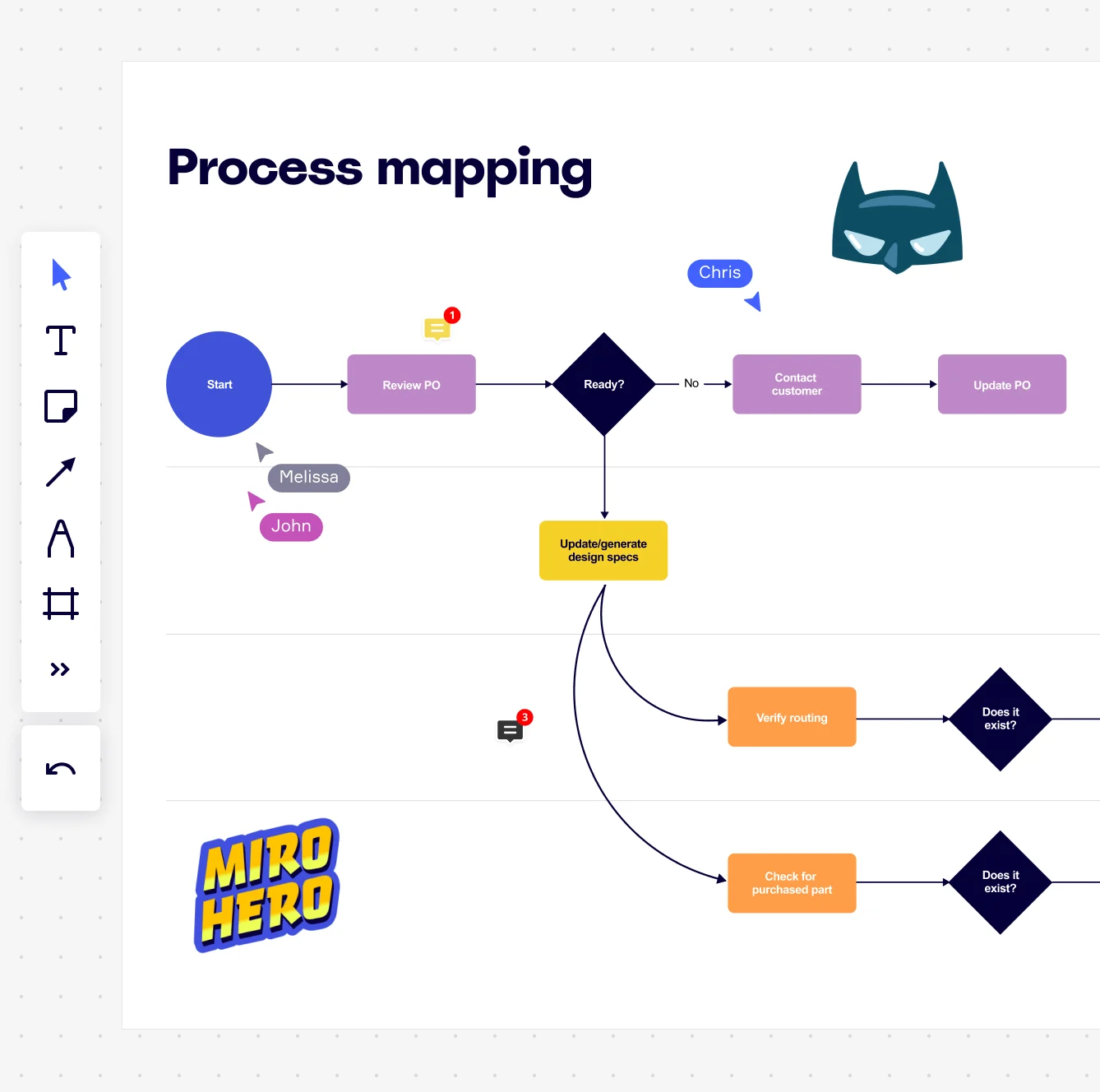
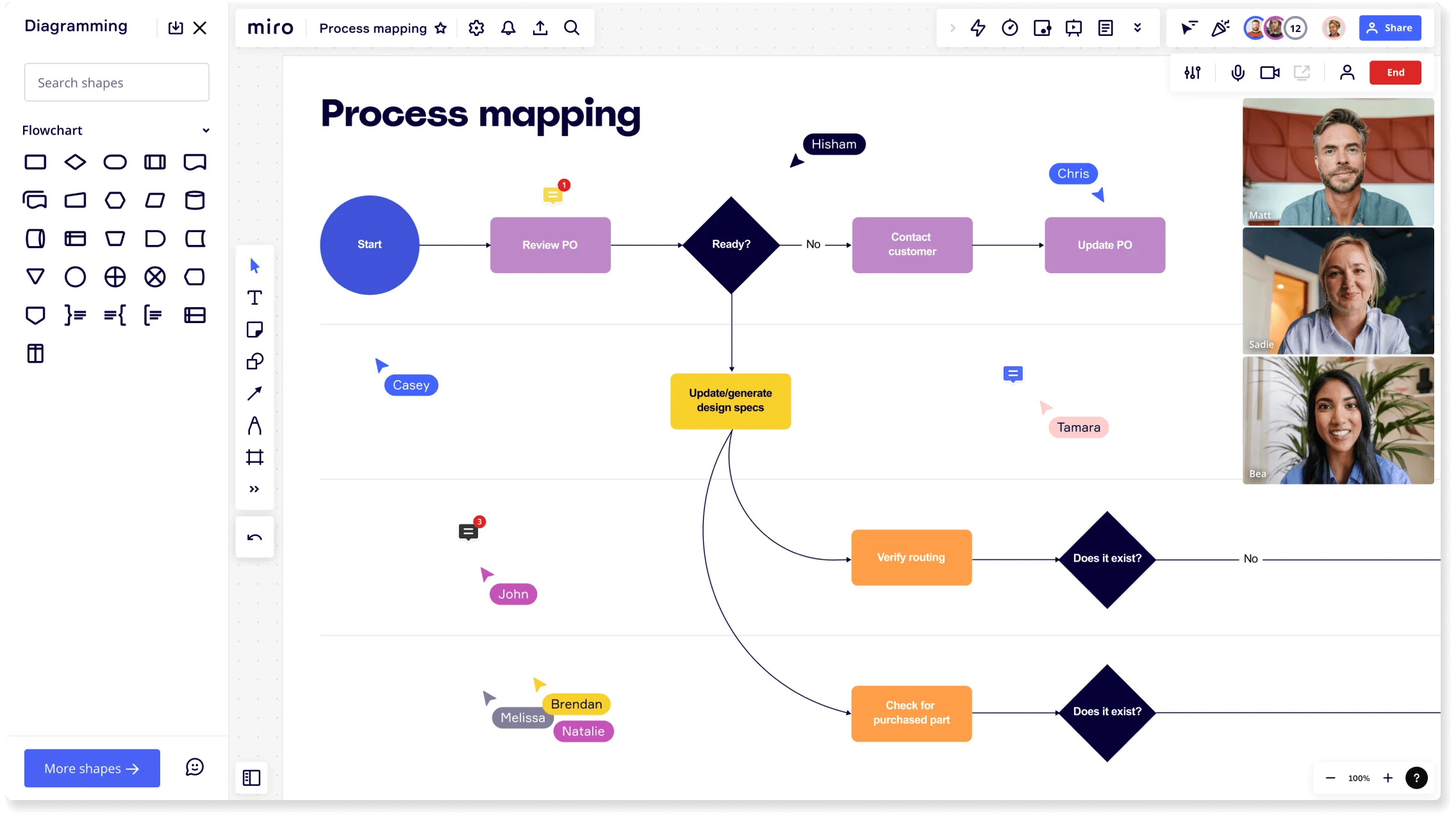
    Miro board displaying a process mapping flowchart with labeled nodes including Start, Review PO, a Ready decision diamond, Contact Customer, Update PO, Update/generate design specs, Verify routing, and Check for purchased part, with collaborative cursors (Chris, Melissa, John), comment badges, and decorative Batman and Miro Hero stickers.
  • Keep your process map and SOP in one place

    When your runbook lives in SharePoint and your diagram lives elsewhere, they drift apart fast. Drag a synced copy of your onboarding map into a Miro Doc alongside the SOP, then embed both into Confluence via /miro. One source. Always current.

    Miro process mapping board displaying a cross-functional flowchart with circular process nodes (Process 1.0, 1.1, 2.0), decision paths (Yes/No branches leading to 'Accept offer' and 'Decline offer'), and rectangular action steps including 'Send payment', 'Receive Confirmation', 'Receive Decline', and 'Process', connected by solid and dashed arrows.
  • Validate the flow before the next cohort arrives

    Get hiring managers, IT leads, and payroll coordinators aligned without scheduling five separate calls. Presentation Mode walks every reviewer through the process step by step. Collect votes on bottlenecks, capture approvals, and move on.

    Miro board displaying a BPMN process mapping diagram with two swimlanes (Customer and Online Shop), showing decision gateways, message events, and task boxes including 'Send offer', 'Accept offer', 'Decline offer', 'Send Payment', 'Receive Confirmation', 'Receive Payment', and 'Receive Decline', alongside the BPMN diagramming shapes panel on the left.

How onboarding specialists get started with Process Mapping in Miro

  • Map your onboarding flow from day one

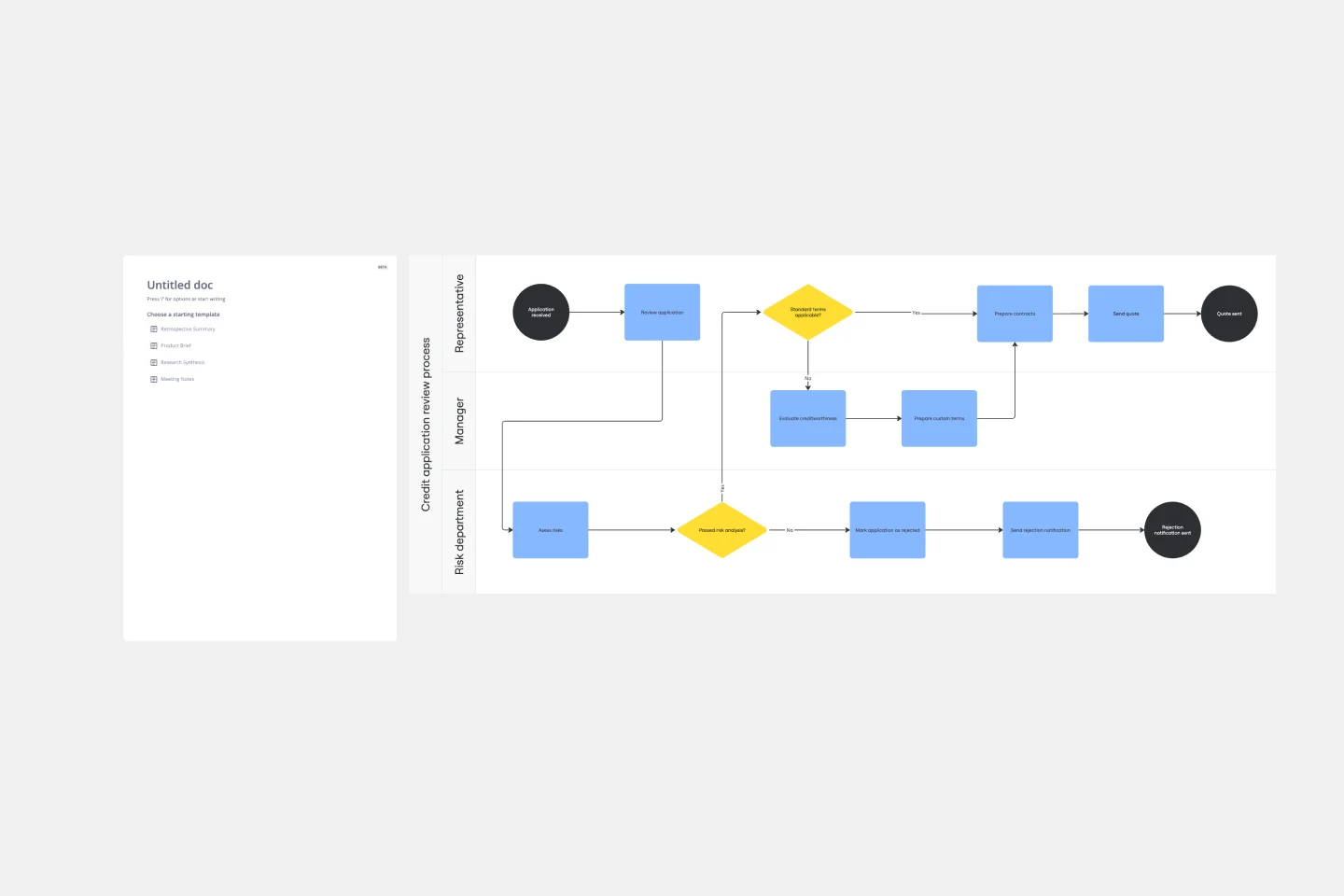
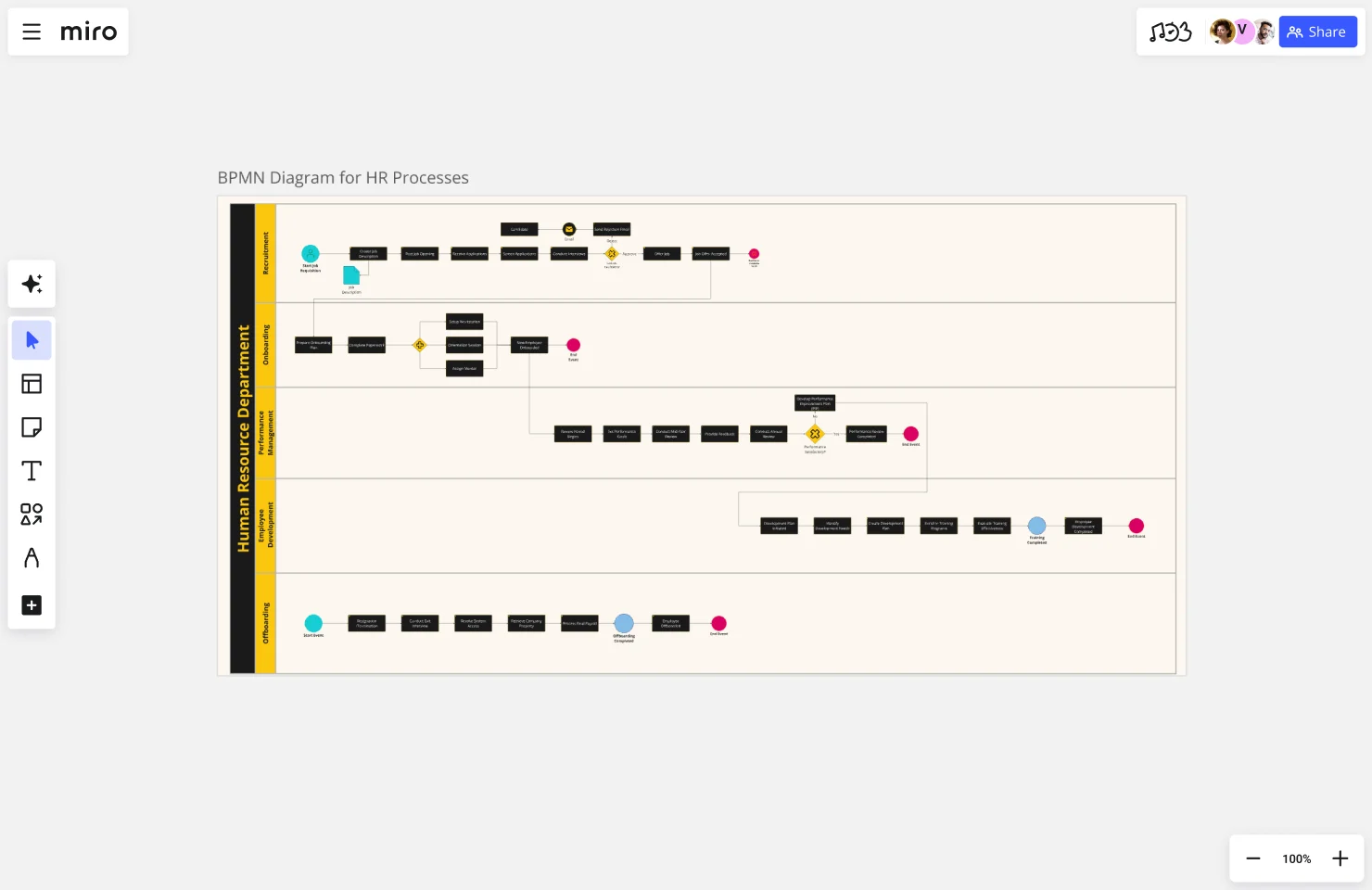
    Open a Swimlane Diagram Template and drop your new-hire journey straight onto the canvas - from offer-acceptance trigger through to 90-day milestone - so every handoff between HR, IT, and the hiring manager is visible before your first kickoff call.

  • Capture what actually happens

    Invite the people who run each onboarding step (IT provisioners, hiring managers, buddy program leads) to add their own steps in real time using Diagramming Mode, so your map reflects the real handoff sequence, not the one buried in a forgotten onboarding deck.

  • Turn your map into a living SOP

    Use Miro Docs to build the runbook alongside the diagram - drag your swimlane map in as a synced copy, write the step-by-step guidance around it, and export to Markdown or PDF for your HR wiki so the process doc and the visual map never drift apart.

  • Run your stakeholder sign-off in the board

    Present the validated onboarding process directly in Presentation Mode, using Voting to let hiring managers and HR leads prioritize which friction points to fix first - so you walk out of the review with a ranked improvement list, not a wall of unresolved comments.

Process Mapping tips for onboarding specialists

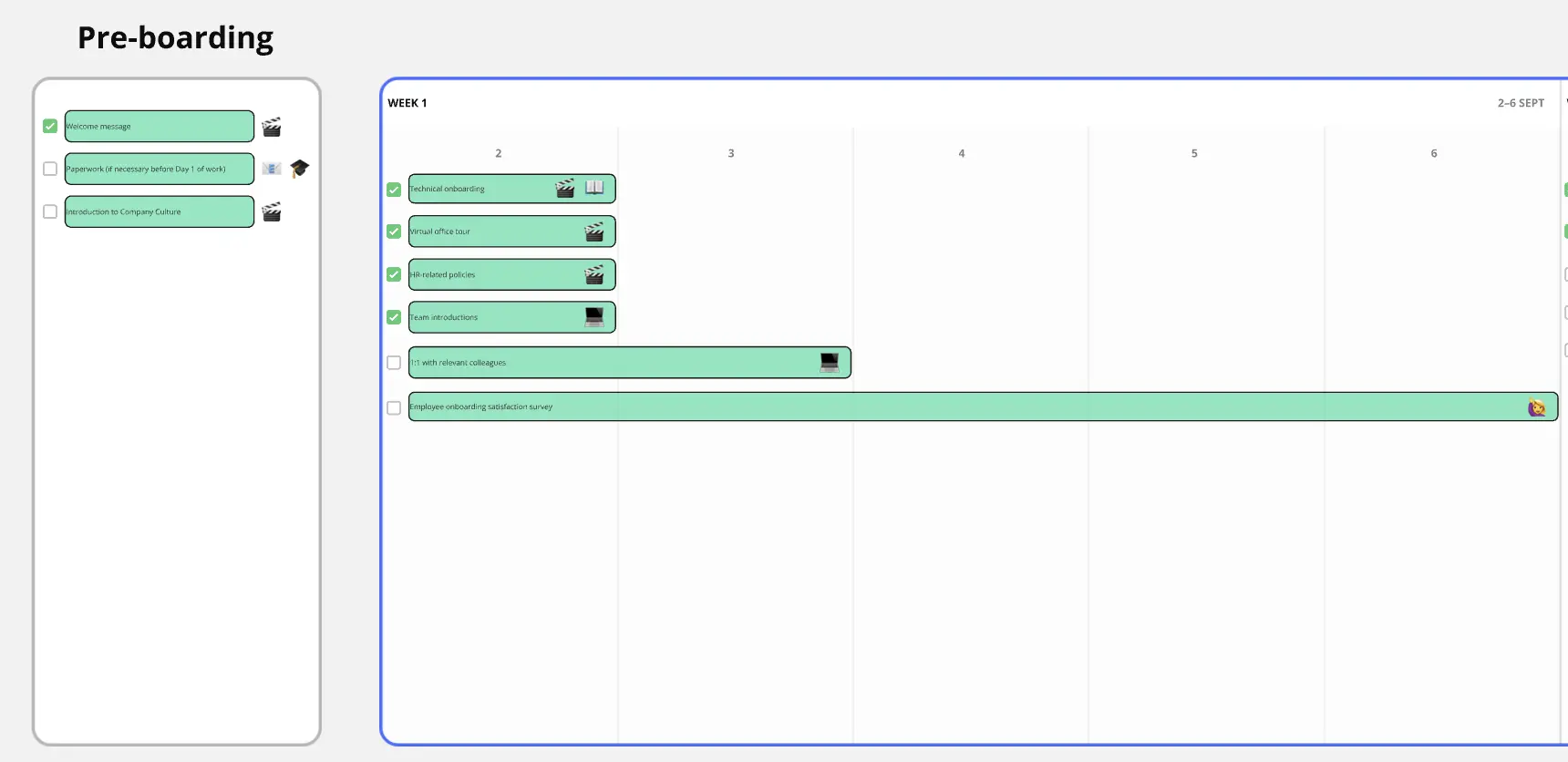
  • Tag sticky notes by onboarding phase (pre-day-one, week one, 30/60/90) so bottlenecks cluster visually and you can spot where new hires consistently get stuck before your next iteration.

  • Use Comments with Mentions to pull in the hiring manager or IT lead on specific steps they own - threaded feedback on the diagram beats a separate email chain that nobody can trace back to the process.

  • For larger orgs running multiple onboarding tracks (technical hires, leadership hires, regional variants), use Frames to keep each track in its own section and link them from a high-level overview map so reviewers navigate the right version without hunting.

Understand how onboarding specialists transform their work

  • I’ve been utilizing the AI agent Sidekick, and it’s definitely been helpful for process mapping.

    Verified User

    G2
  • It makes makes mapping any kind of process very easy and collaborative. It also provides a unique environment to collaborate with people on a digital environment.

    Verified User

    G2

Process Mapping essential guide for onboarding teams

CategoryKey insights
  • Common mistakes to avoid

    The biggest trap for onboarding specialists is mapping the polished version of the process instead of the messy reality. New hire flows are full of informal handoffs and tribal knowledge that only the people doing the work actually know, so pull them into the Miro board before you finalize anything. Whether you're a two-person HR team or a 500-person enterprise rolling out a global onboarding program, agree on your start and end points upfront. Scope creep is real, and nothing derails a new hire's first week faster than a map that keeps growing and never gets finished.

  • Key integrations for onboarding specialists

    Connect Miro to Jira or Asana so every process step you identify maps directly to an actionable ticket, keeping onboarding improvements from getting lost after the mapping session ends. Use the Confluence integration to embed your live process maps where new hires actually look for documentation, so your SOPs stay current instead of sitting in a forgotten folder. Already have diagrams in Visio, Lucidchart, or Draw.io? Import them directly into Miro so your team doesn't start from scratch.

  • When to use it

    Reach for process mapping in Miro the moment a new hire asks "wait, so who actually owns this step?" That's your sign that handoffs are unclear and a visual map is overdue. It's also the right move before rolling out a new onboarding program: a healthcare technology company mapped a 47-step patient onboarding workflow across five departments, spotted three handoff delays between clinical and admin teams, and cut average onboarding time from 14 days to 8 by linking process improvements directly to Jira tickets.

  • Security & Compliance

    Miro is SOC2 Type II certified, which covers the baseline needs for most onboarding teams handling sensitive employee or client data. If you're in healthcare or a regulated industry, Miro's HIPAA compliance means you can map processes that touch patient or personal health information without worrying about exposure. Enterprise onboarding programs with strict IT requirements get granular sharing permissions, data residency controls, and admin oversight so sensitive process documentation stays exactly where it should.

Frequently asked questions for onboarding specialists

Last updated: Thursday, June 25, 2026