





Andrey
See collaborative AI in action — straight from the Canvas 26 keynote.
Jeff

Process mapping for customer success teams

Turn messy onboarding, renewal, and escalation workflows into clear, shared maps your whole CS team can act on. No more tribal knowledge, no more dropped handoffs.

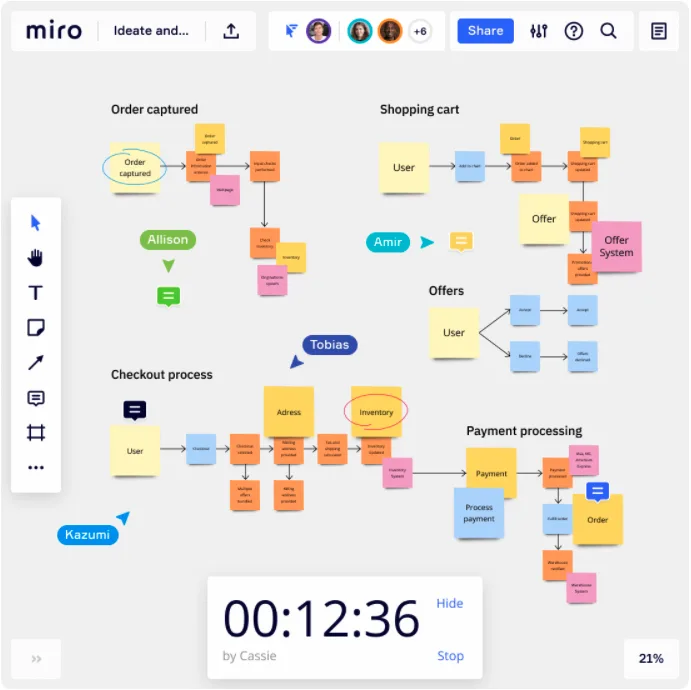
Miro board with colorful sticky notes showing online ordering and checkout process flow with timer widget

What experts say

  • By documenting the steps of a process, process mapping establishes a standard approach that everyone can follow.

    ABBYY Content Team

    Marketing and Product Specialists · ABBYY

    Practitioner
  • Before you can improve anything, you must first understand what is going on in your process.

    Ken Feldman

    Lean Six Sigma Master Black Belt · iSixSigma

    Industry Expert

The research on process mapping

  • 30%

    Process mapping in Lean Six Sigma yielded 30% reduction in order processing time

    Source: Systems and Teams

  • 40%

    Technology company reduced customer response times by 40% through Lean Six Sigma process mapping

    Source: Systems and Teams

See process mapping in action

Related templates for customer success teams

We have 88 templates in our library for Process Mapping.

Why customer success teams love mapping processes in Miro

  • Stop losing customers to handoff gaps

    Onboarding says they handed off cleanly. Support never got the brief. The renewal rep is flying blind. CS managers can map the full journey from signed contract to QBR using swimlane layouts that make every handoff between CSMs, support, and account management visible. Dropped handoffs get caught before they become churn.
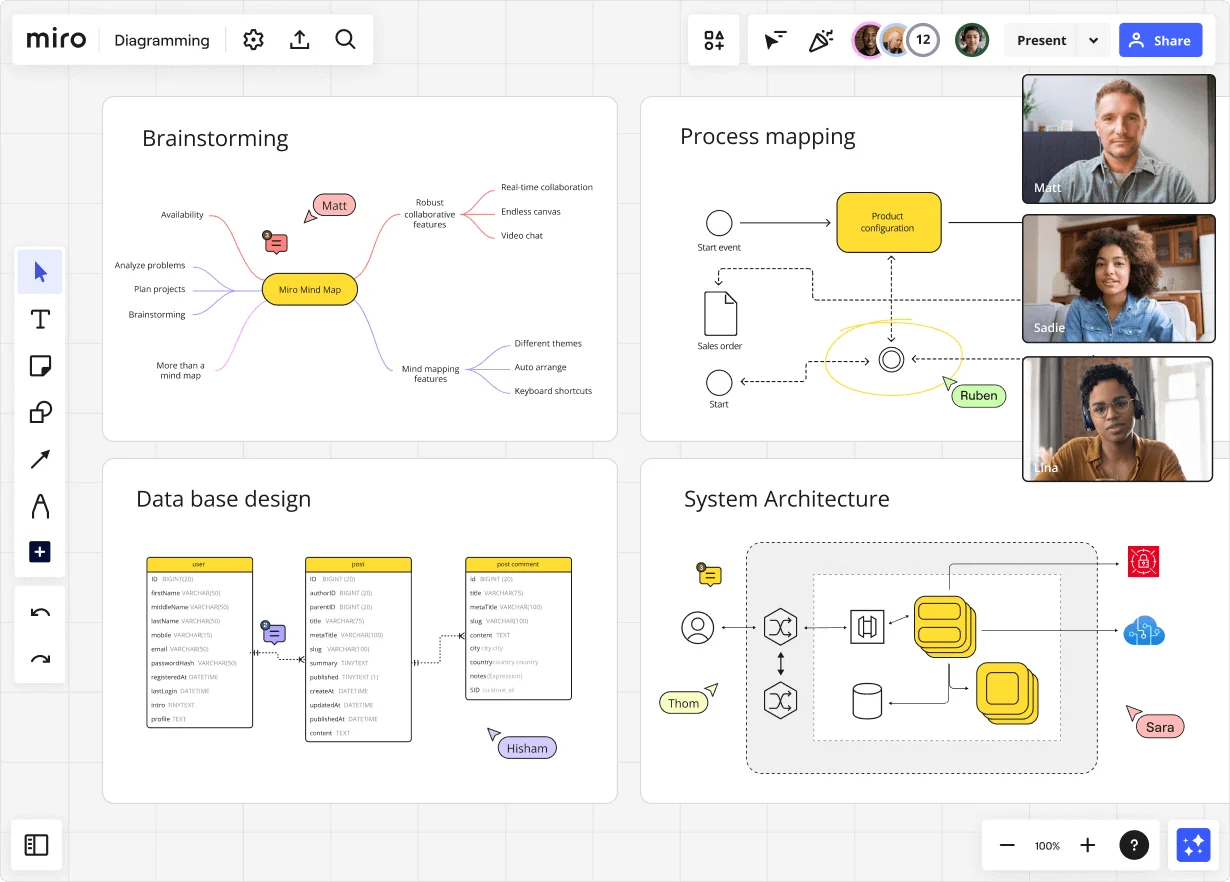
    Miro diagramming board showing four active workspaces: a mind map centered on 'Miro Mind Map' with feature branches, a BPMN-style process mapping flowchart with 'Product configuration' decision node, a database ER diagram with three related tables (user, post, post comment), and a system architecture diagram with interconnected components — all with visible collaborator cursors (Matt, Sadie, Ruben, Lina in video panel, plus Hisham, Thom, Sara as cursor labels).
  • Escalation playbooks that stay current

    Runbooks buried in Google Docs go stale the moment the process changes. Build escalation workflows directly in Miro's Diagramming Mode with BPMN shape packs, then embed the live diagram into Confluence via a single /miro command. Every runbook your reps read is always current, not a screenshot from last quarter.

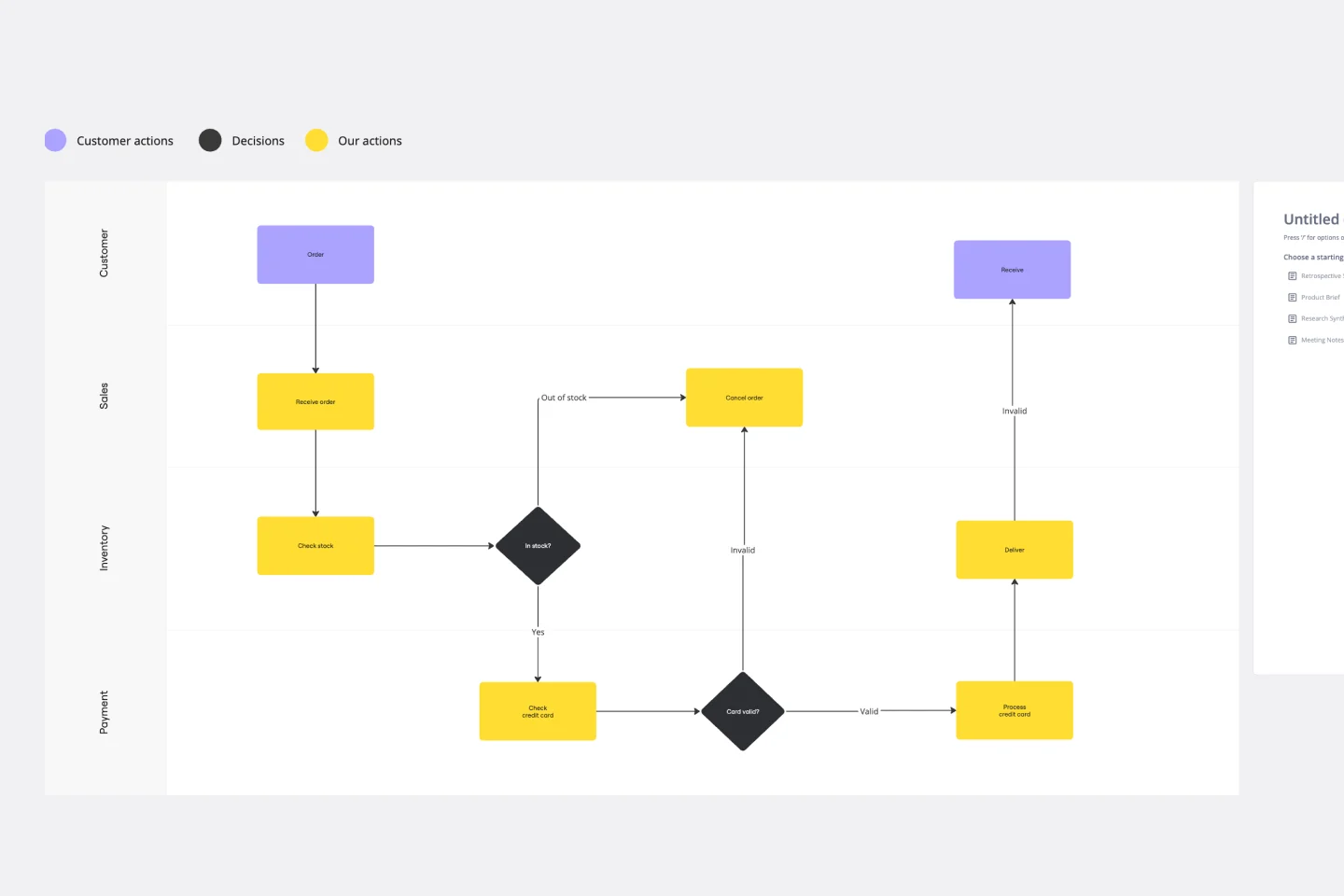
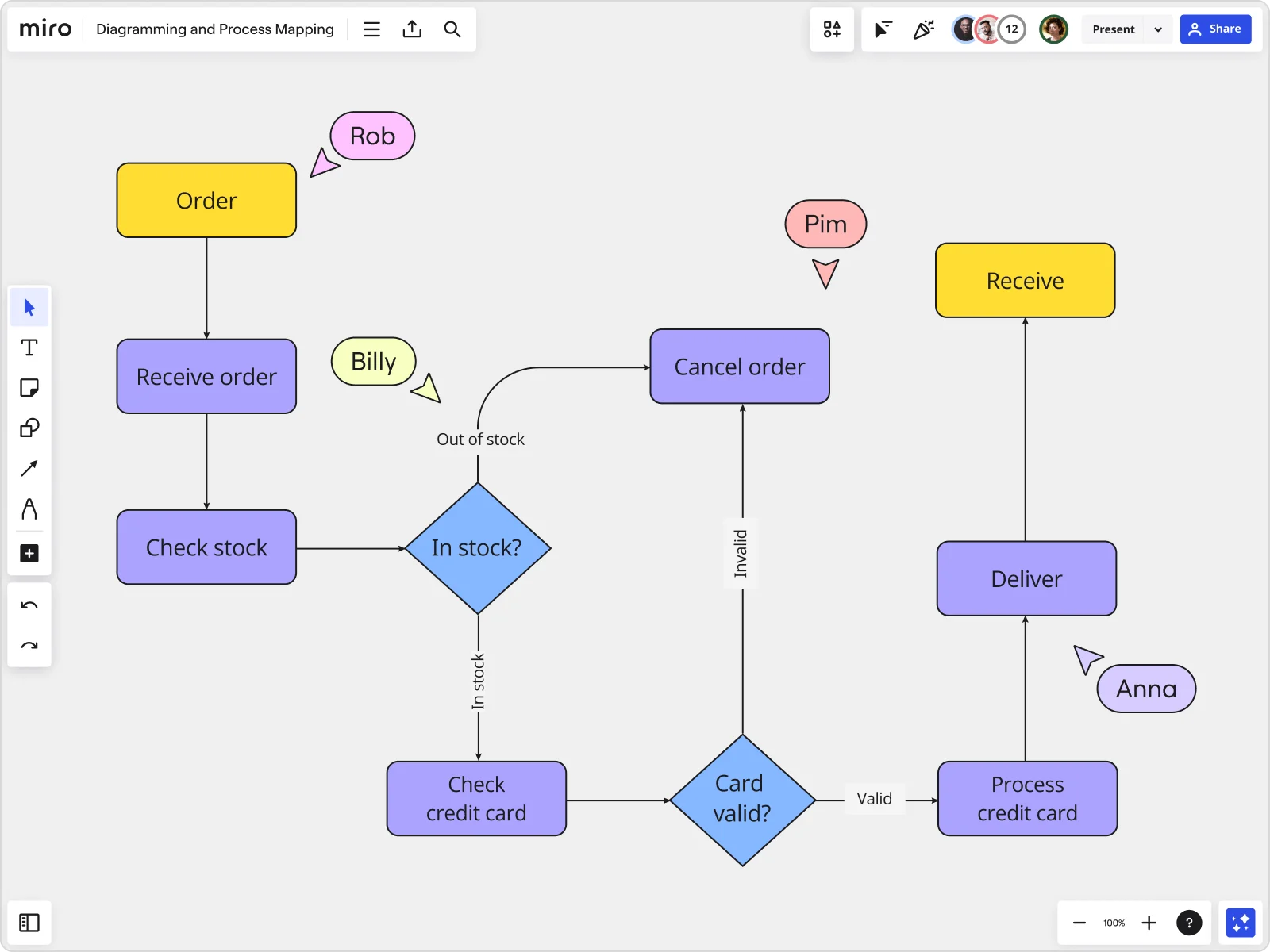
    Miro board displaying a detailed order processing flowchart with colored decision diamonds (blue) for 'In stock?' and 'Card valid?' checks, purple process blocks for steps like 'Receive order', 'Check stock', 'Check credit card', 'Process credit card', 'Deliver', and 'Cancel order', a yellow 'Order' start block and 'Receive' end block, plus named collaborator cursors (Rob, Billy, Pim, Anna) visible on the canvas.
  • One QBR process, every region aligned

    Every CSM preps differently. Map your standard QBR motion once, apply Status Labels (Draft / In Review / Published) so CS leadership knows what's been signed off, then use Synced Copies to push the canonical workflow to every regional board in seconds. One source of truth. No forks.

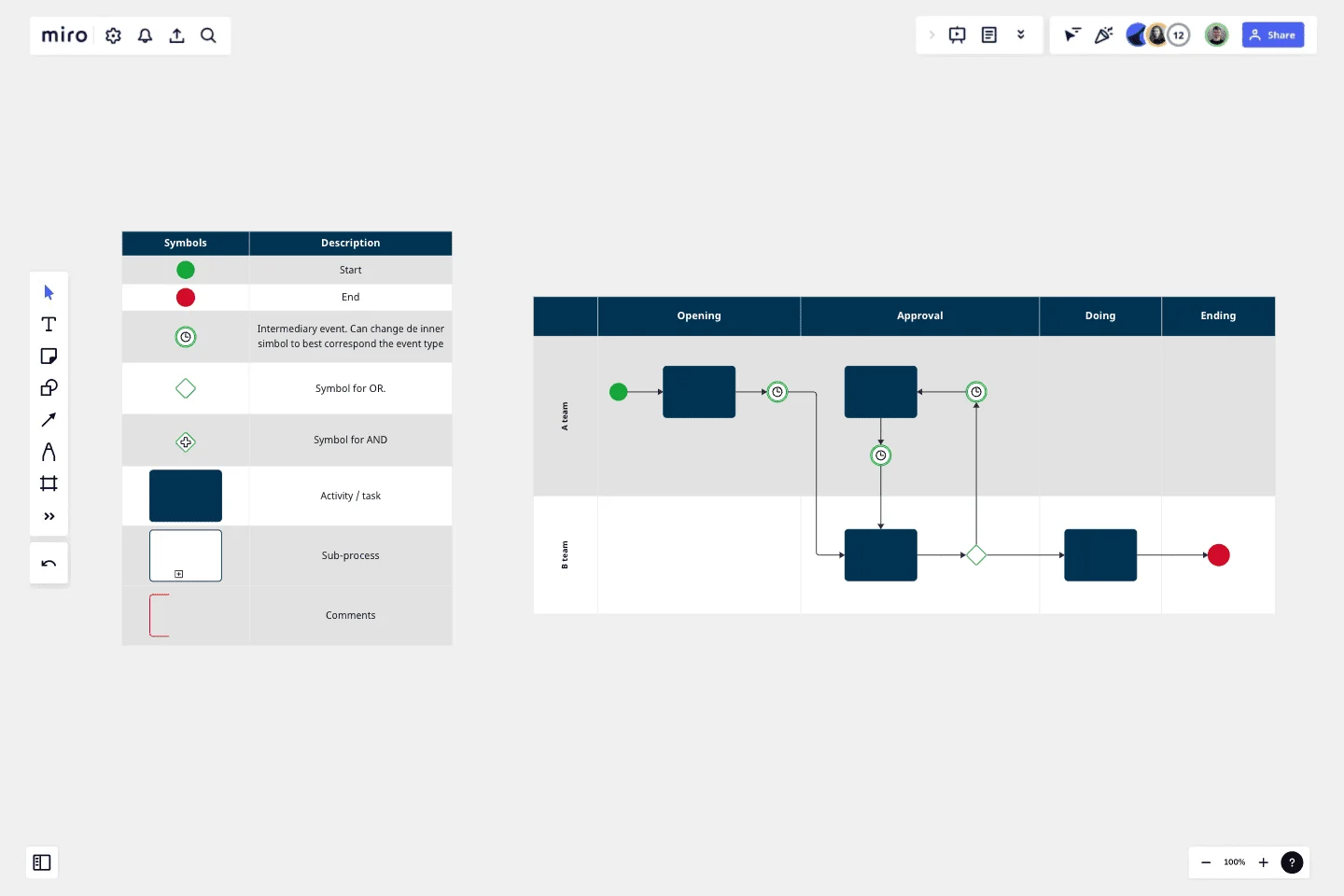
    Miro board displaying a BPMN process mapping diagram with two swimlanes (Customer and Online Shop), showing decision gateways, message events, and task boxes for an order/offer workflow including 'Send offer', 'Accept offer', 'Decline offer', 'Send Payment', 'Receive Confirmation', and 'Receive Decline' steps, with the BPMN shapes panel open on the left.
  • Scale onboarding knowledge before it walks out the door

    A small CS team absorbs complexity through tribal knowledge. A growing one can't. Miro's AI turns a plain-language description of your onboarding steps into a structured swimlane diagram in seconds. CSMs across regions then add their own steps simultaneously, capturing institutional knowledge before it disappears.

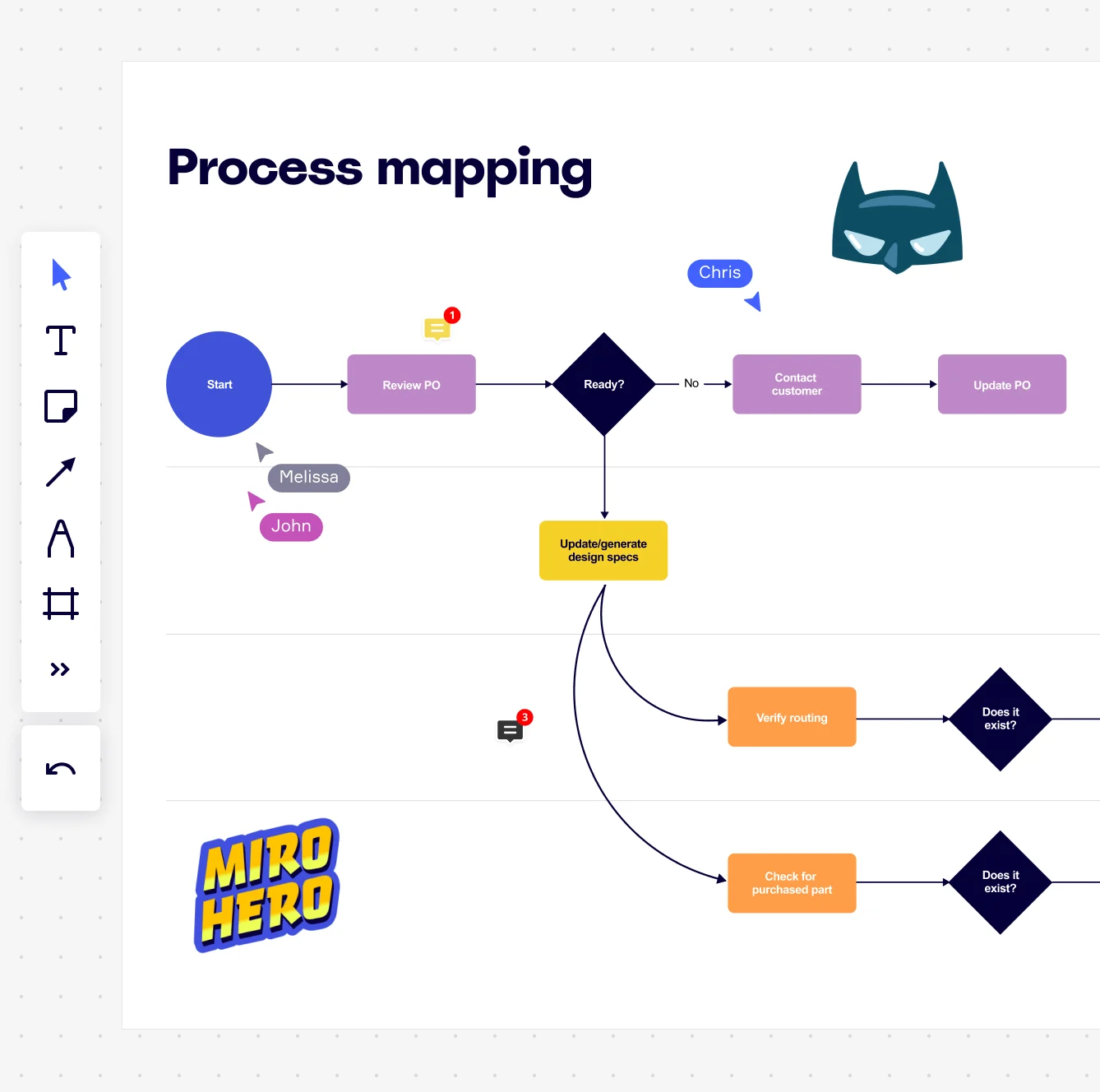
    Miro board displaying a process mapping flowchart with labeled nodes including Start, Review PO, a Ready decision diamond, Contact Customer, Update PO, Update/generate design specs, Verify routing, and Check for purchased part, with collaborative cursors (Chris, Melissa, John), comment badges, and decorative Batman and Miro Hero stickers.
  • SOPs your CSMs actually read

    Process docs that live in a VP's slide deck don't help the rep preparing for a 90-day renewal conversation. Create SOP Docs alongside the process map with inline AI actions to rewrite steps for clarity, then export to Markdown or PDF. The map and the runbook stay in sync automatically.

    Miro process mapping board displaying a cross-functional flowchart with circular process nodes (Process 1.0, 1.1, 2.0), decision paths (Yes/No branches leading to 'Accept offer' and 'Decline offer'), and rectangular action steps including 'Send payment', 'Receive Confirmation', 'Receive Decline', and 'Process', connected by solid and dashed arrows.

How customer success teams get started with Process Mapping in Miro

  • Map your first customer journey end to end

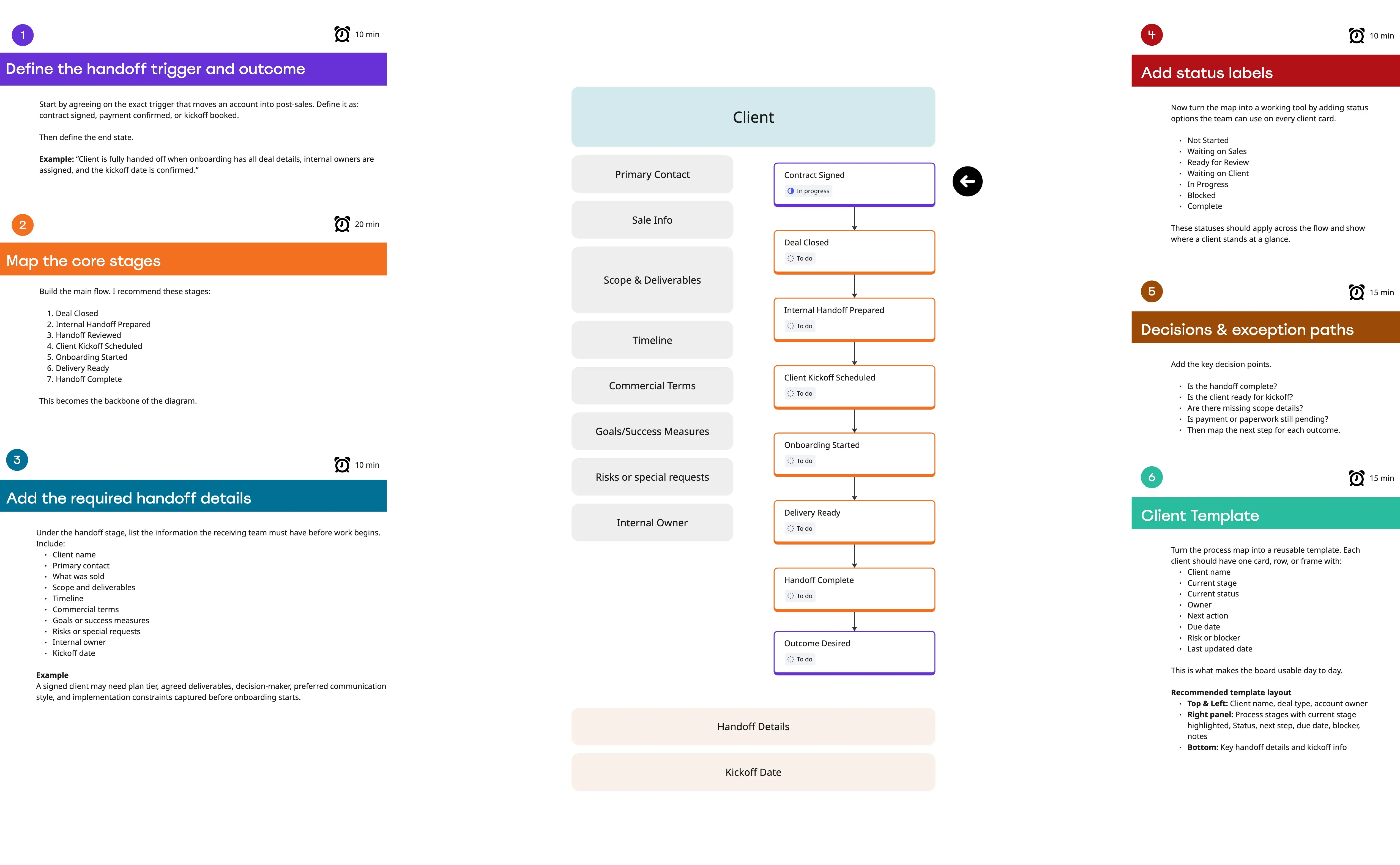
    Open a SIPOC Template from Miro's Template Library and define the scope of a real customer success workflow - like onboarding handoff from sales or escalation routing - so your customer success team has a concrete process to work from, not a hypothetical one.

  • Build the live process map together

    In Diagramming Mode, add Swimlane lanes for each customer success role (CSM, onboarding specialist, support lead) and have your customer success team members map their own steps simultaneously, so the map reflects what actually happens in accounts - not what the playbook says should happen.

  • Flag friction points where customers get stuck

    Drop Sticky Notes and Comments directly onto the process steps where churn risk hides - slow handoffs, unclear ownership, missing check-ins - then run a Presentation Mode walkthrough with CS leadership to validate the map and confirm which pain points are real before redesigning anything.

  • Embed the living playbook where CS works

    Use the Confluence Integration to drop the finalized process map into your CS team's runbook page, so customer success managers always reference the current version of the onboarding or renewal process, not a PDF someone exported six months ago.

Process mapping tips for customer success teams

  • Start with a process your customer success team runs every week - onboarding, QBR prep, or escalation handling - because familiar workflows surface the most useful friction to fix.

  • Color-code swimlane steps by health signal: green for steps tied to strong retention outcomes, red for steps where customer success managers report consistent drop-off or confusion.

  • For larger customer success organizations, use Frames to separate the high-level customer lifecycle map from detailed sub-process maps for each stage - onboarding, adoption, renewal - so customer success managers at each stage can navigate directly to what's relevant without scrolling through the full board.

Understand how customer success teams transform their work

  • Miro has quickly become an essential tool in my daily workflow over the past three months. I'm amazed by its versatility – I've effortlessly used it for mind mapping, process mapping, and brainstorming sessions, and it's been fantastic for each. What's really surprising is how intuitive and simple it is to use; I jumped right in without any setup or excesive implementation effort.

    Verified User

    G2
  • There are so many ways to engage with the platform - from mindmapping and prototyping, to process working, to collaboration.

    Verified User

    G2

Process Mapping essential guide for customer success teams

CategoryKey insights
  • Common mistakes to avoid

    The biggest trap customer success teams fall into is mapping the process they wish existed instead of the one that actually runs. Your renewal workflow probably looks nothing like that clean diagram from onboarding, and the workarounds your CSMs invented to handle escalations are the exact details that belong on the map. At larger organizations, customer success teams also tend to build one sprawling map that covers everything from first touch to churn, which overwhelms everyone reviewing it. Scope it tightly, pick one notation standard, and treat the map as a living doc that updates as your playbooks evolve.

  • Key integrations for customer success teams

    Jira keeps customer success teams connected between the map and the actual work, so every process improvement links directly to a trackable ticket instead of disappearing into a slide deck. Confluence and Asana let customer success teams embed their process maps where the team already works, which means fewer "where's the latest version" messages in Slack. If your customer success org is inheriting diagrams from another tool, Miro's Lucidchart, Visio, and Draw.io import options mean customer success teams don't have to start from a blank canvas.

  • When to use it

    Use this when your customer success team keeps tripping over the same handoff problem and can't agree on where the breakdown actually happens. That's the moment to pull everyone into Miro, start with a BPMN template, and map the real process across swimlanes so each role's ownership is visible. A good example: a customer success team mapping their onboarding workflow across five internal departments, validating it with department leads in Presentation Mode, then linking every identified bottleneck to a Jira ticket for follow-through.

  • Security & compliance

    Miro is SOC 2 Type II certified, which covers the baseline trust requirements most customer success teams need when sharing client-facing process documentation. For customer success teams in healthcare-adjacent or regulated industries, Miro's HIPAA compliance and granular sharing permissions mean sensitive workflow data stays in the right hands. Enterprise customer success organizations with strict data requirements can lean on data residency controls and admin-level access management to keep things buttoned up across the whole team.

Frequently asked questions for customer success teams

Last updated: Thursday, June 25, 2026