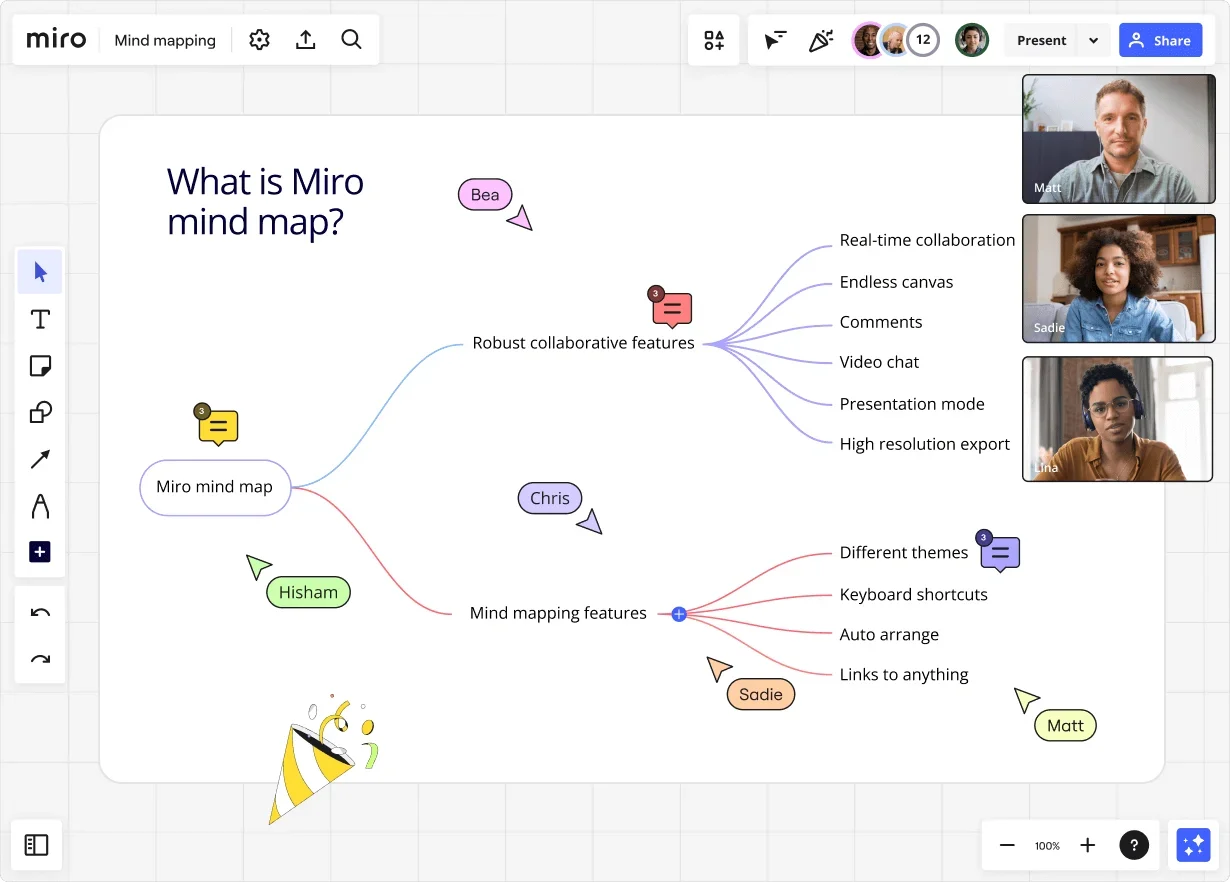
Untangle your thoughts: Mind mapping techniques for peak productivity
Summary
In this guide, you will learn:
- Mind mapping's core concept: a visual technique to organize information.
- How mind mapping boosts clarity, creativity, and productivity.
- Practical steps to create mind maps in Miro.
- How Miro's AI features enhance mind map creation.
- Customization options in Miro for mind maps.
- Collaboration and sharing features in Miro for teamwork.
Ever feel like your thoughts are scattered across a dozen sticky notes, and you're struggling to make sense of it all? You're not alone. That's where solid mind mapping techniques come in. They're not just about drawing pretty diagrams; they're about unlocking clarity and boosting your productivity. Let's explore how you can use these techniques to streamline your projects and gain valuable insights.
Mind mapping technique explained
So, what's the magic behind a good mind mapping technique? It's all about visually organizing information around a central concept. Think of it as a visual brainstorm, where you branch out ideas and connect them logically. This helps you see the big picture, identify relationships, and generate new ideas. Whether you're planning a project, outlining a presentation, or simply trying to untangle a complex problem, this technique provides a clear and intuitive framework. The key is to start with a central idea and let your creativity flow, branching out with related concepts and details.
How mind mapping works
- You begin with a central idea or topic in the middle of your workspace.
- From that central idea, you branch out with related subtopics, using lines to connect them.
- Each subtopic can then branch out further, creating a network of interconnected ideas.
- Use keywords, symbols, and colors to visually represent your thoughts.
Benefits of mind mapping
- Enhanced Clarity: Mind maps help you visualize complex information, making it easier to understand and remember.
- Improved Creativity: The free-flowing nature of mind mapping encourages brainstorming and idea generation.
- Better Organization: It provides a structured way to organize your thoughts and information.
- Increased Productivity: By visualizing your tasks and goals, you can streamline your workflow and stay focused.
- Facilitated Collaboration: Teams can use mind maps to share ideas, brainstorm together, and align on a common vision.
What can you use a mind map for?
Mind mapping is useful for all sorts of processes, including:
- Brainstorming
- Decision-making
- Note-taking
- Presenting
- Problem-solving
- Project planning
You can rely on a mind map whenever you’re struggling to get your thoughts in order. Seeing the information laid out visually will help you make sense of it.
How teams use mind mapping
Project Planning: Teams use mind maps to break down projects into manageable tasks, assign responsibilities, and track progress. They can visualize dependencies between tasks, identify potential roadblocks, and ensure
that everyone is on the same page.
- Brainstorming Sessions: Mind maps facilitate collaborative brainstorming, allowing teams to generate and organize ideas in real-time. Team members can contribute their thoughts and ideas directly to the mind map, fostering a dynamic and inclusive environment.
Problem-Solving: Teams use mind maps to analyze complex problems, identify root causes, and develop
effective solutions. By visually mapping out the problem and its related factors, teams can gain a deeper understanding of the issue and explore potential solutions more effectively.
- Knowledge Management: Mind maps help teams organize and share knowledge, making it easier to access and understand information. They can be used to create a central repository of information, allowing team members to quickly find the information they need.
- Strategic Planning: Teams use mind maps to visualize their strategic goals, identify key initiatives, and develop action plans. By mapping out their strategic vision, teams can ensure that everyone is aligned and working towards the same goals.
Meeting Management: Mind maps can be used to plan and manage meetings more effectively. They can
be used to create an agenda, track action items, and summarize key decisions.
- Training and Onboarding: Mind maps can be used to create interactive training materials and onboarding programs. They can help new employees quickly learn about the company's products, services, and processes.
- Personal Development: Mind maps can be used for personal development purposes, such as goal setting, time management, and skill development. They can help people clarify their goals, identify their strengths and weaknesses, and develop a plan for achieving their objectives.
Launch your ideas: Ready-made mind map templates
We know that getting started can sometimes be the hardest part. That's why our innovation workspace offers a range of mind map templates to jumpstart your process. No matter your project, our advanced diagramming capabilities and strong collaboration features will support your work, whether your team is together, or spread across time zones.
Start simple: The essential mind map canvas
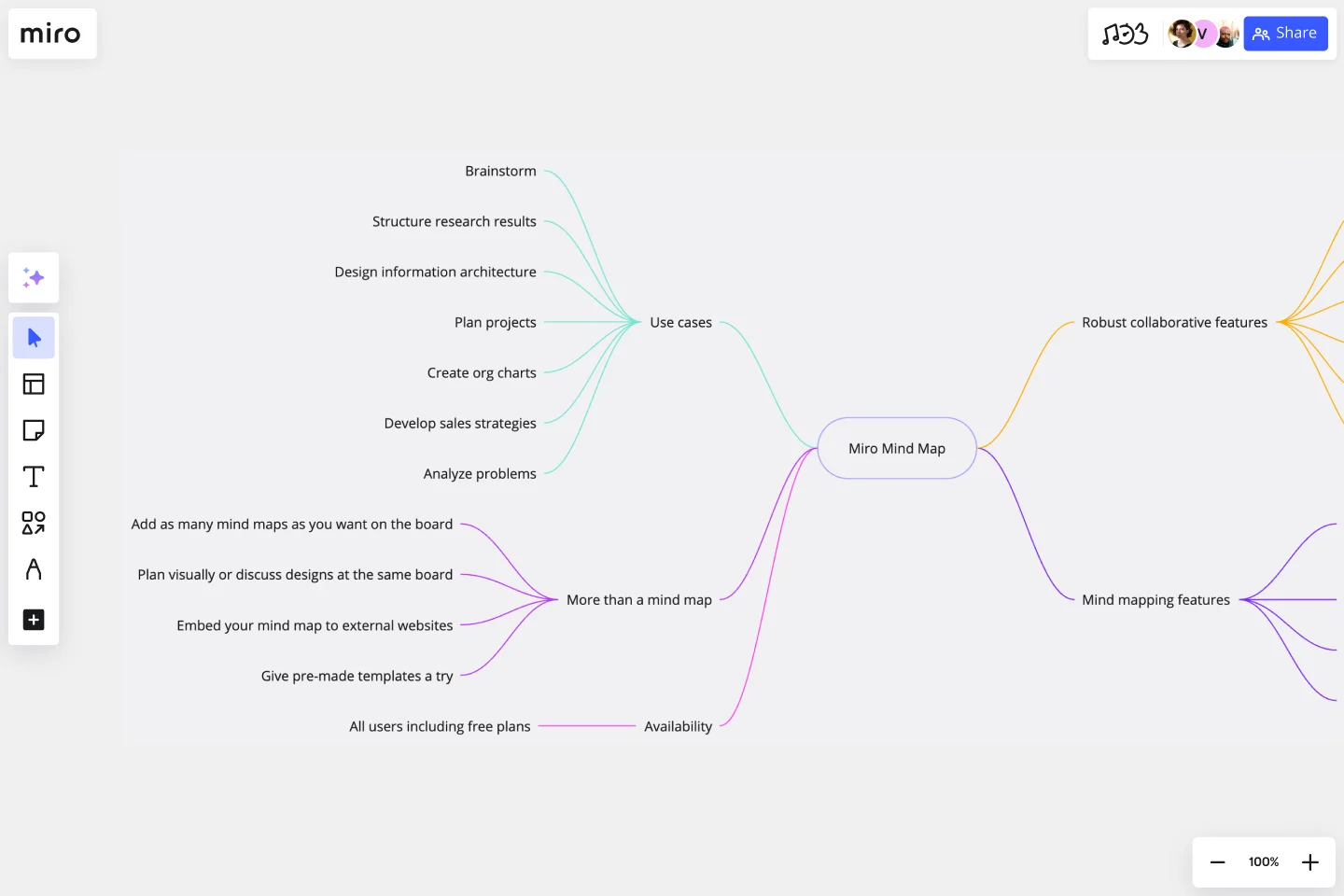
Need a blank canvas to let your ideas run wild? Our basic mind map template is perfect for capturing those initial bursts of inspiration. It's simple, flexible, and allows you to structure your thoughts in a way that makes sense to you. Drag and drop, connect ideas with lines, and use color coding to highlight key points. You can even collaborate in real-time or asynchronously, which means your team can contribute from anywhere, anytime. Our infinite canvas lets you expand your mind map as needed.
Project roadmap: Visualize your plan with a mind map

Planning a complex project? Our project planning mind map template helps you break down tasks, assign responsibilities, and track progress. It's a visual roadmap that keeps everyone on the same page. You can easily visualize dependencies, identify potential roadblocks, and ensure that nothing falls through the cracks. Add sticky notes for quick updates, or embed documents directly into the mind map for easy access.
Blueprint your business: A mind map for strategic success
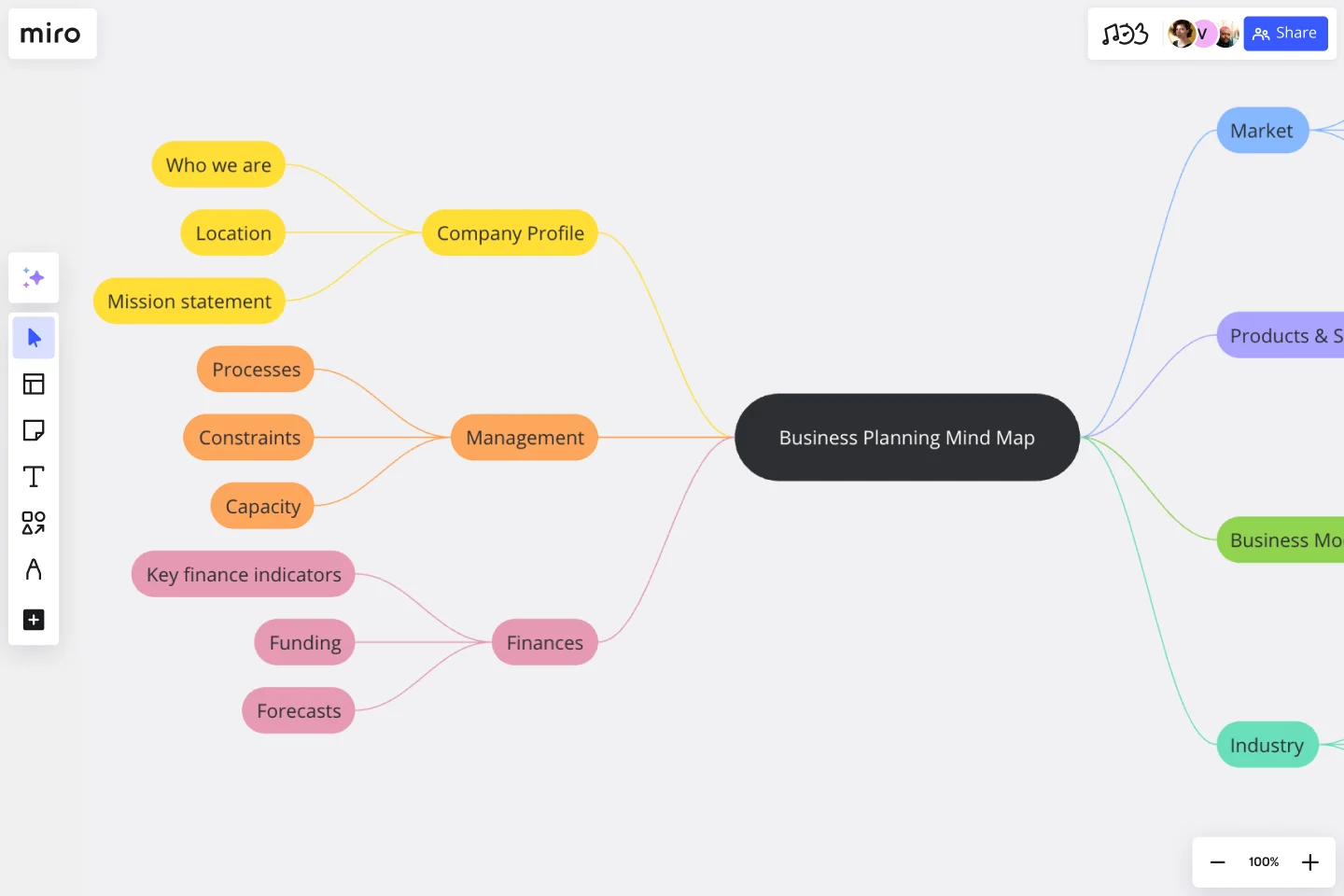
Crafting a solid business plan is crucial for success. Our business plan mind map template helps you visualize your strategy, define your goals, and outline your action plan. It's a powerful tool for aligning your team and communicating your vision to stakeholders. Structure your market analysis, financial projections, and operational plans, all within a single, shareable mind map.
Learn other mind mapping techniques from our community
Want to see how others are using mind mapping techniques to tackle real-world challenges? Our community is a treasure trove of inspiration and practical examples.
Product journey: Charting lifecycles with mind maps

Understanding the product lifecycle is essential for successful product management. Our community template for product lifecycle mind mapping helps you visualize each stage, from ideation to launch and beyond. You can track key milestones, identify potential risks, and ensure that your product stays on track. Use our commenting features to give feedback, or add frameworks to the mind map directly.
Design brilliance: Engineering clarity with visual maps
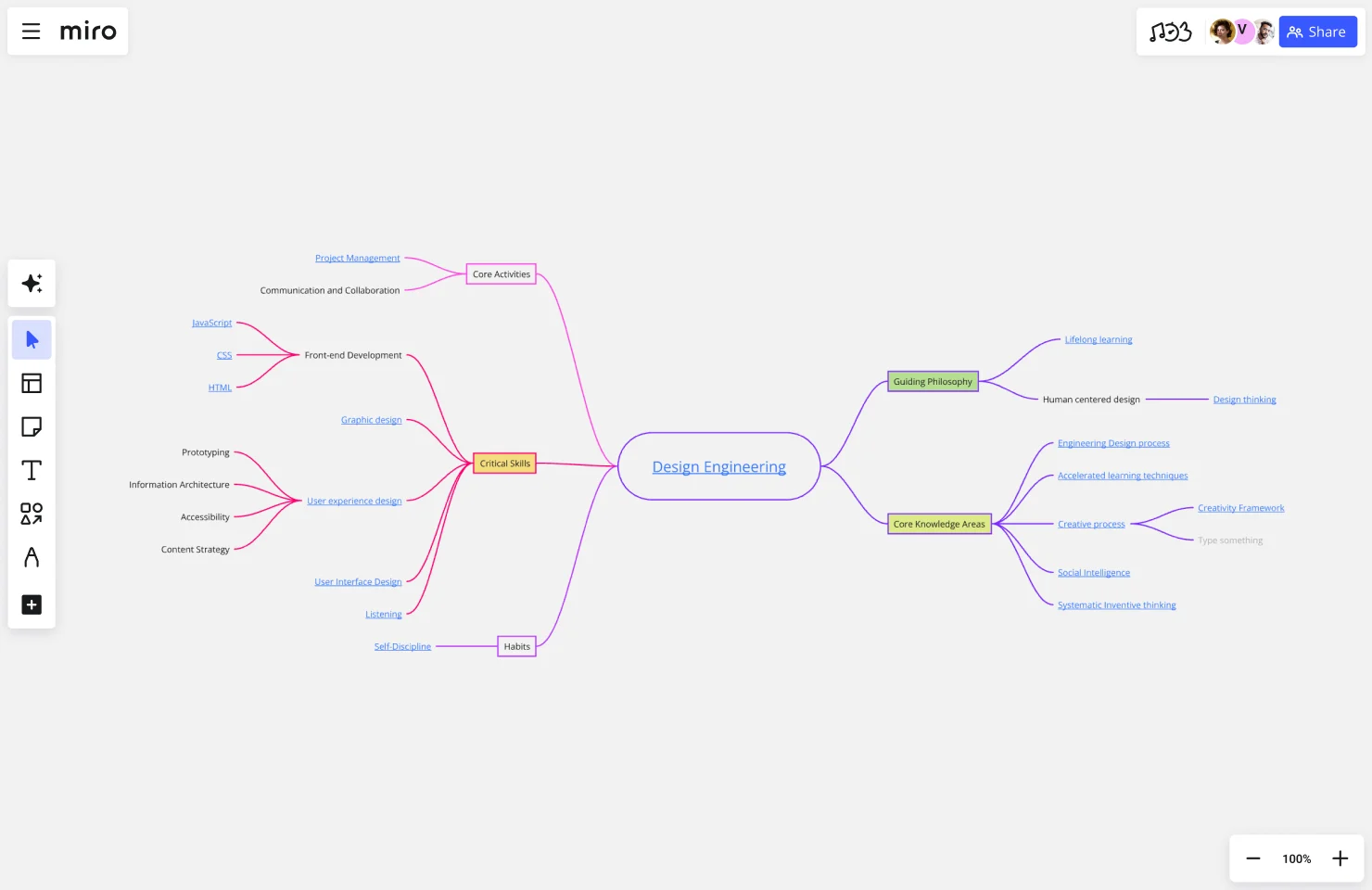
Design engineering projects often involve complex processes and intricate details. Our community template for design engineering mind mapping helps you organize your thoughts, streamline your workflow, and improve collaboration. It's a powerful tool for tackling even the most challenging projects. Integrate your design files, and link to external resources, all within your mind map.
4 other mind mapping methods (and when to use them)
All mind maps work relatively the same way: you have a central concept that’s expanded into related ideas and concepts. However, there are several different ways to visually represent that information. Here are some of the most common mind map techniques.
1. Tree map
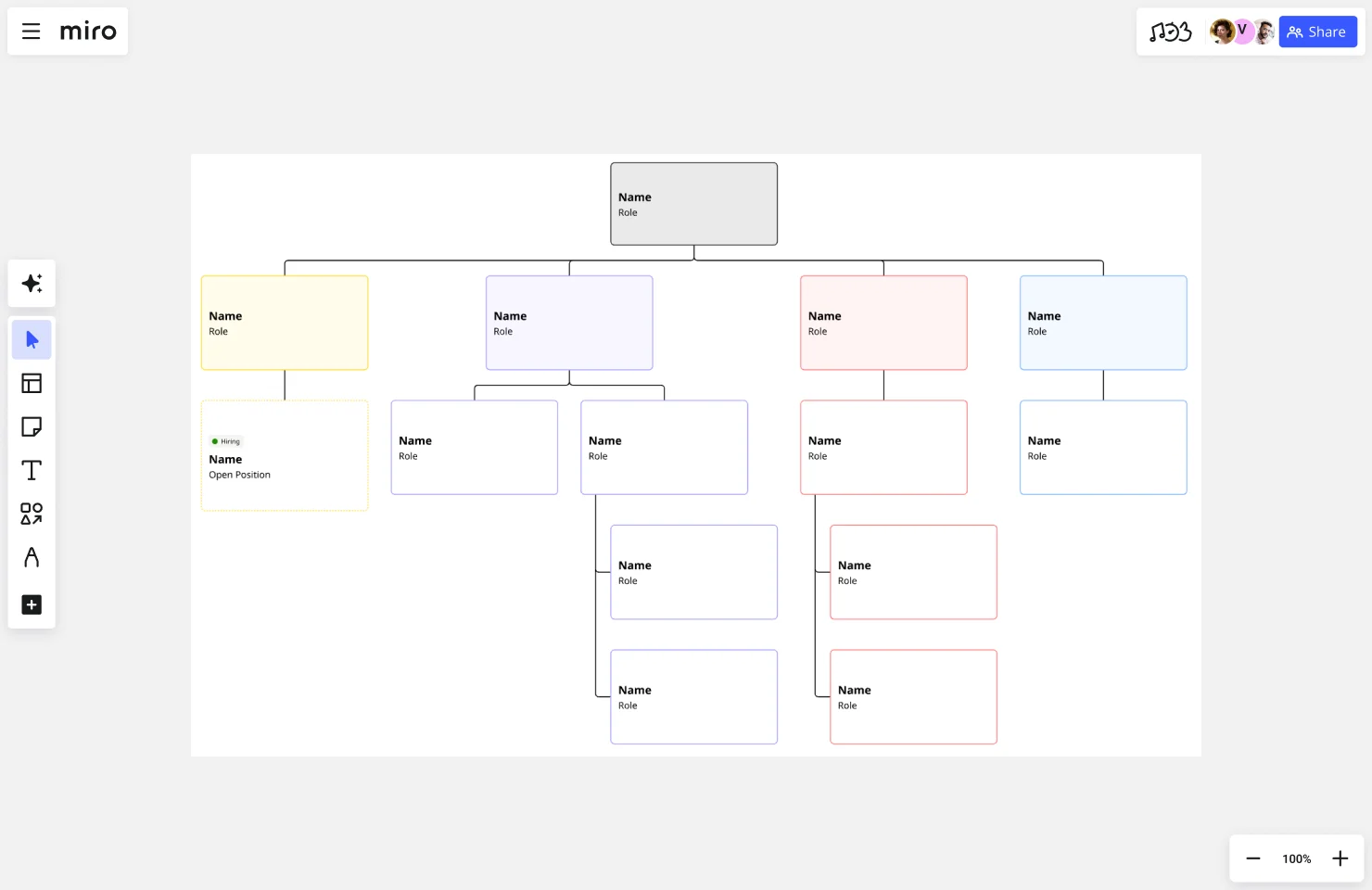
Use it to: Represent hierarchical relationships and information
With a tree map, you place your core concept at the top of the diagram (rather than at the center). Your branches and subtopics flow down from there. You’ve likely seen this type of map before in the form of an organizational chart.
Relevant mind map templates:
2. Bubble map

Use it to: Represent the details and subtopics of a concept
A bubble map uses, you guessed it, bubbles to display your main idea and connected concepts. Typically, this approach is most helpful for breaking a big topic (which goes in the center) into smaller topics or areas. For example, you could put “company values” in the center bubble with branching bubbles to display individual values. Or put “company rebrand” in the center and use the branching bubbles to explore the individual elements like your logo, color scheme, brand identity, and more.
You can use a double bubble map to simultaneously explore two main concepts that share similarities.
Relevant mind map templates:
3. Brace map
Use it to: Represent the component parts of a concept
A brace map is a lot like a tree map, except turned on its side. Your main concept goes on the left side and then expands outwards into its component parts. For example, you could use a brace map to understand your different customer segments and their details.
Relevant mind map templates:
4. Circle map
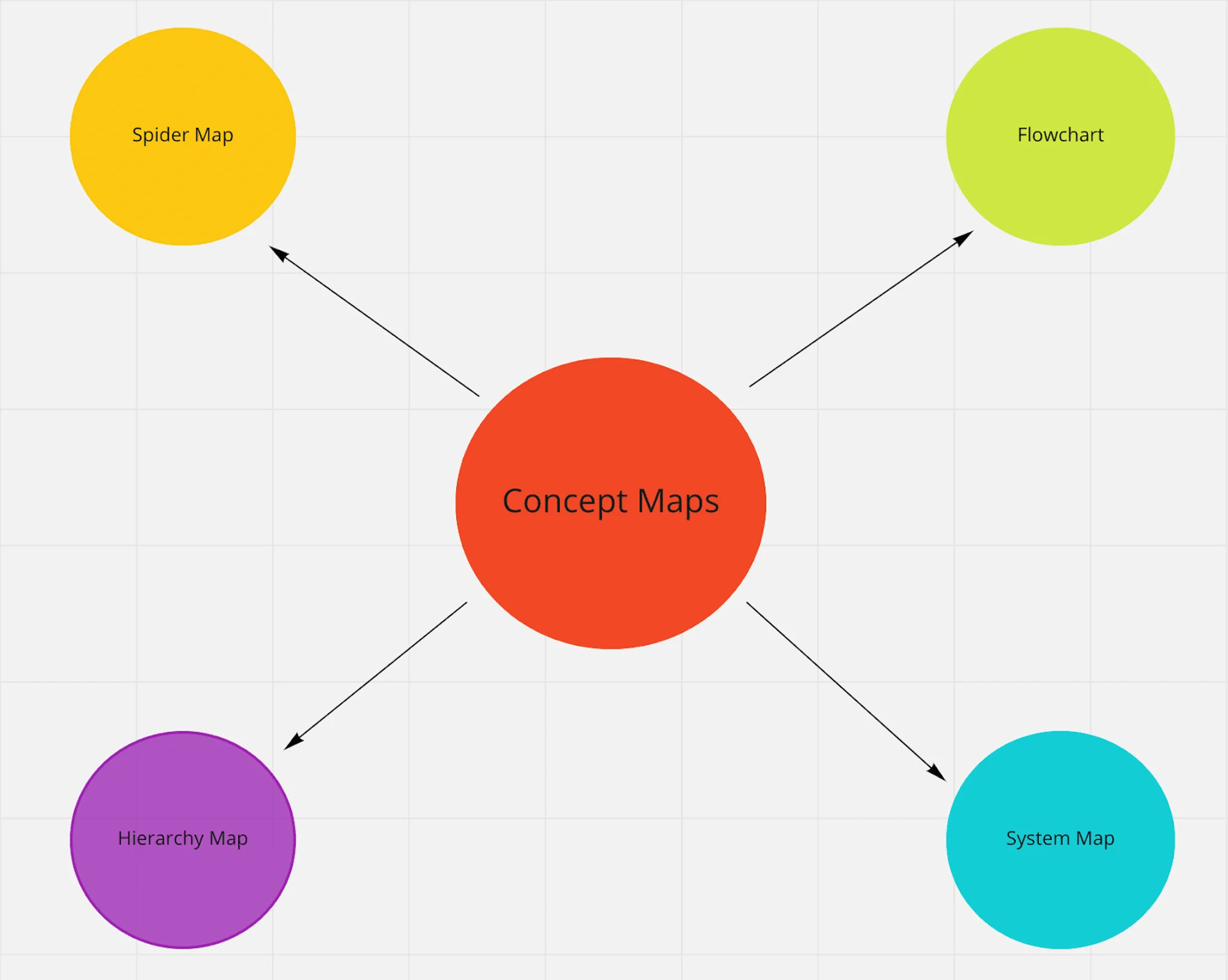
Use it to: Represent the context of a subject
A circle map might feel a little less intuitive than the other mind mapping methods, but it’s helpful for understanding the broader context of a subject, such as the competitors in your industry. You place your main idea in the inner circle and then use the outer circle to expand on that concept — whether you list descriptors, examples, related ideas, or anything else. You can continue adding circles to the outer layer to dig deeper if you’d like.
Relevant mind map templates:
Make the most of the mind mapping method with Miro
Ready to take your productivity to the next level? With the right mind mapping techniques and our innovation workspace, you can transform your ideas into action. Our advanced diagramming capabilities, combined with our strong collaboration features, make it easy to plan, organize, and execute your projects with confidence. Whether you're working in real-time or asynchronously, Miro provides the tools you need to succeed. So, go ahead, give it a try, and see how mind mapping can help you achieve your goals.
Author: Miro Team Last update: December 16, 2025
Read more
Join our 100M+ users today


