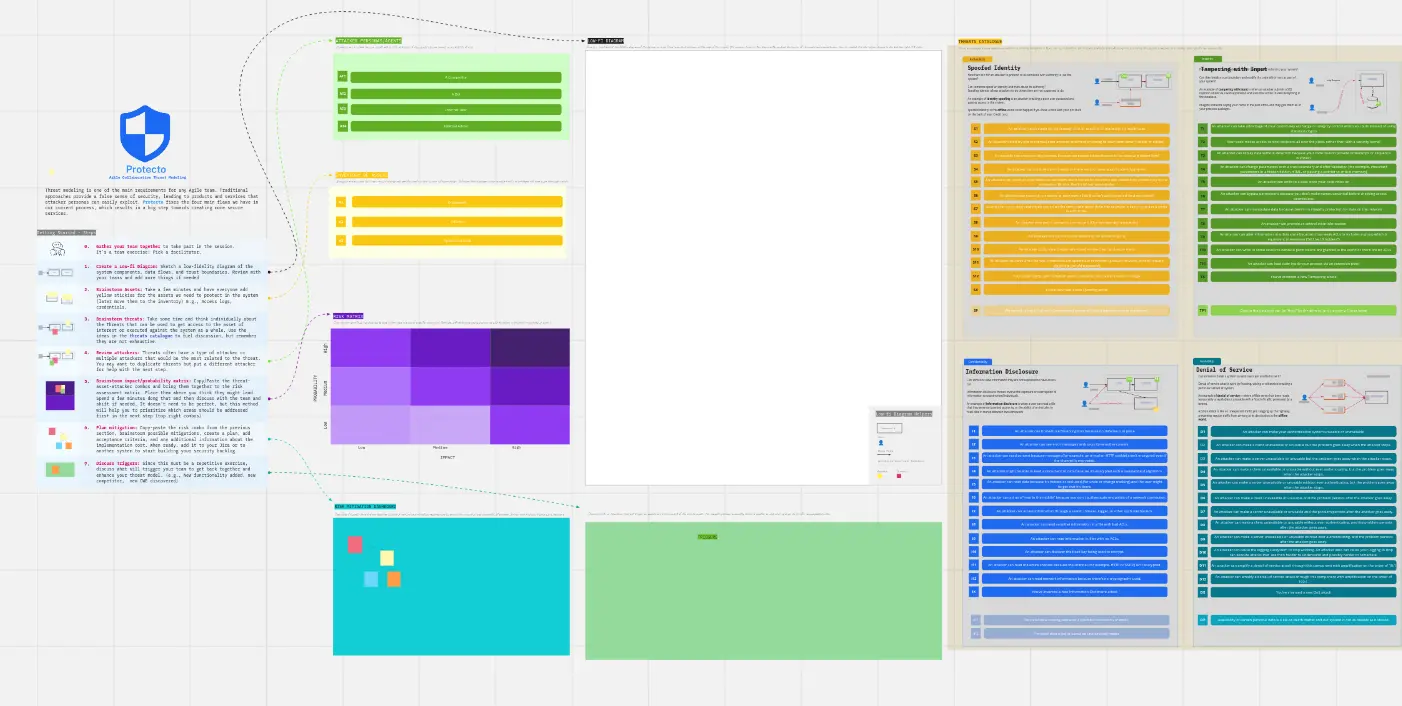
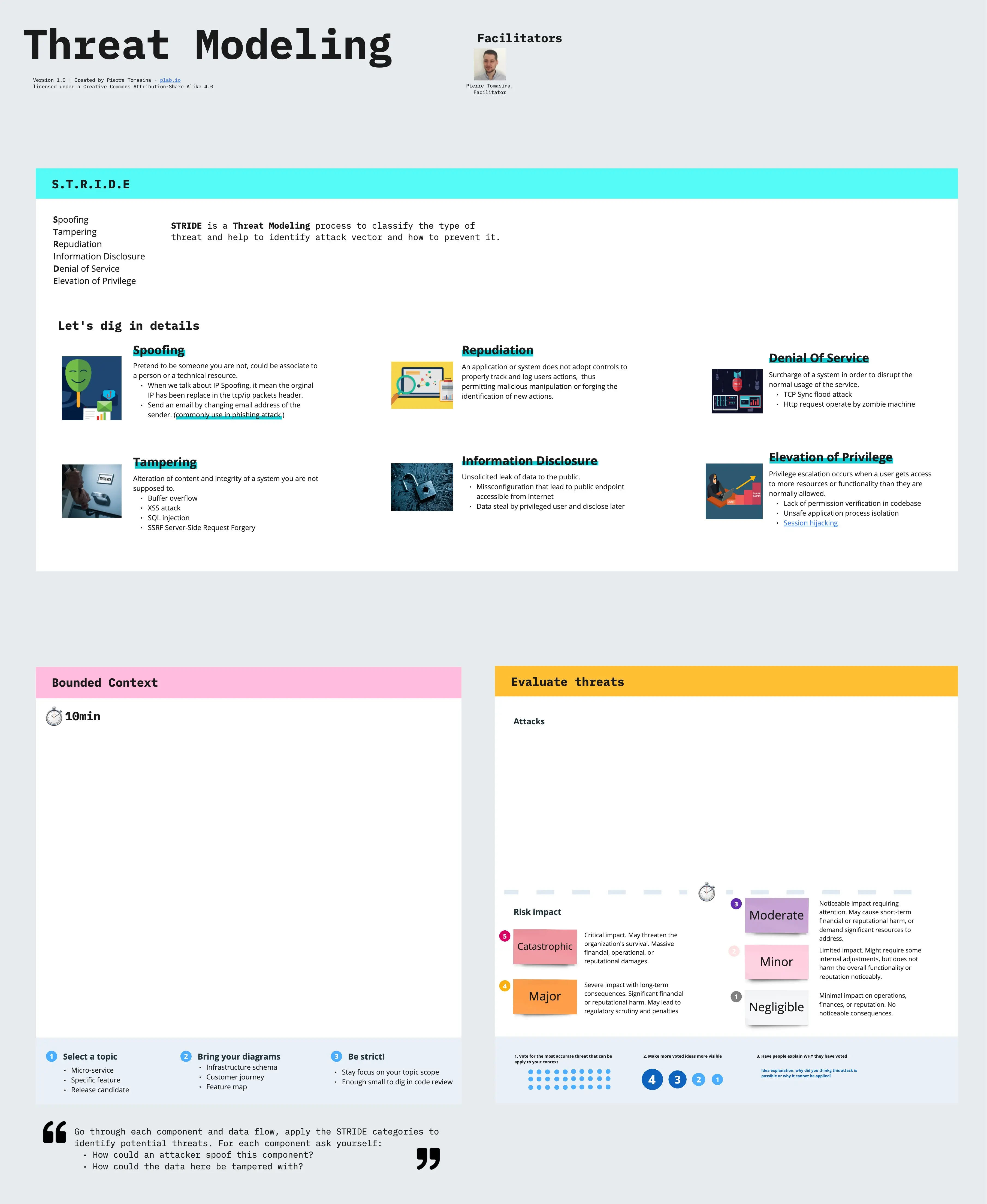
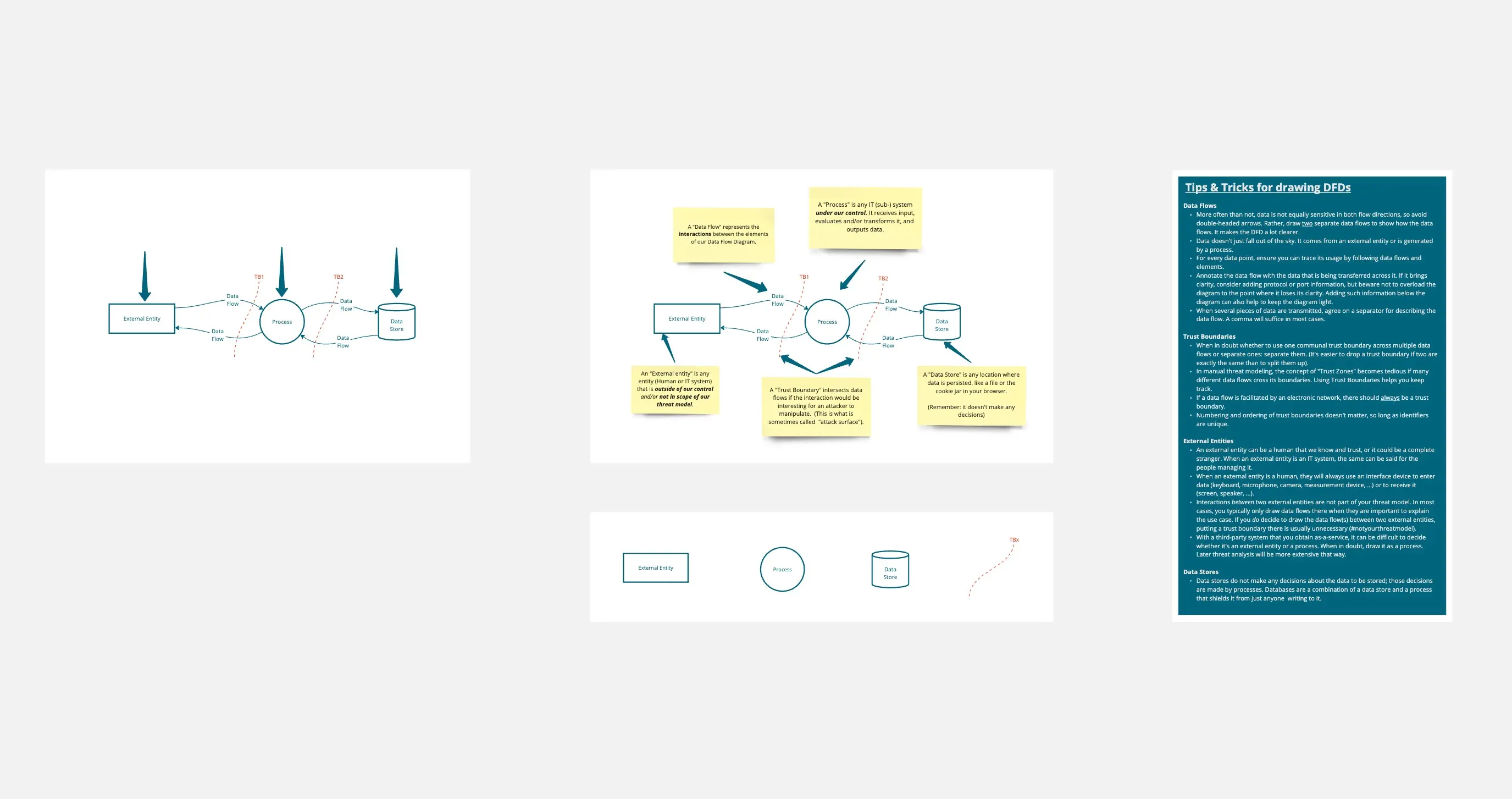
A board version of the "Threat modeling a new feature" checklist: 45 checks in 6 stages, Must ones marked in red, each with a tip and a "How to verify" line that says what done looks like, plus STOP boxes where you should pause and fix things before going on. Drag each check from To do to Done as you go.
Who it is for: Developers, tech leads and security engineers designing a feature together. Best as one session with the people who will build it.
When to use it: Before building a feature that touches logins, payments, personal data, file handling or a new outside integration.
How to use it:1. Write what you are checking on the yellow sticky note in the Start here frame.2. Answer the question next to it. Checks marked "Only if" apply only when that answer fits; skip the rest.3. Work through the frames left to right. Must checks have a red border: do those first.4. When a check's "How to verify" line is true, drag it into the Done lane.5. A red STOP box means pause and sort that out before going further.6. Move to the next frame when its green "Move on when" box is true.7. Put questions, owners and decisions on the sticky notes in each frame.
Not covered: It does not cover company-wide risk assessments, penetration testing or how to build each fix; injection, sessions, authorization code and rate limiting have their own checklists in this roadmap.
Built from the free "Threat modeling a new feature" checklist on CheatGrid, where every check links to its source. Live, tickable version: https://www.cheatgrid.com/checklists/web-security-essentials/threat-modeling-a-new-feature?utm_source=miroverse&utm_medium=template&utm_campaign=threat-modeling-a-new-feature