Why to use?
Simplifythe preparation and for all Stakeholders before attending a workshop. Turn the collaborative input into a structured briefing document for all participants.
In addition, the briefing document should serve as input for any other AI Flows or SideKicks you are going to use during the workshop. It will set the context of the proposal and goals of the workshop.
Who to use?
Everybody attending the workshop or any other Stakeholder, who wants to contribute and has an interest in the workshop results.
Typical users include: consultants, workshop moderators, innovation managers, product owners, business domain owners.
If you are working with the Datentreiber Data & AI Business Design Method the team will mostly also include Data & AI analysts or strategists or an AI transformation team.
When to use?
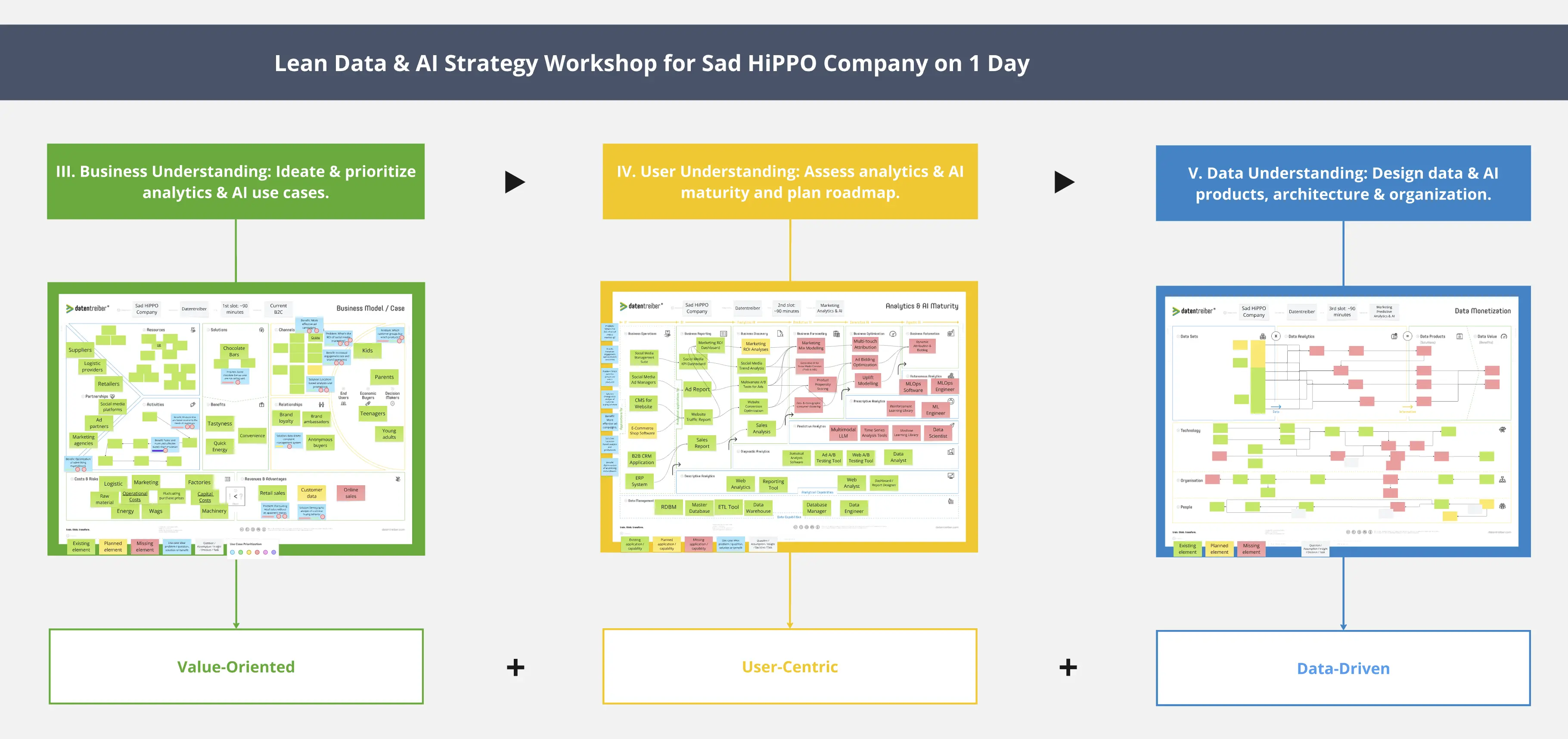
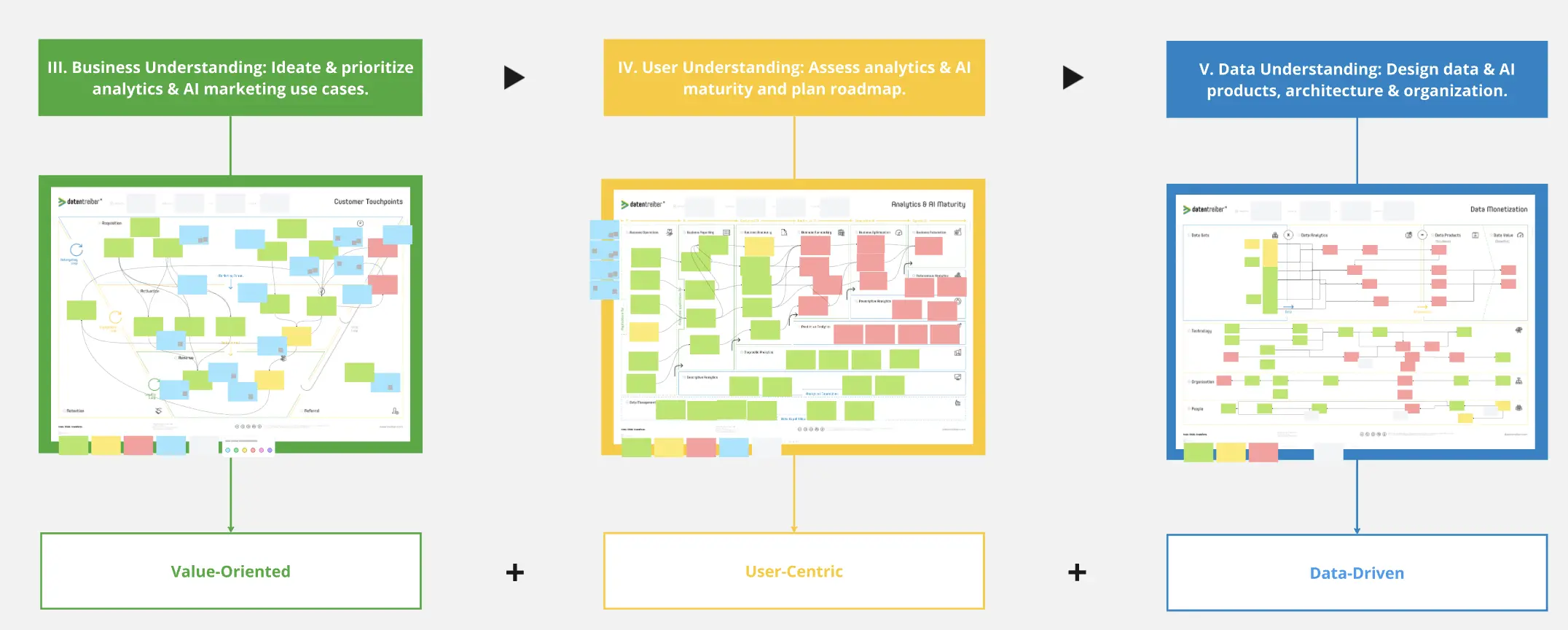
The AI Flow could be used for any type of workshop, which require insight into the current business strategy of a client or company. However, it was developed to facilitate the preparation of Data & AI workshops of Datentreiber, e.g. Lean Data & AI Strategy Workshop
The stakeholders have been identified and the workshop team has been defined. The task of the workshop has been decided.
The team wants to automate and optimize the preparation process and align everybody in order to clarify and assess the initial situation.
How to use?
You just have to add this template to your workshop board. Then it's simple: let the stakeholders upload their documents (Presentations, Documents, Tables, etc) in any format (plain text, pfd, grafic) or simply add sticky notes to the Frame "Briefing Documents".
Run the AI Flow by pressing "Run Step".
If you use the Briefing Summarization AI Flow for a Datentreiber Workshop you will find workshop or canvas template here: https://miro.com/templates/search/?term=datentreiber.
If you use it for any other workshop you might need to review the Prompt and modify to your needs and priorities in the Frame "Briefing Summary".
If you would like to use the briefing document in any other AI Flows or Sidekicks, just add the Frame "Briefing Summary" to the respective AI Flow. If you would like to use it in a Sidekick you just have to select the Frame "Briefing Summary" or reference the Frame in your prompt. For an AI AI Action button you could the "Source" selector to include the Frame "Briefing Summary".
Where to find more?
Datentreiber offers you not only this Miroverse template, but also:
If you are interested or have any questions or feedback, please contact us at: info@datentreiber.de.
Copyright: All rights reserved by Datentreiber GmbH.