2likes
13uses
Use this AI Flow to transform a strategy presentation into a tailored Data & AI Use Case Manager to evaluate and prioritize data & AI use cases with regard to your strategic objectives and key results (OKR).
Data & AI strategists, consultants, facilitators, innovation managers, product owners, business domain owners, and AI transformation teams can use this workflow to translate their strategy or input documents into a ready build Data & AI Use Case Manager App.
Use this workflow when your organisation has a strategy presentation or strategic briefing and wants to translate it into a practical system for collecting, scoring, and ranking data & AI use cases.
It is useful when you want to create a first working web app to manage your data & AI use cases and score them against priorisation criterias that are strategically meaningfull to you, without manually translating the strategy into software requirements.
The workflow follows a simple principle:
AI structures the information. Humans decide what matters. AI structures the decision again. Software is generated from the result.
It uses Miro AI Flows to extract and transform strategy content, stakeholder voting to select the relevant prioritisation criteria, and MCP — Model Context Protocol — to hand over the prepared board context to Lovable for vibe-coded Web-App generation.
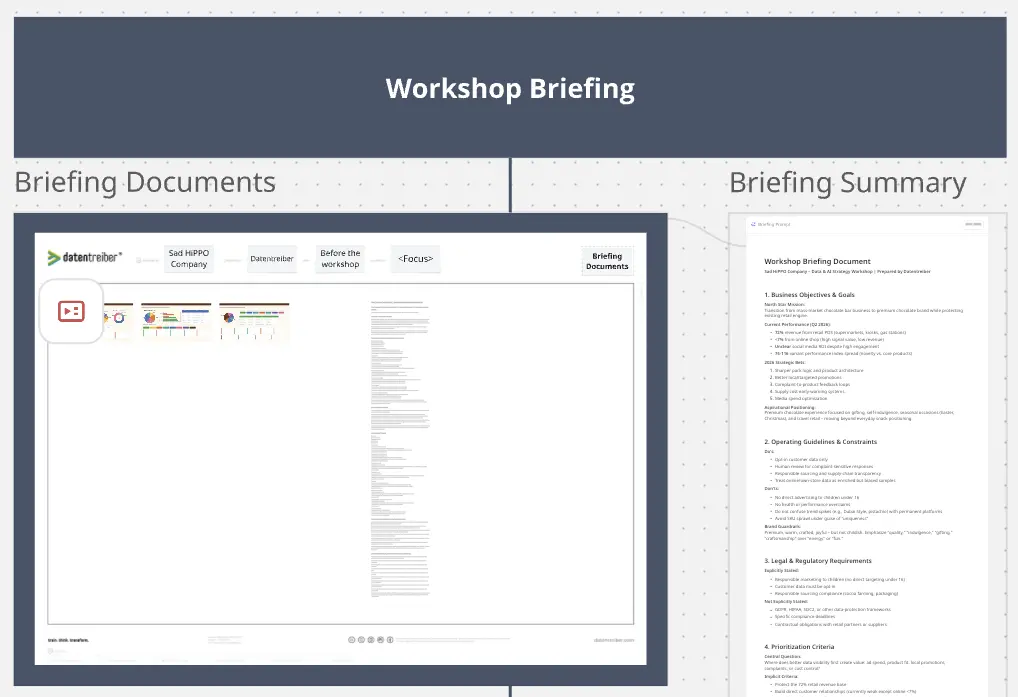
Place the strategy presentation inside the box (Step 1).
The presentation can be a corporate strategy deck, a business unit strategy, a transformation roadmap, or another strategic input document. In this template the publicly available Mitsubishi Corporate Strategy 2027 is used as an example.
Run the first Miro AI Flow by simply clicking "Run step" in the upper right corner (Step 2):
The flow reads the strategy presentation and extracts an OKR catalog with 5 Objectives and their Key Results.
OKRs create a structured intermediate layer between the strategy deck and the later prioritisation model:
Objectives describe what the organisation wants to achieve.
Key Results describe how progress or success can be recognised.
This step turns a broad strategy deck into a reviewable OKR catalog before the workflow moves on. Your team can check whether the 5 Objectives and their Key Results reflect the strategy correctly, adjust the wording, add missing points, or remove interpretations that do not fit. Once reviewed, the OKR catalog becomes the shared basis for deriving the prioritisation criteria and, later, for generating the app.
Run the second Miro AI Flow (Step 3).
This Flow works from the OKR catalog and derives 12 prioritisation criteria:
4 Viability criteria
4 Desirability criteria
4 Feasibility criteria
Each criterion includes a short name, a definition, and a short explanation of why it matters.
The criteria translate the OKRs into concrete evaluation dimensions for data & AI use cases. It is recommended to review this table before moving on: rename criteria, adjust definitions, or correct anything that does not fit your context. The clearer the criteria are, the easier it is for stakeholders to vote and for the app to score use cases against the strategy.
Click each of the the following AI action buttons one time (Step 4):
This extracts the prioritisation criteria from the previous table into sticky notes and places them in the three categories: Viability, Desirability, and Feasibility.
Use the sticky notes for discussion, review, and finally dot voting.(Step 5)
For dot voting, allow each stakeholder the same number of dots, for example three. Ask them to place their dots on the criteria they consider most important. Stakeholders should be allowed to put multiple dots on the same criterion.
When the voting is finished, leave the dots on the sticky notes. The number of votes shows how important each criterion is to the stakeholders and will later be used as a weighting signal.
Run the next Miro AI Flow (Step 6).
This Flow turns the voting result into a clean handover table. It identifies the voted criterias, their weighting, and includes the additional context of each criterions "definition", and “why it matters”.
This table becomes the strategy-specific input for the Data & AI Use Case Manager web app: the criteria your stakeholders selected, with the context needed to use them for scoring.
Click the green button on the board (Step 7). You will be linked to lovable.ai
You need to log into lovable, or sign up first. You also will need you own credits.
You must copy YOUR current Miro Board URL into the predefined prompt (Step 8). Then paste that adapted prompt into the lovable chat input.
If Lovable is not yet connected to Miro MCP, set up the connection first.
In Lovable, click Set Up.
In the Miro connector window, click Connect.
On the authorisation screen, click Allow Access.
Select Your Organisation and Your Miro Team.
Click Add or Add again.
You are ready!
Once this is done, Lovable is ready to access your Miro boards via MCP.
Open the generated prototype and add a new data & AI use case as free text (Step 9).
The application uses AI to interpret the proposal, extract the relevant scoring factors, calculate the score, and update the ranking.
Review whether the prototype reflects the selected criteria from the Miro board and whether the ranking supports a useful discussion about next-best Data & AI use cases.
You can always iterate further inside the lovable.ai UI.
Datentreiber offers you not only this Miroverse template, but also:
The Data & AI Business Design Kit offers numerous open source canvases for applying the Data & AI Business Design Method.
In addition, the free Data & AI Business Design Community is available for exchange, events, and expert content.
Paid online and onsite training courses with certification are available at the Data & AI Business Design Academy.
Many additional management tools, workshop templates, and project blueprints are available from our commercial Data & AI Business Design Bench.
Our Data & AI Business Consulting offers support for your data & AI strategy, innovation, and transformation projects.
If you are interested or have any questions or feedback, please contact us at: info@datentreiber.de.
Copyright: All rights reserved by Datentreiber GmbH.

Martin Szugat
Data & AI Business Catalyst @ Datentreiber
To help companies to transform into data-driven, AI-powered businesses and innovate data & AI products, I've invented the Data & AI Business Design Method and our company Datentreiber open sourced the Data & AI Business Design Kit. I'm a Miro MVP and a Miro Solution Partner.