





Andrey
See collaborative AI in action — straight from the Canvas 26 keynote.
Jeff

Process mapping for project managers

Document your project workflows before the next sprint review breaks them. Map handoffs, flag bottlenecks, and keep every phase owner accountable - all in one board.

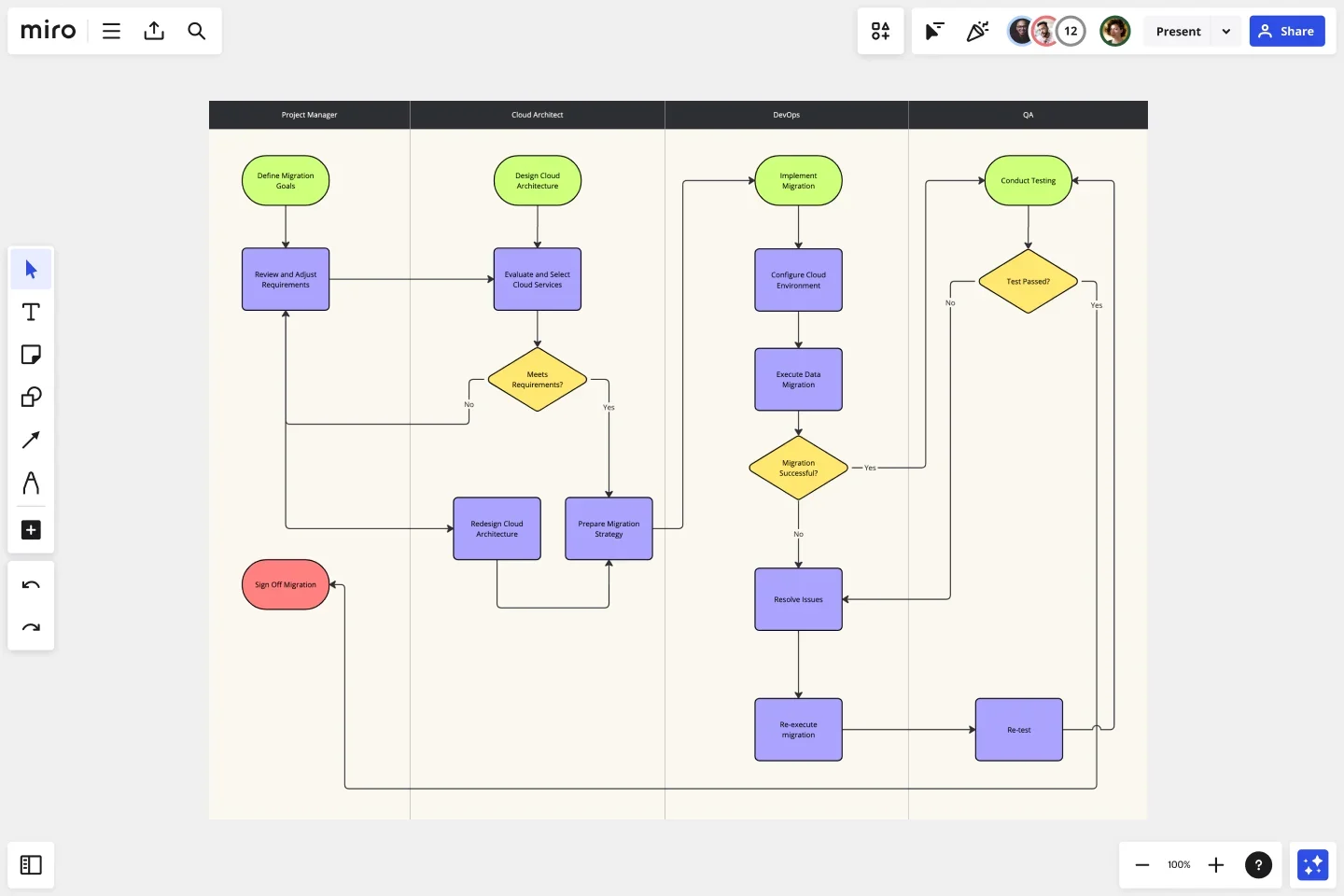
Miro board displaying a swimlane flowchart for an On-Premise to Cloud Migration Process with four lanes (Project Manager, Cloud Architect, DevOps, QA), featuring color-coded shapes including green rounded rectangles for start nodes, purple rectangles for process steps, yellow diamonds for decision points, and a red terminal node for Sign Off Migration.

Expert Insights

  • Process mapping shows what is actually happening, who is involved, where information, data, and materials are flowing, and most importantly, handoffs between processes, departments, and supply chains.

    iSixSigma

    Lean Six Sigma education publisher · iSixSigma

    Industry Expert
  • Effective tools to map and understand stakeholders will be critical for success.

    Patrick Weaver

    PMP PMI-SP Managing Director · Mosaic Project Services Pty Ltd

    Keynote Speaker

The research on process mapping

  • 30-50%

    Business Process Management (including process mapping) delivers 30-50% productivity gains

    Source: Forrester

  • 30%

    Process mapping in Lean Six Sigma yielded 30% reduction in order processing time

    Source: Systems and Teams

See process mapping in action

Related templates for project managers

We have 88 templates in our library for Process Mapping.

Why project managers love mapping processes in Miro

  • From chaotic Jira backlogs to one clear process view

    Your release process touches dev, QA, product, and stakeholders - but the actual handoffs live in Slack threads, email chains, and tribal knowledge. Open Diagramming Mode, drop in a swimlane template, and map every handoff from ticket creation to deployment in one shared canvas that dev leads and execs can both read.
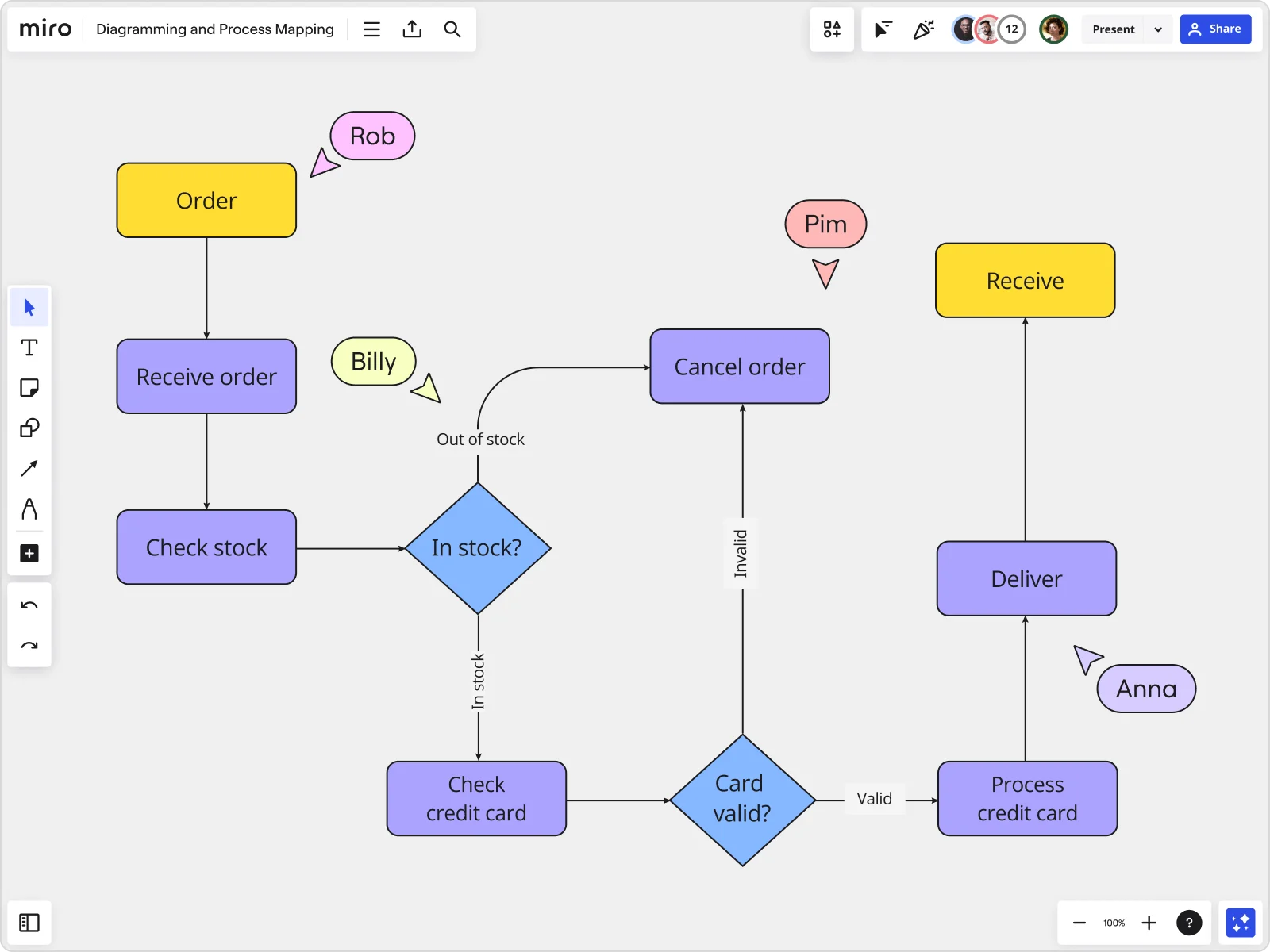
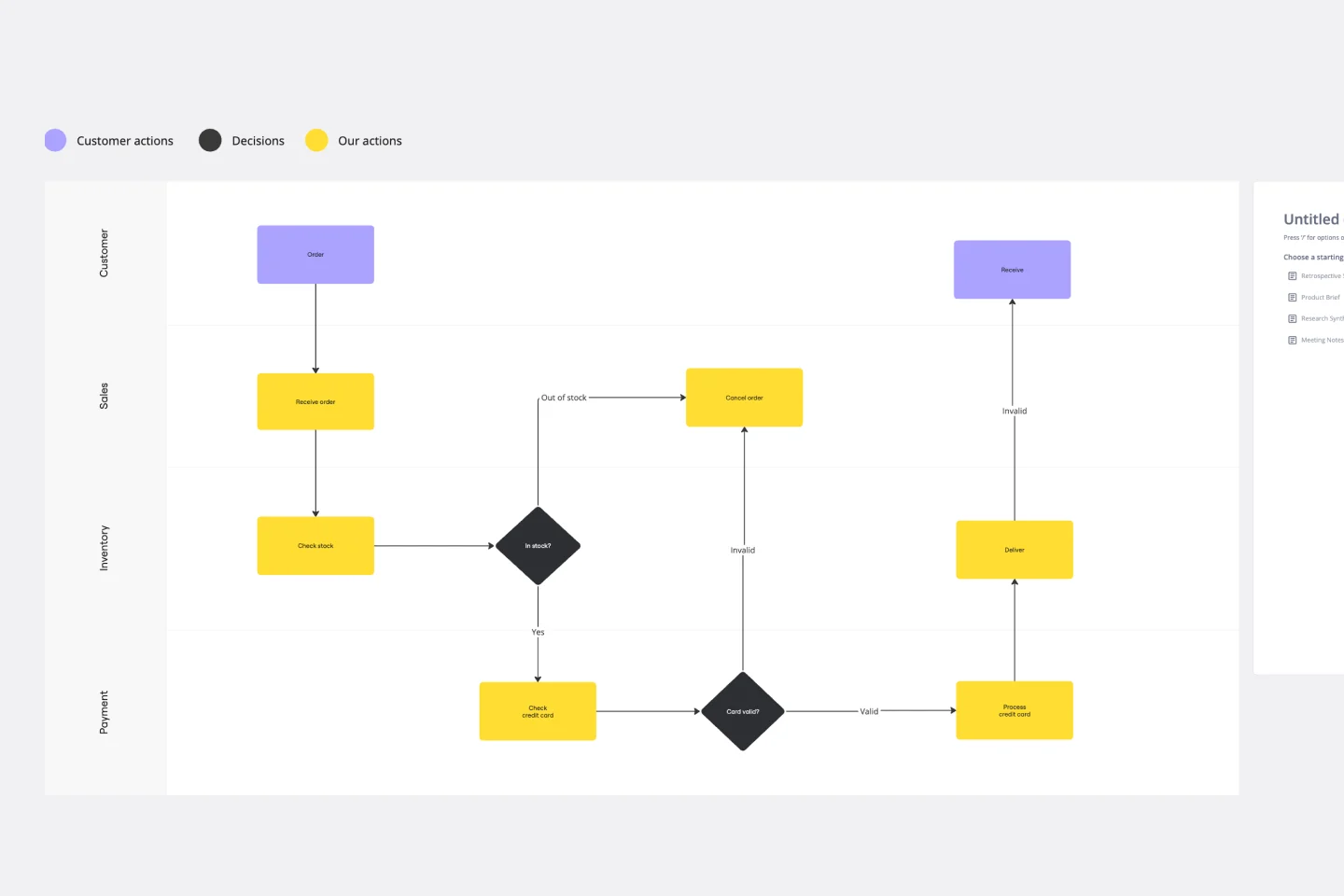
    Miro board displaying a detailed order processing flowchart with colored decision diamonds (blue) for 'In stock?' and 'Card valid?' checks, purple process blocks for steps like 'Receive order', 'Check stock', 'Check credit card', 'Process credit card', 'Deliver', and 'Cancel order', a yellow 'Order' start block and 'Receive' end block, plus named collaborator cursors (Rob, Billy, Pim, Anna) visible on the canvas.
  • Your future-state process, drafted before the retrospective ends

    After every project postmortem, PMs agree on improvements - then rebuild the same broken workflow next sprint because nobody documented the fix. Miro's AI generates a first-draft process map from a plain-text description of your ideal flow, giving your team something concrete to refine rather than a blank canvas to argue over.

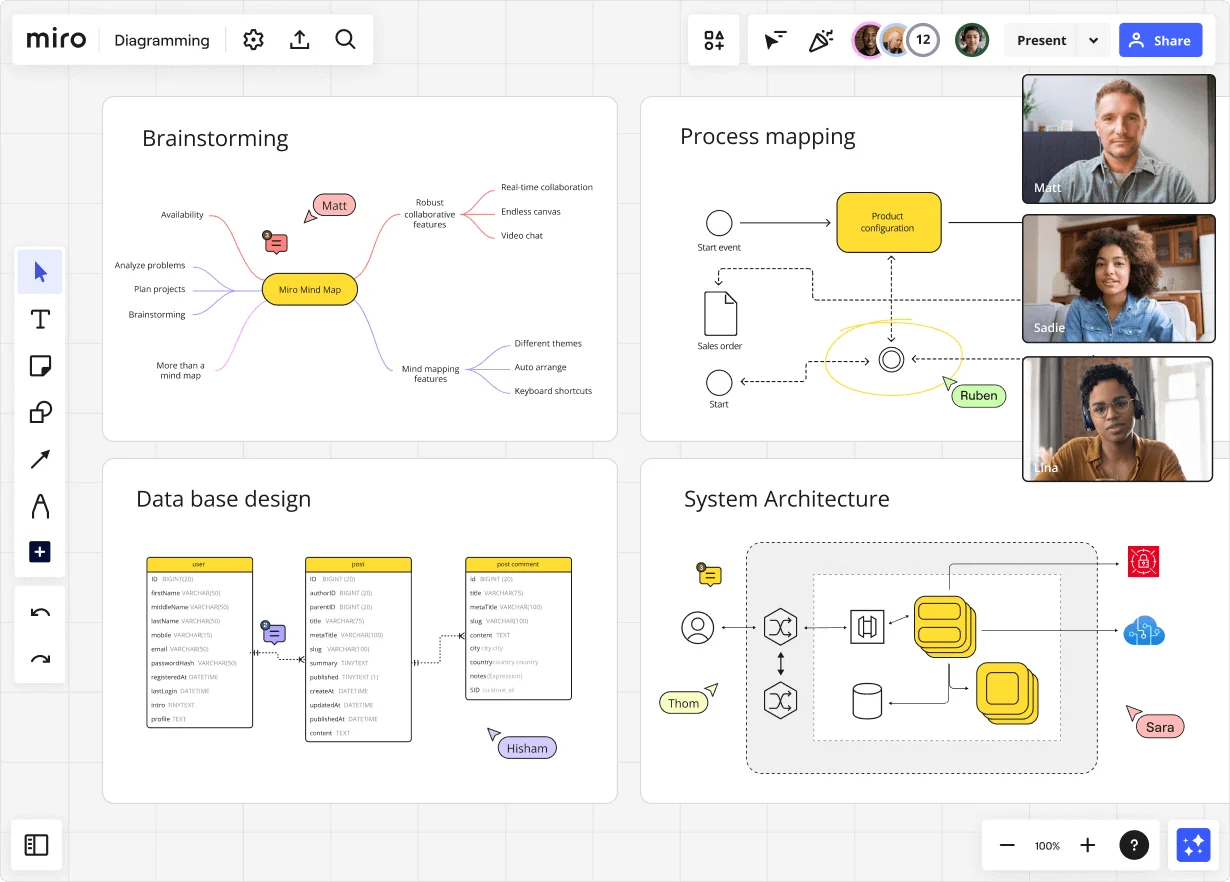
    Miro diagramming board showing four active workspaces: a mind map centered on 'Miro Mind Map' with feature branches, a BPMN-style process mapping flowchart with 'Product configuration' decision node, a database ER diagram with three related tables (user, post, post comment), and a system architecture diagram with interconnected components — all with visible collaborator cursors (Matt, Sadie, Ruben, Lina in video panel, plus Hisham, Thom, Sara as cursor labels).
  • Stop losing sign-off in a PDF email chain

    You send the current-state process map as a PDF, get six different sets of feedback in six separate replies, and spend a day reconciling edits nobody agreed on. Run your validation walkthrough directly in Presentation Mode - sprint leads and directors annotate specific steps in real time, and you update the diagram on the spot.

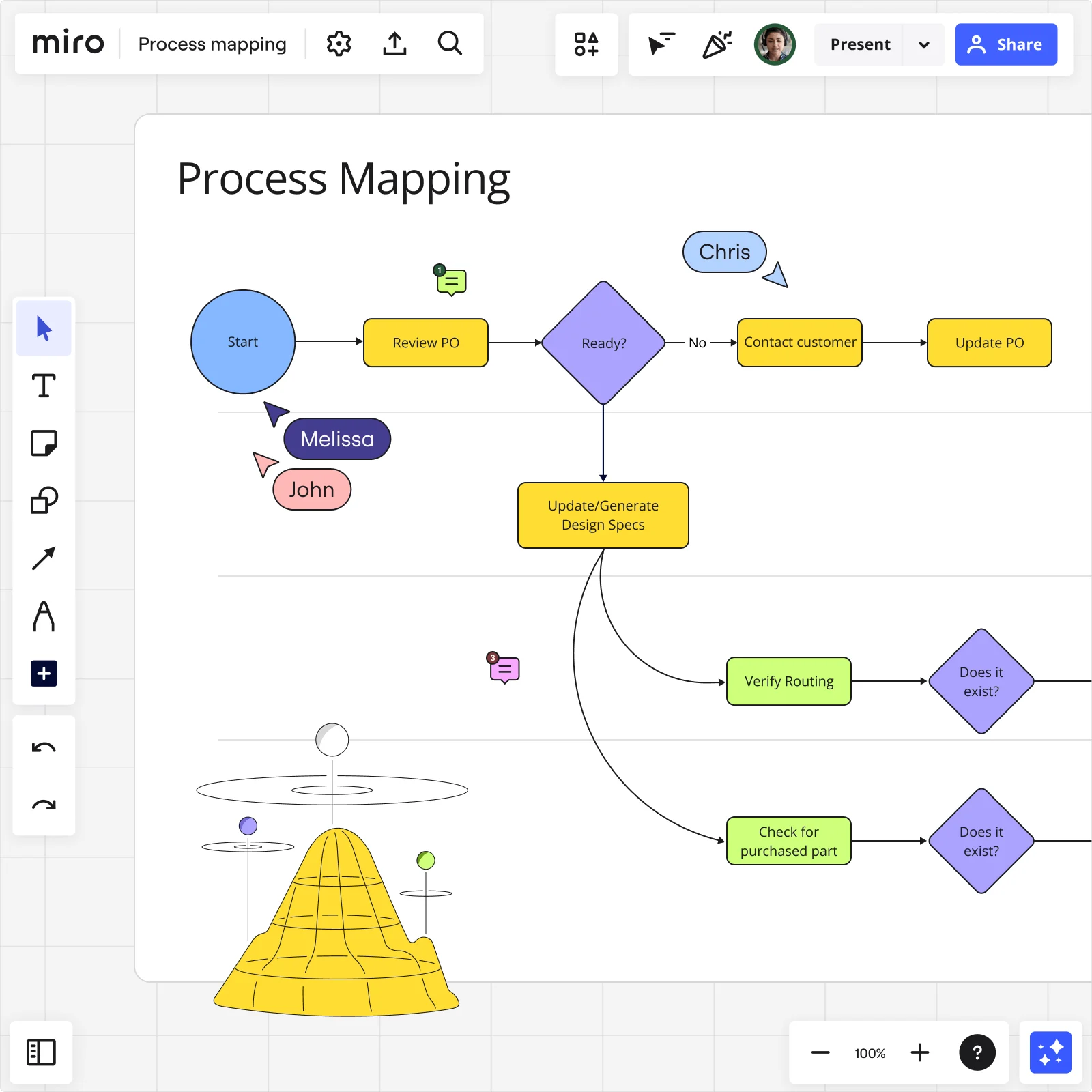
    Miro process mapping board showing a flowchart starting from Review PO through decision diamonds and routing verification steps with collaborator cursors
  • When a mid-project scope change rewrites your entire workflow

    A new stakeholder requirement lands two weeks before launch, and your current-state map is already three revisions behind. Synced Copies propagate a single master edit to every sub-process board within seconds, so your QA flow, your release checklist, and your ops runbook all stay current without a manual update round.

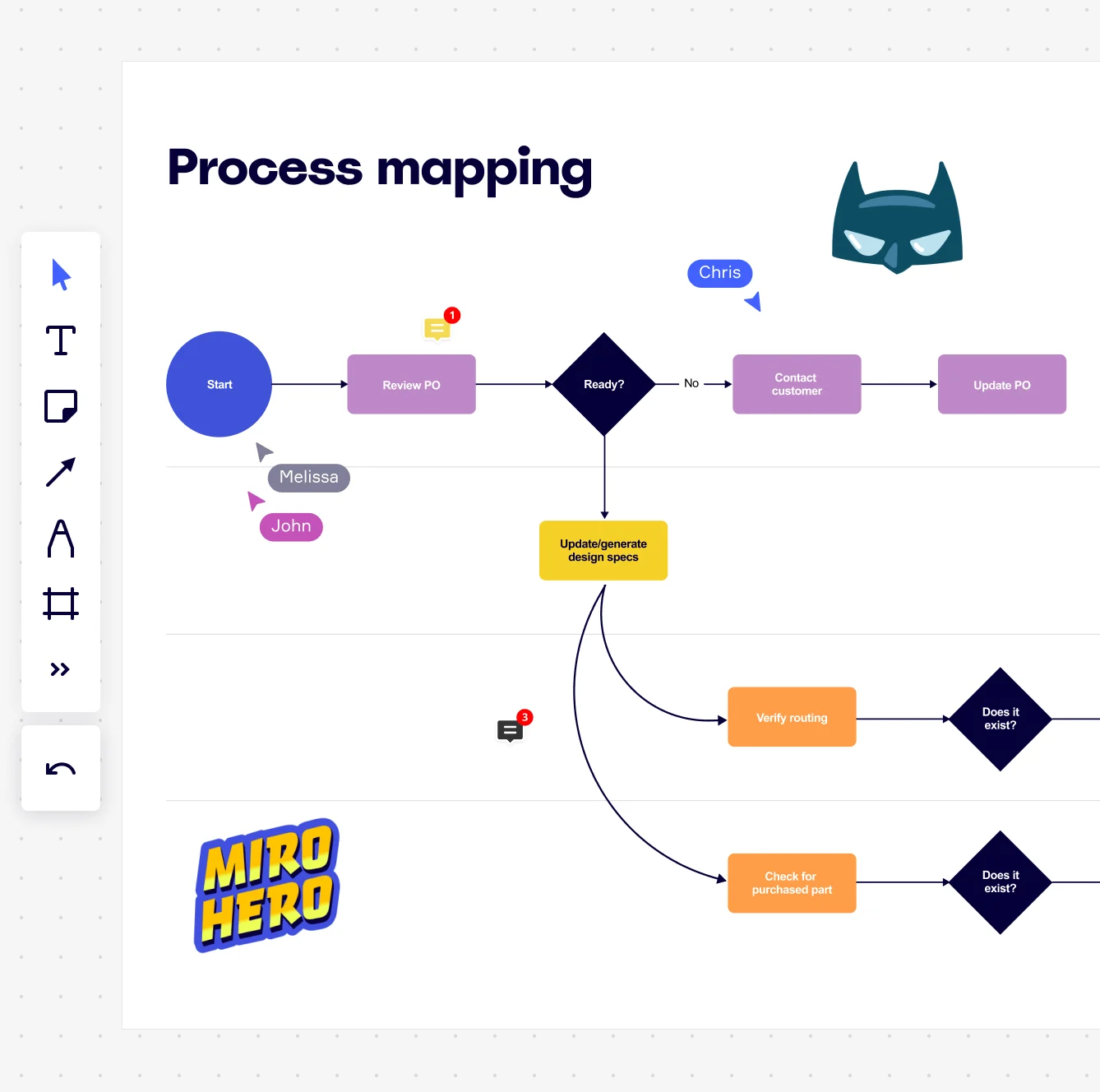
    Miro board displaying a process mapping flowchart with labeled nodes including Start, Review PO, a Ready decision diamond, Contact Customer, Update PO, Update/generate design specs, Verify routing, and Check for purchased part, with collaborative cursors (Chris, Melissa, John), comment badges, and decorative Batman and Miro Hero stickers.
  • Process documentation that actually survives the next project cycle

    Small project teams get a reusable starting point without rebuilding from scratch each quarter. Large programme offices get one canonical process map embedded directly in Confluence or Notion via a single /miro embed - so every team wiki reads from the same live source, not a six-month-old screenshot.

    Miro process mapping board displaying a cross-functional flowchart with circular process nodes (Process 1.0, 1.1, 2.0), decision paths (Yes/No branches leading to 'Accept offer' and 'Decline offer'), and rectangular action steps including 'Send payment', 'Receive Confirmation', 'Receive Decline', and 'Process', connected by solid and dashed arrows.

How project managers get started with Process Mapping in Miro

  • Map your first process in minutes

    Open a SIPOC Template from Miro's Template Library to define scope - who triggers the process, which departments own each stage, and where the handoff ends - before a single shape hits the canvas.

  • Build the current-state map together

    Switch on Diagramming Mode, pick a Swimlane or BPMN Shape Pack to match your organization's notation standards, then invite every process owner to map their own stage simultaneously so the board reflects what actually happens, not what the SOP says should happen.

  • Turn bottlenecks into Jira tickets

    Use Presentation Mode to walk stakeholders through the validated map frame by frame, then convert every flagged bottleneck directly into a Jira Card so each improvement has an owner, a due date, and a place in the backlog before the meeting ends.

  • Make the process map the living source of truth

    Sync the finalized map into Confluence using the Confluence Integration, set a locked Default View so every reader lands on the validated diagram rather than a work-in-progress canvas, and attach the SOP as a Miro Doc alongside it so the prose narrative and the diagram update together.

Process Mapping tips for project managers

  • Start every new project by duplicating the Process Improvement Blueprint space rather than cloning last quarter's board - it pre-wires your SIPOC, current-state, and future-state frames so you're not rebuilding governance structure from scratch each time.

  • Color-code swimlane steps by status (value-adding, wait time, rework loop) before your validation workshop - PMs and process owners align faster when bottlenecks are visible at a glance rather than buried in annotations.

  • Use AI Generate Diagram to draft a first-pass flowchart from a text description of the process, then bring it to the team for refinement - giving PM-led workshops a concrete map to react to is faster than starting cold on a blank canvas.

Understand how project managers transform their work

  • Can easily and quickly map out current business processes and ideal future states.

    James Nicholls

    G2
  • Business process mapping with clear implementation flow documentation.

    Verified User

    G2

Process Mapping essential guide for project managers

CategoryKey insights
  • Common mistakes to avoid

    The biggest trap PMs fall into is mapping the process they wish existed instead of the one that actually runs. If you build your map without the people doing the work, you'll miss every informal workaround and undocumented handoff that causes the real delays. Also, agree on your start and end points before you touch a single shape. Without a clear scope, the map expands forever and your stakeholders stop trusting it.

  • Key integrations for project managers

    Link your process maps directly to Jira tickets so every improvement step has an owner and a due date. For project coordinators working across larger org stacks, Confluence keeps your documentation connected, while Asana and Smartsheet sync task tracking without forcing a context switch. Already have maps in Visio, Lucidchart, or Draw.io? Import them straight into Miro and keep building without starting over.

  • When to use it

    Use this when you're about to kick off a process improvement sprint and need the whole team to see exactly where work stalls before you redesign anything. It's also the right call when cross-functional handoffs keep breaking down and nobody can agree on who owns what. A project lead overseeing patient onboarding across five departments, for example, can map all 47 steps in real time with stakeholders, surface the handoff delays between clinical and admin teams, then link each fix directly to Jira tickets for accountability.

  • Security & Compliance

    Miro is SOC 2 Type II certified, which covers the baseline audit-trail expectations most project leads face when documenting critical workflows for internal reviews or vendor assessments. For PMs in healthcare or regulated tech, Miro's HIPAA compliance means you can map patient-facing or sensitive operational processes without moving data outside approved boundaries. Enterprise project offices managing work across regions can also use data residency controls and granular sharing permissions to meet local data requirements and keep process documentation in the right hands.

Frequently asked questions for project managers

Last updated: Friday, June 19, 2026