Andrey
See collaborative AI in action — straight from the Canvas 26 keynote.
Jeff

Process mapping for lean six sigma practitioners

Document your value streams and eliminate waste - fast. Map current-state BPMN flows, flag bottlenecks, and design future-state in one canvas.

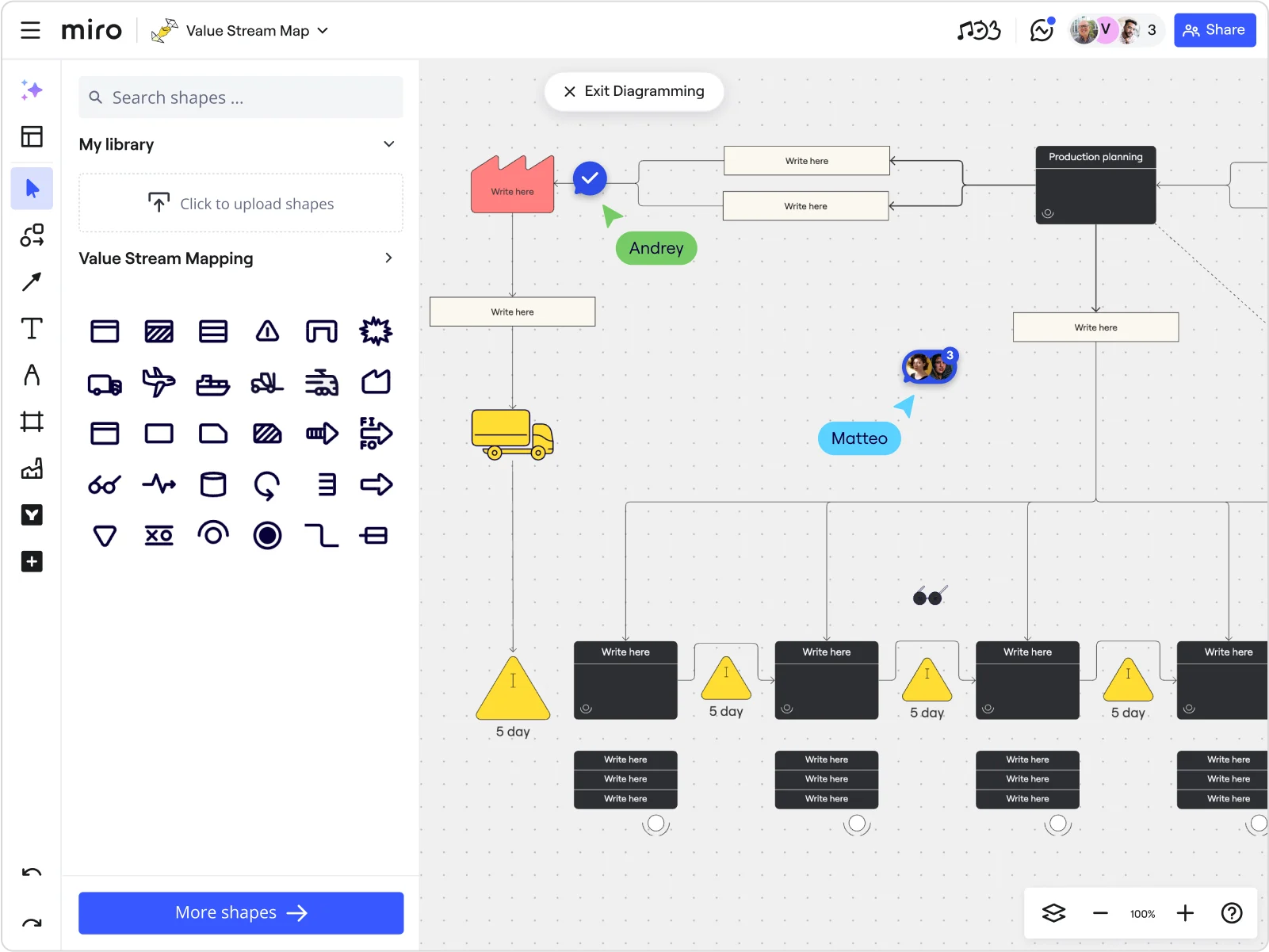
Miro board in diagramming mode showing a Value Stream Map with a Value Stream Mapping shape library panel on the left, featuring a process flow with a yellow truck icon, production planning black box, inventory warning triangles labeled '5 day', process step boxes with 'Write here' placeholders, and two collaborator cursors labeled 'Andrey' and 'Matteo'.

What experts say

  • Lean Six Sigma process mapping is a structured approach to visually representing workflows and identifying inefficiencies. It provides clarity on how processes function and highlights areas for improvement.

    Systems and Teams

    Research source · Systems and Teams

    Industry Expert
  • At TXM Lean Solutions, we start the mapping process by getting the team together and introducing the concepts of value stream mapping and then developing the outline of the product flow and information flow as it operates now.

    TXM Lean Solutions Team

    Lean Consultants · TXM Lean Solutions

    Industry Expert

The research on process mapping

  • 30%

    Process mapping in Lean Six Sigma yielded 30% reduction in order processing time

    Source: Systems and Teams

  • 20%

    Process mapping reduced non-value-adding activities by 20%

    Source: Hospital Material Management Quarterly (Savory & Olson)

See process mapping in action

Related templates for lean six sigma practitioners

We have 168 templates in our library for Process Mapping.

Why lean six sigma practitioners love mapping processes in Miro

  • From SIPOC to future-state in one workspace

    Six sigma projects stall when current-state maps, improvement notes, and future-state drafts live in three different places. Start with a SIPOC template, build out your BPMN swimlanes, and design the future-state side by side on one infinite canvas your entire kaizen team edits at the same time.

    Miro diagramming board showing four active workspaces: a mind map centered on 'Miro Mind Map' with feature branches, a BPMN-style process mapping flowchart with 'Product configuration' decision node, a database ER diagram with three related tables (user, post, post comment), and a system architecture diagram with interconnected components — all with visible collaborator cursors (Matt, Sadie, Ruben, Lina in video panel, plus Hisham, Thom, Sara as cursor labels).
  • Build a process map that passes a master black belt review

    Auditors and black belt sponsors need notation-correct documentation. Miro's BPMN shape pack gives you standardized gateways, pools, lanes, and events. Status Labels (Draft / In Review / Published) make the sign-off lifecycle visible to every reviewer without a separate email chain.

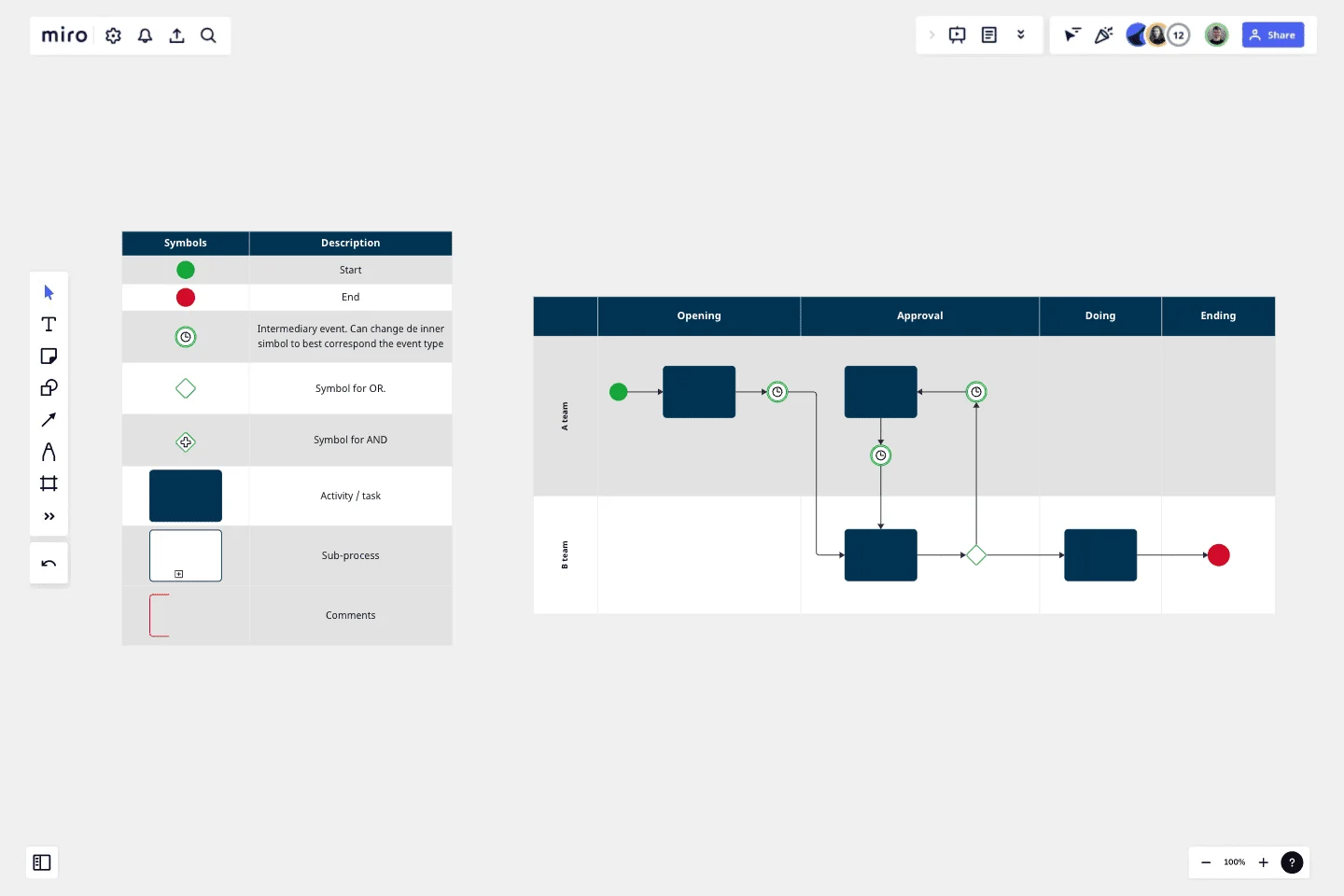
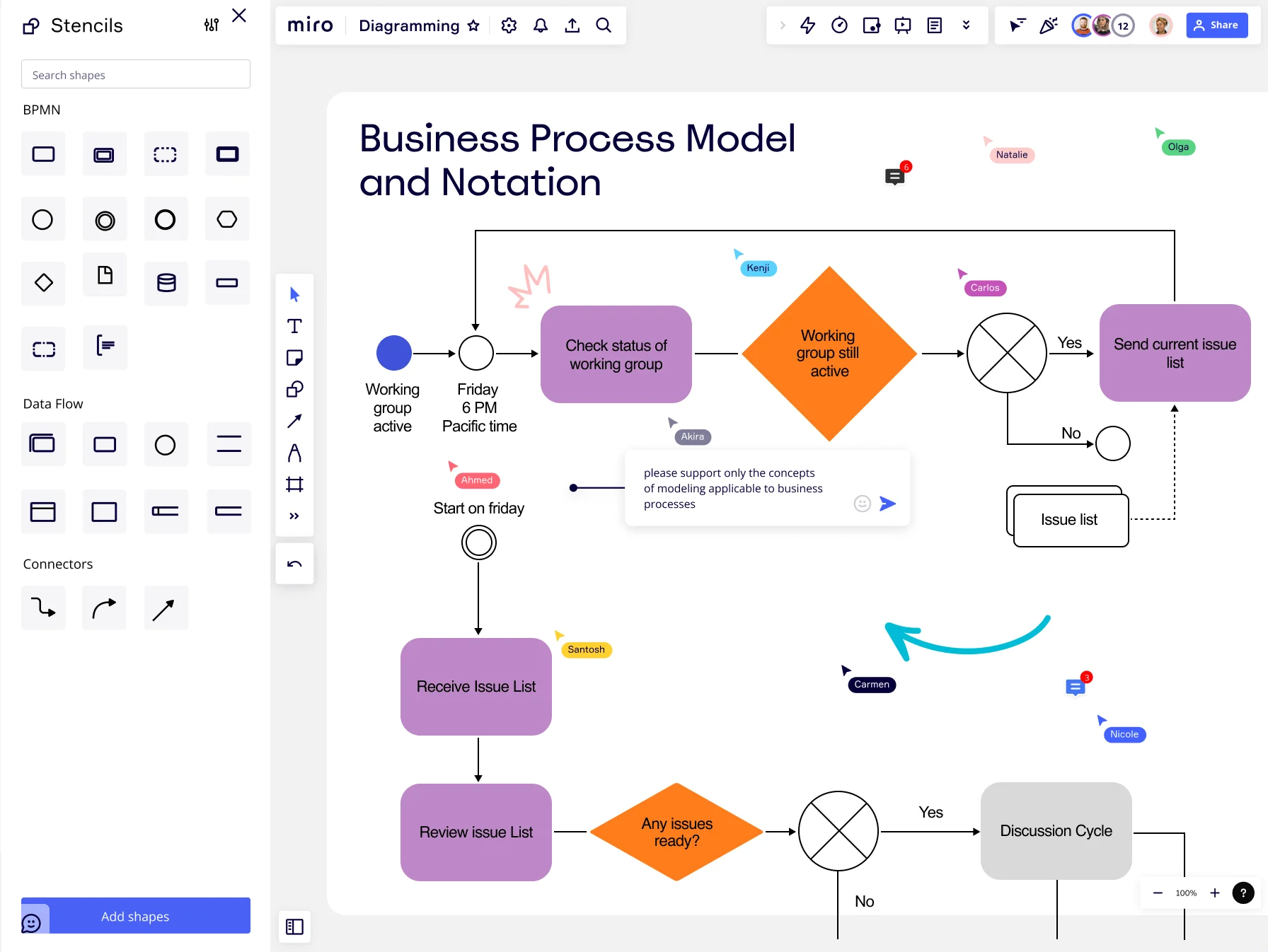
    Miro Diagramming board displaying a Business Process Model and Notation (BPMN) diagram with swim lane elements including start/end events, task rectangles, gateway diamonds, and intermediate events connected by sequence flows, with multiple collaborators visible and a BPMN stencils panel open on the left showing shape libraries.
  • Connect waste analysis to the action items that fix it

    Identifying the eight wastes means nothing if improvements don't get tracked. Annotate each bottleneck step with sticky notes during your process review, then convert flagged waste directly into Jira tickets. Every improvement gets an owner, a deadline, and a tracking number before the kaizen event closes.

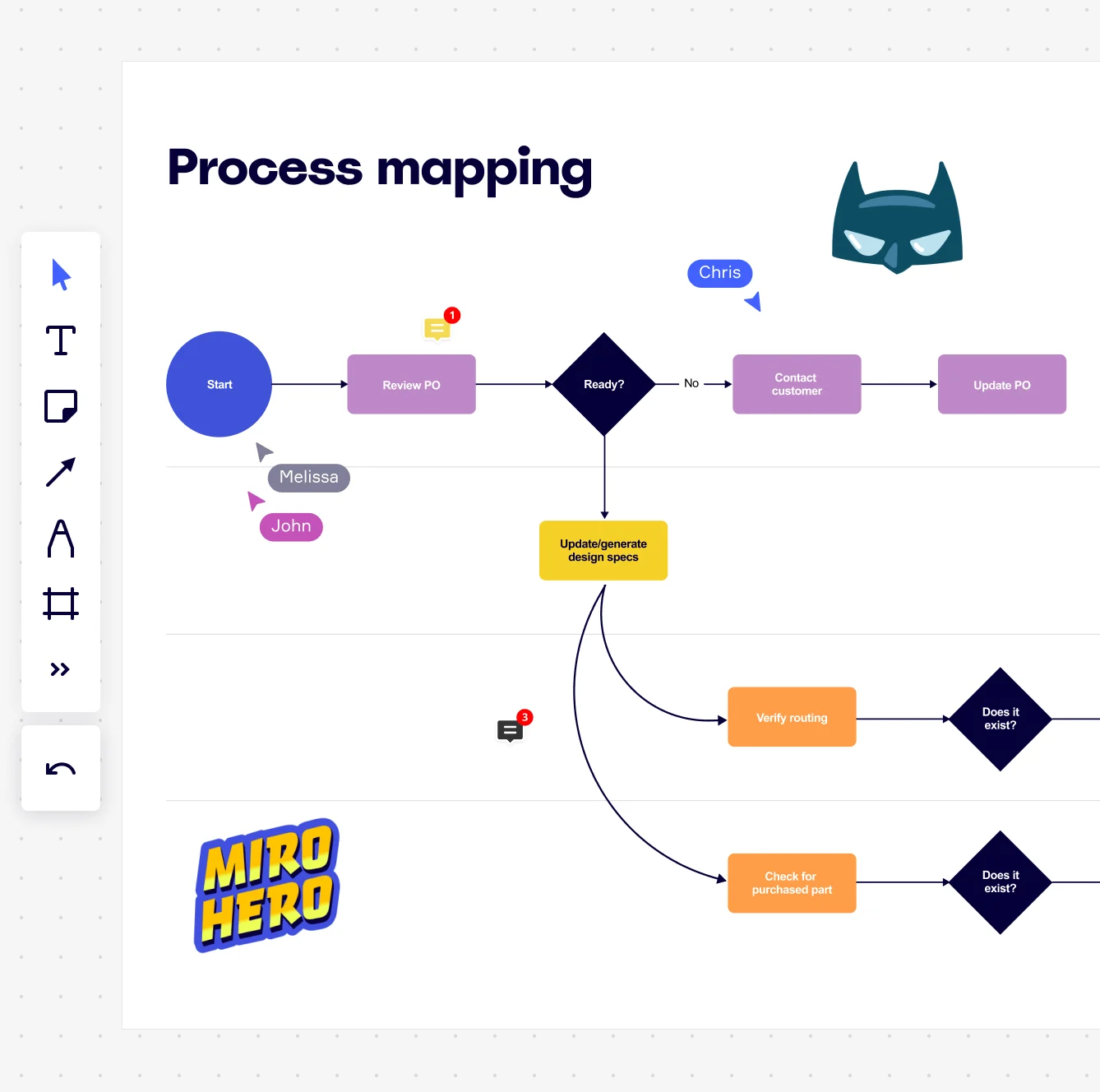
    Miro board displaying a process mapping flowchart with labeled nodes including Start, Review PO, a Ready decision diamond, Contact Customer, Update PO, Update/generate design specs, Verify routing, and Check for purchased part, with collaborative cursors (Chris, Melissa, John), comment badges, and decorative Batman and Miro Hero stickers.
  • Go from blank canvas to first-draft process map in seconds

    Staring at an empty board kills momentum. Describe your process in plain language and Miro's AI drafts a structured flowchart or BPMN diagram instantly. Your belt holders get something concrete to critique, not a blank board.

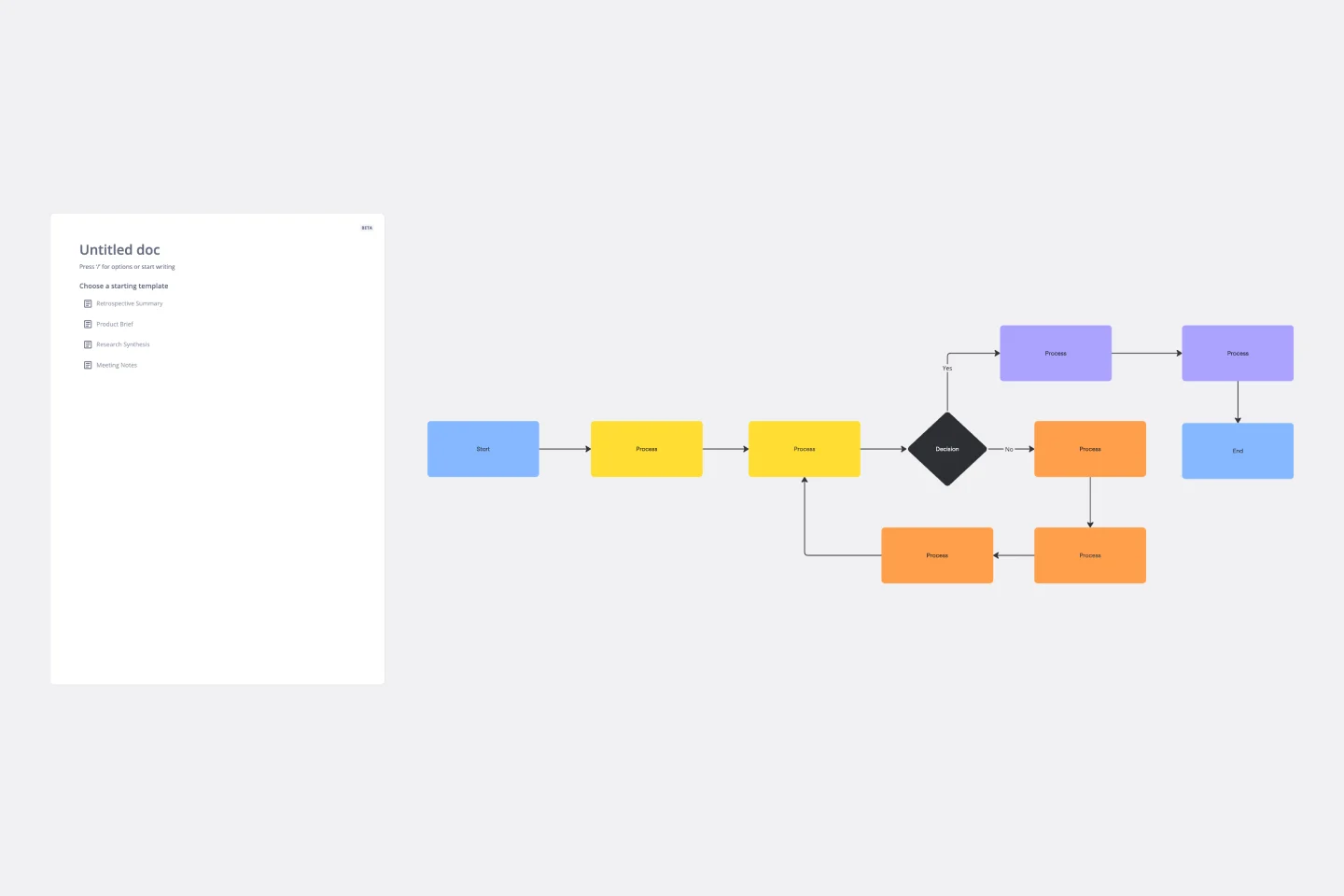
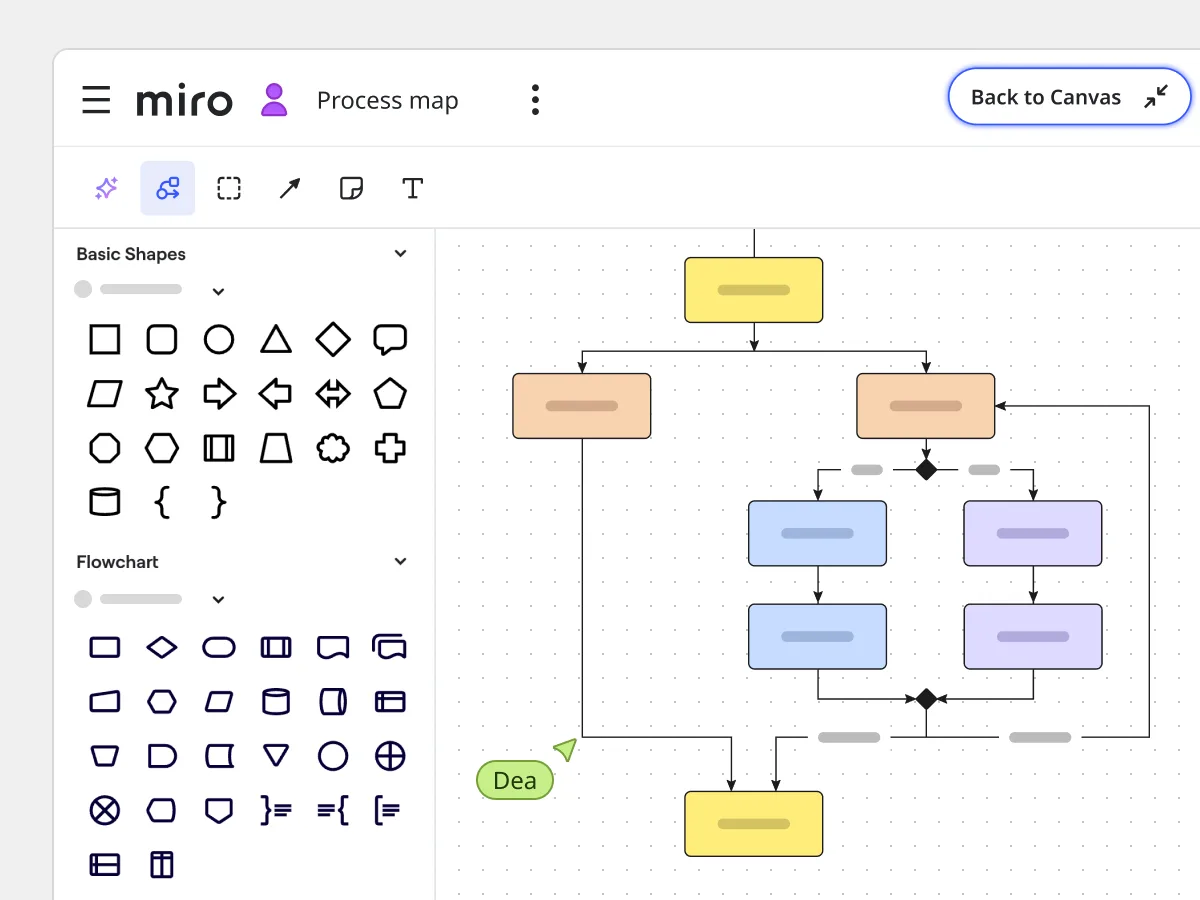
    Miro board in focus/presentation mode showing a process map flowchart with yellow start/end nodes, orange and blue/purple process steps, and diamond decision nodes connected by arrows, with the shapes and flowchart library panel visible on the left.
  • Run VSM workshops that include every operator

    Value stream mapping only works when front-line operators validate the flow. Shop-floor workers and remote SMEs join your Miro workshop by scanning a QR code. No account required. Use Miro Engage Scales to score pain per process step, then Ranking to prioritize improvements before the session ends.

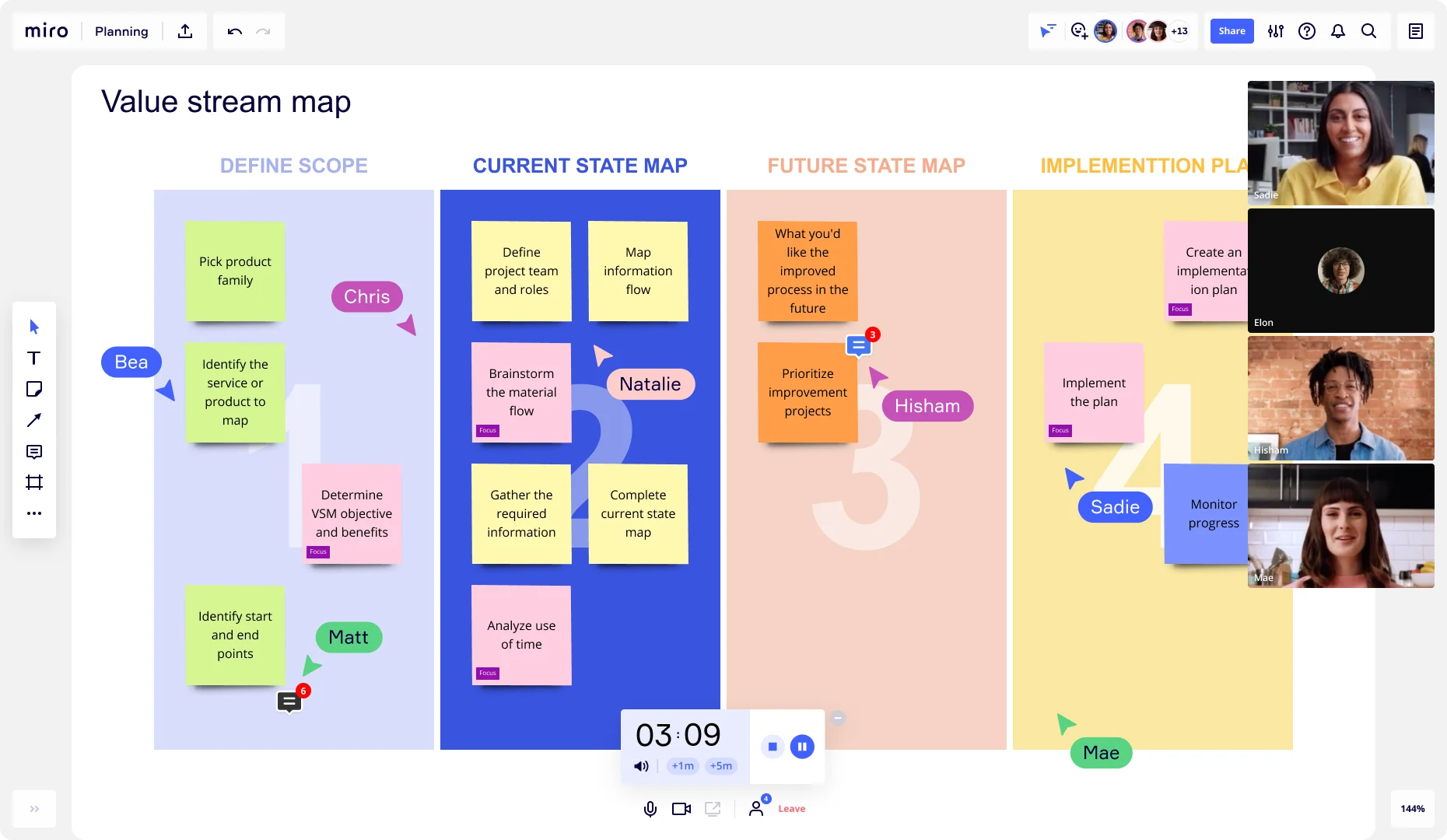
    Miro board showing a Value Stream Map template divided into four columns — Define Scope, Current State Map, Future State Map, and Implementation Plan — with color-coded sticky notes, multiple collaborators' cursors and name tags visible, a running timer at the bottom, and live video call participants in the top-right corner.

How lean six sigma practitioners get started with Process Mapping in Miro

  • Start with SIPOC, not shapes

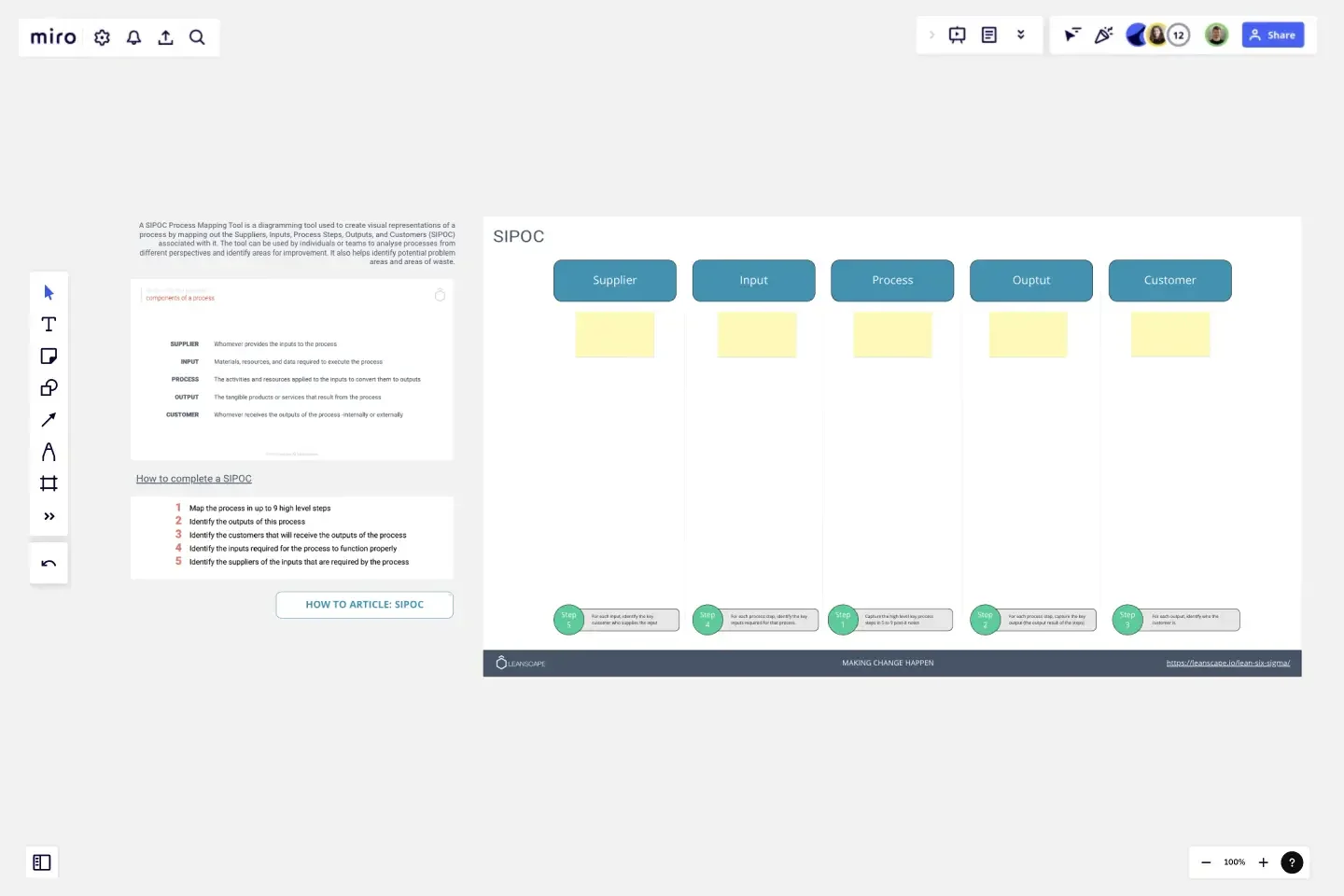
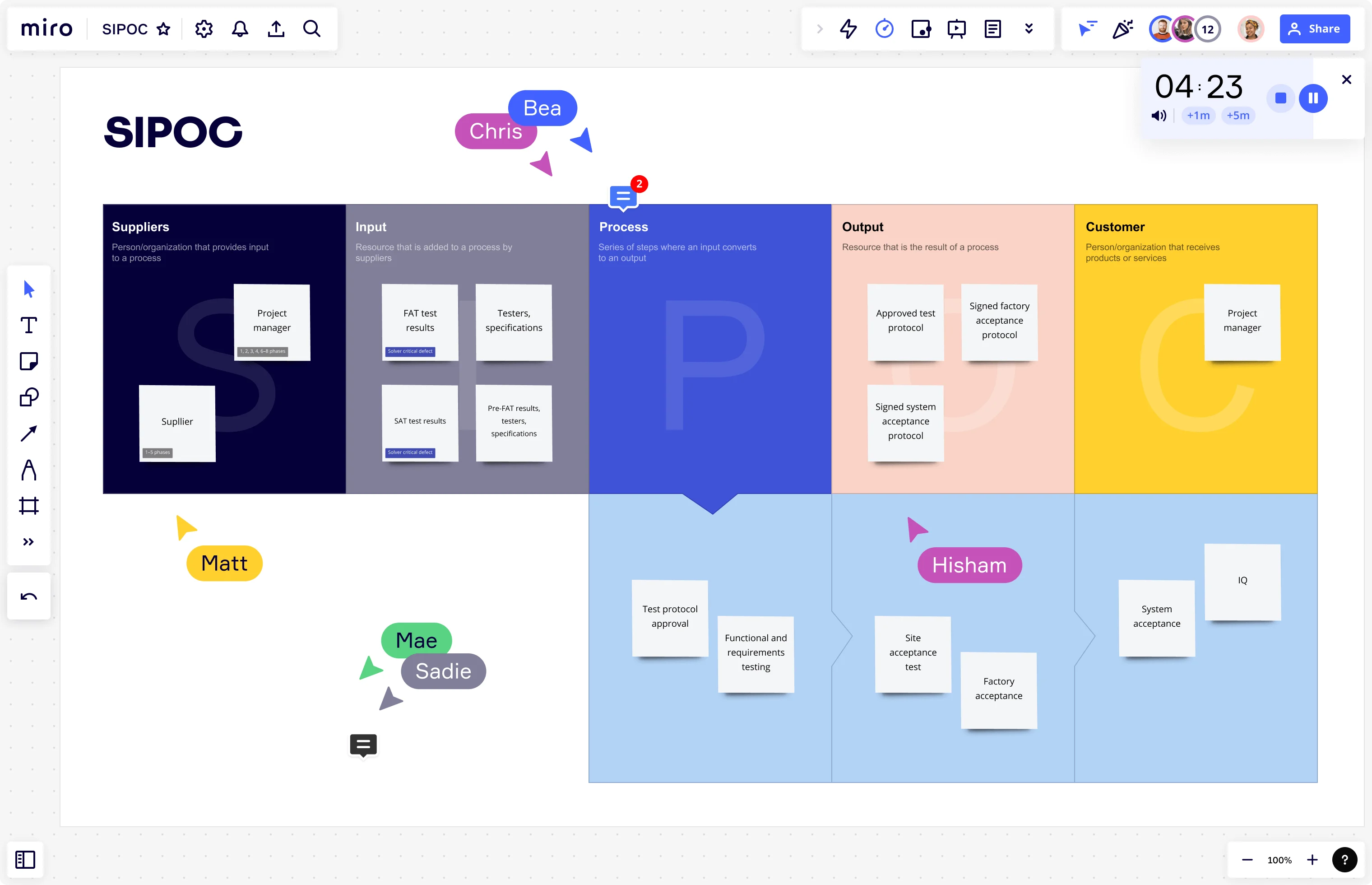
    Open the SIPOC Template from Miro's Template Library to lock down your process scope, boundaries, and customer requirements before your team touches a single swimlane - this is the define-phase foundation your tollgate review will stand on.

  • Map the as-is in VSM or BPMN notation

    In Diagramming Mode, select the Value Stream Mapping or BPMN shape pack and build the current-state collaboratively with the people who actually do the work, annotating each step with cycle time, lead time, and wait time data pulled from your ERP or MES so the map reflects real behavior, not the SOP.

  • Flag waste and link it to action

    Use Sticky Notes (color-coded by waste type - overproduction, waiting, rework) directly on offending process steps, then convert each flagged bottleneck into a Jira Card with an owner and deadline so improvement candidates don't die in the debrief.

  • Run your tollgate walkthrough in Miro

    Use Presentation Mode to walk your sponsor, process owner, and finance partner through the current-state frame by frame, then run a live Voting session to prioritize improvement candidates by effort-versus-impact - so your Master Black Belt leaves the review with a ranked backlog, not a parking lot.

Process Mapping tips for lean six sigma practitioners

  • Before your kaizen kick-off, apply Status Labels (Draft / In Review / Published) inside Diagramming Mode so every reviewer knows whether they're looking at a validated current-state or a working draft - critical when a quality director is using the map to justify a headcount decision.

  • Use Synced Copies to push your canonical value stream map onto each sub-process board so when cycle time data updates post-measurement phase, every linked board reflects it within seconds and your tollgate pack never reads from a stale snapshot.

  • For large organizations documenting multiple process areas, organize by product family or value stream using Frames, link sub-process detail maps to the high-level overview, and embed the living map into Confluence via /miro so Black Belts and process owners always access the current version without chasing a shared drive.

Understand how lean six sigma practitioners transform their work

  • Best collaborative tool for business process mapping

    Verified User

    G2
  • I’ve been utilizing the AI agent Sidekick, and it’s definitely been helpful for process mapping.

    Verified User

    G2

Process Mapping essential guide for lean six sigma practitioners

CategoryKey insights
  • Common mistakes to avoid

    The most common mistake Black Belts and Green Belts make is mapping the process as it should work according to the SOP, not as it actually runs on the shop floor. If your as-is map doesn't include the rework loops, workarounds, and informal handoffs that frontline workers actually live with, it won't survive a tollgate review with a Master Black Belt or a skeptical process owner. Whether you're a solo practitioner in a small operation or mapping cross-functional flows across a global plant, agree on your SIPOC scope before you add a single swimlane, and use a consistent notation standard throughout so your map is defensible when finance or quality leadership walks into the room.

  • Key integrations for lean six sigma practitioners

    Visio and Lucidchart import let you bring existing process maps straight into Miro without rebuilding from scratch, which matters when you're inheriting documentation from a previous project team or converting legacy diagrams for a kaizen event. Confluence and Jira connect your current-state and future-state maps directly to improvement actions and project tracking, so every countermeasure that comes out of your tollgate review has a clear owner and a ticket. For larger organizations running SAP or Oracle workflows, Smartsheet gives you a structured data layer you can anchor alongside the visual map.

  • When to use it

    Reach for Miro's process mapping tools at the start of your Define or Measure phase, when a project charter is approved and you need a defensible current-state before data collection begins. A good example: a cross-functional improvement team needs to map a production handoff process across three departments, validate cycle time against what the ERP shows, and present a swimlane or value stream map at the next tollgate gate. If you're running a kaizen event, it's equally useful for building the future-state map in real time with the people in the room, then linking each improvement directly to implementation tasks.

  • Security & Compliance

    Miro is SOC 2 Type II certified, which gives quality directors and compliance leads the assurance they need when process maps contain sensitive cost-of-poor-quality data or confidential operational detail. For practitioners in regulated industries like healthcare or financial services, HIPAA compliance and granular sharing permissions mean you control exactly who can view or edit a map, whether that's your project sponsor, a process owner, or an external audit partner. Enterprise organizations get data residency controls and admin-level governance, so sensitive process documentation stays within the boundaries your IT and compliance teams require.

Frequently asked questions for lean six sigma practitioners

Last updated: Tuesday, June 30, 2026