





Andrey
See collaborative AI in action — straight from the Canvas 26 keynote.
Jeff

Process mapping for change management

Map your change initiative end-to-end before resistance builds. Every stakeholder sees the same plan.

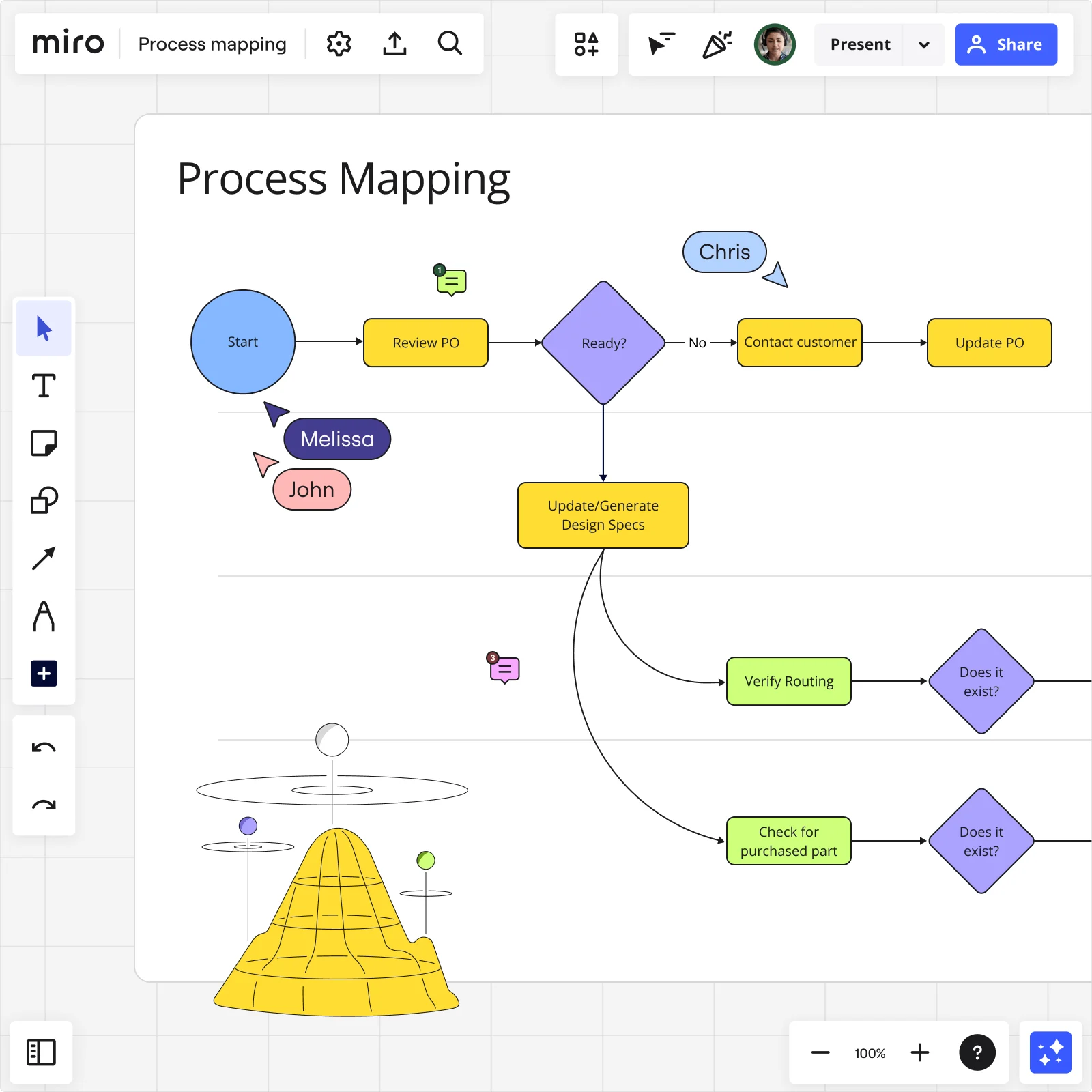
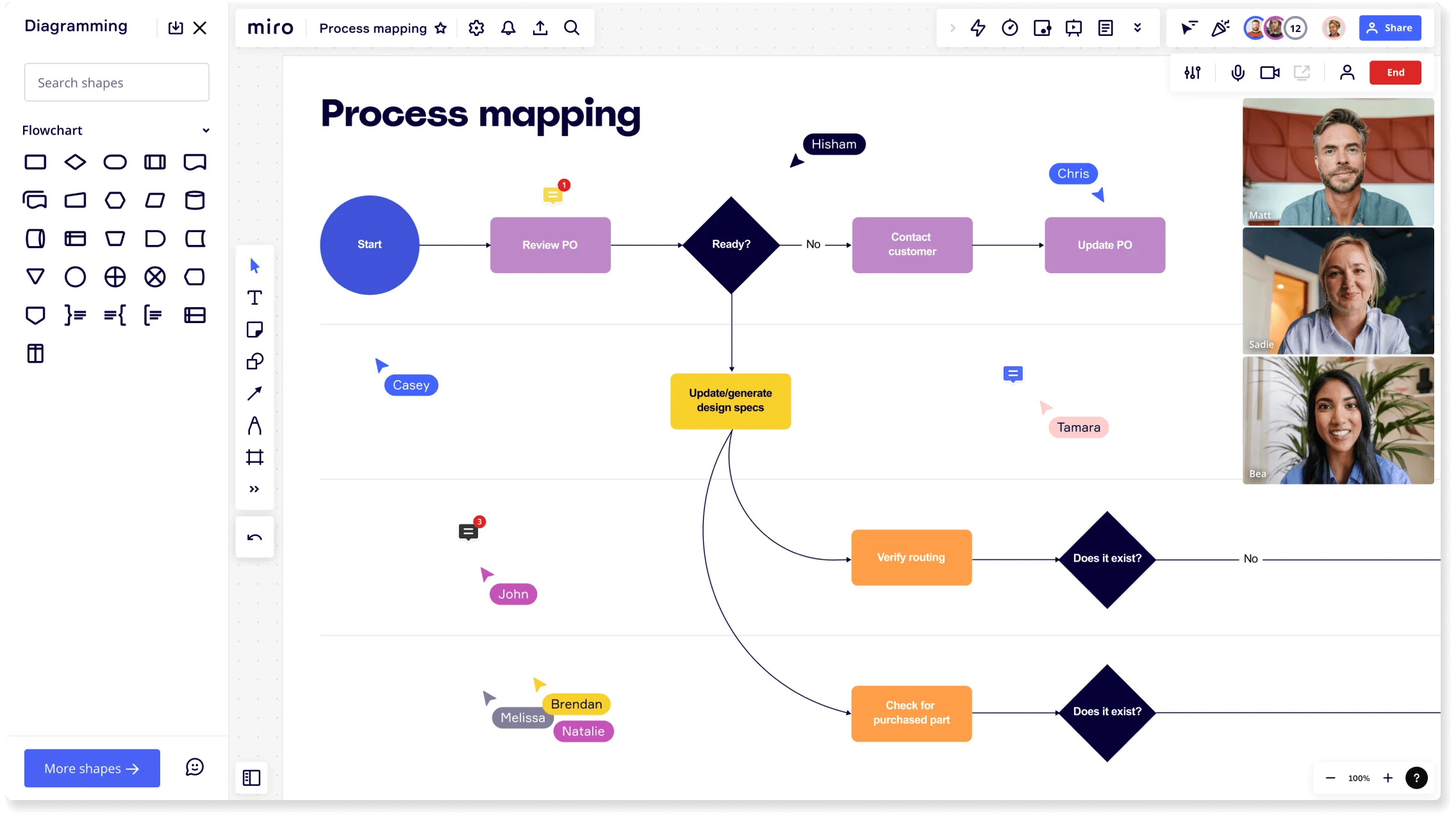
Miro process mapping board showing a flowchart starting from Review PO through decision diamonds and routing verification steps with collaborator cursors

What experts say

  • Process mapping gives organizations a start-to-finish look at their workflows, making it easier to grasp how everything works behind the scenes.

    ABBYY Content Team

    Marketing and Product Specialists · ABBYY

    Practitioner
  • Strategy mapping can vastly improve any strategy communication effort.

    Balanced Scorecard Institute

    President · Balanced Scorecard Institute

    Keynote Speaker

The research on process mapping

  • 30-50%

    Business Process Management (including process mapping) delivers 30-50% productivity gains.

    Source: Forrester

  • 8 interviews

    Value Stream Mapping increases process visibility and helps teams uncover waste and develop action steps.

    Source: Elsevier

See process mapping in action

Related templates for change management teams

We have 168 templates in our library for Process Mapping.

Why change management practitioners love mapping processes in Miro

  • From tribal knowledge to a shared blueprint

    Change initiatives fail when the process lives in one person's head. Map current-state and future-state workflows in Miro with change sponsors, process owners, and frontline staff contributing at the same time. Swimlane layouts make ownership and handoffs visible across HR, IT, and operations in one shared canvas.
    Miro board showing a process mapping flowchart with decision diamonds, process rectangles, and branching paths covering steps like Start, Review PO, Ready decision, Contact Customer, Update PO, Update/generate design specs, Verify routing, and Check for purchased part, with the Diagramming panel open on the left showing flowchart shapes, multiple named collaborators visible as cursors on the board, and a live video call panel with four participants in the top right corner.
  • Tired of managing complex transitions through static documents?

    A simple document can't easily capture a multi-step handoff between an old process and its replacement. Build structured process maps using BPMN or swimlane notation, complete with clear Status Labels (Draft, In Review, Published) so every change lead and executive sponsor stays perfectly aligned.

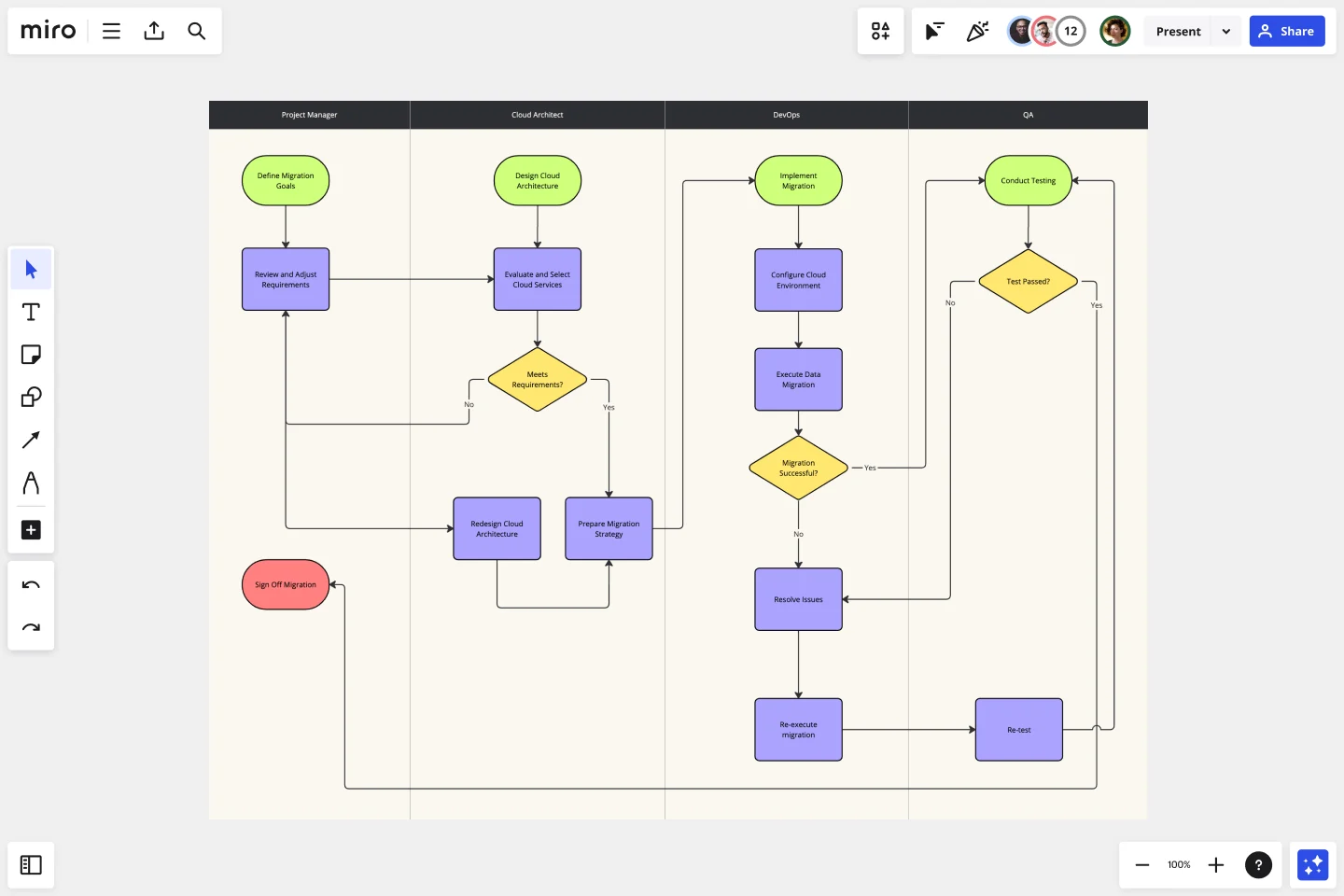
    Miro board displaying a cross-functional swimlane flowchart for an on-premise to cloud migration process, with four lanes (Project Manager, Cloud Architect, DevOps, QA) containing decision diamonds, process rectangles, and terminal shapes connected by arrows showing the full migration workflow including testing and issue resolution loops.
  • One framework, any portfolio size

    Whether you're documenting a single ERP cutover or managing 50 processes across three business units, the Process Improvement Blueprint pre-wires your SIPOC, current-state, future-state, and improvement-tracking boards. Each new initiative starts clean, no rebuilding from scratch.

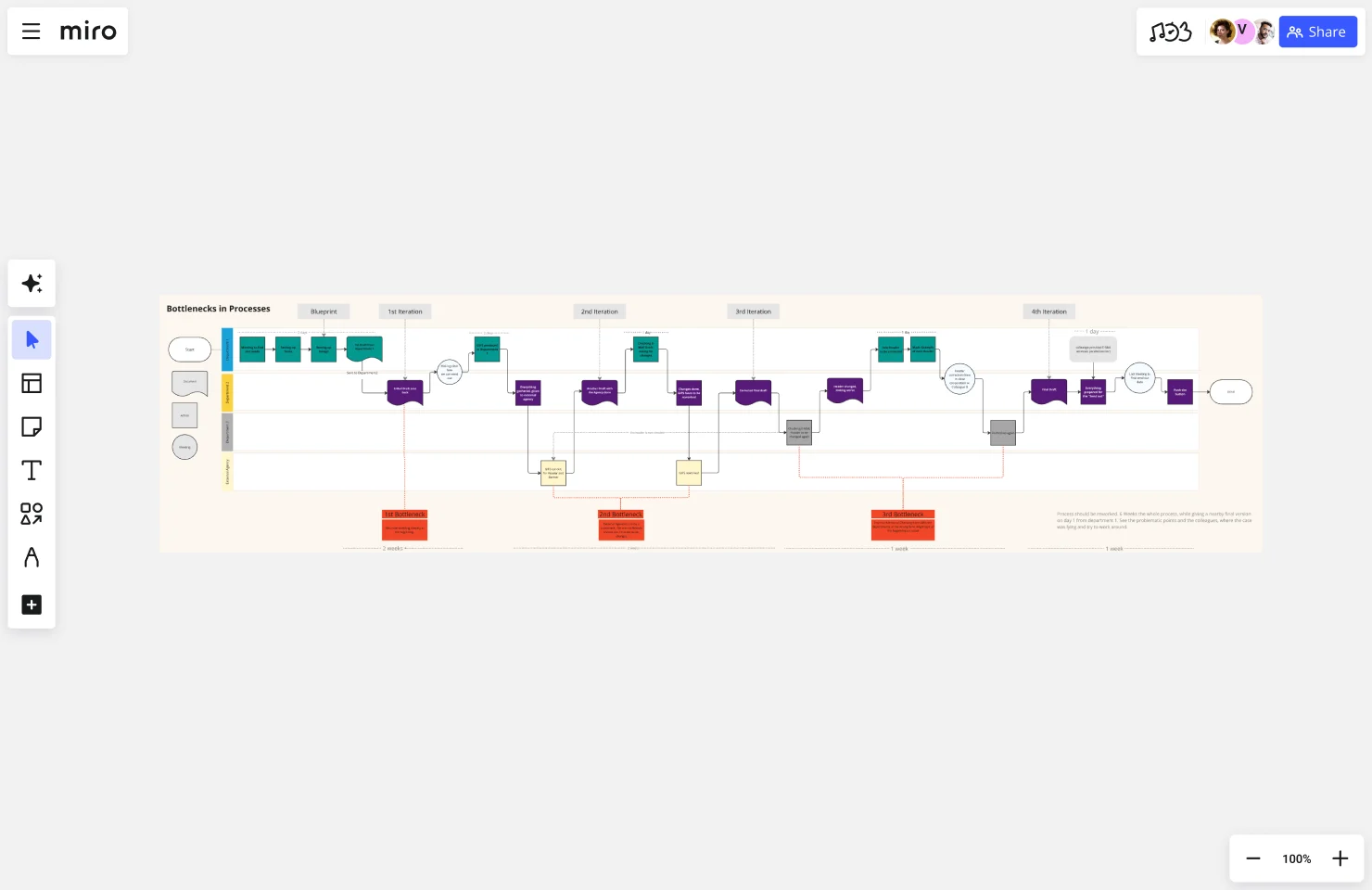
    Miro board titled 'Bottlenecks in Processes' showing a multi-iteration process flow diagram with color-coded swimlanes, featuring teal, purple, red, and gray nodes connected by arrows across four iterations (Blueprint through 4th Iteration), with orange 'Bottleneck' callout boxes marking three problem areas and timeline indicators at the bottom.
  • Build consensus, don't just run another workshop

    When adoption stalls, run Miro Engage Scales to score pain severity per process step. Then use a Ranking activity to agree on which bottlenecks to fix first. Frontline staff and remote SMEs join by scanning a QR code. No Miro account needed.

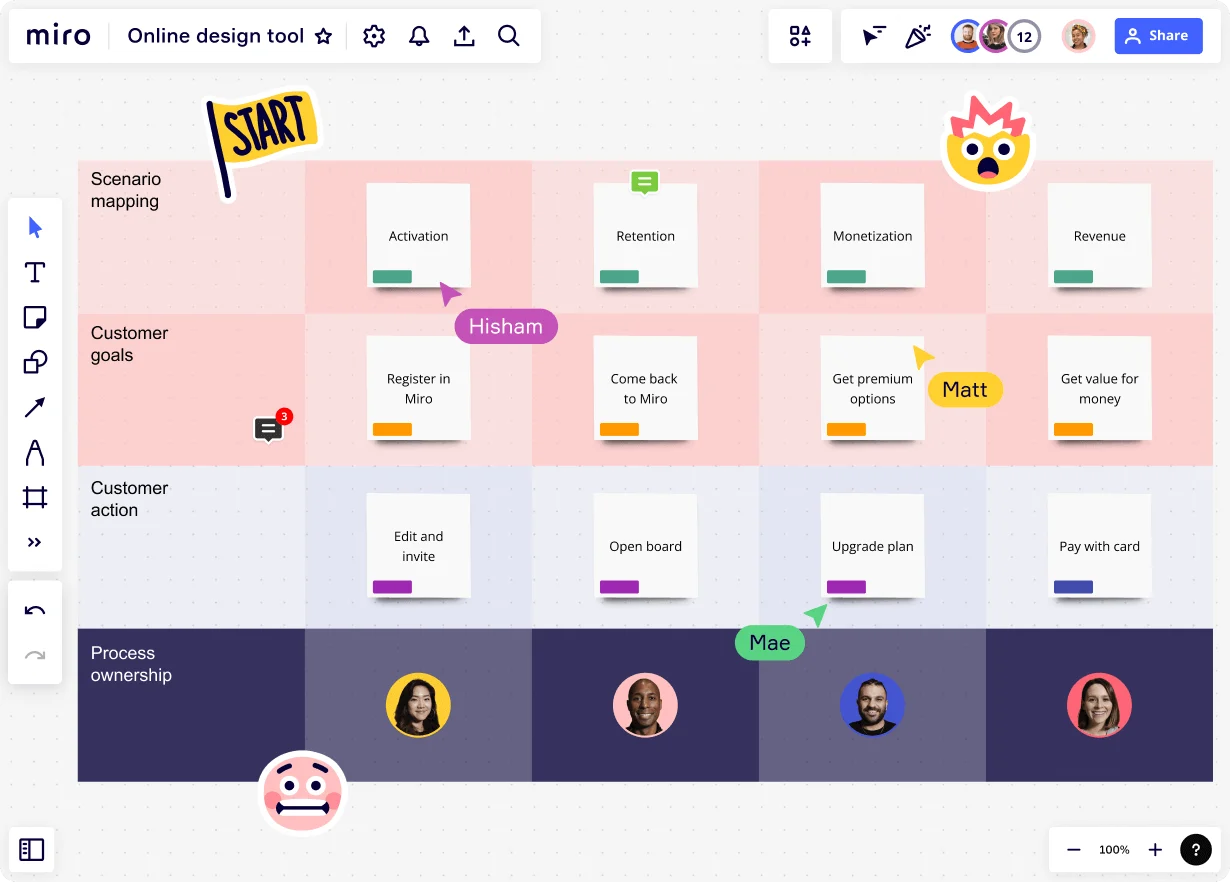
    Miro board displaying a scenario mapping framework with four swim lanes (Scenario mapping, Customer goals, Customer action, Process ownership) and four columns (Activation, Retention, Monetization, Revenue), showing sticky notes with user journey steps and team member avatars in the process ownership row, with multiple collaborators' cursors visible including Hisham, Matt, and Mae.
  • Keep process docs where change agents already work

    Type /miro in Confluence, Coda, or Notion to embed the live process diagram directly into your runbook. Every time the canvas updates, the embedded doc stays current. One source of truth, no parallel versions to maintain.

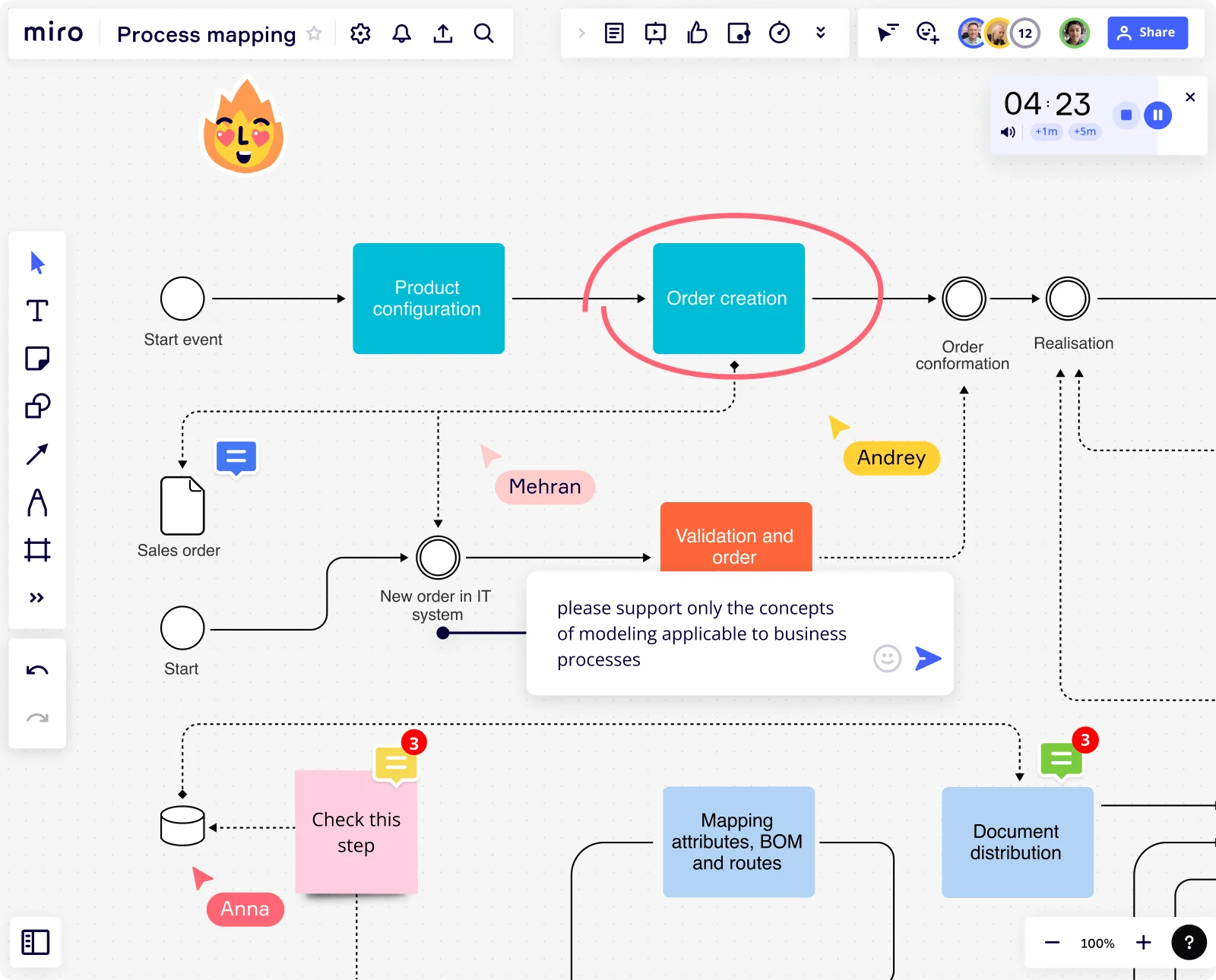
    Miro board displaying a business process flowchart with labeled steps including Product Configuration, Order Creation, Validation and Order, Document Distribution, and Mapping Attributes/BOM, with active collaboration indicators showing three users (Mehran, Andrey, Anna), sticky note comments, a running timer at 04:23, and a chat message requesting business process modeling concepts.

How change management practitioners get started with Process Mapping in Miro

  • Map your current state first

    Open a SIPOC Template from Miro's Template Library to define process scope - who's involved, where the process starts, and where it ends - before your first change readiness workshop begins.

  • Build your as-is process collaboratively

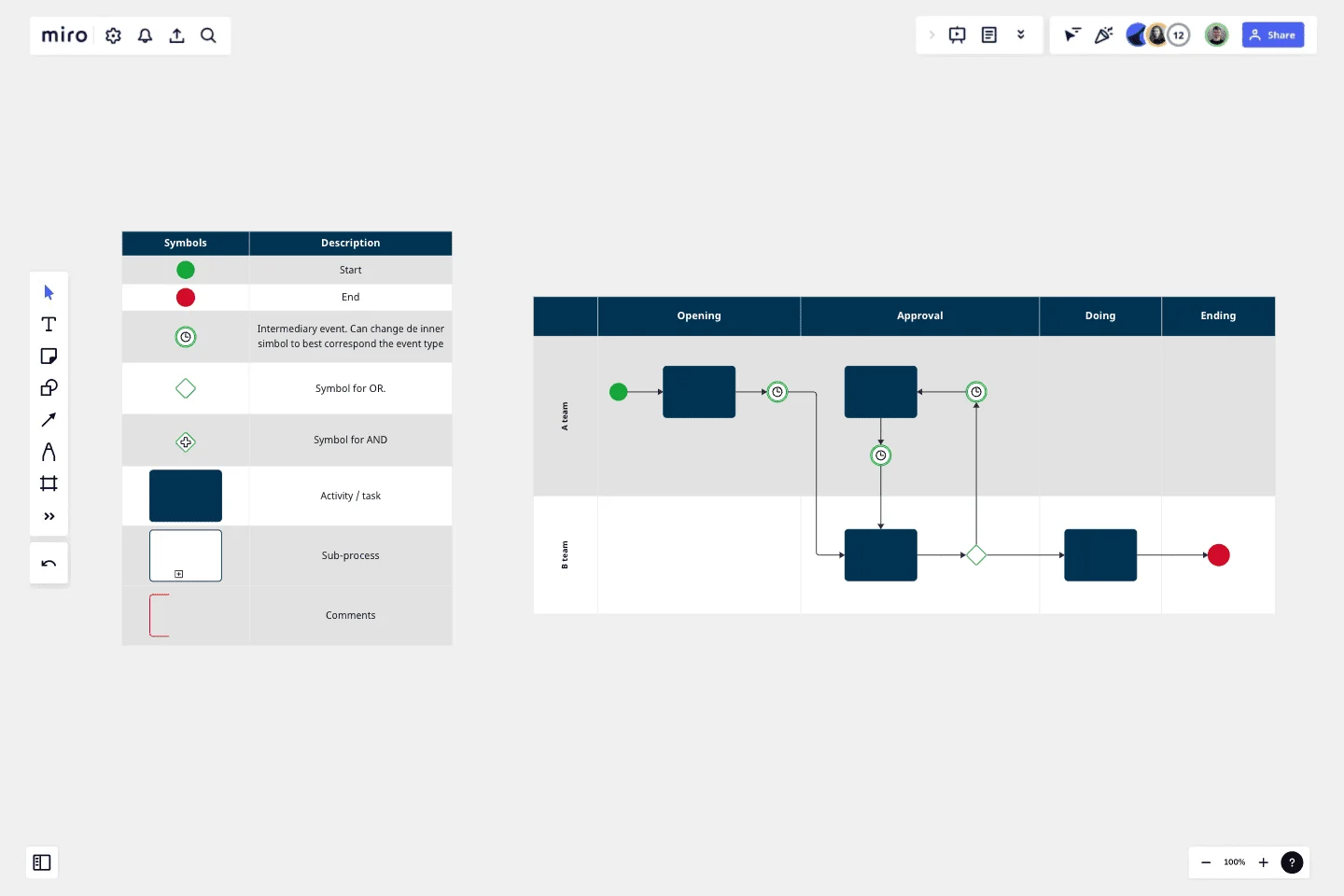
    In Diagramming Mode, use Swimlane shapes to assign process steps to the roles, departments, or systems affected by the change, so handoff gaps and resistance hotspots become visible to everyone in the room.

  • Validate with stakeholders, not just sponsors

    Run your change validation session in Presentation Mode with live Voting so process owners and frontline staff can flag pain points and approve the future-state map in real time, not three email threads later.

  • Turn your map into a living change artifact

    Use Synced Copies to push the approved process map into each workstream board, then embed it into Confluence or your team wiki via Miro's Confluence Integration so the documentation updates automatically as the change rolls out.

Process Mapping tips for change management practitioners

  • When managing resistance, annotate specific process steps with Comments and Sticky Notes color-coded by change impact level - it gives affected role owners a clear, non-threatening way to flag concerns before the transition goes live.

  • For large-scale organizational changes, apply Status Labels (Draft / In Review / Published) to each process map so every workstream lead knows exactly which version of the process they're executing against.

  • Before every stakeholder review, use the AI Generate Diagram feature to draft the future-state process from a plain-language description of the desired outcome - it gives change skeptics something concrete to react to, which moves the conversation from abstract resistance to specific, solvable objections.

Understand how change management practitioners transform their work

  • Best collaborative tool for business process mapping

    Verified User

    G2
  • I’ve been utilizing the AI agent Sidekick, and it’s definitely been helpful for process mapping.

    Verified User

    G2

Process Mapping essential guide for change management teams

CategoryKey insights
  • Common mistakes to avoid

    The most common trap for change practitioners is mapping the process as it's supposed to work rather than how it actually works on the floor. Whether you're a solo analyst at a boutique consultancy or running a cross-functional transformation at a 10,000-person organization, your map is only as good as the people in the room. Bring in the frontline workers who know the real handoffs and workarounds, agree on your start and end points before you draw a single shape, and pick one notation standard (flowchart or BPMN) then stick to it across every process in your change program.

  • Key integrations for change management practitioners

    Connect Miro to Jira or Asana so every process improvement you identify ties directly to a tracked workstream. For change practitioners managing documentation across multiple stakeholders, Confluence keeps your process maps in sync with your project wiki, while Smartsheet works well when your governance model runs on spreadsheet-style tracking. If your organization already has Visio or Lucidchart files in circulation, Miro's import tools let you bring existing diagrams in without starting from scratch.

  • When to use it

    Reach for Process Mapping in Miro when you're kicking off a structured change initiative and need to surface the gap between your current-state and future-state workflows before you build a case for change. It's particularly effective when clinical, operational, or administrative teams need to validate shared process understanding together in real time rather than in separate review cycles. A cross-functional team mapping a multi-department workflow, for example, can use BPMN templates and swimlane layouts to pinpoint handoff delays, sign off on a future-state design in Presentation Mode, and link each improvement directly to Jira tickets for implementation tracking.

  • Security & Compliance

    Miro is SOC 2 Type II certified, which covers the baseline governance requirements most change practitioners encounter across professional services, government, and enterprise clients. If your change program touches healthcare workflows or patient data, Miro's HIPAA compliance keeps those sessions audit-ready. For large organizations with stricter data requirements, data residency controls and granular sharing permissions give IT and legal the oversight they need before you open up a board to external stakeholders.

Frequently asked questions for change management practitioners

Last updated: Friday, July 03, 2026