An AI mind map maker for collaboration and visual thinking



















Infinitely expand your thinking with AI
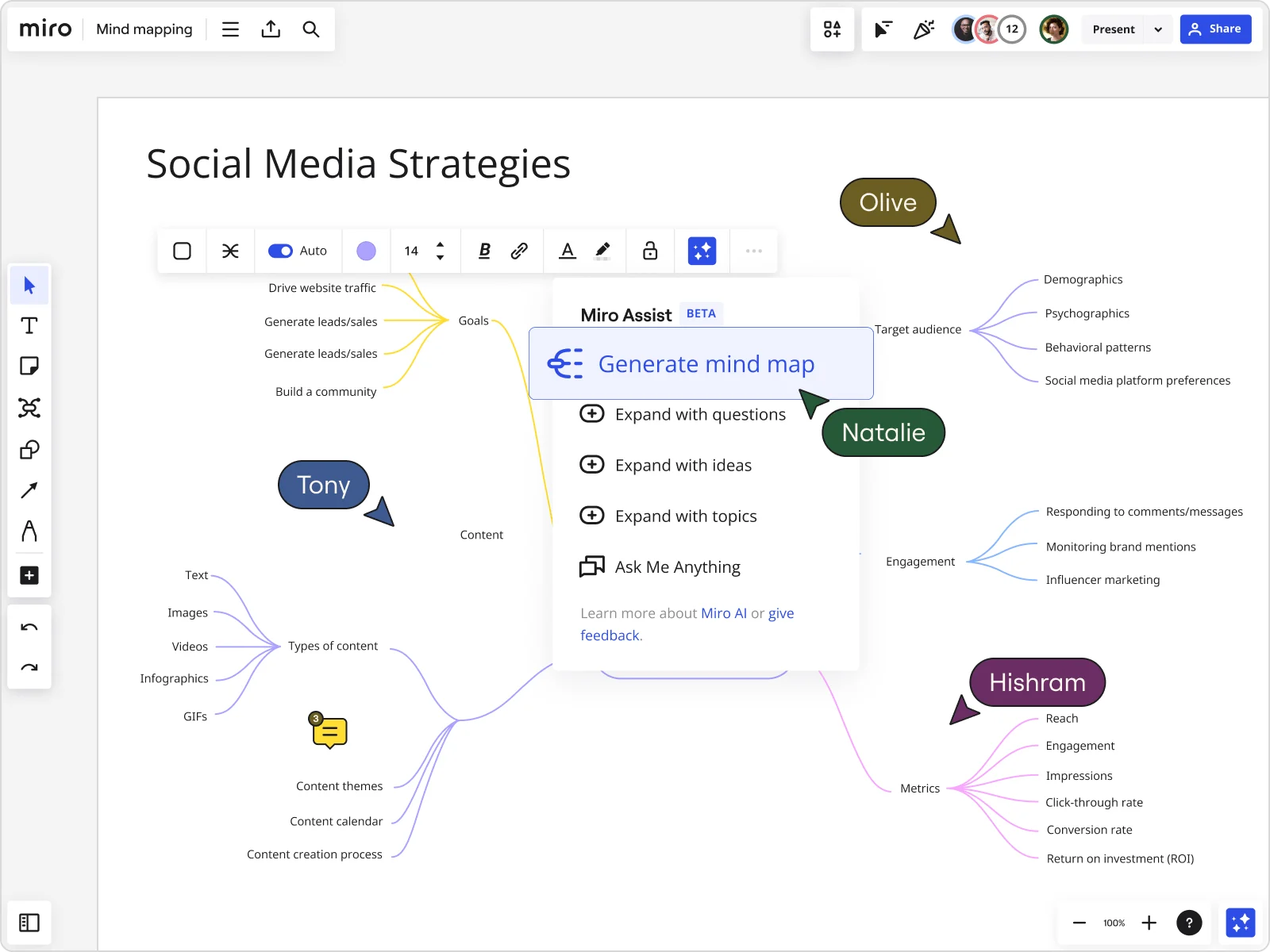
Discover new ideas, eliminate creative blocks, and explore topics you hadn’t thought of - automatically. Type one idea and Miro AI builds out the branches for you: themes, subtopics, and connections you hadn't considered yet.
Whether you’re brainstorming alone or with your team, our AI powered features expand your input with relevant themes, connections and more.
Break down complex problems with ease
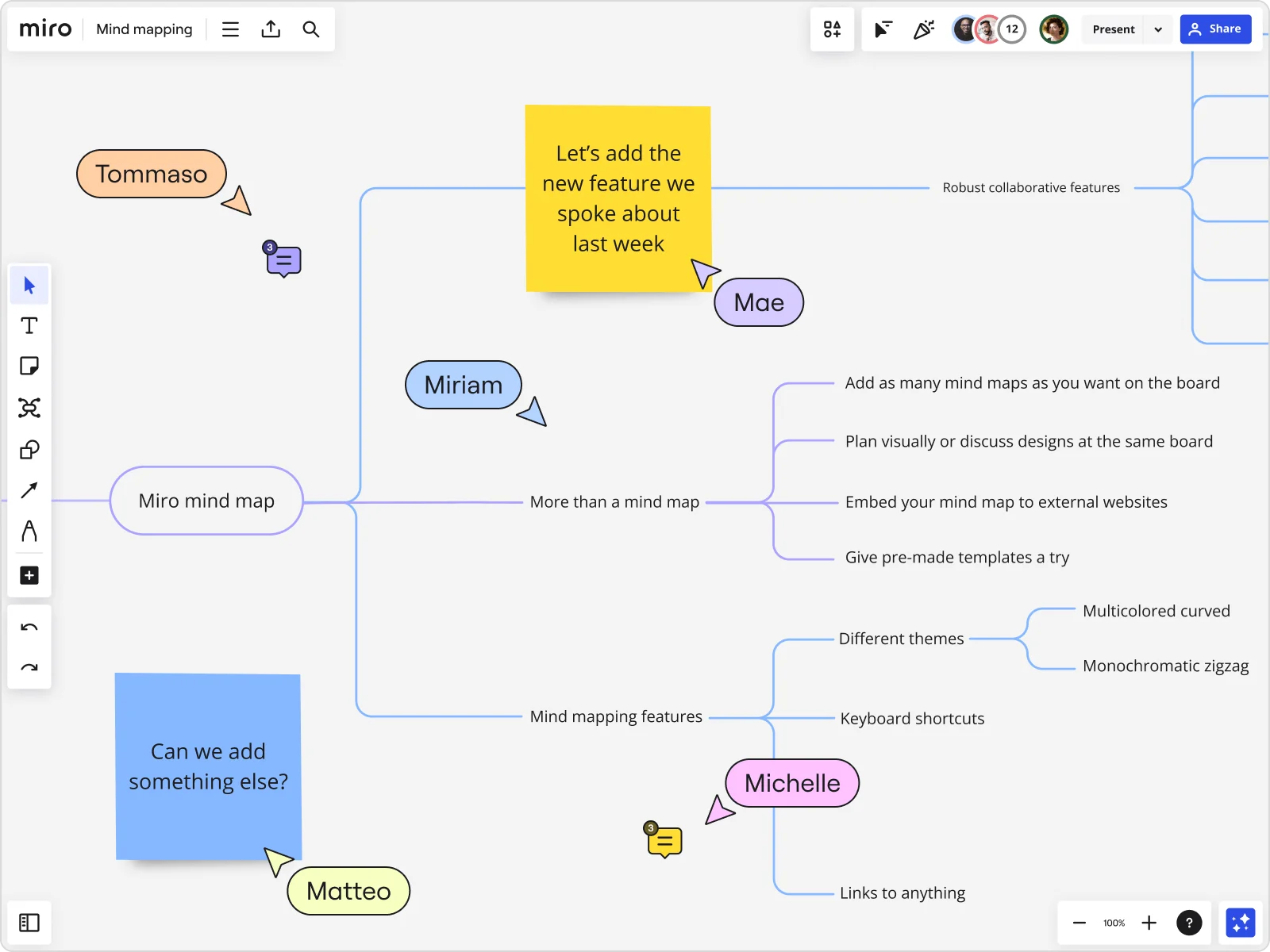
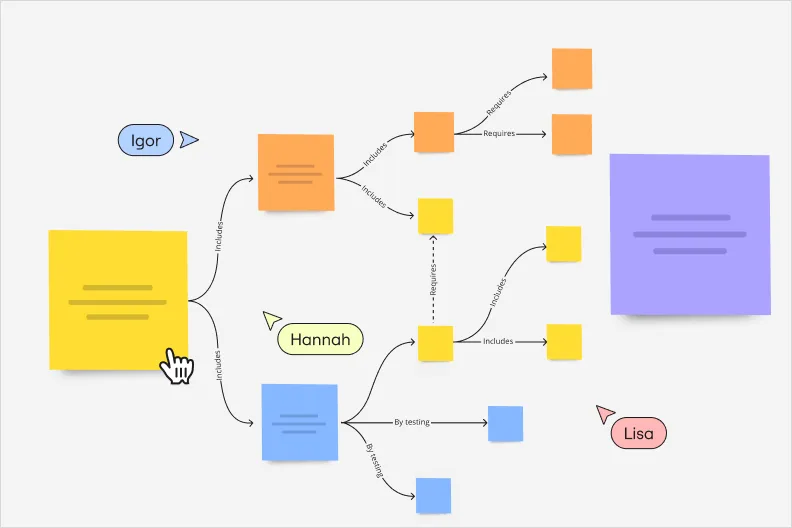
With the Miro mind map tool, you can visually unpack complex problems by creating branches for each factor, cause, or step. Drag-and-drop nodes to rearrange and structure your ideas, group related concepts, and map out relationships in real-time.
Our mind map maker grows with your thinking, letting you untangle challenges with alternative solutions.
Customize your mind map for a professional look
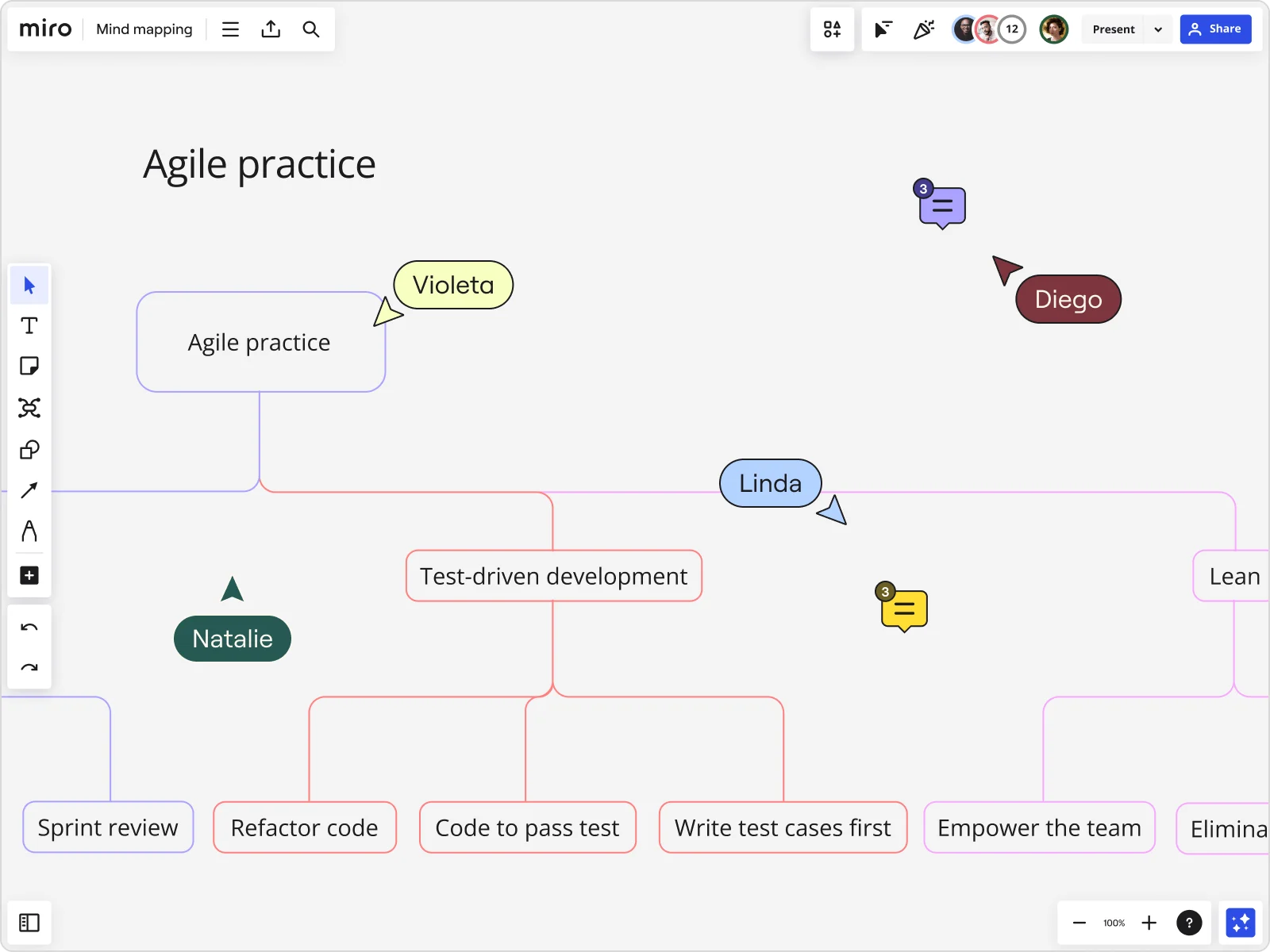
Most mind mapping tools stop at function, but presentation matters too. With Miro, you can use custom colors, images, fonts, and shapes to highlight key ideas, differentiate sections, and align visuals with your brand or audience.
Whether you’re prepping a pitch or planning a team meeting, your mind map will look polished and professional.
Why use Miro's mind mapping tool?
Presentation mode and Talktrack
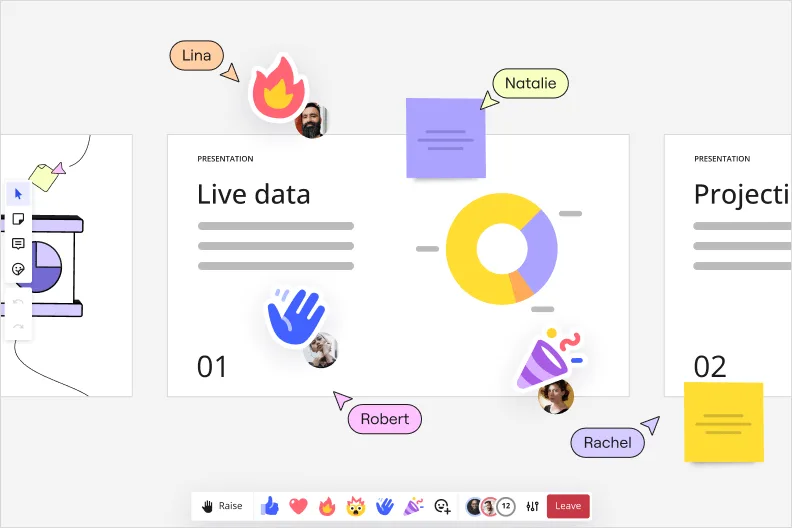
Mind maps can be tricky to present - screenshots flatten them, and slides miss the flow. With Miro, you can turn your map into a compelling story. Toggle into presentation mode to frame sections of your mind map for easier storytelling or record a Talktrack to guide your viewers with your voice and cursor. You can even record interactive videos to share with your team.
Easily share
Sharing mind maps shouldn’t be a hassle. Instead of relying on static screenshots or buried attachments, Miro makes it easy to keep everyone aligned. Export it as a PDF or image, invite collaborators with a link, or embed your mind map directly into tools like Confluence, Notion, and Teams, so it lands wherever your team already works. No re-exporting, no version confusion.
Real-time and async collaboration
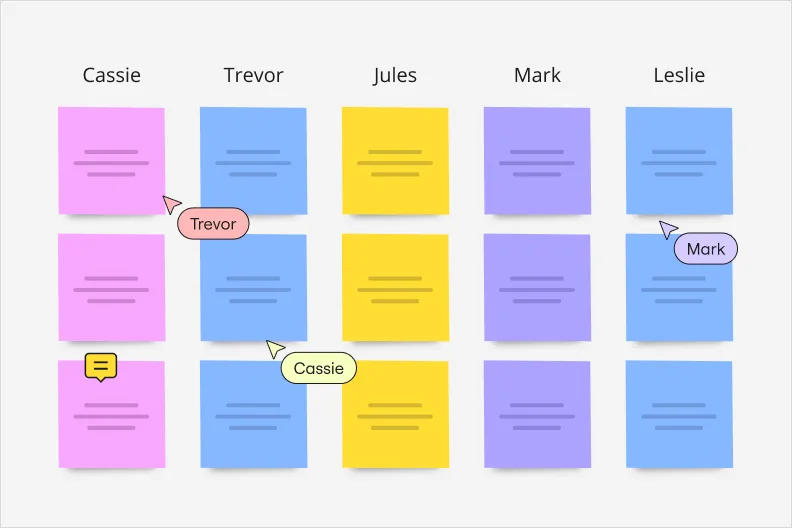
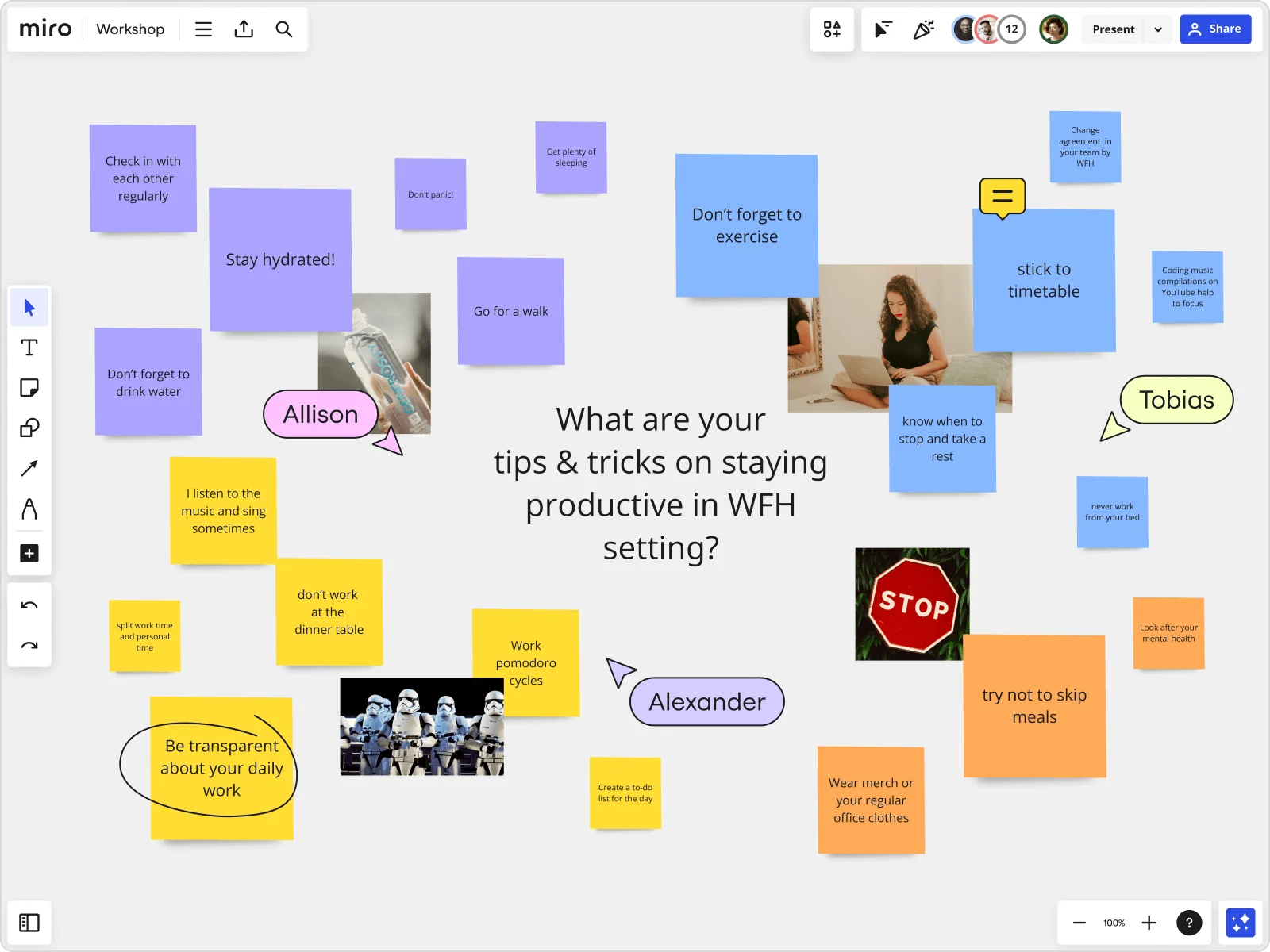
Distributed teams often face scattered conversations and missed input. Miro brings everyone into the same space - whether you’re online together or contributing later. Co-create your mind map with multiple team members in one space, tag each other in comments to start meaningful discussions, or use sticky notes so no idea gets left behind.
Infinite canvas and Mind maps
Most mind mapping tools box you in, forcing you to trim ideas or scatter them across files. With Miro, you can grow your ideas without limits with our infinite canvas. Start with a central idea and branch out endlessly without worrying about space or layout constraints. You can also add important content to the same board — including spreadsheets, PDFs, images, and more.
AI features
Miro AI includes pre-loaded options for different types of mind maps, including concept exploration, user needs, problem analysis, strategic planning, and strategy. These built-in frameworks give you a clear starting point and keep your maps structured as you develop ideas.
Team alignment
Mind maps are most effective when everyone is on the same page. With Miro AI, your team can contribute, expand, and organize ideas together in real time. This shared approach keeps discussions focused, ensures everyone’s input is captured, and helps teams align quickly on strategy, priorities, and next steps.
Integrated with your favorite tools
Related pages
Related templates

What is a mind map, and how do AI-generated mind maps work?
How to create a mind map with Miro
Click the plus icon (+) on either side of your node to create child nodes. These represent supporting ideas, subtopics, or related tasks. You can keep branching out to form multiple levels or hierarchy, building a detailed structure around your central concept. Stuck? Ask Miro AI to expand a branch or suggest related ideas, and it builds on what you've already got.
Personalize your mind map with our color palette and apply different colors to your branches or nodes. You can use color categorization to represent categories, urgency, ownership, status, or anything you choose.
Resize nodes, change text styles, or add icons and emojis to make it even more engaging.


The world's most innovative companies are collaborating in Miro, everyday
“With Miro, we went from project brief to in-market launch in 10 months. That usually takes 3 years at PepsiCo.”
Caroline de Diego
Senior Manager, Global Design & Marketing Innovation at PepsiCo


“Bringing everyone together to plan in Miro means the most impactful initiatives will happen at the right time.”
Lucy Starling
Product Operations Lead at Asos


“The team onboarded in 10 minutes to use Miro for workshops. Getting our organization to adopt this product was a no-brainer.”
Konrad Grzegory
Agile Transformation Lead at CD PROJEKT RED


“Miro templates helped us go from scratch to a full-fledged plan where we mapped activities, ideas, and dependencies.”
Marc Zukerman
Senior Director of Project Management at Hearst


“Miro allows all our teams to align themselves with certain tools and models: they work independently and create products that really meet our customers' needs.”
Luke Pittar
Sustainability Innovation & Design Coach at The Warehouse Group


“To be truly innovative, everyone needs to have a voice, and everyone needs to be able to iterate on each other’s ideas. Miro has made that possible for us.”
Brian Chiccotelli
Learning Experience Designer at HP


Users love Miro for end-to-end innovation. We're the G2 leader in visual collaboration platforms and are rated in the top 50 enterprise tools. Miro helps large companies get meaningful work done.
Top 50 Products for Enterprise
G2 reviews


Pricing plans
Starter
Business
Enterprise
Custom price — from 30 members
Mind map FAQs
What about Miro’s AI mind map generator? Does the capability come with a free plan?
Yes, Miro free plan allows you to explore AI capabilities such as generating diagrams, tables, summaries, and try AI workflows. Explore all Miro’s pricing plans to choose the best one for your goals.
How can I use Miro to generate a mind map using AI?
Open a Miro board, turn on Miro AI from the creation toolbar, and enter a prompt describing your topic or problem. Miro will generate a structured mind map with branches and sub-branches that you can immediately edit, expand, or connect to other content on the canvas. The AI output is fully editable and integrated with Miro's collaboration features.
Can Miro AI turn text into a mind map?
Yes. With Miro AI, you can go from text to mind map in one step. Turn on Miro AI, type in a description, idea, or a block of pasted text, and Miro builds it into a structured mind map. From there, you can edit, expand, or rearrange anything to fit your project.
When should I use a mind map tool?
Mind maps help you organize ideas, thoughts, or concepts and see how they’re connected. They are especially useful for running brainstorming sessions, problem-solving workshops, or note-taking.
Can I start a mind map from a template?
Yes. Pick one of Miro's ready-made mind map templates and customize it with your own ideas. They're built for beginners too: the drag-and-drop interface makes it easy to get started, and auto-layout keeps everything organized as you go. You can also browse templates shared by the wider Miro community, or publish your own once you're done.
Can I share my mind map with my team?
Yes. As the board owner, you decide who gets in and what they can do (view only, comment, or full edit access) right from the Share button on your board. You also choose which Space your mind map lives in, so it stays organized with the rest of your team's work instead of floating on its own.
What integrations are available for mind mapping workflows in Miro?
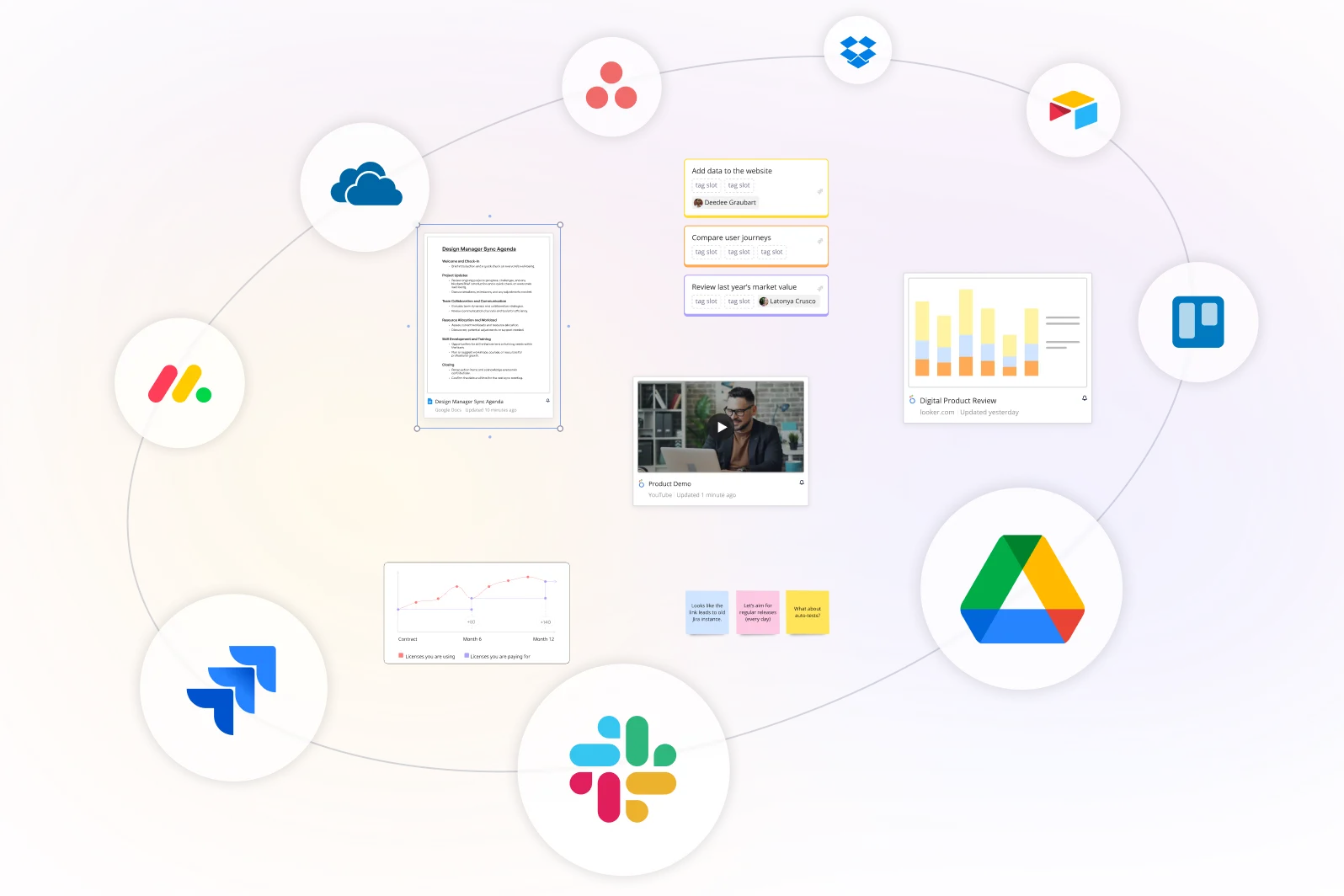
Miro integrates with major tools in your stack, including Slack, Microsoft Teams, Google Drive, Trello, Jira, and many others. To make it easier, you can embed boards, import/export content, and even use APIs for custom workflows.
How do I know my team’s mind maps and ideas are secure in Miro?
We built Miro with enterprise-grade security: data encryption, compliance certifications, and access controls that meet enterprise standards. Board owners decide exactly who can view, comment on, or edit each mind map, and admin controls give your team visibility into who has access across every board.
How is Miro different from other mind mapping tools?
Most mind mapping tools give you nodes and branches, then stop. Miro adds two things most don't: AI that builds and expands your map for you, and real collaboration, not just sharing. It's also not a standalone mind map tool. Your mind map lives on the same board where you can turn it into a project plan, pull in other Miro capabilities, or connect it to 250+ apps your team already uses.