Find innovative solutions with a decision tree maker
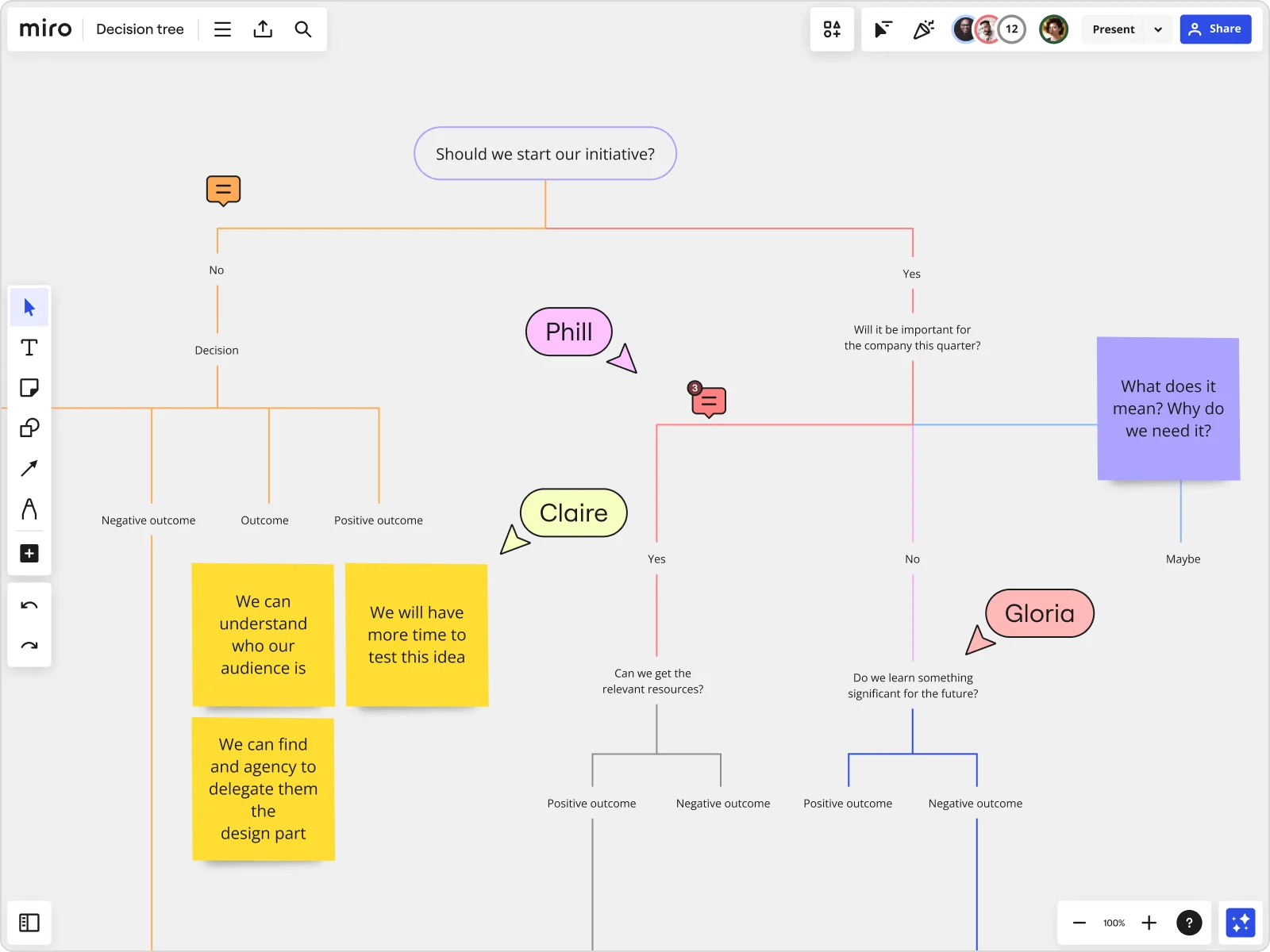


















Create a decision tree fast
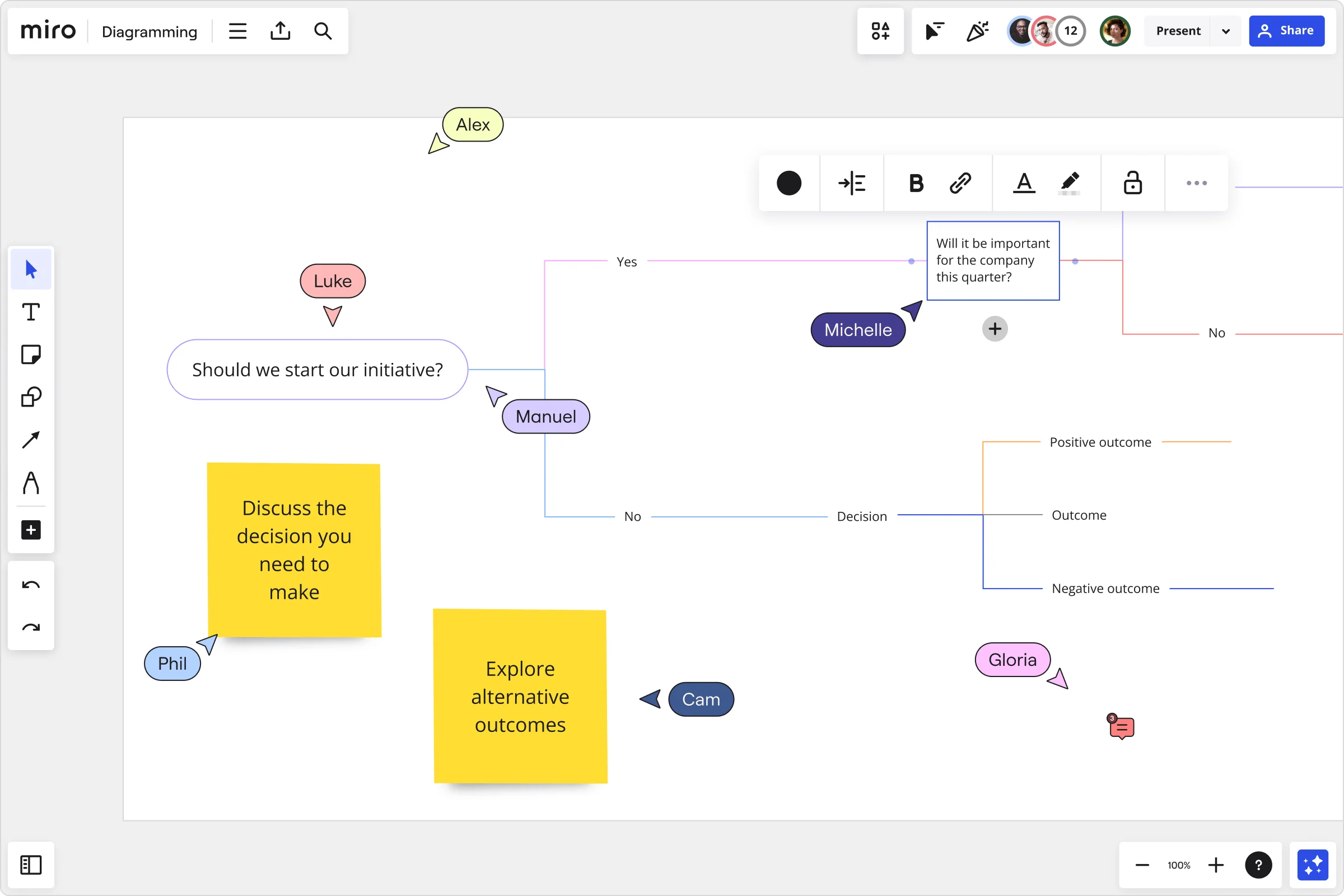
Why Miro is the best decision tree generator
Bring clarity to your process
Use Miro’s infinite canvas to evaluate every possible decision and explore outcomes. Create a decision tree to assess all options together with your team before committing to a final solution. With AI decision tree capabilities, you can generate initial structures from text descriptions and refine as you go.
Reduce bias
Explore various paths and map chain reactions that might affect your final outcome. With Miro’s decision tree maker, you can easily update any data point and edit your decision tree to get back on track. AI Sidekicks help spot patterns and risks you might have missed.
Increase productivity
Predict and play with scenarios before investing resources. Use our AI-powered decision tree generator to open up possibilities and find the optimal solution for your business. Our decision tree maker builds your initial tree structure in minutes, not hours.
Break down complex ideas
Choose a central theme or problem and start analyzing scenarios, adding branches, and drawing outcomes. Have everything you need in one shared space and see the big picture. Ask AI Sidekicks questions about your tree to surface deeper insights from your decision paths.
Connect the dots
Easily share your decision tree with multiple stakeholders and spark collaboration across your organization. Ideate solutions and get everyone involved in your decision-making process. Real-time updates keep everyone aligned as new information emerges.
Accessible to everyone
Miro is more than just a decision tree generator. It's a space where teams come together to explore solutions, no matter where they are. Invite others to work with you in real time or async, and see your board become the hub for new ideas.
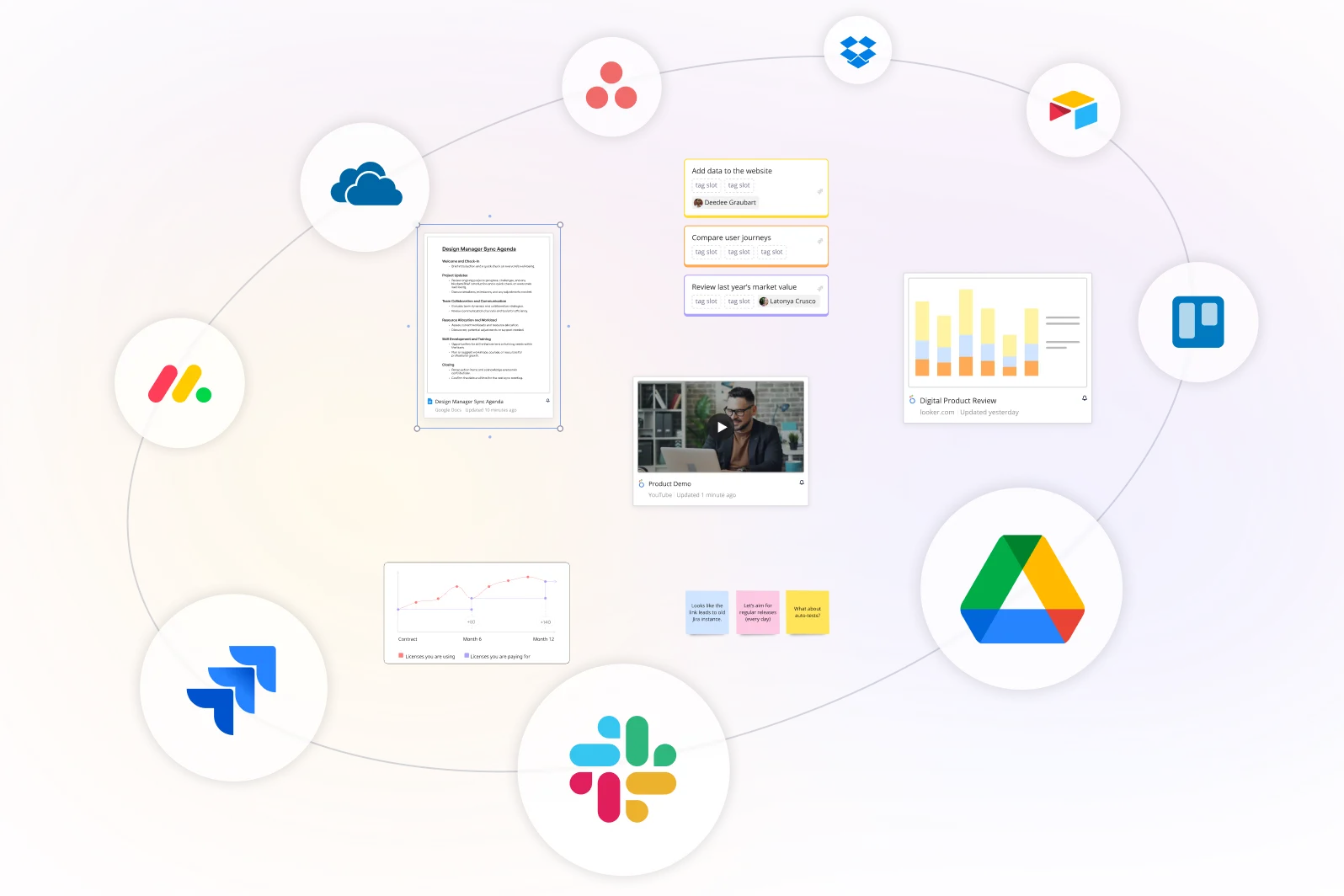
Integrated with your favorite tools
Related templates
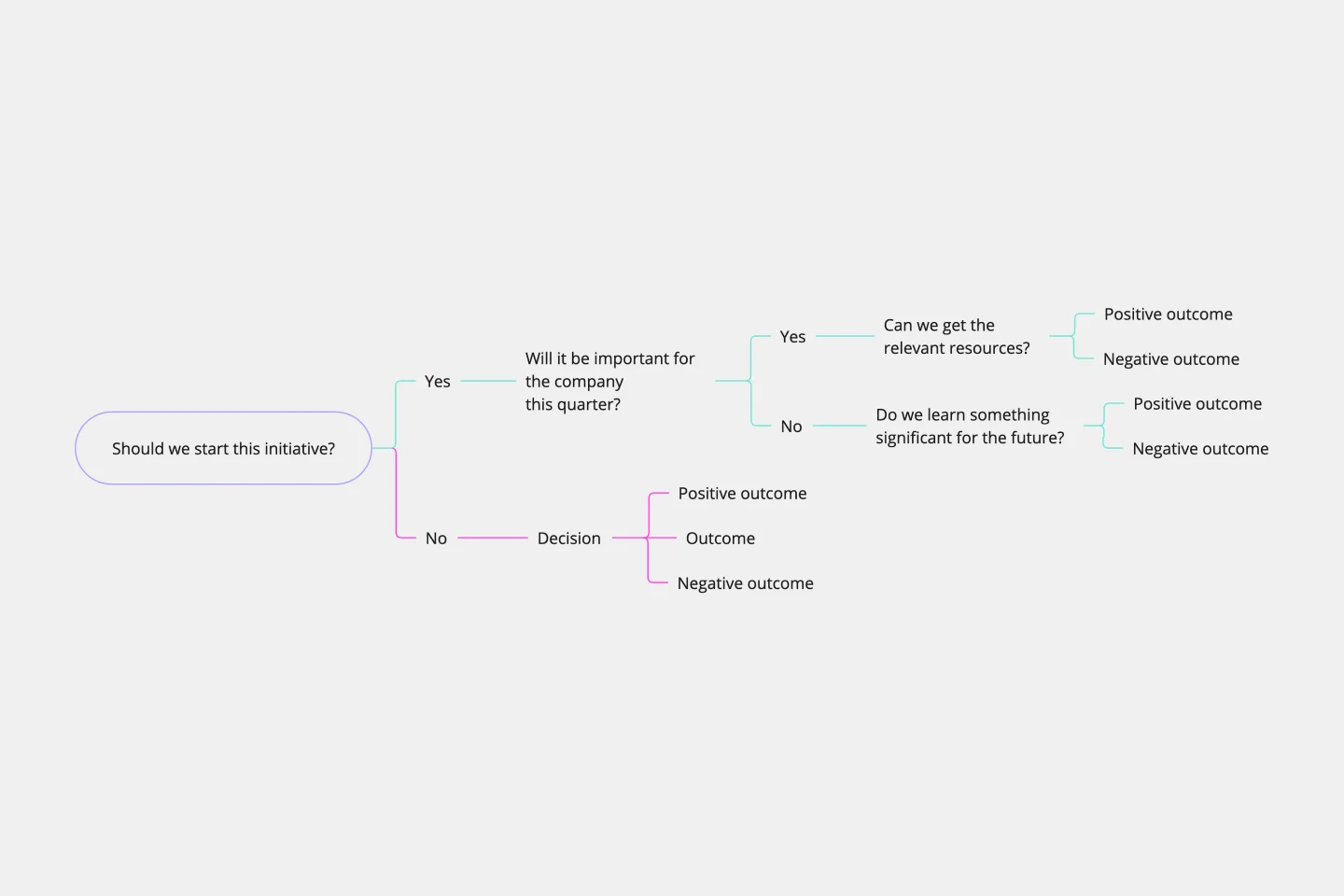
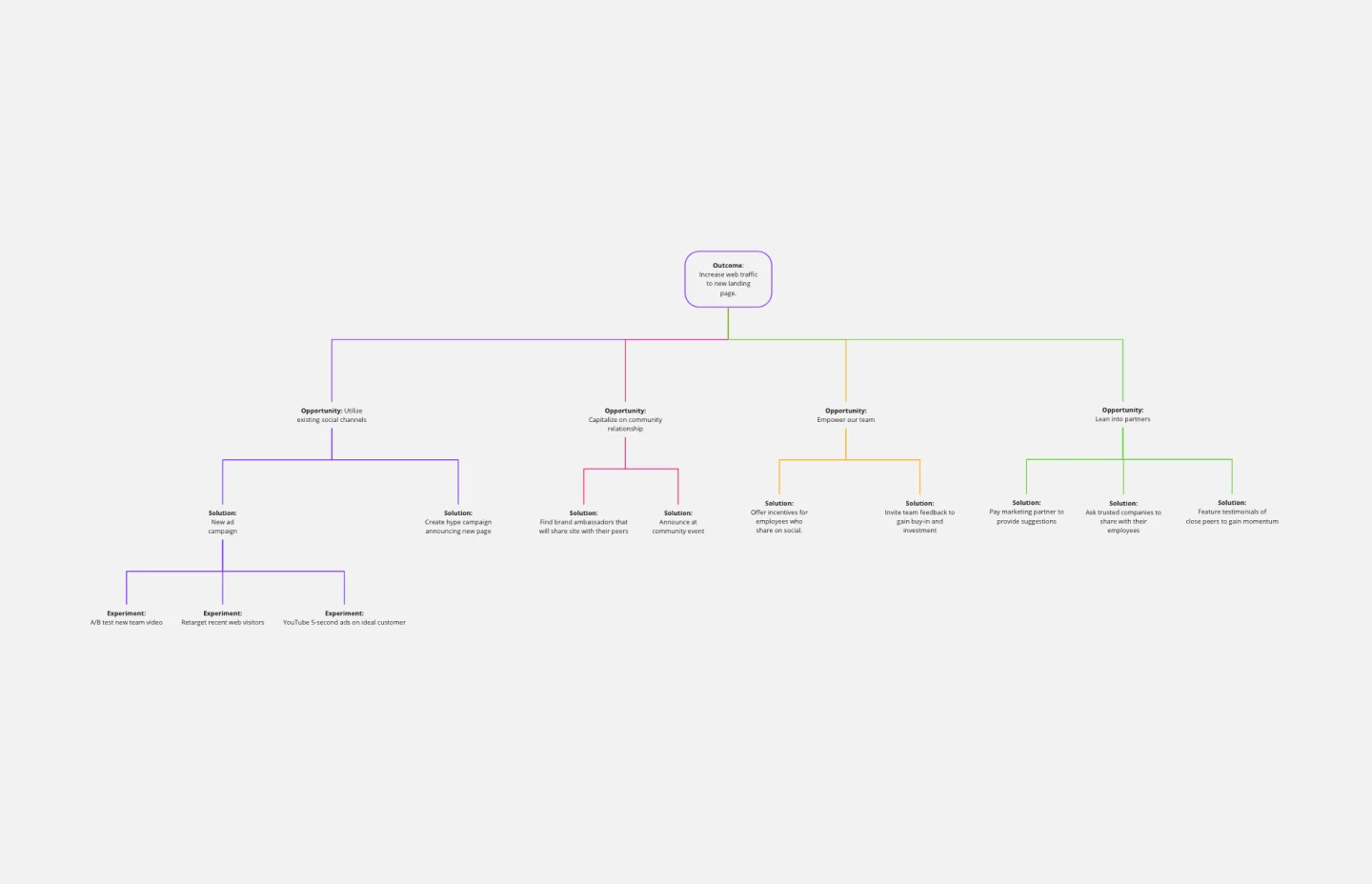
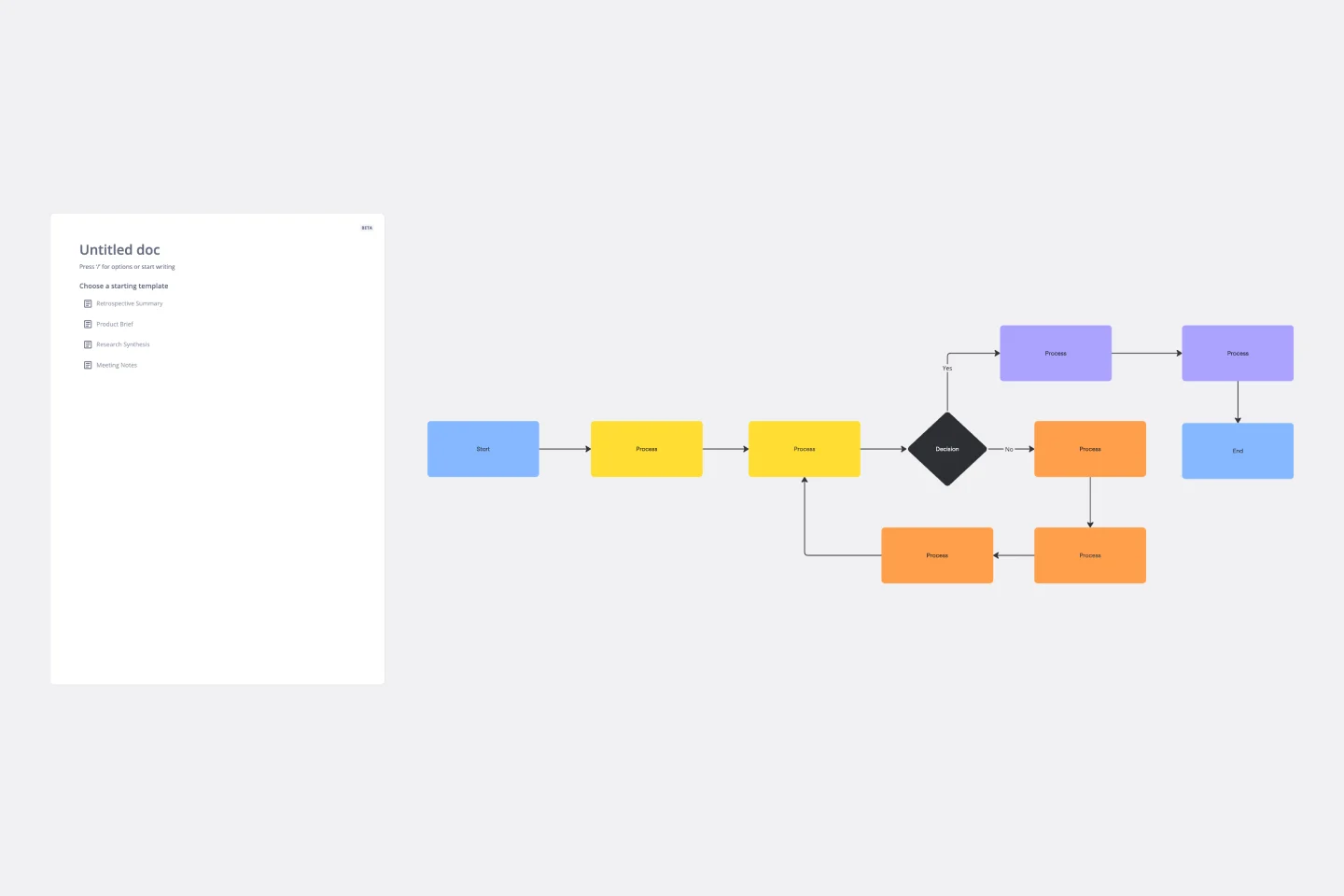
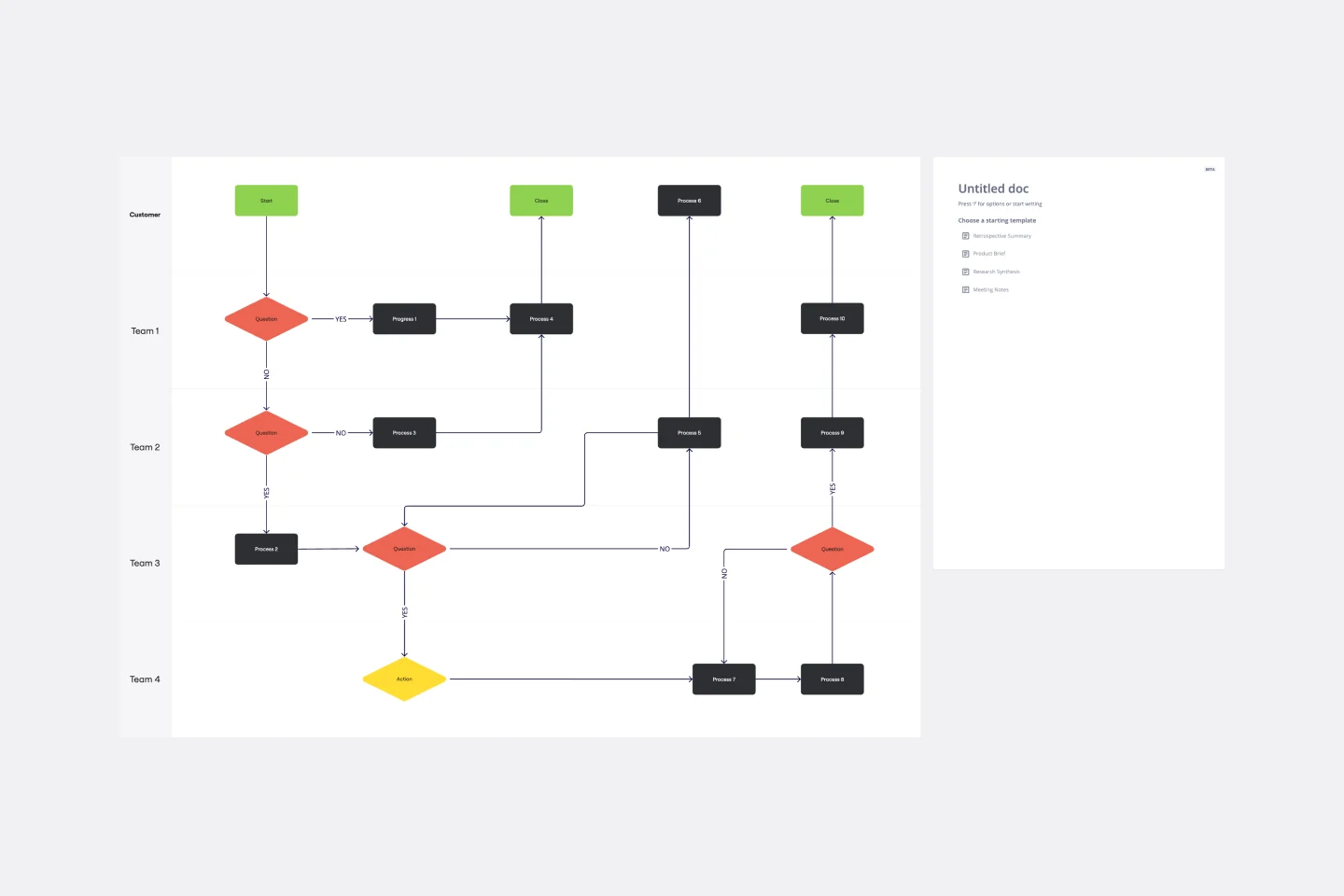
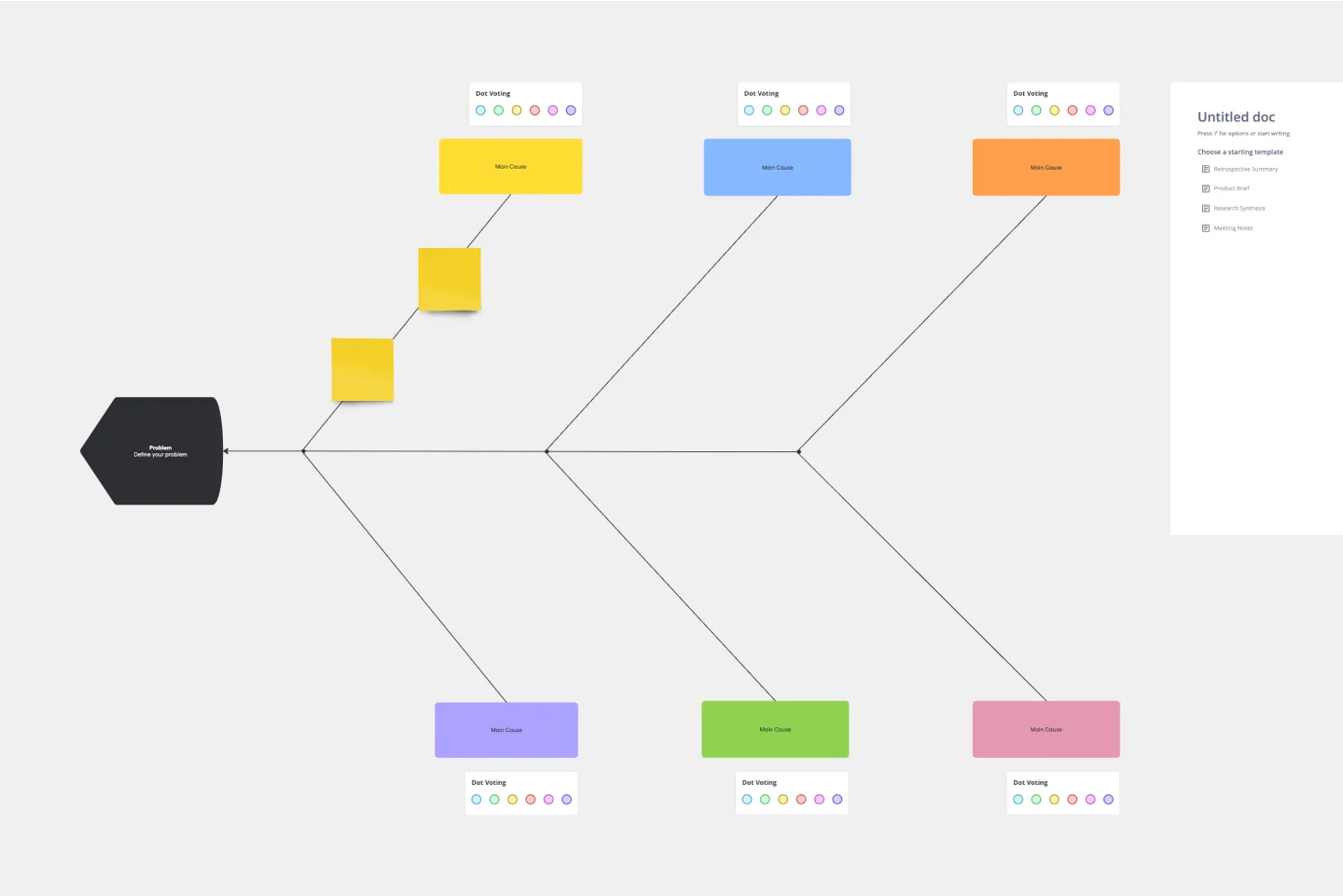
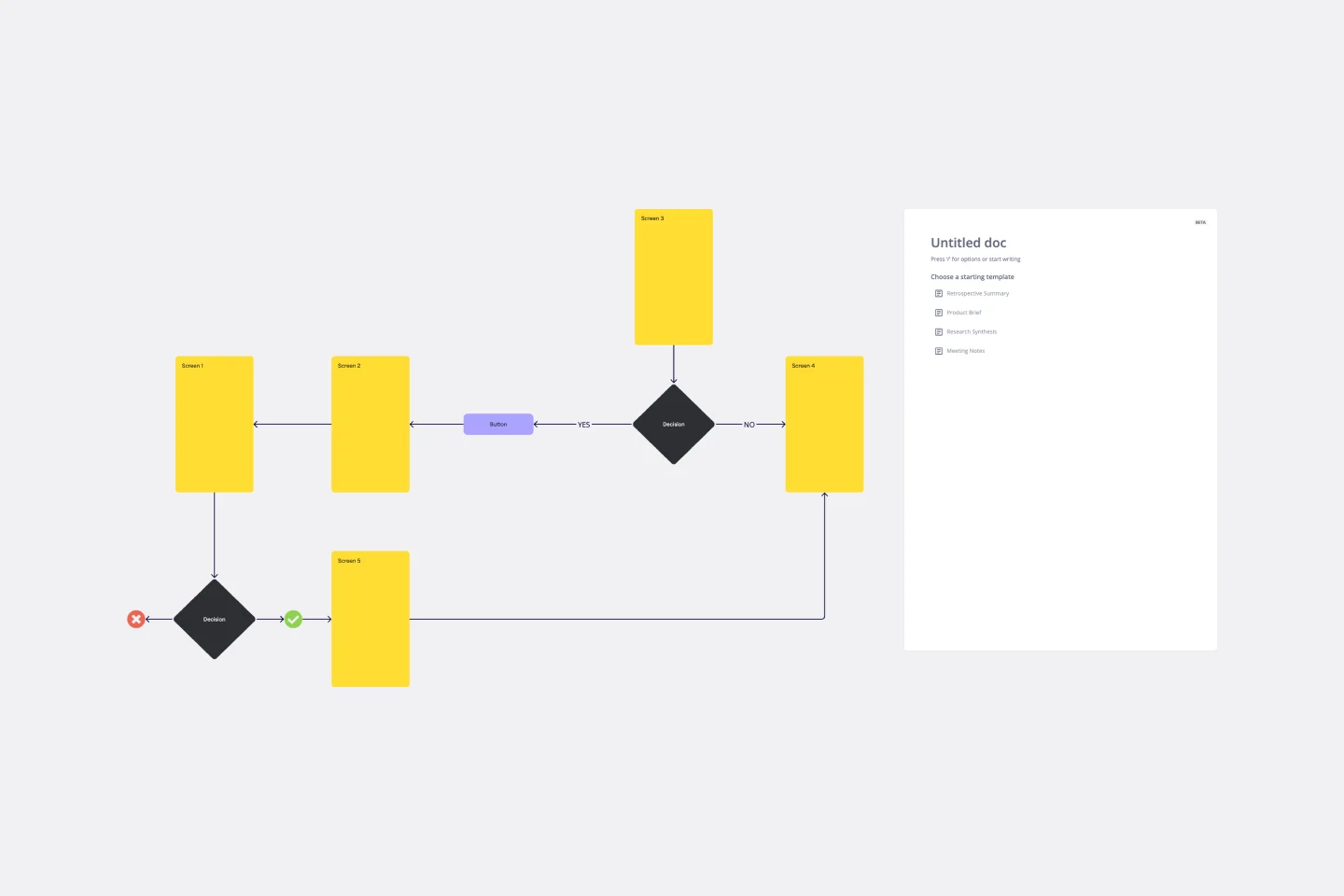
What is a Decision Tree?
How to make a decision tree with Miro

The world's most innovative companies are collaborating in Miro, everyday
“With Miro, we went from project brief to in-market launch in 10 months. That usually takes 3 years at PepsiCo.”
Caroline de Diego
Senior Manager, Global Design & Marketing Innovation at PepsiCo


“Bringing everyone together to plan in Miro means the most impactful initiatives will happen at the right time.”
Lucy Starling
Product Operations Lead at Asos


“The team onboarded in 10 minutes to use Miro for workshops. Getting our organization to adopt this product was a no-brainer.”
Konrad Grzegory
Agile Transformation Lead at CD PROJEKT RED


“Miro templates helped us go from scratch to a full-fledged plan where we mapped activities, ideas, and dependencies.”
Marc Zukerman
Senior Director of Project Management at Hearst


“Miro allows all our teams to align themselves with certain tools and models: they work independently and create products that really meet our customers' needs.”
Luke Pittar
Sustainability Innovation & Design Coach at The Warehouse Group


“To be truly innovative, everyone needs to have a voice, and everyone needs to be able to iterate on each other’s ideas. Miro has made that possible for us.”
Brian Chiccotelli
Learning Experience Designer at HP


Users love Miro for end-to-end innovation. We're the G2 leader in visual collaboration platforms and are rated in the top 50 enterprise tools. Miro helps large companies get meaningful work done.
Top 50 Products for Enterprise
G2 reviews


Decision tree maker FAQs
How do you create a decision tree?
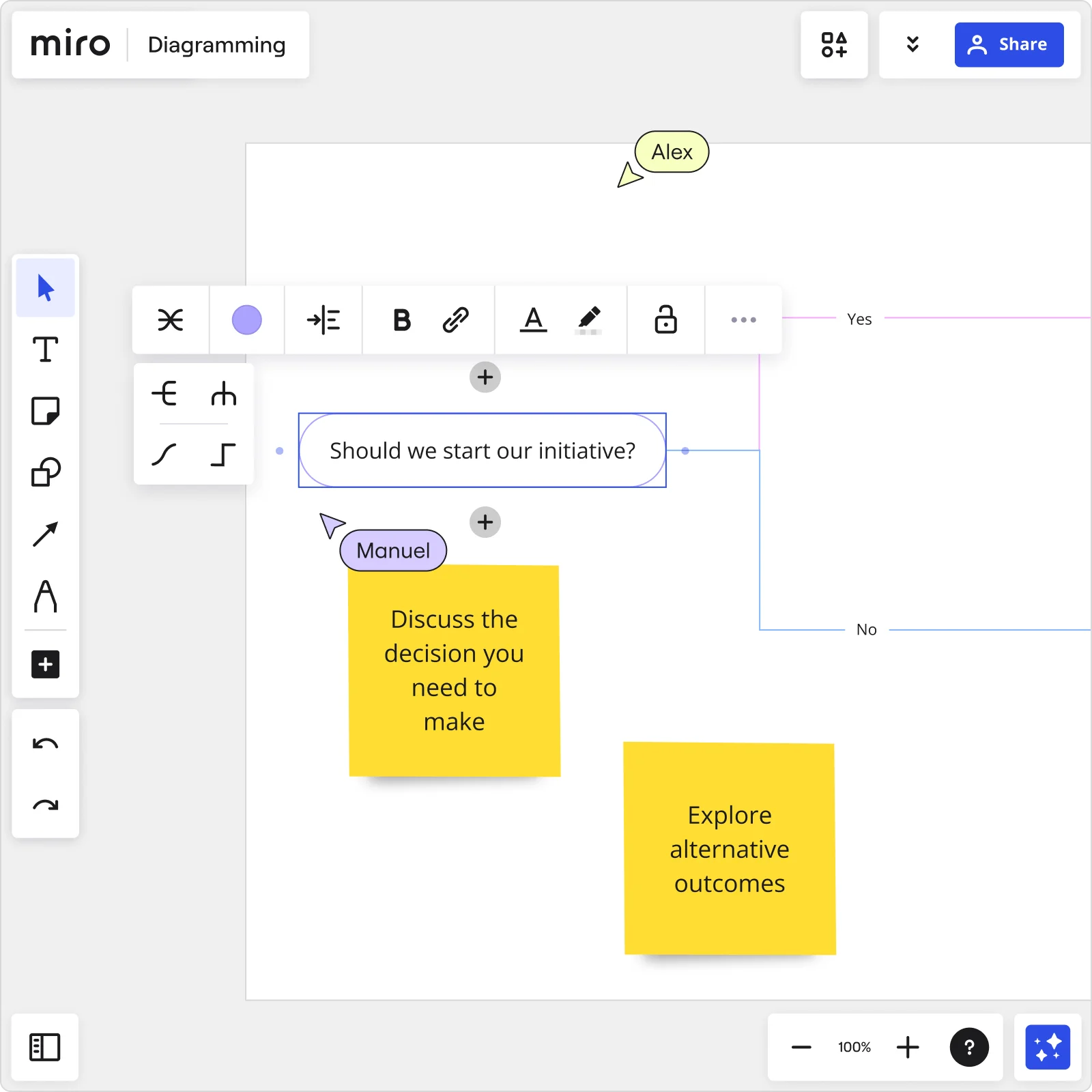
In Miro, you have many possibilities to create a decision tree. You can either build one from scratch in our infinite canvas or customize one of our ready-made templates, which you can find in our templates library. When making a decision tree in Miro, you can start by adding your problem or theme at the top using shapes and tracing your diagram flow with connector lines and arrows to lead to possible decisions or outcomes. After you set your diagram’s structure, you can label the different results and easily map out the possible solutions to your problem. Miro’s decision tree maker allows you and your team to get work done together in real time and asynchronously. Start creating, iterating, and sharing decision tree diagrams quickly with Miro.
Is Miro's decision tree maker free?
Miro believes in making collaboration tools accessible to everyone. Our Decision Tree Maker is free, allowing you to create, visualize, and share decision trees without cost. Whether you're an individual user, a small team, or a large organization, you can use Miro's decision tree maker at no charge
Can I use the decision tree maker online?
Miro's Decision Tree Maker is an online tool designed for seamless collaboration. You can access it from any device with an internet connection. No need to worry about downloads or installations—simply log in to your Miro account, and you're ready to start building and refining your decision trees in real time.
Can I use AI to build and analyze decision trees?
Yes. Miro's AI decision tree features speed up both creation and analysis. Use Create with AI to generate an initial tree structure by describing your problem — the decision tree generator AI builds a mind map-style foundation you can expand. Once your tree is built, AI Sidekicks act like an extra teammate, answering questions about risk patterns, suggesting branches you might have missed, or comparing different paths. The AI understands your board context, so insights are specific to your situation.
How does Miro integrate with other tools?
Miro connects with over 130 apps and platforms. Link decision trees to Jira epics, embed them in Confluence pages, share in Slack channels, or connect to Google Drive for supporting research. Export trees as images or PDFs for presentations. These integrations keep your decision tree generator connected to your workflow instead of isolated in a separate tool.
Does Miro have a community for decision tree resources?
Yes. Miro's community includes millions of users who share templates, techniques, and best practices. Our template library has decision tree templates from teams across industries. Community forums include discussions about decision-making frameworks and examples of how teams structure their trees. We also publish guides, webinars, and case studies showing how organizations use decision trees for strategic planning and problem-solving.