Yes/No Flowchart PowerPoint
Template Brief
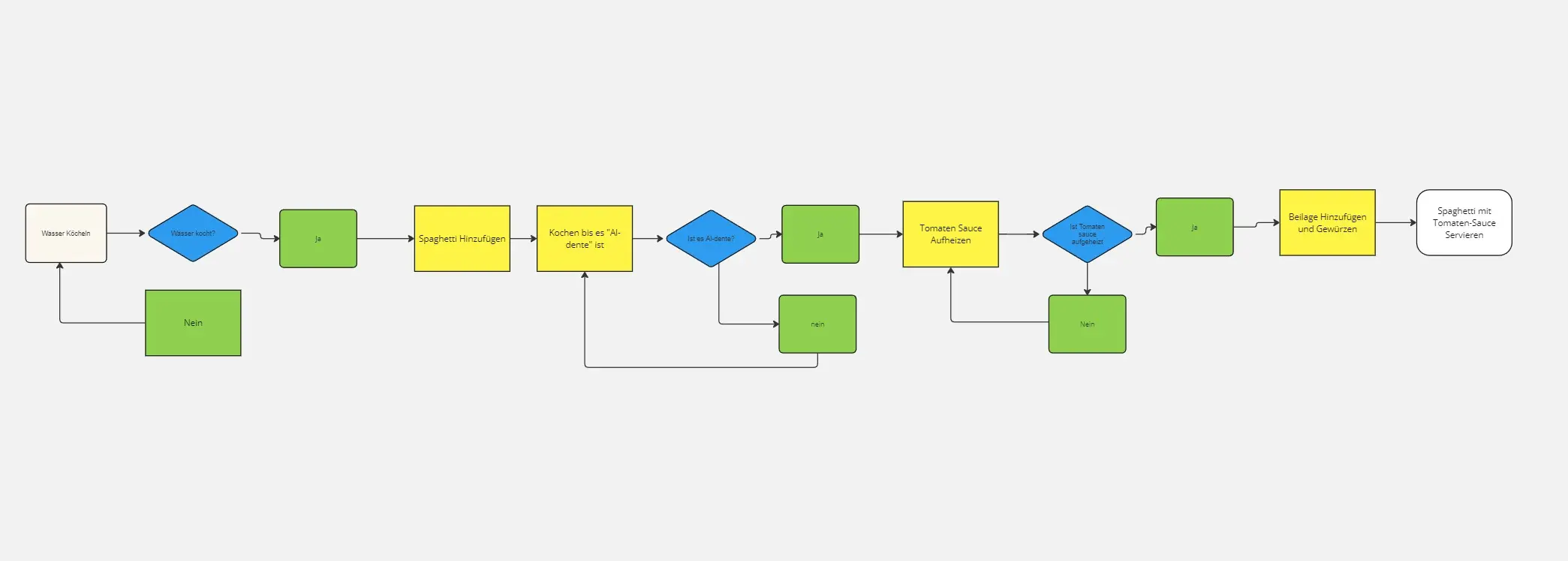
A binary decision-making flowchart template designed for PowerPoint presentations. Features circular start/end nodes, diamond-shaped decision points, and branching Yes/No pathways with connectors. The example demonstrates a cloud migration assessment workflow with multiple decision layers.
Probable Uses
IT infrastructure planning and cloud migration assessments
Business process mapping with binary decision points
Strategic planning and risk evaluation frameworks
Project management decision trees
Technical troubleshooting workflows
Training materials for systematic decision-making
Compliance and approval process documentation
Filling Instructions
Start Node: Replace "Start" text with your process name or initial trigger.
Decision Points: Edit text labels above intermediate event nodes with your Yes/No questions (e.g., "Is Current Infrastructure Legacy?").
Outcome Nodes: Customize circular endpoint nodes with your results or action items. Green typically indicates positive outcomes; adjust colors as needed.
Pathways: Modify Yes/No text labels on each branch. Add or remove decision layers by duplicating node groups.
Connectors: Ensure arrows logically flow from decisions to outcomes.
Icons: Replace placeholder icons within shapes to match your subject matter.
Header/Footer: Update title and decorative elements to align with your presentation branding.
Cheers!
Khawaja Rizwan