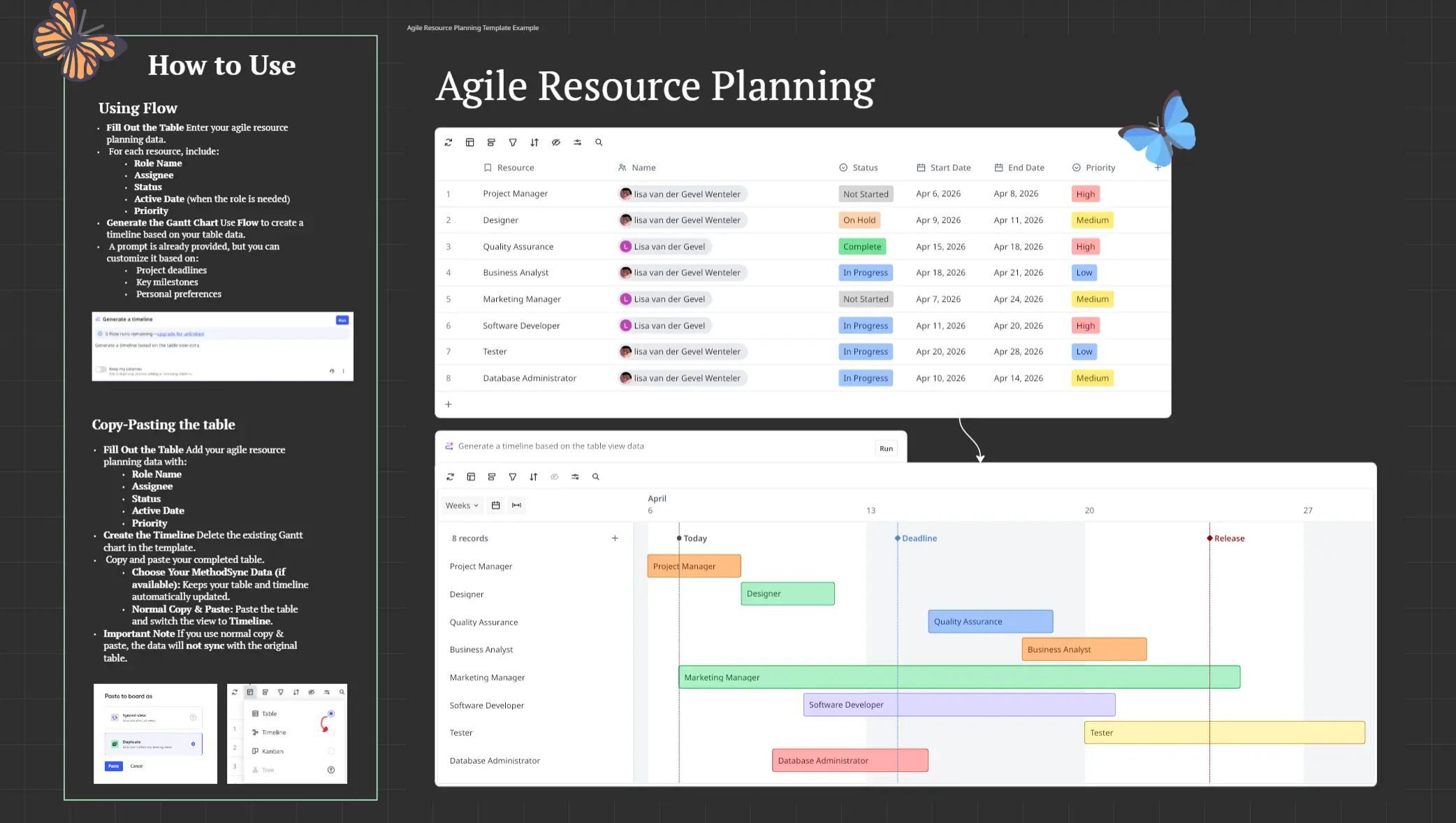
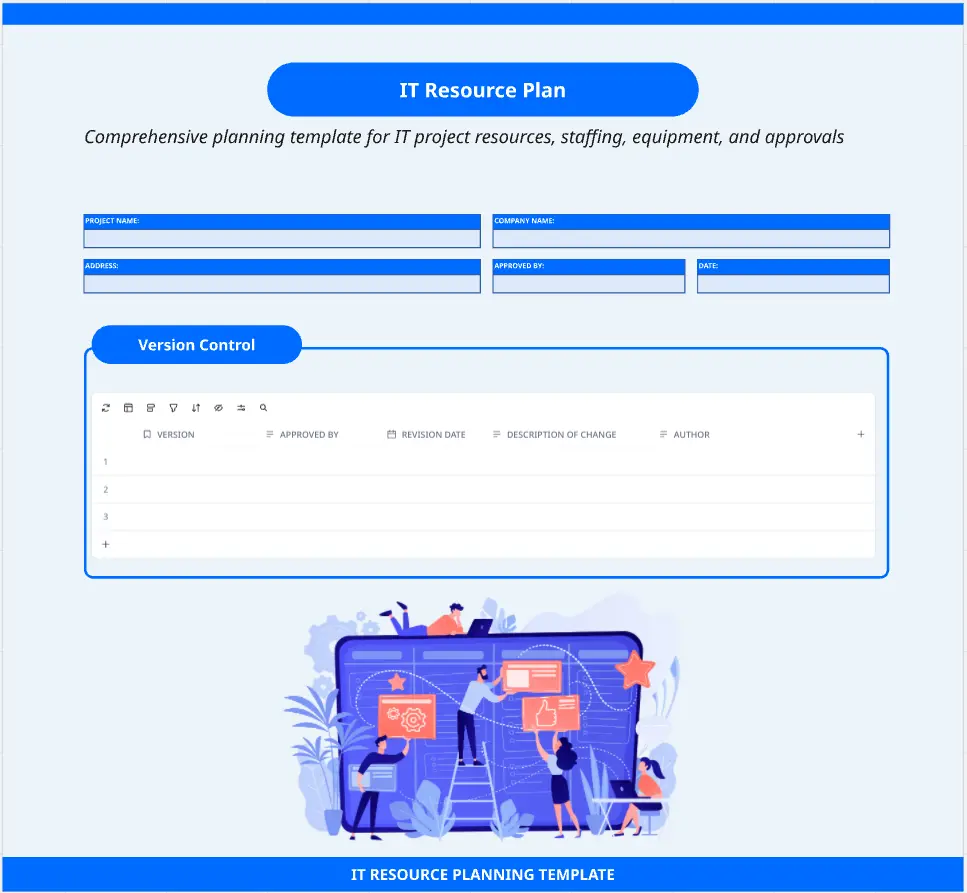
The Cargo Fleet Resource Planning template turns complex staffing and resource allocation into a structured, maritime-themed logistics hub.
Featuring a high-contrast dark theme with vibrant neon indicators, this workshop board helps operations leads, project managers, and team leads balance team capacity, identify bottlenecks, track operating budgets, and manage project backlogs.
Key Zones & Framework
Sailing Orders (Start Here)
Zone 1: Fleet Command & Harbor Goals
Define high-level port objectives, track total operating budgets (licenses, tooling, contractor spend), and organize primary fleet roles across teams.
Zone 2: Cargo Manifest
Zone 3: Loading Docks
Zone 4: Heavy Freight & Congestion
A dedicated risk assessment area to flag resource-heavy flagship projects, identify over-allocated team members, and resolve dependency blockers.
Zone 5: Dry Dock & Reserves
Zone 6: Harbor Log
How to Use This Template
Pre-Planning Setup: Input high-level budget caps in Fleet Command and list active/upcoming initiatives in the Cargo Manifest.
Review Sailing Orders (5 min): Align team members on capacity guidelines and review the sticky note key.
Map Capacity (30–45 min): Assign tasks to individual team slots in the Loading Docks to visualize workload distribution.
Resolve Congestion & Commit (15 min): Identify burnout risks in Heavy Freight, park overflow projects in Dry Dock, and assign final action items in the Harbor Log.
Best For:
Resource Managers & Operations Leads
Agile Project Managers & Scrum Masters
Cross-Functional Team Leads (Engineering, Design, Marketing)
Agencies & Studios managing multi-client bandwidth