Air Traffic Control: Resource Planning & Capacity uses an aviation operations room aesthetic to turn complex capacity management, resource balancing, and risk assessment into an intuitive, visual workshop.
Designed with glowing dark-mode radar themes, this template guides operations leads, product managers, and team leads step-by-step, from incoming demand scans to final landing debriefs, ensuring smooth operational flights without team burnout or resource bottlenecks.
Key Operational Zones & Framework
Zone 00: Pre-Flight Briefing
Agenda & Flight Plan: Walk through the session scope, flight rules, check-in tools, and team roles (Facilitator, Flight Control, Crew Leads).
Holding Pattern / Parking Lot: Dedicated space to park off-track but important topics for later review.
Zone 01: Radar Screen (Project Pipeline & Demand)
Scan incoming project requests, feature builds, estimated story points/hours, and strategic priority levels (High, Medium, Low).
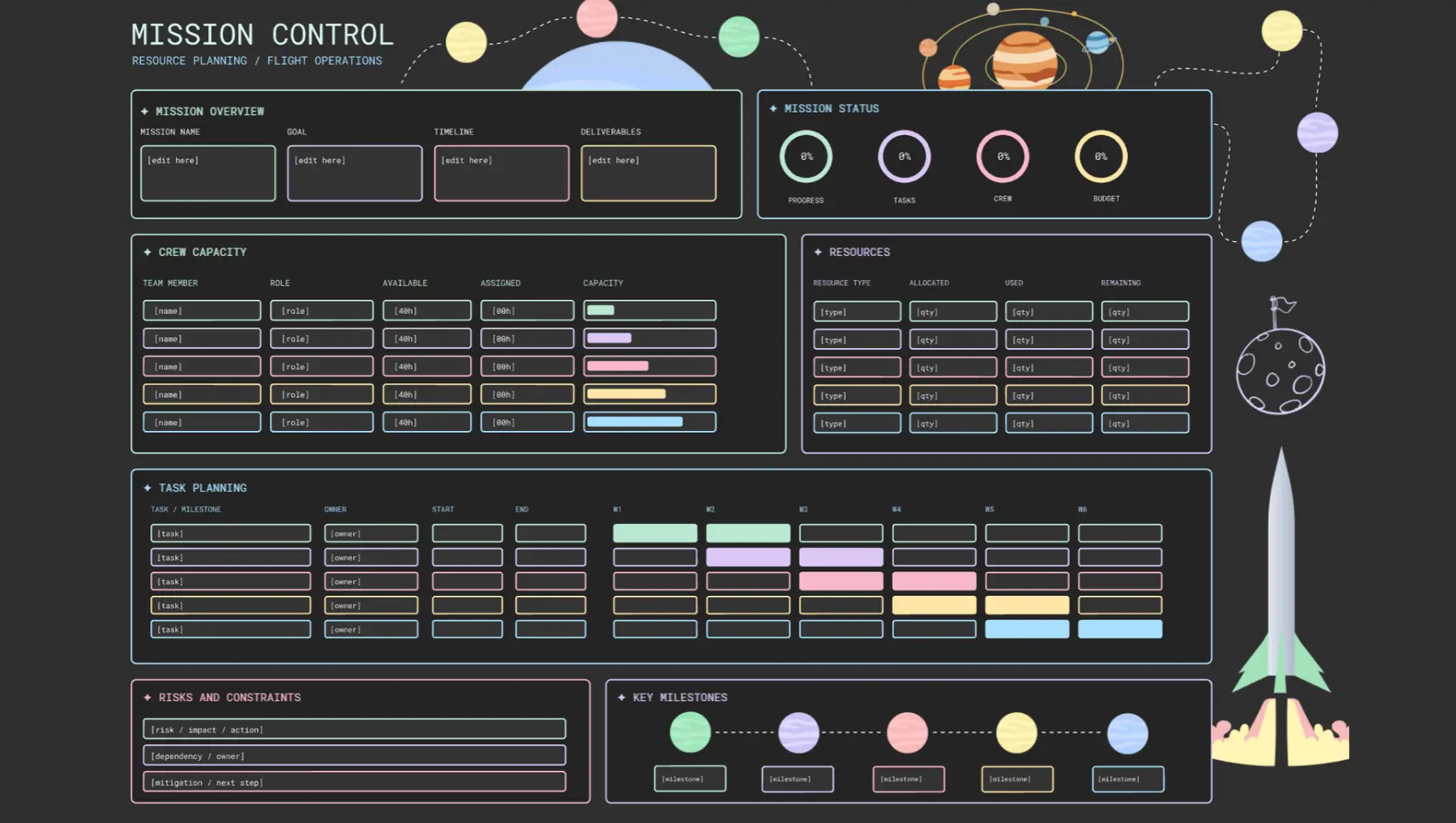
Zone 02: Runway Clearance (Crew Availability)
Zone 03: Flight Deck (Assignment Board)
Zone 04: Turbulence Warning (Over-Allocation & Risk)
Spot operational hazards early! Identify overworked crew members (>100% capacity / burnout risk), single-point bottlenecks, skill gaps, and conflicting release timelines.
Zone 05: Emergency Reroute (Action Plan & Buffer)
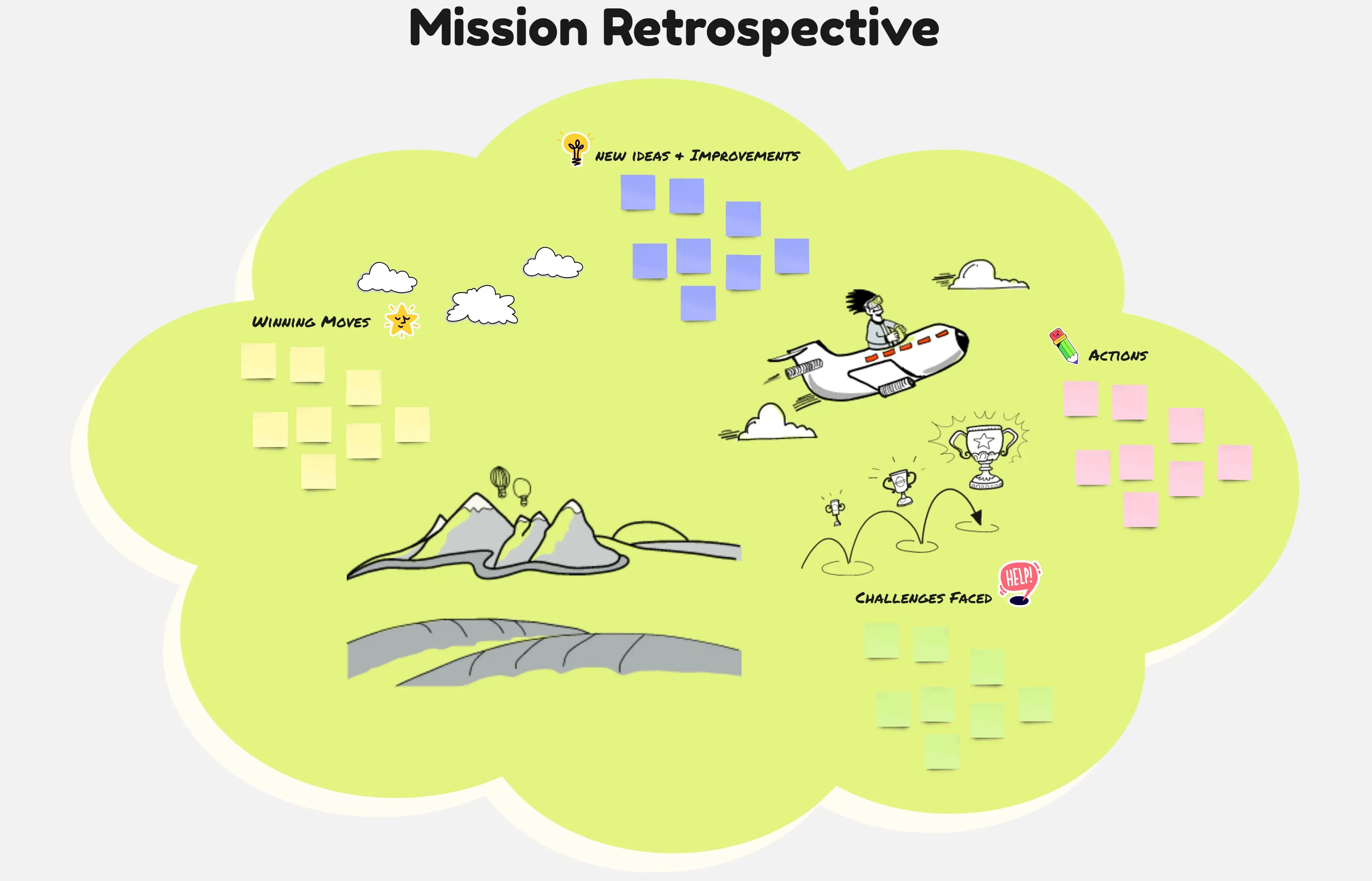
Zone 06: Landing Debrief (Post-Flight Retro)
How to Use This Template
Pre-Flight Check (5 min): Align on session goals, review the agenda, and define team roles in Zone 00.
Scan Demand & Capacity (20 min): Review incoming demand in Zone 01 and check crew availability in Zone 02.
Assign & Spot Turbulence (30 min): Map tasks across Zone 03, then flag over-allocation risks and bottlenecks in Zone 04.
Reroute & Debrief (15 min): Rebalance tasks and allocate buffer budgets in Zone 05, ending with a confidence check in Zone 06.
Best For:
Resource Managers & Operations Leads
Engineering Managers & Agile Delivery Leads
Product & Project Management Offices (PMOs)
Agency & Studio Leads managing multi-client bandwidth