3likes
367uses
SOP Template
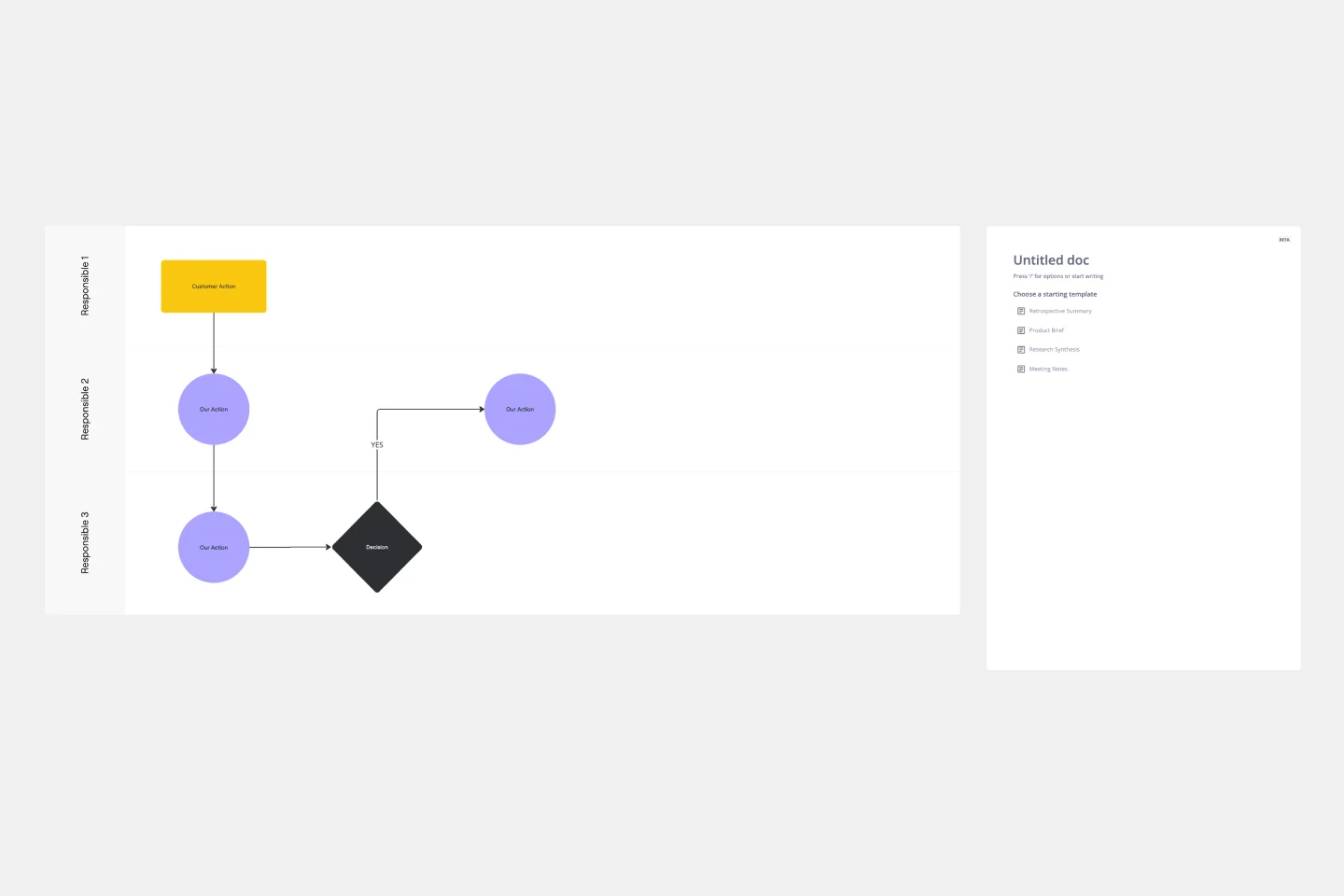
The SOP (Standard Operating Procedure) Template enhances efficiency, transparency, and collaboration within your organization. Take your operations to the next level, streamlining your business processes.
Turn an SOP into a training-ready decision map before creating a walkthrough, onboarding guide, or explainer video. The goal is to make the moments that change a process visible: what happens first, what must be checked, when work should stop, and who owns the next decision.
This editable board is useful when a procedure is more than a linear checklist. Use it for onboarding, quality procedures, IT runbooks, internal enablement, operational handoffs, and any process where learners need to understand both the normal route and the exceptions. It is designed for operations teams, instructional designers, subject-matter experts, team leads, and enablement owners who need one shared view before they build training materials.
What the template helps you map:
• The learner, task, and expected outcome.
• The current source of truth and the parts that must remain accurate.
• A normal route expressed as observable actions.
• Decision points, checks, stop conditions, exception paths, and ownership.
• The evidence, visual examples, reviewer, and update trigger needed to keep training current.
How to use it:
1. Start with the learning job. Name the audience, the real-world task, and the result a learner should be able to achieve. Keep this frame focused on the work, not on a generic course goal.
2. Add the source of truth. Link or summarize the controlled procedure, policy, guide, or system record that the map is based on. Note the version, owner, and any information that needs subject-matter review before it is taught.
3. Map the normal route. Place each meaningful action in order and use short, observable language. A new team member should be able to see where the process begins and what a successful path looks like.
4. Make decisions and exceptions explicit. Add the checks that change the route, the signals that mean “stop,” the escalation path, and the person or team responsible for resolving the exception. This is often the part a written SOP leaves unclear.
5. Plan the evidence and maintenance. Decide what screenshots, photos, diagrams, demonstrations, or examples would make each important step easier to understand. Record the reviewer and the event that should trigger a future update.
The board includes sample content to show the intended level of detail. Read through the sample once, then duplicate or clear the frames for your own process. Keep the first version small: map one high-value workflow before expanding to every exception. Invite the process owner and a recent learner to review it together. If either person cannot identify the next action, decision, or handoff without explanation, simplify the frame or add clearer evidence.
Use the completed map as a shared planning artifact. It can support a live workshop, a documented SOP review, a narrated walkthrough, or a training-video storyboard. The map does not replace the approved operational source; it helps teams turn that source into a process learners can follow, question, and update. For recurring procedures, duplicate the map for each workflow, keep a visible change date, and revisit it whenever the source, system, owner, or escalation path changes.

Xinwei
Founder of KPainter @ KPainter
Founder of KPainter. I create practical, source-led templates for turning complex documentation and processes into clear visual explanations.
SOP Template
The SOP (Standard Operating Procedure) Template enhances efficiency, transparency, and collaboration within your organization. Take your operations to the next level, streamlining your business processes.
Experience Map
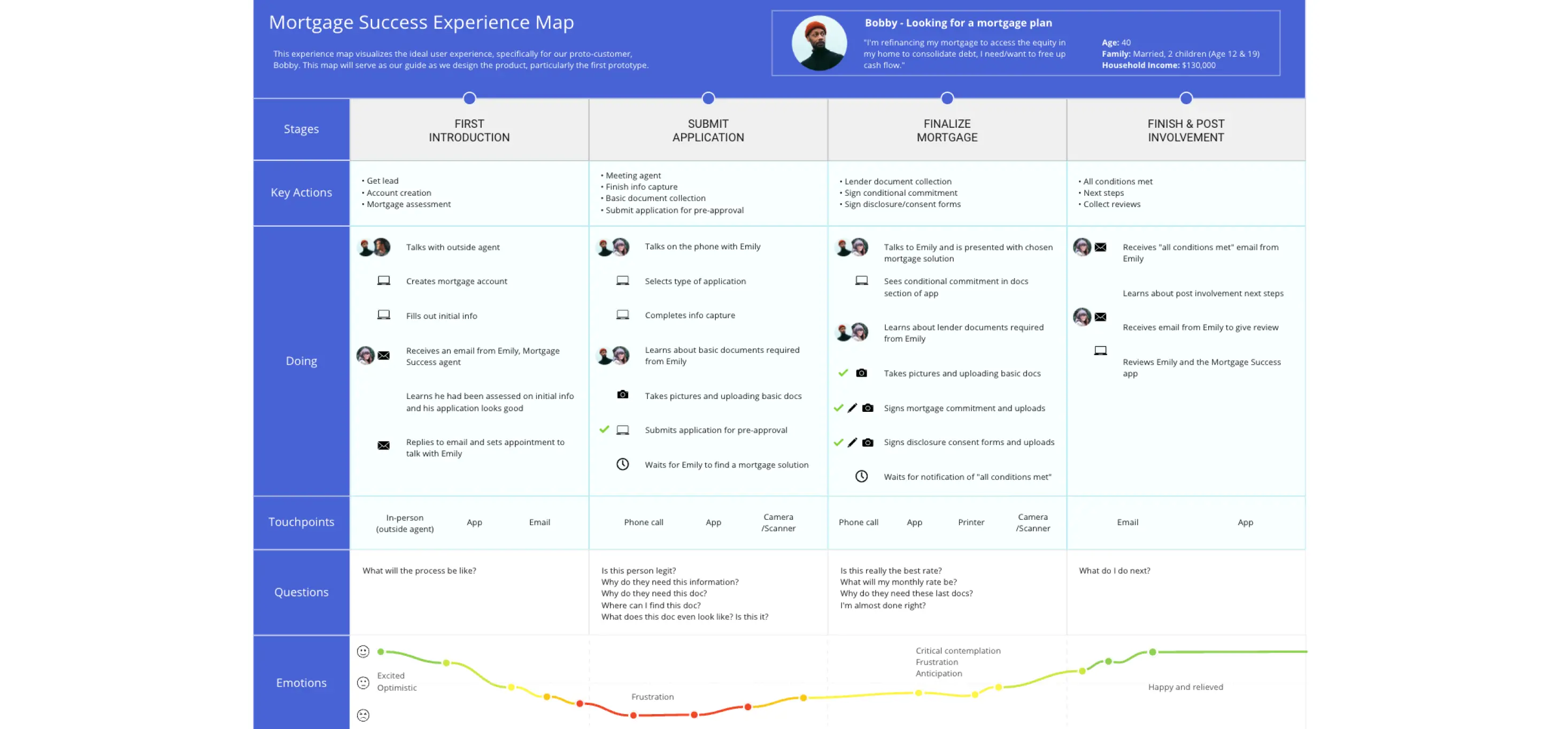
Plan your product according to your customer’s needs and desires with the Experience Map Template. Bring a customer-centric approach to product development and branding.
SOP Template
The SOP (Standard Operating Procedure) Template enhances efficiency, transparency, and collaboration within your organization. Take your operations to the next level, streamlining your business processes.
Experience Map
Plan your product according to your customer’s needs and desires with the Experience Map Template. Bring a customer-centric approach to product development and branding.