Sitemap with Icons
Template Description
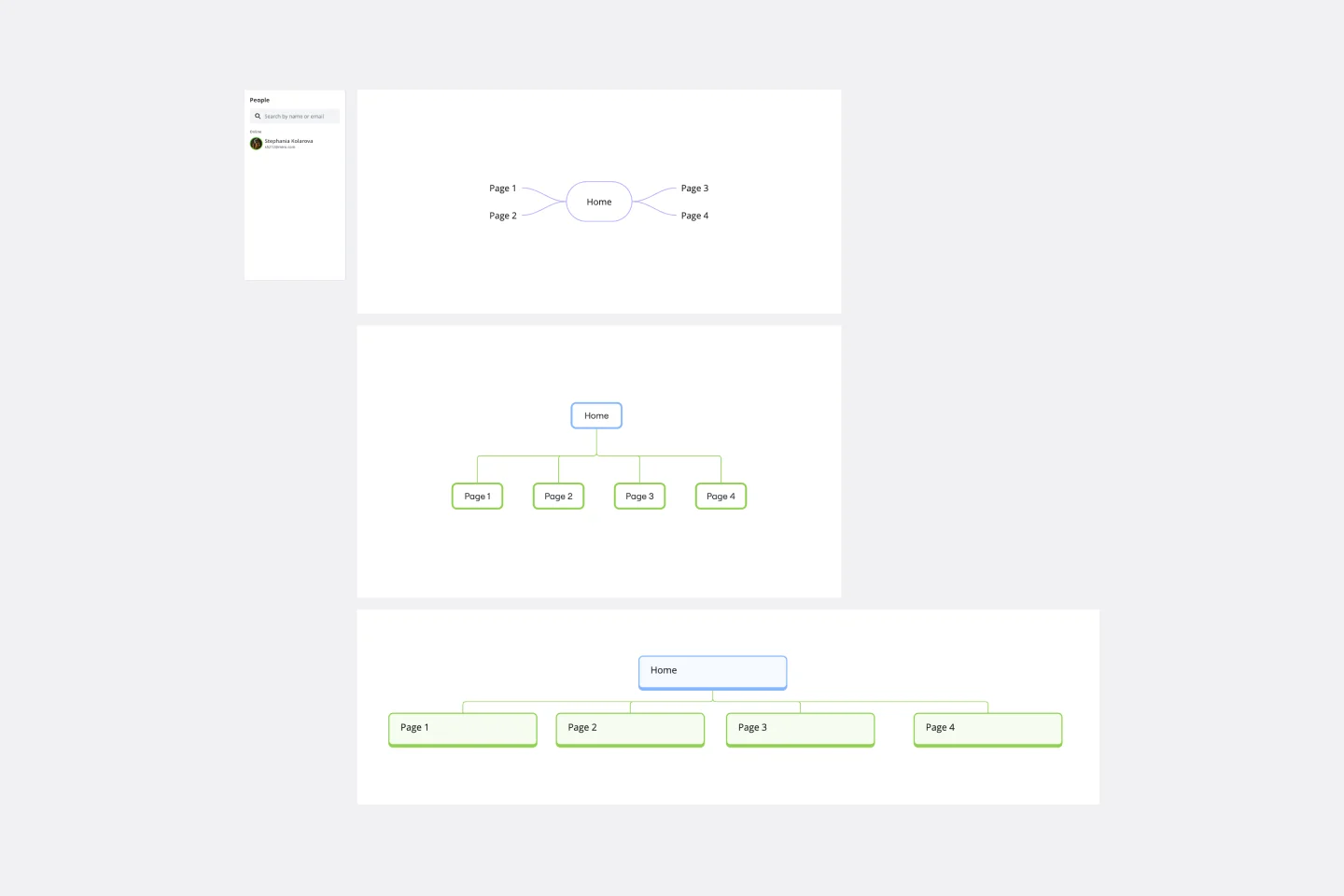
This template visualizes a complete website architecture in a single, easy-to-scan map. A Home Page sits at the top, branching into four main sections—Features, Help & Learning, Blog, and About Us—each with clearly labeled subsections. Distinct colored circular icons and connector lines show hierarchy and navigation flow at a glance.
What It Is and Why It Exists
A visual sitemap for planning and communicating information architecture.
Shows landing pages and nested subpages across three-to-four levels of depth.
Uses color-coded icon sets to distinguish sections and page types for quick comprehension.
When to Use
Website planning and redesigns
IA and navigation workshops
Stakeholder alignment and decision reviews
Content audits and migration mapping
Onboarding new team members to site structure
Key Benefits
Visual clarity: hierarchy, parent–child relationships, and section boundaries are obvious.
Speed: quickly map current or proposed structures without starting from scratch.
Collaboration: align product, UX, and content teams in real time.
Traceability: see how landing pages connect to deeper content for scope and effort sizing.
Easy to update: add, remove, or reorder nodes without breaking the overall map.
How to Customize
Add or remove pages
Duplicate an existing node to add a page.
Delete nodes that are out of scope.
Use connector lines to place pages under the correct parent.
Adjust hierarchy
Change icons and colors
Apply the section’s color theme to new nodes to maintain visual grouping.
Swap icons to represent page type (e.g., article, template, team).
Rename labels
Annotate decisions
Add notes for owners, status, and KPIs (e.g., migrate, create, deprecate).
Outcome
Use this template to produce a shared, testable sitemap that guides navigation design, content planning, and development handoff—so teams can move from idea to implementation with confidence.
Cheers!
Khawaja Rizwan