Resource Capacity Planning
Template Description
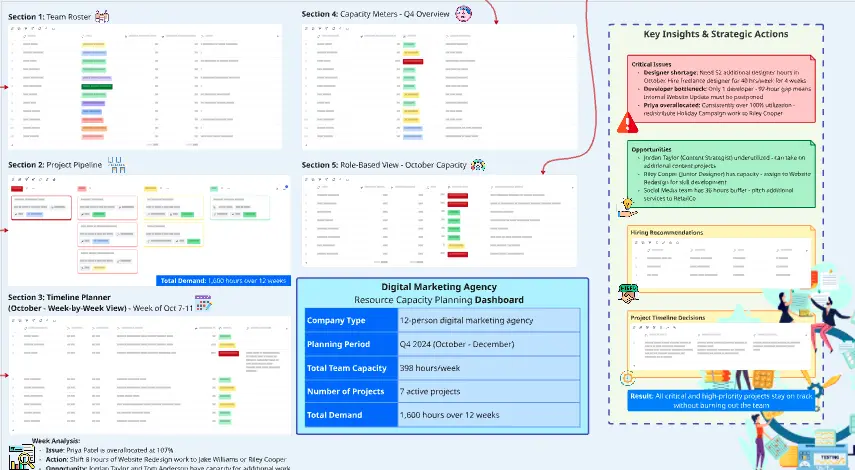
Track team capacity and workload allocation on a monthly basis. This template helps monitor employee availability and utilization across the week with automated calculations. Includes employee names, daily hours (Mon-Sun), available hours, and two auto-calculating columns: Booked Hours (sums weekly hours) and Utilization % (calculates capacity usage). Perfect for balancing workloads, identifying over/under-utilized resources, and making data-driven staffing decisions.
Filling Instructions
Standard Columns
Employee: Enter each team member's name
Mon-Sun: Input daily working hours for each employee (enter 0 for non-working days like weekends)
Available Hours: Enter total monthly available hours per employee (e.g., 184 hours for a standard month)
Month: Update to reflect the current tracking period (e.g., Jan-2026)
Formula Columns
Booked Hours
This column automatically sums all daily hours worked across the week
Formula: Mon + Tue + Wed + Thu + Fri + .....
No manual calculation required
Utilization %
This column automatically calculates the percentage of available hours being used
Formula: =(Booked Hours / Available Hours) × 100
Shows how much of each employee's capacity is allocated
No manual entry required
Other Probable Use Cases
Project resource allocation and demand forecasting
Billable hours tracking for consulting or agency teams
Multi-project workforce capacity planning
Identifying staffing gaps and overstaffing situations
Employee workload balancing to prevent burnout
Budget planning based on utilization metrics
Comparing planned capacity vs actual usage
Cross-team capacity coordination and optimization
Freelancer and contractor hour management
Department-wide resource planning and reallocation
Sprint planning for development teams
Overtime and underutilization analysis
Cheers!
Khawaja Rizwan