6likes
60uses
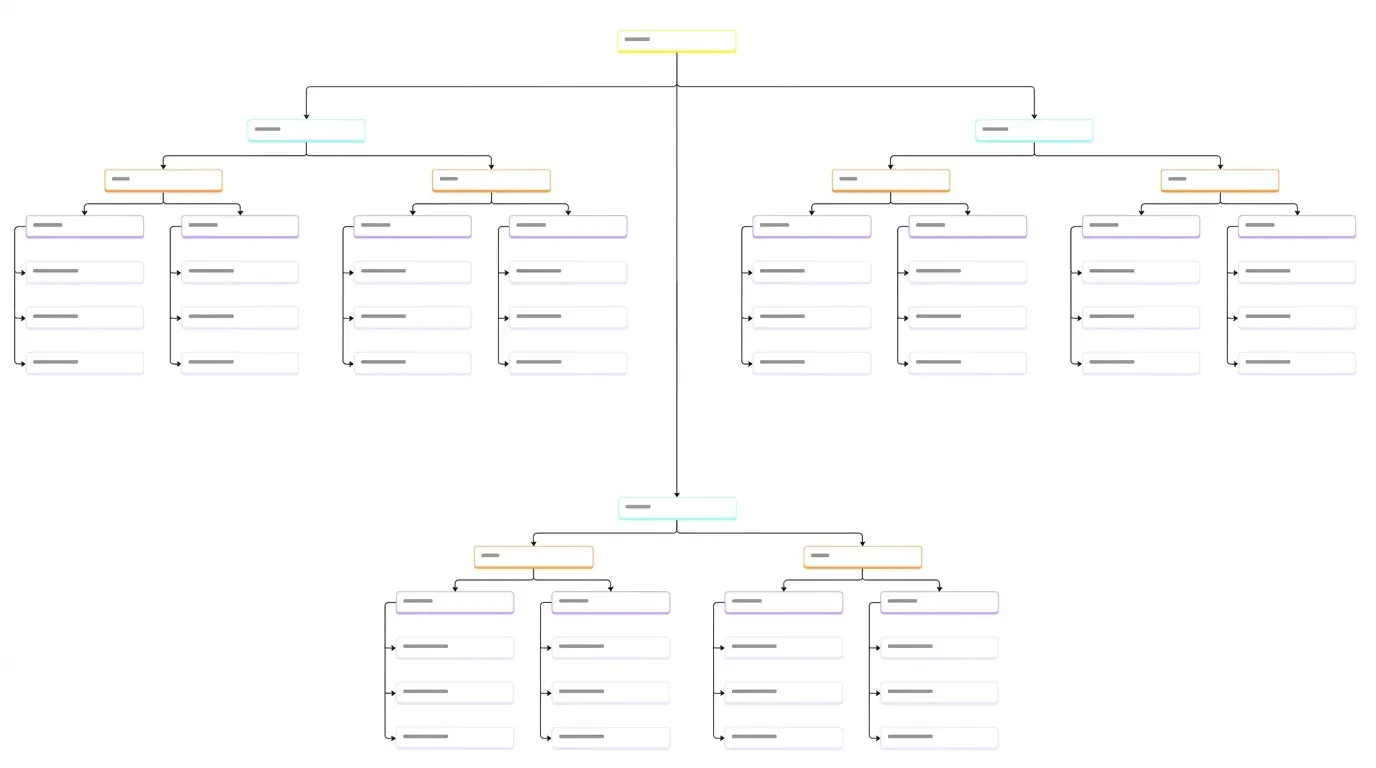
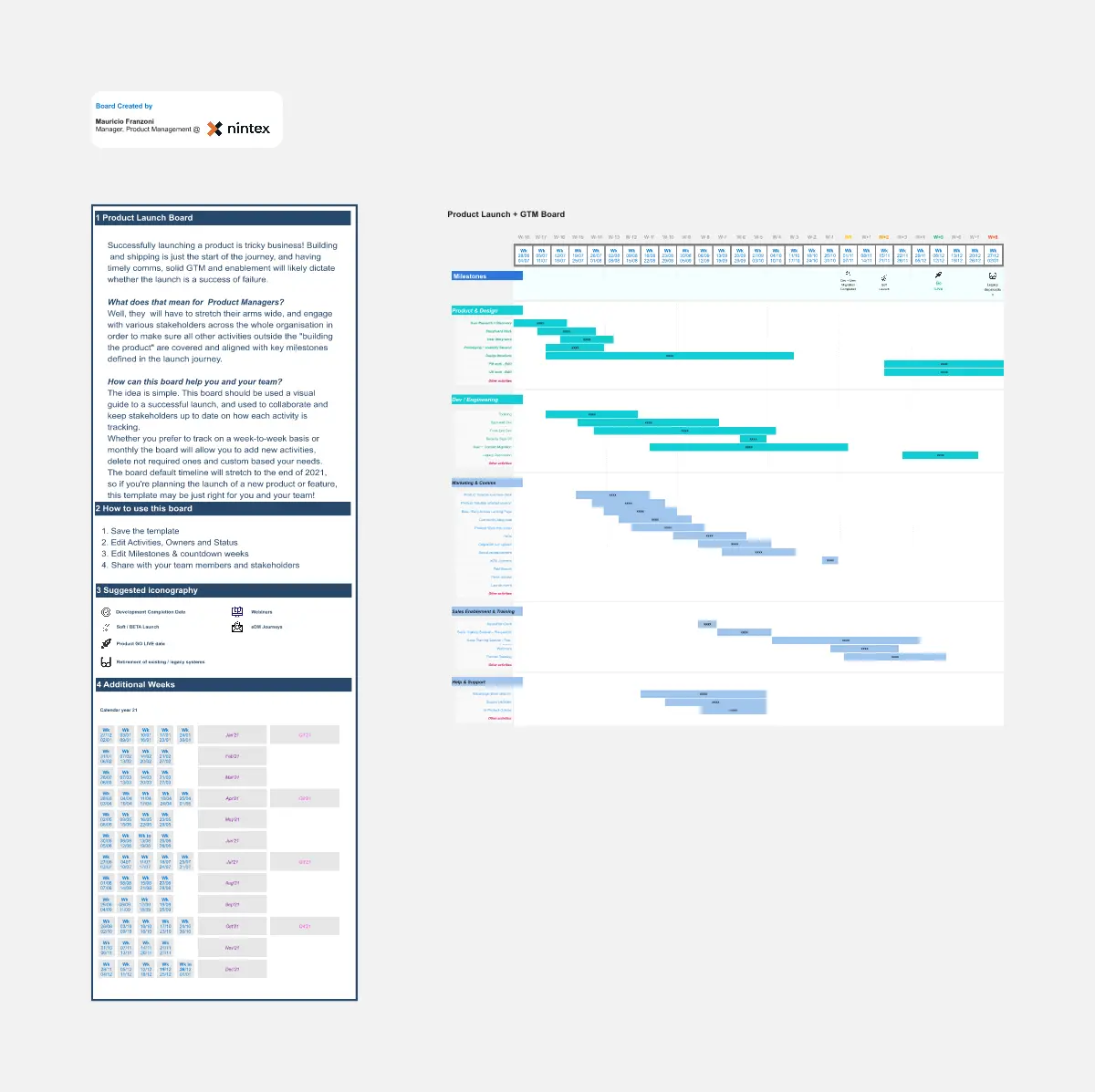
Ensure a flawless product launch and capture every market opportunity with this structured launch template! 🚀 Designed for Product Managers, founders, and business leaders, this comprehensive template guides you through planning, executing, and tracking your entire go to market strategy. Whether you are coordinating cross functional teams, managing dependencies, or reporting progress to stakeholders, this tool helps you structure your launch process from preparation to post launch analysis, connecting your solution to customer needs and market opportunities.
A Product Launch Tracker is a structured project management template that helps product teams and business leaders transform their product strategy into a comprehensive, executable plan. 📊 Built using robust visual tools, this template provides an all in one framework that guides you through the essential elements of a successful product introduction: from establishing clear launch objectives and key results (OKRs), to defining your target audience and messaging, coordinating marketing and sales enablement, tracking development milestones, and managing post launch support.
Many product teams struggle with the "launch chaos problem" when trying to bring a new product or feature to market. 😫 Common challenges include:
Lack of cross functional alignment: Siloed departments and jumbled communications.
Missing critical steps: Forgetting key components like sales training, support documentation, or legal review.
Weak dependency management: Failing to connect development timelines to marketing activities.
Inconsistent progress tracking: Creating status reports that are hard to follow or quickly outdated.
Time consuming coordination: Spending hours in meetings just figuring out what is on track.
Start with Step 1 Define Launch Strategy: 💭 Fill in your launch WHY, HOW, and WHAT. Define your target customers, their main problems, and your unique value proposition. Set clear launch OKRs. This establishes your strategic foundation.
Complete Step 2 Build the Cross Functional Plan: 🎯 Detail the tasks for every department (Product, Marketing, Sales, Support, Legal, engineering). Assign owners, set deadlines, and identify key dependencies. Use the provided checklists to ensure nothing is missed.
Map and Track Progress: 📋 Utilize the powerful visual views to manage the execution: 1️⃣ Use the high level Timeline View to visualize key phases and milestones and check for scheduling conflicts. 2️⃣ Drive daily work with the granular Kanban View to track individual tasks by status. 3️⃣ Maintain a master, real time Table View for a detailed, filterable database of all launch activities.
Customize and Communicate: 🎨 Add your own company specific sections, custom properties, and brand elements. Use the dashboard view to provide instant status updates to stakeholders.
Common pitfalls to avoid
❌ Launching on a "what" not a "why": Always start with the problem you are solving to ensure a customer centric launch.
❌ Siloed planning: Involve all departments early to prevent last minute surprises.
❌ Treating launch as a single day event: Focus equally on preparation, launch day, and critical post launch activities.
❌ Weak cross team dependencies: Visually map how one team's delay affects others.
❌ Assuming a perfect plan: Be ready to adapt and update the tracker in real time as situations change.
Q: Who can benefit from this template? 👥
A: This template is ideal for Product Managers leading a launch 🛠️, founders coordinating early company resources 🤝, marketing leaders aligning promotional efforts 📈, and any business leader or project manager responsible for a complex product introduction 🏢.
Q: Can this tracker be used for different types of product launches? 🏪
A: Yes! The template is flexible and works for new product introductions, major feature releases, platform updates, and service rollouts. simply adapt the launch phases and task lists to your specific industry and product type while following the same structured framework.
Q: How much time does it take to manage? ⏱️
A: Initial setup takes 2 to 4 hours to define the strategy and plan. Once established, daily and weekly updates take minimal time. Because it centralizes all launch information, it saves significant time by reducing status meetings and coordination overhead, allowing your team to focus on execution.

Rodolfo Pernambuco
Group Product Manager @ BEES | AB-InBev
Developing digital products since 2019. A creative product leader who loves teamwork and collaboration.
Product Launch Lifecycle
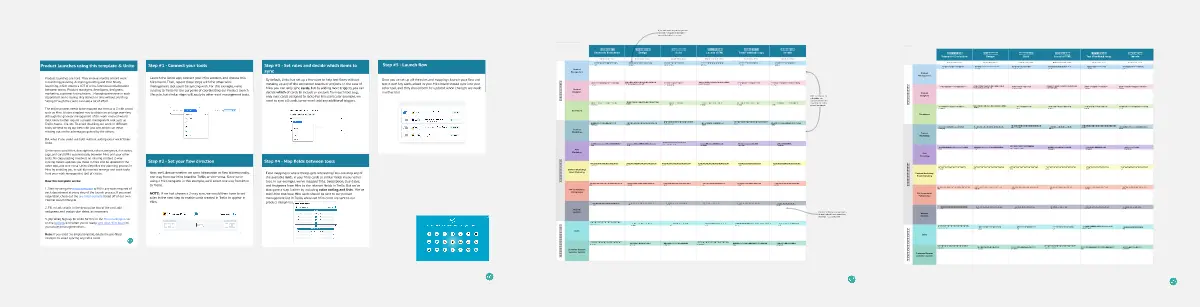
The Product Launch Lifecycle template guides product managers through the stages of launching new products. By outlining pre-launch, launch, and post-launch activities, this template ensures comprehensive product launch planning and execution. With sections for defining launch objectives, identifying target audiences, and tracking performance metrics, it facilitates coordinated efforts across marketing, sales, and product teams. This template serves as a roadmap for successful product launches, maximizing market impact and customer adoption.
Product Launch Lifecycle
The Product Launch Lifecycle template guides product managers through the stages of launching new products. By outlining pre-launch, launch, and post-launch activities, this template ensures comprehensive product launch planning and execution. With sections for defining launch objectives, identifying target audiences, and tracking performance metrics, it facilitates coordinated efforts across marketing, sales, and product teams. This template serves as a roadmap for successful product launches, maximizing market impact and customer adoption.