
374likes
1.6Kuses
This template provides a comprehensive visual framework for mapping secure online banking authentication and account access workflows. It serves as a foundational tool for UX designers, system architects, and financial institutions to document and communicate user journeys through banking interfaces.
The template addresses critical security and user experience requirements in digital banking:
Authentication Process Documentation: Maps the complete login sequence from initial credential entry through successful account access
Security Protocol Visualization: Demonstrates fail-safe mechanisms including login attempt limiting (3 attempts), password reset workflows, and email verification processes
Stakeholder Communication: Enables product teams, developers, and compliance officers to align on user flow logic and security requirements
UX Optimization: Identifies potential friction points in the authentication journey, facilitating improvements in user experience
System Design Blueprint: Provides technical teams with clear decision logic for implementing authentication systems
The template employs a sophisticated, professional color palette:
Deep Purple (#57136a): Process text and shape borders, conveying trust and authority
Golden Yellow (#ffbf00): Decision point labels, creating visual hierarchy for critical validation steps
Maroon/Burgundy (#912c5a): Flow connectors and arrows, maintaining visual continuity
Dark Teal Background: Creates depth and professional aesthetic
White Shape Fills: Ensures readability and clean presentation
Cream Border (#f7f5f1): Frames the entire workflow with subtle elegance
Shape Conventions:
Rounded rectangles (terminators) for START/END points
Rectangular boxes (processes) for action steps with 2px black borders
Diamond shapes (decisions) for validation checkpoints
All shapes use consistent 14pt Arial font
Flow Logic:
Solid 5px maroon arrows indicate forward progression
Dashed lines represent retry loops and error paths
Green checkmarks mark successful validations
Red X icons denote failures
Layout Structure:
Vertical title banner (55pt Noto Sans) along left edge
Isometric 3D mockup screens integrated at key interaction points
Left-to-right, top-to-bottom flow progression
Clear spacing between decision branches
Check out my other templates as well. Cheers!
Khawaja Rizwan

Rizwan Khawaja
ICT Solution Architect @ NUST
I hold master's degrees in computer science and project management along with trainings and certifications in various technologies. All this is coupled with 25+ years of industry experience.
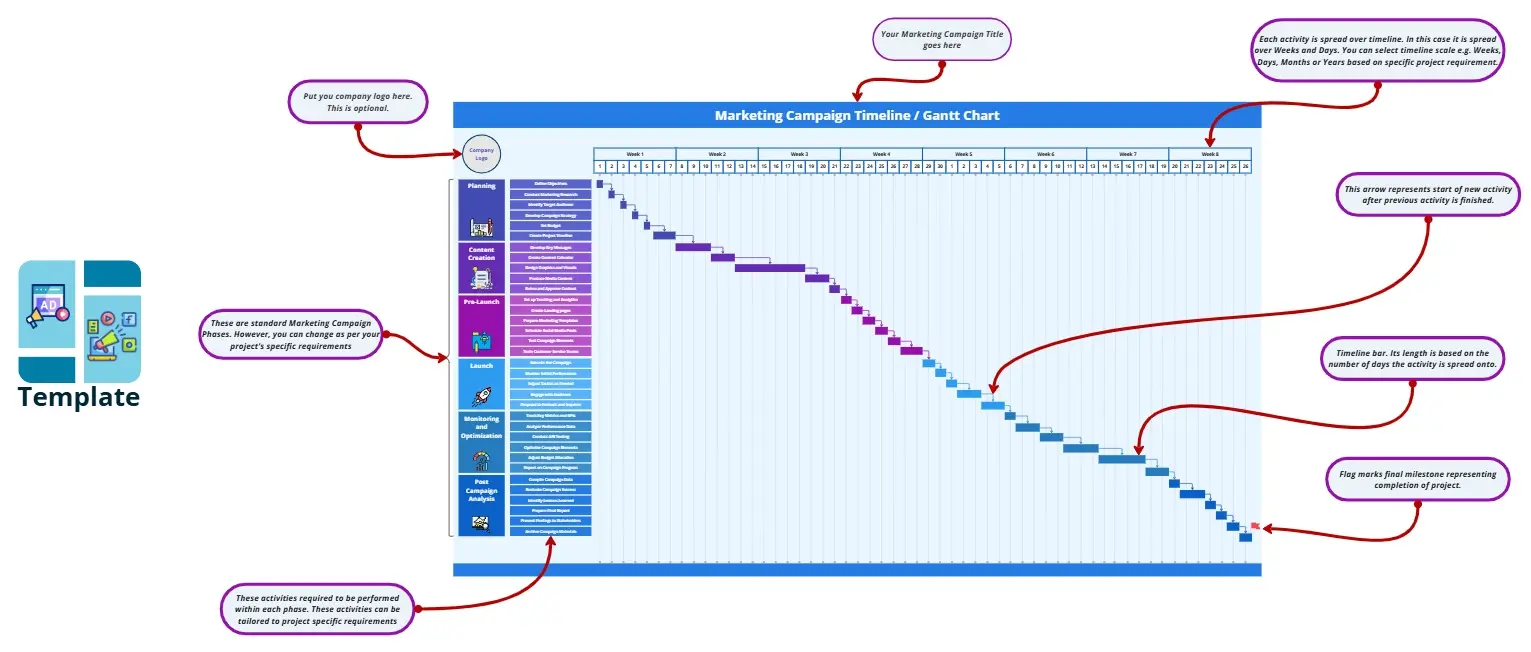
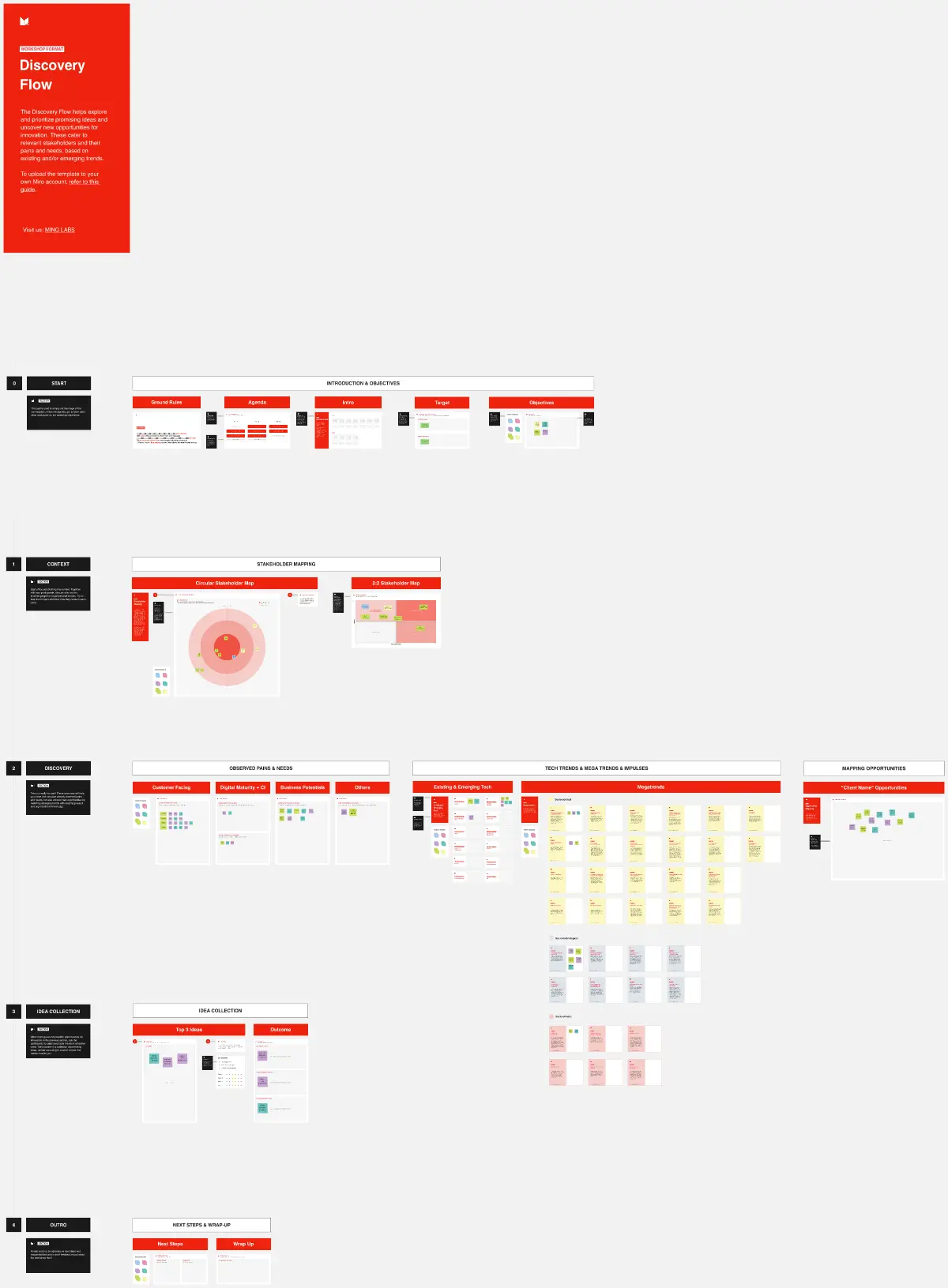
Marketing Campaign Timeline
Plan and execute your marketing strategies seamlessly with the Marketing Campaign Timeline template by Rizwan Khawaja. This tool allows you to map out every stage of your campaign, from planning to launch and analysis. Visualize key milestones, set deadlines, and track progress to ensure your marketing efforts are well-coordinated and effective. Ideal for marketing teams looking to optimize their campaign management.
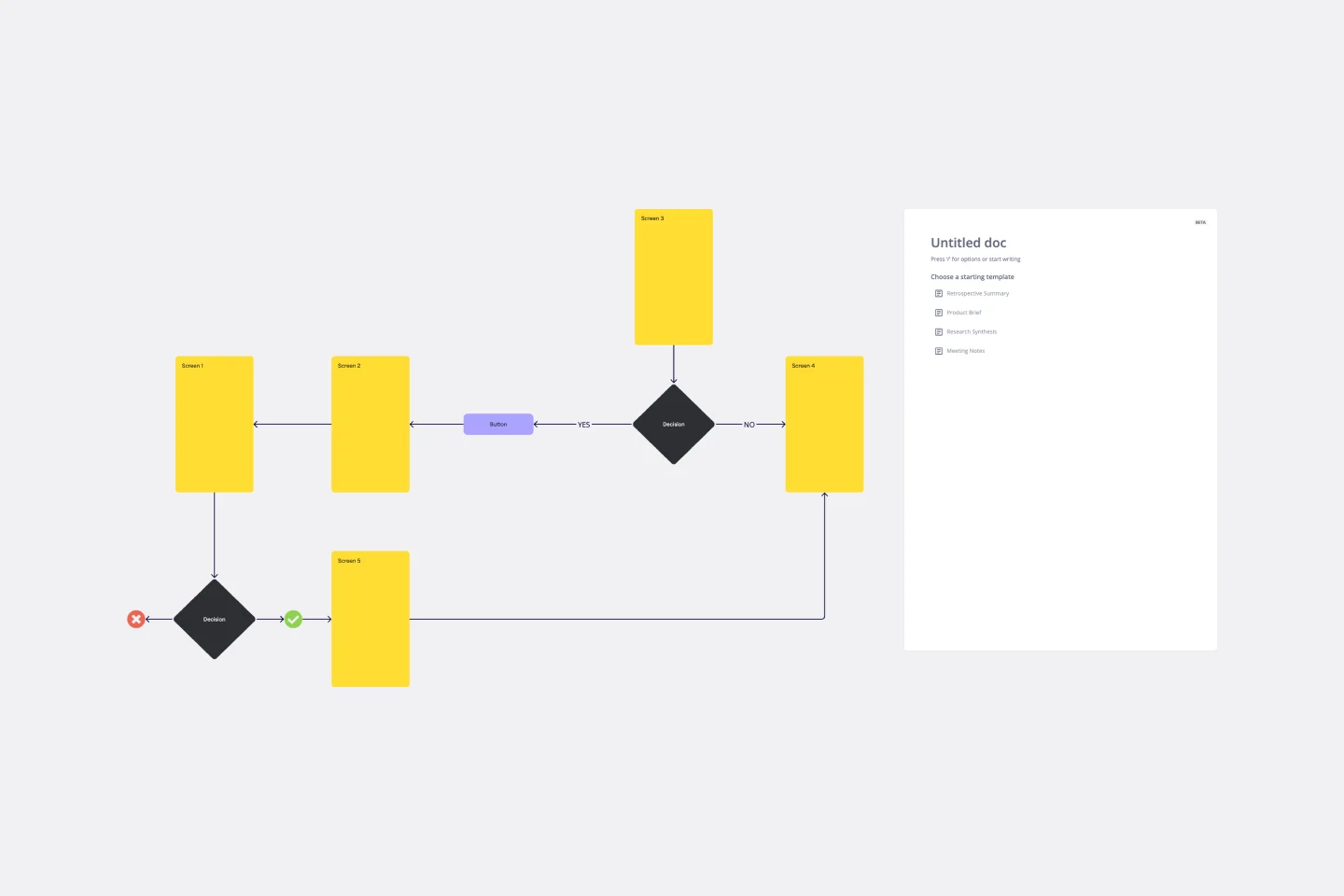
User Flow Template
User flows are diagrams that help UX and product teams map out the logical path a user should take when interacting with a system. As a visual tool, the user flow shows the relationship between a website or app’s functionality, potential actions a user could take, and the outcome of what the user decides to do. User flows help you understand what a user does to finish a task or complete a goal through your product or experience.
Marketing Campaign Timeline
Plan and execute your marketing strategies seamlessly with the Marketing Campaign Timeline template by Rizwan Khawaja. This tool allows you to map out every stage of your campaign, from planning to launch and analysis. Visualize key milestones, set deadlines, and track progress to ensure your marketing efforts are well-coordinated and effective. Ideal for marketing teams looking to optimize their campaign management.
User Flow Template
User flows are diagrams that help UX and product teams map out the logical path a user should take when interacting with a system. As a visual tool, the user flow shows the relationship between a website or app’s functionality, potential actions a user could take, and the outcome of what the user decides to do. User flows help you understand what a user does to finish a task or complete a goal through your product or experience.
