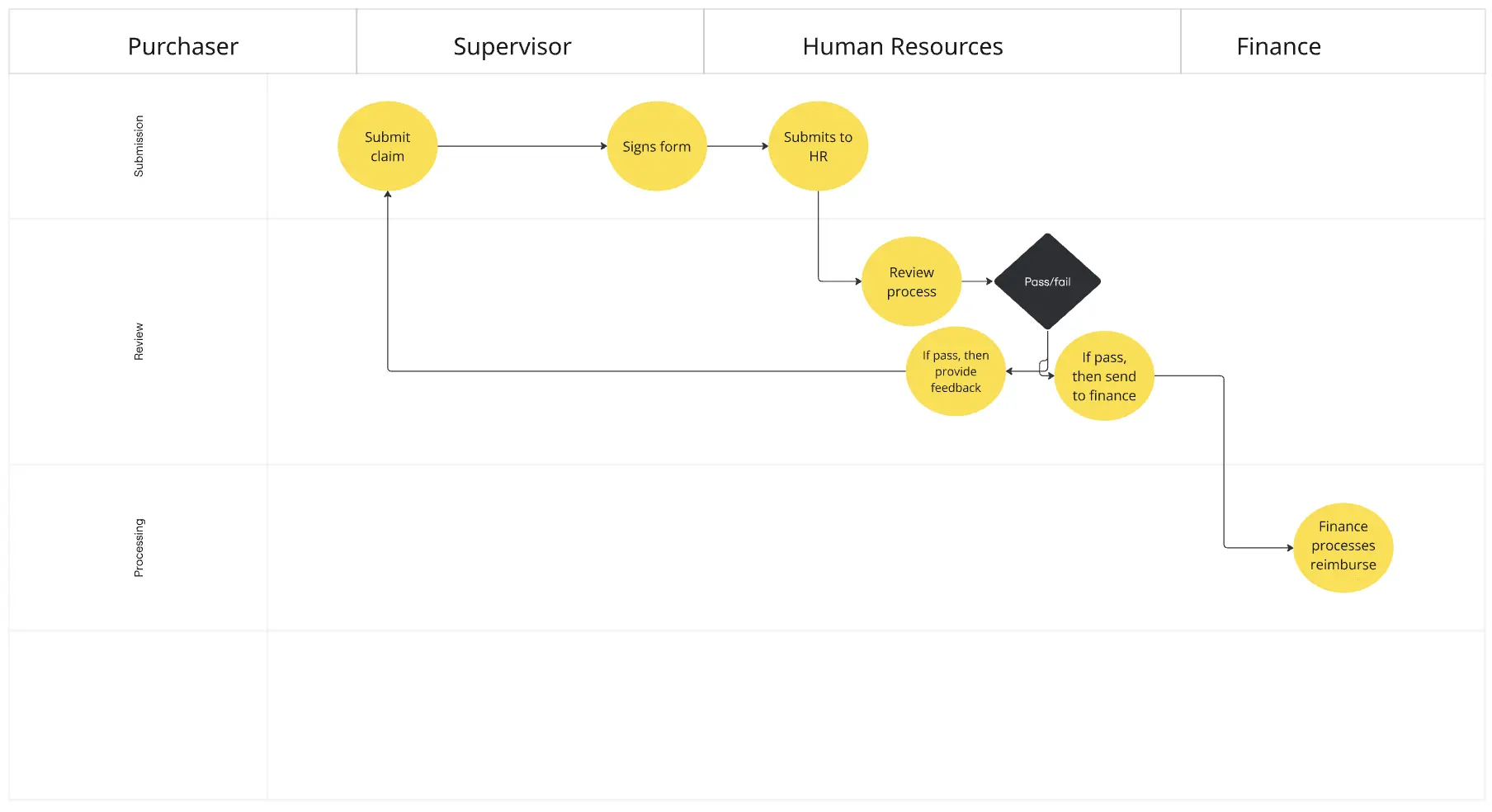
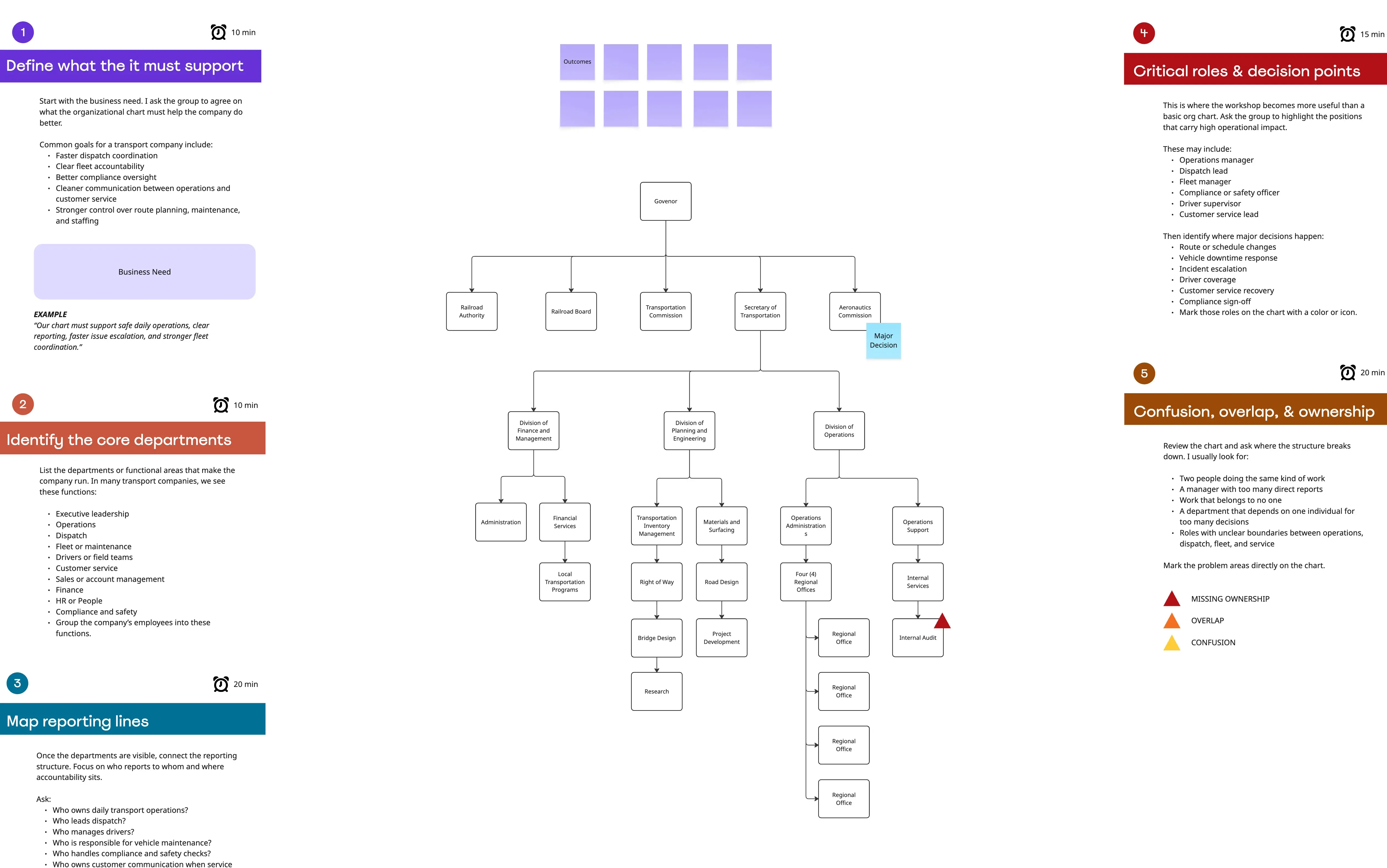
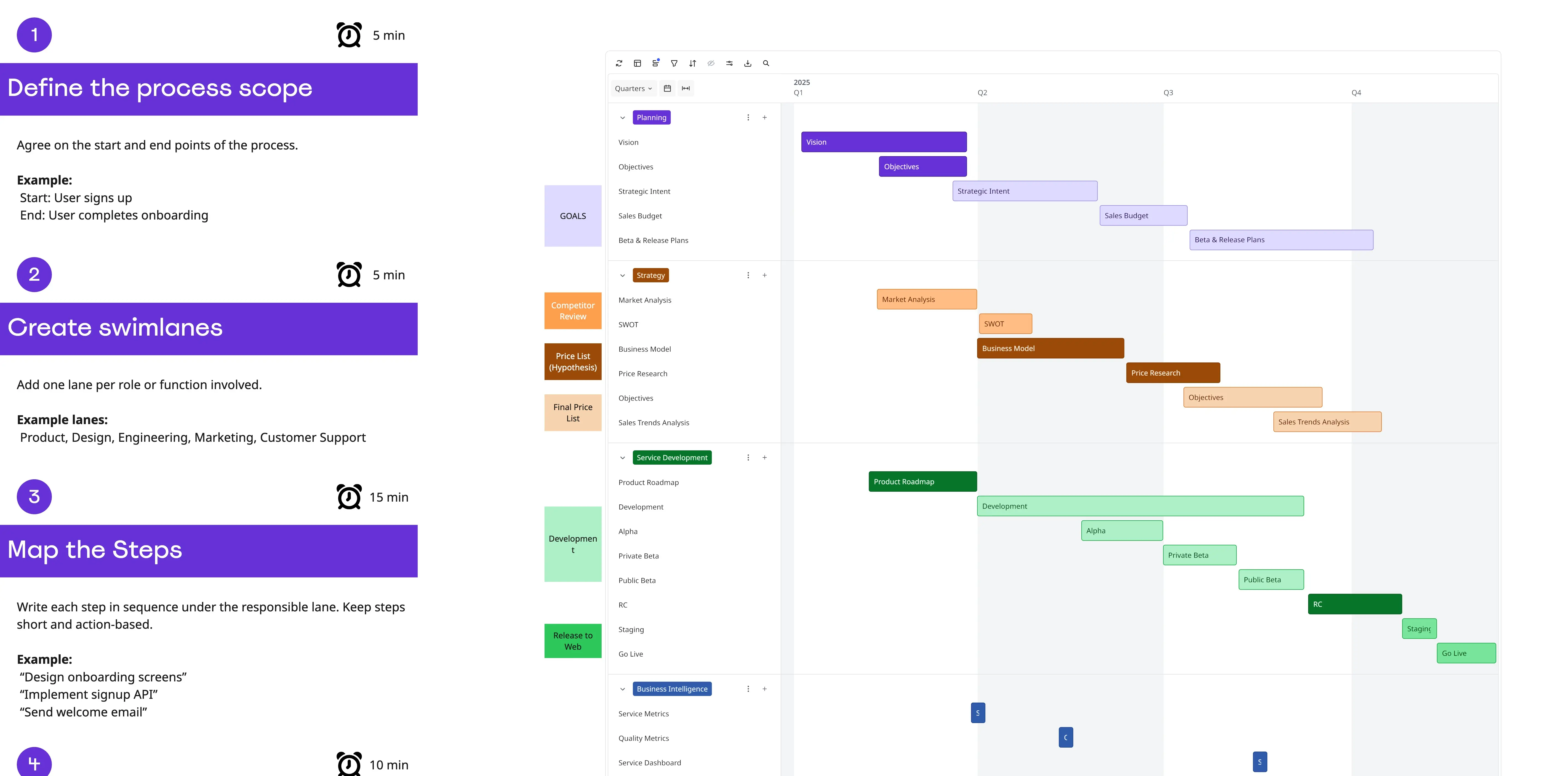
What is the Hospital Patient Discharge Swimlane Template?
A healthcare process mapping template that helps teams visualize how patient discharge moves across physicians, nursing, care coordination, pharmacy, operations, and the patient. The template focuses on readiness gates, waiting time, and cross-team handoffs.
What problem does the Hospital Patient Discharge Swimlane Template solve?
Late discharge decisions
Long patient waiting periods
Unclear discharge ownership
Medication delays
Transportation delays
Missing follow-up arrangements
Repeated communication
Poor visibility across clinical and operational teams
How to use the Hospital Patient Discharge Swimlane Template
Define the discharge scenario.
Set the process start and finish.
Map the patient journey.
Add clinical and operational activities.
Place readiness gates on the diagram.
Connect cross-team handoffs.
Mark waiting time.
Identify discharge blockers.
Create response standards for high-impact delays.
Common pitfalls
Mapping every discharge type at once
Focusing only on physician activity
Ignoring patient waiting time
Missing pharmacy dependencies
Treating transportation as the final issue only
Using unclear readiness criteria
Mapping the process without timing data
Ways to avoid mistakes
Choose one common patient scenario.
Start with the patient journey.
Give each activity one primary owner.
Add measurable readiness gates.
Record waiting time between teams.
Include pharmacy and care coordination early.
Review the finished map using a recent discharge case.
Miro Features You Can Use
Swimlane frames
Decision diamonds
Connectors for handoffs
Sticky notes for blockers
Color coding for readiness status
Tags for owners and timing
Comments for unresolved process questions
Tables for discharge standards
Voting for improvement priorities
FAQs
Q: Who can benefit from this template?
A: Hospital operations teams, physicians, nurses, care coordinators, pharmacy teams, social workers, transport teams, and patient experience leaders.
Q: What type of discharge should teams map first?
A: Start with one high-volume patient scenario, such as an adult patient returning home with medication and follow-up needs.
Q: What is a discharge readiness gate?
A: A decision point that must be completed before the patient can progress toward departure.
Q: Should waiting time appear directly on the map?
A: Yes. Adding wait-time labels makes delays between activities easier to compare.
Q: Can this template support discharge-to-facility workflows?
A: Yes. Teams can add external facility approval, insurance authorization, medical transport, and placement steps.
Q: What will participants leave with?
A: A visual discharge process showing ownership, readiness gates, waiting periods, blockers, handoffs, and improvement actions.