Homepage Site Map Template
This template maps a homepage’s top-level navigation and footer in a simple, color‑coded layout. It’s for product managers, UX/UI designers, marketers, and engineers planning site IA and communicating it to stakeholders.
Structure Breakdown
Products (coral/red #ff6464)
Circular icon with white border (shopping cart)
Header “Products”
Subtitle “Home page and Filters”
Three white placeholder boxes labeled “Enter text here”
Partners (yellow/gold #ffbe44)
Circular icon with white border (handshake)
Header “Partners”
Subtitle “Landing pages and Filters”
Three “Enter text here” placeholders
Comapny (teal #5ec8b3)
Circular icon with white border (city/buildings)
Header “Comapny”
Subtitle “Home page”
Three “Enter text here” placeholders
Contact (cyan #4fd8dd)
Circular icon with white border (address book)
Header “Contact”
No subtitle
Dashed-border rectangle labeled “YOUR LOGO” for brand placement
Content Hierarchy
Main navigation sections sit at the top with a clear title and a small subtitle line (except Contact).
Under Products, Partners, and Comapny, three rectangular boxes provide slots for sub-pages, filters, or deep links.
Footer Section
A footer area titled “Footer (main + additional navigation)” contains four columns separated by vertical dividers: 1) Contact Details, News, Help 2) Sectors (underlined, bold): Sector 1, Sector 2, Sector 3 3) Products (underlined, bold): Support, Accessories, Equipment 4) Newsletter, Terms and Conditions, Social media
Visual Elements
A prominent purple header banner (#6631d7) with “Homepage Site Map” in white Georgia type.
Section cards use distinct colors as listed above, each paired with a circular icon.
A dedicated logo area appears in the Contact column.
A thin purple strip along the bottom ties the color scheme.
How to Use
1) Replace every “Enter text here” with actual sub-page names or links. 2) Update section titles/subtitles if needed (retain color coding for clarity). 3) Swap icon placeholders with your brand’s icon set. 4) Place your company logo in the dashed “YOUR LOGO” area. 5) Populate the footer columns with definitive navigation items and legal links.
Best Practices
Use during early website planning, IA/UX workshops, stakeholder reviews, and development handoff.
Keep section counts minimal; aim for three to five items per column.
Maintain color consistency to reinforce scanability.
Note the “Comapny” label if mirroring the template exactly, or correct it before publishing.
Cheers!
Khawaja Rizwan
Rizwan Khawaja
ICT Solution Architect @ NUST
I hold master's degrees in computer science and project management along with trainings and certifications in various technologies. All this is coupled with 25+ years of industry experience.
Categories
Similar templates

Sitemap Template
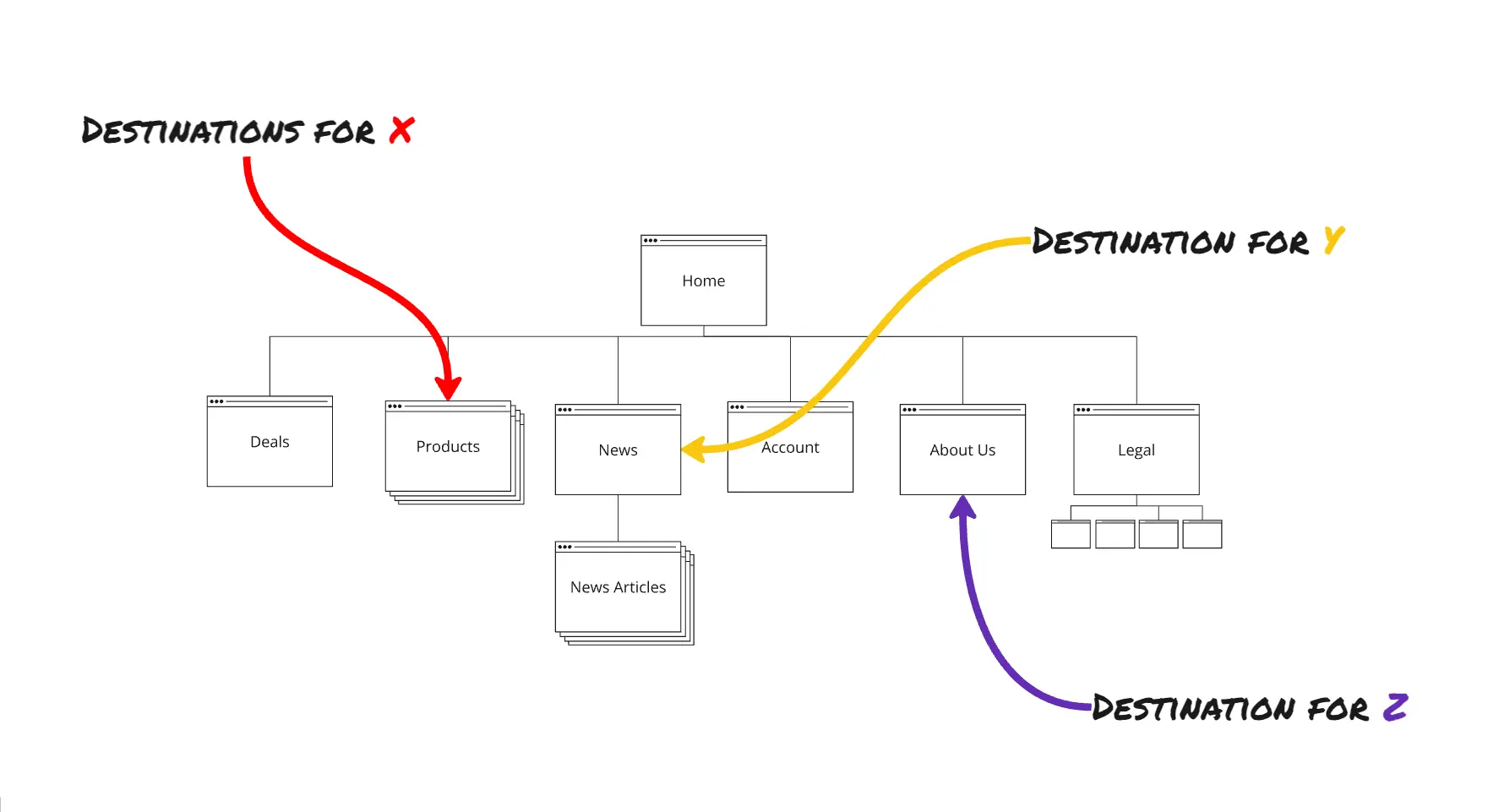
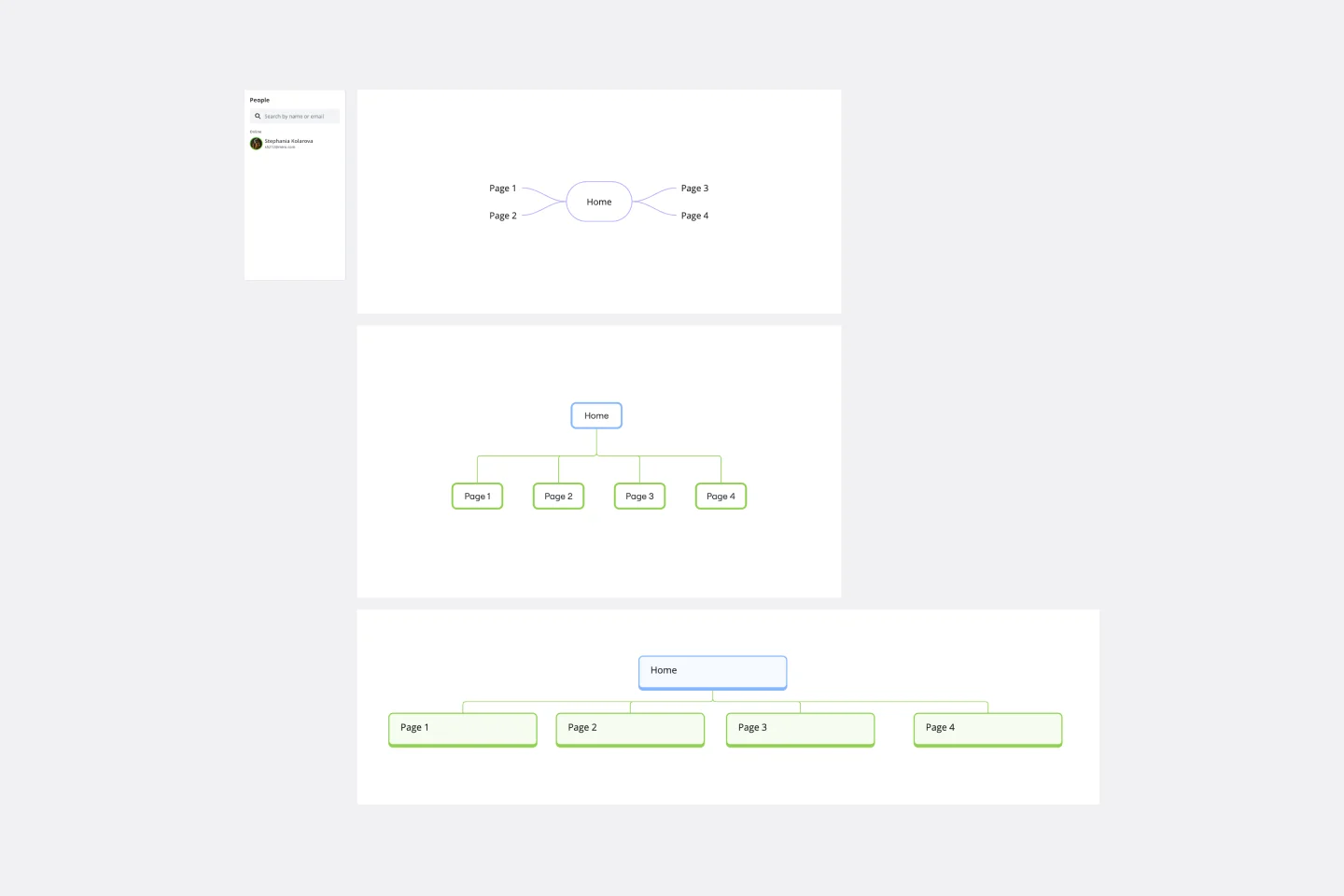
Building a website is a complex task. Numerous stakeholders come together to create pages, write content, design elements, and build a website architecture that serves a target audience. A sitemap is an effective tool for simplifying the website design process. It allows you to take stock of the content and design elements you plan to include on your site. By visualizing your site, you can structure and build each component in a way that makes sense for your audience.
Sitemap Template
Building a website is a complex task. Numerous stakeholders come together to create pages, write content, design elements, and build a website architecture that serves a target audience. A sitemap is an effective tool for simplifying the website design process. It allows you to take stock of the content and design elements you plan to include on your site. By visualizing your site, you can structure and build each component in a way that makes sense for your audience.