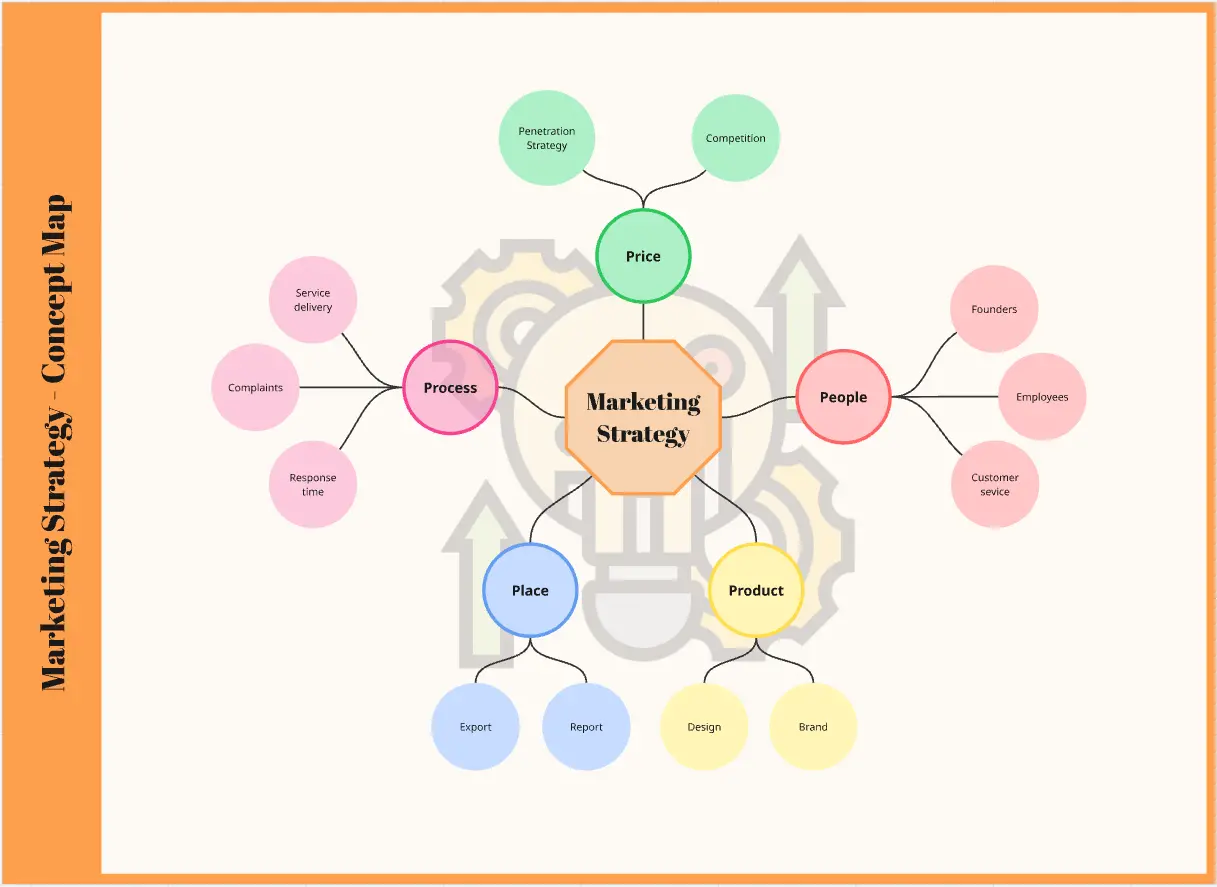
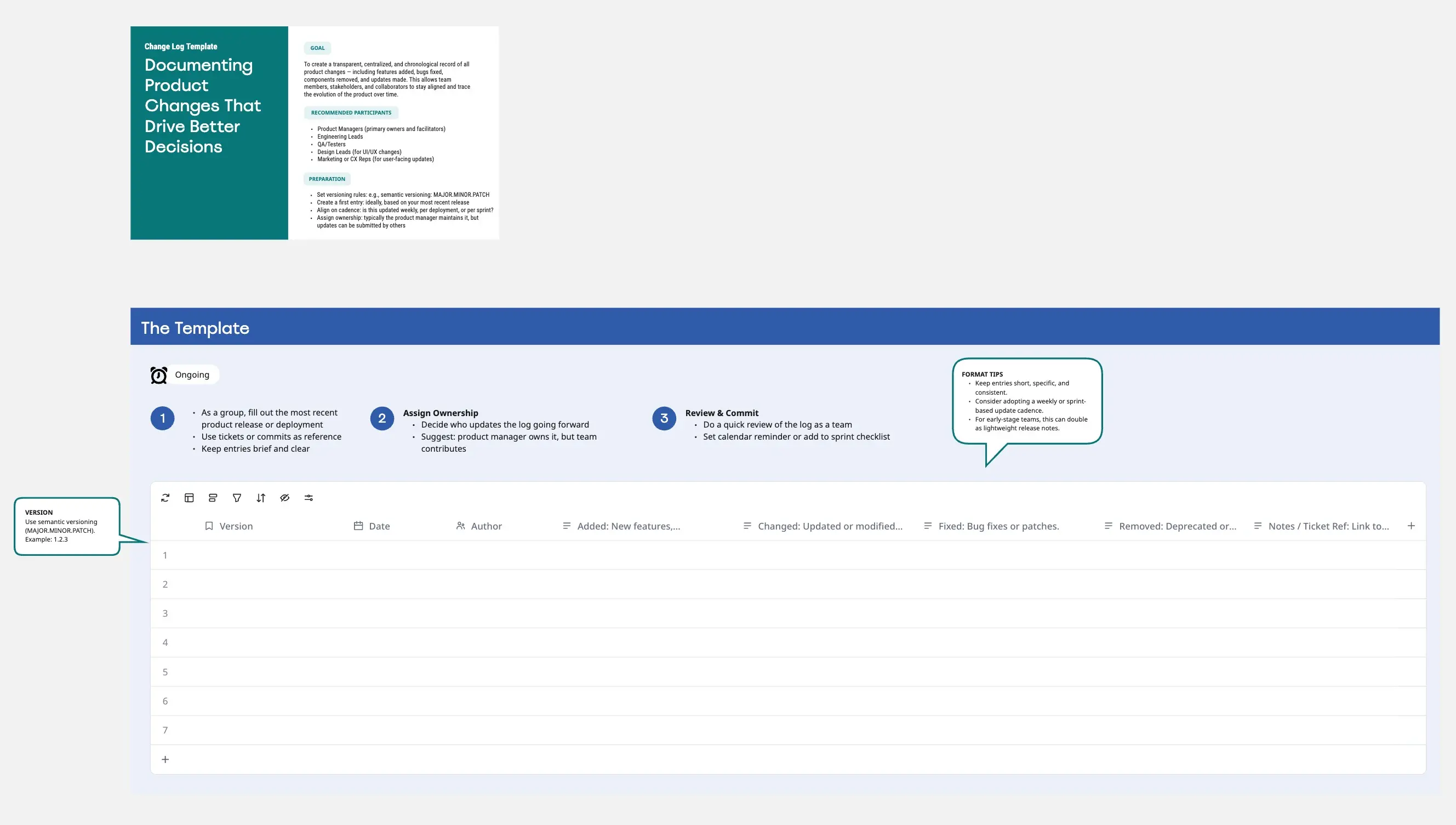
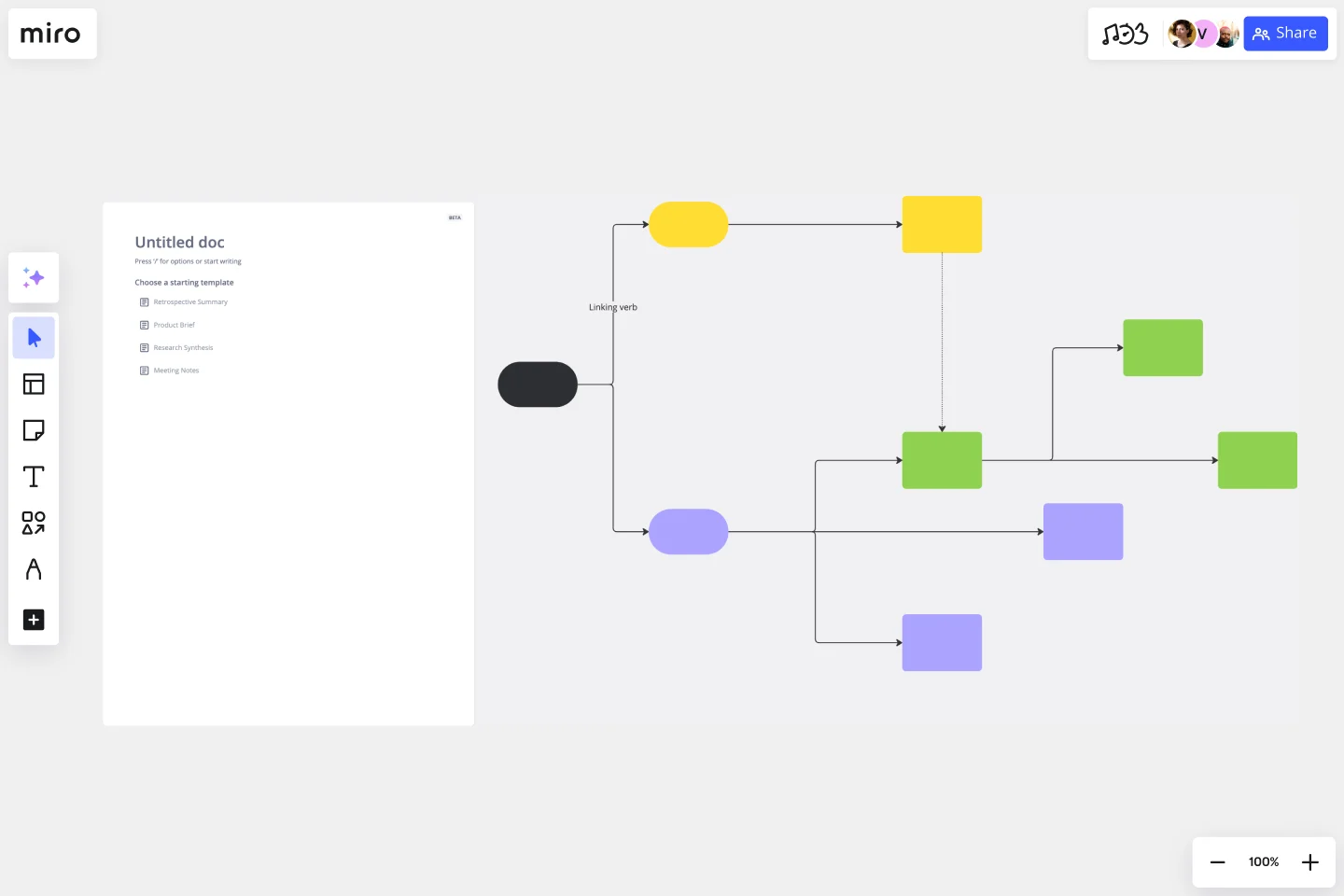
What is the Graphics Concept Map Template?
A visual project-planning template that connects one main project to four areas: target, goal, analysis, and due date. Teams can define the audience, clarify outcomes, review project constraints, and organize delivery stages.
What problem does the Graphics Concept Map Template solve?
Unclear project direction
Missing audience definition
Weak goal alignment
Limited planning context
Disconnected timelines
Scattered project notes
How to use the Graphics Concept Map Template
Add the main project to the center.
Define the market, product, and audience.
Add the mission, vision, and desired outcome.
Review compatibility, budget, and demand.
Break the work into three delivery stages.
Add dates and owners.
Review the map with the team.
Common Pitfalls
Using vague project titles
Skipping audience definition
Writing goals that cannot be measured
Ignoring budget or system limits
Adding delivery dates without clear stages
Ways to Avoid Mistakes
Keep the project summary brief.
Use real customer and business data.
Set one measurable outcome.
Record clear constraints.
Use three simple delivery stages.
Assign an owner to each stage.
Miro Features You Can Use
Circles for the project and main sections
Connectors for relationships
Text boxes for notes
Tags for audience and priorities
Comments for team feedback
Color coding for each branch
FAQs
Q: Who can use this template?
A: Founders, product teams, marketers, designers, and project teams.
Q: What are the four main sections?
A: Target, goal, analysis, and due date.
Q: What belongs in the analysis section?
A: Compatibility, budget, and demand.
Q: What do the three batches represent?
A: Three project stages, releases, or review points.
Q: What will participants leave with?
A: A visual project summary with a clear audience, goal, analysis, and delivery plan.