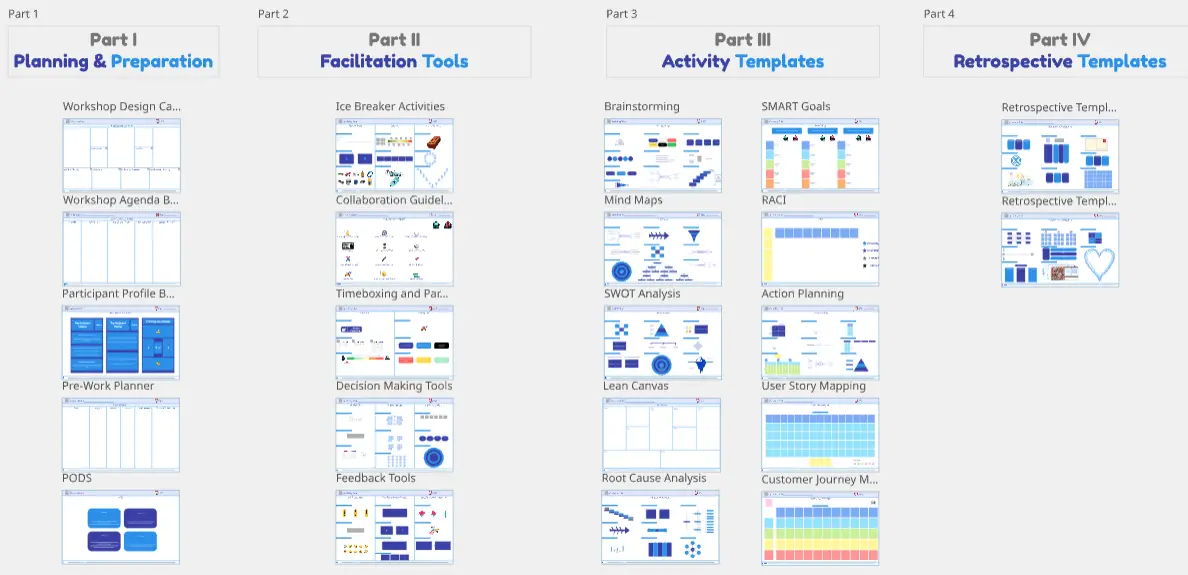
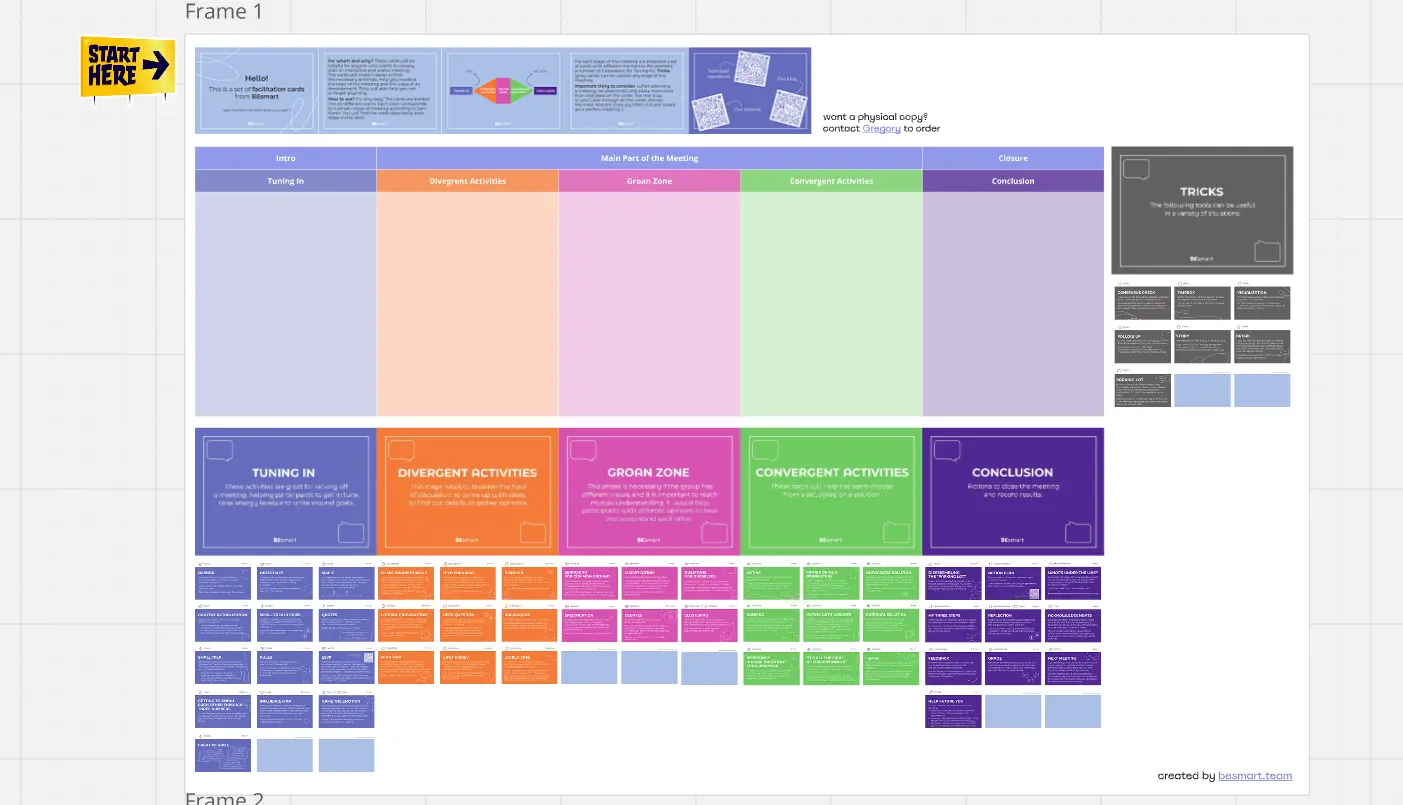
The Facilitating in Miro Cheat Board is a free reference template for facilitators, trainers, designers, product managers, and consultants who run remote workshops and training sessions in Miro. It covers the essentials — from structuring your board to running exercises and closing the session — all in one place.
What is the Facilitating in Miro Cheat Board for facilitators and trainers?
The Facilitating in Miro Cheat Board is a free Miro template that gives facilitators and trainers a practical, scannable reference for running remote sessions with confidence. It covers board structure, key features, live facilitation tips, and common traps to avoid — without the complexity of a full guide.
What problem does the Facilitating in Miro Cheat Board solve for remote facilitators?
Setting up and running a remote session in Miro involves decisions that simply do not exist in person — locking elements, hiding frames, setting permissions, choosing between the classic board and Miro Engage. This template surfaces the most important ones so you spend less time second-guessing your setup and more time facilitating.
How to use the Facilitating in Miro Cheat Board
Open the template before your next remote session
Review the board structure and setup checklist
Use the feature reference during preparation
Keep it open as a second-screen companion while you facilitate
Who is the Facilitating in Miro Cheat Board for?
Facilitators and trainers running remote workshops, retrospectives, or training sessions
Designers and product managers leading co-creation sessions, sprint planning, or strategy workshops in Miro
Consultants who facilitate client sessions remotely and need a reliable setup checklist
FAQs about the Facilitating in Miro Cheat Board
Do I need a paid Miro account to use this template? No. The Facilitating in Miro Cheat Board works on any Miro plan, including the free tier.
Is this template for beginners or experienced Miro users? Both. It is useful as an orientation for those newer to Miro, and as a quick reference for experienced facilitators who want a reliable pre-session checklist.
Is there a more detailed version of this template? Yes. The Facilitating in Miro — Blueprint is the complete system, with a session planning canvas, ready-to-run exercise frames, and a post-session documentation workflow. Find it at carolinapoll.myflodesk.com/facilitation-in-miro-blueprint.