What is the Creative Concept Map Template?
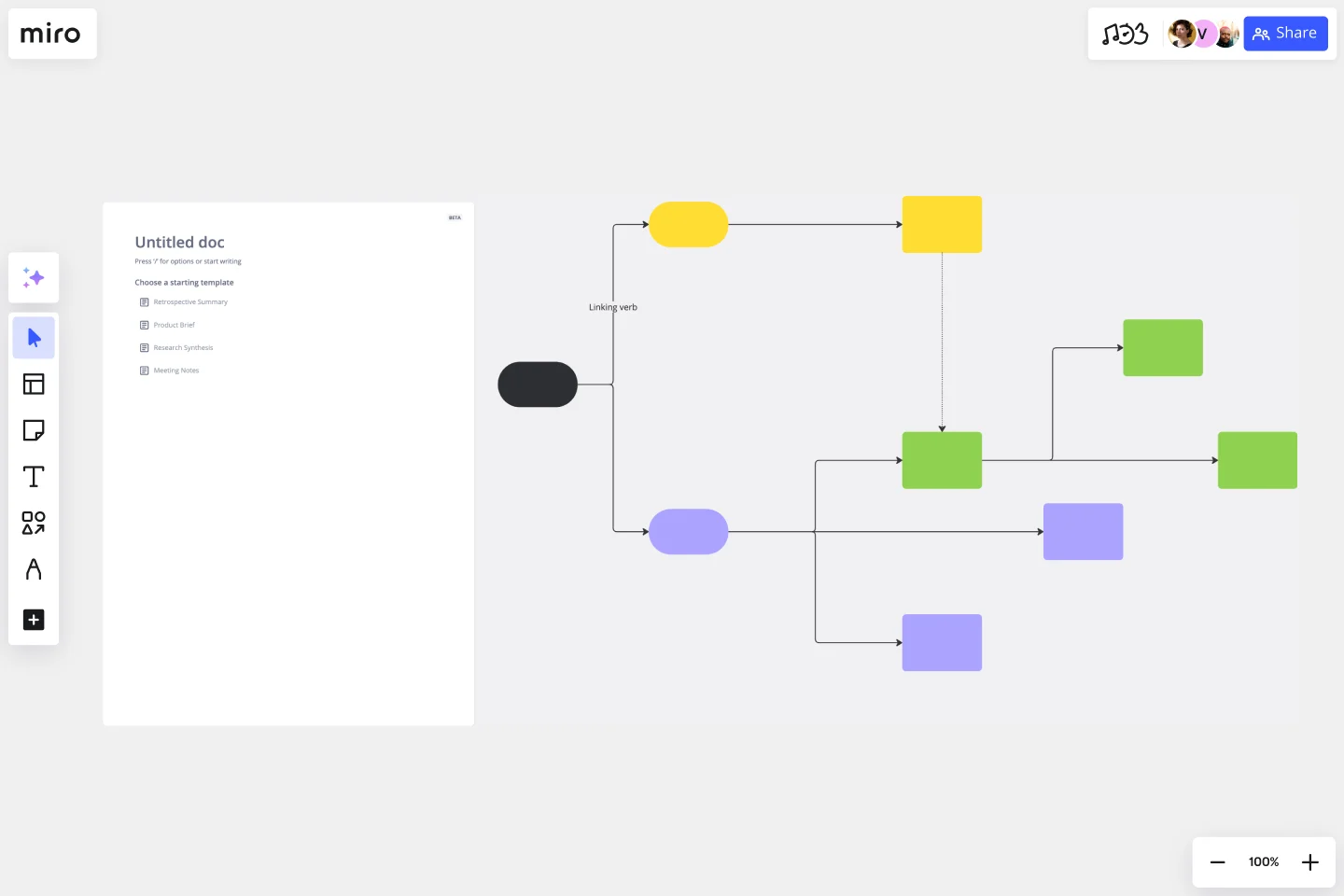
A multi-level visual mapping template that connects one central topic to three main areas, six supporting clusters, and smaller detail notes. Teams can explore complex topics, group related ideas, and show relationships clearly.
What problem does the Creative Concept Map Template solve?
Scattered ideas
Flat brainstorming sessions
Unclear relationships
Missing topic structure
Repeated ideas
Overloaded notes
How to use the Creative Concept Map Template
Add the main topic to the center.
Create three main topic branches.
Add two supporting clusters to each branch.
Add three detail notes to each cluster.
Connect every level.
Use color to separate the hierarchy.
Review the map for gaps and repeated ideas.
Common Pitfalls
Creating overlapping main topics
Adding long text
Mixing detail levels
Connecting ideas to the wrong branch
Using too many colors
Leaving clusters incomplete
Ways to Avoid Mistakes
Keep main topics broad.
Keep cluster names focused.
Use short phrases for details.
Follow the same structure across each branch.
Use one color per map level.
Review the map from the center outward.
Miro Features You Can Use
Circles for the central and main topics
Smaller shapes for supporting clusters
Connectors for relationships
Color coding for hierarchy
Sticky notes for detail ideas
Comments for feedback
Frames for presentation mode
FAQs
Q: Who can use this template?
A: Founders, product teams, marketers, designers, researchers, and project teams.
Q: How many main topics should the map include?
A: Three main topics.
Q: How many supporting clusters are included?
A: Two clusters per main topic, for six total.
Q: What makes this map different?
A: It uses several connected levels rather than a single ring of ideas.
Q: What will participants leave with?
A: A layered concept map with one central topic, three main branches, six clusters, and detailed supporting ideas.