Why to use?
Use this board to understand, demonstrate, and start working with the Catalyst for Data & AI Use Case Ideation.
The Catalyst is a Miro Sidekick that guides teams from business context to concrete AI use cases and a first ROI comparison. You can start with an empty board or with existing material such as a strategy deck, spreadsheets, notes, dashboards, or process diagrams.
This board is the visual companion to the Sidekick. It explains the end-to-end flow, provides a Talk Track for demonstrations, and shows the five main stations: Business Context, Business Model, AI Use Cases, ROI Estimate, and Handoff & Slides. The Sidekick remains the core of the experience: it reads the board context, creates the working artifacts, and guides the user from one step to the next.
Who to use?
Data & AI strategists, consultants, facilitators, innovation managers, product owners, business domain owners, and transformation teams can use the Catalyst to explore where AI could create value.
It also supports cross-functional teams that want to involve several business domains without preparing a complete workshop first. The Catalyst structures the work, while the team reviews and improves the results directly on the Miro board.
When to use?
Use the Catalyst when you have business material and AI ideas, but no shared view of:
how the business creates and delivers value,
where AI could improve the business model,
which use cases deserve closer attention,
or which use cases appear most promising.
It is especially useful at the beginning of an AI strategy, innovation, or transformation initiative, when relevant information is still spread across documents and stakeholders.
You can also use this board to demonstrate the Sidekick internally, explain the workflow to colleagues, or test the complete path before using it in a real project.
What to use?
The Catalyst guides you through five connected stations:
Business Context
Add the business material already available. It does not need to be prepared specifically for the Catalyst.
Business Model
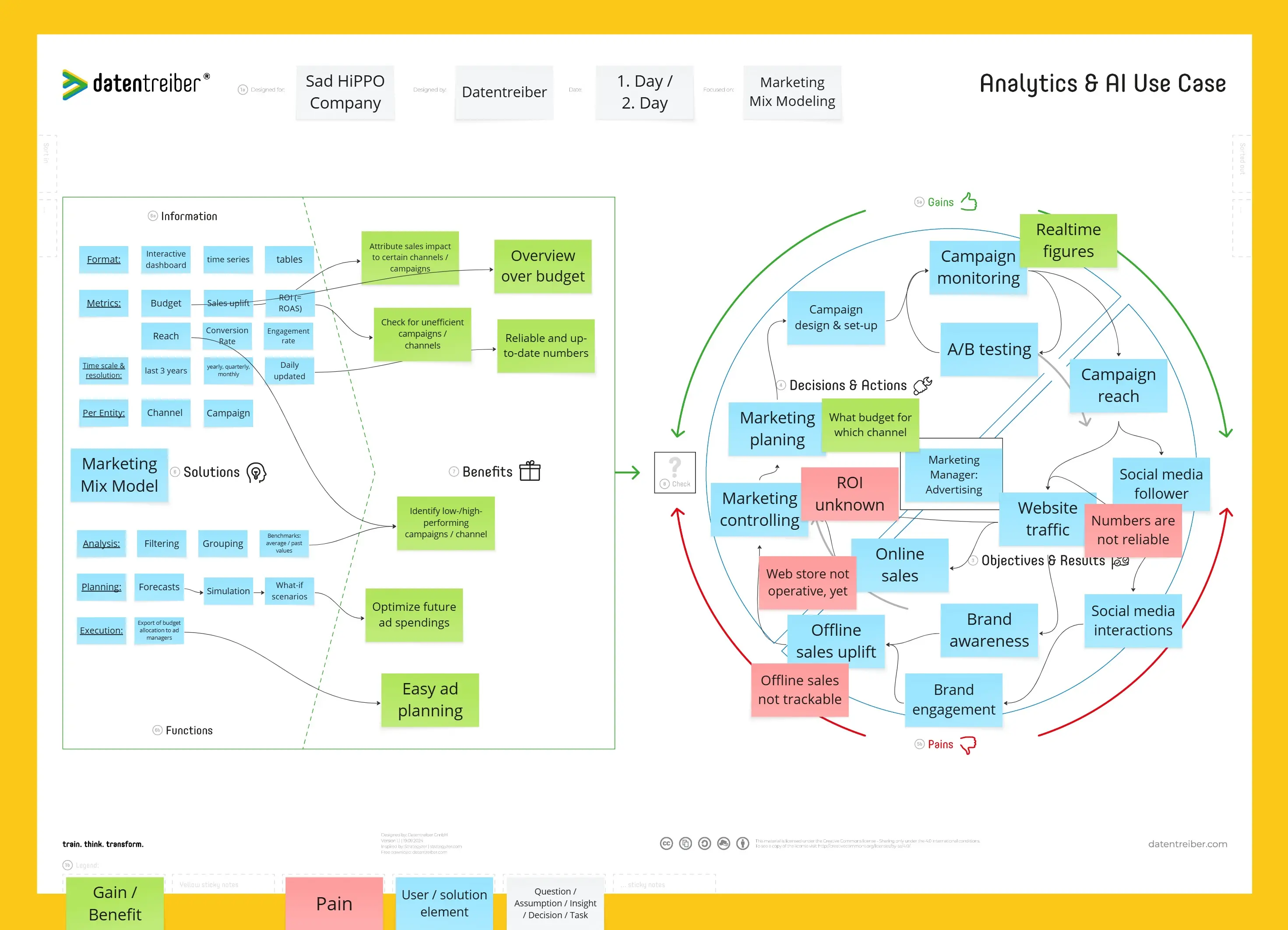
The Catalyst extracts the relevant information and creates a Datentreiber Business Model with real Miro sticky notes. The team reviews and corrects the draft before continuing.
AI Use Cases
The Catalyst can generate ideas from the available context, ask the user two focused questions, or create a short survey for relevant business domains. It then creates blue AI use case notes aligned with the Business Model.
ROI Estimate
Choose between a quick ROI Potential Score and a financially grounded ROI calculation. The result is a ranked table with transparent assumptions and confidence. The Catalyst also considers shared foundations, overlapping benefits, and dependencies.
Handoff & Slides
The reviewed Business Model, use cases, and ROI results are consolidated into a structured handoff document that can be turned into a presentation in Miro.
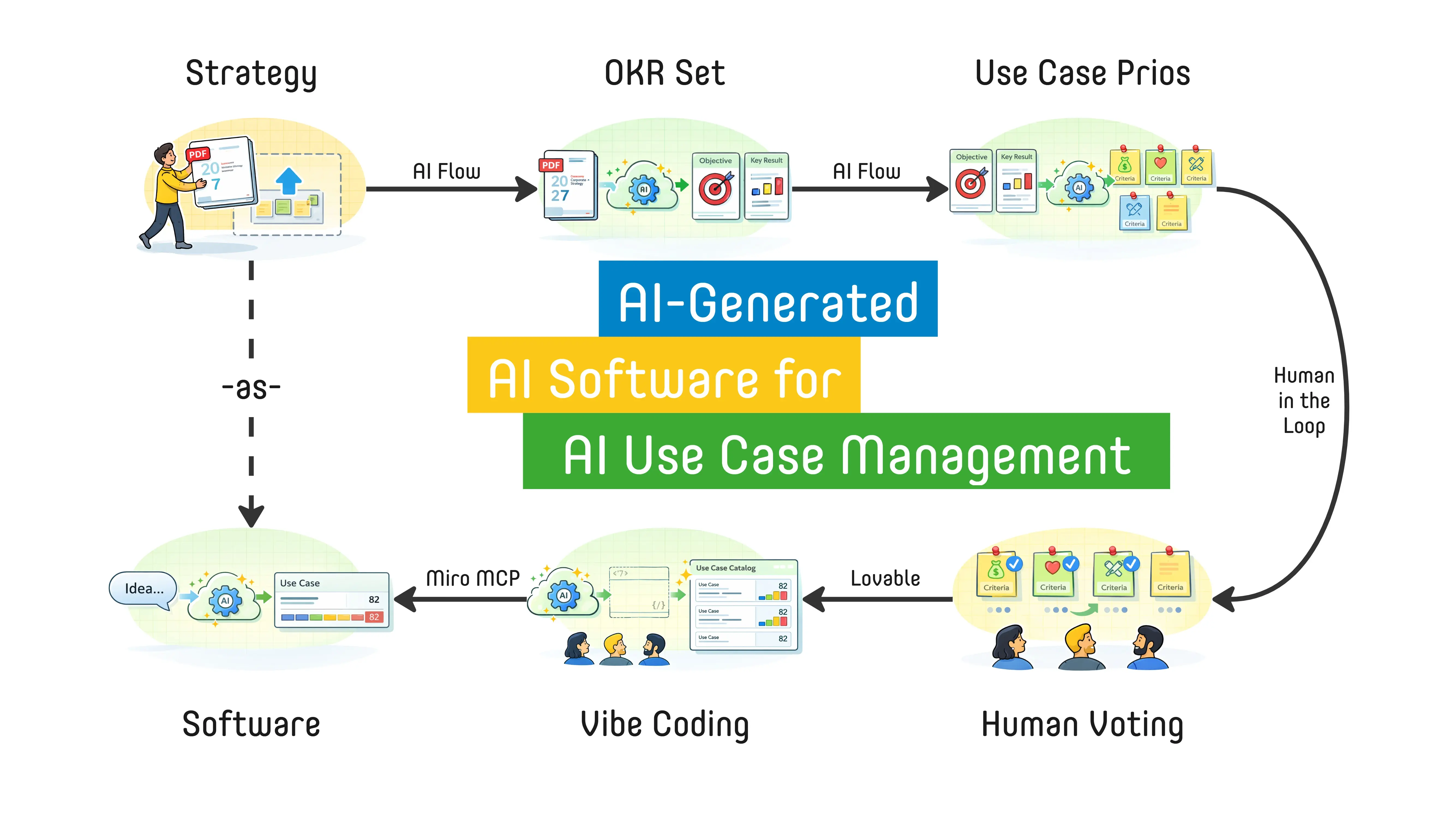
The flow is sequential: each reviewed result becomes the context for the next step. AI performs the heavy lifting, but the team remains in control.
How to use?
Open the Catalyst in the Miro Sidekick panel and begin with a business question, for example:
“Where is the largest ROI for potential AI solutions in my business?”
The Catalyst proposes the next step and guides you through the process. Add the available business material to the board and tell it to continue.
Review the generated Business Model before moving on. This matters because all later use cases and ROI estimates build on it.
Next, choose how you want to develop AI use cases:
continue directly with the available context,
answer two questions yourself,
or collect team input through a short survey.
Review the use cases, continue with the preferred ROI option, and ask the Catalyst to create the final handoff.
The board contains the visual overview, Talk Track, and usage guidance. You do not need to reproduce the example content manually. Use the board to understand the journey, then let the Catalyst create the actual working artifacts for your context.
Where to find more?
Datentreiber offers you not only this board and Sidekick, but also:
For questions or feedback, contact info@datentreiber.de.
Copyright: All rights reserved by Datentreiber GmbH.