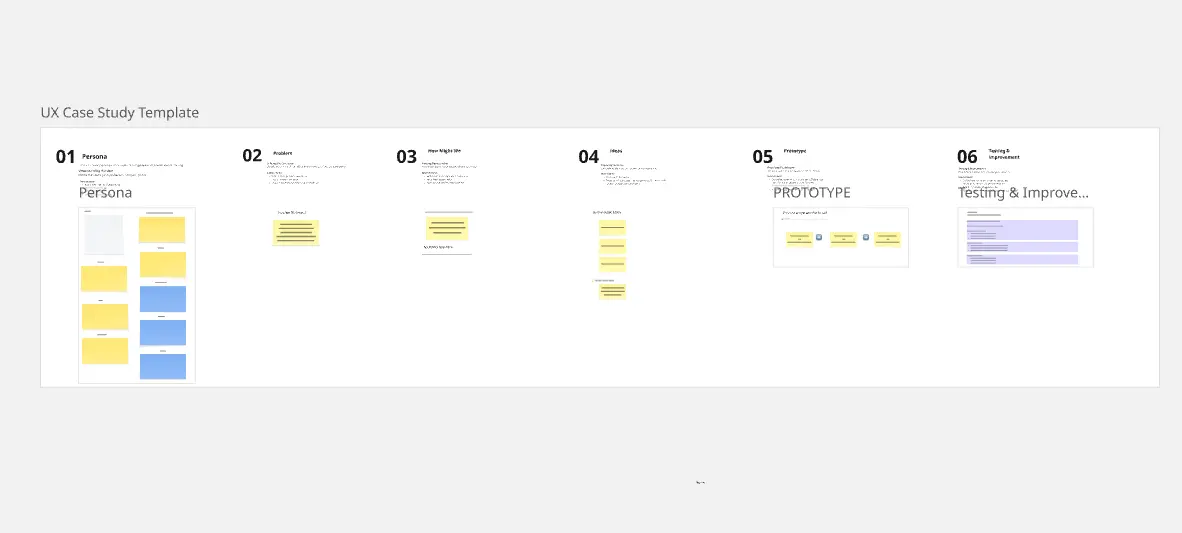
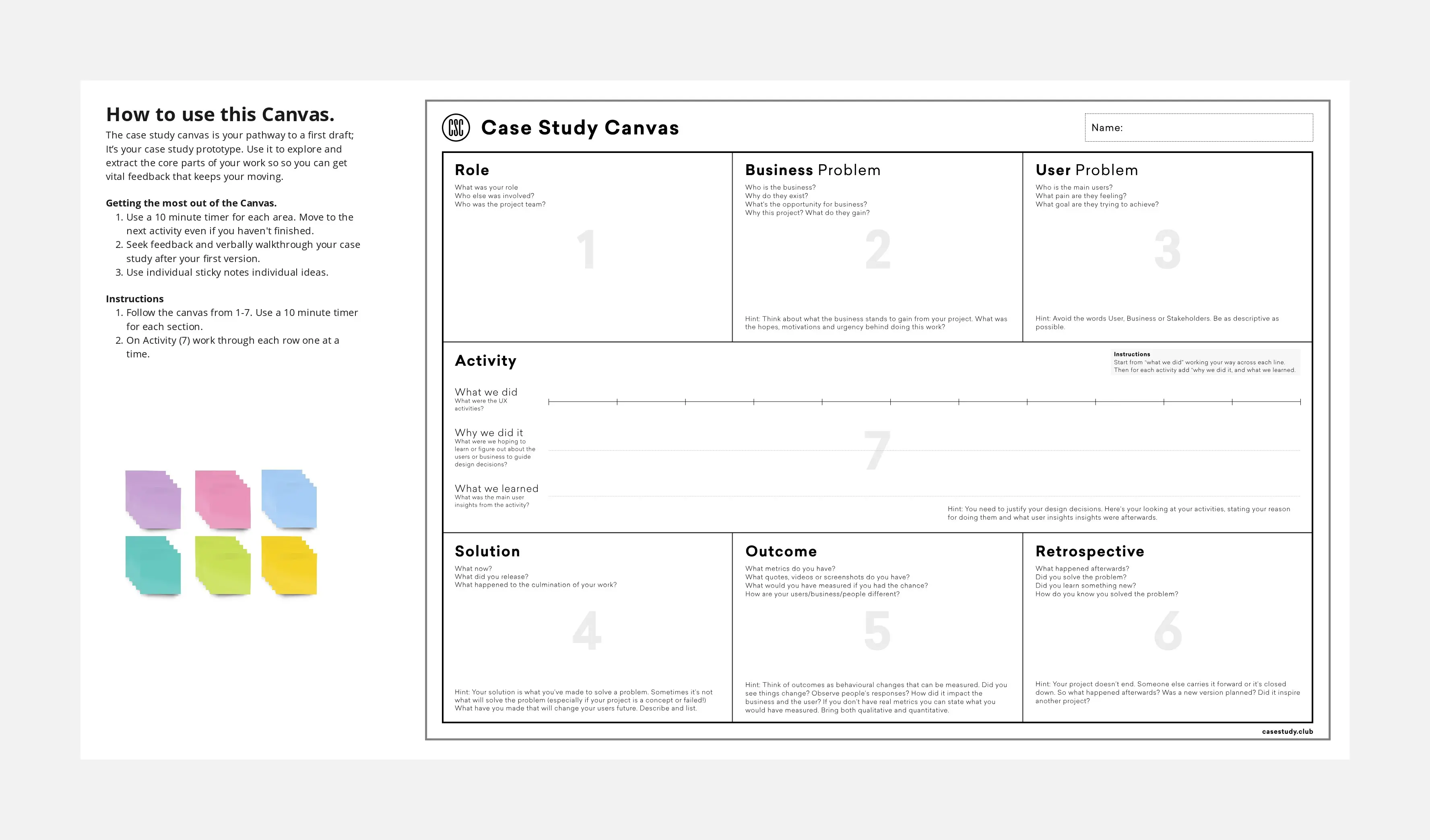
Showcase your design work with this Case Study Presentation Layout — a structured framework that helps product designers, UX/UI designers, project managers and UX researchers tell compelling stories about their projects. This template provides a proven format for documenting design processes, key decisions and measurable outcomes that resonate with stakeholders and hiring managers.
What is a Case Study Presentation Layout for Product Designers?
A Case Study Presentation Layout is a pre-designed framework that organizes your UX/UI design projects into clear, scannable sections. It helps you articulate your design thinking, showcase problem-solving skills and demonstrate impact through a consistent narrative structure.
What Problem Does a Case Study Presentation Layout Solve for UX Professionals?
Without a structured Case Study Presentation Layout, designers often struggle to:
Present complex design processes in digestible formats
Highlight strategic thinking alongside visual deliverables
Balance storytelling with data-driven results
Create portfolio pieces that appeal to both technical and business audiences
How to Use This Case Study Presentation Layout Template
Document your challenge — Define the problem, user pain points and business context
Outline your research — Add user research findings, insights and methodology
Map your process — Detail ideation, wireframes and design iterations
Present the solution — Showcase final designs with annotated rationale
Share the impact — Include metrics, KPIs and qualitative feedback
FAQs About Case Study Presentation Layout for Design Teams
How long should my case study presentation be?
Aim for 8-12 slides that can be reviewed in 5-7 minutes.
What metrics should I include in my Case Study Presentation Layout?
Focus on user engagement metrics, task completion rates, conversion improvements and usability scores relevant to your project goals.