Fast-tracking vs. crashing — what’s the difference?
Summary
In this guide, you will learn:
- Definitions of fast-tracking (overlapping tasks) and crashing (adding resources) for schedule compression.
- Key differences: fast-tracking increases risk, not cost; crashing increases cost, less risk.
- Conditions for application: fast-tracking for parallel tasks; crashing for critical path activities.
- Potential drawbacks: fast-tracking may cause rework; crashing can increase costs and not save time if new resources need training.
- How to decide between them based on needs, risks, resources, often using fast-tracking first.
- Importance of monitoring and analysis (e.g., crash cost per unit time) for optimized compression.
Collaborative AI Workflows
Join thousands of teams using Miro to build the right thing, faster.
When project timelines shrink, teams often turn to methods like fast-tracking and crashing to stay on track. While both techniques aim to save time, they take very different approaches. Understanding these methods is key to choosing the right one for your project’s needs without compromising quality or budget.
What is fast-tracking?
Fast-tracking accelerates project schedules by overlapping tasks that would normally be done sequentially. For example, instead of waiting for design work to finish before starting construction, both can proceed in parallel if dependencies allow. This approach reduces the overall timeline without increasing costs. That said, careful coordination is required to avoid missteps.
Fast-tracking works best when task dependencies are minimal and risks of overlap-related errors are low. It’s an excellent option for projects with tight budgets but strict deadlines.
What is crashing?
Crashing shortens project timelines by allocating additional resources, such as hiring extra staff, adding shifts, or authorizing overtime. This technique directly addresses bottlenecks by throwing more resources at critical tasks to speed up their completion.
Crashing is ideal for situations where deadlines are non-negotiable, such as product launches or event preparations. However, it comes with higher costs and the potential for team burnout, making it important to use sparingly and strategically.
Key differences between fast tracking and crashing
Fast-trackingfast-tracking and crashing both aim to expedite project completion, but their methods, costs, and potential impacts differ.
Methods
Fast-tracking achieves speed by overlapping tasks. This approach relies on careful scheduling to ensure dependencies don’t cause conflicts. Crashing, by contrast, focuses on adding resources to critical tasks, making it a more resource-intensive approach.
Costs
Fast-tracking typically doesn’t add financial costs, but it may introduce risks of delays or rework if tasks aren’t properly aligned. Crashing, on the other hand, increases costs due to the need for additional personnel, materials, or overtime.
Quality
Both methods carry risks to project quality. Fast-tracking may lead to errors if overlapping tasks aren’t well-coordinated. Crashing can strain teams, potentially affecting morale and the quality of deliverables.
When to use fast-tracking vs. crashing
Choosing between fast-tracking and crashing depends on your project’s constraints and priorities. Evaluating the following factors can help make the decision clearer.
Factors to consider
Before selecting a method, assess your project’s unique requirements. Key considerations include task dependencies, budget flexibility, and the importance of maintaining high-quality outcomes. Understanding these elements ensures that your approach aligns with the project’s goals without introducing unnecessary risks.
Real-world examples
Real-world applications of fast-tracking and crashing highlight how these methods can be effectively used. They illustrate not only the benefits but also the risks and nuances of implementation, providing valuable insights for decision-making.
- Fast-tracking in construction: A construction company speeds up building timelines by overlapping design and foundation work, reducing the overall schedule without adding costs.
- Crashing in software development: A development team hires freelance developers to deliver a critical feature in time for a high-stakes product launch.
Challenges in crashing vs fast-tracking project management
Both fast tracking and crashing present risks that require careful management to avoid setbacks.
Fast-tracking risks
Fast-tracking often creates dependencies between overlapping tasks. Poor coordination can lead to delays, rework, or even project failure if one task’s delays cascade into others. To mitigate these risks, teams must maintain meticulous oversight and open communication.
Crashing risks
While crashing can be effective, it comes at a financial and human cost. Overloading teams with additional work can lead to burnout, while higher expenses may strain budgets. Careful resource management and regular check-ins with team members are crucial to mitigate these challenges.
Best practices for implementation
Implementing fast-tracking or crashing successfully requires a strategic approach supported by effective tools and team alignment.
Plan with precision
Begin with a clear understanding of your project’s goals and constraints. Identify the tasks or phases where fast-tracking or crashing would provide the most value while minimizing risks.
Communicate clearly
Ensure all stakeholders understand the changes and their implications. Whether you’re overlapping tasks or adding resources, transparency helps align expectations and avoid surprises.
Use the right tools
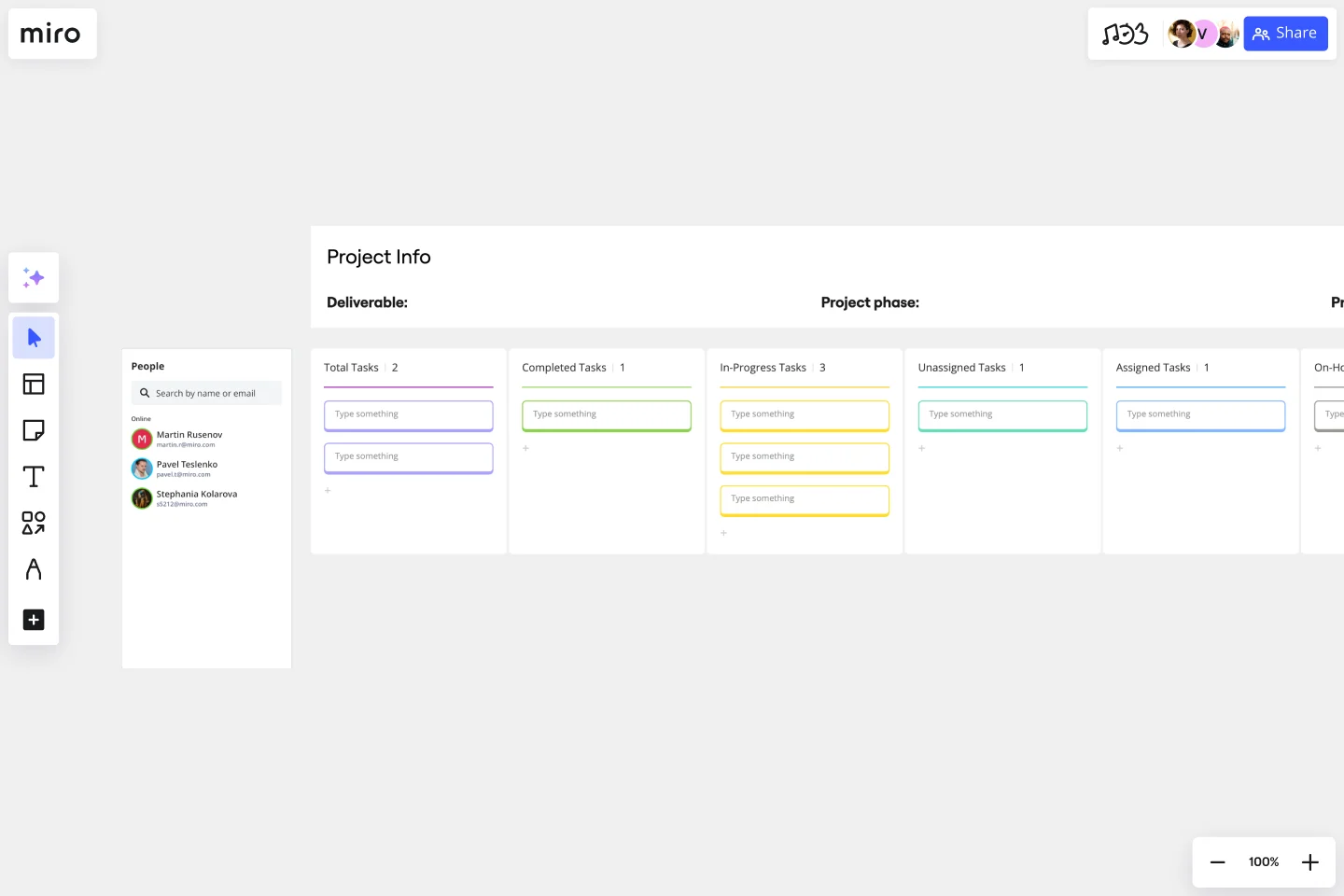
Tools with powerful project management capabilities that are also designed for seamless team collaboration make a big difference. Miro, for example, enables teams to visualize dependencies, plan schedules, and monitor progress. With real-time collaboration and planning tools, teams can manage the complexities of fast tracking and crashing more effectively.

Streamline project management in Miro
Streamline your project management with Miro’s innovation workspace. Whether you’re implementing fast-tracking or crashing, our tools empower teams to collaborate visually, align on goals, and execute efficiently.
Sign up to get started.
Author: Miro Team
Last update: October 14, 2025
Read more
Join our 100M+ users today


