



Andrey
See collaborative AI in action — straight from the Canvas 26 keynote.
Jeff

Process mapping for DevOps engineers

Document your deploy pipelines, incident response flows, and release processes without wrestling with static Visio files. Map, review, and ship - all in one canvas.

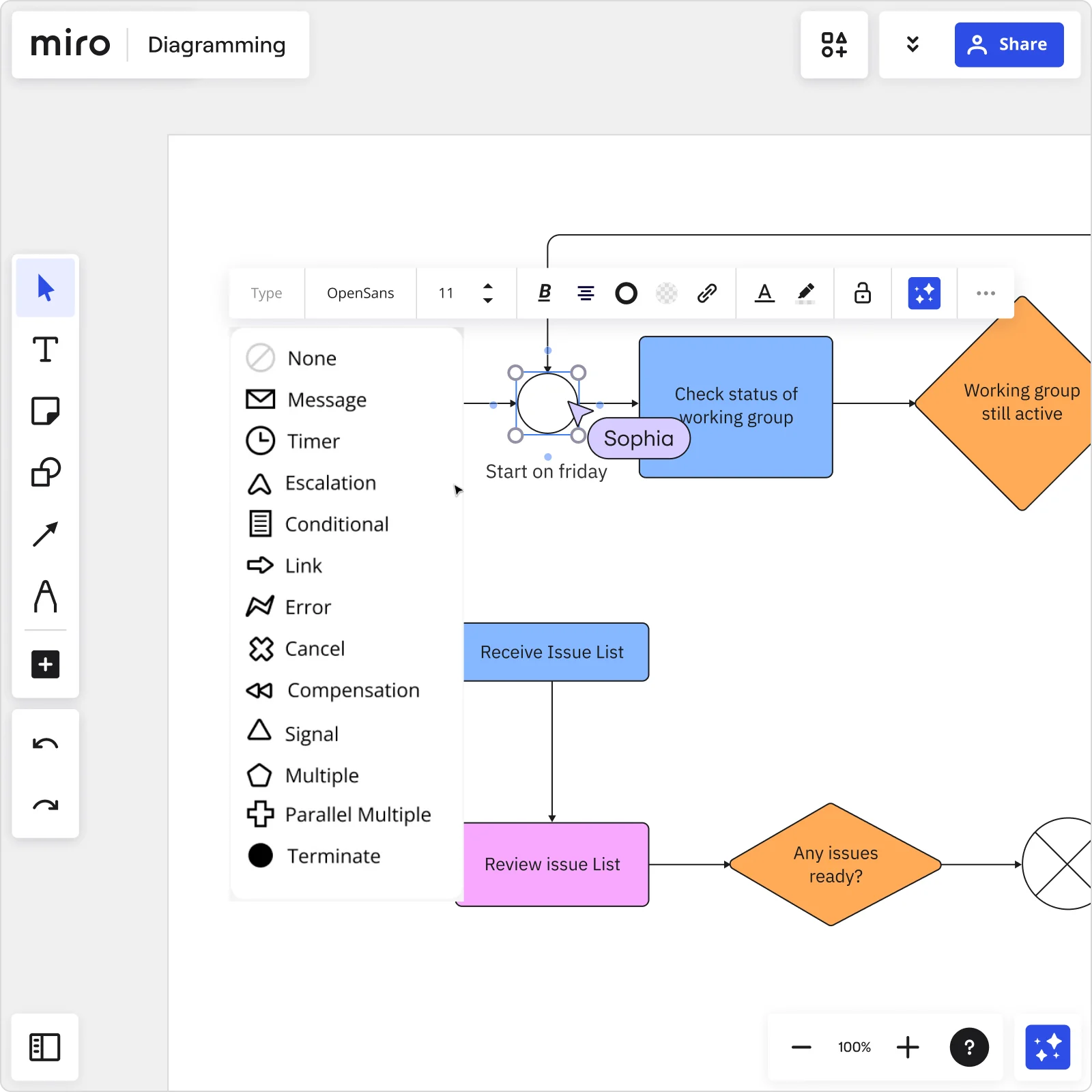
Miro BPMN diagram with event types dropdown menu showing Message, Timer, Escalation, Conditional options and process flow with decision diamonds

Expert Insights

  • A good process map outlines inputs, core processes, interactions, outputs and support processes. Though similar in some respects, the process map is not a flowchart and needs to be significantly less detailed.

    Miriam Boudreaux

    author · Mireaux Management Solutions

    Keynote Speaker
  • From sales to finance to operations, we use Miro to visualize processes and better understand them from different points of view. The ease of use and features in Miro enable people from many backgrounds to participate and contribute.

    AJ Bizub

    Technical Inside Sales Leader · Cytiva

    Miro Customer

The research on process mapping

  • 20%

    Metrics-based process improvement in engineering teams achieved a 20% boost in employee experience scores

    Source: McKinsey & Company

  • 30-50%

    Business Process Management (including process mapping) delivers 30-50% productivity gains

    Source: Forrester

See process mapping in action

Related templates for DevOps engineers

We have 88 templates in our library for Process Mapping.

Bpm
Use template
DevOps Roadmap
Use template
Flowchart AI
Use template
SIPOC
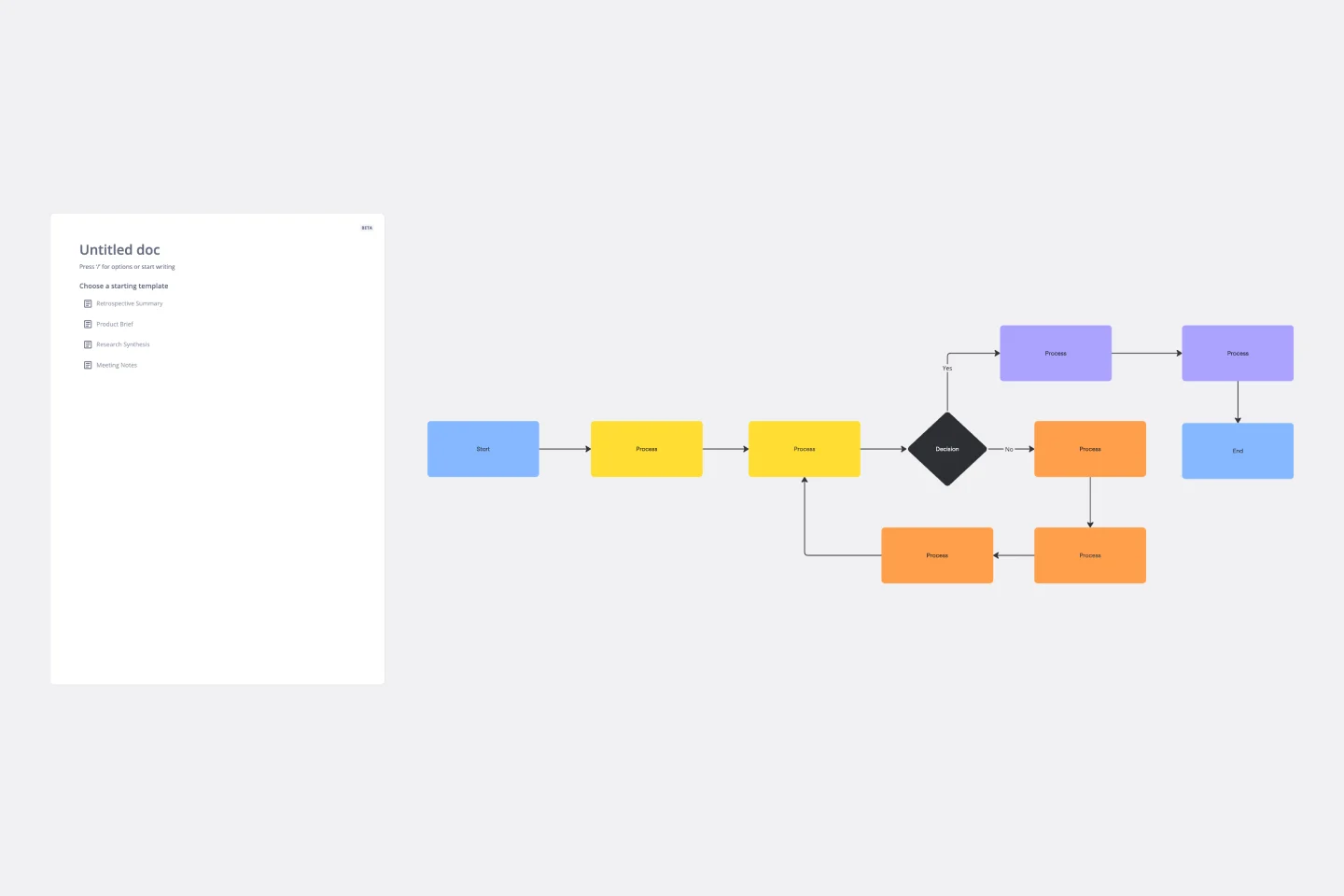
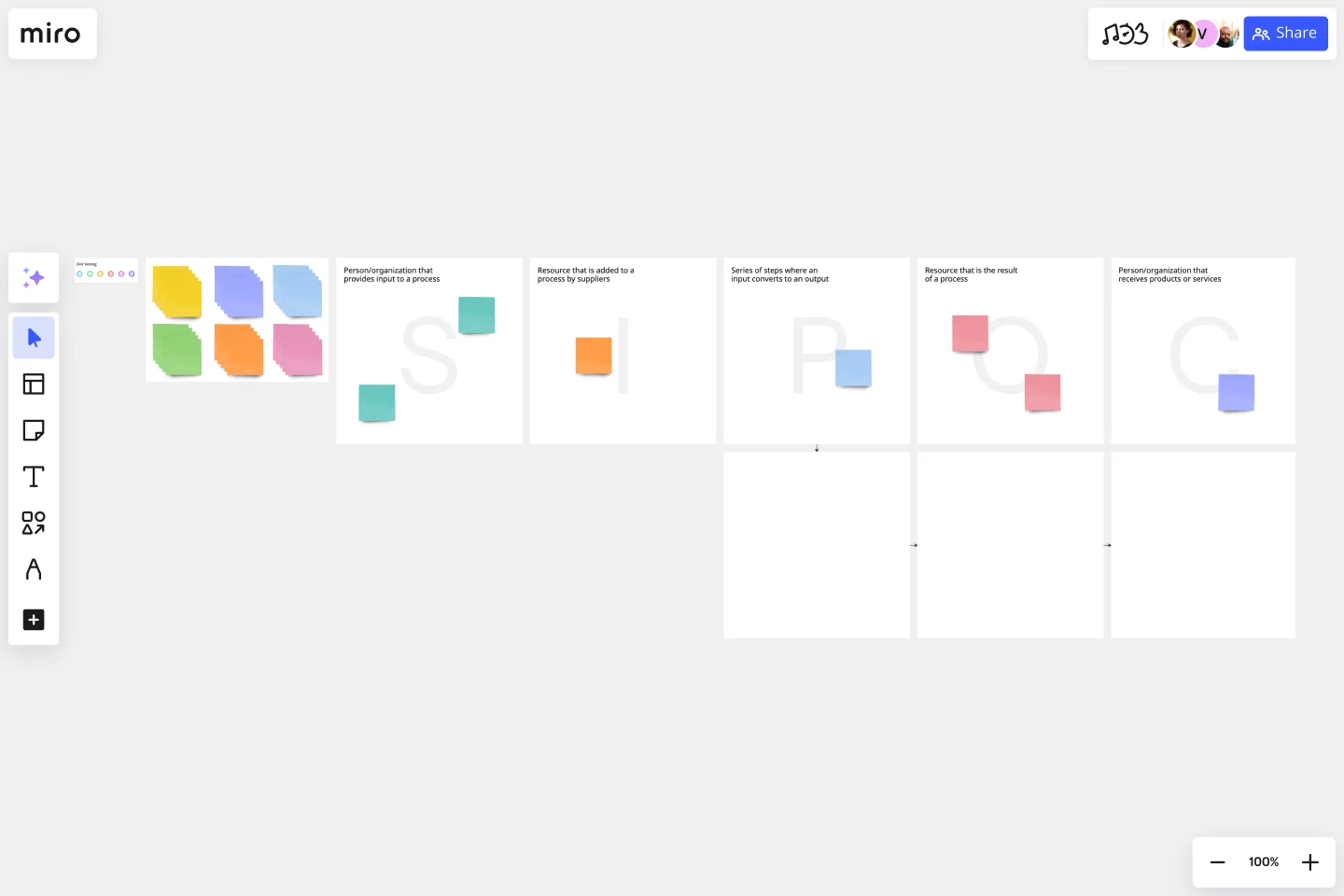
Use template

Why DevOps engineers love mapping processes in Miro

  • From scattered runbooks to one living pipeline

    Your deploy pipeline, on-call rotation, and rollback procedures are spread across three Confluence pages, a stale Google Doc, and someone's memory. Miro's Diagramming Mode with BPMN and swimlane shape packs pulls all of it onto one infinite canvas, with platform, infra, and feature engineers each owning their lane.
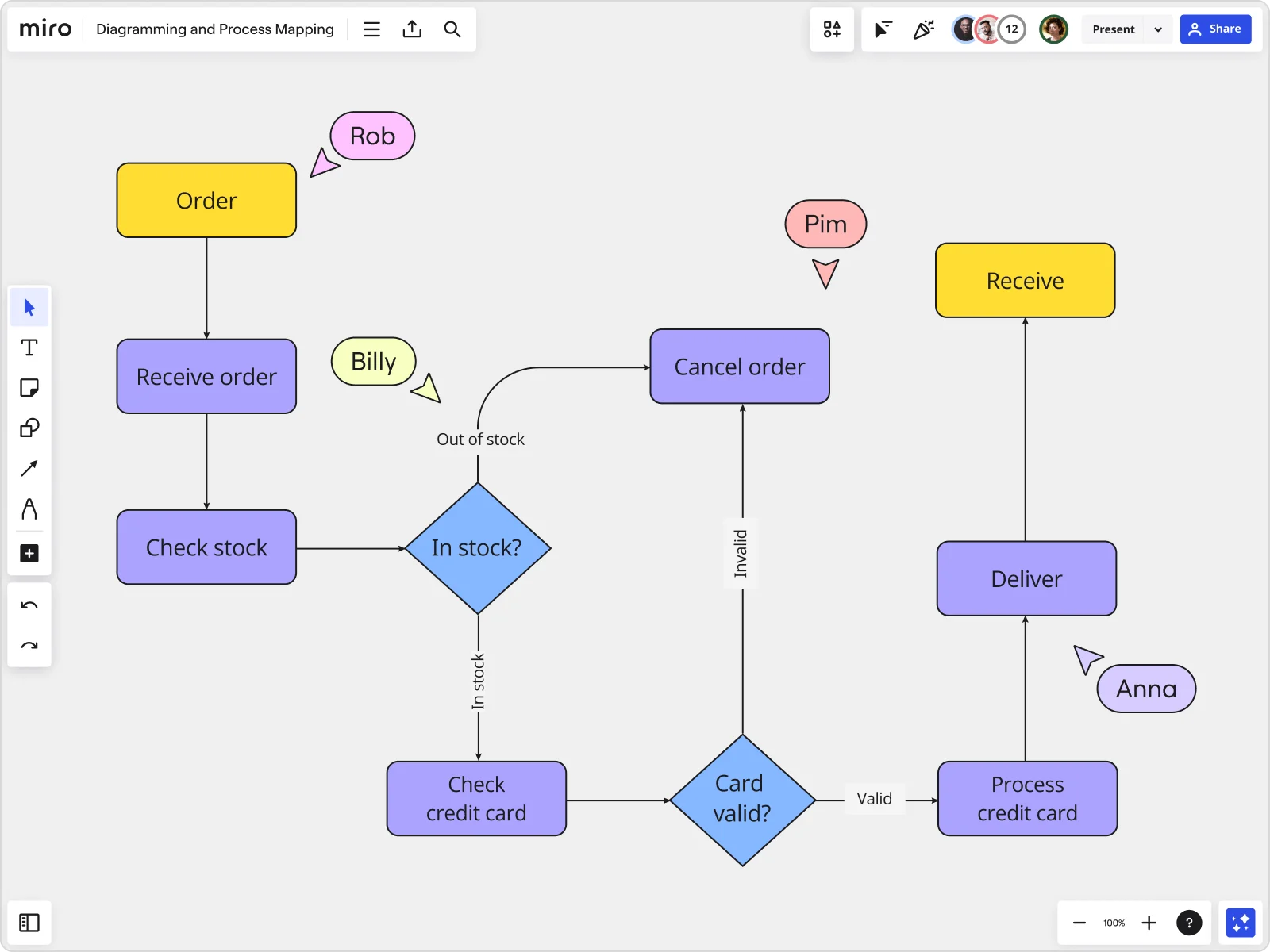
    Miro board displaying a detailed order processing flowchart with colored decision diamonds (blue) for 'In stock?' and 'Card valid?' checks, purple process blocks for steps like 'Receive order', 'Check stock', 'Check credit card', 'Process credit card', 'Deliver', and 'Cancel order', a yellow 'Order' start block and 'Receive' end block, plus named collaborator cursors (Rob, Billy, Pim, Anna) visible on the canvas.
  • Build incident postmortems in seconds, not hours

    Every postmortem starts with someone rebuilding the same sequence diagram from scratch. Describe the failure path in plain text and Miro's AI turns it into a structured flowchart instantly, ready for your team to annotate and refine.

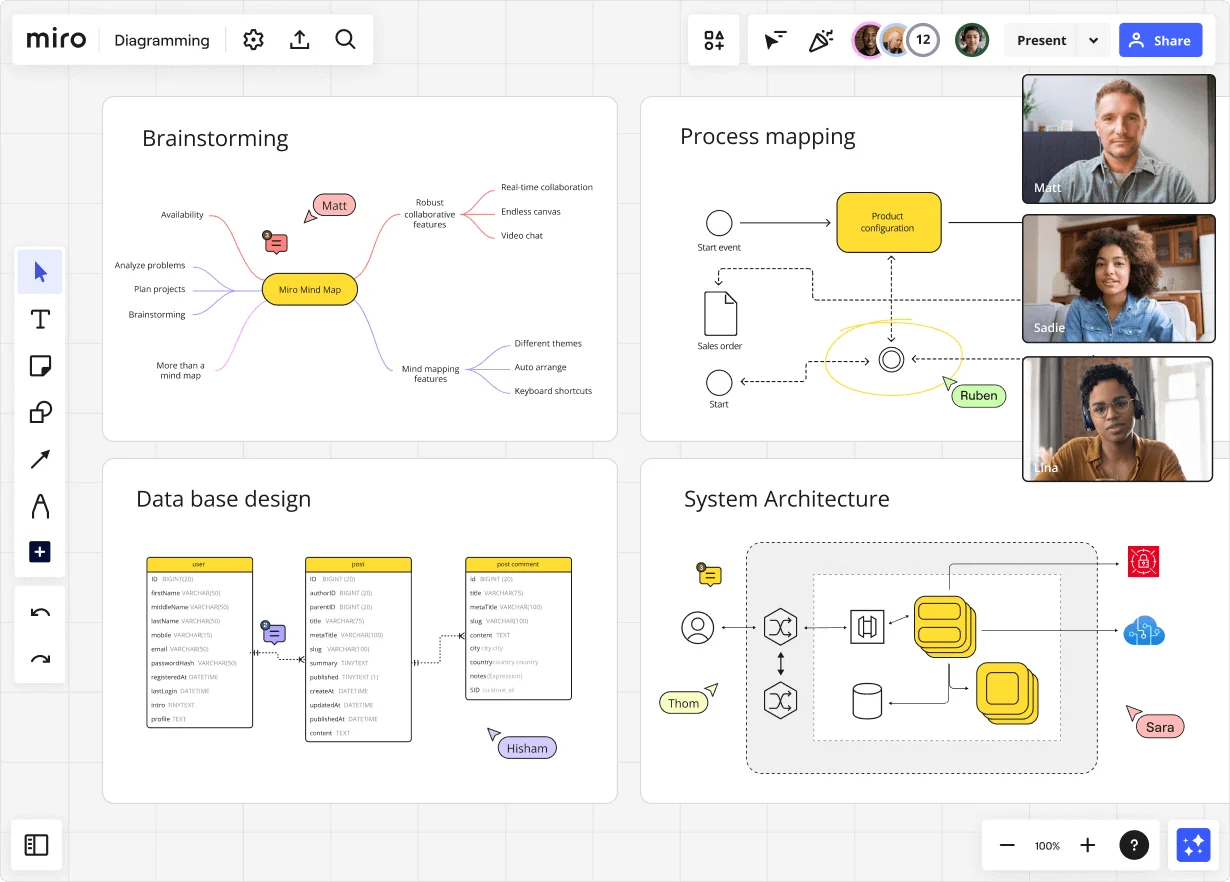
    Miro diagramming board showing four active workspaces: a mind map centered on 'Miro Mind Map' with feature branches, a BPMN-style process mapping flowchart with 'Product configuration' decision node, a database ER diagram with three related tables (user, post, post comment), and a system architecture diagram with interconnected components — all with visible collaborator cursors (Matt, Sadie, Ruben, Lina in video panel, plus Hisham, Thom, Sara as cursor labels).
  • Connect process gaps directly to tracked work

    Bottlenecks mean nothing if they don't become actionable. Link identified failure points to Jira tickets straight from the canvas, so each problematic CI/CD handoff gets an owner, a deadline, and a sprint.

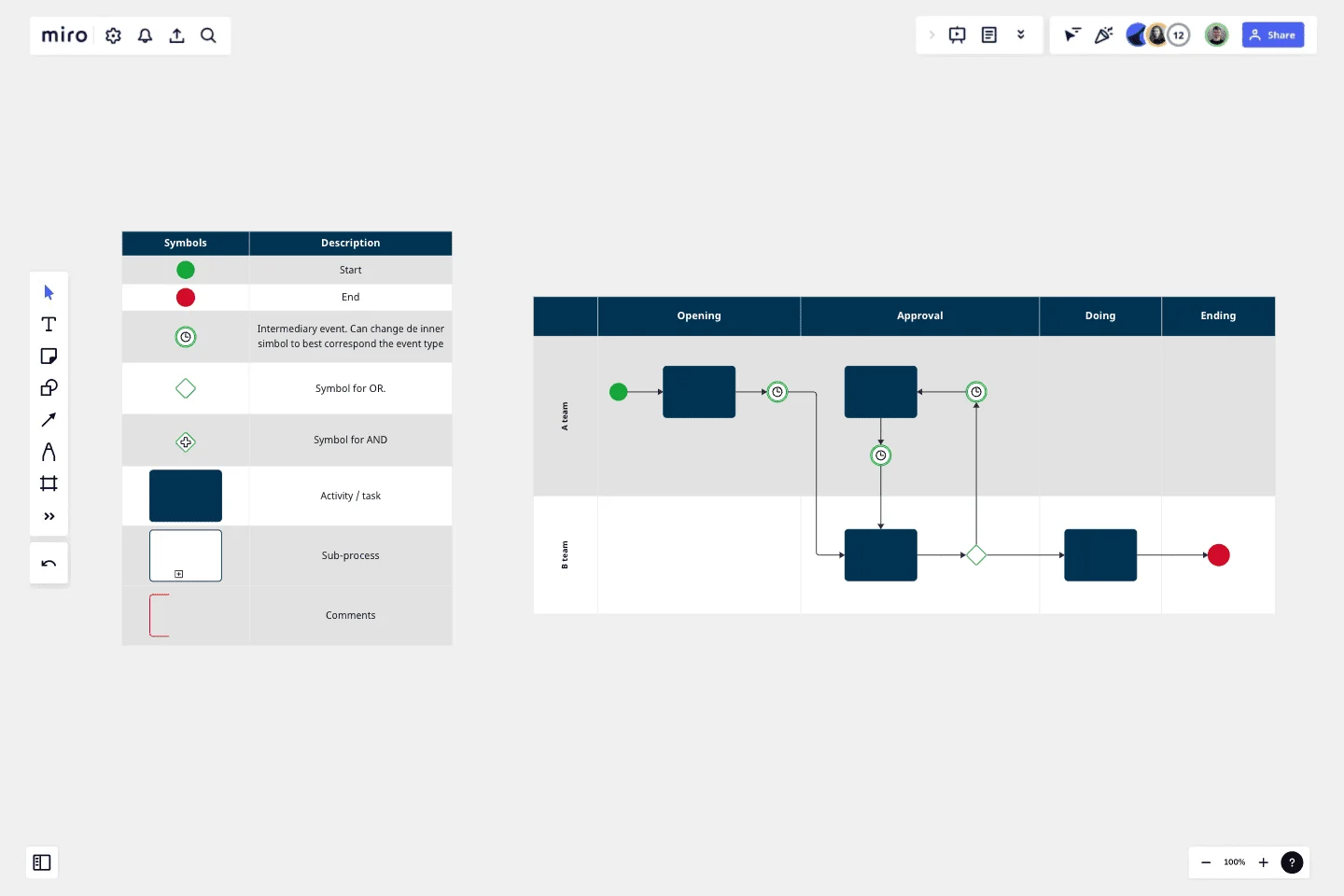
    Miro board displaying a BPMN process mapping diagram with two swimlanes (Customer and Online Shop), showing decision gateways, message events, and task boxes for an order/offer workflow including 'Send offer', 'Accept offer', 'Decline offer', 'Send Payment', 'Receive Confirmation', and 'Receive Decline' steps, with the BPMN shapes panel open on the left.
  • One canvas. Every wiki, always current.

    Embed your Miro process map into Confluence via /miro and wiki readers always land on the live runbook. One edit on the master canvas propagates everywhere within seconds. No more stale screenshots from last quarter.

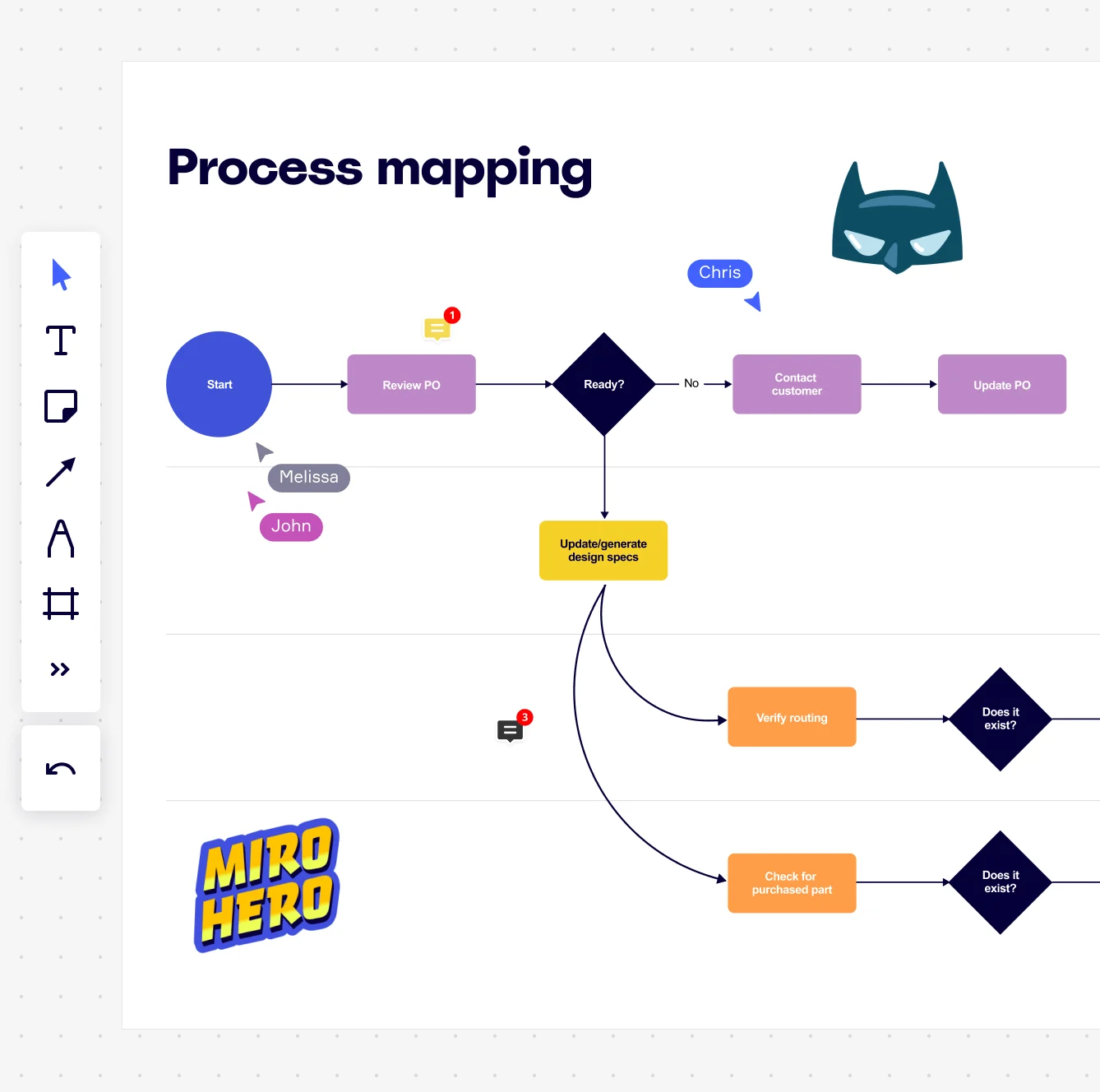
    Miro board displaying a process mapping flowchart with labeled nodes including Start, Review PO, a Ready decision diamond, Contact Customer, Update PO, Update/generate design specs, Verify routing, and Check for purchased part, with collaborative cursors (Chris, Melissa, John), comment badges, and decorative Batman and Miro Hero stickers.
  • Run tighter architecture reviews

    Walking tech leads through a 47-step release process on a static PDF is a reliable way to lose the room. Presentation Mode lets you run the walkthrough with live voting, timers, and per-step commenting built right in. No slide-deck overhead required.

    Miro process mapping board displaying a cross-functional flowchart with circular process nodes (Process 1.0, 1.1, 2.0), decision paths (Yes/No branches leading to 'Accept offer' and 'Decline offer'), and rectangular action steps including 'Send payment', 'Receive Confirmation', 'Receive Decline', and 'Process', connected by solid and dashed arrows.

How DevOps engineers get started with Process Mapping in Miro

  • Draft your first pipeline map with AI

    Type a plain-English description of your deployment pipeline or incident response flow into AI Generate Diagram, and Miro builds your starting-point process map in seconds - no blank canvas, no wasted sprint time.

  • Switch to code-based diagramming

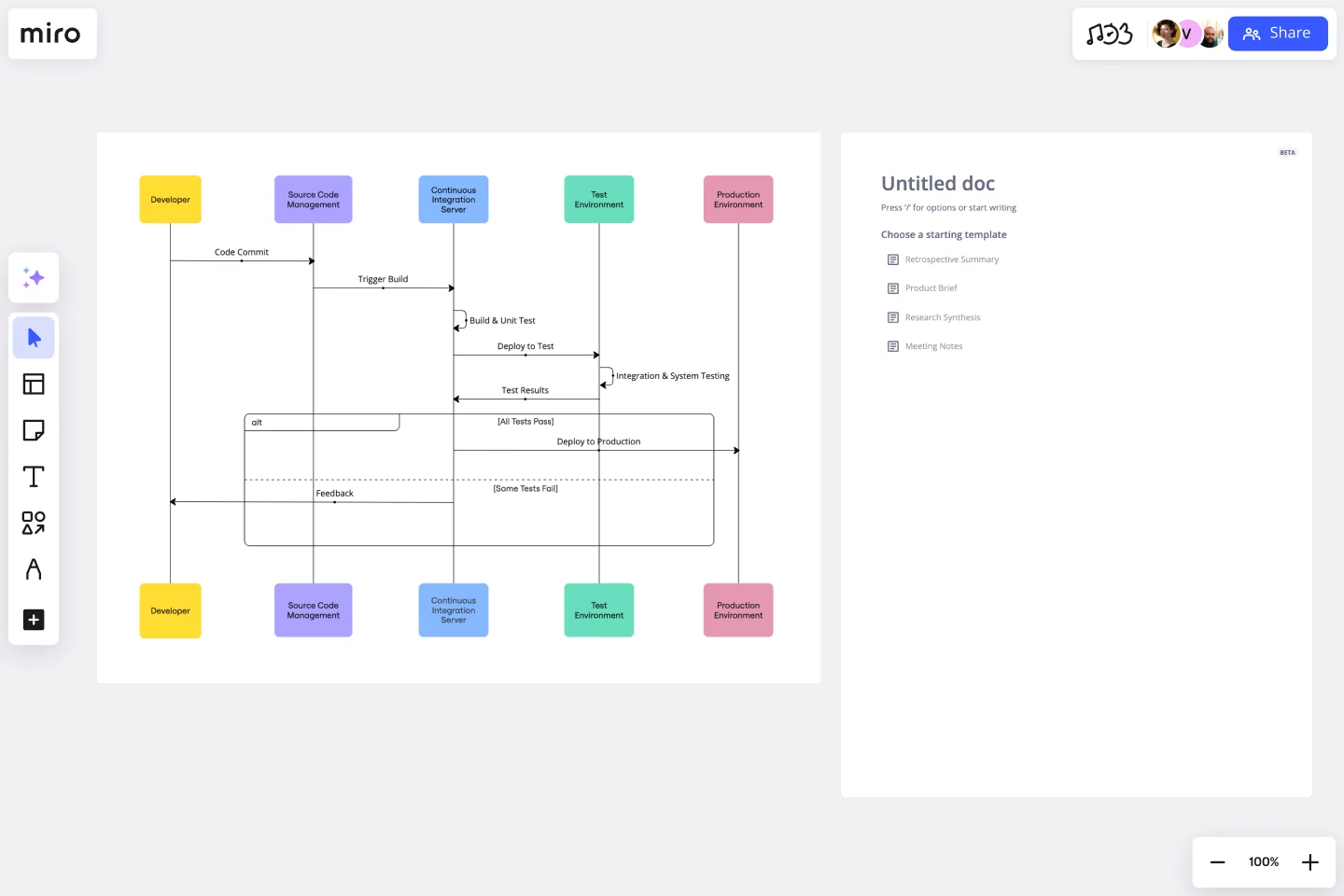
    Open Mermaid Diagrams or PlantUML to author your sequence diagrams, state diagrams, and CI/CD flow documentation in syntax that lives alongside your codebase and version-controls like any other artifact DevOps engineers already manage.

  • Turn bottlenecks into Jira tickets

    Use Diagramming Mode with BPMN or VSM shape packs to map swimlane ownership across your pipeline stages, then hit the Jira Integration to convert every flagged bottleneck directly into a tracked ticket - so DevOps engineers skip the copy-paste step between postmortem and backlog.

  • Embed living runbooks in Confluence

    Use the Confluence Integration to embed your finalized process map directly into your team's runbook page, so engineering leads are always reading the current diagram, not a stale screenshot from three deployments ago.

Process Mapping tips for DevOps engineers

  • When mapping incident response workflows, start with the alert trigger as your SIPOC input and your service-restored state as the output - DevOps engineers who define these boundaries upfront avoid the classic scope creep where the map quietly expands to cover half the org chart.

  • Use Status Labels (Draft / In Review / Published) inside Diagramming Mode so DevOps engineers reviewing your on-call runbooks always know whether they're reading a validated process or a work-in-progress before an incident hits.

  • For large engineering organizations running multiple service teams, use Frames to keep a high-level overview of the full delivery pipeline in one view and link each stage to a detailed sub-process frame - beats cramming 80 steps onto one diagram that nobody reads after the first retrospective.

Understand how DevOps engineers transform their work

  • Miro has quickly become an essential tool in my daily workflow over the past three months. I'm amazed by its versatility – I've effortlessly used it for mind mapping, process mapping, and brainstorming sessions, and it's been fantastic for each. What's really surprising is how intuitive and simple it is to use; I jumped right in without any setup or excesive implementation effort.

    Verified User

    G2
  • Miro makes busines process mapping easy

    Director in Information Technology at Non-profit Organization Management

    TrustRadius

Process Mapping essential guide for DevOps engineers

CategoryKey insights
  • Common mistakes to avoid

    The biggest trap DevOps engineers fall into is mapping the process as it lives in the runbook rather than how it actually runs at 2am during an incident. Don't try to document every edge case and exception handler in a single diagram - if your map looks like a circuit board, you've gone too far. Pick one notation standard (BPMN or flowchart, not both) and use Miro's corresponding shape pack consistently across every pipeline and deployment map your DevOps engineers maintain.

  • Key integrations for DevOps engineers

    Jira is the anchor here - DevOps engineers can link every mapped process step directly to tickets so deployment workflows and incident runbooks stay connected to actual work in flight. Confluence lets DevOps engineers embed live Miro maps into documentation so the process diagram and the written SOP never drift apart. For DevOps engineers moving from legacy tooling, Miro's Visio, Lucidchart, and Draw.io import means existing pipeline diagrams don't have to be rebuilt from scratch.

  • When to use it

    Use this when your deployment pipeline keeps breaking at the same handoff point and nobody can agree on who owns what - that's the moment to get every DevOps engineer involved in the process into a Miro board and map what's actually happening, not what the wiki says. It's also the right move when DevOps engineers are onboarding new engineers onto a complex CI/CD workflow or preparing documentation ahead of a SOC2 audit. A team of DevOps engineers can start from a BPMN template, map their current-state release process in swimlane layouts, surface the redundant approval loops burning time, and link each fix directly to Jira tickets for implementation tracking.

  • Security & Compliance

    Miro is SOC2 Type II certified, which covers the baseline that most DevOps engineers need to get enterprise security reviews across the finish line. For DevOps engineers working in regulated industries or handling sensitive infrastructure diagrams, data residency controls and granular sharing permissions mean your pipeline architecture doesn't end up visible to the wrong people. Private Mode is worth knowing about too - it lets DevOps engineers contribute to sensitive process maps, like incident post-mortems or access control workflows, without exposing individual input before the session wraps.

Frequently asked questions for DevOps engineers

Last updated: Thursday, June 04, 2026