The Volcanic Funnel Graph reimagines traditional marketing and sales funnel analytics using a geothermal, cyber-dark theme.
Designed with glowing neon borders (magma orange, electric cyan, sulfur yellow, and amethyst purple) set against a dark obsidian background, this board allows growth leads, product marketers, and data analysts to diagnose funnel health, track conversion velocity, and map optimization tactics in a visually captivating format.
The Subterranean Operational Zones
Mission Briefing & Signal Legend (Left Column)
Quick-Start Instructions: Walkthrough on how to navigate the board, update metrics, and use signal indicators.
Signal Legend: Color-coded status guide (Cyan = On Track, Magma = Warning/Drop-off, Sulfur = Bottleneck, Amethyst = High Performance) alongside structured data tables and lab metrics summaries.
Zone 1: The Magma Chamber (Reach & Awareness)
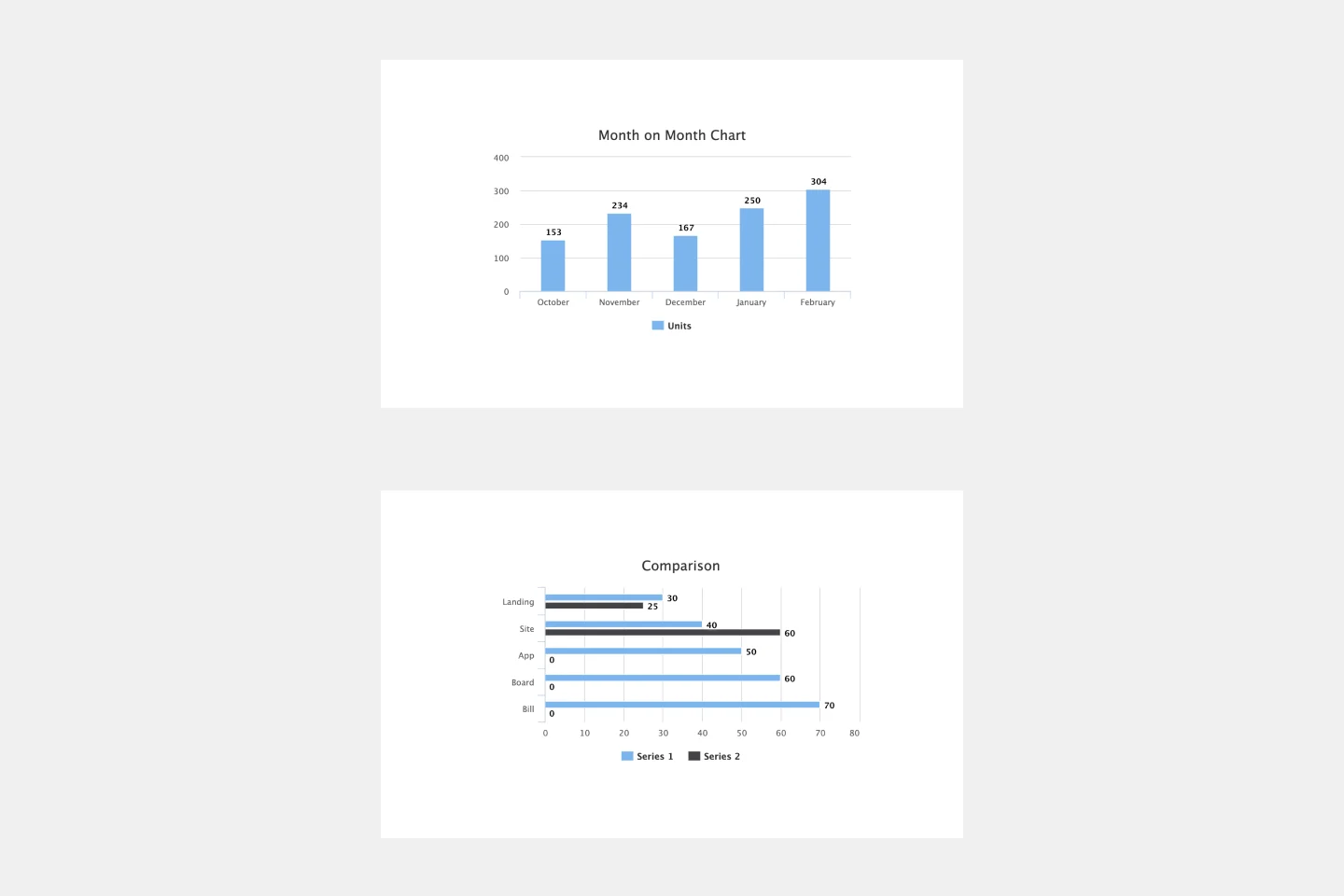
Top-of-Funnel Area Chart: A glowing, layered gradient area graph tracking high-volume top-of-funnel reach (Impressions, Unique Visitors, Raw Leads) over time, complete with dedicated notes and takeaway cards.
Zone 2: The Central Vent (Engagement & Consideration)
Tapered Funnel Chart: A geothermal funnel tracking stage-by-stage progression (e.g., Trial Starts, Product Activations, Demo Requests) to pinpoint conversion drop-offs.
Zone 3: Thermal Pressure & Flow (Velocity & Economics)
Zone 4: The Caldera Core (Net Realized Revenue)
Geothermal Core Display: A central glowing crown display celebrating bottom-of-funnel wins: Total ARR/MRR, Active Customers, LTV metrics, and comparative output graphs.
🛠️ Zone 5: Geological Field Notes (Action Plan - Right Column)
Tactical Execution Board: A vertical blueprint panel featuring vector tools (pickaxe, magnifying glass, compass) and structured columns for Anomaly Reports (Blockers & Friction Points) and Optimization Maneuvers (Action Items & Retrospective Tasks).
How to Use This Template
Conduct the Mission Briefing (10 min): Review the signal legend on the left panel and align your team on target KPIs.
Measure Top-of-Funnel Reach (15 min): Plot impression and traffic volume in Zone 1: The Magma Chamber.
Analyze Funnel Drop-off (20 min): Map conversion rates across onboarding stages in Zone 2: The Central Vent.
Inspect Velocity & Unit Economics (15 min): Adjust pressure dials in Zone 3 to evaluate CAC, ROAS, and conversion speed.
Celebrate Core Realized Revenue (10 min): Summarize bottom-line ARR/MRR in Zone 4: The Caldera Core.
Log Optimization Tactics (15 min): Capture blockers and assign next steps in Zone 5: Geological Field Notes.
Best For:
Growth Marketers & Revenue Operations (RevOps)
Product Managers & Product Analytics Teams
Startup Founders & CROs
Data Analysts & Conversion Rate Optimization (CRO) Specialists