What is the Simple Profile Page Template?
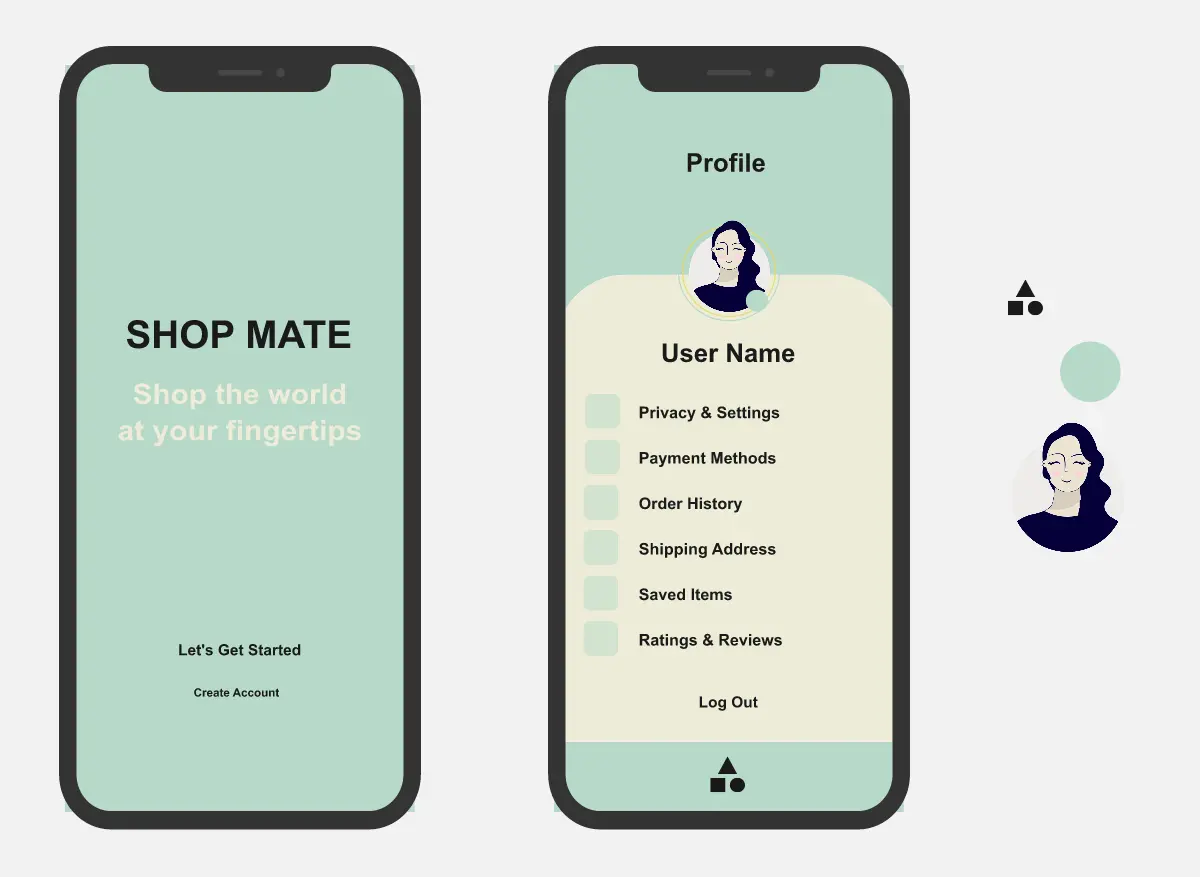
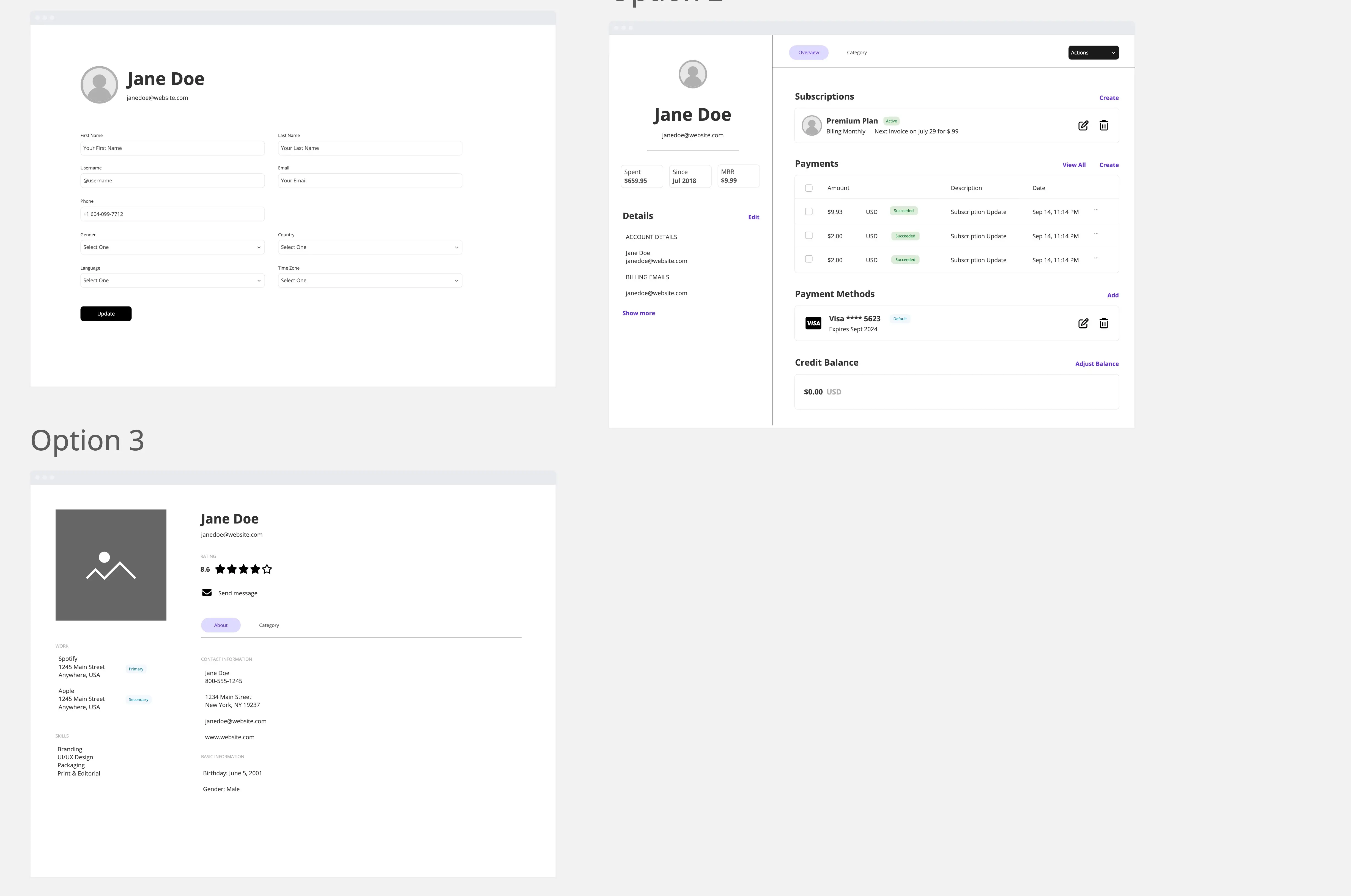
A mobile profile page template designed for messaging apps, contact pages, community products, and mobile account experiences. The template helps teams prototype a clean contact profile screen with quick actions, notification settings, privacy details, and safety controls.
What problem does the Simple Profile Page Template solve?
Lack of structure for mobile contact profile pages
Missing interaction flows for audio, video, save, and search actions
Unclear notification, privacy, and media visibility settings
Missing confirmation states for block and report actions
Time spent recreating common mobile profile patterns from scratch
Difficulty showing expanded and collapsed profile header behavior
How to use the Simple Profile Page Template
Update the profile photo, contact number, and display name.
Customize the quick action row for your app.
Adjust notification, privacy, and media setting rows.
Connect dropdowns, modals, overlays, toggles, and confirmation states in Miro.
Add success and error messages for key actions.
Test the full profile flow with teammates, users, or stakeholders.
Capture feedback directly on the Miro board.
Recommended Sections
Expanded Profile Header
Show the profile photo, contact number, display name, back navigation, and menu access.
Collapsed Header State
Show how the profile page changes when users scroll through the screen.
Quick Actions
Provide fast actions for audio, video, saving a contact, and searching messages.
Notification Settings
Let users manage mute settings, custom notifications, and media visibility.
Privacy Details
Show encryption status and activity tracking information.
Safety Actions
Provide clear block and report actions with confirmation dialogs.
Confirmation and Feedback States
Show success messages, error messages, action confirmations, and retry states.
Common pitfalls
Creating only one static screen state
Missing the collapsed header behavior
Forgetting confirmation dialogs for block and report
Using too many action buttons
Making privacy details too hard to scan
Using inconsistent icon sizes
Mixing too many colors or visual styles
Ways to avoid mistakes
Keep the profile page focused and simple
Use consistent spacing across all rows
Group related settings into clear sections
Use blue for safe actions and red for risky actions
Add tap states for each interactive item
Show clear success and error messages
Test the scroll, toggle, modal, and confirmation flows
Miro Features You Can Use
Frames for expanded and collapsed header states
Prototype links for quick actions and settings flows
Sticky notes for UX feedback
Comments for stakeholder review
Shapes for modals, overlays, and confirmation dialogs
Icons for contact actions and settings
Images for profile photos and avatar placeholders
FAQs
Q: Who can benefit from this template?
A: Product managers, UX designers, UI designers, mobile app teams, startup teams, and teams building contact or profile experiences.
Q: Is this template only for messaging apps?
A: No. It can be adapted for community apps, customer portals, marketplaces, social apps, internal tools, or account-based products.
Q: Does this template include prototype interactions?
A: Yes. It includes scroll behavior, action modals, notification toggles, search overlay, dropdown menu, and confirmation dialogs.
Q: Does it include safety flows?
A: Yes. It includes block and report actions with confirmation messages and success states.
Q: What will participants leave with?
A: A clean mobile profile prototype with expanded and collapsed header states, contact actions, settings rows, privacy details, safety controls, and connected interaction flows.